Widget Contatore Visite Gratis per il Tuo Sito Web
Mostra le visualizzazioni di pagina del tuo sito web e il numero di visitatori unici basato sull'IP con un widget contatore visite gratuito e personalizzabile. Scegli le metriche e i periodi di tempo da mostrare, aggiungi un grafico delle attività opzionale e abbina lo stile del tuo sito web senza programmare.
Create Now — It’s Free!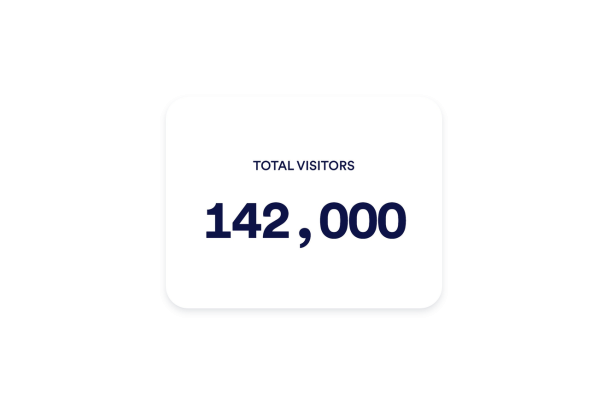

Come creare un widget Contatore visite
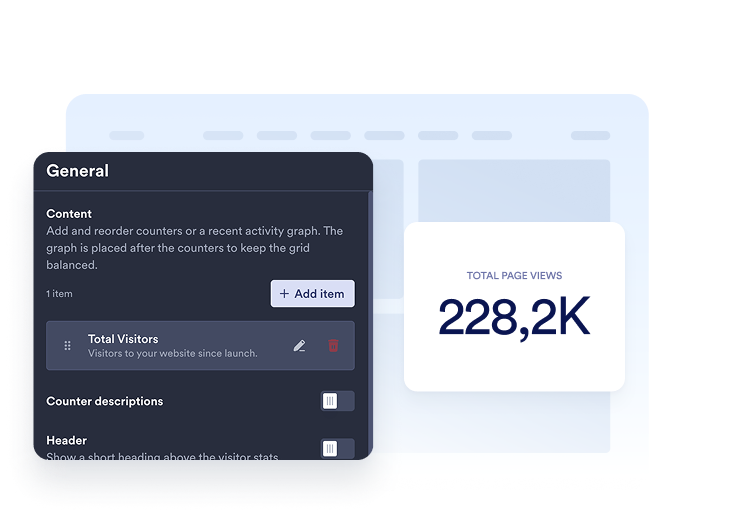
Scegli le tue metriche
Aggiungi i contatori che vuoi mostrare. Scegli un periodo di tempo e seleziona le visualizzazioni di pagina o i visitatori unici per ciascun elemento, quindi personalizza il titolo e la descrizione.
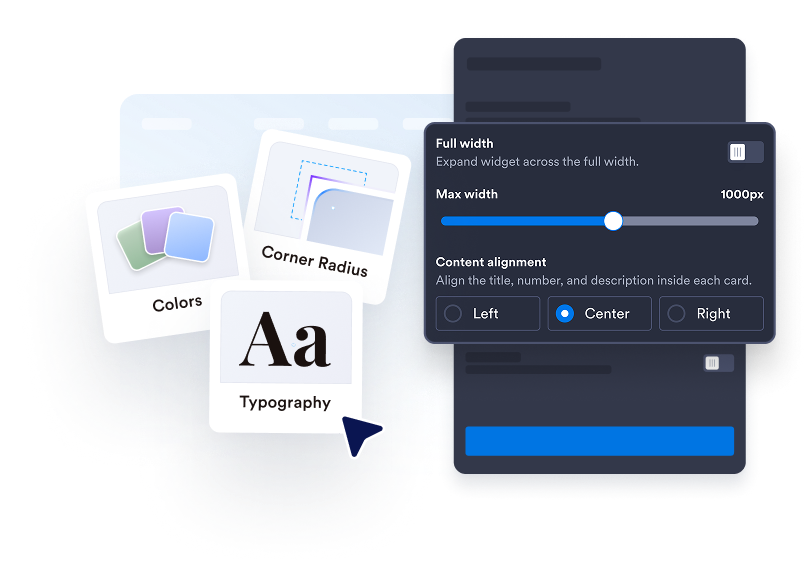
Personalizza il tuo contatore
Scegli tra Schede, Inline, Mini o Verticale. Modifica colori, spaziatura, formattazione dei numeri e larghezza. Aggiungi un grafico a linee, ad area, a barre o a torta nei layout supportati.

Incorporalo nel tuo sito web
Incolla il codice embed in un blocco HTML personalizzato o embed, poi pubblica la tua pagina per mostrare il widget del sito web.
Rendi l'attività del tuo sito web facile da visualizzare
Scegli i numeri che contano
Mostra le visualizzazioni di pagina o i visitatori unici basati sull'IP per oggi, ieri, questa settimana, questo mese, quest'anno o tutti i tempi. Aggiungi più contatori, riordinali e scrivi un titolo e una descrizione chiari per ciascuno.
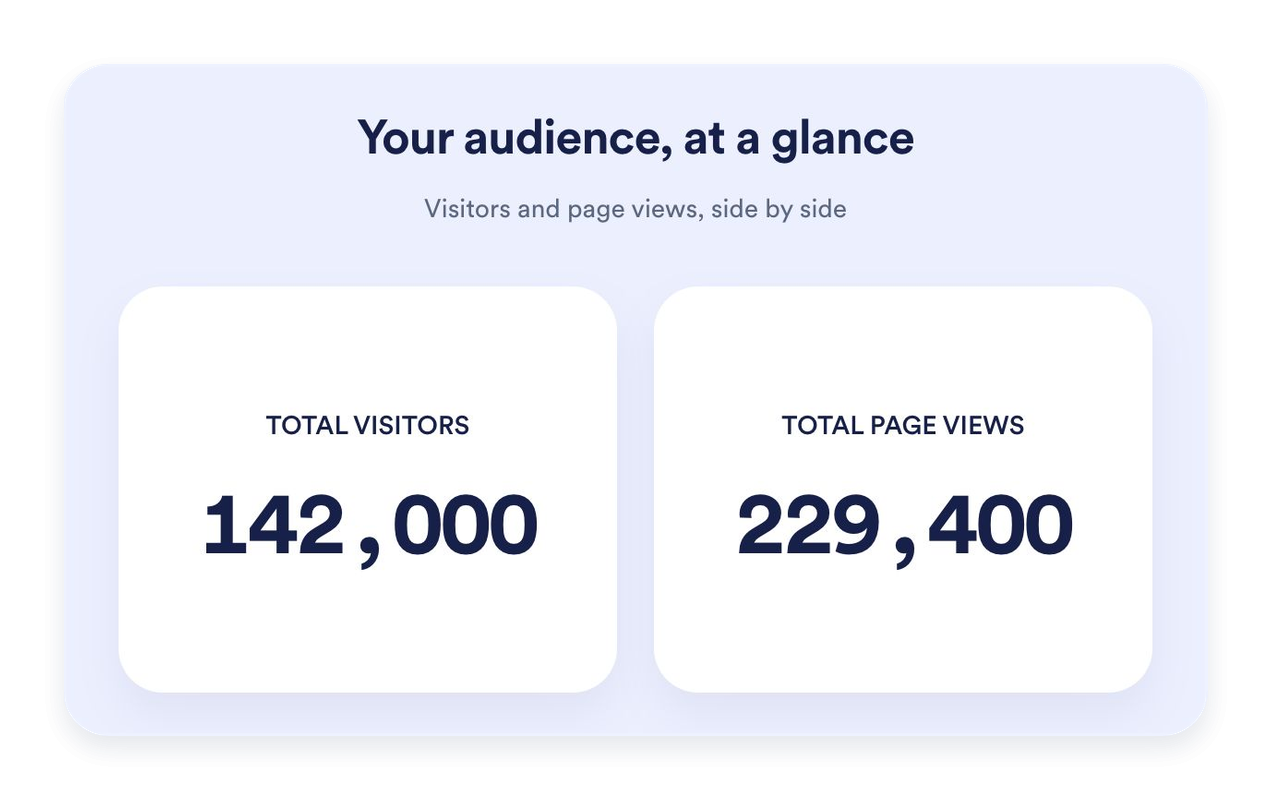
Trova la soluzione giusta per la tua pagina
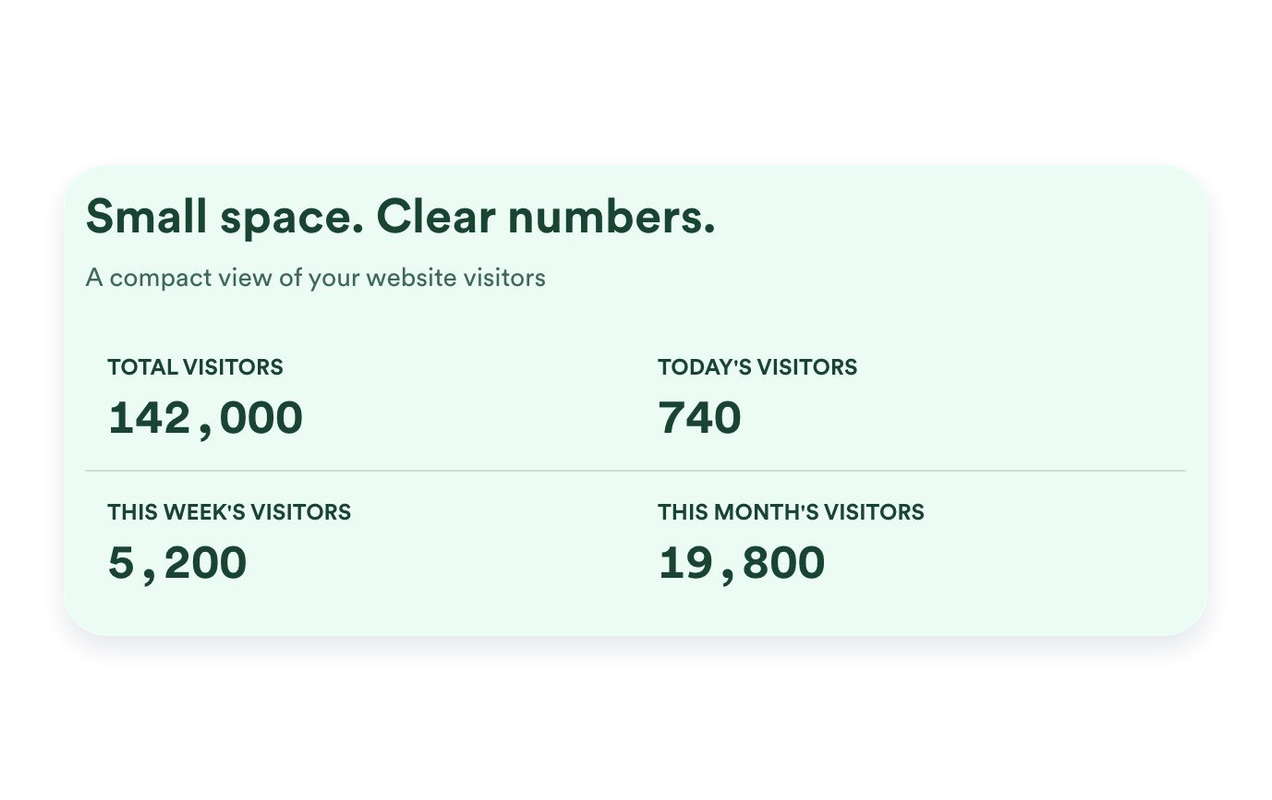
Usa le Schede per mettere in evidenza singole metriche, Inline per una sezione compatta, Mini per una semplice visualizzazione del solo conteggio o Verticale per un layout impilato. Imposta una larghezza massima e regola la spaziatura per adattarla al tuo sito web.
Metti in contesto l'attività recente
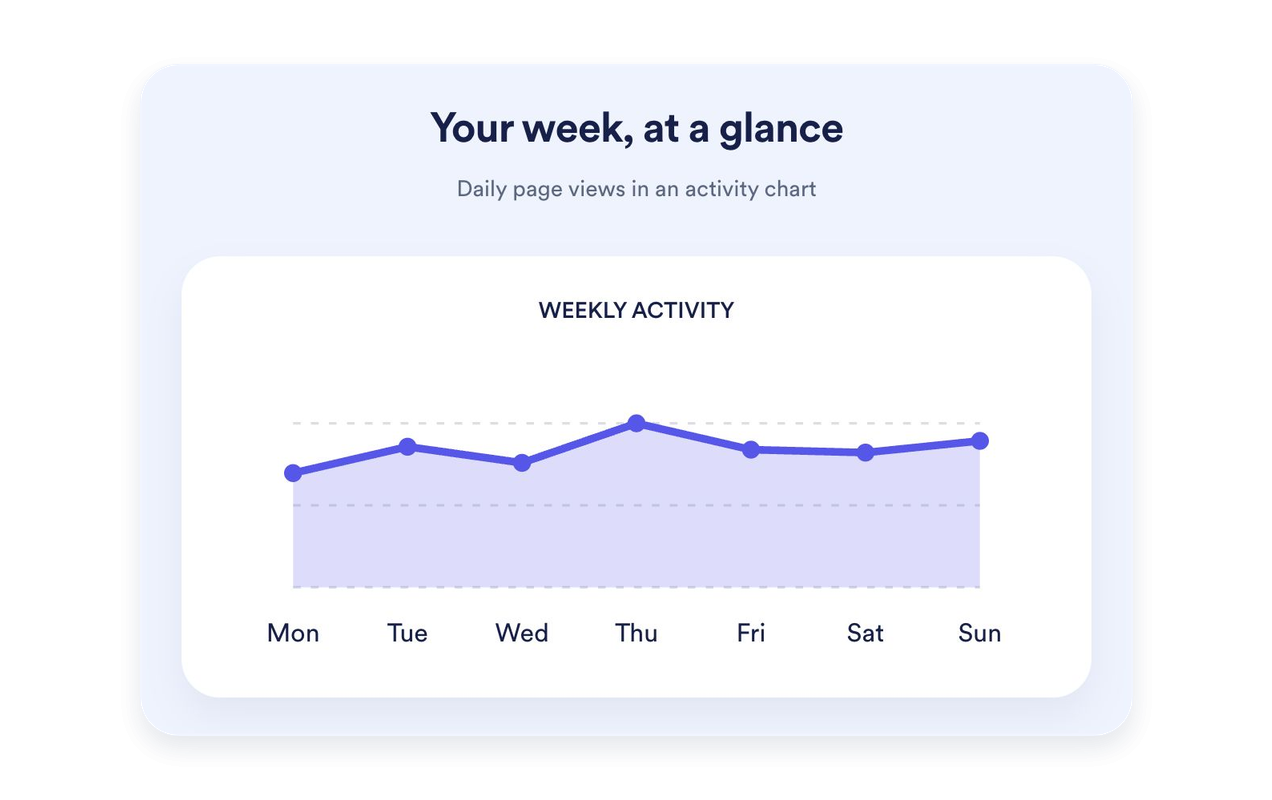
Mostra gli ultimi sette giorni di visualizzazioni di pagina come grafico a linee, ad area, a barre o a torta. Dai al grafico un proprio titolo e una propria descrizione. I grafici sono disponibili in Schede, Inline e Verticale; Mini mantiene il focus sui conteggi.
Personalizza il tuo contatore per adattarlo al tuo sito web
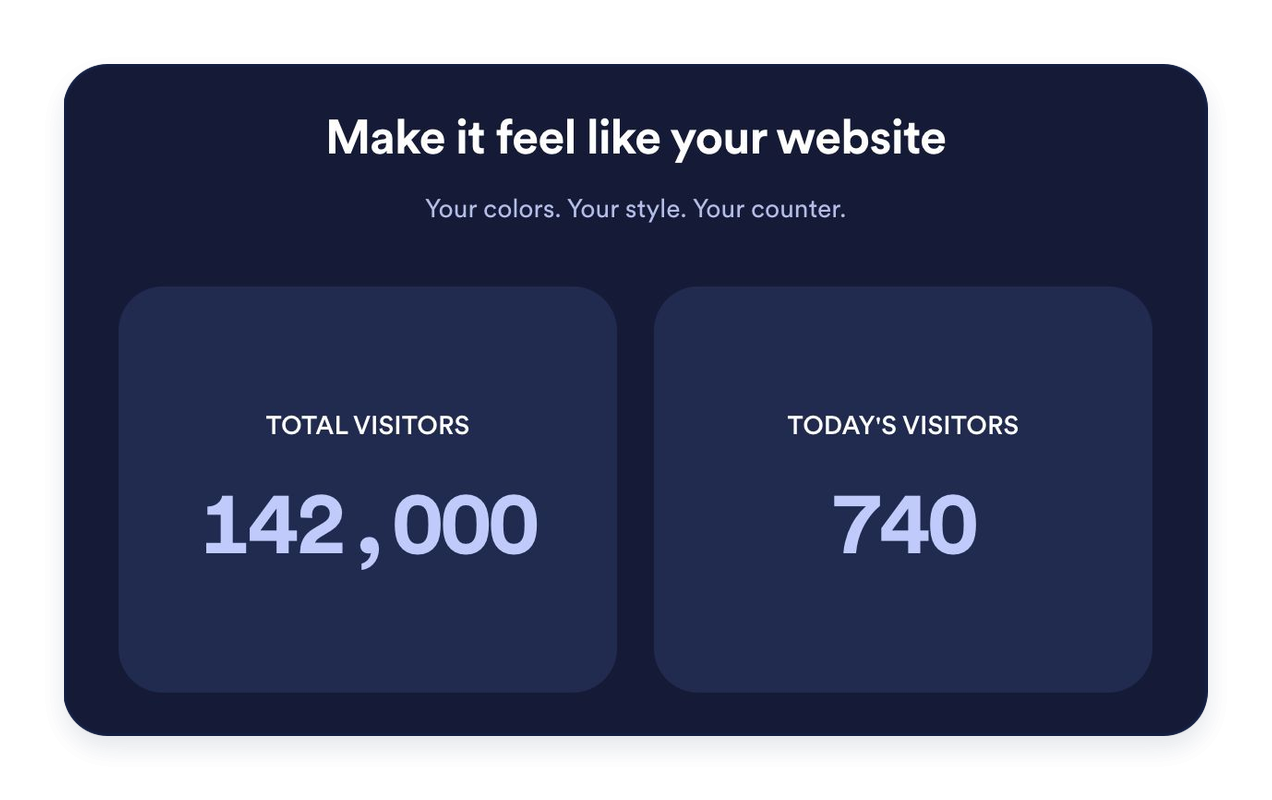
Scegli colori chiari, scuri o personalizzati. Personalizza sfondi, tipografia, formattazione dei numeri, angoli delle schede e allineamento. Aggiungi un titolo e un messaggio opzionali per introdurre le tue statistiche.
Perché i Widget del sito web di Jotform si distinguono
I widget di Jotform rendono il tuo sito web più interattivo e aumentano le conversioni. Sono disponibili molti strumenti, dalle valutazioni a stelle e gli slider di testimonianze ai popup di riprova sociale e agli embed di media. Aggiungi widget ai tuoi moduli o alle tue landing page per raccogliere dati, mostrare prove e acquisire lead, senza bisogno di programmazione.
Aggiungi i widget Jotform al tuo sito web con un semplice codice embed. Personalizza il widget, visualizza in anteprima il suo aspetto e incollalo in qualsiasi pagina che supporti HTML personalizzato o blocchi embed, il tutto senza uno sviluppatore.
Usa i Widget del sito web di Jotform per acquisire lead, mostrare feedback dei clienti, visualizzare riprova sociale, incorporare media o aggiungere utili strumenti per le pagine web. Ogni widget aiuta i visitatori a interagire con la tua attività direttamente dal tuo sito web.
Se hai bisogno di aiuto per configurare, personalizzare, incorporare o risolvere problemi con il tuo widget, il team di assistenza clienti di Jotform è disponibile 24 ore su 24, 7 giorni su 7. Puoi andare avanti con fiducia, sapendo che l'aiuto è a disposizione quando ne hai bisogno.
Dove usare il tuo widget Contatore visite
Posiziona un contatore visite dove un breve riepilogo dell'attività del sito web è utile. Scegli le metriche e il layout adatti alla pagina.
Homepage del sito web: Metti in evidenza le visualizzazioni di pagina di tutti i tempi o l'attività recente vicino al tuo contenuto principale.
Footer dei blog: Aggiungi un contatore Inline o Mini senza distogliere l'attenzione dai tuoi articoli.
Landing page: Usa il layout a Schede per presentare le metriche selezionate in modo chiaro e leggibile.
Barre laterali: Impila i contatori in un layout Verticale per le aree più strette della pagina.
Siti web di community: Mostra le visualizzazioni di pagina e il numero di visitatori unici basato sull'IP con etichette chiare.
Pagine di eventi e lanci: Metti in evidenza l'attività registrata di oggi o di questa settimana.
Converti i lead in clienti paganti con il costruttore di Moduli Jotform
Trasforma il coinvolgimento in azione con Jotform. Crea moduli potenti che acquisiscono lead, raccolgono pagamenti e automatizzano le risposte, tutto in un unico posto. Ogni risposta arriva nella tua Posta Jotform, dove puoi dare seguito o collegarti con le tue app preferite.
Inizia Subito — È Gratis!
FAQ
Cos'è un widget contatore visite?
Un widget contatore visite mostra sul tuo sito web le visualizzazioni di pagina registrate e il numero di visitatori unici basato sull'IP. Scegli quali contatori e periodi di tempo mostrare, personalizza il loro aspetto e incorpora il widget senza programmare.
Come vengono conteggiate le visualizzazioni di pagina e i visitatori unici?
Posso scegliere quali contatori mostrare?
Posso impostare un valore iniziale?
Quali layout sono disponibili?
Posso aggiungere un grafico?
Posso personalizzare il design?
Devo programmare per aggiungere il contatore?
Il contatore funziona su dispositivi mobili?
Il widget contatore visite è gratuito?
Quali piattaforme web sono supportate?