無料の注文書テンプレート
注文と支払いを即座に処理し、ビジネスを改善しましょう。Jotformでは、どんな商品をオンラインで販売する場合でも、オンラインショップのオーナーが注文をより正確に追跡し、顧客を満足させるお手伝いをします。
Order forms are essential tools for businesses and organizations to collect purchase requests, process transactions, and manage inventory or service orders efficiently. They serve as a structured way for customers to specify what products or services they wish to buy, provide necessary details like quantity, delivery preferences, and payment information, and submit their orders directly to the seller. Order forms are widely used in e-commerce, retail, food delivery, event ticketing, wholesale, and even service-based industries such as consulting or repair services. Their versatility makes them suitable for both online and offline transactions, streamlining the buying process for both customers and businesses.
With Jotform, creating and managing order forms becomes a seamless experience. Jotform’s intuitive drag-and-drop Form Builder allows users to design fully customized order forms without any coding knowledge. Users can add product lists, integrate secure payment gateways, set up conditional logic for dynamic pricing, and automate notifications for both buyers and sellers. All submissions are automatically organized in Jotform Tables, making it easy to track orders, manage inventory, and analyze sales data. Whether you’re a small business owner or part of a large enterprise, Jotform’s order forms help you simplify order collection and enhance your customer’s purchasing experience.
Use Cases of Order Forms
Order forms can be tailored to fit a wide range of business needs, each with unique requirements and benefits. Here’s how they can be used, who can benefit, and how their structure may differ:
1. Possible Use Cases:
- E-commerce product sales (physical or digital goods)
- Food and beverage orders for restaurants or catering
- Event ticket sales and reservations
- Wholesale or bulk order requests
- Service bookings (consulting, repairs, appointments)
- Fundraising merchandise sales for nonprofits
- Subscription or recurring order management
2. Problem Solving Points:
- Streamlines the order collection process, reducing manual errors
- Automates payment processing and order confirmation
- Centralizes order data for easy tracking and fulfillment
- Enables real-time inventory management and reporting
- Enhances customer experience with instant notifications and receipts
3. Possible Owners and Users:
- Small business owners and e-commerce entrepreneurs
- Restaurant managers and catering coordinators
- Event organizers and ticketing agencies
- Wholesalers and distributors
- Service providers (consultants, repair technicians)
- Nonprofit organizations running fundraising campaigns
4. Differences of Creation Methods:
- Product Sales: Forms may include product images, descriptions, quantity selectors, and payment integration.
- Service Bookings: Forms might require date/time pickers, service options, and customer contact details.
- Event Orders: Forms could feature ticket types, attendee information, and group booking options.
- Wholesale Orders: Forms may allow bulk quantity inputs, tiered pricing, and business account fields.
In summary, order forms are highly adaptable and can be customized to suit the specific needs of any business or organization, ensuring efficient and accurate order processing.
How to Create an Order Form
Creating an order form with Jotform is a straightforward process that can be tailored to fit any business scenario, from selling products online to managing service bookings or event ticket sales. Here’s a step-by-step guide to help you design an effective order form that meets your unique requirements:
1. Start with the Right Template or a Blank Form
- Log in to your Jotform account and click “Create” on your My Workspace page.
- Choose “Form” and decide whether to start from scratch or use one of Jotform’s 10,000+ order form templates.
- Select a layout: Classic Form (all questions on one page) is ideal for detailed product lists, while Card Form (one question per page) offers a guided experience for simpler orders.
2. Add Essential Form Elements
- Click on the “Add Element” menu to access form fields.
- For product sales, use the Product List field to showcase items, add images, set prices, and enable quantity selection.
- For service orders, include fields like date/time pickers, dropdowns for service types, and text fields for special instructions.
- Integrate payment gateways (PayPal, Stripe, Square, etc.) from the Payments tab to securely process transactions.
- Use widgets for advanced features like e-signatures, file uploads (for custom orders), or coupon codes.
3. Customize the Form to Match Your Brand
- Open the Form Designer by clicking the Paint Roller icon.
- Adjust colors, fonts, and layout to align with your branding.
- Add your business logo and customize the form URL for a professional touch.
4. Set Up Conditional Logic and Notifications
- Use conditional logic to show or hide fields based on user selections (e.g., display shipping options only if delivery is chosen).
- Set up autoresponder emails to confirm orders with customers and notification emails for your team.
5. Publish and Share Your Order Form
- Click “Publish” to get a shareable link or embed the form on your website.
- Share via email, social media, or QR code to reach your customers wherever they are.
6. Test and Manage Orders
- Preview your form and submit a test order to ensure everything works smoothly.
- Monitor submissions in Jotform Tables, where you can track order status, manage inventory, and export data for further analysis.
By following these steps, you can create a customized order form that streamlines your sales process, reduces manual work, and provides a seamless experience for your customers. Jotform’s flexible features ensure your form can adapt to any order scenario, whether you’re selling products, services, or event tickets.
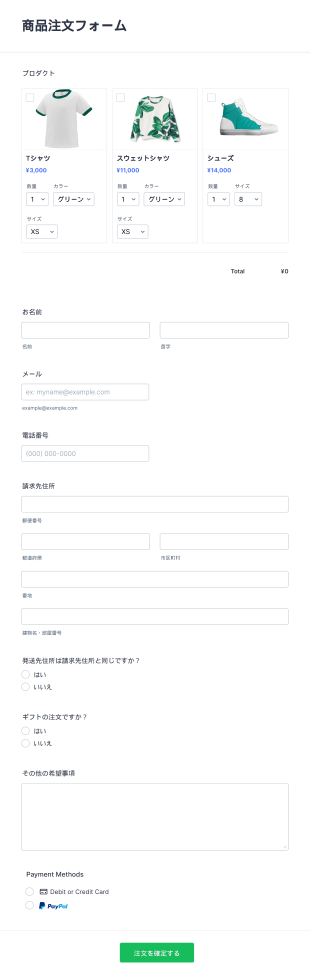
商品注文フォーム
無料のオンライン商品注文フォームテンプレートで、すぐに販売開始。直感的で使いやすく、顧客の関心を引くデザインで売上アップをサポートします。
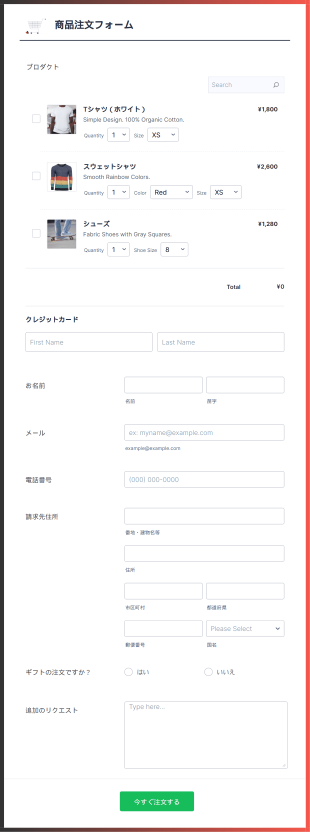
モバイル対応の商品注文フォーム
モバイル対応の注文フォームをお探しですか?注文フォームのテンプレートは、レスポンシブデザインのものが求められています。Jotformカードを使って作られたこの注文フォームは、両方の良いところを活用する場合に最適です。レスポンシブデザインの注文フォームでは、Square決済システムを使って注文を処理し、顧客の連絡先、請求先、配送先、商品の詳細を収集します。
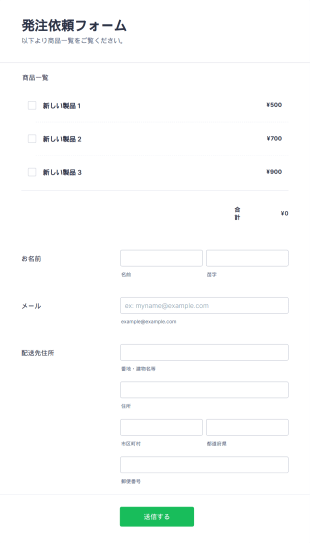
製品発注依頼フォーム
この製品発注依頼フォームは、発注依頼の作業の自動処理を可能にします。流通業者、卸売業者、メーカー、販売業者が顧客からの注文を直接処理するために使用できます。 ロゴを入れたり、会社の背景画像をアップロードしたりして、あなたのビジネスに合った無料のオンライン製品発注依頼フォームを作成できます。また、独自のCSSを使って、フォーム全体のフォント、色、サイズを調整することもできます。また、Jotformのパワフルなアプリと統合して、発注依頼フォームを最大限に活用することもできます。Zapier、monday.com、Googleドライブなど、100以上のアプリをご用意しています。セキュリティ上の理由から、このフォームはモバイルデバイスでは動作しません。
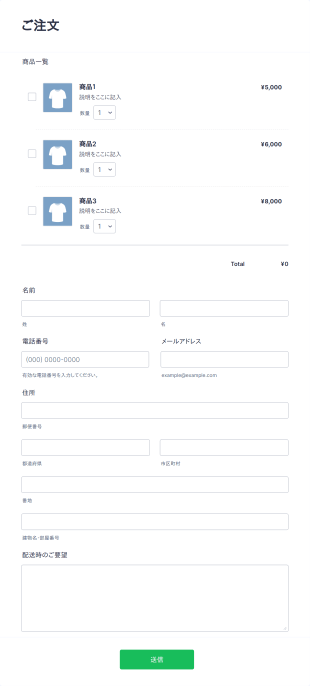
シンプル注文フォーム
このシンプル注文フォームでは、商品ID・数量・配送指示のみで複数の商品を簡単に注文できます。管理用の在庫発注フォームとしても利用可能です。

飲食店注文フォーム
飲食店注文フォームは、ウェブサイト上で料理の注文を受け付けることができ、テイクアウトや配達の注文受付、オンライン決済にも対応しています。
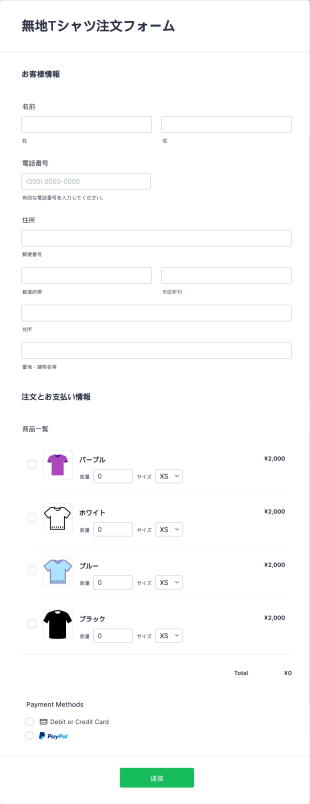
無地Tシャツ注文フォーム
無地Tシャツの注文をオンラインで簡単に受付。無料テンプレートをカスタマイズして、サイトに埋め込み、オンライン決済にも対応できます。
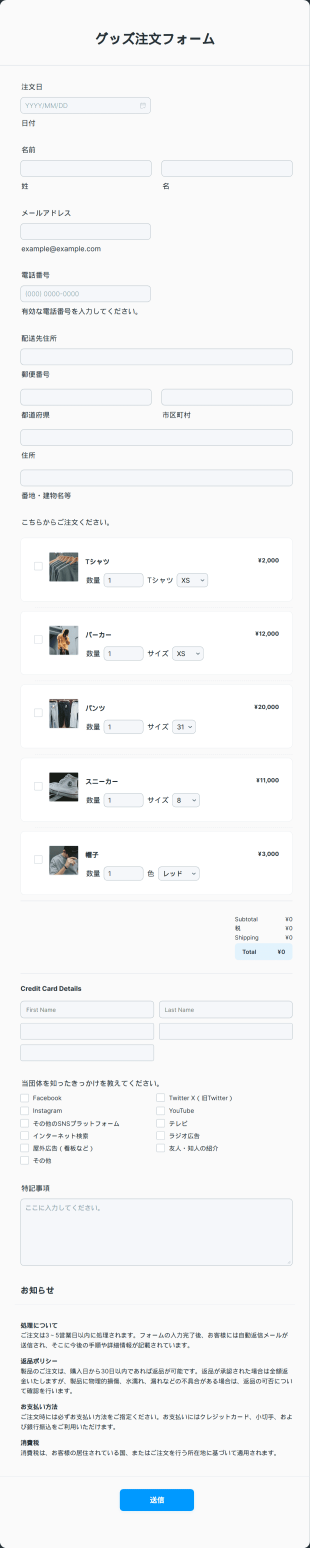
グッズ注文フォーム
無料のグッズ注文フォームテンプレートをオンラインストアに埋め込んで、商品予約を即時処理。無料で使えて、デザインや項目も簡単にカスタマイズできます。
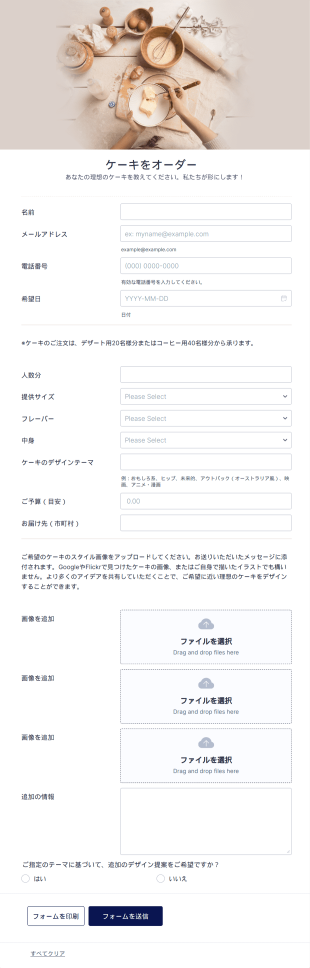
オリジナルデザインケーキ注文フォーム
ケーキをもっと楽しみましょう!オリジナルケーキの注文や支払いをオンラインで簡単に受付。あなたのベーカリーのWebサイトに、この注文フォームを無料でカスタマイズ、統合、埋め込みできます。
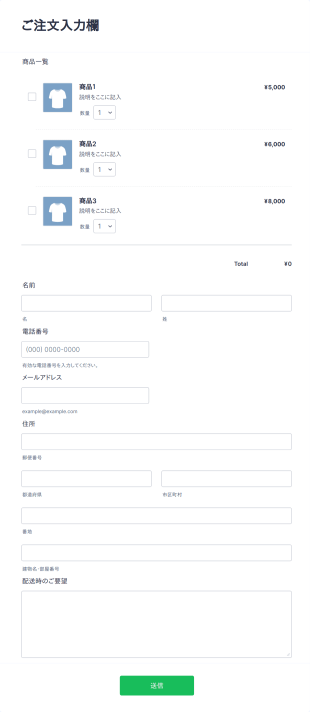
オリジナル注文フォーム
オリジナル注文フォームでは、顧客が商品ID、数量、配送指示を入力するだけで複数の商品を注文できます。管理用途の在庫発注フォームとしても活用可能です。
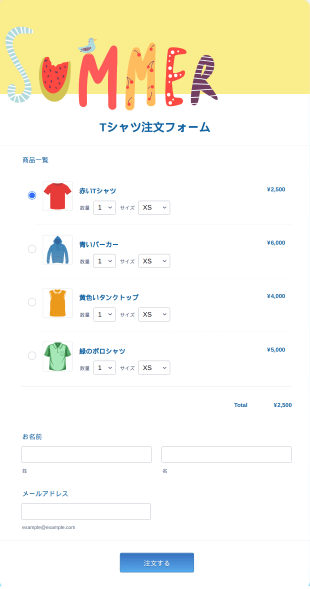
夏用Tシャツ注文フォーム
Tシャツのデザインを見ながらサイズや数量を選べる夏用Tシャツ注文フォーム。配送先や支払い情報の入力にも対応し、注文管理をスムーズに。
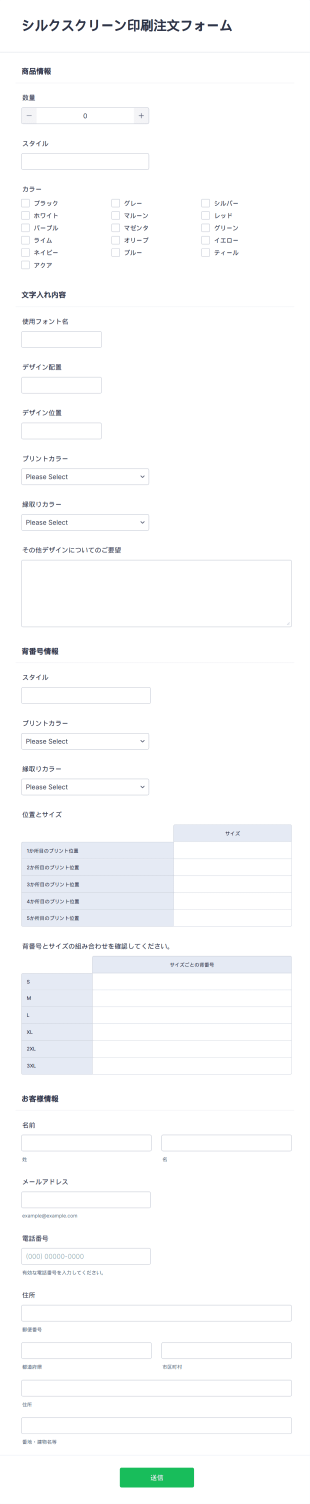
シルクスクリーン印刷注文フォーム
無料のシルクスクリーン印刷注文フォームでTシャツをオンライン販売。カスタマイズやサイト埋め込みが簡単。カード決済対応・130以上のアプリと連携。