無料ウェブサイトウィジェット

コードを一切書かずに、簡単にウェブサイトを強化できます。シンプルなノーコード作成ツールで、わずか数秒で強力なウィジェットを追加し、エンゲージメントを高め、リードを獲得し、信頼を築きましょう。

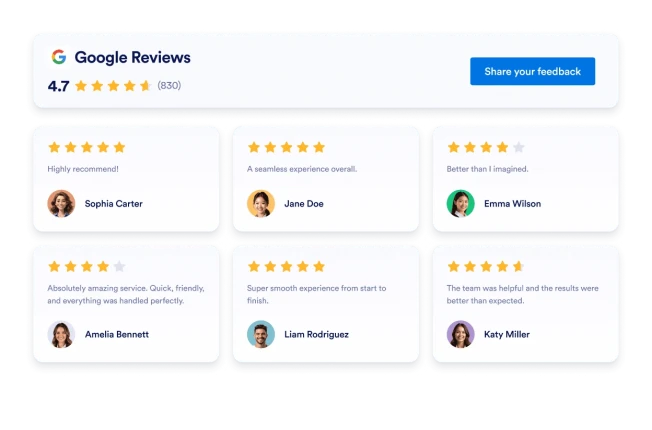
Google レビュー

数秒でGoogleレビューウィジェットをウェブサイトに追加できます。顧客からのフィードバックを表示し、信頼を築き、コンバージョンを増やしましょう。コーディングは不要です。

カテゴリーへ移動:レビューウィジェットを使う

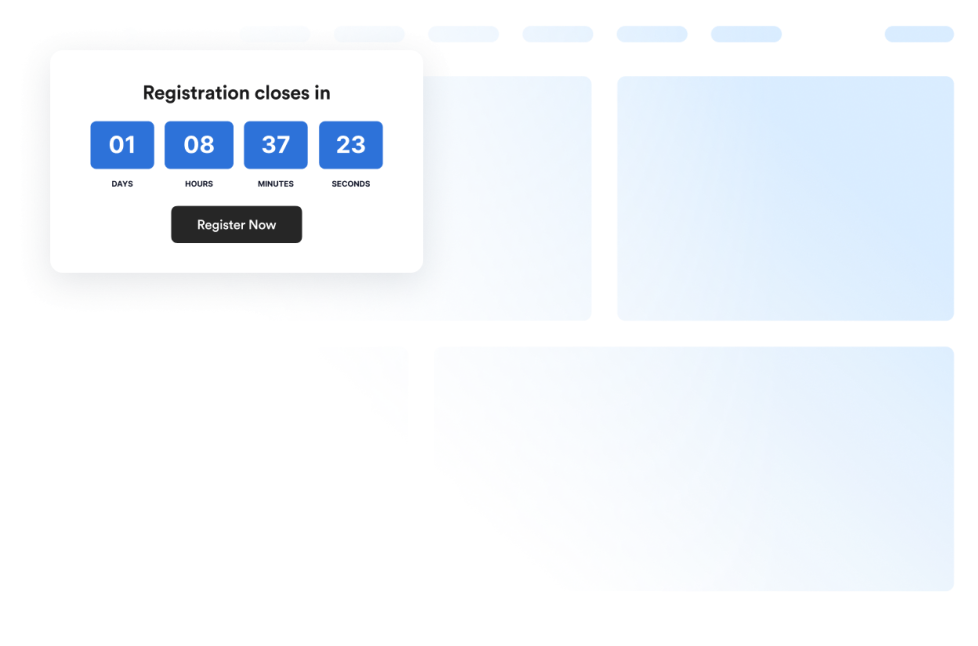
カウントダウン

Add a countdown widget for website pages in seconds. Customize the design and embed a free countdown timer widget for website with Jotform's no-code widget builder.

カテゴリーへ移動:ユーティリティウィジェットを使う

Trustpilotレビュー

Trustpilot Reviewsウィジェットは、実際の顧客フィードバックを洗練されたレイアウトで表示します。Jotformのノーコードツールを使えば、Trustpilotレビューを自動同期し、カスタマイズして、どこにでも埋め込むことができます。信頼を築き、コンバージョンを向上させましょう。

カテゴリーへ移動:レビューウィジェットを使う

アクセシビリティ

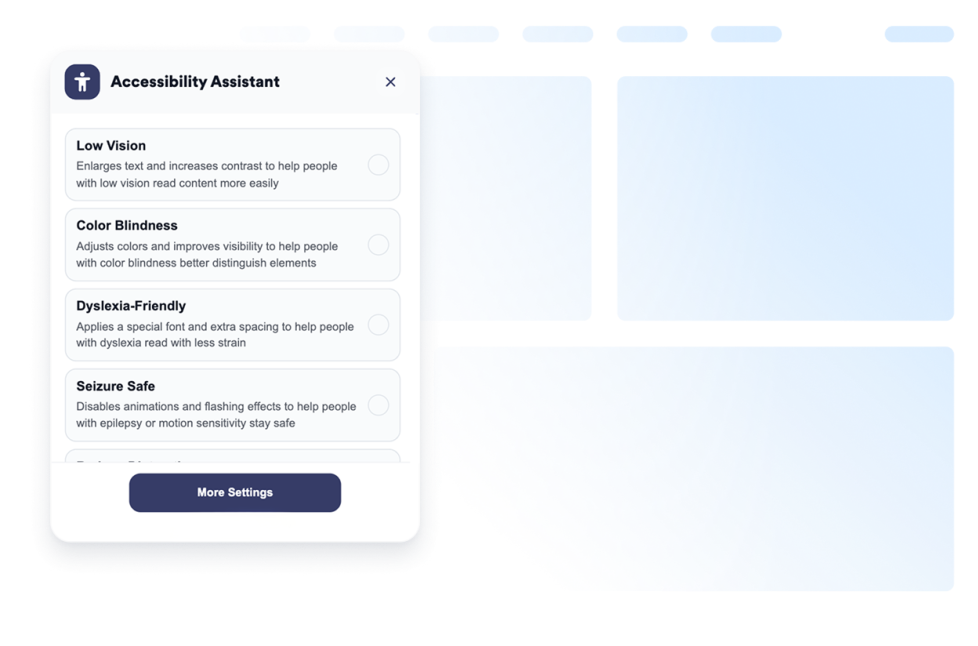
Add a customizable Accessibility widget to help visitors adjust contrast, text size, spacing, and motion. Offer preset accessibility modes and remember user preferences without code.

カテゴリーへ移動:ユーティリティウィジェットを使う

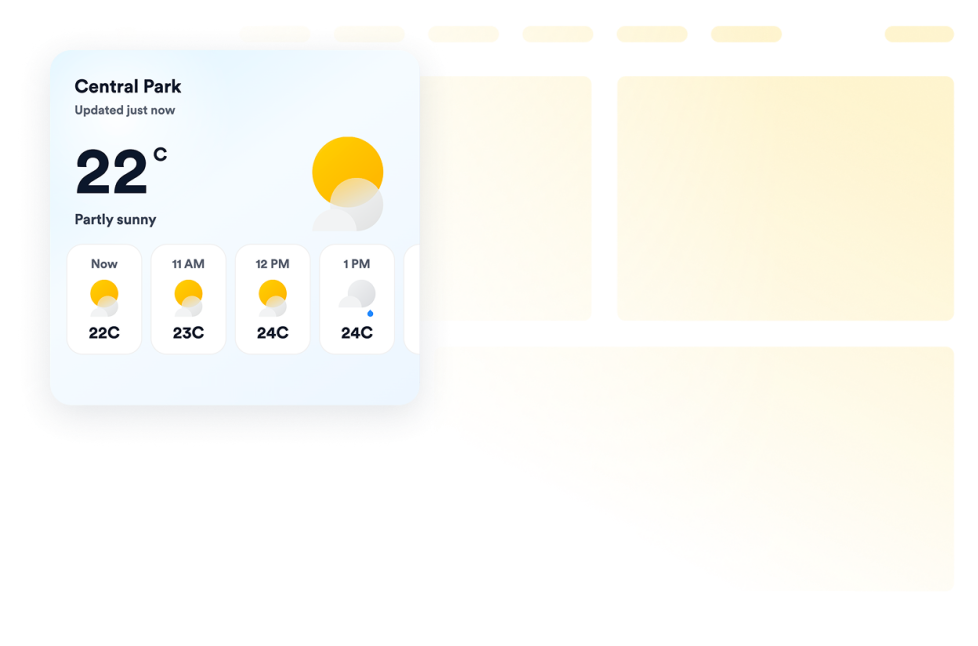
Weather

Add a free weather widget to your website. Display current conditions, hourly or daily forecasts, customize the design, and embed it without coding.

カテゴリーへ移動:ユーティリティウィジェットを使う

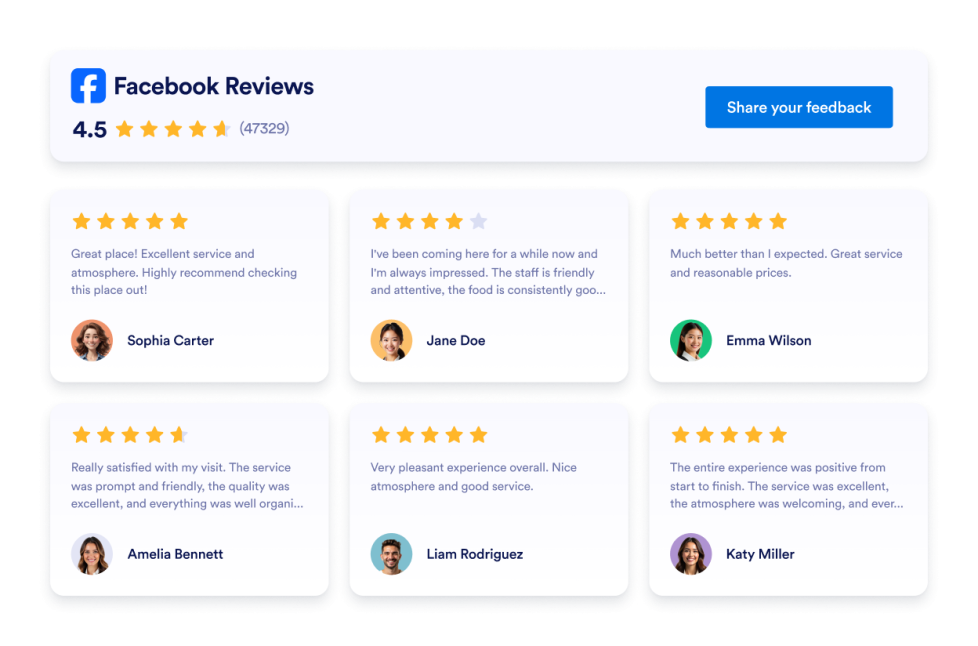
Facebookレビュー

Facebookレビューウィジェットは、実際の顧客評価を見やすいレイアウトで表示します。Jotformのノーコードツールを使えば、自動同期、カスタマイズ、サイトへの埋め込みまでを簡単に行えます。

カテゴリーへ移動:レビューウィジェットを使う

Google Playのレビュー

Google Playレビューウィジェットは、実際のユーザー評価とレビューをレスポンシブデザインで表示します。Jotformを使えば、コーディング不要で自動同期、カスタマイズ、サイトへの埋め込みまでを簡単に行えます。

カテゴリーへ移動:レビューウィジェットを使う

Yelpレビュー

Yelpレビューウィジェットは、実際の顧客評価をレスポンシブレイアウトで表示します。Jotformのノーコードツールで、自動同期、カスタマイズ、サイトへの埋め込みまでを簡単に行えます。 

カテゴリーへ移動:レビューウィジェットを使う

Back to Top

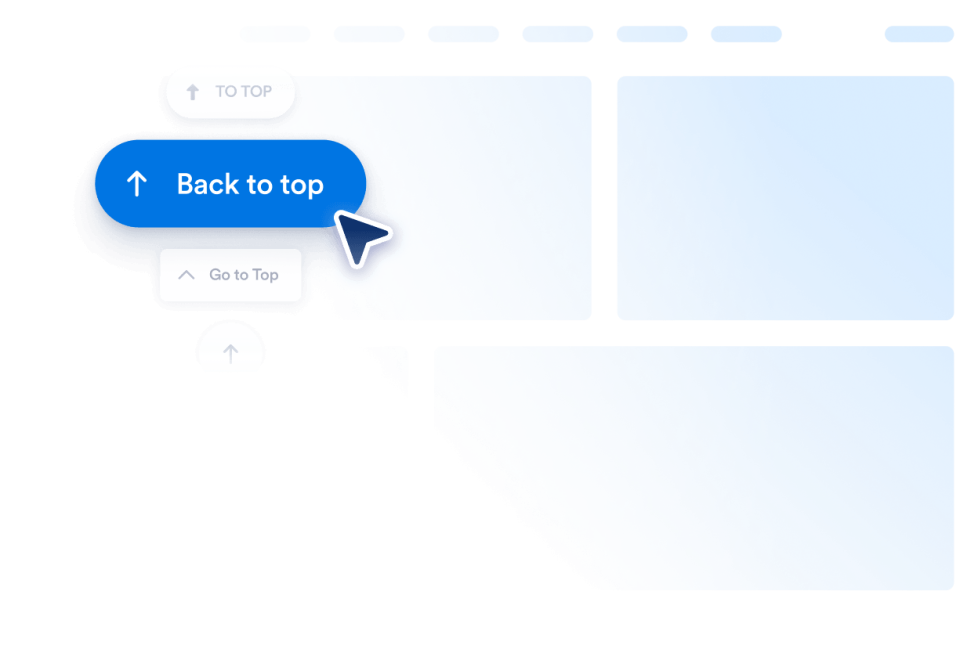
Add a Back to Top widget to your website in seconds. Let visitors jump to the top smoothly with a customizable, no-code button you can embed anywhere.

カテゴリーへ移動:ユーティリティウィジェットを使う

Booking Reviews

Booking Reviews Widget displays guest reviews from your Booking.com property in a responsive, customizable layout. Use Jotform’s no-code widget to build trust and encourage more reservations.

カテゴリーへ移動:レビューウィジェットを使う

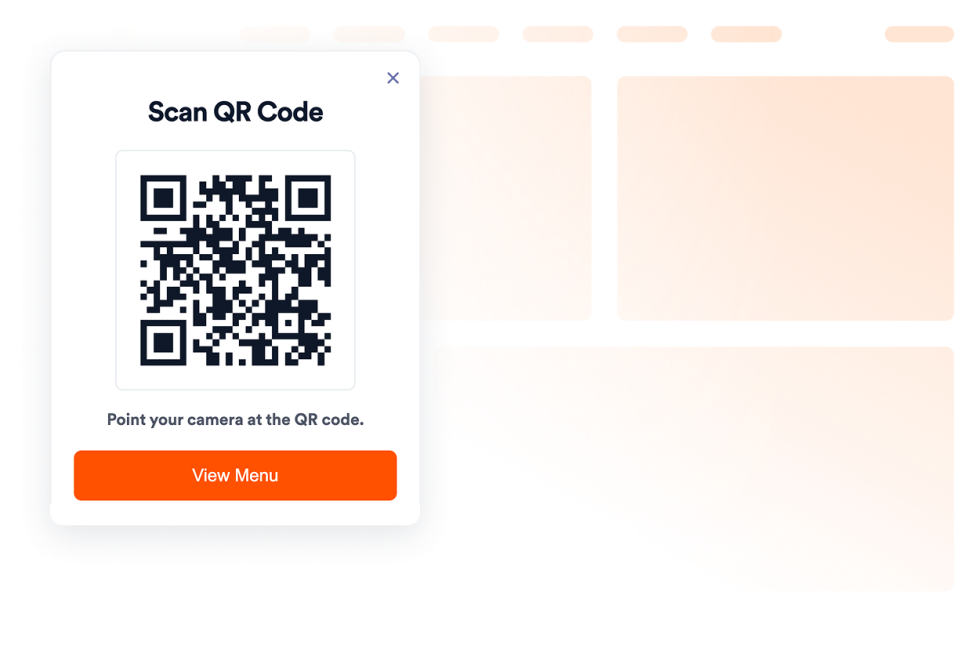
QRコード

Add a QR Code to your website in seconds. Help visitors scan menus, forms, downloads, offers, and event links. No coding required.

カテゴリーへ移動:ユーティリティウィジェットを使う

Airbnbレビュー

Airbnb Reviewsウィジェットは、実際のゲストからのフィードバックを見やすいレイアウトで表示します。Jotformのノーコードツールを使えば、自動同期、カスタマイズ、サイトへの埋め込みまでを簡単に行えます。

カテゴリーへ移動:レビューウィジェットを使う

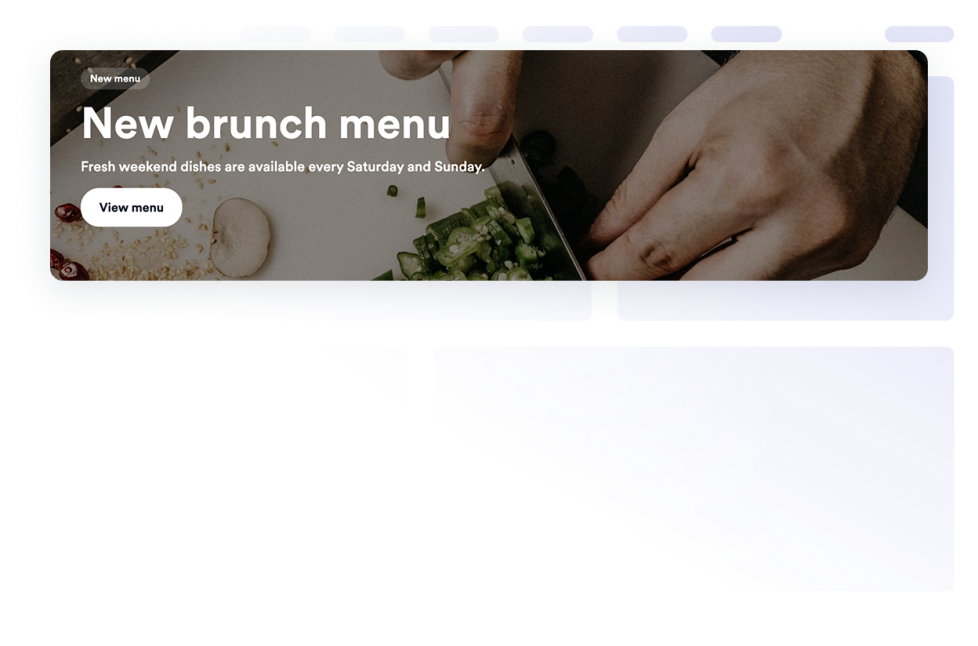
Banner

Add a Banner widget to your website for promotions, announcements, sales, events, coupons, countdowns, forms, images, videos, buttons, and clickable campaign banners.

カテゴリーへ移動:Eコマースウィジェットを使う

よくある質問 (FAQ)

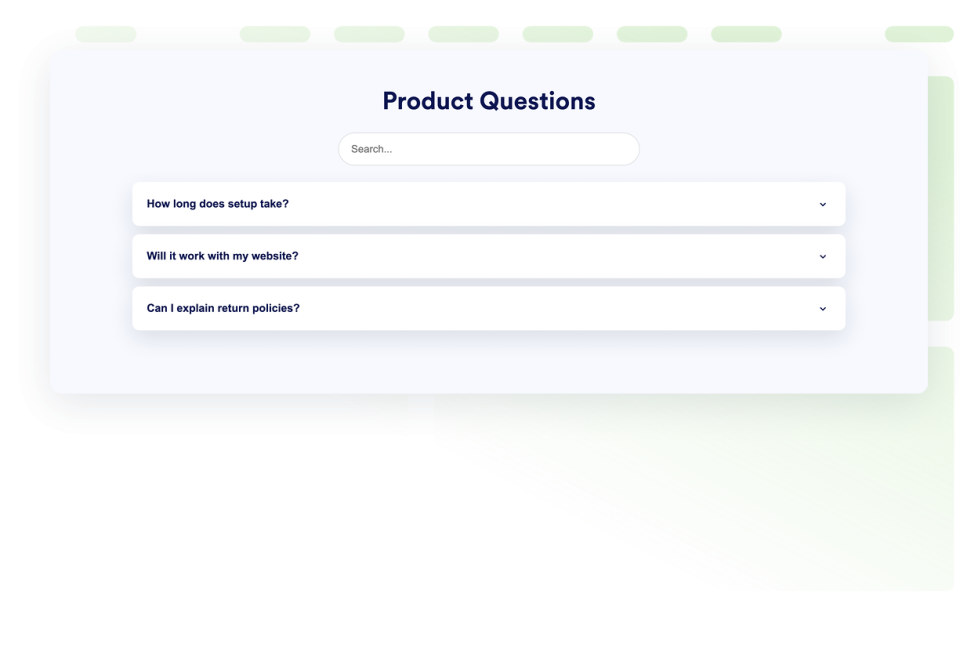
Add a searchable FAQ widget to your website. Create accordion FAQs with custom styling, media-rich answers, and flexible layouts.

カテゴリーへ移動:ユーティリティウィジェットを使う

eBay Reviews

eBay Reviewsウィジェットで信頼性を向上。リアルタイムの購入者フィードバック、評価、自動更新されるレビューを表示。Jotformの無料ノーコード埋め込みで数秒で設定完了。今すぐ始めましょう。

カテゴリーへ移動:レビューウィジェットを使う

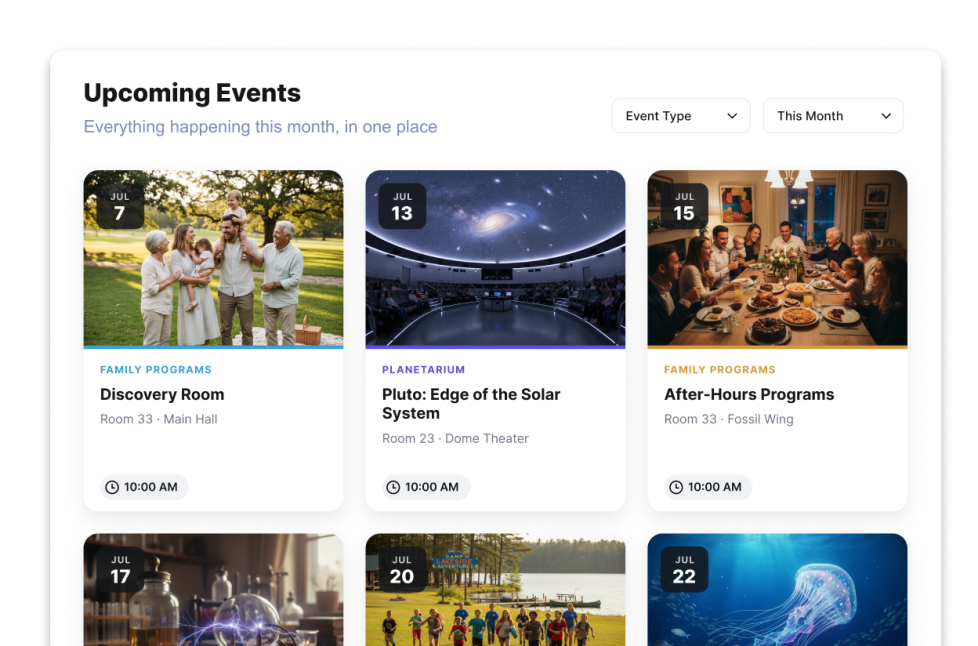
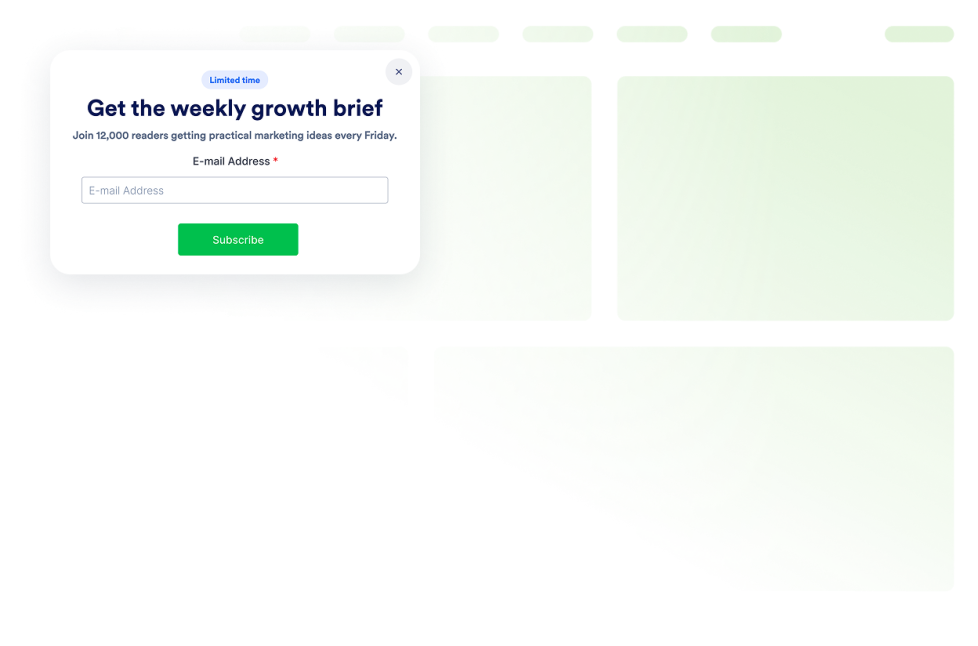
ポップアップ

Add a Popup widget to your website for lead capture, announcements, discounts, newsletter signups, exit offers, and fixed bars. Build and embed it with Jotform.

カテゴリーへ移動:Eコマースウィジェットを使う

Etsyレビュー

Etsyレビューウィジェットは、実際の購入者の評価をすっきりとしたレイアウトで表示します。Jotformのノーコードツールを使えば、自動同期、カスタマイズ、サイトへの埋め込みまで簡単に行えます。

カテゴリーへ移動:レビューウィジェットを使う

Visitor Counter

Add a Visitor Counter widget to your website to show a customizable no-code counter for page activity-style social proof.

カテゴリーへ移動:ユーティリティウィジェットを使う

App Storeレビュー

App Store ReviewsウィジェットはiOSユーザーの実際の評価を見やすいレイアウトで表示します。Jotformのノーコードツールなら、自動同期、カスタマイズ、どこにでも埋め込みが可能です。

カテゴリーへ移動:レビューウィジェットを使う

Tripadvisorレビュー

Tripadvisorレビューウィジェットは、実際の旅行者の評価を見やすいレイアウトで表示します。Jotformのノーコードツールを使えば、自動同期、カスタマイズ、サイトへの埋め込みまで簡単に行えます。

カテゴリーへ移動:レビューウィジェットを使う

Before and After Slider

Add a Before and After Slider widget to your website to compare image transformations with horizontal or vertical reveal controls, captions, multiple comparison pairs, fullscreen view, and responsive styling.

カテゴリーへ移動:ユーティリティウィジェットを使う

年齢確認

Add an Age Verification widget to your website to gate age-restricted content with custom messages, verification methods, visitor memory, and branded styling.

カテゴリーへ移動:ユーティリティウィジェットを使う

ポッドキャスト

Add a Podcast Player widget to your website with episode playback, playlist browsing, RSS source storage, cover art, autoplay, and custom styles.

カテゴリーへ移動:オーディオウィジェットを使う

Click to Call

Add a Click to Call widget to your website so visitors can reach your business from a floating call button. Customize the phone number, button label, colors, sizing, spacing, and desktop or mobile visibility without code.

カテゴリーへ移動:ユーティリティウィジェットを使う

AliExpress Reviews

Add an AliExpress Reviews Widget to your website. Display product ratings, customize the layout, and embed customer feedback without coding.

カテゴリーへ移動:レビューウィジェットを使う

Social Feed

Add a Social Feed widget to your website. Connect public social sources, fetch posts automatically, and display them in a responsive feed without coding.

カテゴリーへ移動:ソーシャルウィジェットを使う

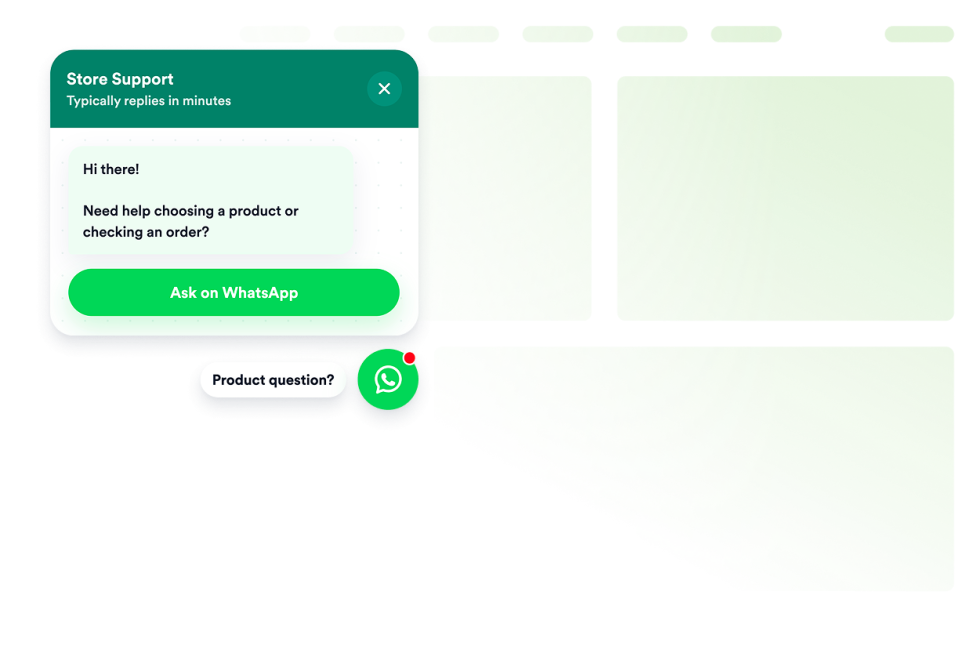
Whatsapp Chat

Add a whatsapp chat to your website in seconds. Customize the design and embed it with Jotform's no-code website widget builder.

カテゴリーへ移動:Chatsウィジェットを使う

OpenTable Reviews

Display real customer feedback from your OpenTable profile and turn reviews into powerful social proof. With flexible layouts, styling options, and simple integration, you can showcase OpenTable Reviews on your website exactly the way you want.

カテゴリーへ移動:レビューウィジェットを使う

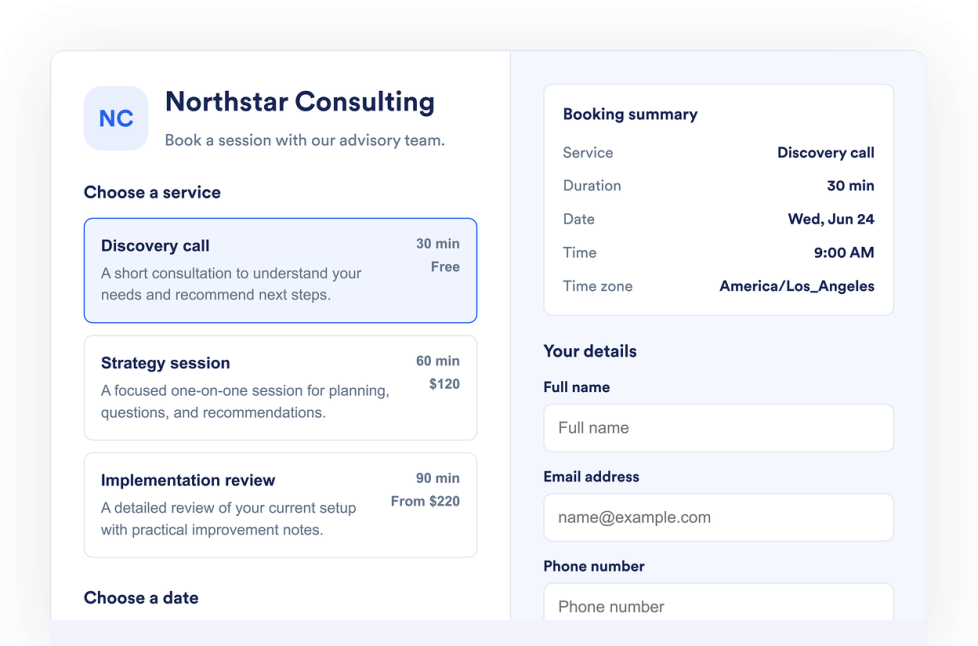
Appointment Booking

Add an Appointment Booking Widget to your website. List services, control availability, collect customer details, and accept booking requests without code.

カテゴリーへ移動:フォームウィジェットを使う

Flipbook

Add an interactive Flipbook widget to your website. Upload a PDF or paste a PDF URL, then choose page mode, stage theme, zoom, fullscreen, download, print, and responsive display.

カテゴリーへ移動:ユーティリティウィジェットを使う

Youtube Gallery

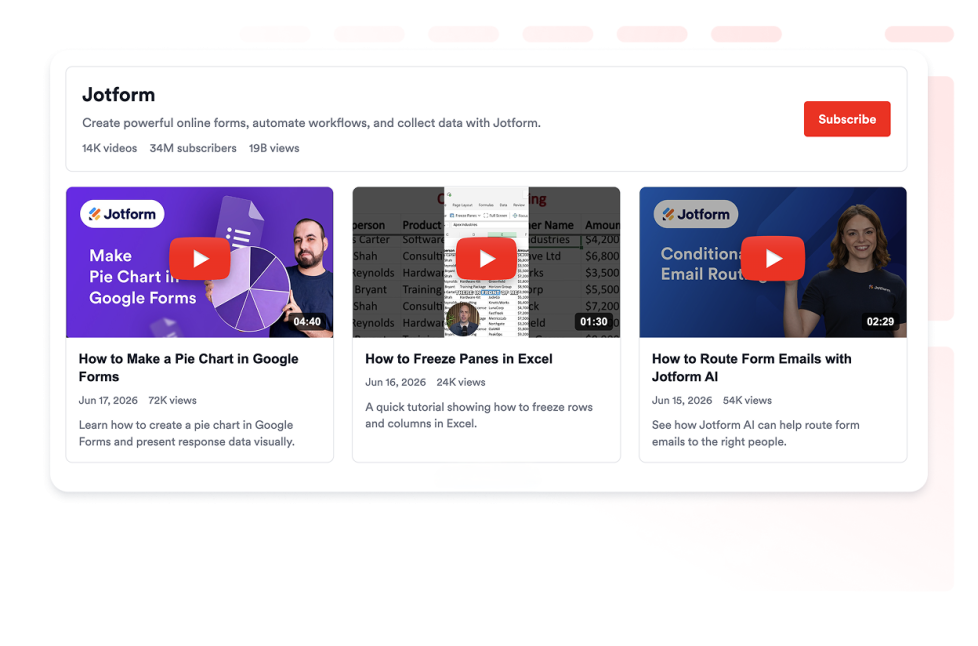
Add a YouTube Gallery widget to your website. Display channels, playlists, and videos in a customizable responsive gallery without coding.

カテゴリーへ移動:ビデオウィジェットを使う

Logo Showcase

Create a Logo Showcase widget to display customer, partner, sponsor, or press logos. Choose grid, carousel, or ticker layouts and embed without coding.

カテゴリーへ移動:ソーシャルウィジェットを使う

Tournament Bracket

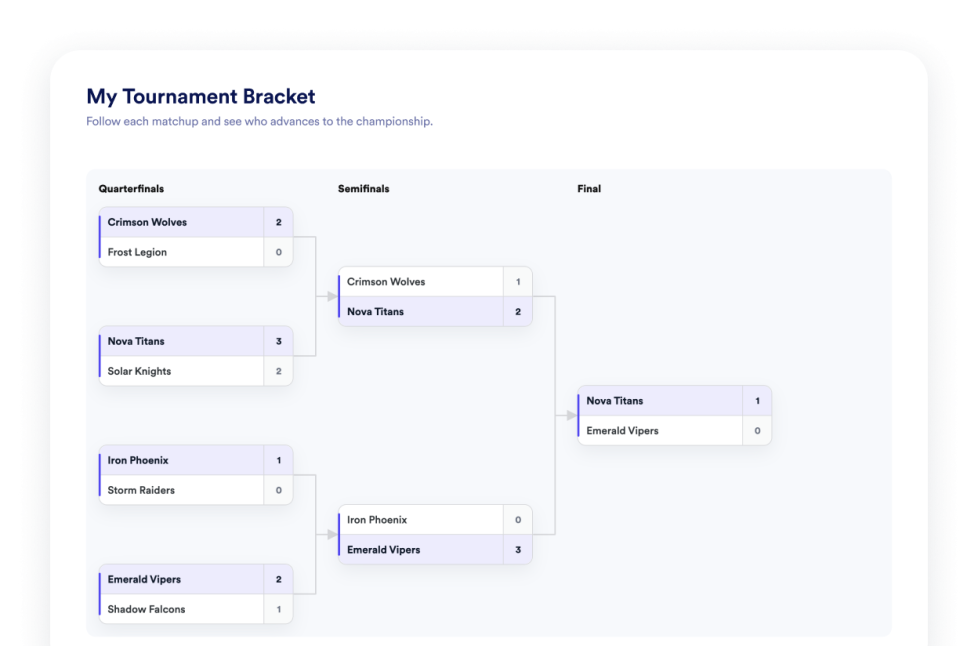
Create a bracket maker widget for your website. Choose a tournament format, manage participants, add match results, show group standings, and publish bracket previews without coding.

カテゴリーへ移動:ユーティリティウィジェットを使う

Number Counter

Add a Number Counter widget to your website to display animated milestones, statistics, icons, prefixes, postfixes, links, and live JSON-backed values.

カテゴリーへ移動:ユーティリティウィジェットを使う

Houzz Reviews

Add a Houzz Reviews widget to your website. Display client ratings, project feedback, and social proof in customizable no-code layouts.

カテゴリーへ移動:レビューウィジェットを使う

スライダー

Add a Slider widget to your website to rotate image or video slides with badges, text, buttons, autoplay, fade or slide transitions, and responsive navigation.

カテゴリーへ移動:ユーティリティウィジェットを使う

PDF Embed

Add a PDF Embed widget to your website. Upload one PDF or paste a direct PDF link, then customize viewer controls, zoom, download, icon, color, width, height, and typography.

カテゴリーへ移動:ユーティリティウィジェットを使う

Announcement Bar

Add an Announcement Bar widget to your website for sales, launches, shipping notices, events, coupons, updates, and time-sensitive messages.

カテゴリーへ移動:Eコマースウィジェットを使う

Hotels Reviews

Add a Hotels.com Reviews widget to your website in seconds. Showcase customer feedback, build trust, and grow conversions - no coding required.

カテゴリーへ移動:レビューウィジェットを使う

Spinning Wheel

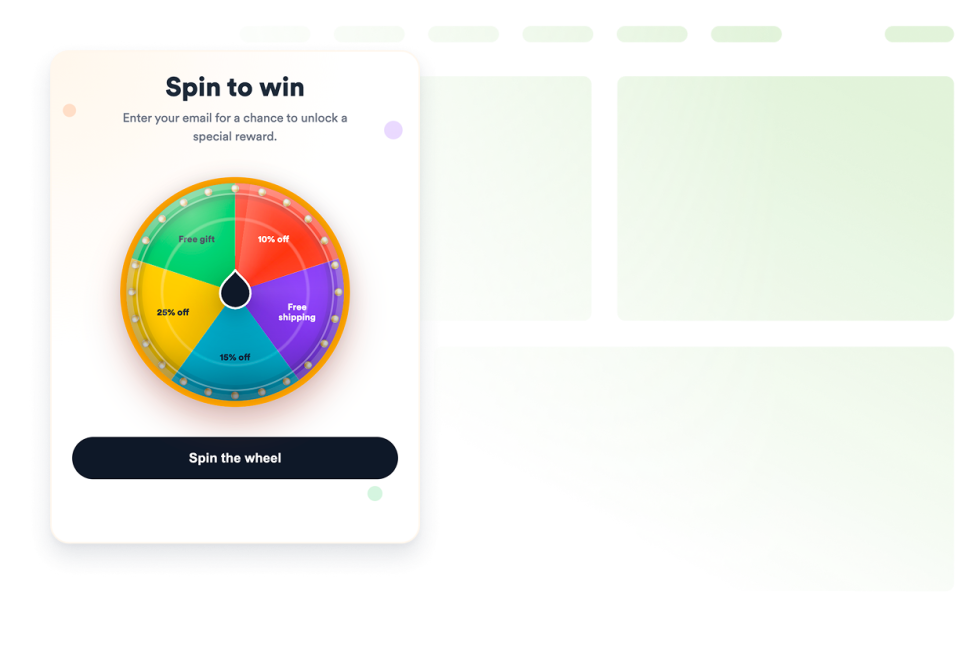
Add a customizable spinning wheel widget to your website to run giveaways, collect leads, promote offers, and boost engagement without code.

カテゴリーへ移動:Eコマースウィジェットを使う

Facebook Feed

Embed Facebook Page updates on your website with responsive layouts, post popups, source styling, and no custom code.

カテゴリーへ移動:ソーシャルウィジェットを使う

Instagram Feed

Embed Instagram account posts on your website with responsive layouts, post popups, source styling, and no custom code.

カテゴリーへ移動:ソーシャルウィジェットを使う

RSS Feed

Add an RSS or Atom feed to your website and display fresh articles in list, grid, masonry, carousel, or slider layouts.

カテゴリーへ移動:ソーシャルウィジェットを使う

Tumblr Feed

Display Tumblr blog posts on your website in responsive feed layouts with images, captions, links, and popups.

カテゴリーへ移動:ソーシャルウィジェットを使う

Twitter/X Feed

Add a Twitter / X Feed widget to your website to display recent posts, customize the layout, and keep visitors connected to your social updates.

カテゴリーへ移動:ソーシャルウィジェットを使う

Vimeo Video Gallery

Embed Vimeo videos from a public user, channel, showcase, group, or video URL in a responsive website gallery.

カテゴリーへ移動:ビデオウィジェットを使う

Viber Chat

Add a customizable Viber chat widget to your website so visitors can ask questions, request help, and start Viber conversations with your business.

カテゴリーへ移動:Chatsウィジェットを使う

ユーザーの声

Create a responsive testimonial slider for your website. Display customer quotes, ratings, photos, logos, and CTA-ready slides with Jotform.

カテゴリーへ移動:ソーシャルウィジェットを使う

Clock Widget

Show current time across offices, stores, support regions, events, and global teams. Display analog and digital world clocks, time zones, and custom layouts—no code.

カテゴリーへ移動:ユーティリティウィジェットを使う

フォーム

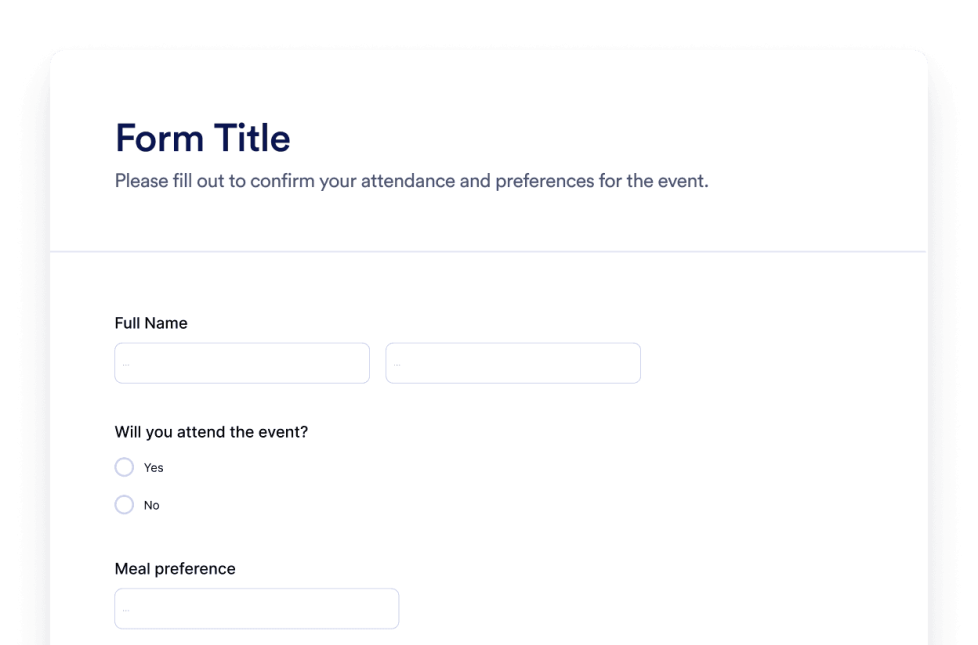
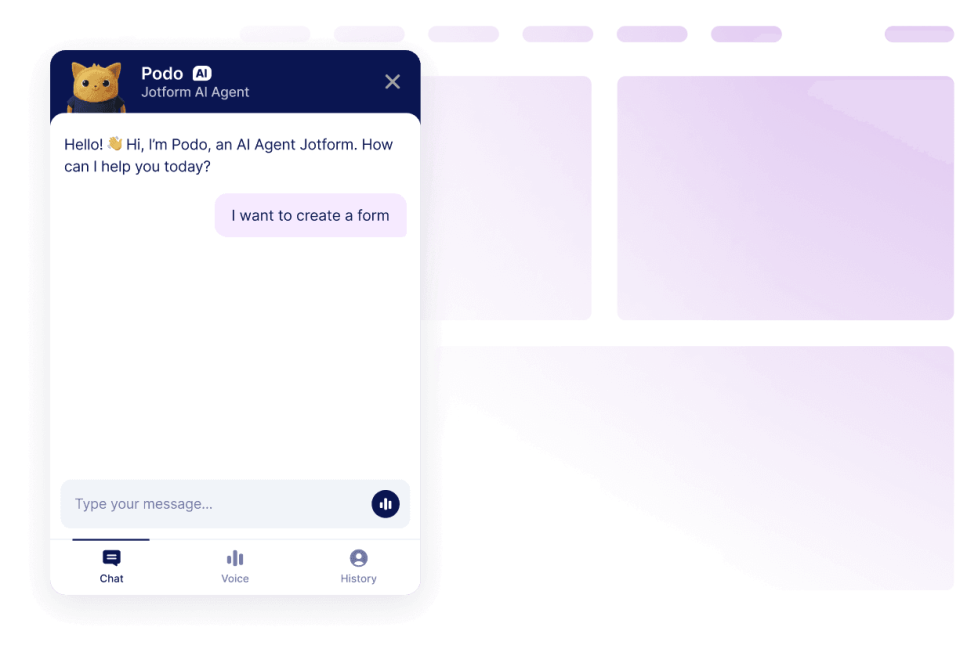
Jotform AIフォーム生成ツールで、カスタムフォームを作成できます。コーディング不要、テンプレート不要、面倒な作業も一切なし。作りたいフォームの内容をAIチャットに伝えるだけで、すぐにフォームが完成します。

カテゴリーへ移動:その他ウィジェットを使う

チャットボット

JotformのAIチャットボット作成ツールで、あなたのウェブサイトをインタラクティブな体験に。ユーザーにリアルタイムで回答を提供し、フォーム入力もスムーズにサポート。ブランドに合わせたデザインで、自然なコミュニケーションを実現します。

カテゴリーへ移動:その他ウィジェットを使う

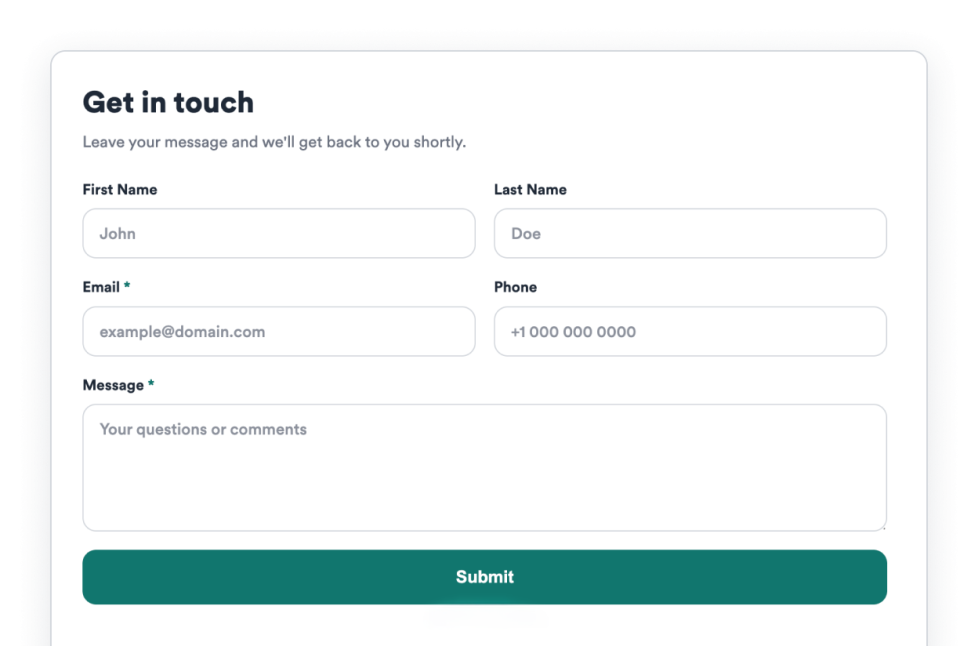
お探しのウィジェットが見つかりませんか?

お探しのウィジェットが見つからない場合は、下記フォームよりお気軽にご要望をお寄せください。Webサイトに追加したい機能や実現したい内容をお知らせいただければ、今後の開発の参考にさせていただきます。

ウィジェットをリクエスト

ウェブサイトウィジェットにJotformを選ぶ理由

ビジネスの成長に合わせて進化するプラットフォーム

まずは1つのウィジェットから、シンプルに始められます。必要に応じて、同じJotformアカウント内でウィジェットを追加し、ページやキャンペーン、目的ごとに展開可能。別のツールへ移行したり、最初から作り直したりする必要はありません。

Built to grow with you

設定もカスタマイズも簡単

すべてのウィジェットは、Jotformの使い慣れたノーコードエディターで作られているため、レイアウトやスタイルのカスタマイズも簡単で直感的に行えます。開発者やテクニカルサポートに頼ることなく、カラー、余白、デザインの細部まで自分で調整できます。

Easy to set up and customize

ほとんどのウェブサイトとプラットフォームで動作

標準の埋め込みオプションを使用して、多くのウェブサイトプラットフォームやカスタムサイトにJotformウィジェットを埋め込めます。同じウィジェットを異なるページや環境で動作させることができます。

Works on most websites and platforms

Jotformで、見込み顧客を売上につなげる

Jotform で、ユーザーの関心を成果につなげましょう。リードを獲得し、決済を受け取り、自動応答を設定できる強力なフォームを、すべて1か所で作成できます。すべての送信はJotform受信トレイに届き、フォローアップやお気に入りのアプリとの連携がすぐに行えます。

無料で今すぐ始める
Convert leads into customers

ウィジェットを使用する理由

ウェブサイトウィジェットは、すべての機能をゼロから構築することなく、サイトを改善するのに役立ちます。信頼構築、リードジェネレーション、カスタマーサポートなどのビジネス目標をサポートできます。

レビューやお客様の声で信頼性を構築

明確な行動喚起でコンバージョンを向上

摩擦を減らして訪問者のサイト滞在時間を延ばす

世界中で数百万ユーザーに選ばれています

Jotformは、小規模なチームから大企業まで、世界中のビジネスで利用されています。

ウェブサイトウィジェットを理解する

ウィジェットがウェブサイトに適合する仕組み

このセクションでは、ウェブサイトウィジェットとは何か、ウェブページ内でどのように機能するか、ウィジェットライブラリが増えるにつれてどのように効果的に使用できるかを説明します。ウェブサイトウィジェットは通常、短い埋め込みコードを使用して埋め込まれ、ウェブページの定義された領域内に読み込まれます。既存のコンテンツと並べて配置でき、ページ構造を変更することなく更新できます。

ウェブサイトウィジェットの一般的な種類

ウィジェットは既存のコンテンツと並べて配置でき、ページ構造を変更せずに更新できます。これにより、ウェブサイトを再構築または再設計することなく機能を追加するのに便利です。ウェブサイトウィジェットは、サポートする目的に応じてさまざまな形式があります。一般的な種類には次のものがあります:

  • Review widgets to display customer feedback from third-party platforms
  • Form widgets for contact forms, lead capture, and registrations
  • Scheduling widgets for booking meetings or appointments
  • Payment widgets for collecting one-time or recurring payments
  • Chat and messaging widgets for customer support and inquiries
  • Feedback and survey widgets to collect opinions and responses

このページは現在、レビューウィジェットに焦点を当てています。ウィジェットライブラリが拡張されるにつれて、追加のウィジェットタイプを追加できます。

ウェブサイトウィジェットがSEOに与える影響

ウェブサイトウィジェットは、意図的に使用され、ページの目的に沿っている場合、SEOをサポートできます。ユーザビリティ、エンゲージメント、タスク完了を向上させるウィジェットは、訪問者がページにより長く滞在し、コンテンツとより効果的にやり取りするのに役立ちます。

SEOの問題を回避するには:

  • 明確な価値を追加するページにウィジェットを配置する
  • ウィジェットの周囲に説明的な見出しとサポートテキストを使用する
  • 1つのページに多数のウィジェットを追加しないようにする
  • ウィジェットが効率的に読み込まれ、コンテンツをブロックしないようにする

ウィジェットは、コンテンツを置き換えるのではなく、補完する場合に最も効果的です。

ウィジェットに対応しているウェブサイトプラットフォーム

ほとんどのウェブサイトウィジェットは、標準の埋め込みコードを使用して幅広いプラットフォームに埋め込むことができます。これには通常、コンテンツ管理システム、ウェブサイト作成ツール、カスタムビルドサイトが含まれます。

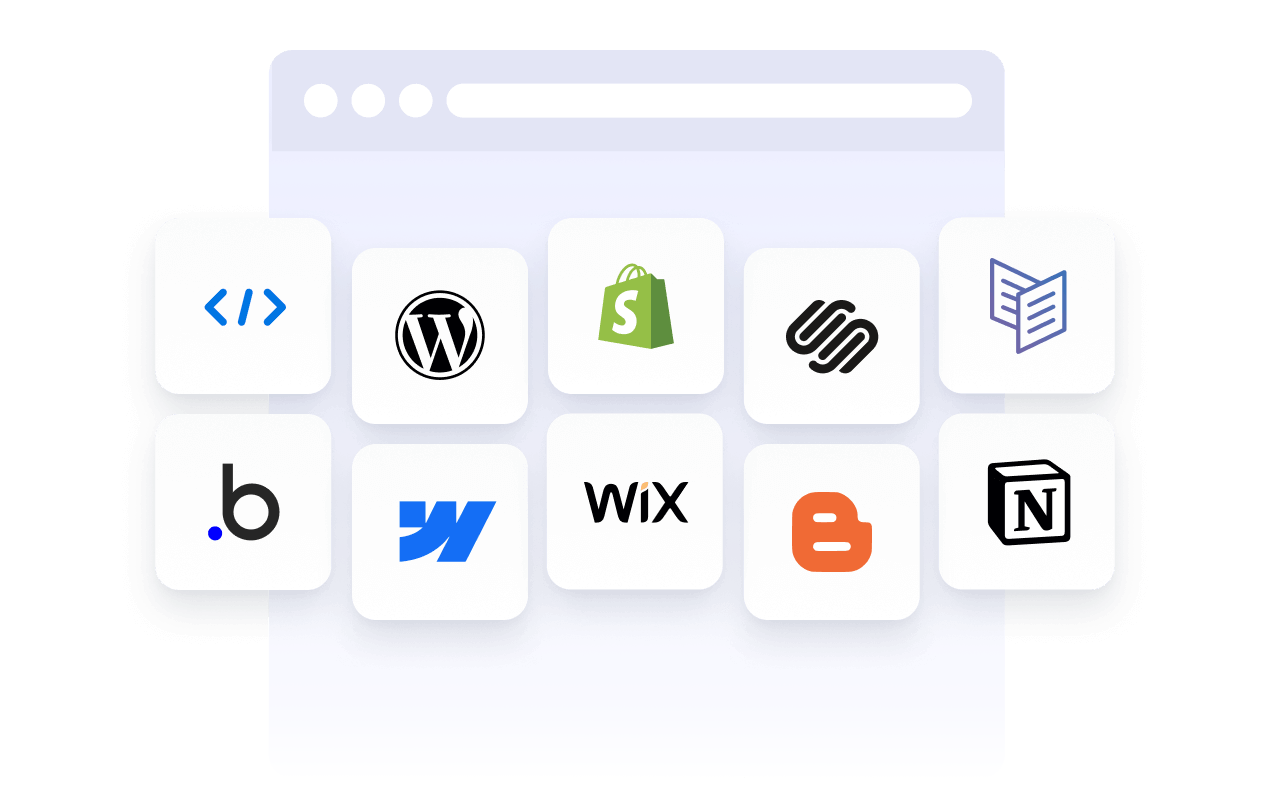
埋め込みウィジェットに対応している一般的なプラットフォームには、WordPress、Webflow、Wix、Shopify、Squarespace、静的HTMLサイトなどがあります。正確な配置方法はプラットフォームによって異なりますが、通常、ウィジェットはコードブロック、カスタムHTMLセクション、またはページエディターを通じて追加されます。

ウェブサイトウィジェット vs プラグインと拡張機能

ウェブサイトウィジェットは一般的にプラットフォームに依存せず、コードを使用して多くの種類のウェブサイトに埋め込むことができます。プラグインや拡張機能は通常、特定のプラットフォーム向けに構築されており、そのシステム内でインストールおよび保守する必要があります。

ウィジェットは、複数のサイトを管理したり、異なるプラットフォームを使用したりする場合に、より柔軟性を提供します。同じウィジェットを異なる環境で再利用できることが多いためです。

目的に基づいたウィジェットの選択

適切なウィジェットの選択は、サイト訪問者に何をしてもらいたいかによって決まります。信頼構築が目的であれば、レビューウィジェットで顧客からのフィードバックを強調できます。情報収集が目的であれば、フォームウィジェットがより適しています。予約や取引の場合は、スケジュール管理ウィジェットや決済ウィジェットが最適です。

主な目標をサポートするウィジェットから始めて、サイトの成長とニーズの変化に応じて拡張していきましょう。

埋め込みウィジェットの管理と更新

ほとんどのウェブサイトウィジェットは、埋め込み後も更新できます。デザイン、コンテンツ、設定の変更は、通常、ウェブサイトコードを変更することなく、ウィジェットが使用されているすべてのページに自動的に反映されます。

これにより、ウィジェットはキャンペーン、季節ごとの更新、継続的な最適化に役立ちます。