Widgets de Negócios Gratuitos para Sites
Expanda sua marca e engaje clientes com widgets de negócios usando o criador simples e sem código da Jotform.
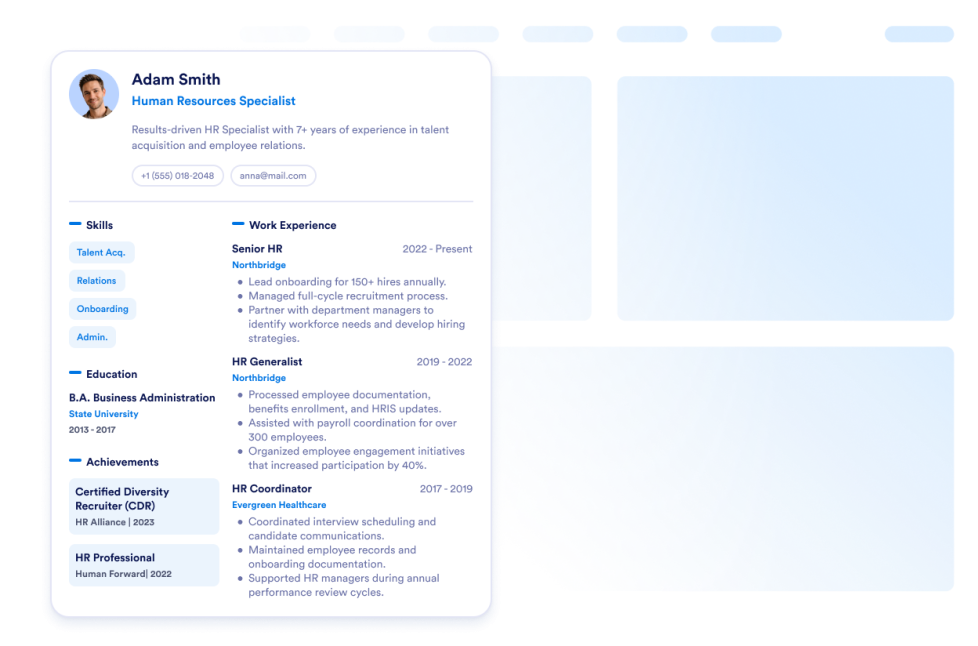
Currículo
Adicione seu currículo ao seu site. Com o Widget de Currículo da Jotform, você pode facilmente permitir que os visitantes do seu site conheçam tudo sobre você.
Ir para Categoria:NegóciosUsar WidgetGoogle Maps
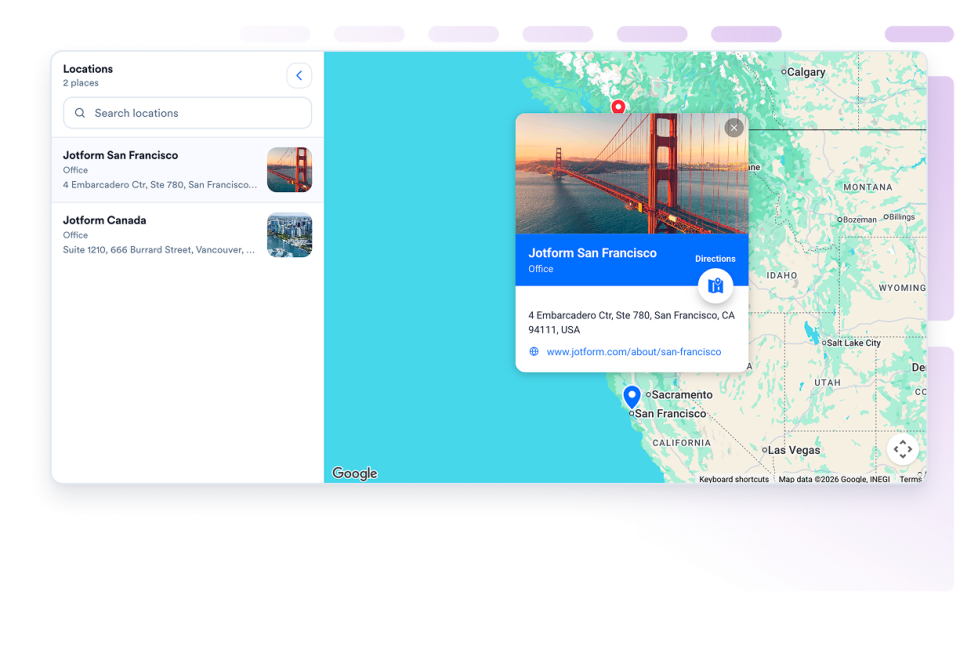
Adicione um widget Google Maps personalizável para exibir suas lojas, escritórios, locais de eventos ou áreas de atendimento com informações de contato, horário de funcionamento, fotos, categorias e links de direções.
Ir para Categoria:NegóciosUsar WidgetVitrine da Equipe
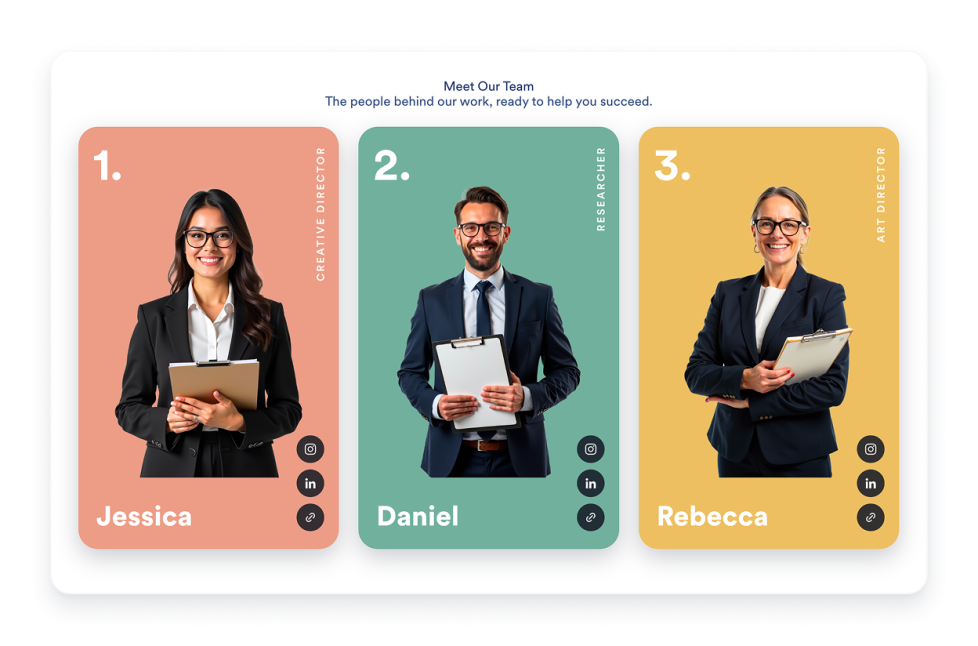
Crie um widget de apresentação da nossa equipe para seu site com cartões de perfil, layouts de modelos, biografias dos membros, links de redes sociais, esquemas de cores e incorporações responsivas.
Ir para Categoria:NegóciosUsar WidgetQuadro de Vagas
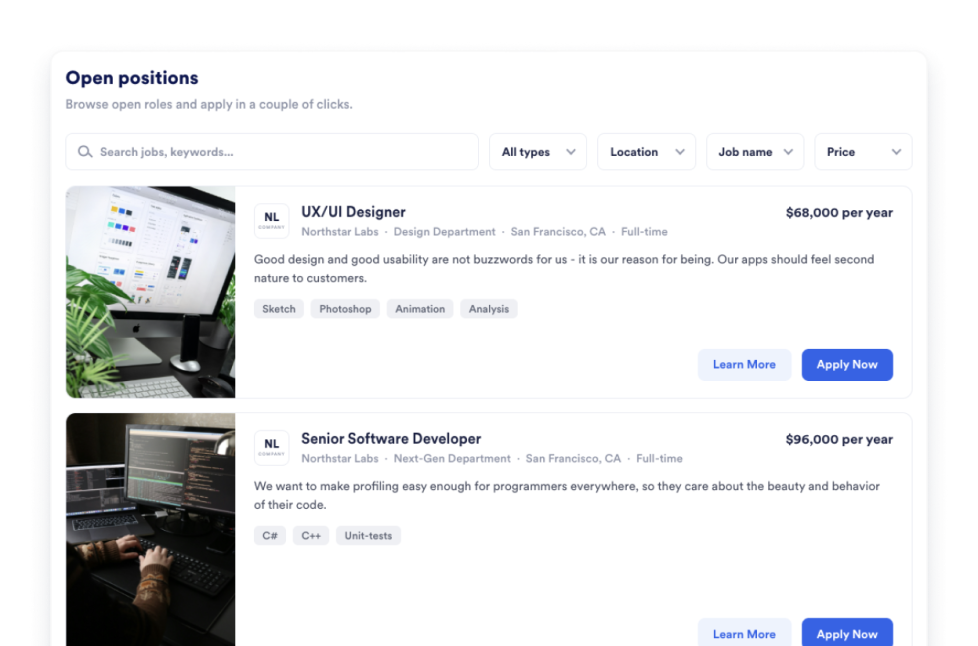
Adicione um quadro de vagas ao seu site em segundos. Personalize o design e o conteúdo e incorpore o widget com o criador de widgets para sites sem código da Jotform.
Ir para Categoria:NegóciosUsar WidgetPortfólio
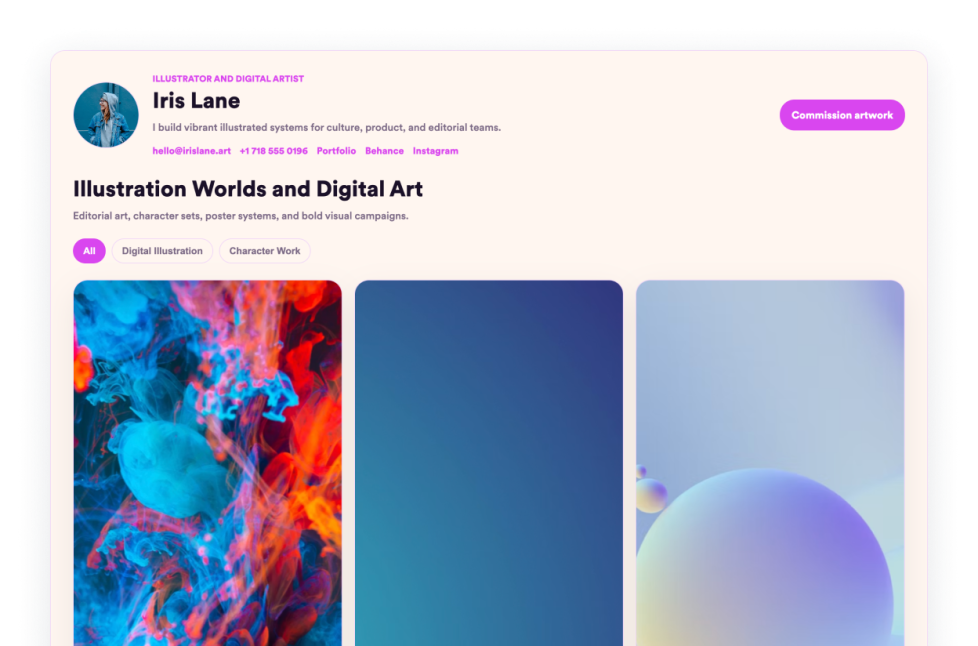
Mostre seus melhores trabalhos com o Widget de Portfólio da Jotform. Você pode criar um portfólio impressionante, destacar projetos e incorporá-lo em qualquer site sem precisar programar.
Ir para Categoria:NegóciosUsar WidgetCardápio de Restaurante
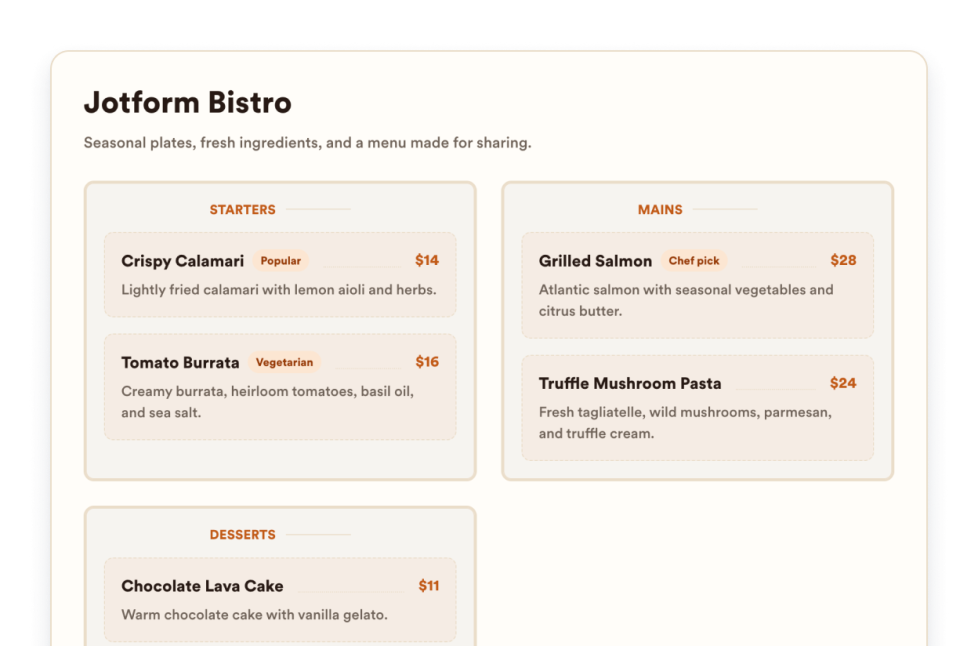
Adicione um widget de menu responsivo ao seu site com categorias, descrições de itens, preços, selos, layouts, temas e links para reservas personalizáveis.
Ir para Categoria:NegóciosUsar WidgetSobre Nós
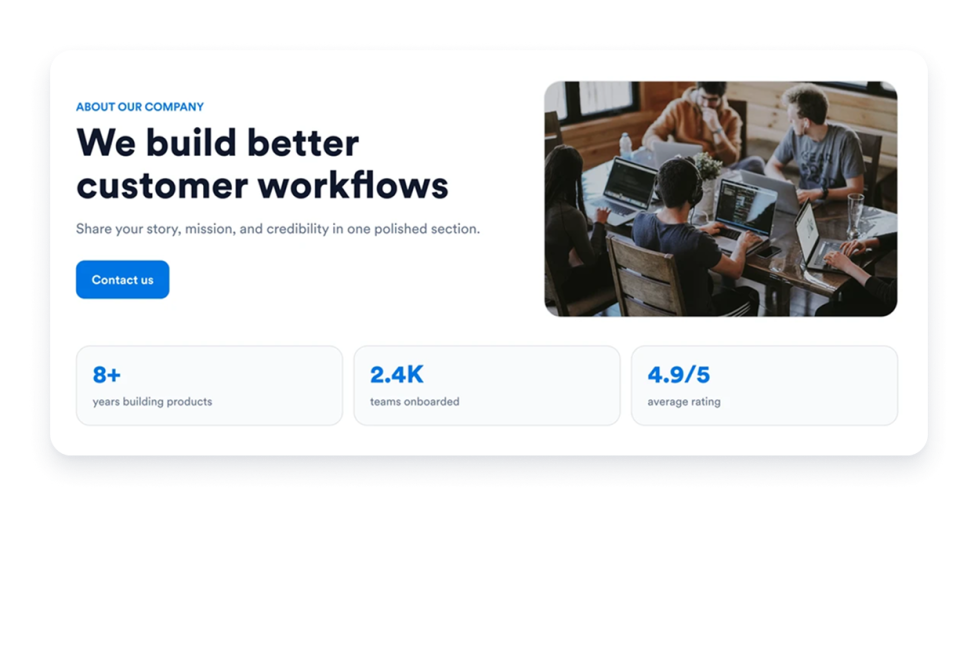
Adicione um Widget Sobre Nós ao seu site para apresentar a história, a missão, os valores, os membros da equipe e a identidade da marca da sua empresa com um design profissional e personalizável.
Ir para Categoria:NegóciosUsar WidgetBusiness Hours
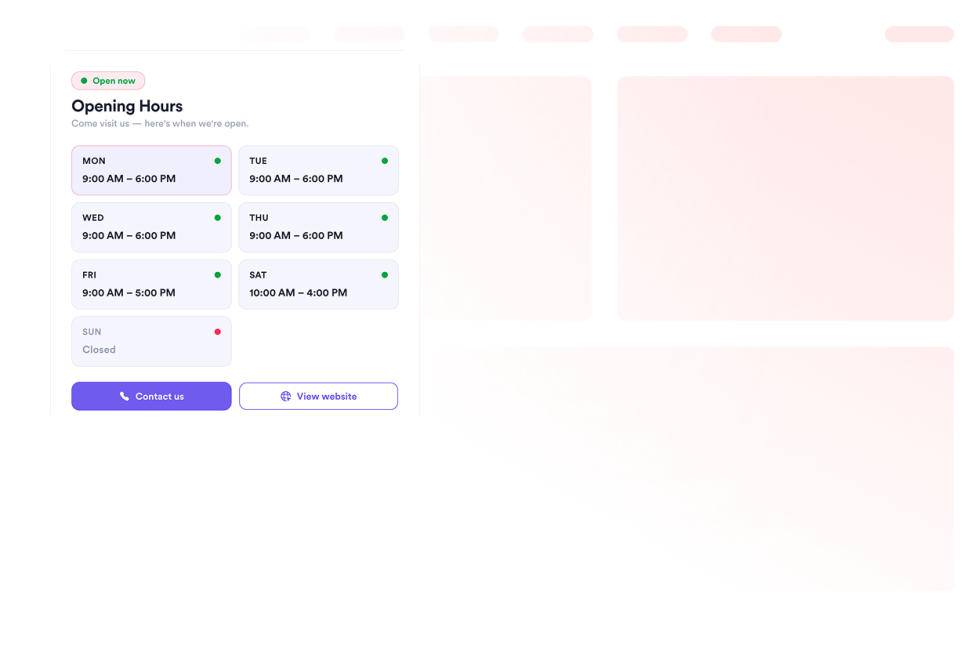
Adicione um widget horario ao seu site para exibir modelos, esquemas de cores, horários de funcionamento, status ao vivo, informações de contato, localização e botões de call-to-action.
Ir para Categoria:NegóciosUsar WidgetOpen Street Map
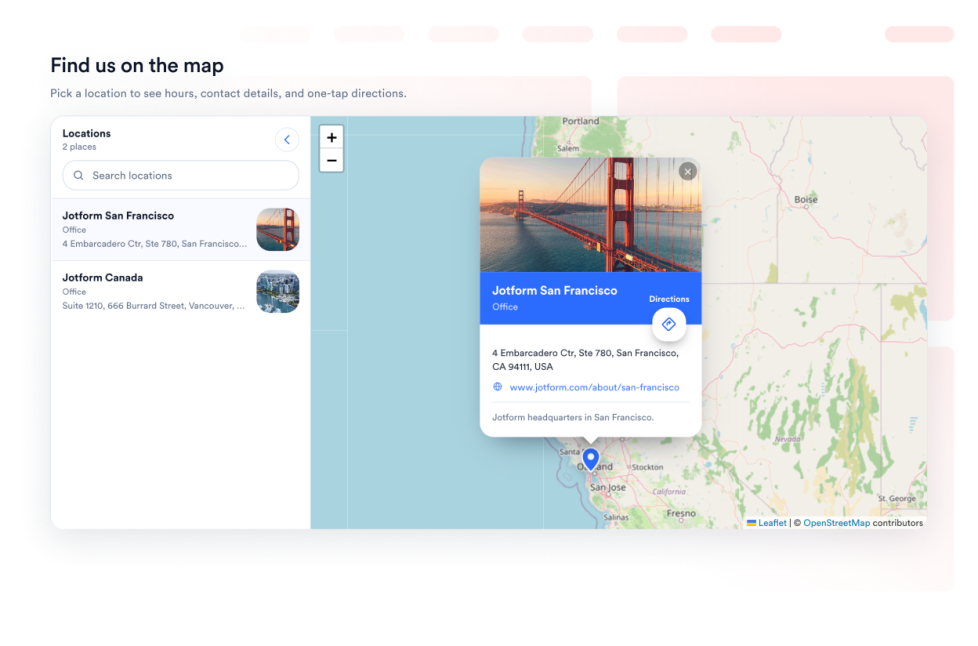
Ofereça aos visitantes do seu site um localizador de locais interativo com o OpenStreetMap. Personalize os locais exibidos e vincule cada um deles às rotas no OpenStreetMap.
Ir para Categoria:NegóciosUsar WidgetReceitas
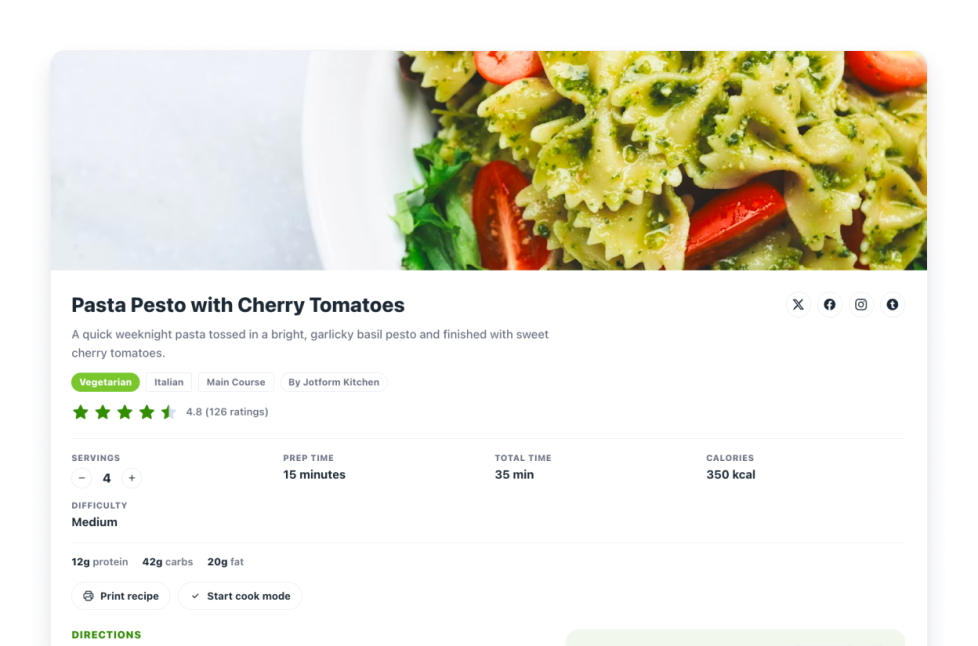
Adicione um Widget de Receitas ao seu site. Compartilhe cards de receitas com imagens, ingredientes, modo de preparo, informações nutricionais, tempos, além de controles de impressão, compartilhamento e schema.
Ir para Categoria:NegóciosUsar WidgetReal Estate Location Map
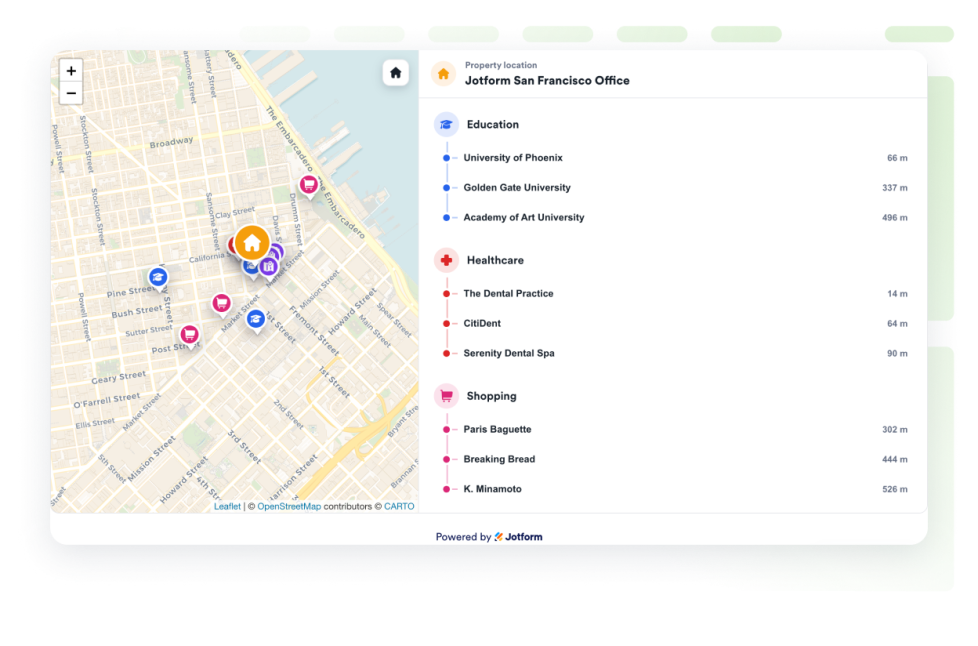
Adicione um mapa de localização imobiliária para mostrar um imóvel com OpenStreetMap, indicadores de distância e opções próximas de educação, saúde, transporte, parques e comércio.
Ir para Categoria:NegóciosUsar WidgetOps, nenhum resultado encontrado
No results match your search. Please try another keyword.
About Business Widgets
Business widgets help companies present important information and useful resources directly on their websites without custom code. These embeddable widgets can introduce a team, display business hours and locations, share services or work samples, publish job openings, and provide visitors with practical business details.
With Jotform’s business widgets, you can create restaurant menus, team showcases, portfolios, business hours displays, location maps, job boards, About Us sections, resumes, and recipe cards. They can be added to business websites, service pages, contact pages, restaurant websites, real estate listings, career pages, portfolios, and local business landing pages.
What can you do with business widgets?
Business widgets can help you:
- Display menu categories, item descriptions, prices, and reservation links with a Restaurant Menu widget
- Introduce employees using team profiles, photos, roles, biographies, and social links
- Present projects and work samples in a Portfolio widget
- Show opening hours, contact details, location information, and current business status
- Help visitors find stores, offices, venues, or service areas with Google Maps or OpenStreetMap
- Publish available positions on an embeddable Job Board
- Share your company’s history, mission, values, and team in an About Us section
- Add a professional resume to a personal or business website
- Display recipes with ingredients, instructions, images, nutrition details, and preparation times
- Show real estate locations and nearby schools, transportation, parks, stores, or healthcare services
Popular business widget use cases
Business widgets can support many types of companies and independent professionals. Restaurants can use a Restaurant Menu widget to present food and drink categories, prices, descriptions, and reservation links. Local businesses can add a Business Hours widget and an interactive map so customers can check opening times, contact the business, and find directions.
Agencies, freelancers, photographers, designers, and consultants can use a Portfolio widget to display completed projects. Companies can add a Team Showcase or About Us widget to help visitors learn about their employees, background, mission, and values.
Recruiters and growing businesses can publish available roles with a Job Board widget. Real estate professionals can use a Real Estate Location Map to show a property and nearby services, while businesses with multiple locations can display offices, stores, or service areas using a map widget.
Easy website widgets for any team
Embeddable business widgets are useful for small businesses, restaurants, agencies, freelancers, real estate professionals, recruiters, local service providers, creators, and growing teams that want to share useful information without relying on a developer or designer.
With Jotform, users can select a widget, customize the content, settings, layout, and design, preview how it will appear, and copy the embed code. They can then add the widget to a supported website editor or HTML section without custom code.
This gives business owners and team members a practical way to update their website with company information, team profiles, operating hours, locations, job listings, and other visitor resources.
Guias relacionados
To learn more about setting up and managing widgets, users can read Jotform’s guide on managing website widgets. The guide explains that users can create new widgets, edit existing widgets, copy embed codes, control widget visibility, and organize their widget assets from the My Website Widgets page.
Business Widgets FAQ
What are business widgets?
Business widgets are embeddable website tools that help companies display information and resources for customers, applicants, and other visitors. They can include menus, business hours, maps, team profiles, portfolios, job boards, company information, and resumes.
What types of businesses can use business widgets?
Business widgets can be used by restaurants, local businesses, agencies, freelancers, real estate companies, professional service providers, recruiters, creators, and organizations with multiple locations. The best widget depends on what information visitors need from the business.
Where should I add business widgets?
You can add business widgets to homepages, About Us pages, contact pages, service pages, career pages, property listings, restaurant pages, and portfolio pages. Place each widget close to the related information or action so visitors can find it easily.
Do business widgets require coding?
No. You do not need a developer or designer. You can customize the widget, copy the embed code, and add it to your website without custom code. The exact embedding steps depend on the website platform or page editor you use.


