Os widgets de formulário ajudam você a coletar informações, solicitações de agendamento, mensagens, feedback e detalhes dos clientes do seu site sem código personalizado. Esses widgets incorporáveis podem oferecer suporte a ações comuns dos visitantes, como agendar um horário, entrar em contato com sua equipe, enviar uma solicitação ou compartilhar feedback.
Com os widgets de formulário da Jotform, você pode escolher um widget, personalizar suas configurações, ajustar o design e incorporá-lo ao seu site. Os widgets de formulário funcionam bem em páginas iniciais, páginas de contato, páginas de serviços, páginas de agendamento, páginas de produtos, páginas de suporte, landing pages e sites empresariais onde os visitantes precisam de uma maneira simples de enviar informações ou dar o próximo passo.
What can you do with form widgets?
Os widgets de formulário podem ajudar você a:
- Adicione formulários incorporáveis ao seu site sem escrever código
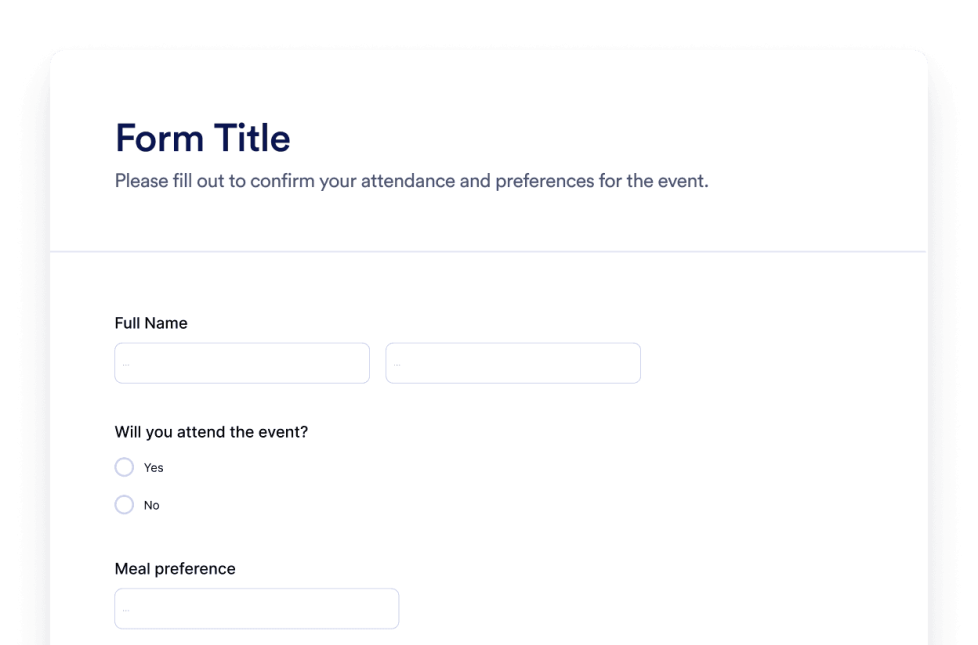
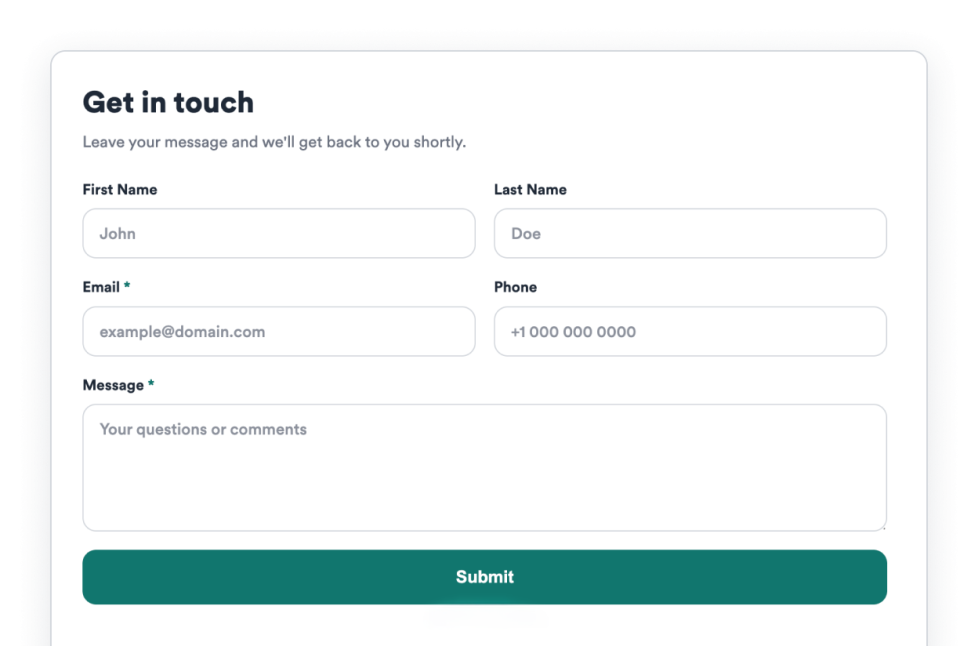
- Colete mensagens de visitantes, detalhes de contato, solicitações de suporte e pedidos de retorno de chamada
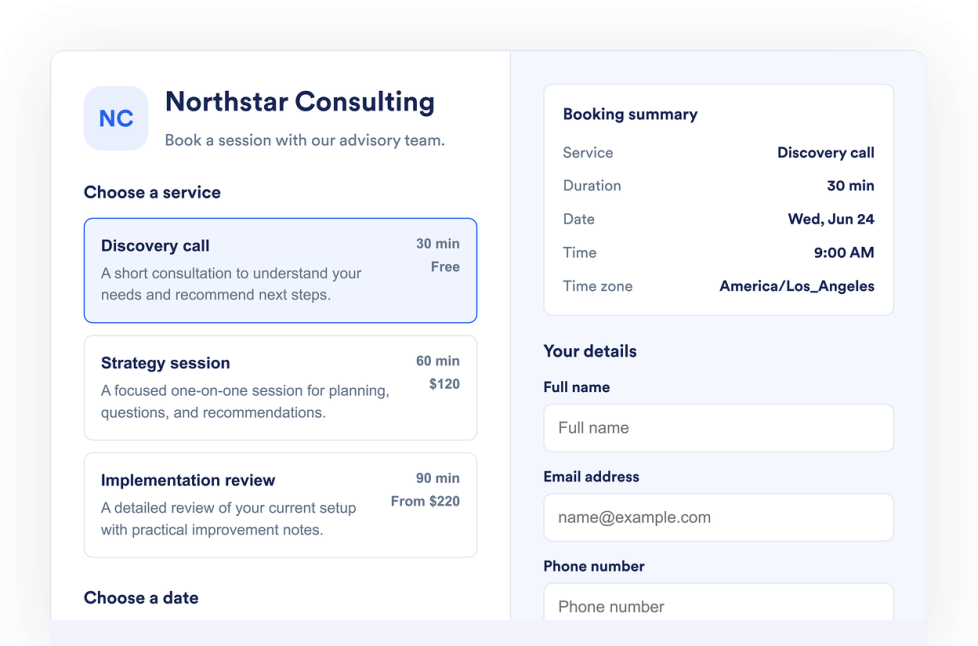
- Permita que os visitantes enviem solicitações de agendamento de horários diretamente do seu site
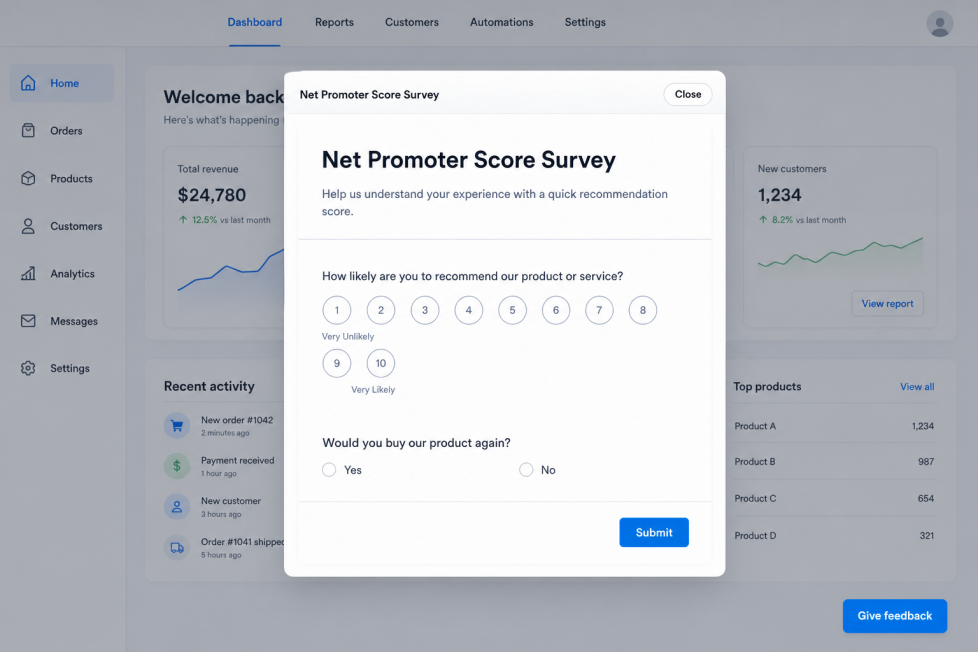
- Colete feedback com ferramentas como um widget de Net Promoter Score
- Ofereça suporte à captura de leads, solicitações de serviços, agendamentos, feedback e comunicação com clientes
- Personalize os campos do formulário, mensagens, botões, layout, posicionamento e opções de exibição de acordo com o widget
- Mantenha os visitantes no seu site enquanto eles enviam informações ou solicitam ajuda
Popular form widget use cases
Os widgets de formulário podem ser usados em diferentes partes de um site com base no que os visitantes precisam enviar. Por exemplo, um widget de Agendamento de Horários pode ajudar empresas a listar serviços, gerenciar disponibilidade, coletar detalhes dos clientes e aceitar solicitações de agendamento sem código. Um widget de Fale Conosco pode coletar mensagens de visitantes, detalhes de contato, solicitações de suporte e pedidos de retorno de chamada. Um widget de Net Promoter Score pode ajudar equipes a coletar feedback por meio de um botão de feedback personalizável, perguntas de pesquisa editáveis, posicionamento flexível e acompanhamento de respostas do Jotform.
Os widgets de formulário são especialmente úteis quando uma página precisa coletar informações no momento certo. Eles podem oferecer suporte à geração de leads, solicitações de agendamento, atendimento ao cliente, pedidos de retorno de chamada, coleta de feedback, consultas de serviços e comunicação de acompanhamento em uma seção compacta.
Easy form widgets for data collection and bookings
Widgets de formulário incorporáveis são úteis para pequenas equipes, PMEs, negócios locais, prestadores de serviços, clínicas, salões, agências, educadores, organizações sem fins lucrativos, equipes de eventos e equipes de suporte que desejam coletar informações de um site sem depender de um desenvolvedor ou designer.
Com a Jotform, os usuários podem escolher um widget de formulário, personalizar o conteúdo, os campos, o layout, o posicionamento e o design do formulário, copiar o código de incorporação e adicioná-lo ao seu site sem código personalizado. Isso facilita coletar mensagens, agendar horários, solicitar feedback, gerenciar consultas ou guiar os visitantes rumo a um agendamento, contato, cadastro ou próxima ação a partir de um único criador no-code.
Guias relacionados
Para saber mais sobre como configurar e gerenciar widgets, os usuários podem consultar o guia da Jotform sobre gerenciamento de widgets para sites. O guia explica como criar novos widgets, editar widgets existentes, copiar códigos de incorporação, controlar a visibilidade dos widgets e organizar seus recursos de widgets na página Meus Widgets para Sites.
What are form widgets?
Os widgets de formulário são ferramentas de site incorporáveis que ajudam os visitantes a enviar informações diretamente em uma página da web. Eles podem ser usados para mensagens de contato, solicitações de agendamento, solicitações de suporte, feedback, pedidos de retorno de chamada e outras necessidades de coleta de dados.
Where should I use form widgets?
Você pode usar widgets de formulário em páginas iniciais, páginas de contato, páginas de serviços, landing pages, páginas de agendamento, páginas de produtos, páginas de suporte e sites empresariais. O melhor posicionamento depende de onde os visitantes têm maior probabilidade de fazer uma pergunta, pedir ajuda, agendar um serviço ou enviar informações.
Can I customize form widgets?
Sim. Os widgets de formulário geralmente podem ser personalizados antes de serem incorporados. Dependendo do widget, você pode ajustar campos, rótulos, perguntas, botões, layout, cores, posicionamento, acompanhamento de respostas e outras opções de exibição.
Do form widgets require coding?
Não. Os widgets de formulário da Jotform podem ser adicionados sem programação personalizada. Após personalizar um widget, os usuários podem incorporá-lo a um site usando o código de incorporação fornecido.