-
 Klahold
Hallo Jotform-Support,
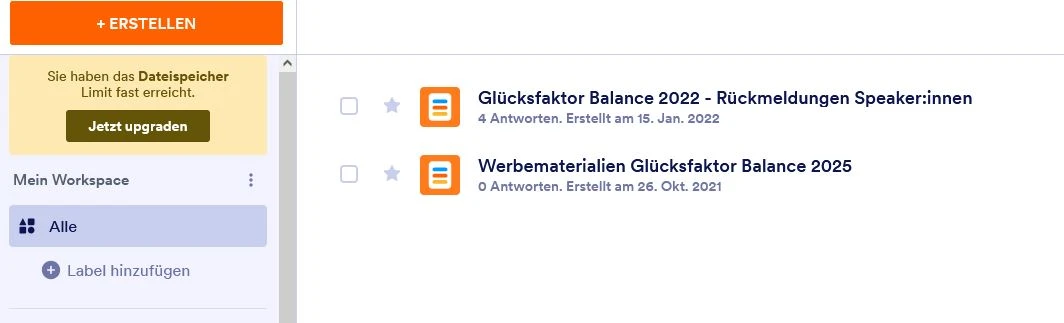
ich nutze einen kostenlosen Account. Ich habe die meisten eingegangenen Formulareinträge (Submissions) einschließlich des Papierkorbs gelöscht, um Speicherplatz freizugeben. Trotzdem zeigt mein Upload-Speicher weiterhin denselben Wert (80 MB von 100 MB belegt).
Können Sie bitte prüfen, warum der Speicher nicht aktualisiert wurde und ggf. manuell zurücksetzen?
Vielen Dank im Voraus,
Kirsten
----
Hello Jotform Support,
I am using a free account. I have deleted all form submissions, including the trash, to free up storage space. However, my upload storage still shows the same value (80 MB of 100 MB used).
Could you please check why the storage is not updating and reset it manually if necessary?
Thank you in advance,
Kirsten

-
 Mary Eden Jotform Support
Hi Kirsten,
Thanks for reaching out to Jotform Support. Our German Support agents are busy helping other Jotform users right now, so I'll try to help you in English using Google Translate, but you can reply in whichever language you feel comfortable using. Or, if you'd rather have support in German, let us know and we can have them do that. But, it might take a while until they're available again.
Now, coming back to your question, even after deleting form submissions, you still need to clear the trashed entries to successfully free up your upload storage space. You can easily delete your trashed submissions in Jotform Tables. Let me show you how:
- In Jotform Tables, click on the Three Dots icon next to your form title in the tabs.
- In the Dropdown menu, click on Trashed Entries to open the Trash menu.
- Then, in the Trash menu on the right, click on the Checkboxes to select the submissions you want to purge. To select all, click on the Select All button.
- Now, click on Delete Forever, and in the Confirmation window, click on the Delete button to confirm.
Give it a try and let us know if you need any help.