

Vorlagen für Finanz-Workflows

Formular für Investitionsanträge
Optimieren Sie Investitionsanträge in Ihrem Unternehmen. Kostenlose Vorlage für automatisierte Genehmigungsabläufe für Finanzteams. Fügen Sie Genehmiger, E-Mails, Bedingungen und mehr hinzu.
Zur Kategorie:Finanzen
KYC-Formular
Bearbeiten Sie KYC-Anträge (Know Your Customer) online. Ideal für Banken und andere Finanzinstitute. Leicht anpassbar. Reagieren Sie auf jedem Gerät. Keine Programmierkenntnisse erforderlich.
Zur Kategorie:Finanzen
Formular zur Beantragung von Geldern
Bearbeiten Sie Fondsanträge für Ihr Unternehmen online. Nehmen Sie Übermittlungen an und antworten Sie auf jedem Gerät. Leicht anpassbar. Senden Sie Benachrichtigungen und Autoresponder-E-Mails.
Zur Kategorie:Finanzen
Formular zum Hochladen von Rechnungen
Erfassen, prüfen und genehmigen oder verweigern Sie Rechnungen nahtlos von jedem Gerät aus. Einfach anpassbarer automatischer Online Genehmigungsablauf. Senden Sie Benachrichtigungen und Autoresponder-E-Mails.
Zur Kategorie:Finanzen
Formular Budgetgenehmigung
Erstellen Sie einen Budgetgenehmigungsablauf für Ihr Unternehmen. Fügen Sie Genehmiger hinzu, versenden Sie automatisch E-Mails, richten Sie eine bedingte Logik ein und vieles mehr. Verwalten Sie Genehmigungen auf jedem Gerät.
Zur Kategorie:Finanzen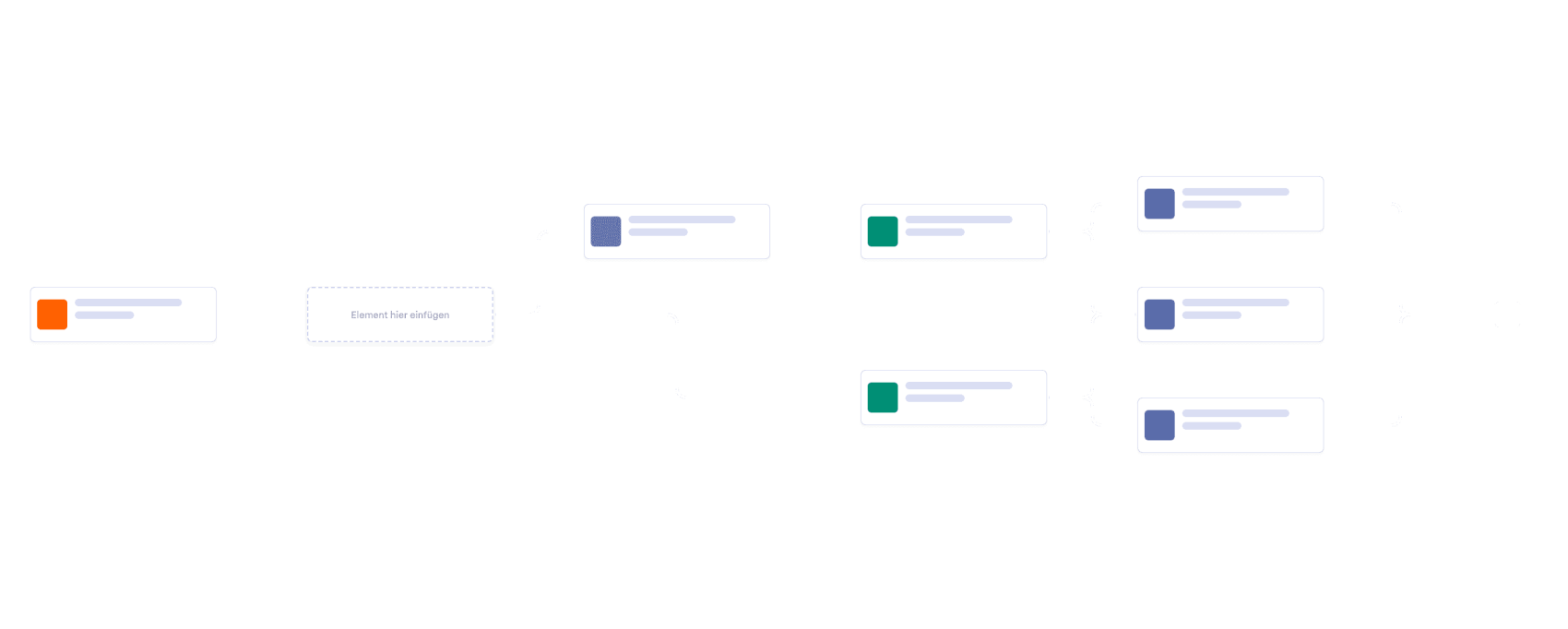
Kontoeröffnungsformular
Verbessern Sie Ihren Prozess der Kontofreigabe mit einem automatisierten Online-Workflow. Ideal für Banken und Finanzunternehmen. Leicht anpassbar. Senden Sie Benachrichtigungen und E-Mails.
Zur Kategorie:Finanzen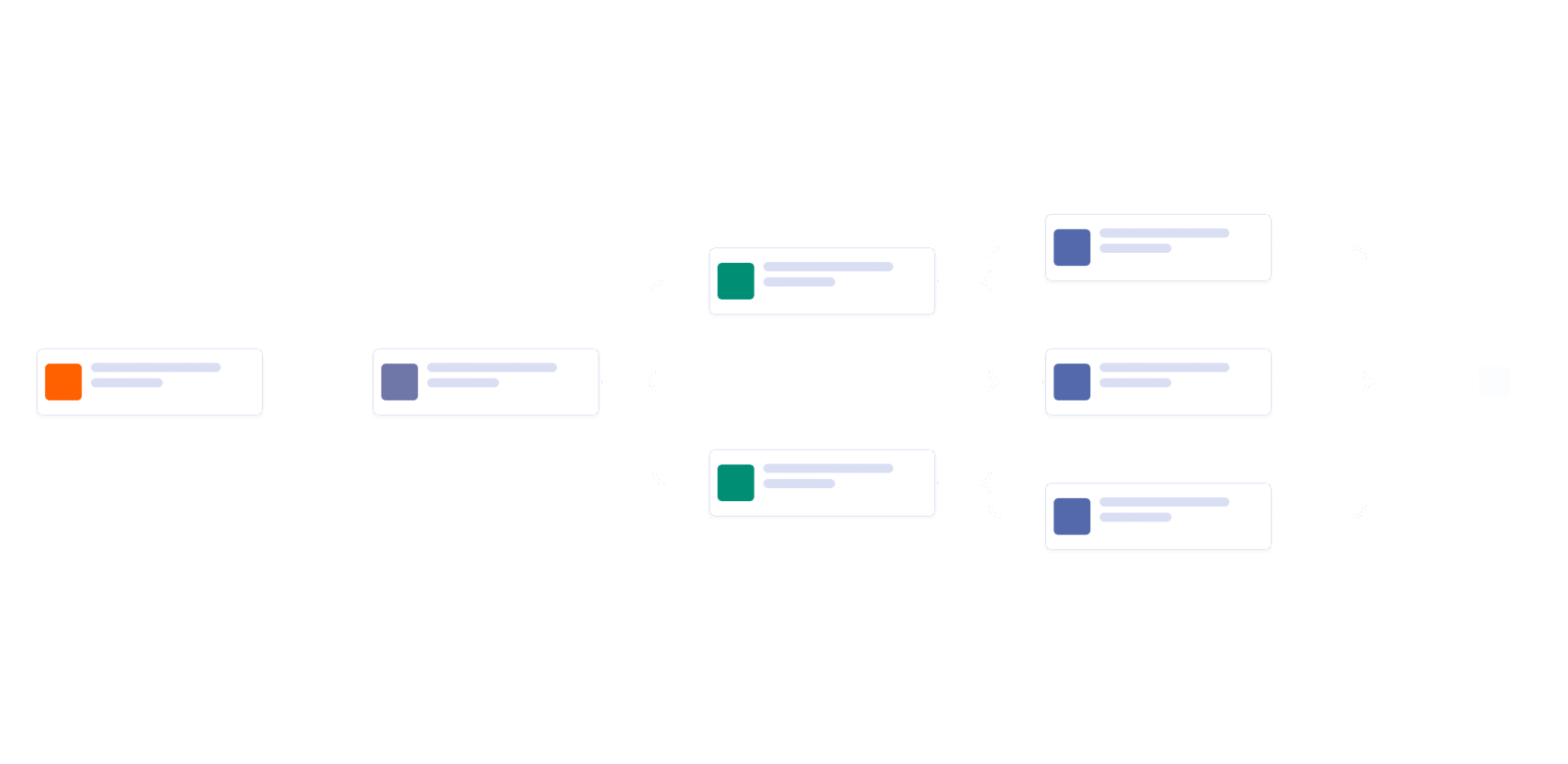
Formular für Kontoeröffnung
Gewinnen Sie neue Kunden für neue Konten bei Ihrer Bank mit dieser kostenlosen Onlinevorlage für den Kontoeröffnungsprozess! Wenn Sie eine Übermittlung über Ihr Kontoeröffnungsformular erhalten, wird diese direkt an Ihren Finanzmanager weitergeleitet - oder, wenn der Antragsteller ein vorrangiges Konto beantragt, geht sie stattdessen an Ihren Leiter für Investitionen. Sie können auch zusätzliche Genehmiger für jeden Schritt hinzufügen. Der/die Genehmiger entscheiden dann, ob sie den Antrag genehmigen oder ablehnen. Der Kunde erhält dann automatisch eine E-Mail, in der er über das Ergebnis informiert wird. Aktualisieren Sie das Design dieser Vorlage für den Prozess der Kontobewilligung mit unserer benutzerfreundlichen Benutzeroberfläche - fügen Sie einfach per Drag & Drop neue Genehmigende hinzu, aktualisieren Sie bedingte Zweige und richten Sie automatische E-Mails und Benachrichtigungen ein. Sie können von jedem Gerät aus auf Ihren Genehmigungsprozess zugreifen und Änderungen daran vornehmen, und Ihre Genehmiger können direkt vom Jotform Posteingang aus auf Anträge reagieren. Optimieren Sie noch heute Ihren Genehmigungsprozess für Konten mit der kostenlosen Vorlage für den Genehmigungsprozess für Konten von Jotform!
Zur Kategorie:Finanzen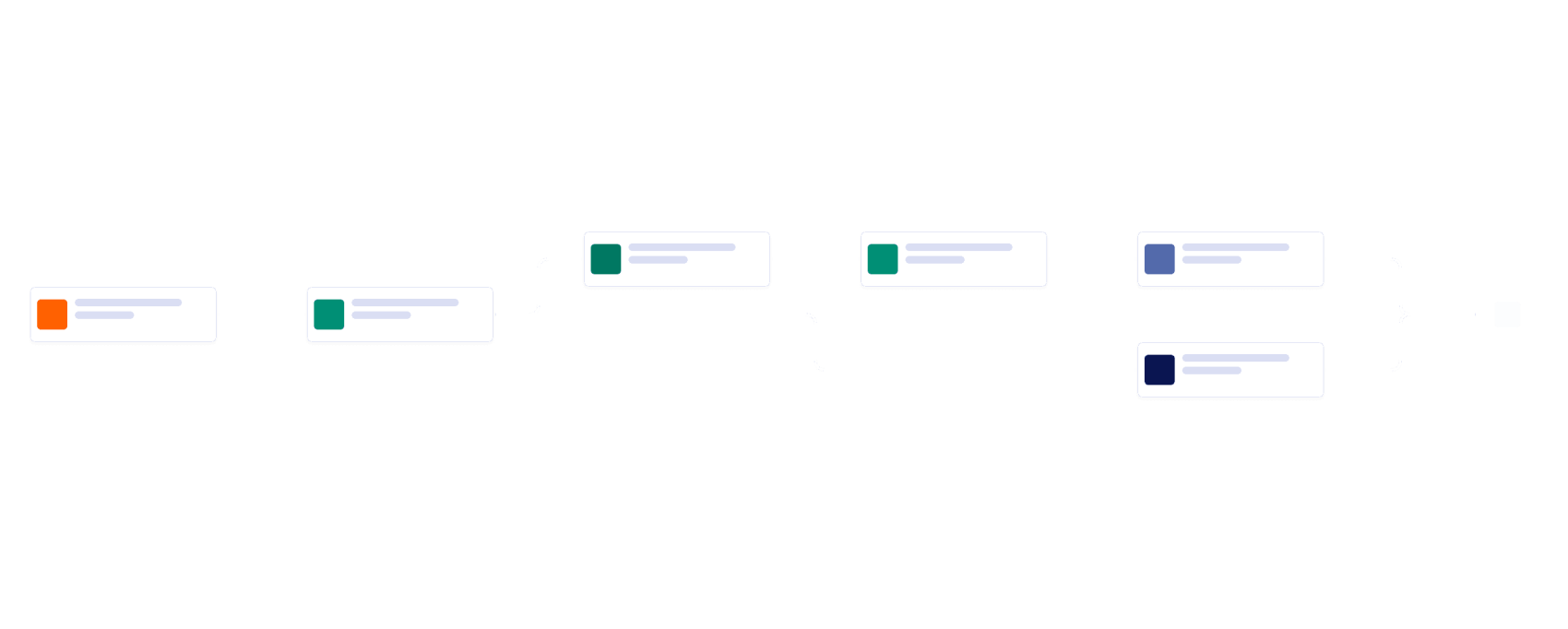
Formular für den Kauf von Büromaterialien
Optimieren Sie Ihre Bestellungen. Kostenlose Vorlage zur automatischen Genehmigung. Genehmigen oder verweigern Sie Bestellanfragen schnell. Weisen Sie Genehmiger zu, fügen Sie E-Mails hinzu und mehr. Keine Programmierkenntnisse erfordelich.
Zur Kategorie:Finanzen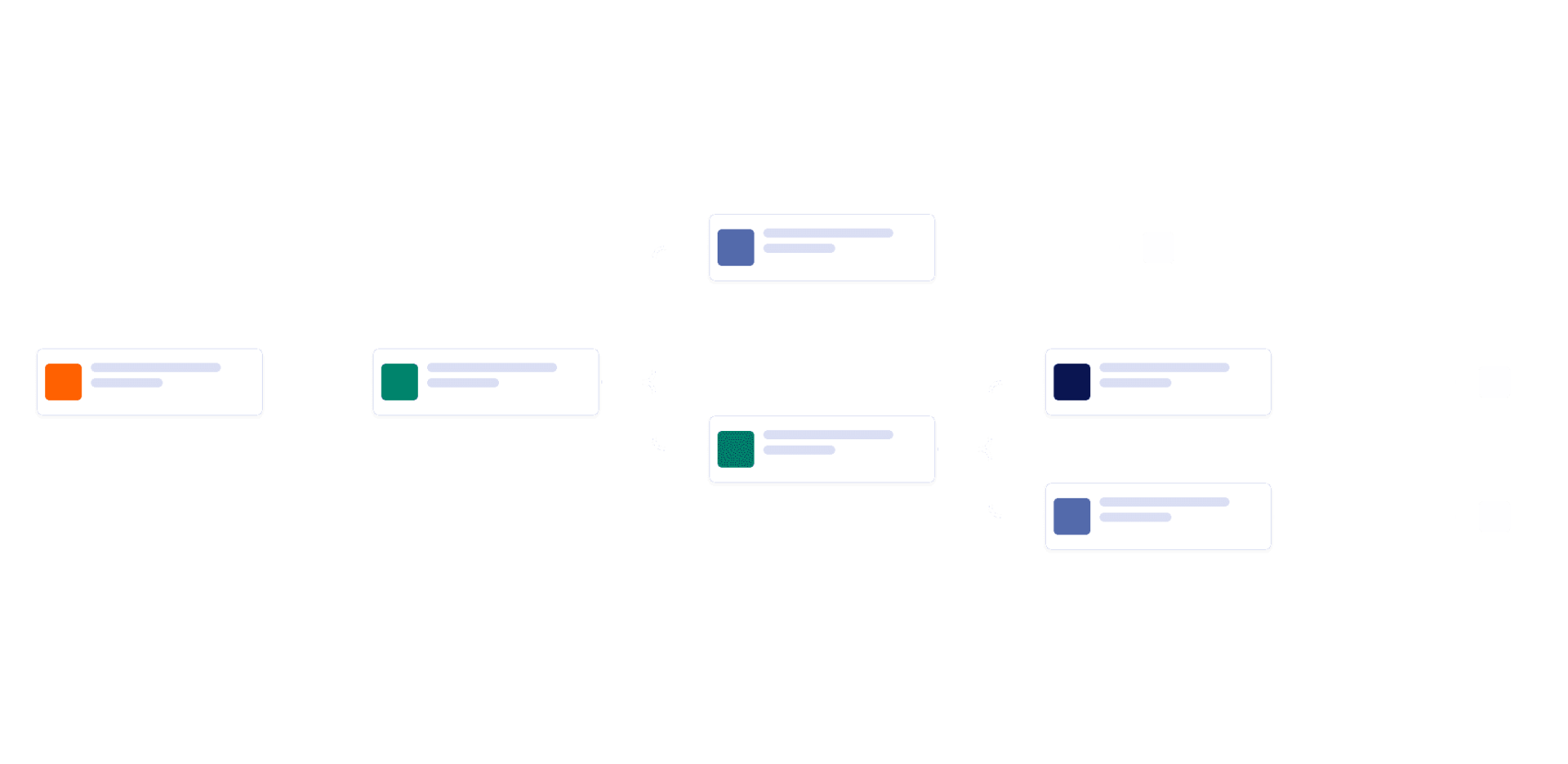
Formular zur Reisegenehmigung für Mitarbeiter
Beschleunigen Sie den Prozess der Reisekostengenehmigung. Genehmigen, verweigern und leiten Sie Anträge sofort auf jedem Gerät weiter. Senden Sie automatisch E-Mails. Sparen Sie Zeit mit Automatisierung.
Zur Kategorie:Finanzen
Formular zum Hochladen einer Rechnung
Ein Rechnungsfreigabeformular wird in Unternehmen verwendet, um eingereichte Rechnungen zu genehmigen oder abzulehnen. Es wird in der Regel von den Buchhaltungsabteilungen der Unternehmen verwendet. Es ermöglicht dem Kunden auch, Rechnungen zu verfolgen, die noch nicht genehmigt wurden. Erleichtern Sie sich das Erfassen, Prüfen und Genehmigen von Rechnungen mit einer kostenlosen Onlinevorlage für die Rechnungsgenehmigung! Wenn ein Mitarbeiter eine Rechnung erstellt und Ihr Formular zum Hochladen von Rechnungen ausfüllt, wird die Übermittlung direkt an Ihren Finanzmanager gesendet, der die Rechnung prüft und entscheidet, ob er sie genehmigt oder ablehnt. Sobald er seine Entscheidung getroffen hat, wird eine Autoresponder-E-Mail ausgelöst, die den Mitarbeiter über seine Entscheidung informiert. Sie müssen Ihre Rechnungen von mehreren Personen in Ihrem Unternehmen prüfen lassen? Fügen Sie mit dem Drag & Drop Generator von Jotform auf Knopfdruck neue Genehmiger hinzu. Sie können auch Autoresponder-E-Mails anpassen, Benachrichtigungen versenden, Zeitlimits festlegen, neue bedingte Zweige hinzufügen und vieles mehr. Jeder Genehmiger kann auf die eingereichten Rechnungen in seinem Posteingang zugreifen, um seine Entscheidungen effizienter zu treffen. Sparen Sie Zeit, indem Sie den Prozess der Rechnungsfreigabe mit einer automatisierten Vorlage für die Rechnungsfreigabe beschleunigen.
Zur Kategorie:Finanzen
Formular für Rabattanträge
Egal, ob Ihr Unternehmen Rabatte für Studenten, Ersthelfer, medizinisches Personal oder Veteranen anbietet, verwalten Sie den Genehmigungsprozess für Rabattanfragen mit unserer kostenlosen Vorlage für den Rabattgenehmigungsprozess. Wenn jemand das Formular für Rabattanträge auf Ihrer Website ausfüllt, wird seine Anfrage an einen Vertriebsspezialisten - oder wen auch immer Sie wollen - zur ersten Prüfung weitergeleitet. Wird die Anfrage genehmigt, wird sie an die nächste Person im Genehmigungsprozess weitergeleitet, z.B. an einen Finanzspezialisten, und der ursprüngliche Benutzer des Formulars wird automatisch per E-Mail über den Status seiner Anfrage informiert. Lassen Sie unsere Vorlage für den Rabattgenehmigungsprozess besser für sich arbeiten. Mit der Drag & Drop Benutzeroberfläche von Jotform können Sie ganz einfach neue Genehmiger zuweisen, weitere Schritte und bedingte Verzweigungen erstellen, E-Mail-Inhalte aktualisieren und vieles mehr. Als Eigentümer des Formulars können Sie Anfragen und deren Genehmigungsstatus in Jotform Posteingang nachverfolgen, so dass keine Rabattanfrage durch die Maschen fällt. Geben Sie Rabatte an die richtigen Kunden mit einer automatisierten Vorlage für den Rabattgenehmigungsprozess.
Zur Kategorie:Finanzen
Formular für elektronische Geldüberweisung
Bearbeiten Sie Überweisungsanfragen mit Leichtigkeit. Anpassbarer Online-Genehmigungsablauf für jedes Unternehmen. Richten Sie Benachrichtigungen, Autoresponder-E-Mails, Zeitlimits und mehr ein.
Zur Kategorie:Finanzen
Beleg für die Portokasse
Vereinfachen Sie Kassenanfragen, indem Sie sie online entgegennehmen. Einfach anpassbarer automatischer Online-Genehmigungsablauf. Senden Sie Benachrichtigungen, E-Mails und mehr. Antworten Sie von jedem Gerät aus.
Zur Kategorie:Finanzen
Formular für Rabattanträge - 2
Genehmigen oder lehnen Sie Rabattanträge über Ihre Website ab. Kostenlose Vorlage für automatisierte Genehmigungsprozesse für Unternehmen. Fügen Sie neue Genehmiger, Schritte und mehr hinzu. Keine Programmierkenntnisse erforderlich.
Zur Kategorie:Finanzen
Antragsformular für Kundenkredite
Empfangen und prüfen Sie Kreditanträge online. Leicht anpassbarer automatischer Genehmigungsablauf. Ideal für Banken und Finanzinstitute. Senden Sie Autoresponder-E-Mails.
Zur Kategorie:Finanzen
COVID-19 Antragsformular für Zuschüsse
Genehmigen oder verweigern Sie Zuschussanträge online. Leicht anpassbare Vorlage für den Genehmigungsablauf. Leiten Sie Anträge automatisch an Mitarbeiter weiter und senden Sie Genehmigungs-E-Mails an Antragsteller.
Zur Kategorie:FinanzenÜber Workflow Vorlagen für Finance Workflow Templates
Workflow-Vorlagen für Finanzen sind spezialisierte digitale Vorlagen, die verschiedene Abläufe im Finanzwesen vereinfachen. Sie decken ein breites Spektrum an Anforderungen in Finanzabteilungen ab. Mit diesen Workflows arbeiten Finanzabteilungen effizienter, weil Aufgaben festen Abläufen folgen. Die Vorlagen sind auf die Komplexität im Finanzwesen ausgelegt und bieten strukturierte Abläufe von der Freigabe von Bestellungen bis hin zu umfangreichen Berichtsprozessen.
Jotform Workflows stands out as the premier online workflow builder for Workflow Templates for Finance. With its intuitive drag-and-drop interface, users can effortlessly customize workflows to meet specific organizational needs. Jotform Workflows enables automation of approvals, task assignments, notifications, and more, ensuring that all financial processes are streamlined and efficient. The platform also offers centralized progress tracking and data management through Jotform Inbox and Jotform Tables, allowing finance professionals to have a clear overview of workflow progress and data integrity. This centralized approach ensures that all financial data is handled professionally and securely, supporting informed decision-making at every step.
Why Use Workflow Templates for Finance?
- Workflow Templates for Finance offer remarkable accuracy and speed, significantly reducing the time needed to complete financial tasks. By automating routine processes, these templates ensure that data is processed consistently and errors due to manual input are minimized.
- Process consistency is a major advantage of using these templates. By standardizing financial workflows, organizations can ensure that every step is executed uniformly, reducing the risk of deviations and ensuring compliance with internal standards.
- These templates enhance accountability within financial operations by clearly defining roles and responsibilities. When tasks are assigned automatically, team members know exactly what is expected of them, leading to improved accountability and performance.
- Professional data handling is integral to financial operations, and Workflow Templates for Finance ensure that all financial data is processed securely and stored appropriately. This reduces the risk of data loss and ensures that sensitive information is handled with the utmost care.
- The templates also offer seamless integration with other business systems, facilitating smooth data flow between departments. This connectivity enhances collaboration and ensures that financial data is always up-to-date and accessible when needed.
Common Problems Solved by Workflow Templates for Finance
- One common issue in financial operations is the prevalence of manual follow-ups, which can lead to inefficiencies and delays. Workflow Templates for Finance automate these follow-ups, ensuring that reminders and notifications are sent automatically, keeping the process moving forward without manual intervention.
- Disconnected processes often plague financial departments, leading to inconsistencies and lost information. By centralizing workflows, these templates ensure that every step is connected and that all participants have access to the information they need.
- Approval delays are a frequent challenge in finance, often causing bottlenecks in operations. Workflow Templates for Finance automate approval processes, routing requests to the appropriate approvers and expediting decision-making.
- Unclear responsibilities can result in missed deadlines and incomplete tasks. These templates define roles clearly, ensuring that every team member knows their responsibilities and that tasks are completed on time.
- Limited process visibility can hinder management's ability to oversee financial operations effectively. With real-time tracking and comprehensive data management, these templates provide full visibility into the progress of financial workflows, allowing for informed oversight and quick identification of any issues.
Passende Anwendungsfälle für Features
- For tasks requiring approval, the Automated Approval feature ensures that requests are routed to the correct approvers, facilitating timely decision-making and minimizing delays.
- The Drag-and-Drop Workflow Builder is ideal for creating customized workflows that meet specific financial process requirements. This feature allows users to design workflows that fit their unique operational needs without coding.
- Conditional Logic is particularly useful in scenarios where different actions need to be taken based on specific conditions, such as varying approval levels for different expense amounts.
- Task Assignments are crucial for distributing responsibilities within a team, ensuring that all members know their specific tasks and deadlines, thereby improving operational efficiency.
- Payment Requests can be integrated into workflows to automate the financial transaction process, ensuring that payments are requested and processed efficiently and accurately.
- Electronic Signature Requests facilitate the secure and efficient signing of financial documents, ensuring that approvals are legally binding and completed swiftly.
- Third-Party Integrations enable seamless connectivity with other platforms, ensuring that data is shared accurately and efficiently across different business systems, supporting coordinated financial operations.
How to Create a Workflow Templates for Finance
- Browse the Template List for a Workflow Templates for Finance workflow template or start with a blank workflow.
- Customize the workflow steps, assignments, conditions, and actions using the Drag-and-Drop Workflow Builder.
- Activate the workflow, connect it to the appropriate starting form, and monitor its progress through Jotform Inbox or Jotform Tables.
Top Use Cases for Workflow Templates for Finance
- For Managers: Workflow Templates for Finance provide managers with a comprehensive view of all ongoing financial processes. By centralizing data and allowing for real-time monitoring, managers can make informed decisions quickly and effectively. These templates also help ensure that all financial operations are aligned with organizational goals, providing a reliable framework for achieving strategic objectives.
- For Teams: Teams benefit from the streamlined processes and clear task assignments provided by these workflow templates. By automating routine tasks and defining clear responsibilities, teams can focus on strategic initiatives rather than being bogged down by administrative duties. The templates also facilitate better communication and collaboration among team members, enhancing overall productivity.
- For Customers: Workflow Templates for Finance enhance the customer experience by ensuring that financial transactions and processes are handled efficiently and accurately. Customers benefit from faster response times and reduced errors, which builds trust and satisfaction. Additionally, the seamless processing of financial requests ensures that customer interactions with the finance department are smooth and professional.
Summarizing Workflow Templates for Finance
Workflow Templates for Finance are essential for enhancing the efficiency and reliability of financial operations. By automating routine tasks, standardizing processes, and providing clear accountability, these templates support organizations in achieving their financial objectives. The flexibility of Jotform Workflows allows for customization to meet specific needs while maintaining high standards of data security and process integrity. Ultimately, these templates not only improve internal operations but also enhance customer satisfaction by ensuring that financial processes are handled professionally and promptly.
Häufig gestellte Fragen
1) Was sind Vorlagen für den Workflow im Finanzwesen?
Vorlagen für Finanz-Workflows sind vorgefertigte Automatisierungstools, die zur Optimierung von Finanzprozessen wie Spesenverfolgung, Rechnungsgenehmigungen, Budgetverwaltung und Finanzberichterstattung gestaltet wurden. Diese Vorlagen helfen Finanzteams, Aufgaben effizienter zu verwalten und manuelle Fehler zu reduzieren.
2) Wie können Vorlagen für Finanz-Workflows Finanzteams zugutekommen?
Vorlagen für Finanz-Workflows automatisieren sich wiederholende Aufgaben wie die Rechnungsbearbeitung, die Weiterleitung von Genehmigungen und Zahlungserinnerungen. Dies reduziert den manuellen Aufwand, erhöht die Genauigkeit und hilft Finanzteams, sich auf die strategische Finanzplanung und -analyse zu konzentrieren.
3) Welche Arten von Finanzaufgaben können mithilfe von Vorlagen für Workflows automatisiert werden?
Vorlagen für Finanz-Workflows lassen sich nahtlos in Tools wie QuickBooks für die Verwaltung von Finanzunterlagen, Google Drive, Dropbox und OneDrive für die Dokumentenspeicherung sowie Slack und Microsoft Teams für die Kommunikation integrieren. Diese Integrationen ermöglichen einen reibungslosen Datenfluss und eine verbesserte Zusammenarbeit bei Finanzprozessen.
4) Wie lassen sich Vorlagen für Finanz-Workflows in Finanztools integrieren?
Vorlagen für Finanz-Workflows lassen sich nahtlos in Tools wie QuickBooks für die Verwaltung von Finanzunterlagen, Google Drive, Dropbox und OneDrive für die Dokumentenspeicherung sowie Slack und Microsoft Teams für die Kommunikation integrieren. Diese Integrationen ermöglichen einen reibungslosen Datenfluss und eine verbesserte Zusammenarbeit bei Finanzprozessen.
5) Sind Vorlagen für Finanz-Workflows an verschiedene Branchen anpassbar?
Ja, die Vorlagen für Finanz-Workflows sind vollständig anpassbar, um den spezifischen Anforderungen verschiedener Branchen wie Einzelhandel, Fertigung oder Dienstleistungen gerecht zu werden. Benutzer können Workflows an ihre Finanzrichtlinien, Berichtsanforderungen und internen Genehmigungsprozesse anpassen.
7) Wie unterstützen Vorlagen für Finanz-Workflows die Rechnungsprüfung?
Vorlagen für Finanz-Workflows optimieren das Ausgabenmanagement durch die Automatisierung des Genehmigungsprozesses, die Nachverfolgung von Ausgaben und das Versenden von Benachrichtigungen für Rückerstattungen. Durch die Integration mit Tools wie QuickBooks wird sichergestellt, dass die Ausgabendaten korrekt erfasst werden und für die Finanzberichterstattung leicht zugänglich sind.
7) Wie unterstützen Vorlagen für Finanz-Workflows die Rechnungsprüfung?
Vorlagen für Finanz-Workflows automatisieren den Rechnungsgenehmigungsprozess, indem sie Rechnungen an die richtigen Genehmigenden weiterleiten, Erinnerungen für ausstehende Genehmigungen senden und sicherstellen, dass alle Schritte abgeschlossen werden. Die Integration mit Tools wie QuickBooks hilft, die Zahlungsabwicklung nach erfolgter Genehmigung zu optimieren.
8) Können Vorlagen für Finanz-Workflows bei der Budgetverwaltung helfen?
Ja, Vorlagen für Finanz-Workflows können die Budgetverfolgung automatisieren, indem sie Benachrichtigungen für Budgetlimits einrichten, Berichte erstellen und Genehmigungen für Budgetanpassungen weiterleiten. So wird sichergestellt, dass Finanzteams in Echtzeit Einblicke in die Ausgaben erhalten und fundierte finanzielle Entscheidungen treffen können.
9) Wie verbessern Vorlagen für Finanz-Workflows die Finanzberichterstattung?
Vorlagen für Finanz-Workflows vereinfachen die Finanzberichterstattung, indem sie die Erfassung von Finanzdaten automatisieren, Berichte erstellen und diese zur Überprüfung weiterleiten. Durch die Integration mit Google Drive, Dropbox und OneDrive können Finanzteams Berichte sicher abteilungsübergreifend speichern und freigeben.
10) Wie tragen Vorlagen für Finanz-Workflows zur Compliance mit Finanzvorschriften bei?
Vorlagen für Finanz-Workflows helfen bei der Sicherstellung der Compliance, indem sie Genehmigungsprozesse automatisieren, Audit-Trails generieren und Finanzdokumente sicher speichern. Durch die Integration mit Tools wie QuickBooks und Cloud-Speicherdiensten (Google Drive, Dropbox, OneDrive) wird sichergestellt, dass alle Finanzunterlagen ordnungsgemäß gepflegt werden und für Audits zugänglich sind.