

Vorlagen für Bildungs-Workflows

Zulassungsformular für die Hochschule
Beschleunigen Sie den Zulassungsprozess Ihrer Hochschule für Ihre Studieninteressenten mit der kostenlosen Vorlage für den Zulassungsprozess von Jotform! Wenn jemand Ihr Hochschulzulassungsformular ausfüllt, wird es automatisch an Ihren Hochschuladministrator weitergeleitet - bereit, auf jedem Gerät genehmigt oder abgelehnt zu werden. Jede Entscheidung löst eine automatisierte E-Mail aus, die den Studenten über das Ergebnis seiner Bewerbung informiert. So wird der Genehmigungsprozess automatisiert und Ihr Team spart Zeit. Fügen Sie per Drag & Drop weitere Genehmiger hinzu, richten Sie bedingte Verzweigungen ein, versenden Sie Benachrichtigungen und passen Sie Autoresponder-E-Mails an. Es dauert nur ein paar Minuten, bis diese Genehmigungsvorlage perfekt für Ihre Hochschule funktioniert! Als Eigentümer des Formulars können Sie die Zulassungsinformationen auf jedem Gerät einsehen und so neue Bewerbungen so schnell wie möglich genehmigen lassen. Automatisieren Sie Ihren Arbeitsablauf mit einer vorgefertigten Vorlage für den Zulassungsprozess an Hochschulen!
Zur Kategorie:Bildung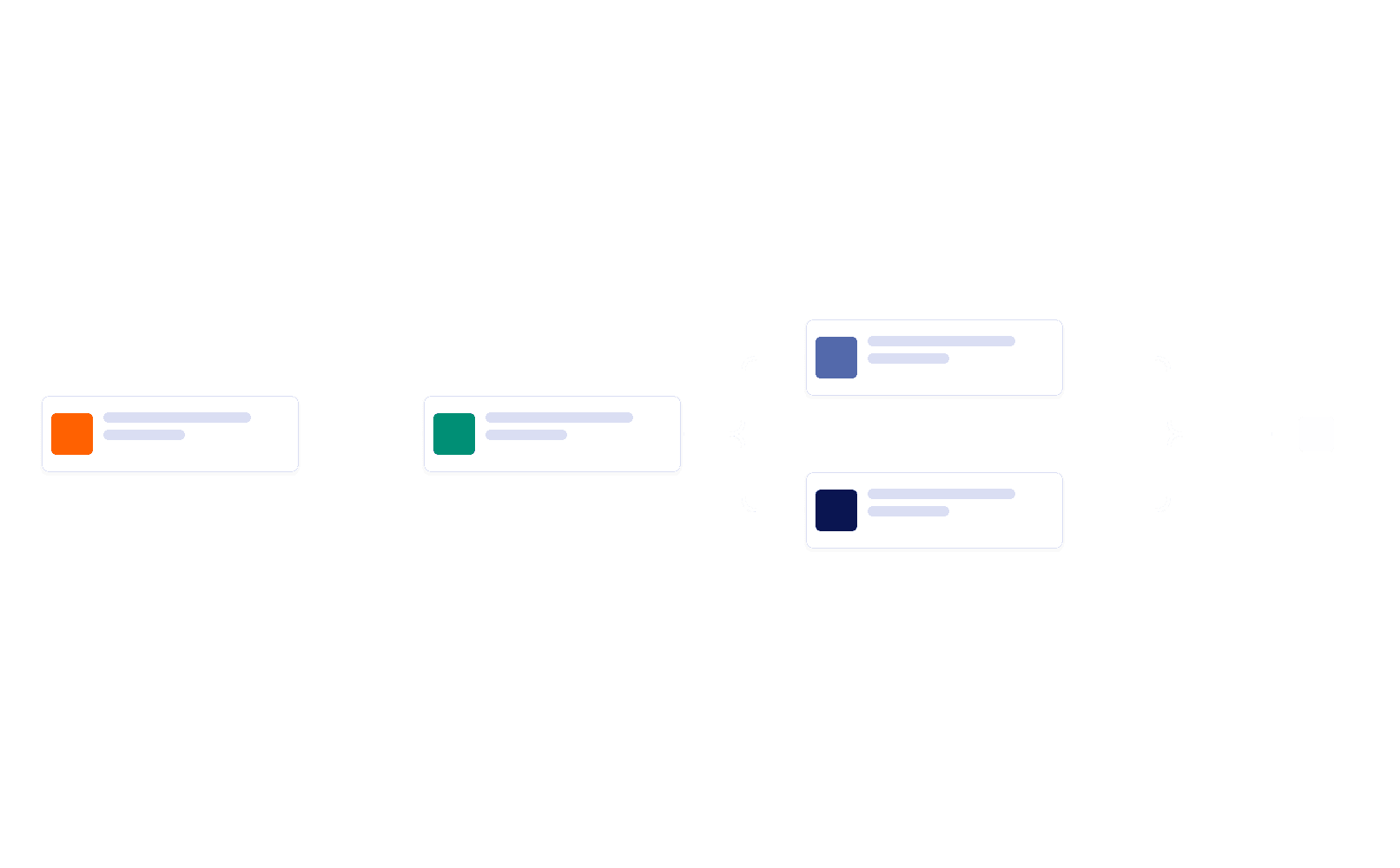
Zulassingsformular für die Hochschule
Automatisieren Sie den Zulassungsprozess Ihrer Hochschule oder Universität. Kostenloser, leicht anpassbarer automatischer Zulassungsprozess. Funktioniert hervorragend auf jedem Gerät. Keine Programmierkenntnisse erforderlich.
Zur Kategorie:BildungÜber Workflow Vorlagen für Bildung
Workflow-Vorlagen für Bildungseinrichtungen sind vorkonfigurierte digitale Abläufe, mit denen sich verschiedene Prozesse im Bildungsbereich vereinfachen und automatisieren lassen. Sie sind auf die Anforderungen von Bildungseinrichtungen zugeschnitten und helfen bei wiederkehrenden Aufgaben wie der Anmeldung von Schülerinnen, Schülern und Studierenden, Kurseinschreibungen, Lehrevaluationen und Genehmigungen in der Verwaltung. So unterstützen die Vorlagen einheitliche, transparente und effiziente Abläufe, entlasten das Verwaltungspersonal und schaffen mehr Raum für Lehre und die Betreuung der Lernenden.
Mit Jotform Workflows erstellen und verwalten Sie Workflows im Bildungsbereich – mit zahlreichen Werkzeugen. Über die intuitive, benutzerfreundliche Oberfläche passen Sie Workflows ganz einfach an, automatisieren Genehmigungen, weisen Aufgaben zu und richten Benachrichtigungen ein. Das macht Abläufe im Bildungsbereich effizienter und genauer. Außerdem verfolgen und verwalten Sie Fortschritt und Daten zentral über Jotform Posteingang und Jotform Tabellen, sodass Bildungseinrichtungen ihre Workflows in Echtzeit im Blick behalten und alle Aktivitäten geordnet dokumentieren.
Why Use Workflow Templates for Education?
- Workflow Templates for Education offer unparalleled accuracy in handling educational processes by providing a structured approach to task management. This eliminates the risks associated with manual errors and inconsistencies, ensuring that every step in the workflow is executed flawlessly and consistently.
- Speed is a crucial factor in educational settings, where timely responses and quick processing can significantly impact operations. These workflow templates expedite processes by automating routine tasks and approvals, reducing the time required to complete workflows, and increasing overall efficiency.
- Process consistency is achieved through the use of predefined steps and conditions within workflow templates. This consistency ensures that all participants follow the same procedures and that the quality of output remains uniform across different processes and departments.
- Accountability is enhanced as workflow templates clearly define roles and responsibilities, assigning tasks to specific individuals or teams. This transparency ensures that every participant knows their duties and that tasks are completed on time, reducing the chances of delays or overlooked responsibilities.
- Professional data handling is facilitated by the secure and organized management of information within the workflow templates. Jotform safeguards data integrity and privacy, ensuring that sensitive educational information is handled professionally and adheres to institutional standards.
Common Problems Solved by Workflow Templates for Education
- Manual follow-ups often lead to inefficiencies and missed deadlines in educational environments. Workflow templates automate notifications and reminders, ensuring that participants are promptly informed of their tasks and deadlines, thus eliminating the need for constant manual intervention.
- Disconnected processes can hinder communication and collaboration within educational institutions. Workflow templates integrate different processes and departments, providing a cohesive workflow that enhances coordination and reduces the risk of miscommunication or task duplication.
- Approval delays can slow down critical decision-making processes in education. Workflow templates streamline approval procedures by routing requests to the appropriate approvers and automating the decision-making process, thereby minimizing delays and ensuring timely approvals.
- Unclear responsibilities can lead to confusion and incomplete tasks. Workflow templates specify roles and tasks clearly, providing all participants with a clear understanding of their responsibilities and reducing the likelihood of tasks falling through the cracks.
- Lost information is a common issue in manual processes. Workflow templates provide a reliable and secure platform for data storage and retrieval, ensuring that all information is easily accessible and organized, thus preventing data loss and improving record-keeping practices.
Passende Anwendungsfälle für Features
- The use of the Drag-and-Drop Workflow Builder in educational workflows allows administrators to effortlessly customize and configure each step of the process. This feature enables the creation of tailored workflows that meet the specific needs of the institution, enhancing operational efficiency.
- Conditional Logic is crucial in routing educational processes through different paths based on specific criteria or responses. This feature ensures that workflows are adaptable and responsive to varying needs, such as directing applications to different departments based on the student's choice of program.
- Automated Approvals expedite the decision-making process by automatically routing requests to the relevant approvers. This feature is particularly beneficial for processes like budget approvals or course requests, where timely decisions are critical.
- Task Assignments ensure that every participant knows their role in the workflow, enhancing clarity and accountability. By assigning tasks to specific individuals or teams, educational institutions can ensure that processes are completed efficiently and accurately.
- Third-Party Integrations enhance the workflow's capability by connecting it with external services like Google Drive or Microsoft Teams. This integration facilitates seamless data sharing and collaboration, allowing educational institutions to leverage existing digital ecosystems effectively.
How to Create a Workflow Templates for Education
- Browse the Template List for a Workflow Templates for Education workflow template or start with a blank workflow.
- Customize the workflow steps, assignments, conditions, and actions using the Drag-and-Drop Workflow Builder.
- Aktivieren Sie den Workflow, verbinden Sie ihn mit dem passenden Startformular und verfolgen Sie den Fortschritt in Jotform Posteingang oder Jotform Tabellen.
Top Use Cases for Workflow Templates for Education
- For Managers: Workflow Templates for Education offer managers the tools to oversee and streamline various administrative and operational processes. Managers can utilize these templates to ensure that tasks are distributed efficiently, approvals are obtained promptly, and all educational workflows are aligned with institutional goals. This capability allows managers to maintain a high level of oversight and ensure that every process contributes to the institution's success.
- For Teams: Teams in educational settings benefit from enhanced collaboration and communication through workflow templates. By clearly delineating responsibilities and automating routine tasks, teams can focus on their core educational objectives without getting bogged down by administrative burdens. Workflow templates foster a collaborative environment where team members are informed and can work together seamlessly to achieve common goals.
- For Customers: Students and parents, as key customers of educational institutions, experience improved service and engagement through the use of workflow templates. These templates streamline processes such as enrollment, course selection, and feedback collection, providing students and parents with a smooth and efficient experience. This focus on customer experience enhances satisfaction and supports the institution's reputation for excellence in service delivery.
Summarizing Workflow Templates for Education
Workflow Templates for Education are integral tools for enhancing operational efficiency and effectiveness within educational institutions. By automating and streamlining processes, these templates allow educators and administrators to focus more on their primary mission of providing quality education. With Jotform's capabilities, institutions can achieve greater accuracy, consistency, and accountability in their workflows. Overall, Workflow Templates for Education empower educational organizations to adapt to changing needs and maintain a high standard of service delivery.
Häufig gestellte Fragen
1) Was sind Vorlagen für Bildungs-Workflows?
Vorlagen für Bildungs-Workflows sind vorgefertigte Automatisierungstools, die zur Optimierung verschiedener Bildungsprozesse gestaltet wurden, wie z. B. Einschreibung von Studierenden, Antworten auf Aufgaben, Prüfungsplanung und Genehmigungen durch die Fakultät. Diese Vorlagen helfen Bildungseinrichtungen, ihre Abläufe effizienter zu verwalten.
2) Wie können Vorlagen für Bildungs-Workflows Schulen und Universitäten zugutekommen?
Vorlagen für Bildungs-Workflows automatisieren Routineaufgaben wie die Aufnahme von Schülern, die Anmeldung zu Kursen und die Genehmigung durch die Fakultät und reduzieren so den Verwaltungsaufwand. Dadurch können sich Schulen und Universitäten darauf konzentrieren, die Lernerfahrung für die Schüler zu verbessern.
3) Welche Arten von Bildungsprozessen können mithilfe von Vorlagen für Workflows automatisiert werden?
Vorlagen für Bildungs-Workflows können Prozesse wie die Einschreibung von Studierenden, die Einreichung von Antworten, die Stundenplanung, die Genehmigung von Noten und die Prüfungsdurchführung automatisieren. Diese Workflows tragen zur Optimierung von Abläufen und zur Verbesserung der Kommunikation zwischen Studierenden, Lehrkräften und Mitarbeitern bei.
4) Wie lassen sich Vorlagen für den Workflow im Bildungsbereich in Kommunikationstools integrieren?
Vorlagen für Bildungs-Workflows können in Tools wie Slack, Microsoft Teams und Zoom integriert werden, um die Kommunikation zwischen Schülern, Lehrern und Verwaltungspersonal zu verbessern. So wird sichergestellt, dass wichtige Benachrichtigungen, Stundenpläne und Änderungen in Echtzeit geteilt werden.
5) Können die Vorlagen für den Workflow im Bildungswesen an verschiedene Bildungseinrichtungen angepasst werden?
Ja, die Vorlagen für den Bildungs-Workflow sind vollständig anpassbar, um den individuellen Anforderungen verschiedener Institutionen gerecht zu werden, darunter Kindergärten und Grundschulen, Hochschulen, Universitäten und Online-Lernplattformen. Institutionen können die Workflows an ihre spezifischen Verwaltungsprozesse anpassen.
6) Wie können Vorlagen für den Workflow im Bildungsbereich die Prozesse bei der Einschreibung von Schülern verbessern?
Workflow-Vorlagen für den Bildungsbereich können den Anmeldeprozess von Schülern automatisieren, indem sie die erforderlichen Dokumente sammeln, Bestätigungs-E-Mails versenden und den Anmeldestatus verfolgen. Durch die Integration mit Tools wie Google Drive und Dropbox können Schülerakten einfach und sicher gespeichert und verwaltet werden.
7) Wie helfen Vorlagen für den Workflow in der Bildung bei der Planung und Verwaltung von Prüfungen?
Vorlagen für Bildungs-Workflows können die Prüfungsplanung automatisieren, indem sie es den Studierenden ermöglichen, sich für Prüfungen anzumelden, Erinnerungen zu erhalten und auf Lernmaterialien zuzugreifen. Durch die Integration mit Google Kalender wird sichergestellt, dass die Prüfungstermine synchronisiert werden und sowohl die Studierenden als auch die Lehrkräfte auf dem Laufenden bleiben.
8) Welche Vorteile bietet die Verwendung von Vorlagen für den Workflow bei Antworten von Schülern?
Für die von Studierenden eingereichten Arbeiten können Workflow-Vorlagen das Hochladen von Aufgaben, Plagiatsprüfungen und Benotungsbenachrichtigungen automatisieren. Durch die Integration mit Google Drive und Dropbox können Studierende ihre Arbeiten einfach einreichen, während Lehrkräfte ohne Verzögerung auf die eingereichten Arbeiten zugreifen und sie benoten können.
9) Wie können Vorlagen für den Workflow im Bildungsbereich bei den Genehmigungsprozessen der Fakultäten helfen?
Vorlagen für Bildungs-Workflows können die Genehmigungsprozesse der Fakultät optimieren, z. B. die Genehmigung von Kursmaterialien, Benotungsrichtlinien und Lehrplanänderungen. Durch die Integration mit Slack und Microsoft Teams wird sichergestellt, dass Genehmigungsanfragen an die richtigen Fakultätsmitglieder weitergeleitet und rechtzeitig bearbeitet werden.
10) Wie verbessern Vorlagen für den Workflow im Bildungsbereich das virtuelle Lernmanagement?
Vorlagen für Bildungs-Workflows können Prozesse im Zusammenhang mit virtuellem Lernen automatisieren, z. B. die Planung von Online-Kursen, die Verwaltung virtueller Sprechstunden und den Versand von Kursmaterialien. Die Integration mit Zoom und Microsoft Teams trägt zu einem reibungslosen virtuellen Lernerlebnis für Schüler und Pädagogen bei.