Widget Bouton pour votre site web
Avec un simple bouton d'appel à l'action, sans coder, dirigez vos visiteurs vers l'étape suivante qui leur convient le mieux. Vous pouvez rediriger vers une page, lancer un appel téléphonique, ouvrir un email, initier une conversation par chat ou faire défiler l'écran jusqu'à une section spécifique de votre site. Personnalisez ce bouton et intégrez-le facilement où vous le souhaitez.
Créez votre widget gratuitement !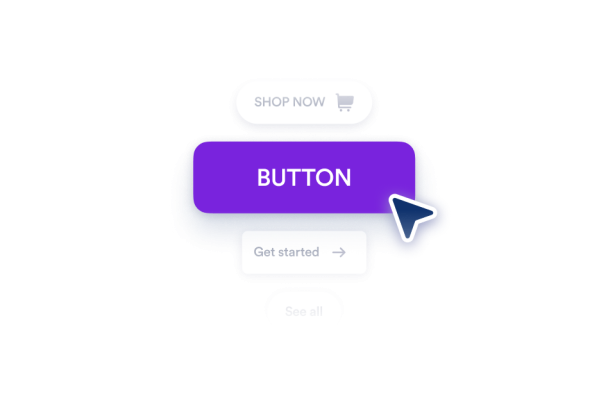

Comment créer un widget Bouton
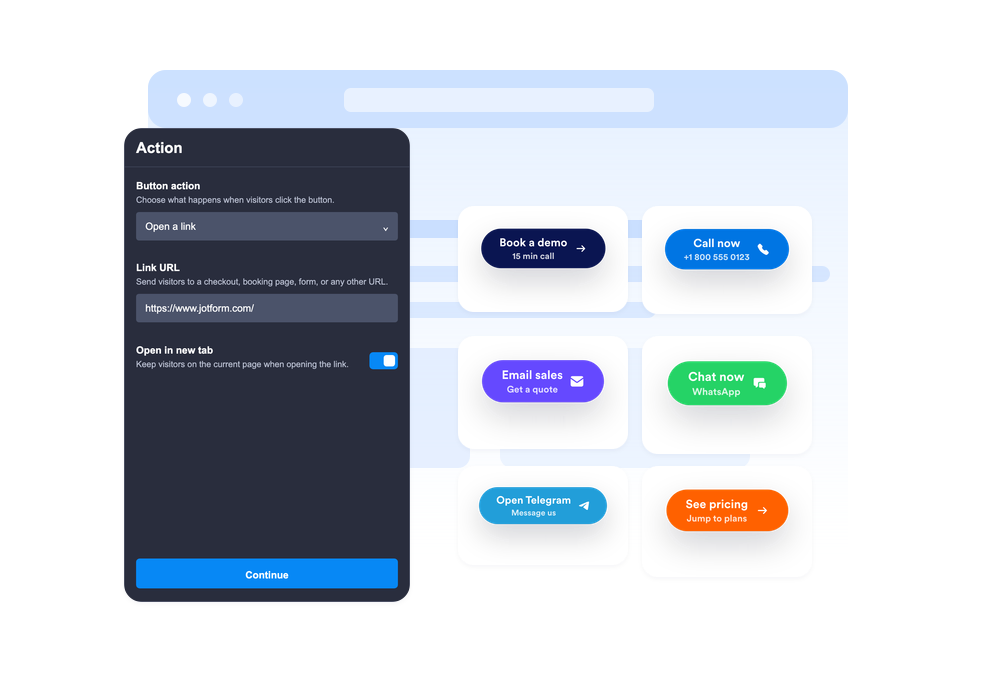
Choisissez l'action du bouton
Indiquez l'action que doit effectuer le bouton : ouvrir un lien, lancer un appel, rédiger un email, accéder à WhatsApp ou Telegram, ou faire défiler jusqu'à une section de la page.
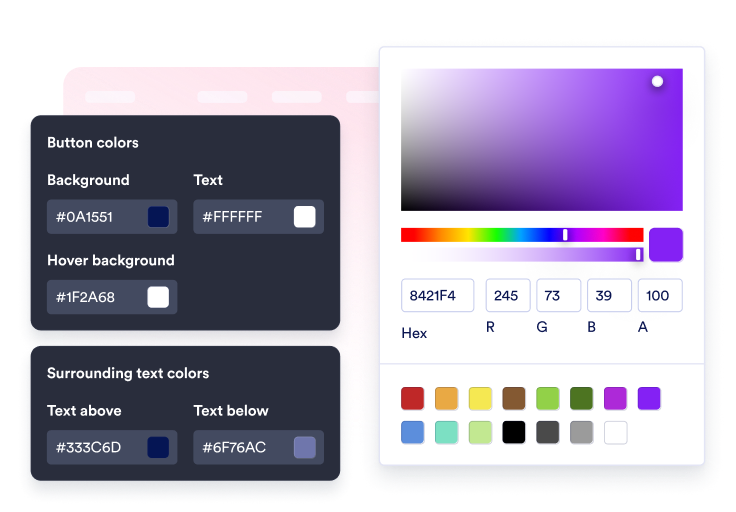
Personnalisez son contenu et son style
Personnaliser l'étiquette, ajoutez une deuxième ligne facultative, et modifiez le texte environnant, l'icône, les couleurs, la taille, le rayon des coins, l'ombre ainsi que l'emplacement.

Intégrez-le à votre site
Prévisualisez le bouton d'appel à l'action dans son contexte, copiez le code d'intégration généré, puis déployez le bouton sur votre site web sans code personnalisé.
Guidez les visiteurs vers l'action suivante en un seul clic
Associez le bouton à plusieurs actions
Un seul widget suffit pour consulter vos liens de vente, formulaires d'inscription, liens vers vos profils sociaux et liens d'ancrage vers les différentes sections de la page, vous envoyer un email de demande d'assistance, ou vous contacter par appels téléphoniques, discussions WhatsApp ou Telegram.
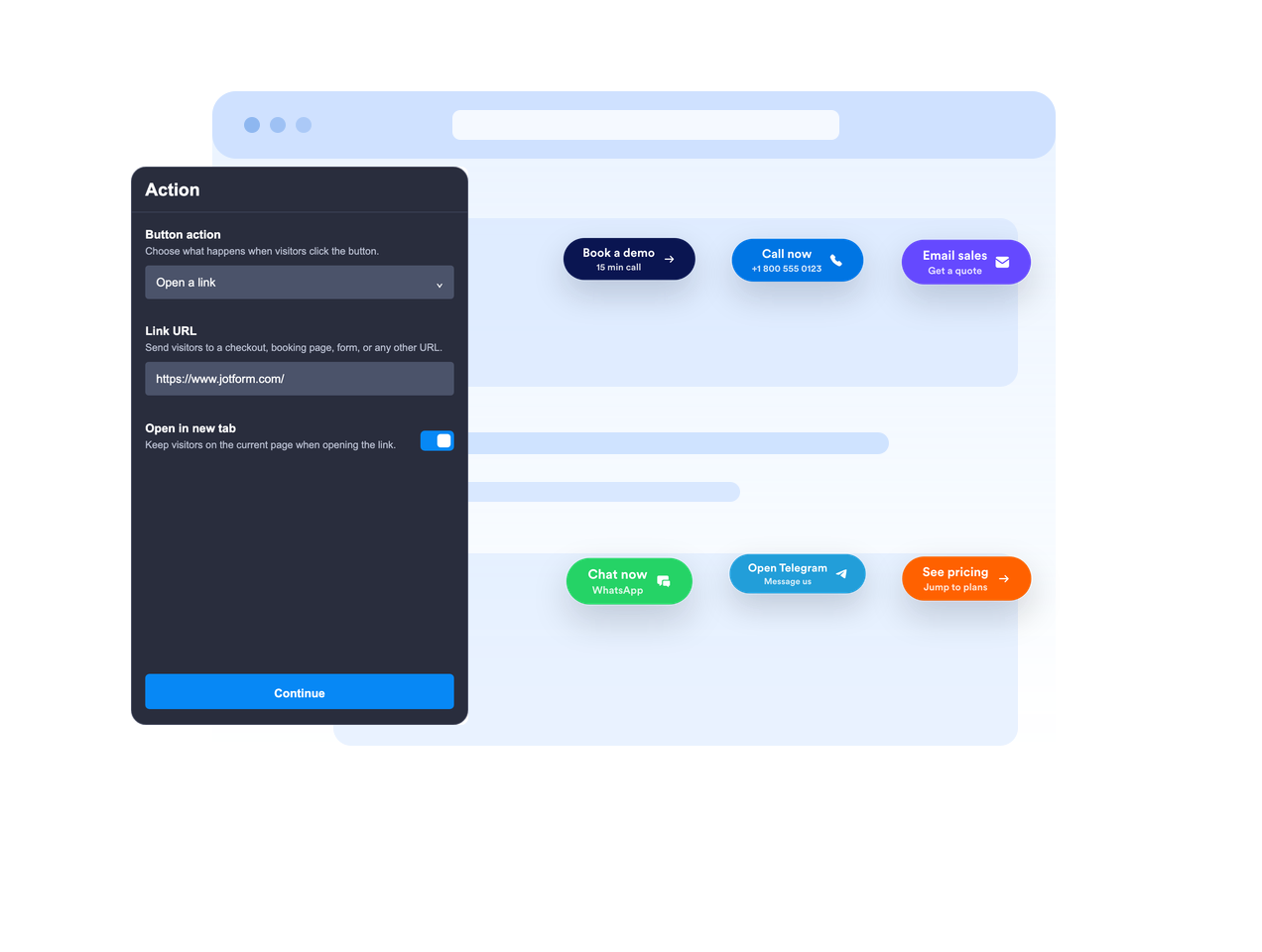
Intégrez-le dans le texte ou laissez-le flotter à l'écran
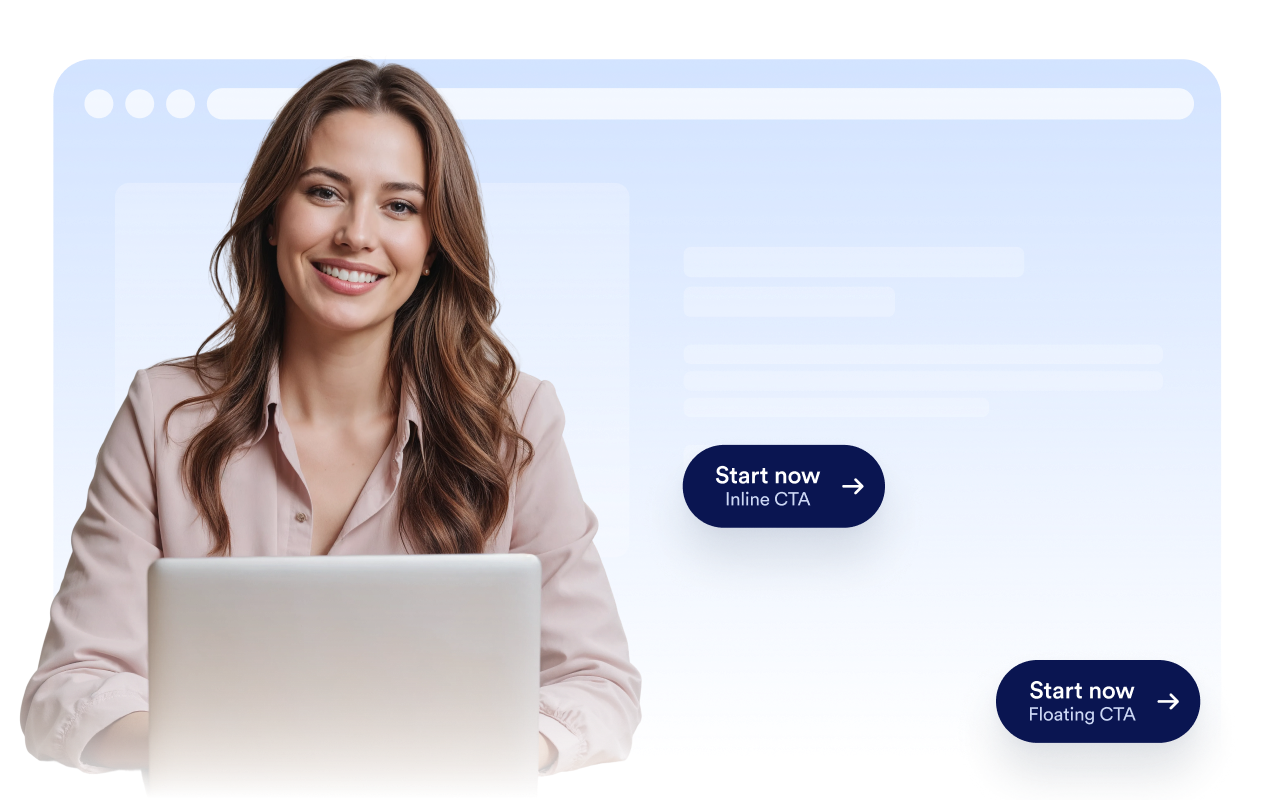
Intégrez le bouton directement dans le contenu de la page ou optez pour un positionnement flottant à l'écran, de sorte que l'appel à l'action reste visible pendant que les visiteurs parcourent votre site.
Créez un appel à l'action clair
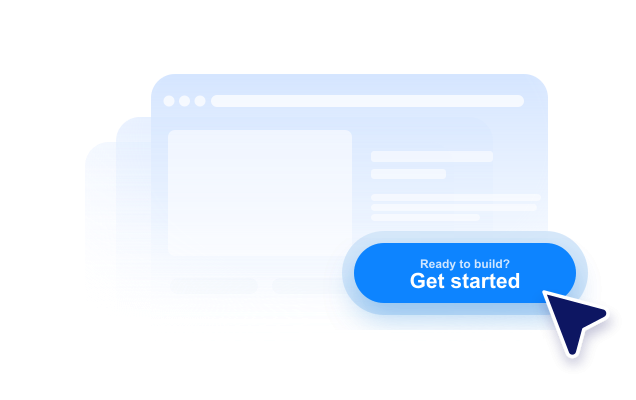
Utilisez une étiquette principale, une seconde ligne facultative, un texte au-dessus et un texte en dessous afin de fournir aux visiteurs suffisamment de contexte avant qu'ils ne cliquent.
Adaptez-le au style de votre site web
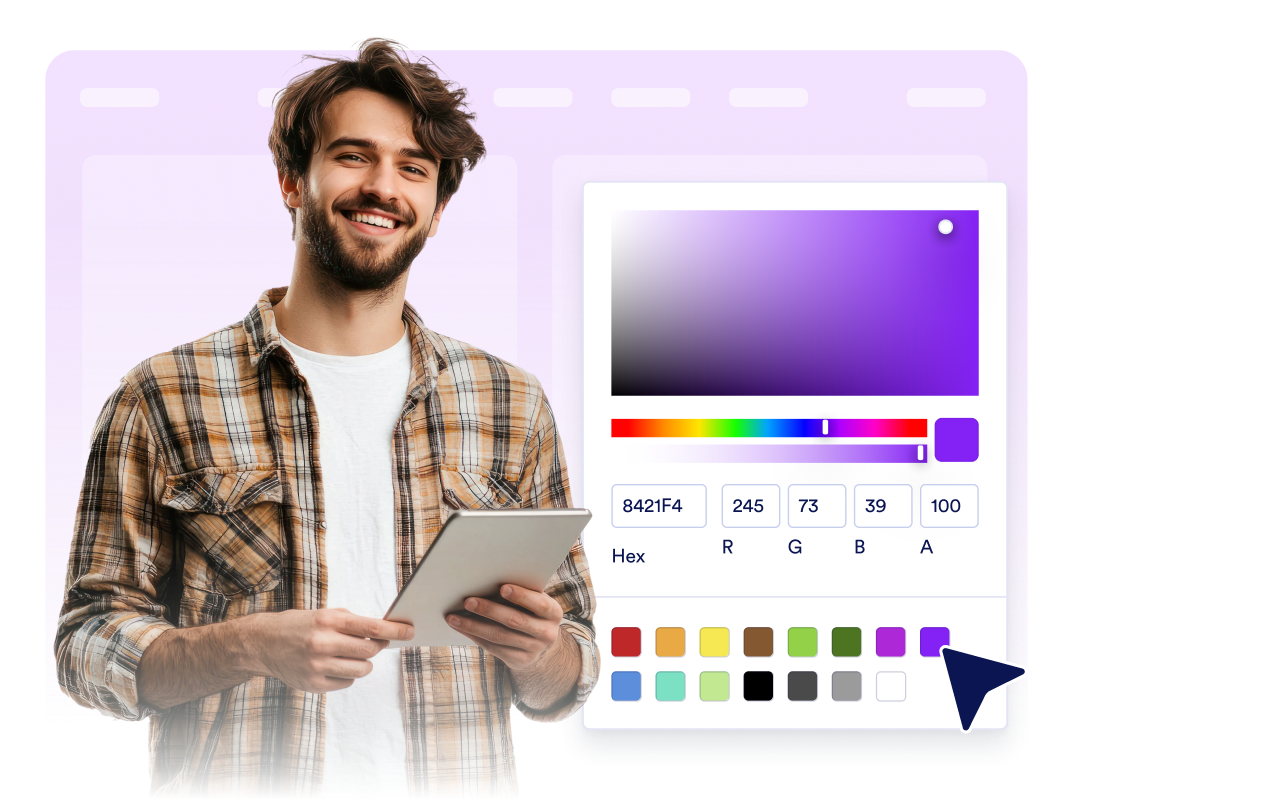
Ajustez le placement de l'icône, la hauteur du bouton, le rembourrage, la taille de la police, les couleurs, la couleur au survol, le rayon des coins, l'ombre, la visibilité selon l'appareil, l'image de marque et son CSS personnalisé.
Ce qui les rend les widgets de site web Jotform vraiment uniques
Les widgets Jotform rendent votre site web plus interactif et vous aident à augmenter vos conversions. Choisissez parmi de nombreux outils, comme des évaluations par étoiles, des curseurs de témoignages, des fenêtres contextuelles de preuve sociale ou des intégrations de contenus multimédias. Ajoutez des widgets à vos formulaires ou à vos pages de destination afin de collecter des données, d'afficher votre preuve sociale et de générer des prospects, sans coder.
Intégrez un widget Jotform à votre site web en copiant un code simple. Personnalisez, prévisualisez, puis insérez-le dans n'importe quelle page ou block HTML, le tout sans faire appel à un développeur.
Configurez les widgets de site web Jotform pour collecter des prospects, afficher des avis clients, mettre en avant votre preuve sociale, intégrer des contenus multimédias ou ajouter des outils utiles à vos pages web. Chaque widget permet aux visiteurs d'interagir directement avec votre entreprise depuis votre site web.
Si vous avez besoin d'aide pour configurer, personnaliser, intégrer ou résoudre un problème avec votre widget, l'équipe d'assistance de Jotform est disponible 24h/24 et 7j/7. Bénéficiez d'une assistance à tout moment, dès que vous en avez besoin.
Où utiliser votre widget Bouton ?
Ajoutez un widget bouton partout où les visiteurs ont besoin d'une prochaine étape claire, notamment sur les pages où l'action principale doit rester facile à trouver.
Pages de destination, pour rediriger les visiteurs vers des formulaires d'inscription, les tarifs, le paiement, la réservation ou des demandes de démonstration.
Pages produits, pour mettre en avant les actions ajouter au panier, acheter maintenant, contacter les ventes ou demander un devis.
Pages d'assistance, pour démarrer des conversations par email, téléphone, WhatsApp ou Telegram depuis un seul CTA.
Articles de blog et longs guides, pour rediriger les lecteurs vers des formulaires, des téléchargements, des offres ou des sections pertinentes.
Pages de campagnes sur les réseaux sociaux, pour rediriger les visiteurs vers Instagram, Facebook, TikTok, X, Pinterest ou d'autres liens de profil.
Pages mobiles, là où un CTA flottant compact peut faciliter les appels, les discussions ou les achats.
Transformez vos prospects en clients grâce au Générateur de formulaires Jotform
Transformez l'engagement en action grâce à Jotform. Créez des formulaires performants capables de collecter des prospects, d'encaisser des paiements et d'automatiser les réponses, le tout depuis un seul et même endroit. Chaque soumission est transférée dans votre Boîte de réception Jotform, d'où vous pouvez assurer le suivi ou l'intégrer à vos applications préférées.
Commencez : c'est gratuit !
FAQ
Qu'est-ce qu'un widget Bouton ?
Un widget bouton est un bouton d'appel à l'action personnalisable que vous pouvez intégrer sur votre site web. Il peut ouvrir des liens, des appels, des emails, des chats et des sections de page.
Quelles actions ce bouton permet-il d'effectuer ?
Le bouton peut-il flotter à l'écran ?
Puis-je personnaliser le texte du bouton ?
Puis-je utiliser une icône ?
Puis-je adapter le design à mon site web ?
Le widget Bouton fonctionne-t-il sur les appareils mobiles ?
Dois-je coder ?