
Popup Widget for your website

Create website popups, fixed bars, slide-ins, and floating offers that help visitors take action. Use Jotform's no-code Popup widget to promote discounts, collect newsletter signups, announce launches, guide visitors to forms, and keep important messages visible without editing your site code.

Comment créer un widget Popup

Customize content and timing

Customize content and timing

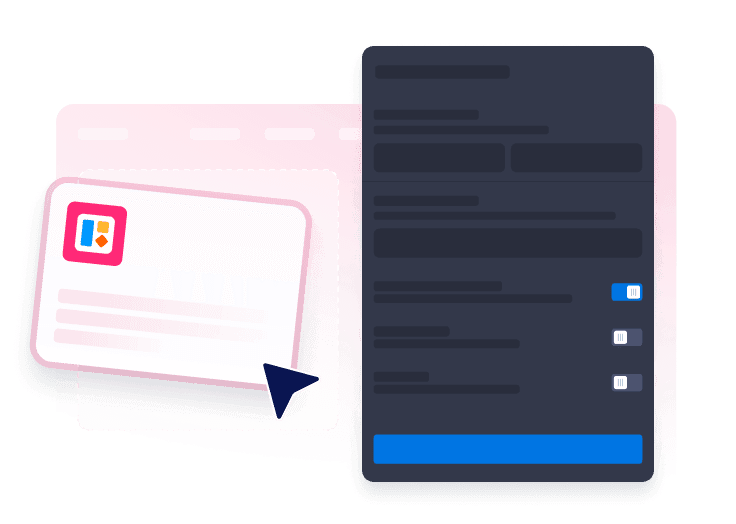
Start by adding your copy and colors, buttons, forms, triggers, targeting, close behavior, and display frequency.

Choose your popup format

Choose your popup format

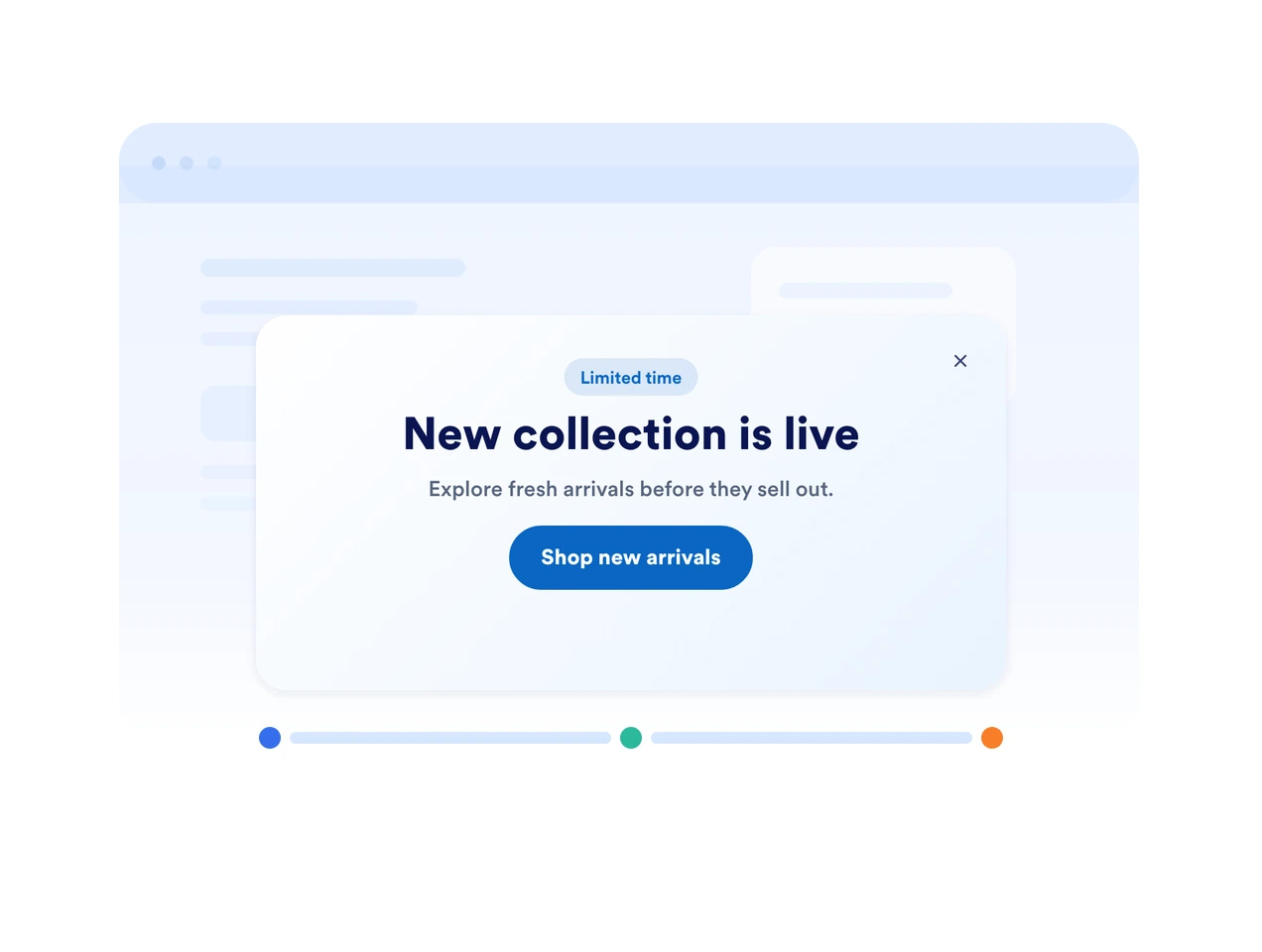
Pick a layout from centered popup, top bar, bottom bar, slide-in, or floating promotions.

Embed it on your website

Embed it on your website

Preview the popup, copy the embed code, and publish it on any page where visitors should see your offer.

Capture attention with popups that fit your campaign

Use popups, bars, slide-ins, and floating offers

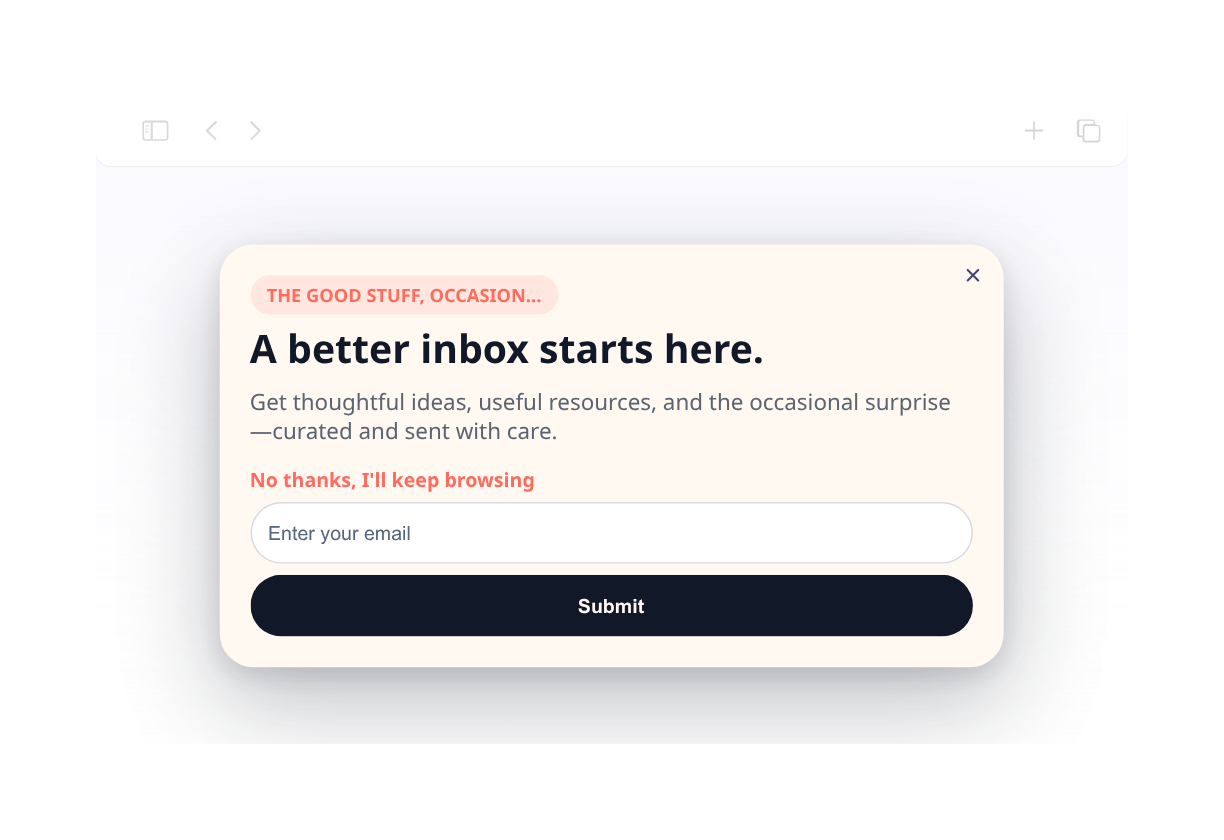
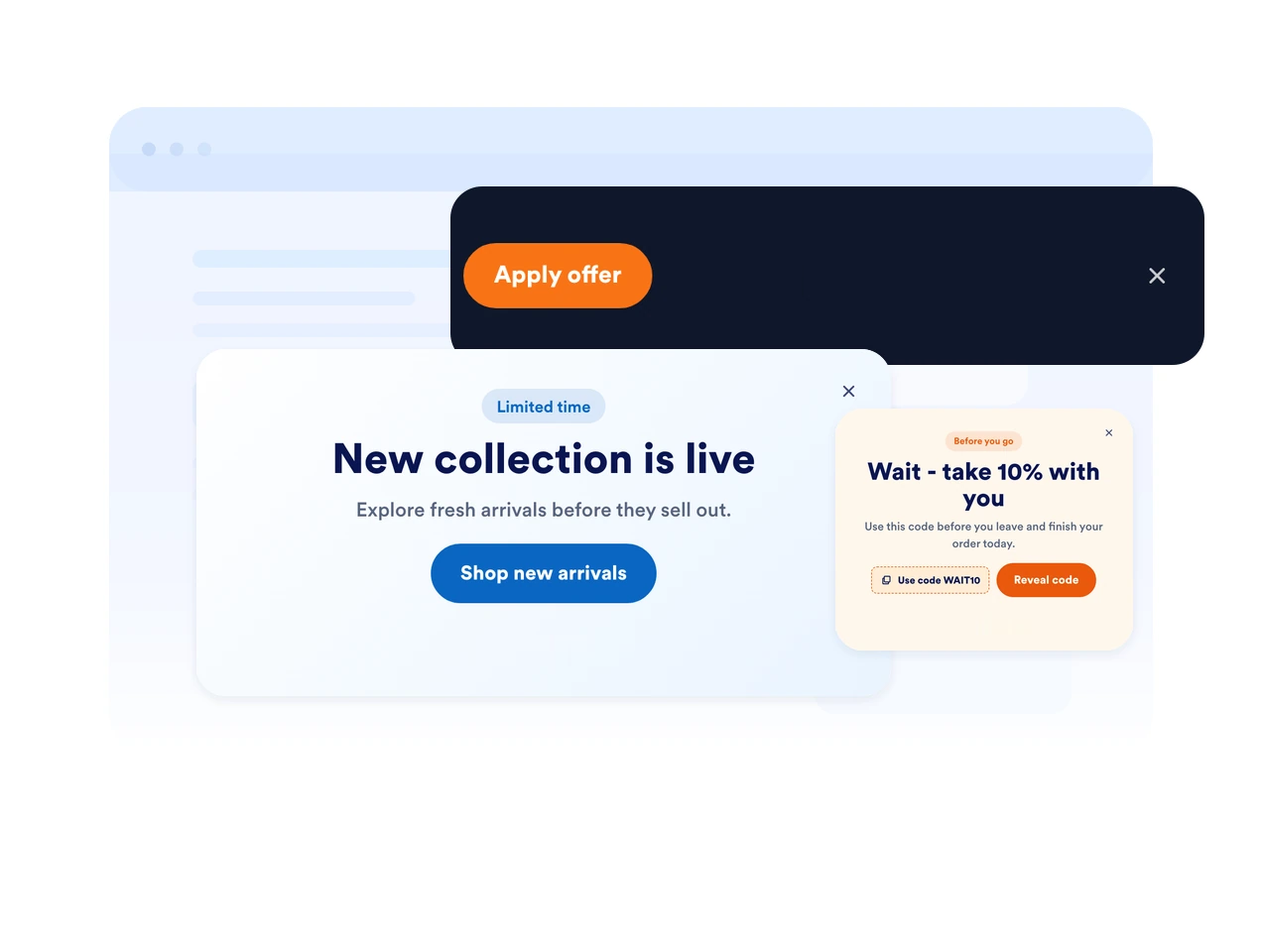
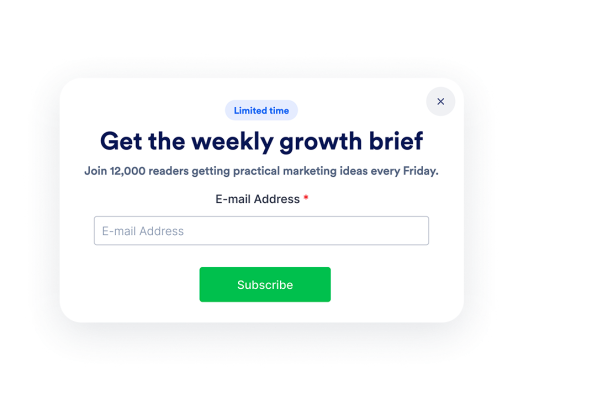
Pick the display style that fits your page. Show a focused modal, a fixed top or bottom bar, a side slide-in, or a compact floating callout.

Use popups, bars, slide-ins, and floating offers

Trigger messages at the right moment

Show your popup on page load, after a delay, on scroll, on exit intent, or when a visitor clicks a button. Match timing to the decision point.

Trigger messages at the right moment

Match every message to your brand

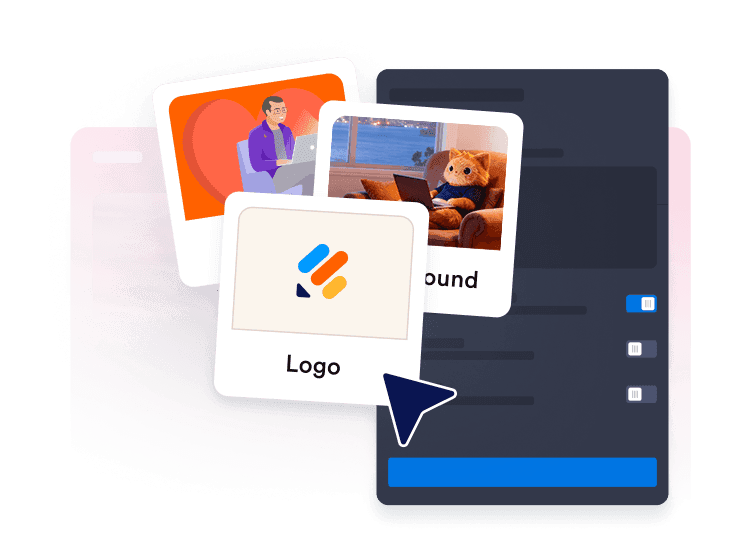
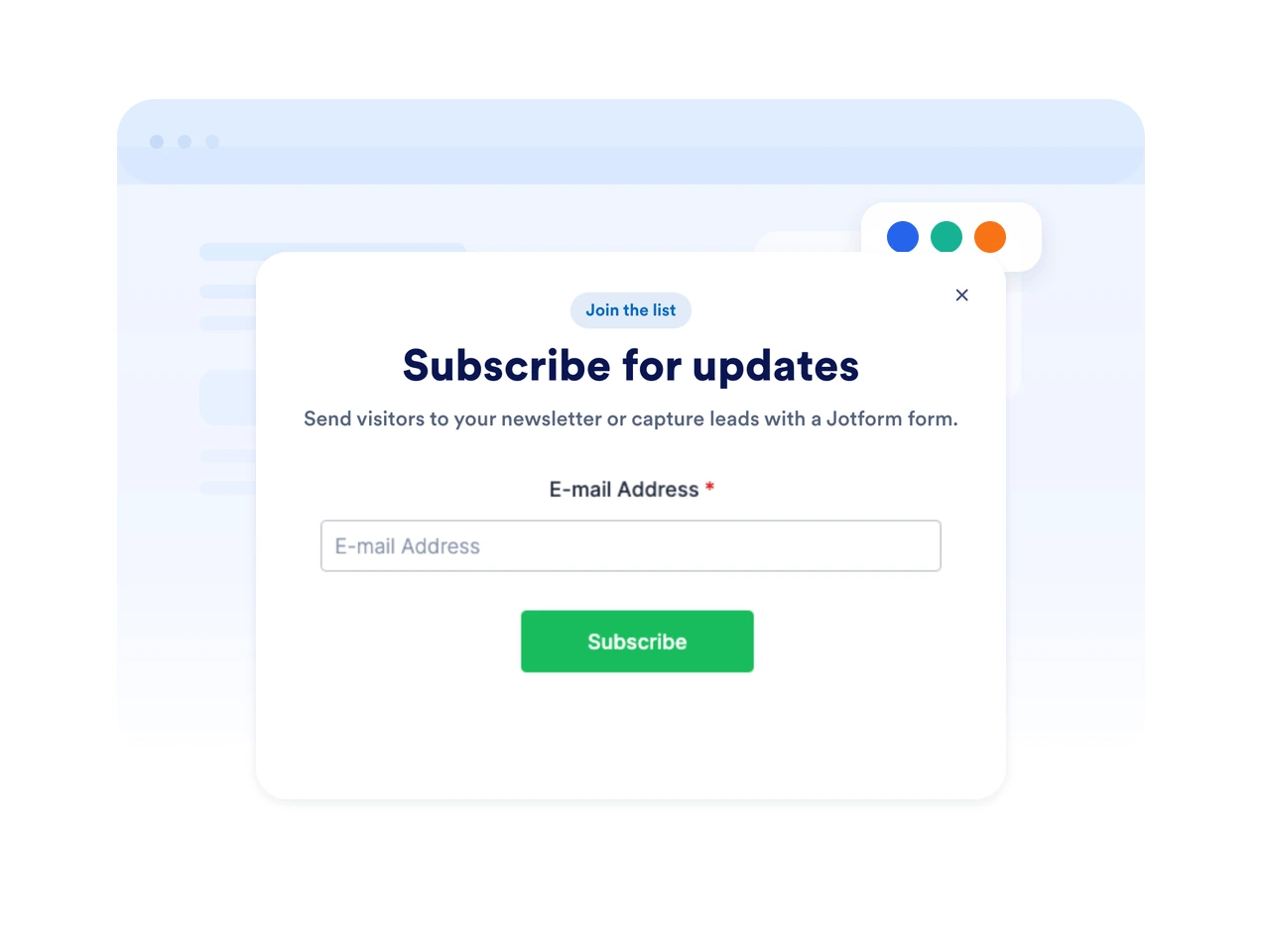
Customize colors, rounded corners, spacing, imagery, button styles, and form fields so your popup feels native to your website.

Match every message to your brand

Keep urgent offers visible with fixed bars

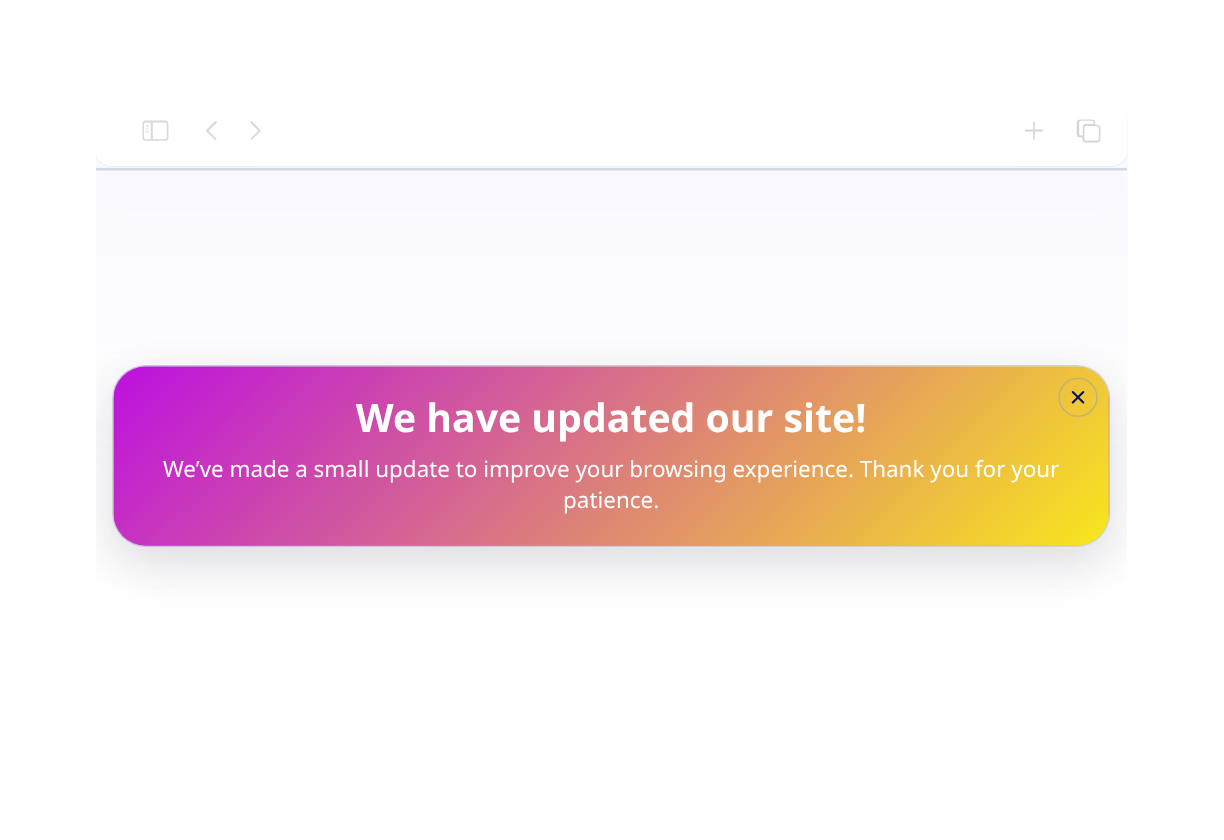
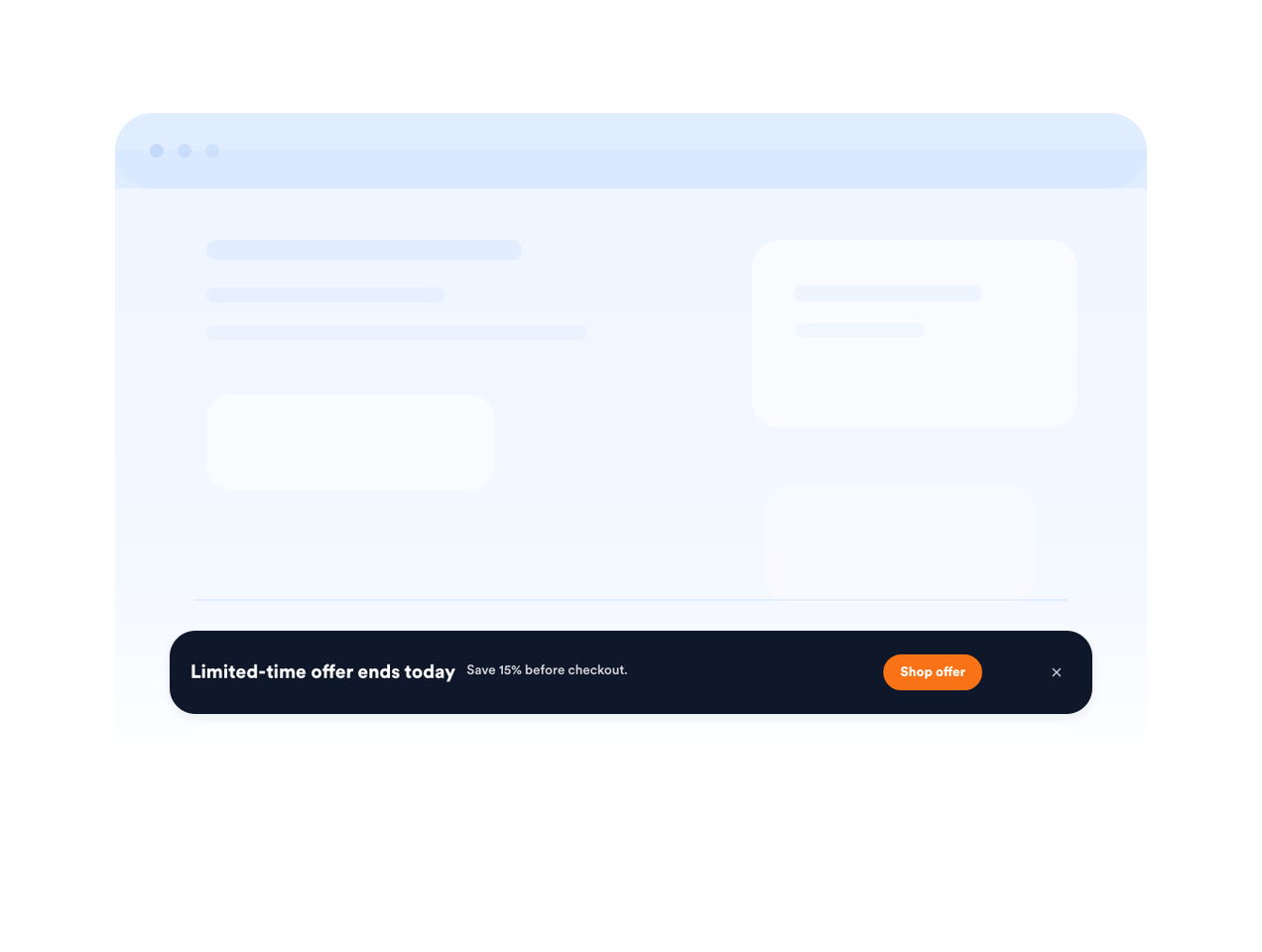
Use a fixed top or bottom bar for shipping deadlines, sale reminders, event registration, or important service updates.

Keep urgent offers visible with fixed bars

Why Jotform Website Widgets stand out

Jotform’s widgets make your website more interactive and increase conversions. There are many tools available, from star ratings and testimonial sliders to social proof popups and media embeds. Add widgets to your forms or landing pages to collect data, display proof, and capture leads — no coding required.

Embed widgets without coding

Add Jotform widgets to your website with a simple embed code. Customize the widget, preview how it looks, and paste it into any page that supports custom HTML or embed blocks, all without a developer.

Build more interactive pages

Use Jotform Website Widgets to collect leads, show customer feedback, display social proof, embed media, or add helpful web page tools. Each widget helps visitors interact with your business directly from your website.

Get support when you need it

If you need help setting up, customizing, embedding, or troubleshooting your widget, Jotform’s customer support team is available 24-7. You can move forward with confidence, knowing that help is there when you need it.

Where to use your Popup widget

Add popups and bars wherever a timely message can help visitors subscribe, buy, book, or continue to the next step.

E-commerce product pages to promote discounts, bundles, shipping offers, or limited-stock alerts.

Checkout and cart pages to recover abandoning shoppers with coupon codes or support prompts.

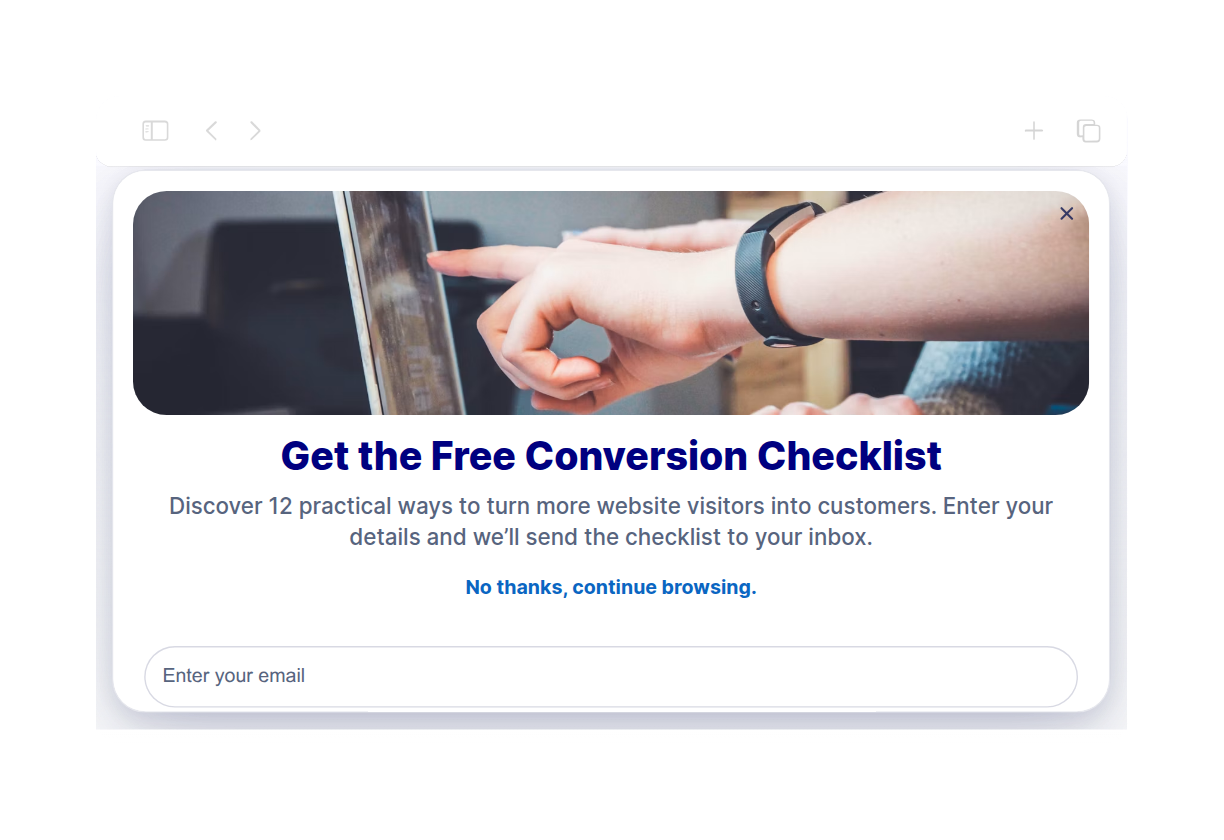
Newsletter and content pages to grow your email list with downloadable resources or updates.

Event and webinar pages to remind visitors about registration deadlines and upcoming sessions.

Homepage announcements to highlight launches, seasonal campaigns, or service updates.

Landing pages for ads to keep a focused offer visible while visitors compare details.

Convert leads into paying customers with the Jotform Form Builder

Turn engagement into action with Jotform. Create powerful forms that capture leads, collect payments, and automate responses, all in one place. Every submission lands in your Jotform Inbox, where you can follow up or connect with your favorite apps.

Commencez : c'est gratuit !
Convert leads into customers

FAQ

  • What is a Popup widget?

    A Popup widget is an embeddable website message that appears as a modal, bar, slide-in, or floating callout. It helps promote offers, collect leads, announce updates, and guide visitors to forms or links.

  • Can I create fixed top or bottom bars?

  • Can I control when the popup appears?

  • Can I add a form to my popup?

  • Can I customize the popup design?

  • Will the Popup widget work on mobile?

  • Can visitors close the popup?

  • Do I need to code anything?