Widget Compteur de visiteurs gratuit pour votre site web
Affichez le nombre de pages vues et de visiteurs uniques identifiés par leur adresse IP grâce au widget Compteur de visiteurs gratuit et personnalisable. Choisissez les statistiques et les périodes à afficher, ajoutez un graphique d’activité si vous le souhaitez et adaptez l’apparence du compteur au style de votre site web, sans coder.
Créez votre widget gratuitement !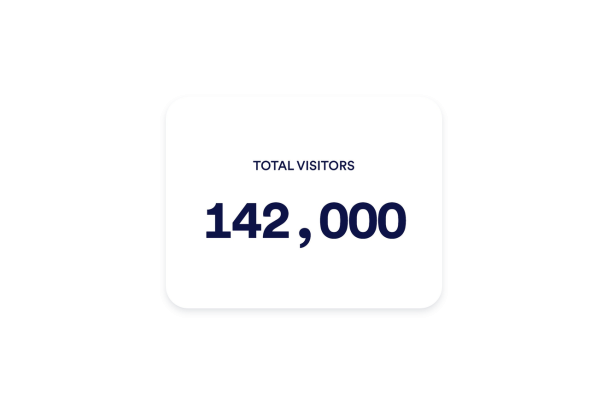

Comment créer un widget Compteur de visiteurs
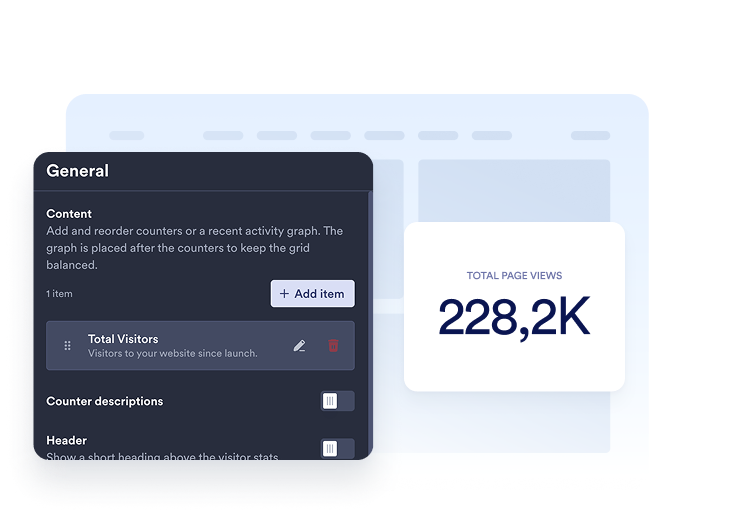
Choisissez vos statistiques
Ajoutez les compteurs que vous souhaitez afficher. Pour chacun, choisissez une période et le type de statistiques à présenter (pages vues ou visiteurs uniques), puis personnalisez son titre et sa description.
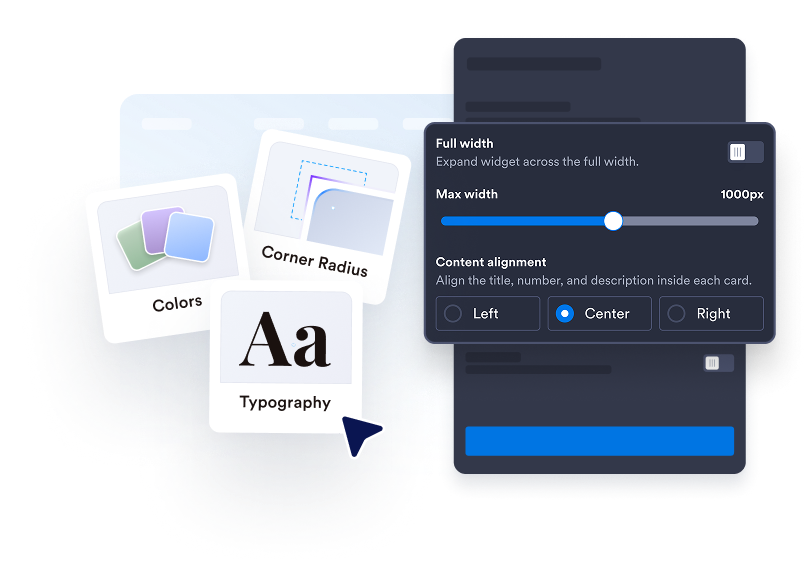
Personnalisez votre compteur de visiteurs
Choisissez le mode d’affichage du compteur de visiteurs : cartes, compteur intégré, mini-compteur ou compteur vertical. Personnalisez les couleurs, les espacements, le format des nombres et la largeur. Selon le mode d’affichage sélectionné, vous pouvez également ajouter un graphique en courbe, en aires, en barres ou en secteurs.

Intégrez-le à votre site web
Collez le code d'intégration dans un bloc HTML personnalisé ou un bloc d'intégration, puis publiez votre page pour afficher le widget sur votre site web.
Affichez clairement les statistiques de fréquentation de votre site web
Affichez les chiffres qui comptent
Affichez le nombre de pages vues ou de visiteurs uniques identifiés par leur adresse IP pour aujourd’hui, hier, cette semaine, ce mois-ci, cette année ou depuis la création du compteur. Ajoutez plusieurs compteurs de visiteurs, organisez-les dans l’ordre souhaité et personnalisez chacun avec un titre et une description clairs.
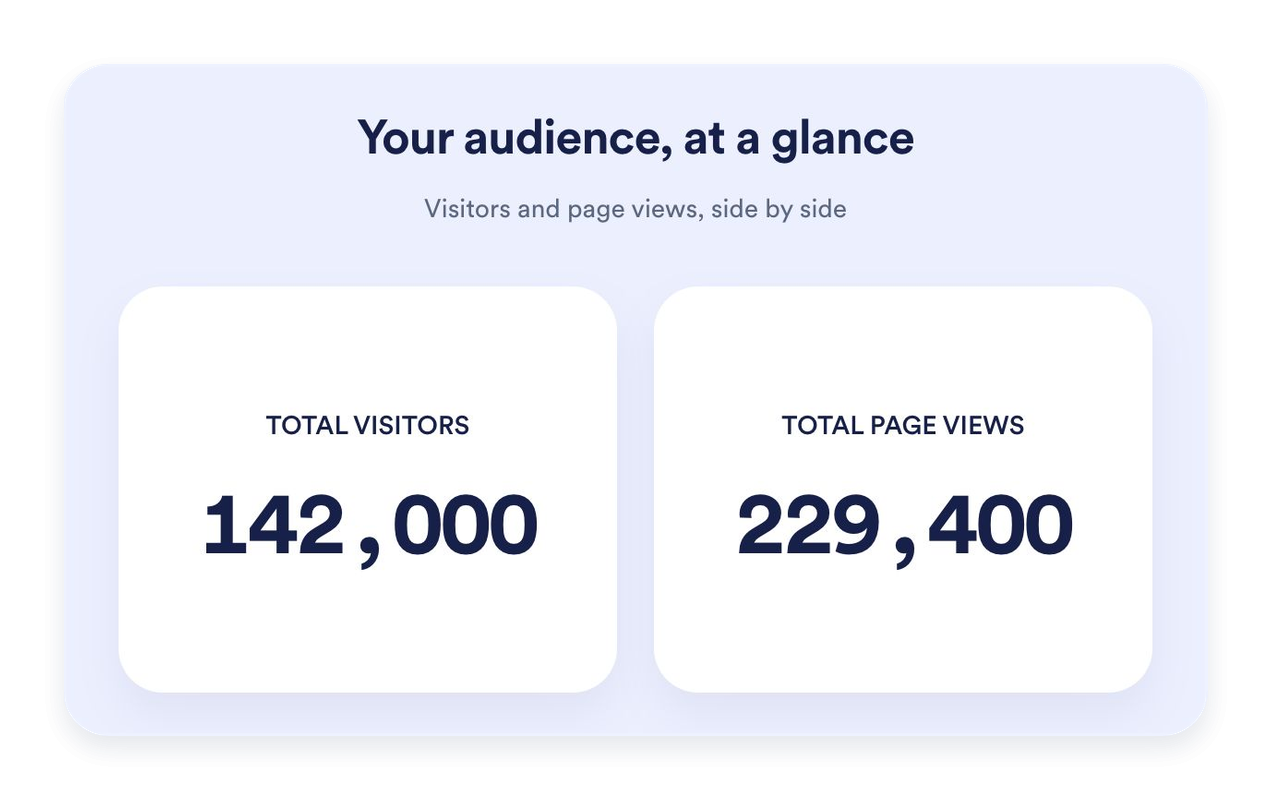
Déterminez le format le mieux adapté à votre page
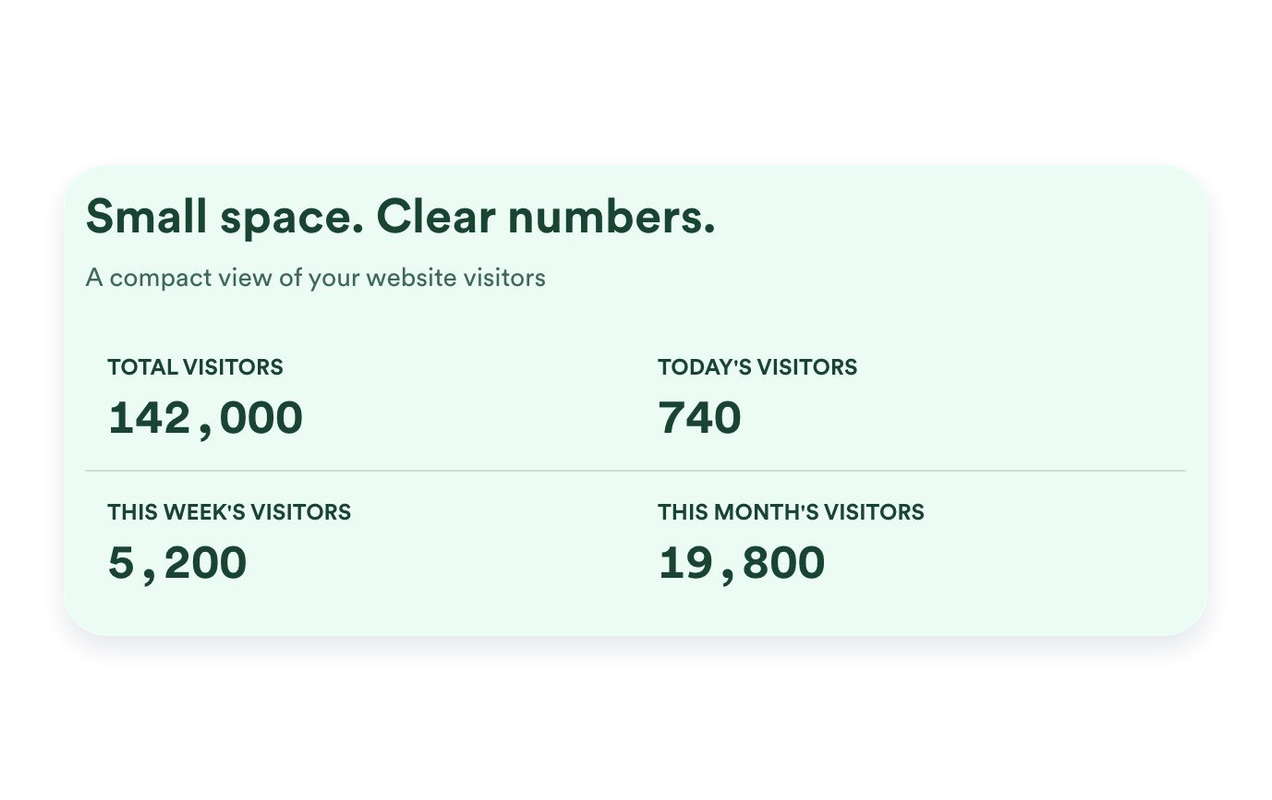
Utilisez le mode Cartes pour mettre en valeur chaque statistique, le mode Intégré pour un affichage compact, le mode Mini pour afficher uniquement les chiffres ou le mode Vertical pour présenter les chiffres les uns en dessous des autres. Définissez une largeur maximale et ajustez les espacements pour intégrer parfaitement le compteur de visiteurs à votre site web.
Mettez en perspective l’activité récente de votre site web
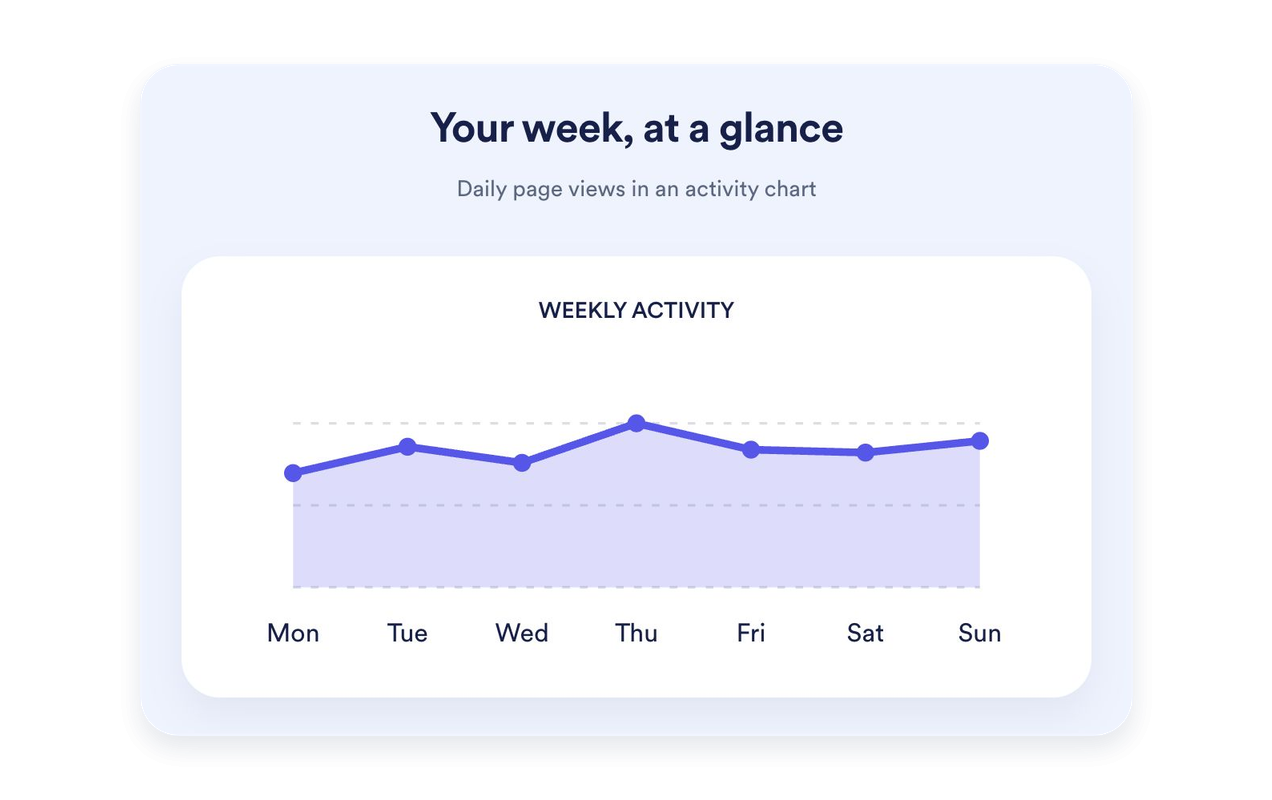
Affichez les pages vues au cours des sept derniers jours sous forme de graphique en courbe, en aires, en barres ou en secteurs. Personnalisez le titre et la description du graphique. Les graphiques sont disponibles dans les modes Cartes, Intégré et Vertical. Le mode Mini privilégie un affichage simplifié des chiffres.
Personnalisez votre compteur de visiteurs aux couleurs de votre site
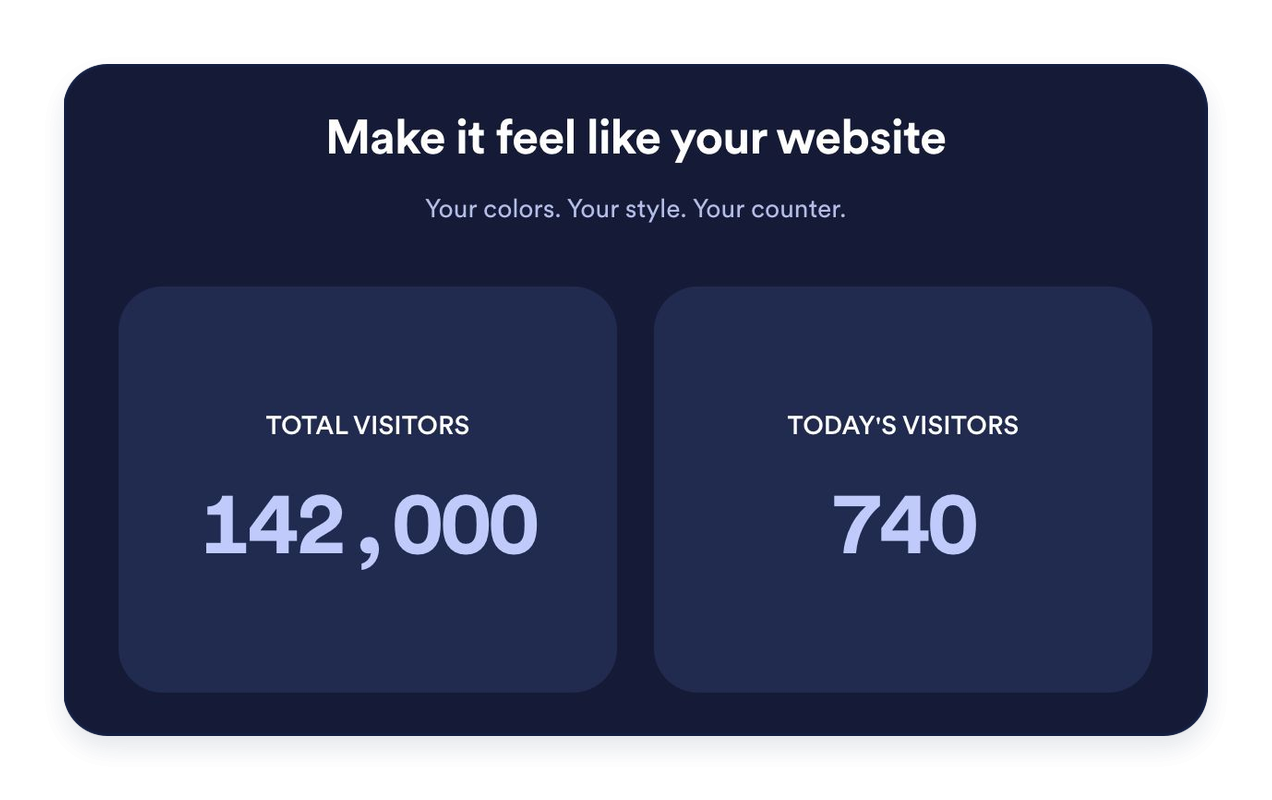
Choisissez un thème clair, sombre ou des couleurs personnalisées. Adaptez les arrière-plans, la typographie, le format des nombres, les coins des cartes et l’alignement. Ajoutez également un titre et un message facultatifs pour présenter vos statistiques.
Ce qui les rend les widgets de site web Jotform vraiment uniques
Les widgets Jotform rendent votre site web plus interactif et vous aident à augmenter vos conversions. Choisissez parmi de nombreux outils, comme des évaluations par étoiles, des curseurs de témoignages, des fenêtres contextuelles de preuve sociale ou des intégrations de contenus multimédias. Ajoutez des widgets à vos formulaires ou à vos pages de destination afin de collecter des données, d'afficher votre preuve sociale et de générer des prospects, sans coder.
Intégrez un widget Jotform à votre site web en copiant un code simple. Personnalisez, prévisualisez, puis insérez-le dans n'importe quelle page ou block HTML, le tout sans faire appel à un développeur.
Configurez les widgets de site web Jotform pour collecter des prospects, afficher des avis clients, mettre en avant votre preuve sociale, intégrer des contenus multimédias ou ajouter des outils utiles à vos pages web. Chaque widget permet aux visiteurs d'interagir directement avec votre entreprise depuis votre site web.
Si vous avez besoin d'aide pour configurer, personnaliser, intégrer ou résoudre un problème avec votre widget, l'équipe d'assistance de Jotform est disponible 24h/24 et 7j/7. Bénéficiez d'une assistance à tout moment, dès que vous en avez besoin.
Où utiliser votre widget de compteur de visiteurs
Intégrez un compteur de visiteurs aux endroits de votre site web où un aperçu rapide de la fréquentation peut être utile. Choisissez les statistiques et le mode d’affichage les mieux adaptés à votre page.
Pages d'accueil de site web : mettez en avant le nombre total de pages vues ou l'activité récente à proximité de votre contenu principal.
Pieds de page de blog : ajoutez un compteur intégré ou un mini-compteur sans détourner l'attention de vos articles.
Pages de destination : utilisez le format Cartes pour présenter les indicateurs sélectionnés de manière claire et lisible.
Barres latérales : empilez les compteurs dans verticalement pour les pages plus étroites.
Sites communautaires : affichez le nombre de pages vues et le nombre de visiteurs uniques par adresse IP avec des libellés clairs.
Pages d'événement et de lancement : mettez en avant l'activité enregistrée du jour ou de la semaine.
Transformez vos prospects en clients grâce au Générateur de formulaires Jotform
Transformez l'engagement en action grâce à Jotform. Créez des formulaires performants capables de collecter des prospects, d'encaisser des paiements et d'automatiser les réponses, le tout depuis un seul et même endroit. Chaque soumission est transférée dans votre Boîte de réception Jotform, d'où vous pouvez assurer le suivi ou l'intégrer à vos applications préférées.
Commencez : c'est gratuit !
FAQ
Qu’est-ce qu’un widget Compteur de visiteurs ?
Un widget de compteur de visiteurs permet d’afficher le nombre de pages vues et de visiteurs uniques sur votre site web, identifiés grâce à leur adresse IP. Choisissez les statistiques et les périodes à afficher, personnalisez l’apparence du compteur et intégrez-le facilement à votre site, sans coder.
Comment les pages vues et les visiteurs uniques sont-ils comptabilisés ?
Puis-je choisir les compteurs à afficher ?
Puis-je définir une valeur de départ ?
Quels sont les formats disponibles ?
Puis-je ajouter un graphique ?
Puis-je personnaliser le design ?
Faut-il savoir coder pour ajouter le compteur de visiteurs ?
Le compteur de visiteurs fonctionne-t-il sur mobile ?
Le compteur de visiteurs est-il gratuit ?
Quelles sont les plateformes de création de sites web compatibles ?