Widget Kembali ke Atas untuk situs web Anda
Buat halaman panjang lebih mudah dinavigasi dengan tombol yang dapat dikustomisasi yang mengembalikan pengunjung ke atas. Widget Kembali ke Atas dari Jotform memungkinkan Anda memilih ikon, ukuran, warna, posisi, pemicu pengguliran, dan visibilitas perangkat, lalu sematkan tombol tanpa menulis kode.
Buat Sekarang — Gratis!

Cara membuat widget Kembali ke Atas
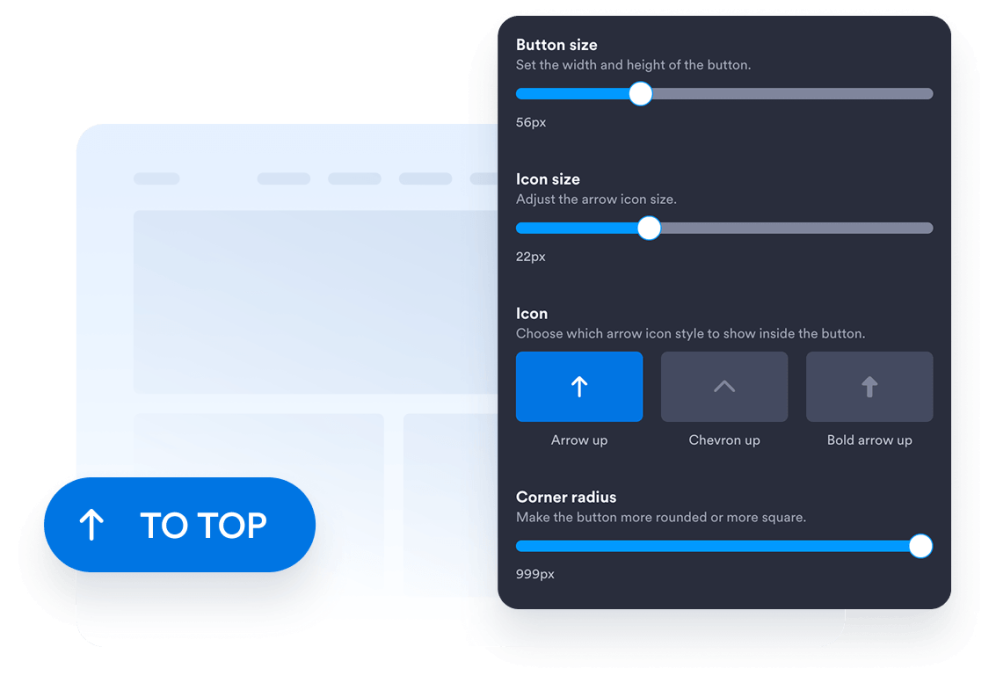
Kustomisasi desain tombol Anda
Pilih gaya tombol, ikon, ukuran, warna, radius sudut, dan posisi layar. Sesuaikan jarak dan tampilannya untuk melengkapi desain situs web Anda.
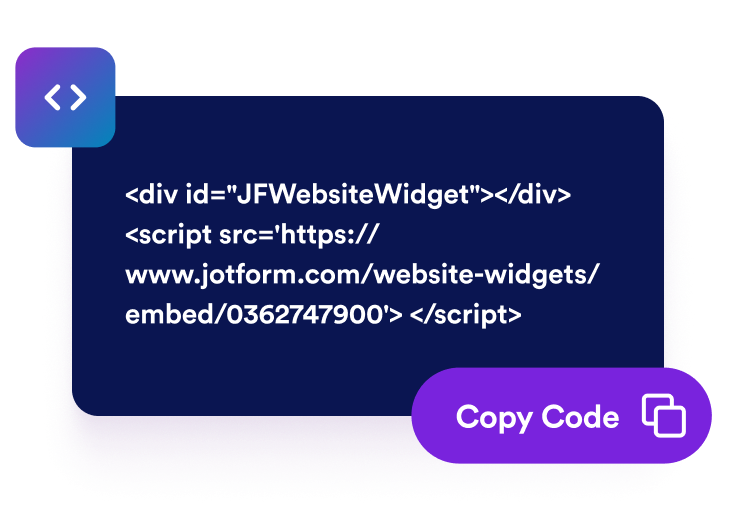
Dapatkan kode sematan
Salin kode semat siap pakai yang dihasilkan oleh Jotform. Tidak perlu penyiapan atau pengkodean.
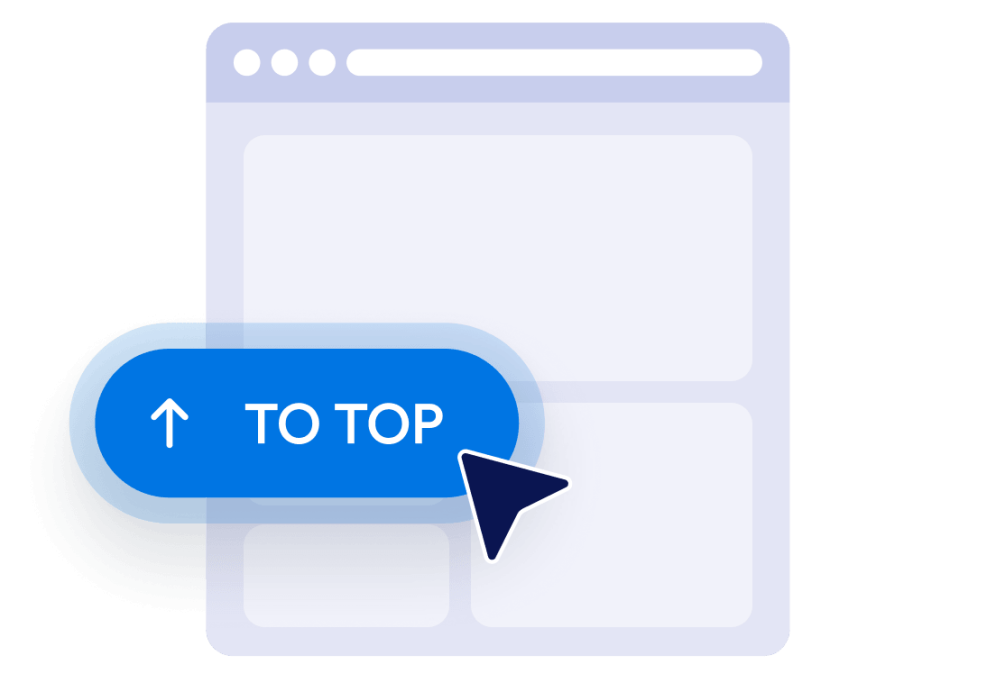
Sematkan di situs web Anda
Pratinjau tombol, salin kode semat yang dihasilkan, dan tempelkan ke dalam HTML kustom atau blok semat. Terbitkan halaman dan tes tombol di layar desktop dan selular.
Buat halaman situs web yang panjang lebih mudah dinavigasi
Bantu pengunjung kembali ke atas
Berikan pengunjung cara cepat untuk kembali ke bagian awal halaman yang panjang tanpa menggulir secara manual. Tombol tetap mudah dijangkau dan membawa pengunjung kembali ke atas dengan mulus saat dipilih.
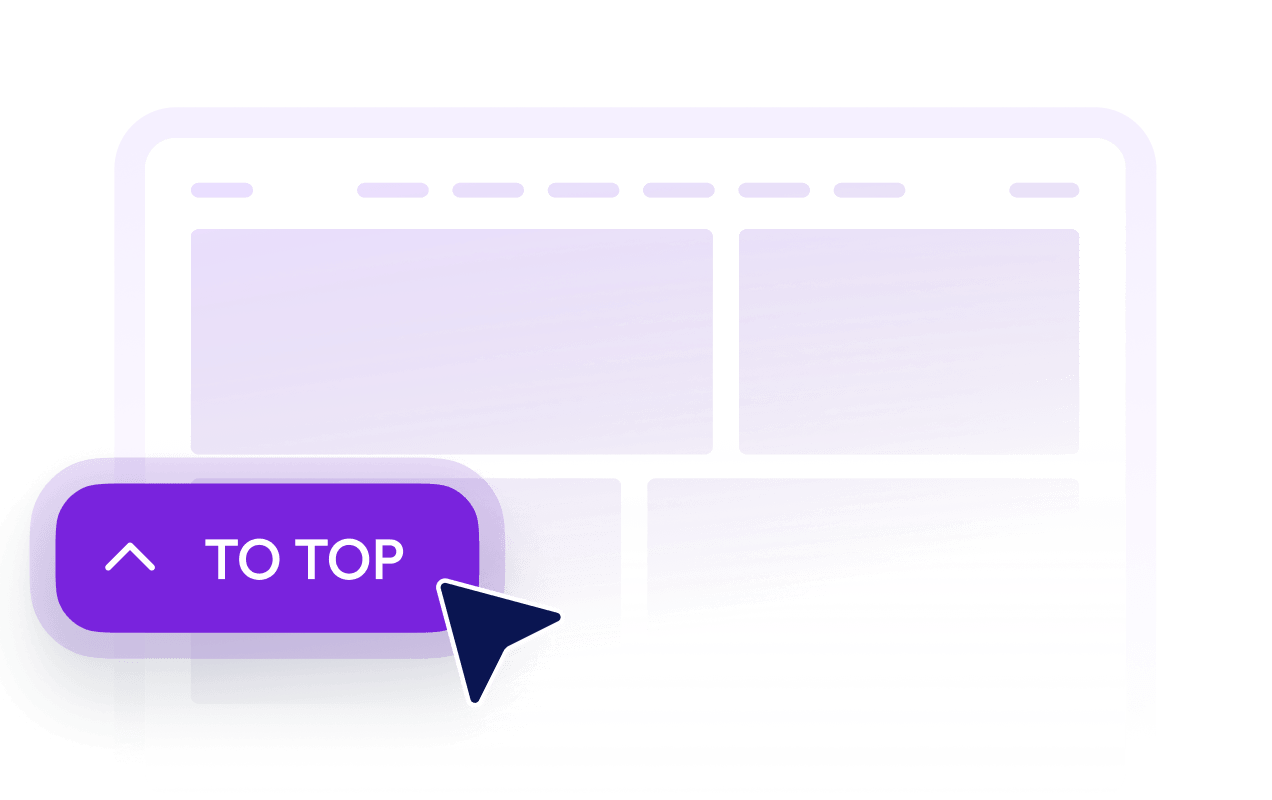
Tampilkan tombol setelah pengunjung menggulir
Atur seberapa jauh ke bawah halaman pengunjung harus menggulir sebelum tombol menjadi terlihat. Ini menjaga tombol tetap tidak mengganggu di dekat bagian atas sekaligus membuatnya tersedia saat kembali menjadi berguna.

Sesuaikan tombol dengan desain Anda
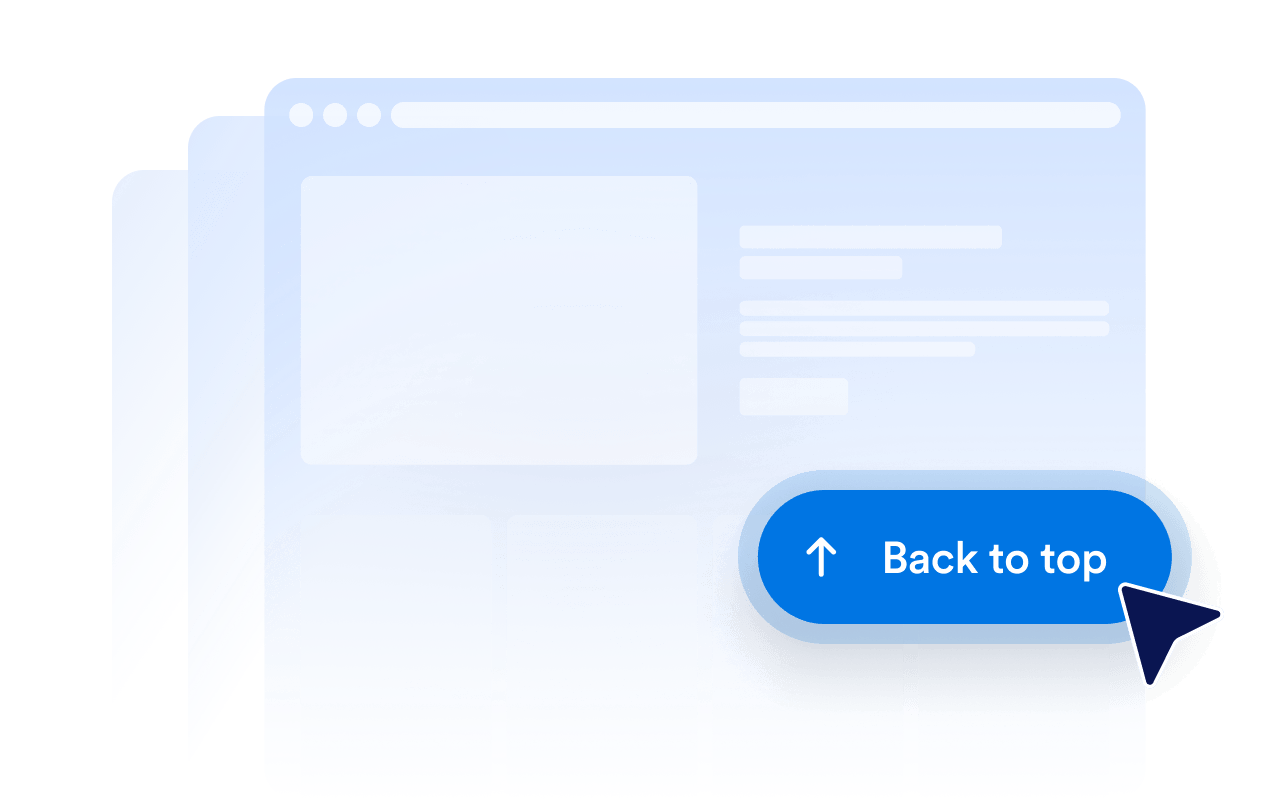
Kustomisasi ikon, ukuran, warna, radius sudut, dan jarak untuk membuat tombol Kembali ke Atas yang sesuai dengan situs web Anda. Tempatkan di sisi kiri atau kanan berdasarkan tata letak halaman Anda.

Kontrol visibilitas desktop dan selular
Pilih apakah tombol muncul di perangkat desktop, perangkat selular, atau keduanya. Kontrol visibilitas dan pemosisian perangkat membantu Anda menghindari menutupi konten halaman penting sekaligus menjaga navigasi tetap dapat diakses di layar yang lebih kecil.
Mengapa Widget Situs Web Jotform Unggul
Widget Jotform membuat situs web Anda lebih interaktif dan meningkatkan konversi. Ada banyak alat tersedia, dari peringkat bintang dan slider testimoni hingga popup bukti sosial dan sematan media. Tambahkan widget ke formulir atau halaman arahan Anda untuk kumpulkan data, menampilkan bukti, dan menangkap prospek — tanpa perlu pengkodean.
Tambahkan widget Jotform ke situs web Anda dengan kode semat yang sederhana. Kustomisasi widget, pratinjau tampilannya, dan tempel ke halaman apa pun yang mendukung HTML kustom atau blok semat, semuanya tanpa pengembang.
Gunakan Widget Situs Web Jotform untuk menangkap prospek, menampilkan umpan balik pelanggan, menampilkan bukti sosial, menyematkan media, atau menambahkan alat halaman web yang bermanfaat. Setiap widget membantu pengunjung berinteraksi dengan bisnis Anda langsung dari situs web Anda.
Jika Anda memerlukan bantuan untuk menyiapkan, menyesuaikan, menyematkan, atau memecahkan masalah widget Anda, tim dukungan pelanggan Jotform tersedia 24-7. Anda dapat melangkah maju dengan percaya diri, mengetahui bahwa bantuan tersedia saat Anda membutuhkannya.
Di mana menggunakan Tombol Kembali ke Atas Anda
Tambahkan tombol ke halaman yang mengharuskan pengunjung menggulir melalui konten, daftar, gambar, atau informasi pendukung yang cukup banyak.
Postingan blog dan artikel untuk membantu pembaca kembali ke judul utama, navigasi, atau daftar isi.
Halaman kategori produk untuk memungkinkan pembeli kembali ke filter, kontrol pengurutan, atau navigasi kategori.
Halaman arahan dan penjualan untuk membantu pengunjung meninjau kembali konten pengantar dan ajakan bertindak utama.
Halaman dokumentasi untuk menyederhanakan navigasi melalui panduan, instruksi, dan materi referensi yang panjang.
Halaman portofolio dan galeri untuk membantu pengunjung memulai kembali penjelajahan mereka setelah melihat karya yang ekstensif.
Halaman FAQ dan sumber daya untuk menyediakan jalur kembali yang praktis setelah pengunjung menjelajahi berbagai bagian.
Ubah prospek menjadi pelanggan yang membayar dengan Jotform Form Builder
Ubah keterlibatan menjadi tindakan dengan Jotform. Buat formulir canggih yang menangkap prospek, mengumpulkan pembayaran, dan mengotomatiskan tanggapan, semuanya di satu tempat. Setiap tanggapan masuk ke Kotak Masuk Jotform Anda, tempat Anda dapat menindaklanjuti atau terhubung dengan aplikasi favorit Anda.
Ayo Mulai — Gratis!
FAQ
Apa itu widget Kembali ke Atas?
Sebuah widget Kembali ke Atas menambahkan tombol mengambang yang mengembalikan pengunjung ke bagian awal halaman. Ini sangat berguna pada artikel panjang, daftar produk, dokumentasi, galeri, dan halaman lain yang memerlukan banyak pengguliran.
Bagaimana cara menambahkan tombol Kembali ke Atas ke situs web saya?
Apakah saya perlu menulis kode untuk membuat tombol?
Bisakah saya mengkustomisasi desain tombol Kembali ke Atas?
Kapan tombol Kembali ke Atas muncul?
Bisakah saya mengubah posisi layar tombol?
Apakah tombol ini berfungsi di perangkat selular?
Apakah widget Kembali ke Atas Jotform gratis?
Bisakah saya menambahkan tombol Kembali ke Atas ke WordPress atau Elementor?
Platform situs web mana yang mendukung Widget Kembali ke Atas?