Widget Cuaca Gratis untuk Situs Web Anda
Bantu pengunjung memeriksa kondisi saat ini dan prakiraan mendatang tanpa meninggalkan situs web Anda. Widget Cuaca Jotform membantu Anda memilih lokasi, memilih tampilan per jam, harian, terperinci, cuaca saat ini, atau hanya suhu, menyesuaikan desain, dan menyematkan widget situs web gratis tanpa pengkodean.
Buat Sekarang — Gratis!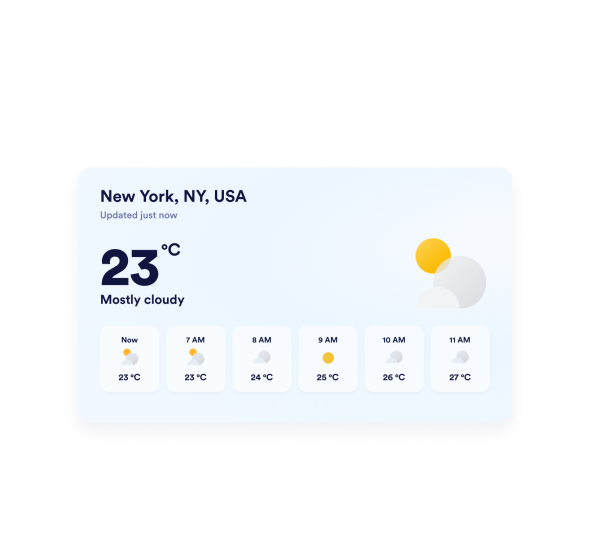

Cara membuat widget Cuaca
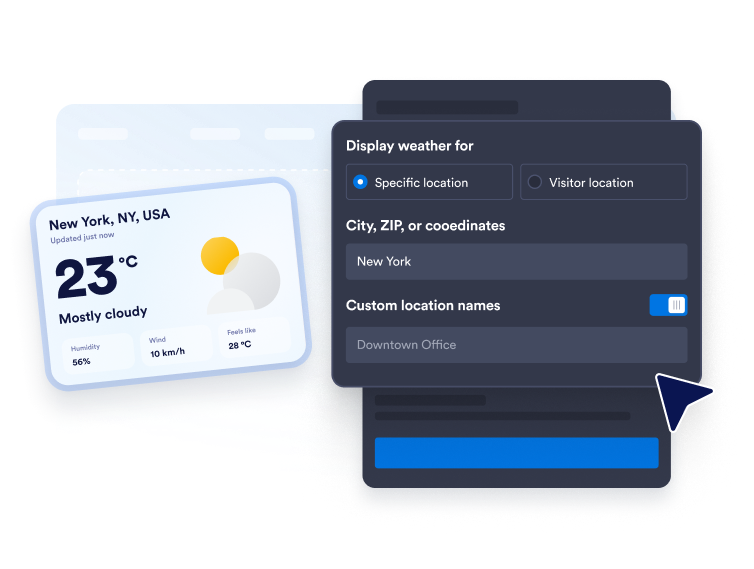
Pilih lokasi cuaca Anda
Masukkan kota, kode pos, atau koordinat untuk prakiraan tetap. Anda juga dapat menggunakan mode lokasi pengunjung ketika Anda ingin widget menampilkan cuaca berdasarkan lokasi pengunjung.
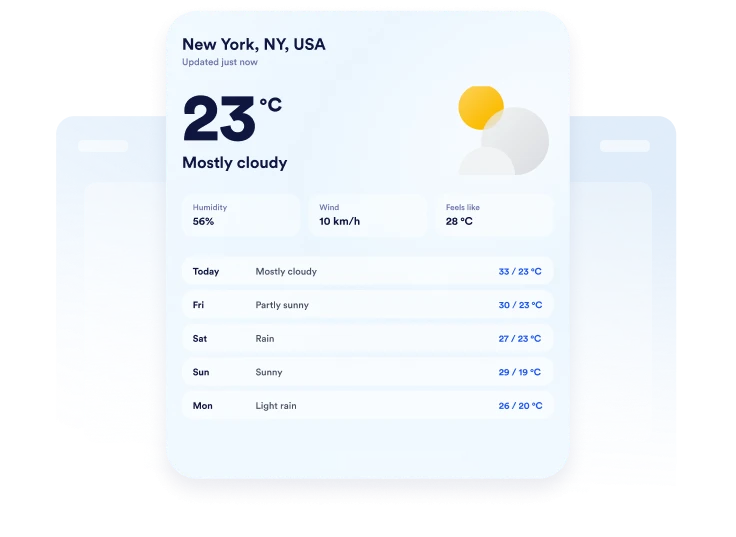
Sesuaikan tampilan prakiraan
Pilih Fahrenheit atau Celsius, atur panjang prakiraan, dan tentukan detail mana yang akan ditampilkan. Bergantung pada tata letak, Anda dapat menyertakan informasi suhu, kelembapan, angin, dan suhu terasa.

Sematkan di situs web Anda
Sesuaikan warna, pratinjau kartu cuaca responsif, dan salin kode semat yang dihasilkan. Tempelkan ke dalam HTML khusus atau blok semat, lalu terbitkan halaman Anda dan periksa tampilannya.
Tampilkan cuaca lokal dalam tata letak situs web yang fleksibel
Tampilkan cuaca untuk lokasi pilihan
Tampilkan cuaca untuk kota, kode pos, atau serangkaian koordinat yang penting bagi audiens Anda. Tambahkan label lokasi khusus untuk membuat prakiraan lebih relevan dengan hotel, venue, sekolah, destinasi tur, atau bisnis lokal.
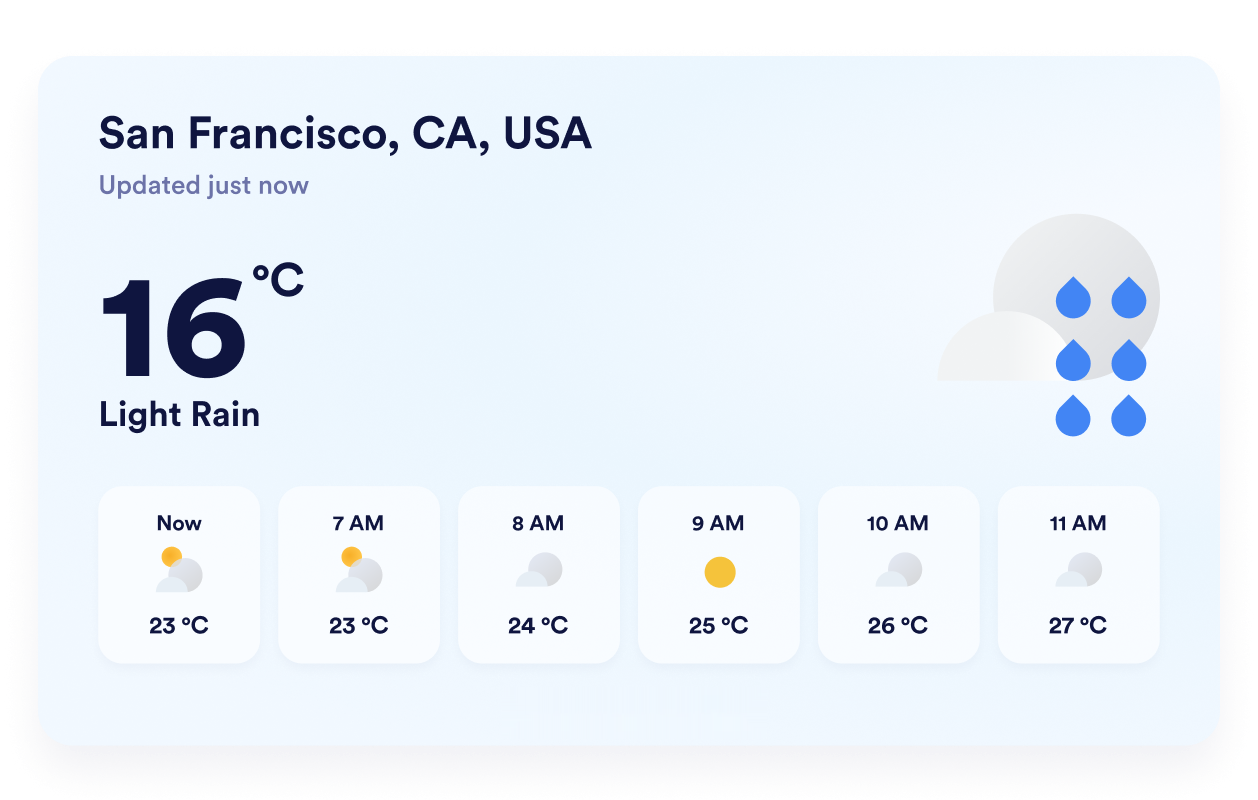
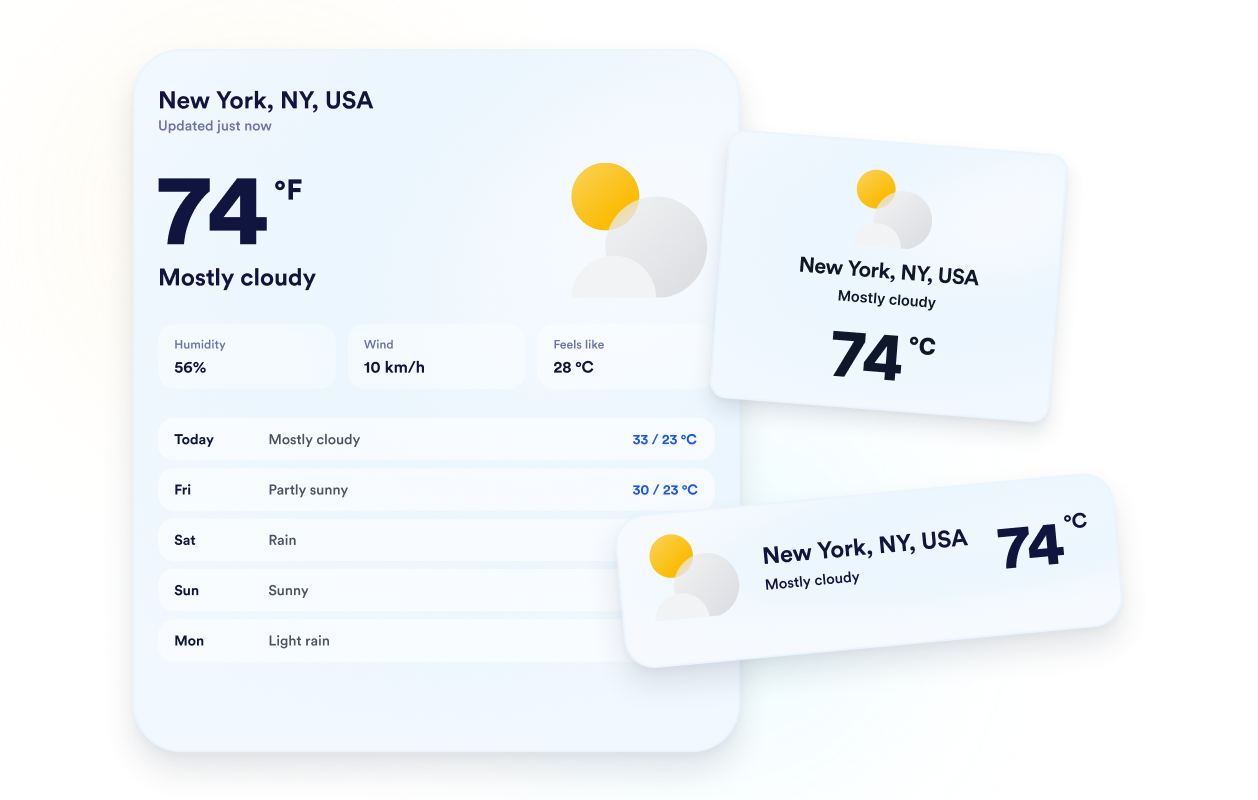
Pilih tampilan prakiraan yang tepat
Pilih tata letak terperinci, harian, per jam, cuaca saat ini, atau hanya suhu berdasarkan ruang yang tersedia. Fleksibilitas ini memungkinkan Anda menyajikan prakiraan lengkap atau menjaga widget tetap fokus pada detail cuaca yang paling dibutuhkan pengunjung.
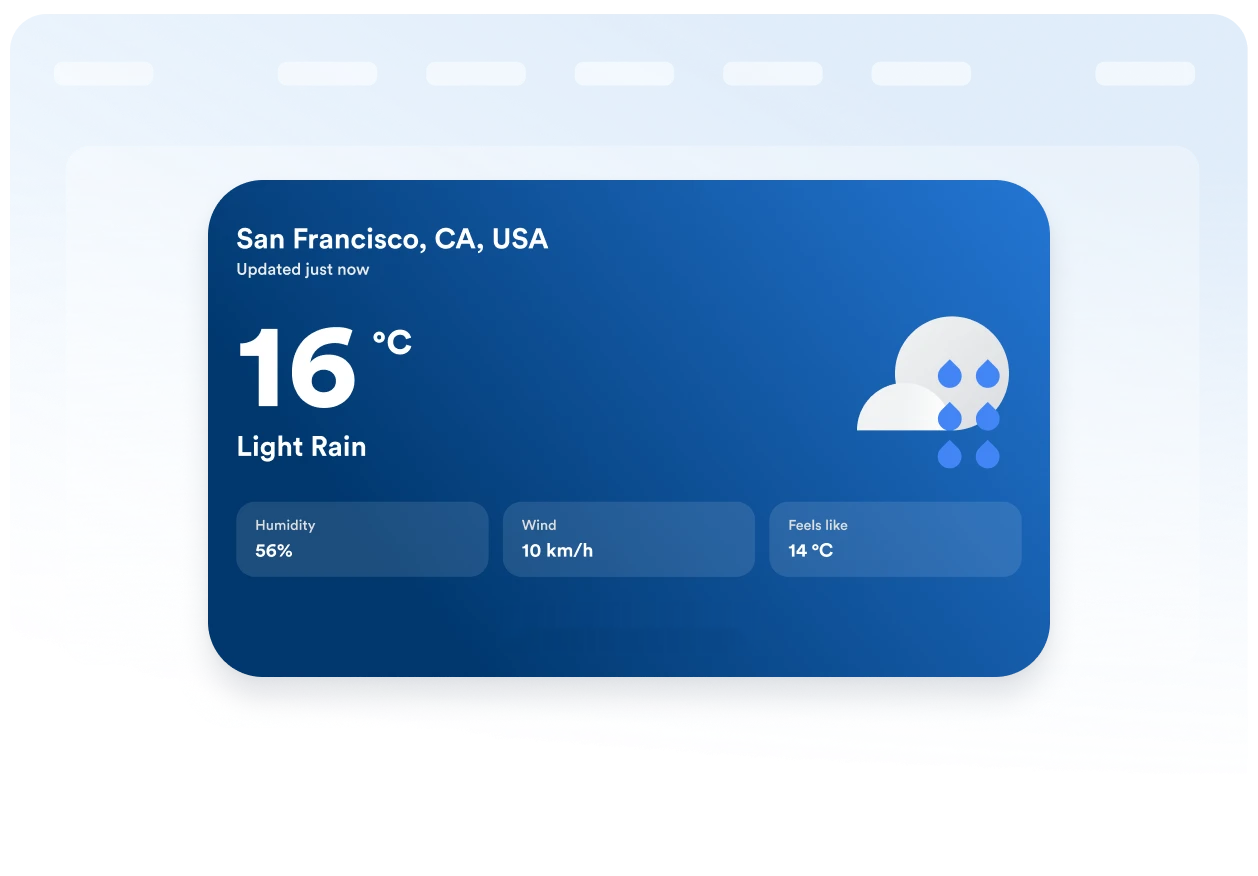
Sesuaikan prakiraan dengan situs web Anda
Pilih latar belakang bertema atau warna solid, lalu sesuaikan kartu, baris prakiraan, teks, warna aksen, lebar, dan radius sudut. Kontrol visual ini membantu widget cuaca menyatu secara alami dengan desain halaman Anda yang sudah ada.
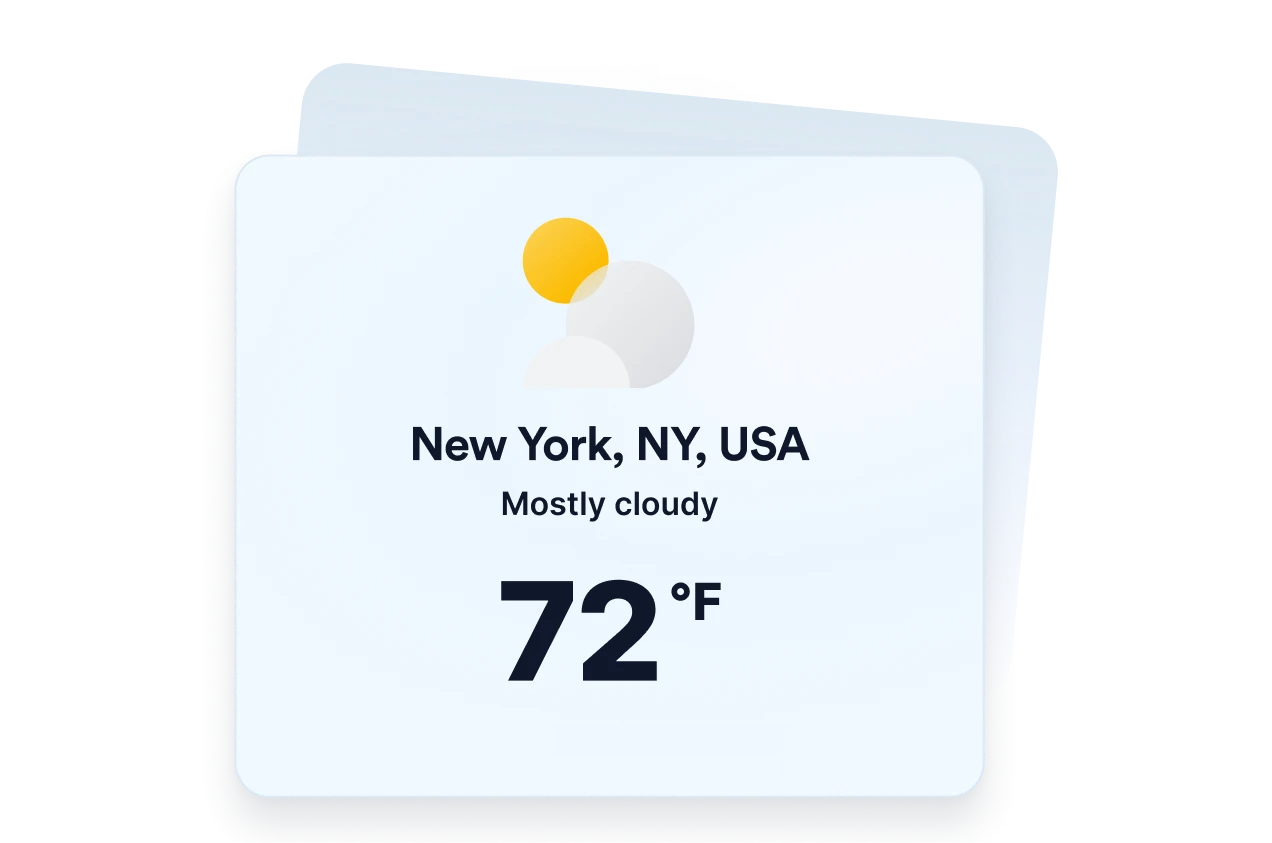
Jaga satuan dan label tetap jelas
Tampilkan suhu dalam Fahrenheit atau Celsius dan terjemahkan label inti widget untuk audiens Anda. Perilaku responsif serta kontrol visibilitas desktop dan seluler membantu menjaga informasi cuaca tetap jelas di berbagai ukuran layar.
Mengapa Widget Situs Web Jotform Unggul
Widget Jotform membuat situs web Anda lebih interaktif dan meningkatkan konversi. Ada banyak alat tersedia, dari peringkat bintang dan slider testimoni hingga popup bukti sosial dan sematan media. Tambahkan widget ke formulir atau halaman arahan Anda untuk kumpulkan data, menampilkan bukti, dan menangkap prospek — tanpa perlu pengkodean.
Tambahkan widget Jotform ke situs web Anda dengan kode semat yang sederhana. Kustomisasi widget, pratinjau tampilannya, dan tempel ke halaman apa pun yang mendukung HTML kustom atau blok semat, semuanya tanpa pengembang.
Gunakan Widget Situs Web Jotform untuk menangkap prospek, menampilkan umpan balik pelanggan, menampilkan bukti sosial, menyematkan media, atau menambahkan alat halaman web yang bermanfaat. Setiap widget membantu pengunjung berinteraksi dengan bisnis Anda langsung dari situs web Anda.
Jika Anda memerlukan bantuan untuk menyiapkan, menyesuaikan, menyematkan, atau memecahkan masalah widget Anda, tim dukungan pelanggan Jotform tersedia 24-7. Anda dapat melangkah maju dengan percaya diri, mengetahui bahwa bantuan tersedia saat Anda membutuhkannya.
Tempat menggunakan widget Cuaca Anda
Tambahkan informasi cuaca yang relevan ke halaman di mana kondisi dapat memengaruhi rencana, persiapan, atau keputusan pengunjung.
Halaman hotel dan resor untuk membantu tamu bersiap menghadapi kondisi lokal sebelum menginap.
Halaman acara untuk menunjukkan kepada peserta cuaca yang diperkirakan sebelum acara di luar ruangan atau tatap muka.
Halaman tur dan aktivitas untuk membantu wisatawan merencanakan pakaian, perlengkapan, dan tanggal pemesanan.
Halaman sekolah dan komunitas untuk membagikan kondisi lokal kepada keluarga, siswa, dan warga.
Halaman olahraga dan rekreasi untuk membantu pengunjung bersiap menghadapi pertandingan, fasilitas, atau aktivitas luar ruangan.
Situs web bisnis lokal untuk memberikan konteks cuaca yang berguna sebelum pelanggan berkunjung.
Ubah prospek menjadi pelanggan yang membayar dengan Jotform Form Builder
Ubah keterlibatan menjadi tindakan dengan Jotform. Buat formulir canggih yang menangkap prospek, mengumpulkan pembayaran, dan mengotomatiskan tanggapan, semuanya di satu tempat. Setiap tanggapan masuk ke Kotak Masuk Jotform Anda, tempat Anda dapat menindaklanjuti atau terhubung dengan aplikasi favorit Anda.
Ayo Mulai — Gratis!
FAQ
Apa itu widget Cuaca?
Widget cuaca menampilkan kondisi saat ini dan informasi prakiraan langsung di situs web. Bergantung pada tata letak yang dipilih, pengunjung dapat melihat suhu, prakiraan harian atau per jam, kelembapan, angin, dan kondisi suhu terasa tanpa meninggalkan halaman.
Apakah widget Cuaca Jotform gratis?
Bisakah saya memilih lokasi mana yang ditampilkan widget?
Bisakah widget menggunakan lokasi pengunjung?
Tata letak prakiraan cuaca mana yang dapat saya gunakan?
Bisakah saya menampilkan detail cuaca selain suhu?
Bisakah saya menggunakan Celsius daripada Fahrenheit?
Bisakah saya menyesuaikan desain widget cuaca?
Apakah widget Cuaca berfungsi di perangkat seluler?
Apakah saya perlu menulis kode untuk membuat widget Cuaca?
Platform situs web mana yang mendukung widget Cuaca?
Bisakah saya mendapatkan bantuan untuk menyiapkan widget Cuaca saya?