Visualizza elenchi dinamici
Mostra un numero illimitato di elementi con pagine personalizzate e azioni interattive che aumentano il coinvolgimento. Usa layout flessibili e opzioni di design creative per creare esperienze uniche.
Collect & Display Data
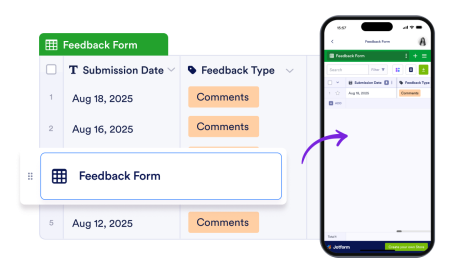
Raccogli e mostra i dati all'interno della tua app, consentendo sia a te che ai tuoi utenti di monitorare le risposte e rivedere i dati a colpo d'occhio.
Set a maximum count for items displayed in your list elements. Control how much data appears on your users' screen at once to optimize page length and improve app performance.
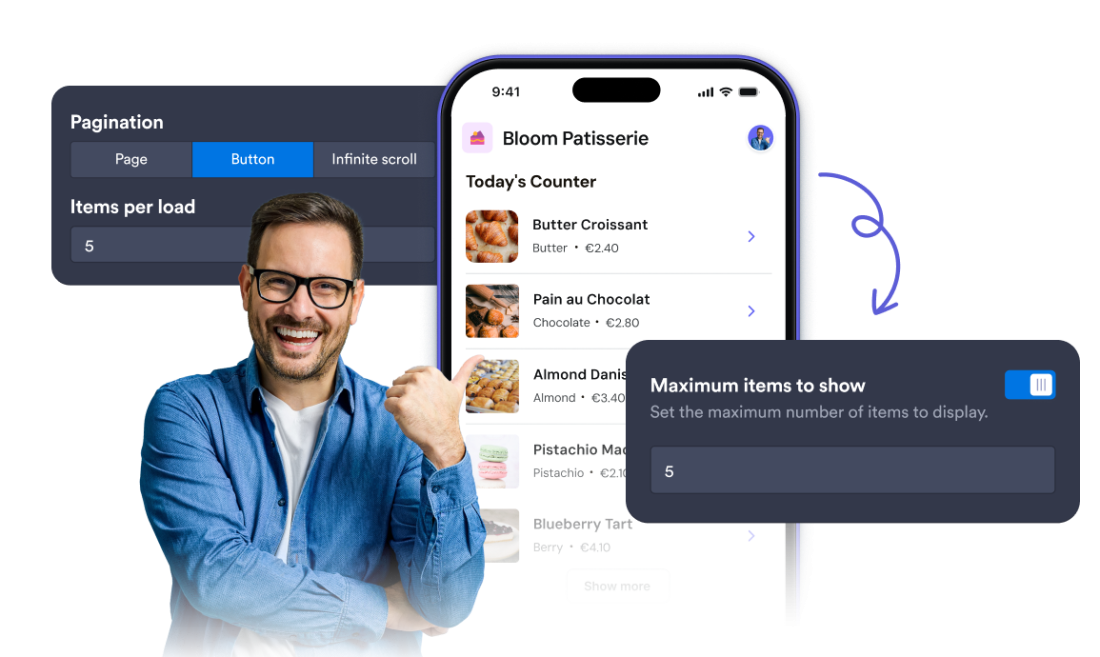
Control item limits and reveal extra entries using page numbers, load buttons, or seamless infinite scrolling.
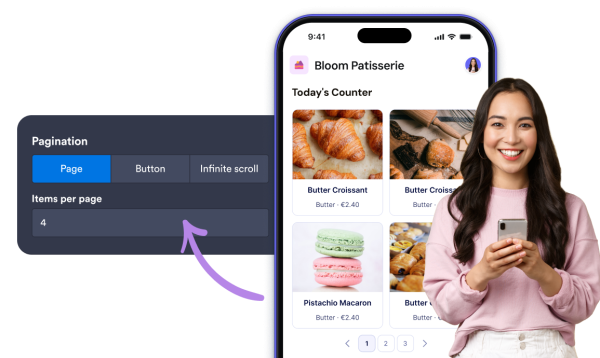
Select how users load more entries beyond your maximum limit. Display numbered pages based on your item count, add a load button for extra items, or enable infinite scrolling.
Define the maximum number of items to show per view to keep your list layout clean and structured.
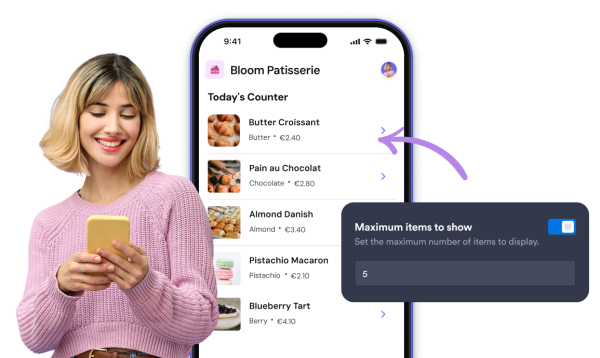
Configure pagination styles to let users navigate through pages, click a button to load more entries, or scroll endlessly.
It restricts the number of list items visible at one time to prevent cluttered screens and improve load times.
You can choose Page (numbered navigation), Button (manual click to load more), or Infinite Scroll (continuous loading as you scroll).
It automatically divides your total entries into numbered pages based on the maximum item count you specified.