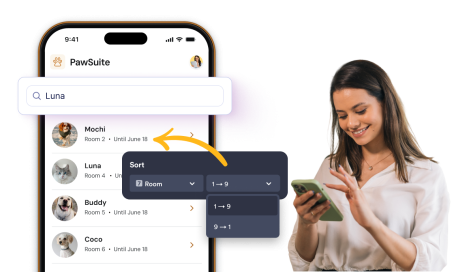
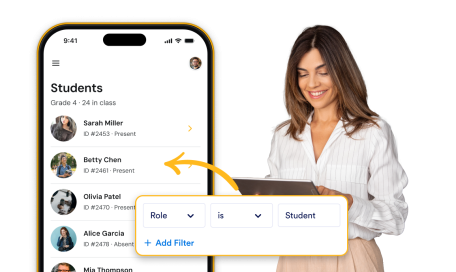
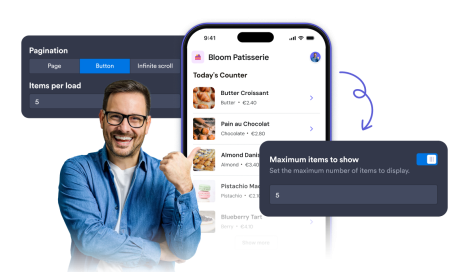
Visualizza elenchi dinamici
Mostra un numero illimitato di elementi con pagine personalizzate e azioni interattive che aumentano il coinvolgimento. Usa layout flessibili e opzioni di design creative per creare esperienze uniche.
Collect & Display Data
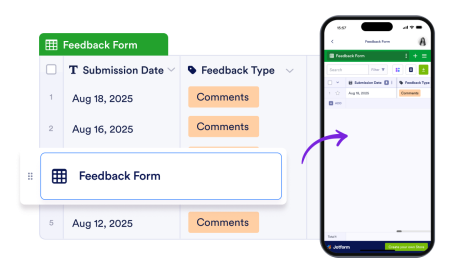
Raccogli e mostra i dati all'interno della tua app, consentendo sia a te che ai tuoi utenti di monitorare le risposte e rivedere i dati a colpo d'occhio.
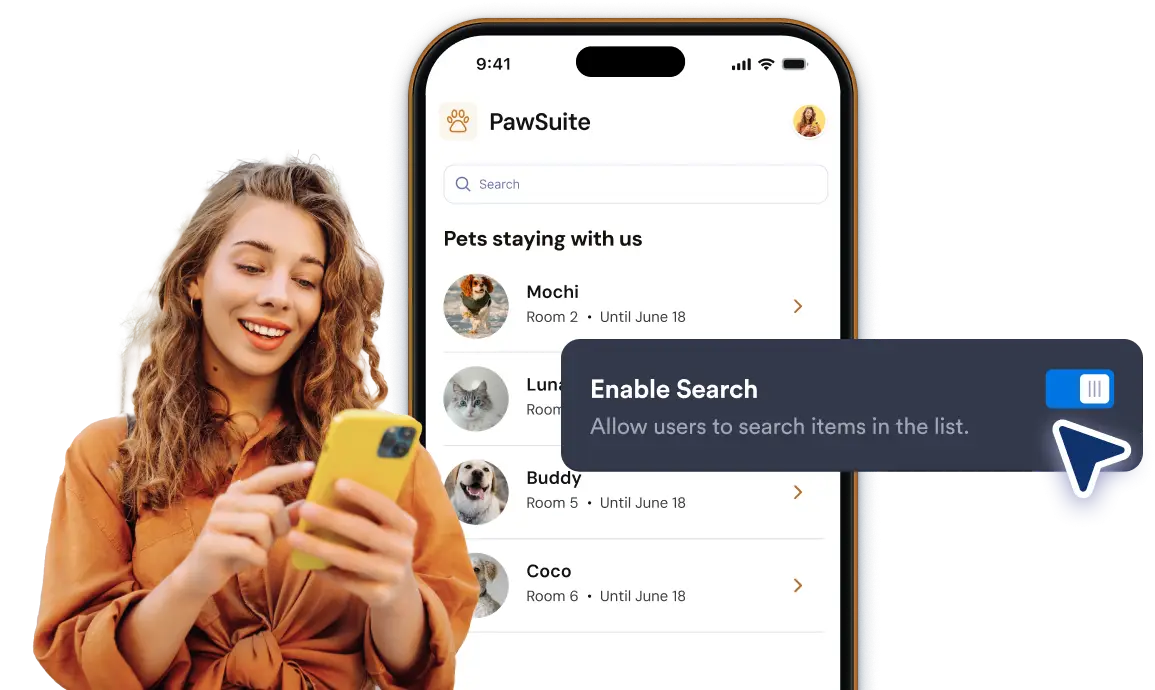
Add an interactive search bar to let users instantly find specific entries within your list elements. Allow users to locate relevant items quickly using keyword searches.
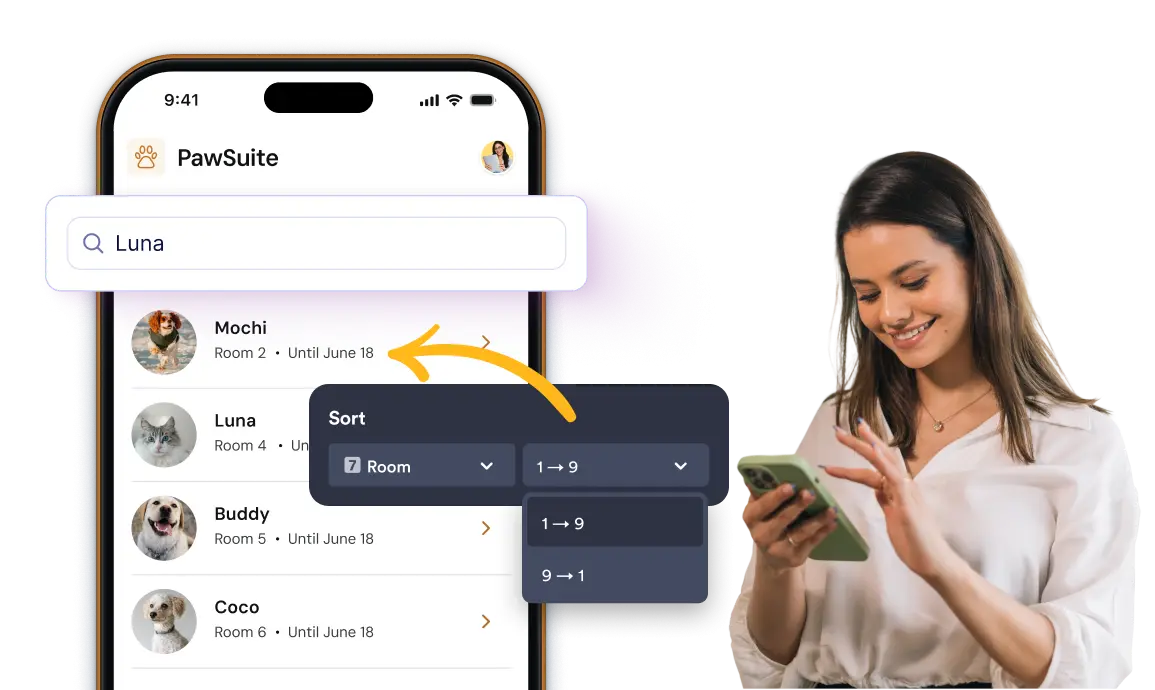
Enable quick text searching and organize list entries automatically using field-based ascending or descending sort rules.
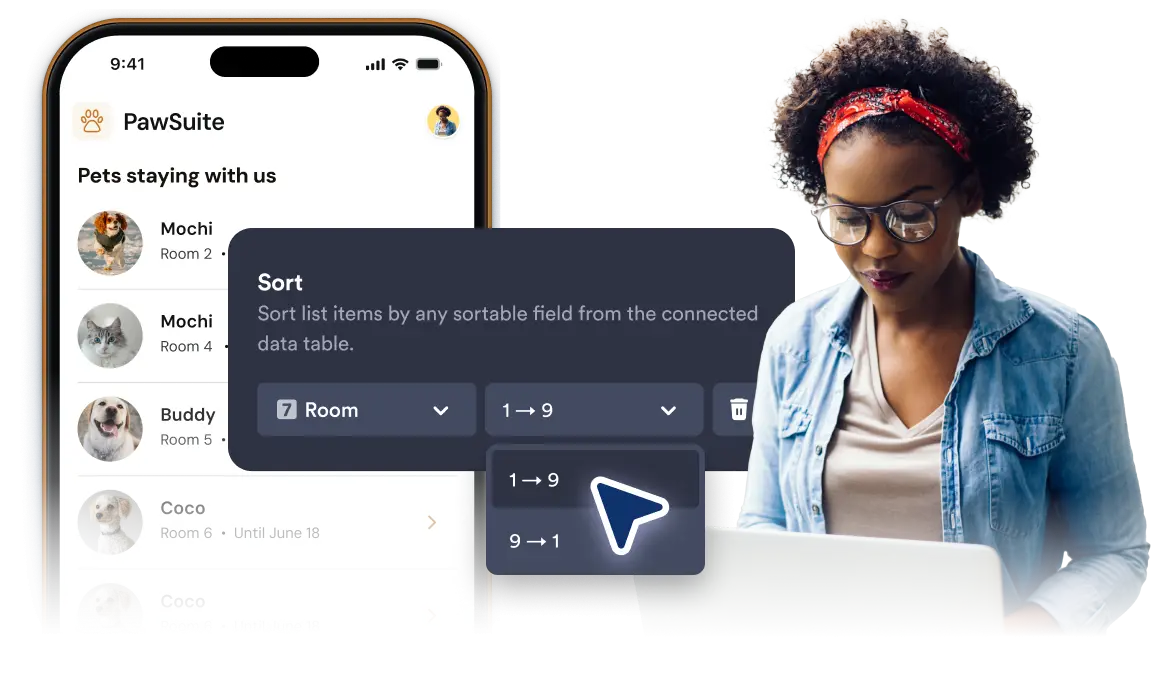
Select any field connected to your list and set custom sorting criteria. Display entries in ascending or descending order to present your data in a clear, organized layout.
Toggle the search bar to allow app users to filter through large datasets using instant text keywords.
Choose specific list fields and apply ascending or descending sort orders to arrange items logically.
It allows users to type keywords and instantly filter the visible list items on screen.
You can choose a specific field from your list data and set the items to display in ascending or descending order.
Yes, you can enable the search bar and configure sorting rules together to give users full control over how they view list data.