Widget Meteo Gratuito per il Tuo Sito Web
Aiuta i visitatori a controllare le condizioni meteo attuali e le previsioni future senza lasciare il tuo sito. Il widget Meteo di Jotform ti aiuta a scegliere una località, selezionare una vista oraria, giornaliera, dettagliata, meteo-attuale o solo-temperatura, personalizzare il design e incorporare il widget gratuito senza scrivere codice.
Come creare un widget Meteo
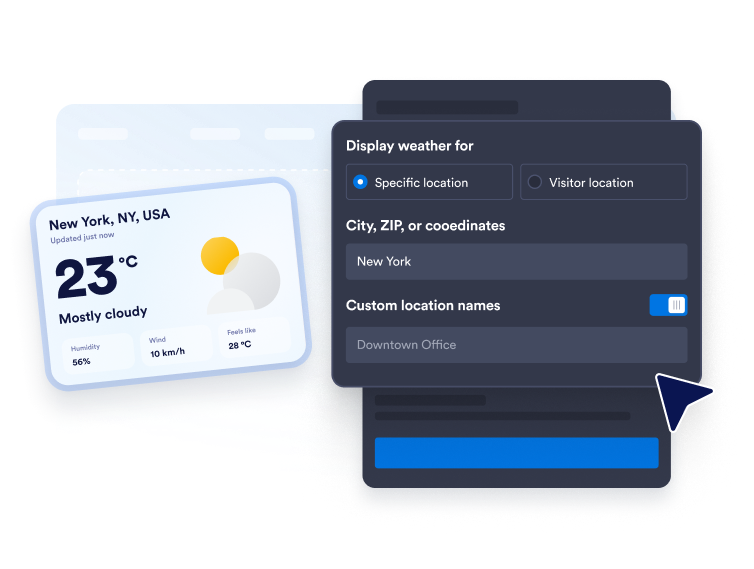
Scegli la località
Inserisci una città, un CAP o delle coordinate per previsioni fisse. Puoi anche utilizzare la modalità geolocalizzazione del visitatore quando desideri mostrare il meteo in base alla posizione reale del visitatore.
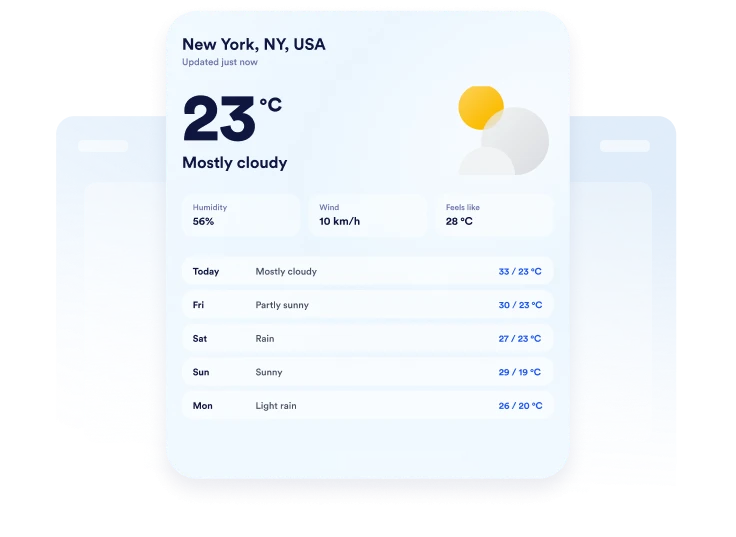
Personalizza lo stile delle previsioni
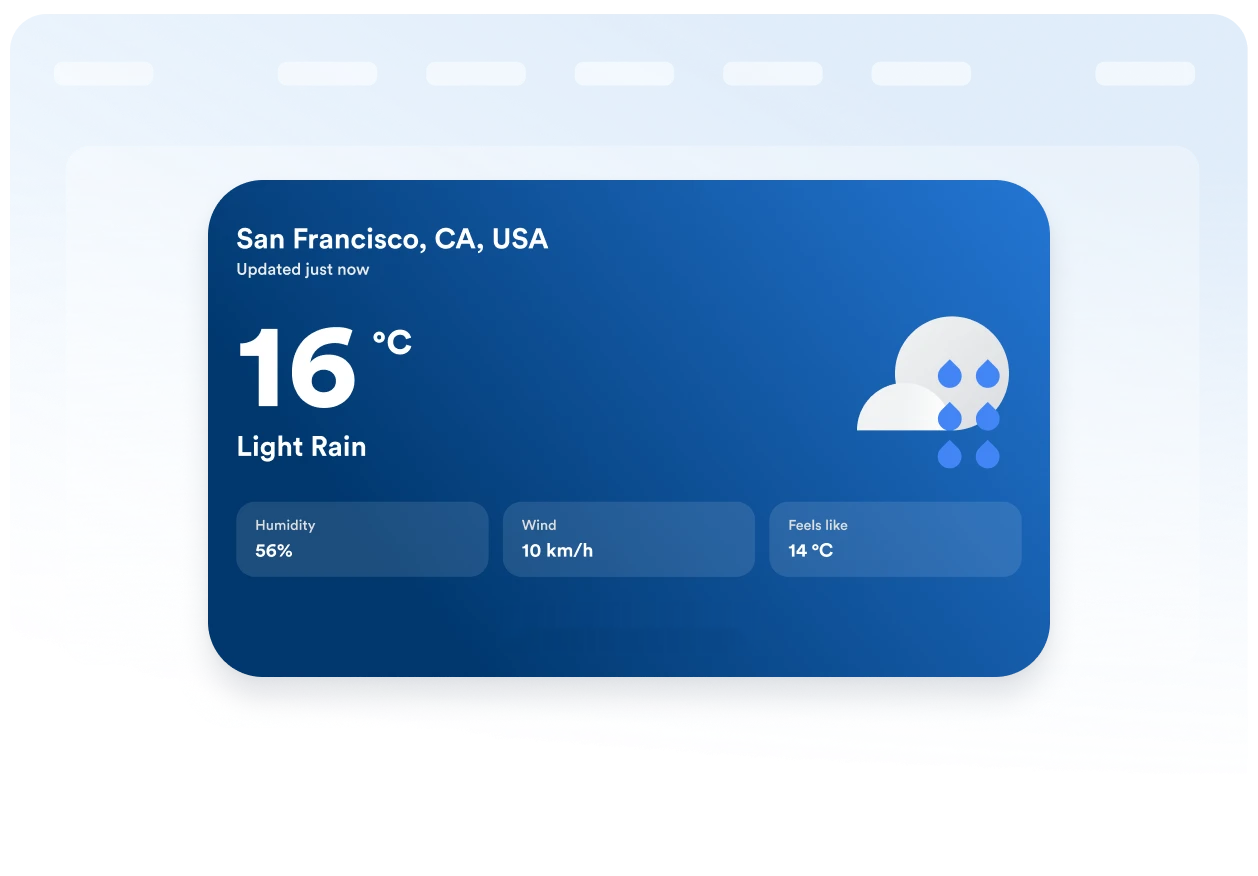
Scegli Fahrenheit o Celsius, imposta la durata delle previsioni e decidi quali dettagli mostrare. A seconda del layout, puoi includere informazioni su temperatura, umidità, vento e temperatura percepita.

Incorporalo nel tuo sito web
Personalizza i colori, visualizza l'anteprima della scheda meteo responsive e copia il codice embed generato. Incollalo in un blocco HTML personalizzato o embed, quindi pubblica la tua pagina e assicurati che tutto venga mostrato correttamente.
Mostra il meteo locale in layout web flessibili
Mostra il meteo per le località selezionate
Mostra il meteo per una città, un CAP o una località importante per il tuo pubblico. Aggiungi un'etichetta personalizzata per rendere le previsioni più pertinenti a un hotel, una sede, una scuola, una destinazione turistica o un'azienda locale.
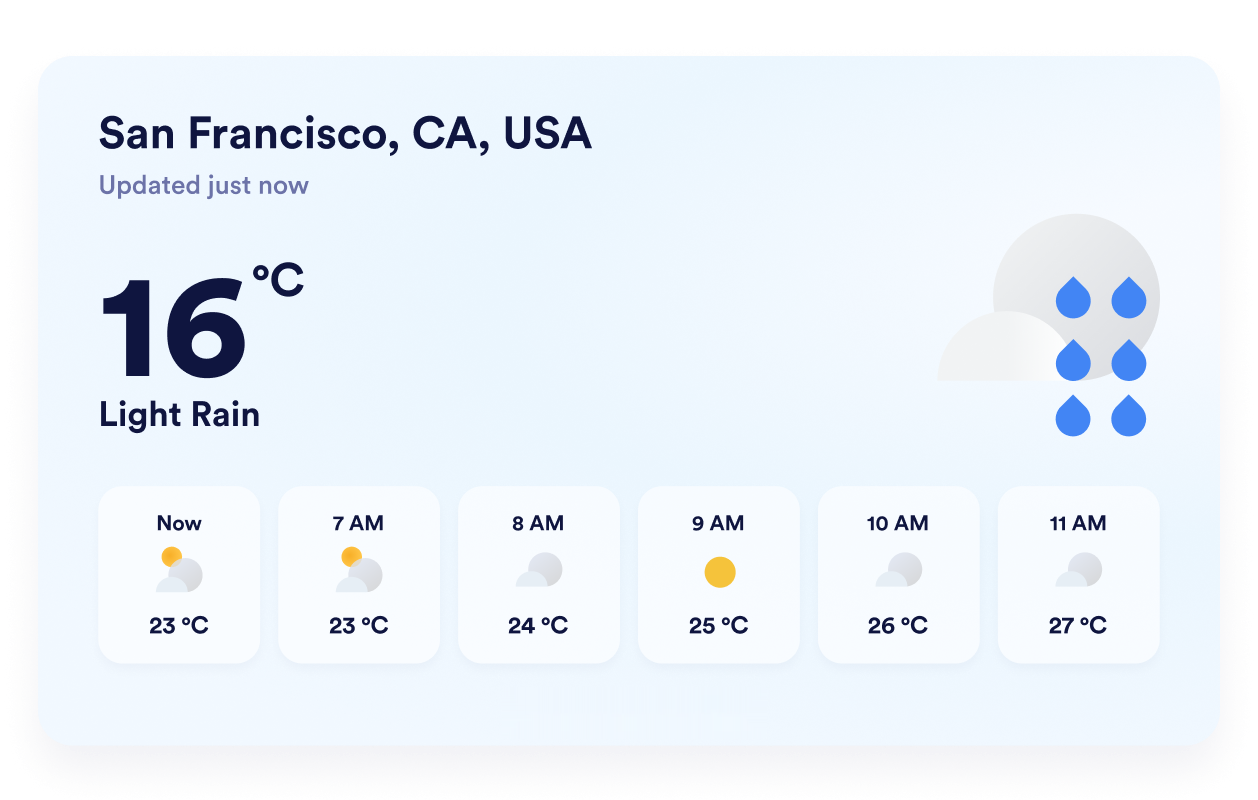
Mostra le previsioni nel formato più adatto
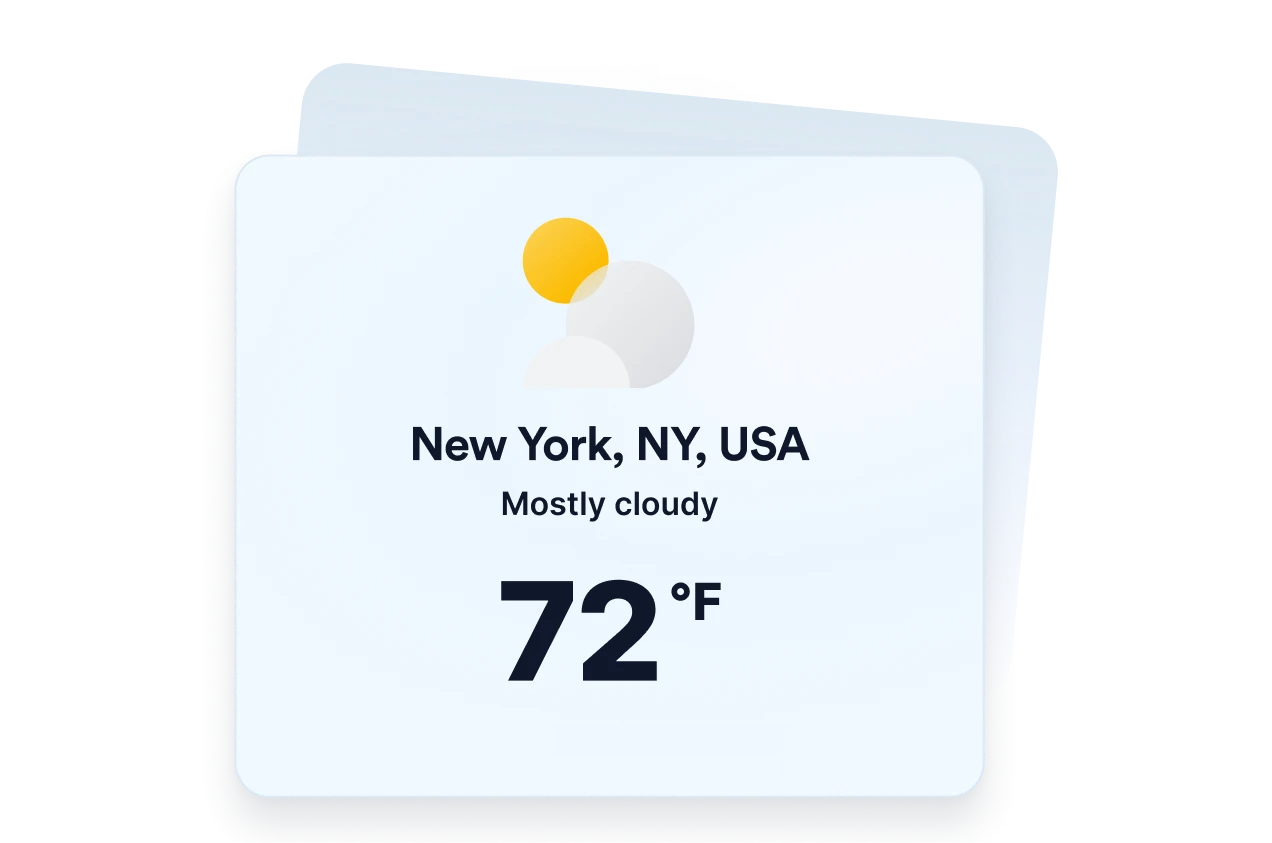
Scegli un layout dettagliato, giornaliero, orario, con le condizioni attuali o con la sola temperatura, in base allo spazio disponibile. Questa flessibilità ti consente di offrire previsioni complete o di concentrare il widget sui dettagli meteorologici più utili ai visitatori.
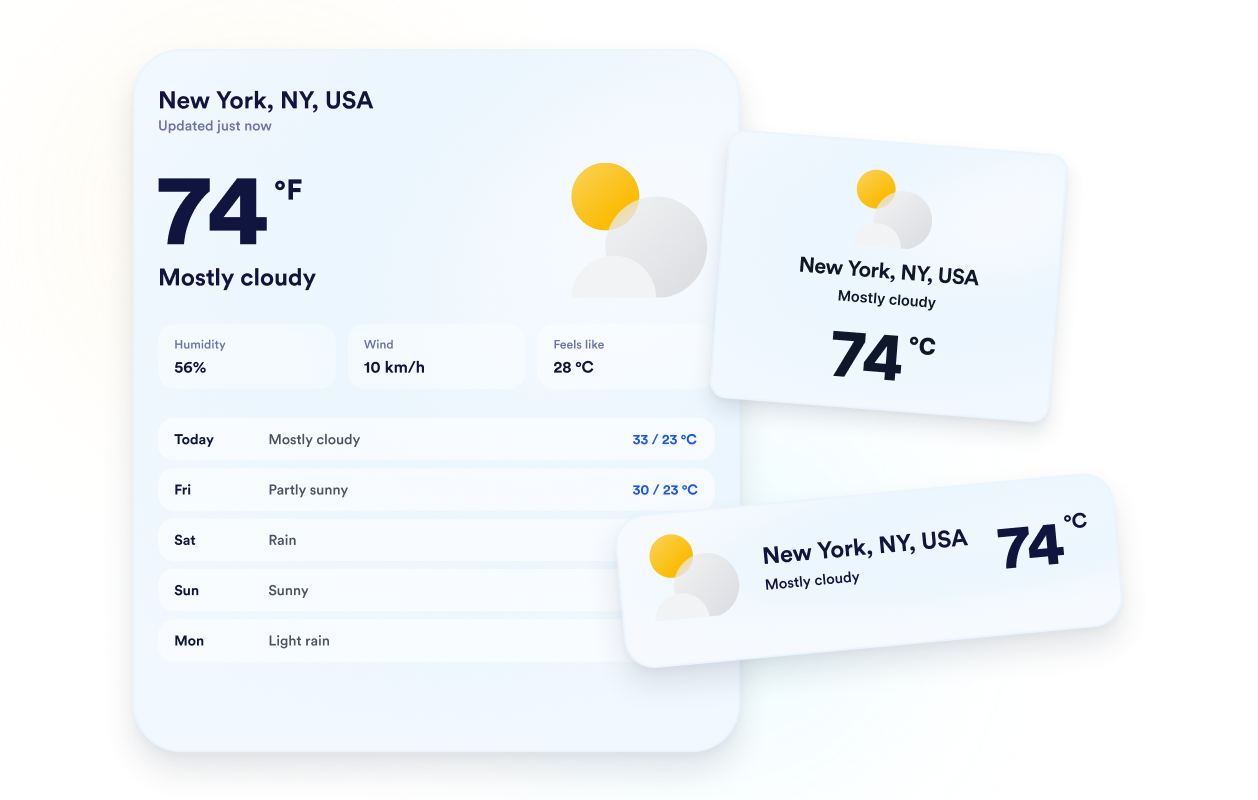
Adatta le previsioni allo stile del tuo sito
Scegli uno sfondo a tema o un colore in tinta unita, quindi personalizza la scheda, le righe delle previsioni, il testo, i colori, la larghezza e il raggio degli angoli. Regolare questi parametri permette al widget meteo di integrarsi naturalmente nel design del tuo sito.
Mostra informazioni chiare su qualsiasi dispositivo
Mostra le temperature in gradi Celsius o Fahrenheit e traduci le etichette principali del widget per il tuo pubblico. Il design responsive e i controlli di visibilità per desktop e dispositivi mobili aiutano a mantenere chiare le informazioni meteo su schermi di qualsiasi dimensione.
Perché i Widget del sito web di Jotform si distinguono
I widget di Jotform rendono il tuo sito web più interattivo e aumentano le conversioni. Sono disponibili molti strumenti, dalle valutazioni a stelle e gli slider di testimonianze ai popup di riprova sociale e agli embed di media. Aggiungi widget ai tuoi moduli o alle tue landing page per raccogliere dati, mostrare prove e acquisire lead, senza bisogno di programmazione.
Aggiungi i widget Jotform al tuo sito web con un semplice codice embed. Personalizza il widget, visualizza in anteprima il suo aspetto e incollalo in qualsiasi pagina che supporti HTML personalizzato o blocchi embed, il tutto senza uno sviluppatore.
Usa i Widget del sito web di Jotform per acquisire lead, mostrare feedback dei clienti, visualizzare riprova sociale, incorporare media o aggiungere utili strumenti per le pagine web. Ogni widget aiuta i visitatori a interagire con la tua attività direttamente dal tuo sito web.
Se hai bisogno di aiuto per configurare, personalizzare, incorporare o risolvere problemi con il tuo widget, il team di assistenza clienti di Jotform è disponibile 24 ore su 24, 7 giorni su 7. Puoi andare avanti con fiducia, sapendo che l'aiuto è a disposizione quando ne hai bisogno.
Dove utilizzare il widget Meteo
Aggiungi informazioni meteo pertinenti alle pagine in cui le condizioni possono influenzare i piani, la preparazione o le decisioni di un visitatore.
Pagine di hotel e resort per aiutare gli ospiti a prepararsi alle condizioni locali prima del loro soggiorno.
Pagine di eventi per mostrare ai partecipanti il meteo previsto prima di un evento all'aperto o in presenza.
Pagine di viaggi e attività per aiutare i viaggiatori a pianificare abbigliamento, attrezzatura e date di prenotazione.
Pagine scolastiche e comunitarie per condividere le condizioni meteo locali con famiglie, studenti e residenti.
Pagine di sport e tempo libero per aiutare i visitatori a prepararsi per partite, strutture o attività all'aperto.
Siti web di aziende locali per fornire previsioni meteo prima che i clienti si rechino sul posto.
Converti i lead in clienti paganti con il costruttore di Moduli Jotform
Trasforma il coinvolgimento in azione con Jotform. Crea moduli potenti che acquisiscono lead, raccolgono pagamenti e automatizzano le risposte, tutto in un unico posto. Ogni risposta arriva nella tua Posta Jotform, dove puoi dare seguito o collegarti con le tue app preferite.
Inizia Subito — È Gratis!
FAQ
Cos'è un widget Meteo?
Un Widget Meteo mostra le condizioni attuali e le informazioni sulle previsioni direttamente su un sito web. A seconda del layout selezionato, i visitatori possono consultare temperature, previsioni giornaliere o orarie, umidità, vento e temperatura percepita senza lasciare la pagina.
Il widget Meteo di Jotform è gratuito?
Posso scegliere quale località mostra il widget?
Il widget può usare la posizione di un visitatore?
Quali stili di previsioni meteo posso usare?
Posso mostrare altri dettagli meteo oltre alla temperatura?
Posso usare i gradi Celsius invece dei Fahrenheit?
Posso personalizzare il design del widget meteo?
Il widget Meteo funziona sui dispositivi mobili?
Devo scrivere codice per creare un widget Meteo?
Quali piattaforme di siti web supportano il widget Meteo?
Posso ricevere assistenza nella configurazione del mio Widget Meteo?