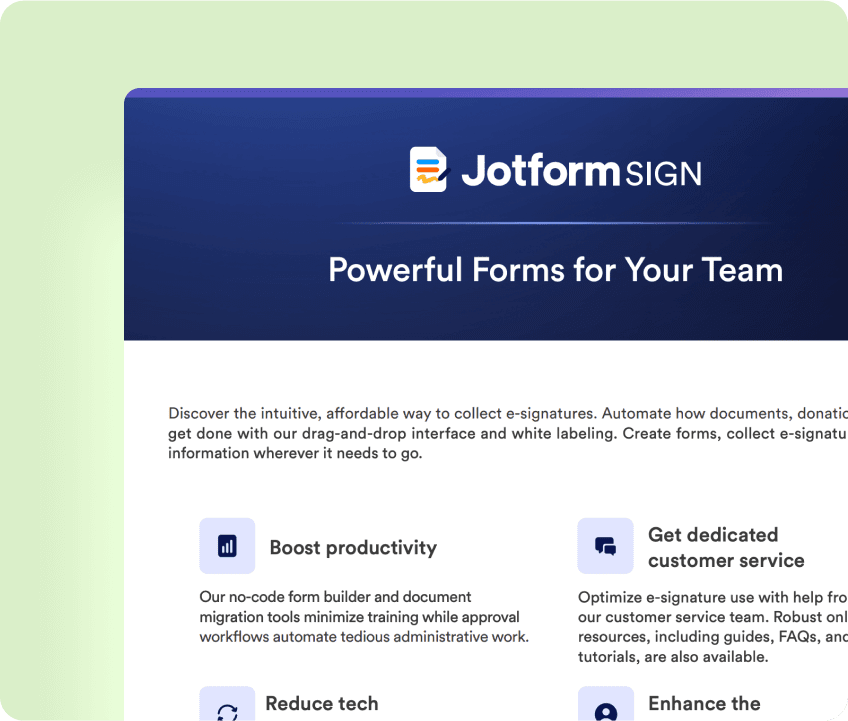
電子サインと自動化の出会い
Jotformサインを使って、ビジネスのあらゆる場面で電子サインドキュメントを作成。複数の署名者の追加、リマインダーメールの送信、署名権限の委任など、ニーズに合わせてカスタマイズできます。


Jotformサインの使い方
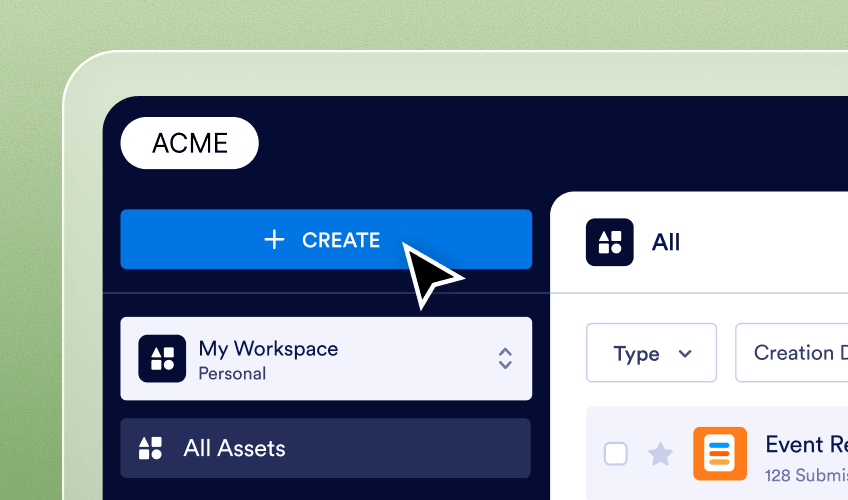
作成する
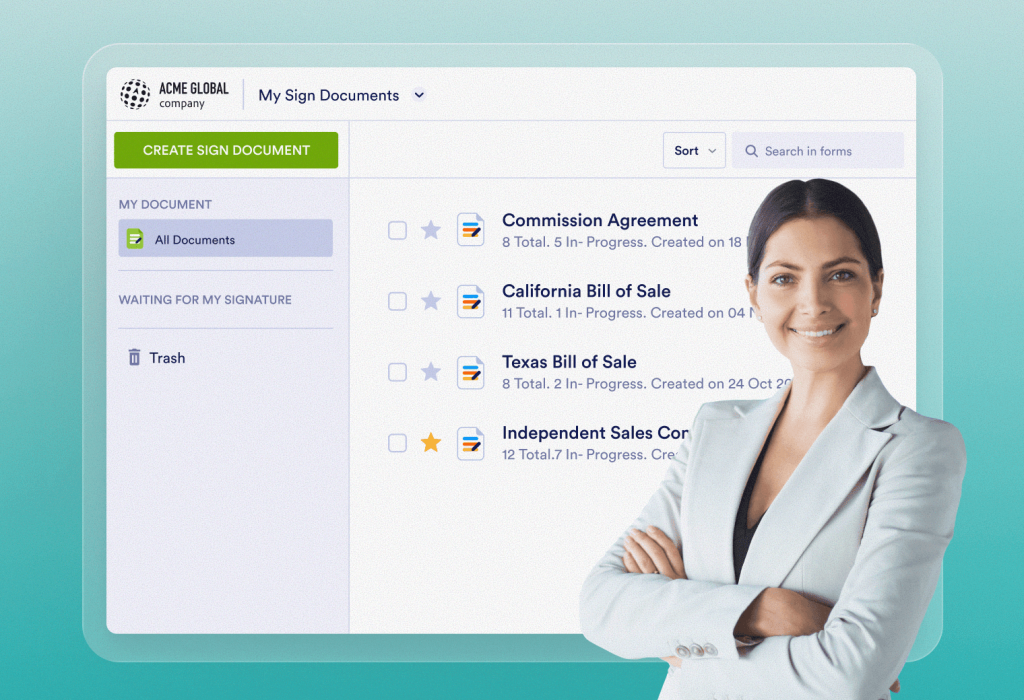
Jotformエンタープライズの「署名ドキュメント」ページから[署名ドキュメントを作成]をクリックするだけです。
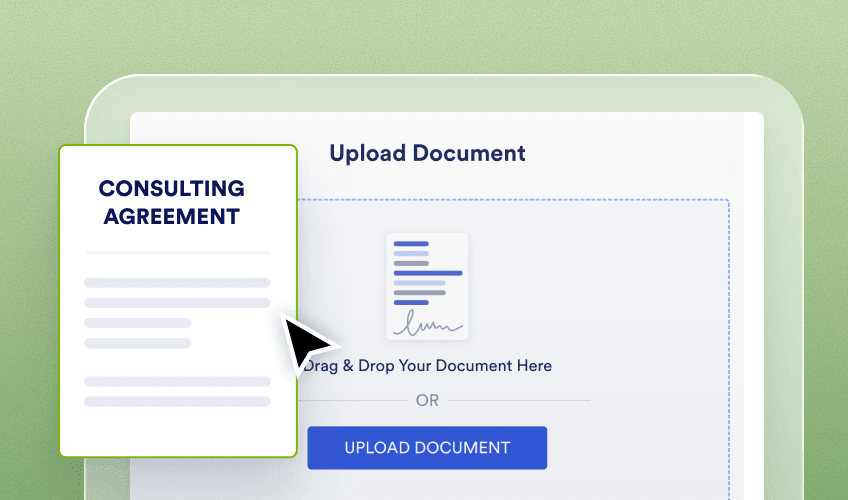
アップロード
既存のPDFをアップロードするか、デモ用ドキュメントを使用します。
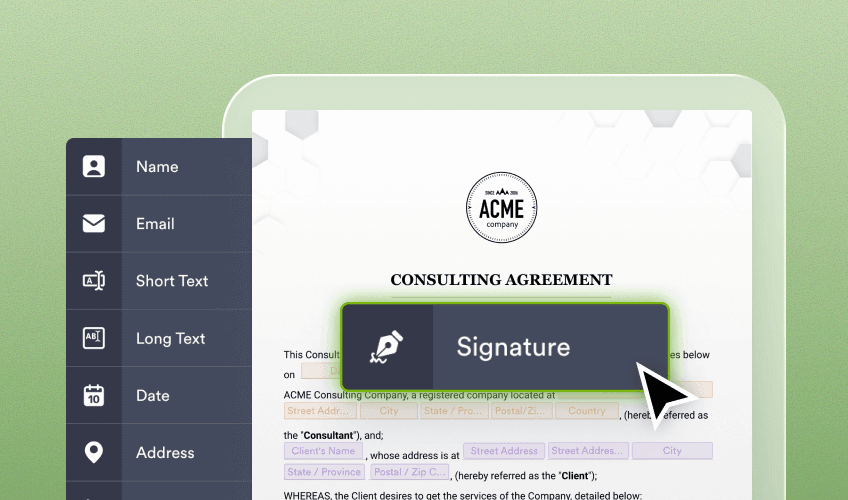
カスタマイズと自動化
紙の書類から数分でデジタルフォーム&電子文書へ移行できます。
Jotformサインがビジネスに貢献する方法をご紹介
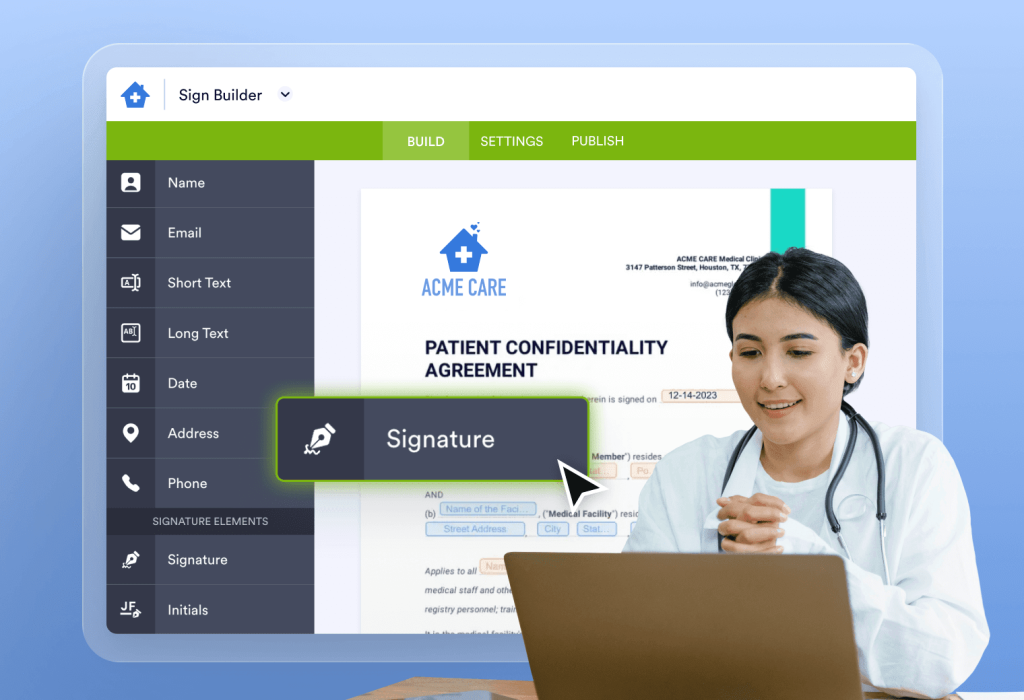
ヘルスケア
Jotformサインで、HIPAA準拠の医療文書、患者記録、ドクターノートなどを作成しましょう。
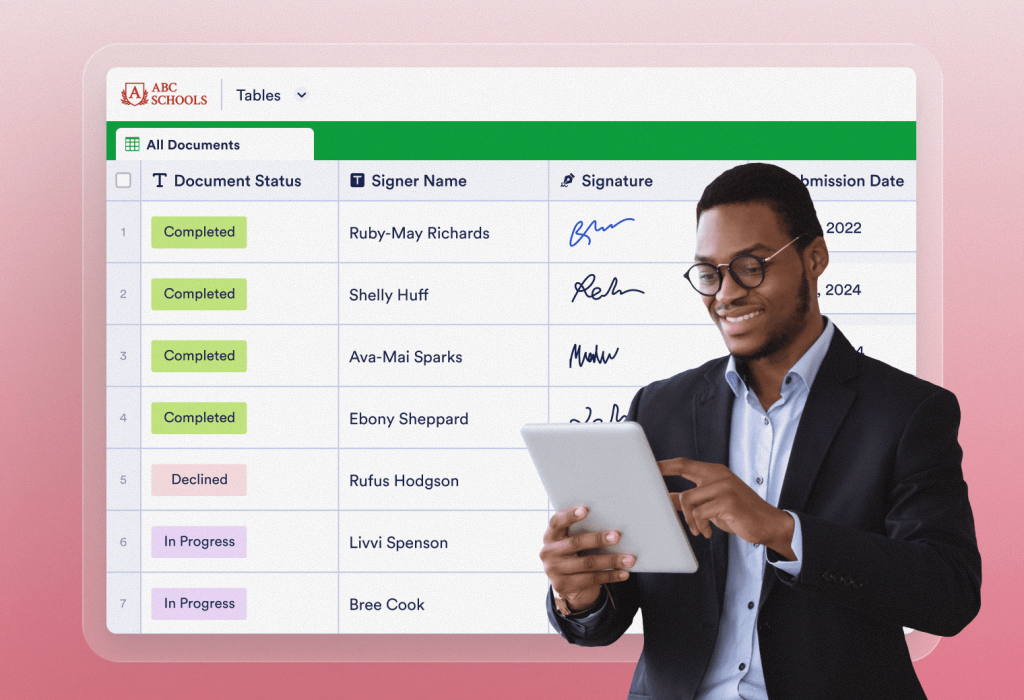
教育
登録フォーム、同意書など、さまざまな書類の署名を収集。
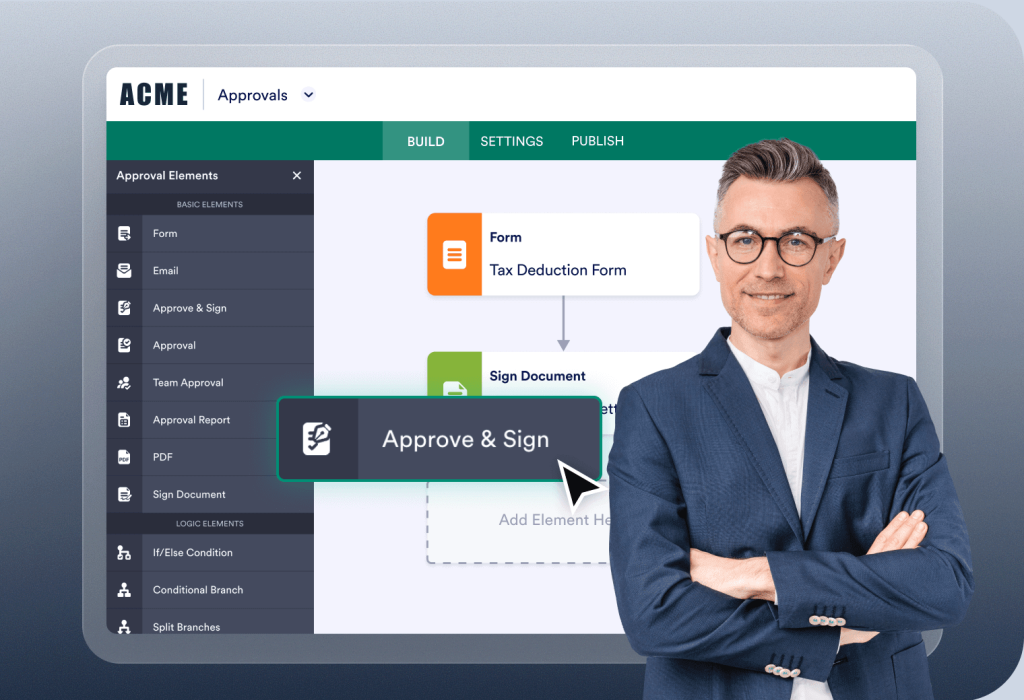
政府機関
Jotformサインで政府機関の署名プロセスを自動化し、重要なサービスを安全に提供しましょう。
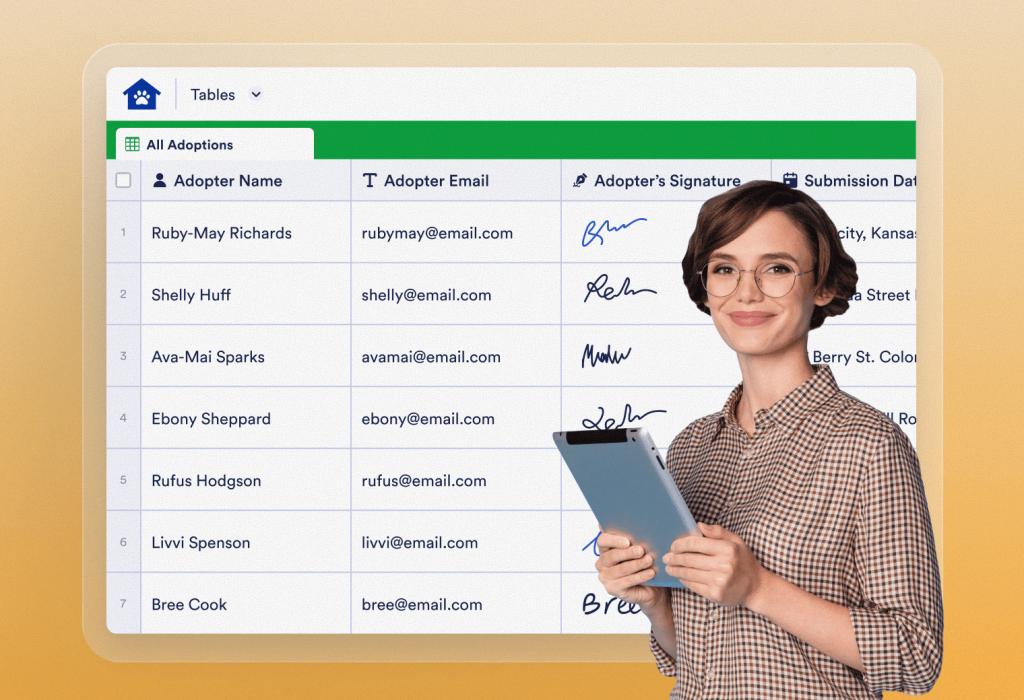
非営利団体
組織のメンバーシップを管理し、寄付者からの贈り物を集め、今後の資金調達イベントに参加するボランティアを募集します。
コンサルティング
金融・法務・不動産コンサルティングなどの顧客を、かんたんに管理できます。
セールス
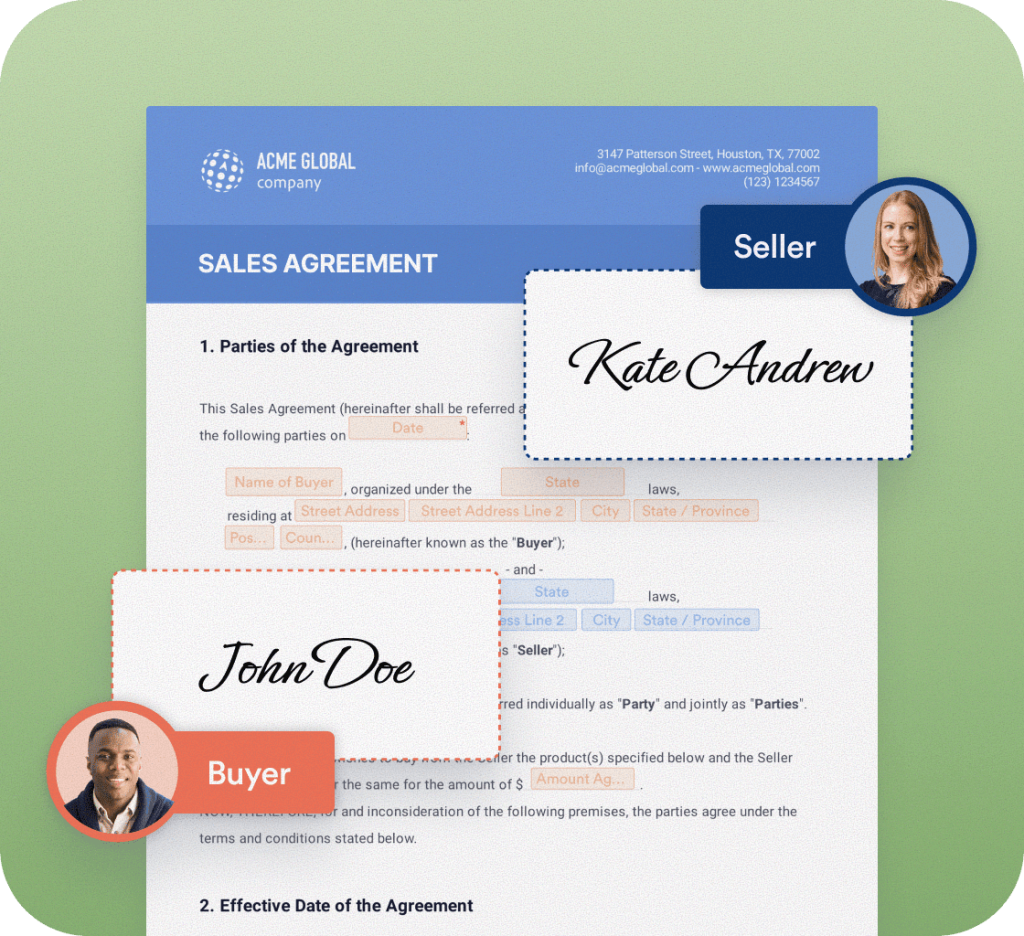
販売契約、各種契約書、ベンダー提案書を1つのプラットフォームで一元管理。
紙と印刷コストを削減
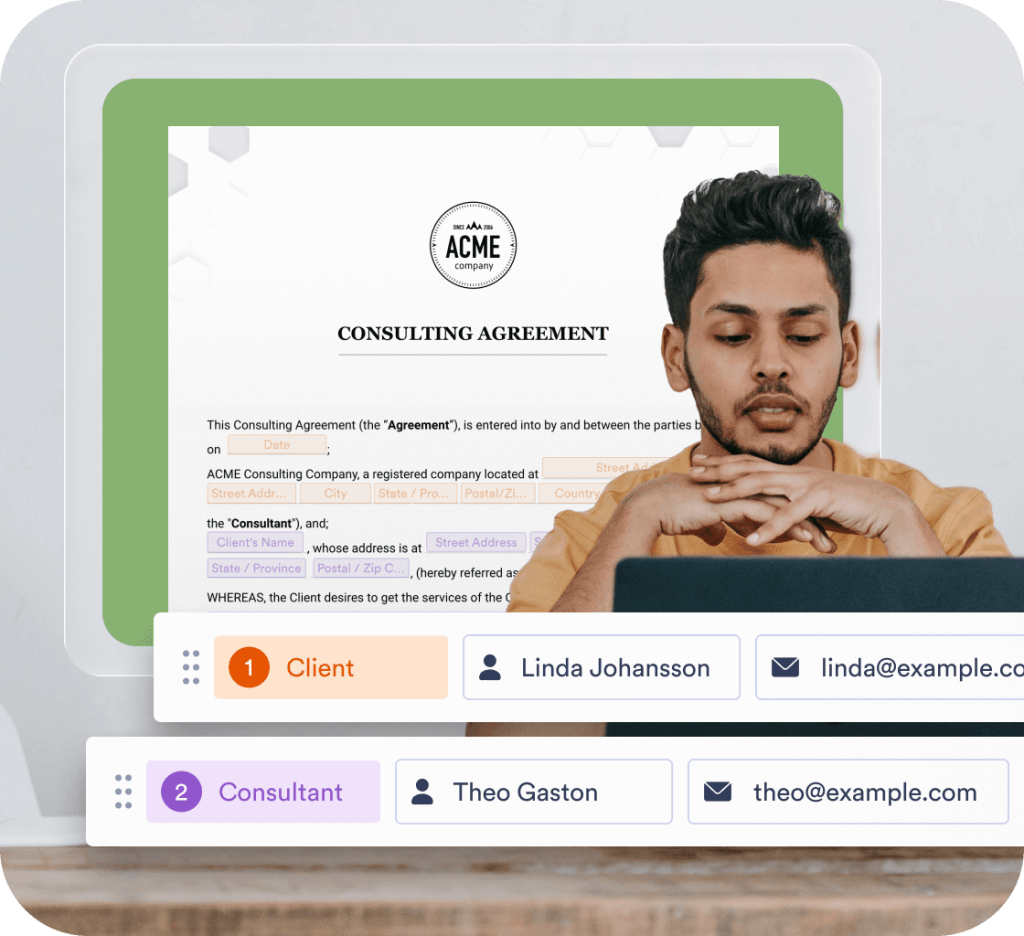
1つのドキュメントを複数の署名者へ簡単送信。メール送信、リンク共有、Webサイトへの埋め込みなど、柔軟な共有が可能です。署名の順番を自動設定することで、必要な人へ、必要な順序で確実に回覧できます。時間とコストを大幅に削減できます。
電子サインの収集プロセスを自動化
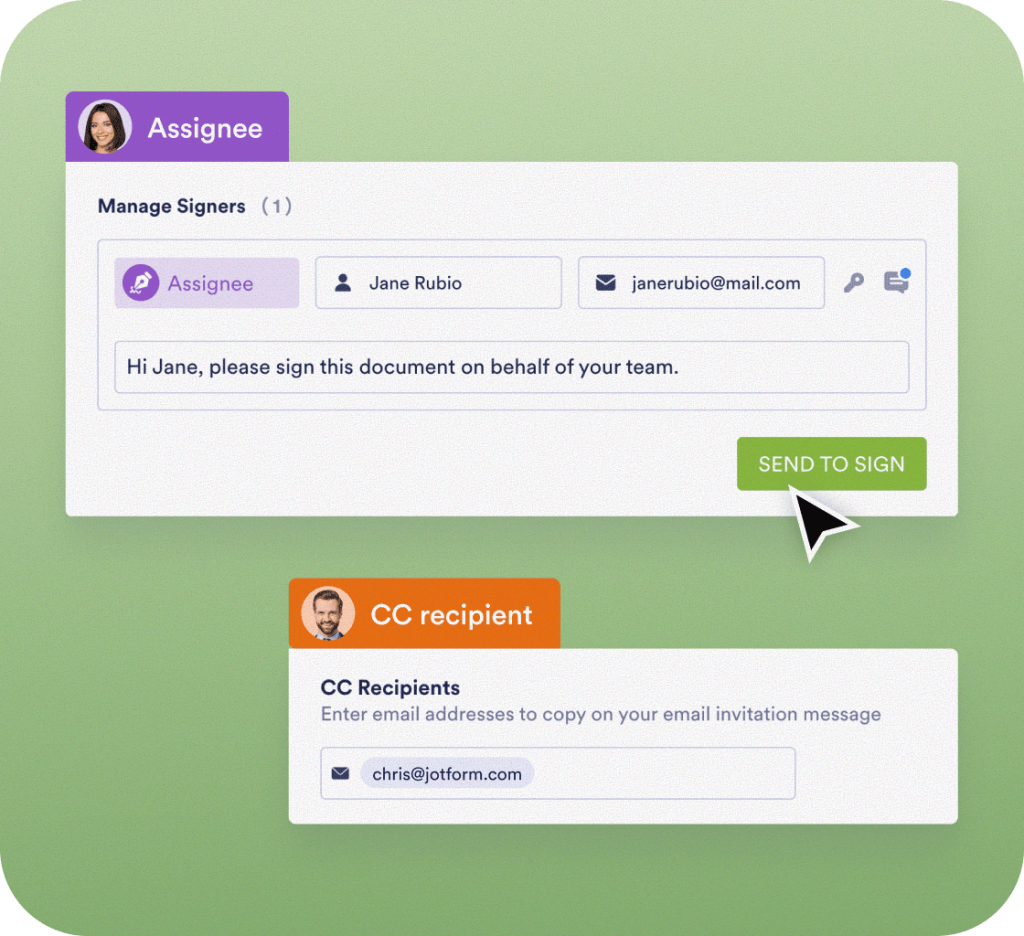
あなたにとっても利用者にとっても簡単な電子サインプロセスを作成しましょう。電子サインフォームをカスタマイズできます。フォーム署名者が他の人に代理署名を委任したり、フォームの有効期限を設定したり、CC受信者を追加したりできます。
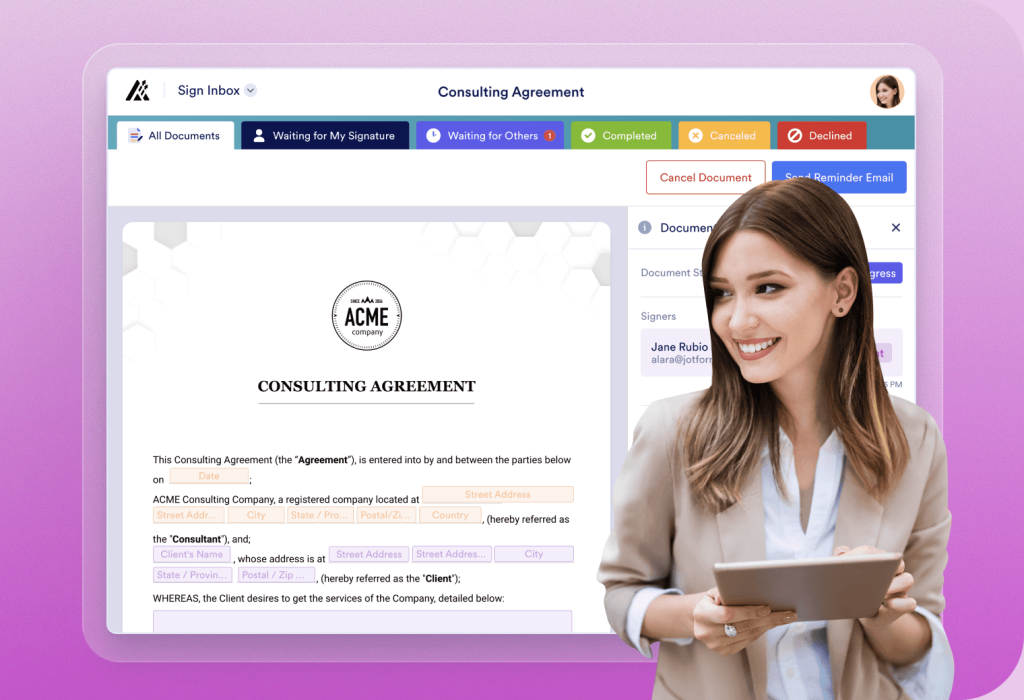
Jotformサイン インボックスでドキュメント進行状況を管理
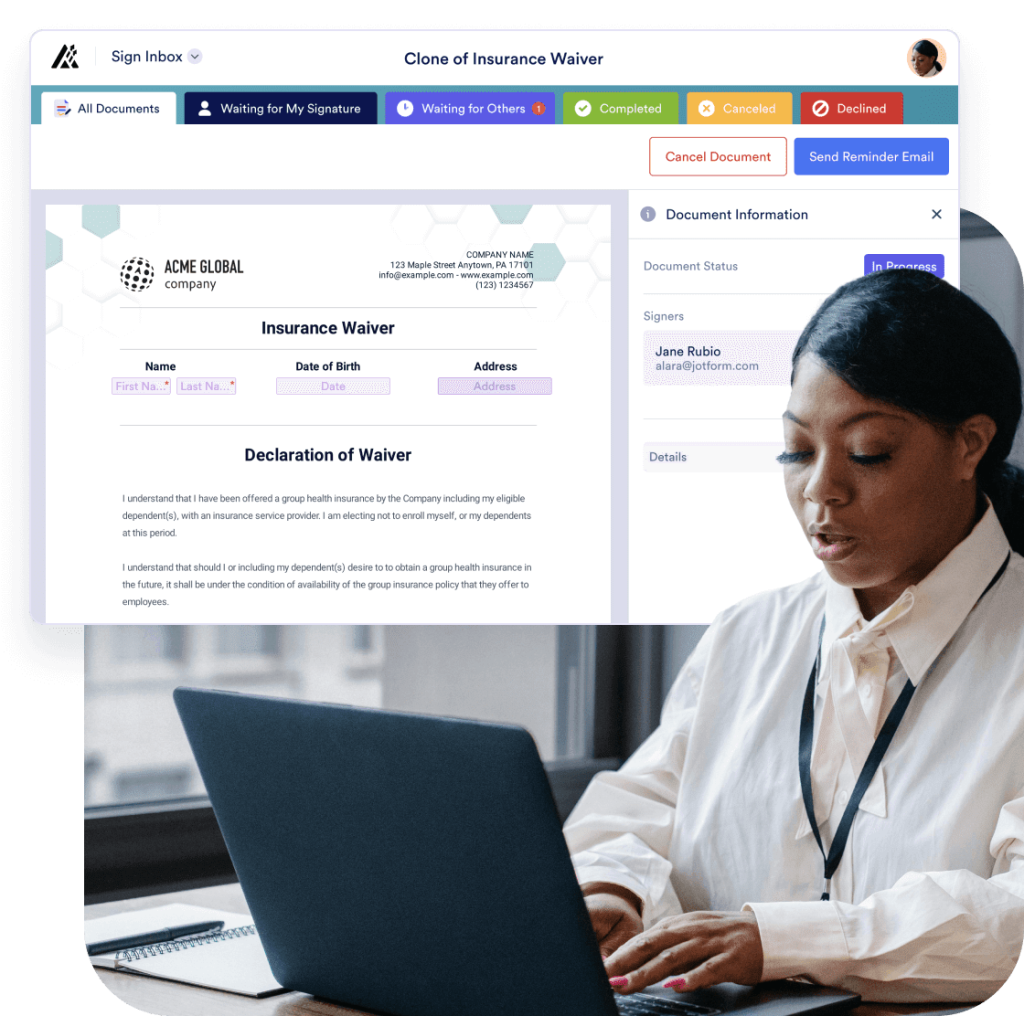
Jotformサイン インボックスは、ワークスペース内のすべてのドキュメントの進行状況を確認できる、使いやすいダッシュボードを提供します。このコンソールから、次のような操作が可能です。
- See which forms haven't been signed
- Send reminder emails
- Search for, filter, view, and download e-sign documents
- Navigate to other documents using the dropdown arrow next to each document's title


電子サインドキュメントを安全に保管
Jotformサインのデジタル証明書で、データのセキュリティと追跡性を向上させましょう。すべてのドキュメントデータは、Jotformの専用インスタンス上で業界最高水準のセキュリティのもと安全に保存され、256ビットSSLで暗号化され、SOC 2 Type IIおよび HIPAA 認証を取得しています。さらに、EU内でのデータ保存オプションも利用可能です。
Jotformに関するユーザーの声