Widget gratuiti per siti web
Migliora facilmente il tuo sito web senza scrivere nemmeno una riga di codice. Aggiungi potenti widget in pochi secondi per aumentare l'engagement, raccogliere lead e costruire fiducia utilizzando un semplice builder senza codice.
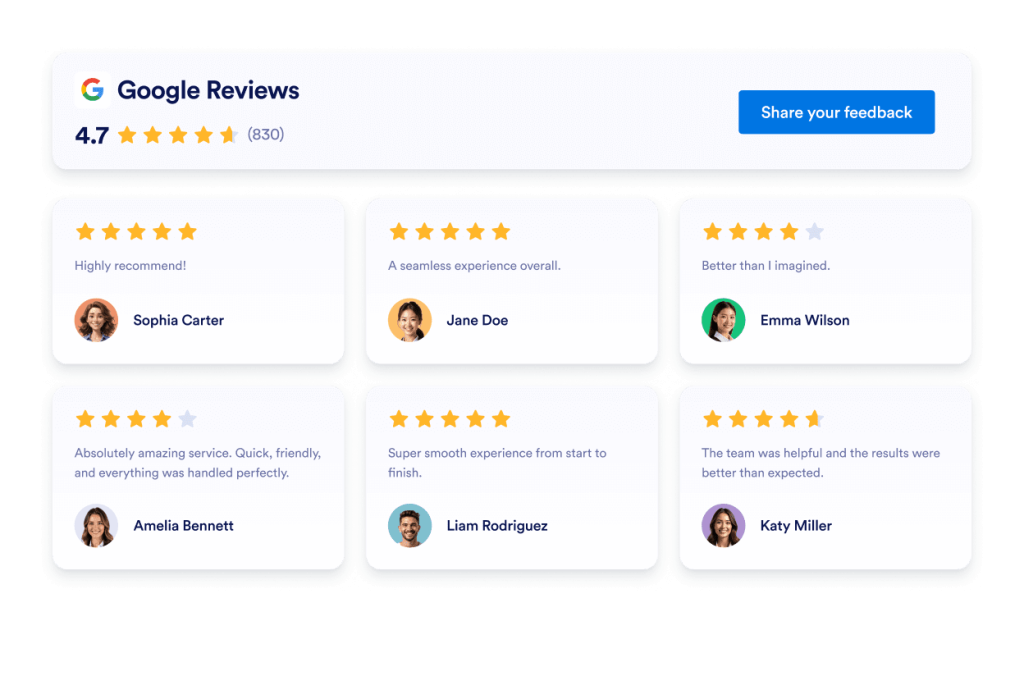
Recensioni Google
Aggiungi un widget per le recensioni Google al tuo sito web in pochi secondi. Mostra il feedback dei clienti, ispira fiducia e aumenta le conversioni, senza bisogno di scrivere codice.
Vai alla Categoria:Widget per recensioniUsa il widget
Recensioni Airbnb
Il widget Recensioni Airbnb mostra i feedback reali dei tuoi ospiti in un layout pulito. Lo strumento no-code di Jotform consente di sincronizzare automaticamente, personalizzare e incorporare le tue recensioni ovunque desideri.
Vai alla Categoria:Widget per recensioniUsa il widget
Recensioni Google Play
Il widget Recensioni Google Play mostra valutazioni e recensioni reali degli utenti in un design responsive. Jotform, nessun codice per sincronizzare automaticamente, personalizzare e incorporare dove vuoi.
Vai alla Categoria:Widget per recensioniUsa il widget
Recensioni App Store
Il widget Recensioni App Store mostra valutazioni reali degli utenti iOS in un layout pulito. Lo strumento no-code di Jotform ti permette di sincronizzare automaticamente, personalizzare e incorporare le tue recensioni ovunque desideri.
Vai alla Categoria:Widget per recensioniUsa il widget
Recensioni Etsy
Il widget Recensioni Etsy mostra le valutazioni reali degli acquirenti in un layout pulito. Lo strumento no-code di Jotform ti permette di sincronizzare automaticamente, personalizzare e incorporare le recensioni ovunque.
Vai alla Categoria:Widget per recensioniUsa il widget
Recensioni Tripadvisor
Il widget Recensioni Tripadvisor mostra valutazioni reali dei viaggiatori in un layout pulito. Lo strumento no-code di Jotform ti permette di sincronizzare automaticamente, personalizzare e incorporare le recensioni ovunque desideri.
Vai alla Categoria:Widget per recensioniUsa il widget
Recensioni Yelp
Il widget Recensioni Yelp mostra valutazioni reali dei clienti in un layout responsive. Lo strumento no-code di Jotform ti permette di sincronizzare automaticamente, personalizzare e incorporare le recensioni ovunque.
Vai alla Categoria:Widget per recensioniUsa il widget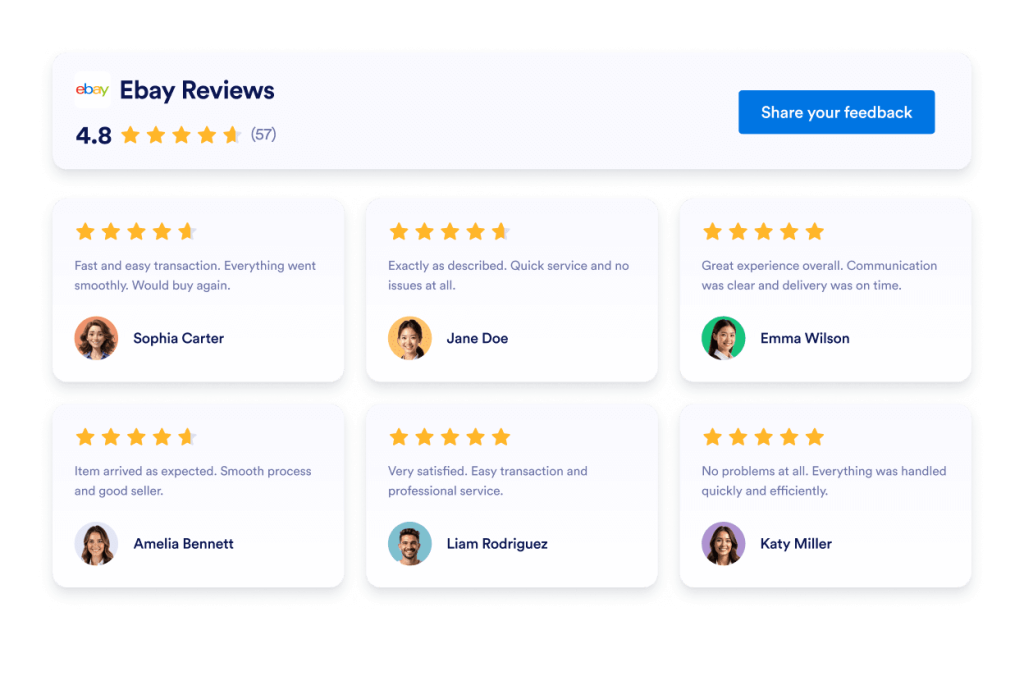
Recensioni eBay
Widget eBay Reviews per aumentare la fiducia. Mostra feedback in tempo reale degli acquirenti, valutazioni e recensioni aggiornate automaticamente. Configurazione in pochi secondi con il codice embed gratuito e senza codice di Jotform. Inizia ora.
Vai alla Categoria:Widget per recensioniUsa il widget
Recensioni Facebook
Il widget Recensioni Facebook mostra le valutazioni reali dei clienti in un layout pulito. Lo strumento no-code di Jotform ti permette di sincronizzare automaticamente, personalizzare e incorporare le recensioni ovunque desideri.
Vai alla Categoria:Widget per recensioniUsa il widget
Trustpilot Reviews
Il widget Trustpilot Reviews mostra feedback reali dei clienti in un layout pulito. Lo strumento no-code di Jotform ti permette di sincronizzare automaticamente, personalizzare e incorporare le tue recensioni Trustpilot ovunque per costruire fiducia e aumentare le conversioni.
Vai alla Categoria:Widget JotformUsa il widget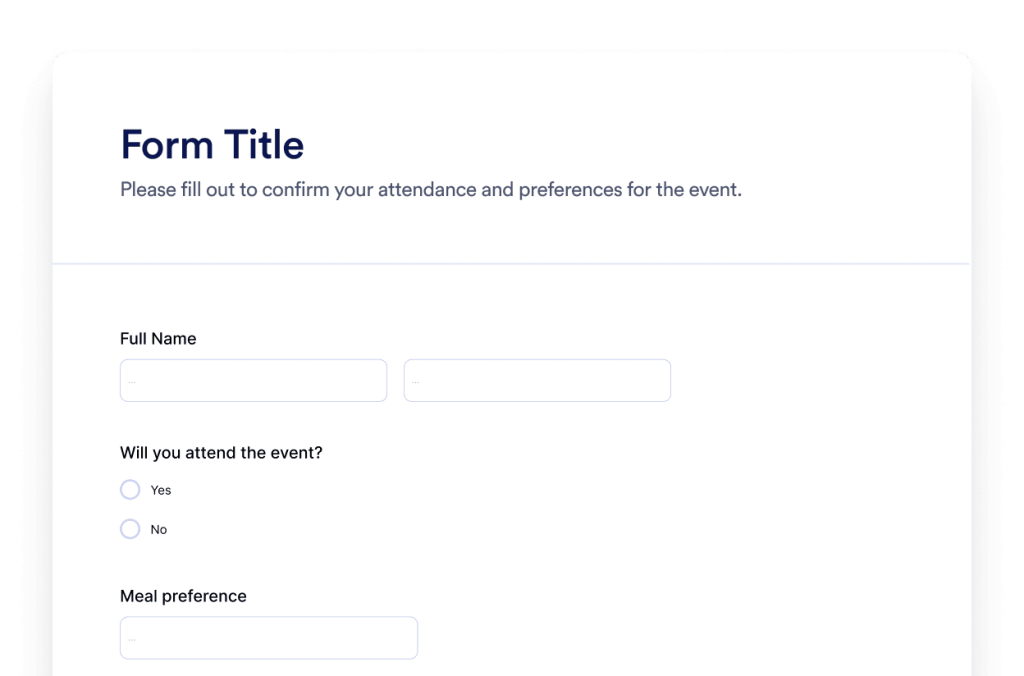
Modulo
Crea moduli personalizzati con il Generatore di Moduli IA di Jotform. Niente codice, nessun template e nessuna complicazione. Basta dire al nostro chatbot IA che tipo di modulo vuoi creare.
Vai alla Categoria:Widget JotformUsa il widget
Chatbot
Trasforma il tuo sito web in un’esperienza interattiva con il Generatore di Chatbot IA di Jotform. Offri agli utenti risposte in tempo reale e un’assistenza efficace nella compilazione dei moduli, in linea con il tuo brand.
Vai alla Categoria:Widget JotformUsa il widgetNon riesci a trovare il widget che stai cercando?
Se stai cercando un widget che non abbiamo ancora implementato, utilizza il modulo sottostante e spiegaci cosa vorresti creare o aggiungere al tuo sito web.
Richiedi un widgetPerché scegliere i widget Jotform per il tuo sito?
Progettato per crescere con te
Puoi iniziare con un singolo widget e mantenere le cose semplici. Quando sei pronto, aggiungi altri widget per nuove pagine, campagne o obiettivi, tutto dallo stesso account Jotform, senza passare a un altro strumento o ricominciare da zero.

Facile da configurare e personalizzare
Ogni widget è costruito con il classico editor no-code di Jotform, quindi personalizzare layout e stili risulta semplice e intuitivo. Puoi regolare colori, spaziature e dettagli di design autonomamente, senza bisogno di assumere un programmatore o di supporto tecnico.

Works on most websites and platforms
Embed Jotform widgets on many website platforms and custom sites using standard embed options. Keep the same widget working across different pages and environments.
Converti i lead in clienti paganti con il Generatore di Moduli Jotform
Trasforma l'engagement in azione con Jotform. Crea potenti moduli che acquisiscono lead, elaborano pagamenti e automatizzano le risposte, tutto in un unico posto. I dati arrivano direttamente nella tua Inbox Jotform, pronti per essere consultati o trasferiti alle tue app preferite.
Inizia subito. È gratis!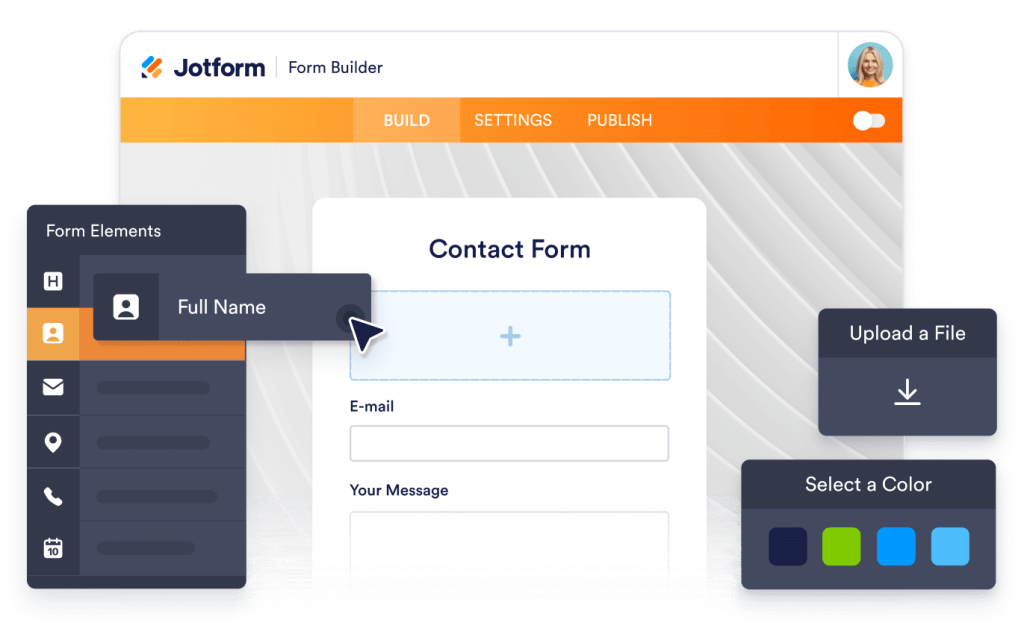
Why use widgets?
Website widgets help you improve your site without building every feature from scratch. They can support business goals like trust, lead generation, and customer support.
Build credibility with reviews and testimonials
Improve conversions with clear calls to action
Keep visitors on your site longer by reducing friction
Scelto da milioni di utenti
Jotform è utilizzato da una miriade di aziende in tutto il mondo, dai piccoli team alle grandi organizzazioni.





Understanding website widgets
Le sezioni seguenti offrono una spiegazione più dettagliata su come funzionano i sondaggi, quando utilizzarli e come trasformare le risposte in preziose informazioni. Queste informazioni sono pensate per i lettori che desiderano una comprensione più approfondita oltre le nozioni di base.
What are website widgets?
A website widget is a small feature you can add to a webpage using embed code. Widgets are often used to display content or enable actions like showing reviews, collecting leads, taking payments, booking appointments, or answering questions.
How widgets fit into a website
This section explains what website widgets are, how they work within a webpage, and how they can be used effectively as your widget library grows. Website widgets are usually embedded using a short code snippet and load within a defined area of a webpage. They can be placed alongside existing content and updated without changing the page structure.
Common types of website widgets
Widgets can be placed alongside existing content and updated without changing the page structure. This makes them useful for adding features without rebuilding or redesigning a website. Website widgets come in many forms, depending on the goal they support. Common types include:
Review widgets to display customer feedback from third-party platforms
- Form widgets for contact forms, lead capture, and registrations
- Scheduling widgets for booking meetings or appointments
- Payment widgets for collecting one-time or recurring payments
- Chat and messaging widgets for customer support and inquiries
- Feedback and survey widgets to collect opinions and responses
This page currently focuses on review widgets. Additional widget types can be added over time as the widget library expands.
How website widgets affect SEO
Website widgets can support SEO when used intentionally and aligned with the page's purpose. Widgets that improve usability, engagement, and task completion can help visitors spend more time on a page and interact with content more effectively.
To avoid SEO issues:
- Place widgets on pages where they add clear value
- Use descriptive headings and supporting text around the widget
- Avoid adding too many widgets to a single page
- Ensure widgets load efficiently and do not block content
Widgets work best when they complement content rather than replace it.
Website platforms that support widgets
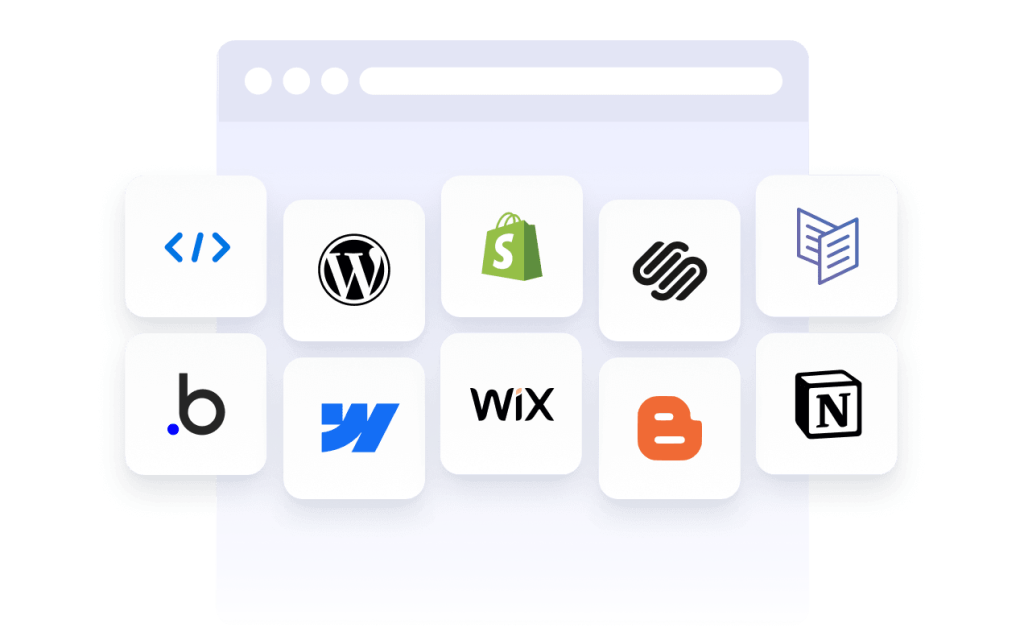
Most website widgets can be embedded on a wide range of platforms using standard embed code. This typically includes content management systems, website builders, and custom-built sites.
Common platforms that support embedded widgets include WordPress, Webflow, Wix, Shopify, Squarespace, and static HTML sites. The exact placement method depends on the platform, but widgets are usually added through a code block, a custom HTML section, or a page editor.
Website widgets vs plugins and extensions
Website widgets are generally platform-agnostic and can be embedded on many types of websites using code. Plugins or extensions are usually built for a specific platform and must be installed and maintained within that system.
Widgets offer more flexibility when you manage multiple sites or use different platforms, since the same widget can often be reused across environments.
Choosing widgets based on your goal
Choosing the right widget depends on what you want visitors to do on your site. If your goal is to build trust, review widgets can highlight customer feedback. If you want to collect information, form widgets may be more appropriate. For bookings or transactions, scheduling or payment widgets are a better fit.
Start with the widget that supports your primary goal, then expand as your site grows and needs change.
Managing and updating embedded widgets
Most website widgets can be updated after they are embedded. Changes to design, content, or settings are usually reflected automatically on any page where the widget is used, without requiring changes to the website code.
This makes widgets useful for campaigns, seasonal updates, and ongoing optimization.