Widget Torna su per il tuo sito
Rendi più facile la navigazione delle pagine lunghe con un pulsante personalizzabile che riporta i visitatori in cima. Il widget Torna su di Jotform ti consente di scegliere l'icona, la dimensione, i colori, la posizione, il trigger di scorrimento e la visibilità sui dispositivi, per poi incorporare il pulsante senza scrivere codice.
Come creare un widget Torna su
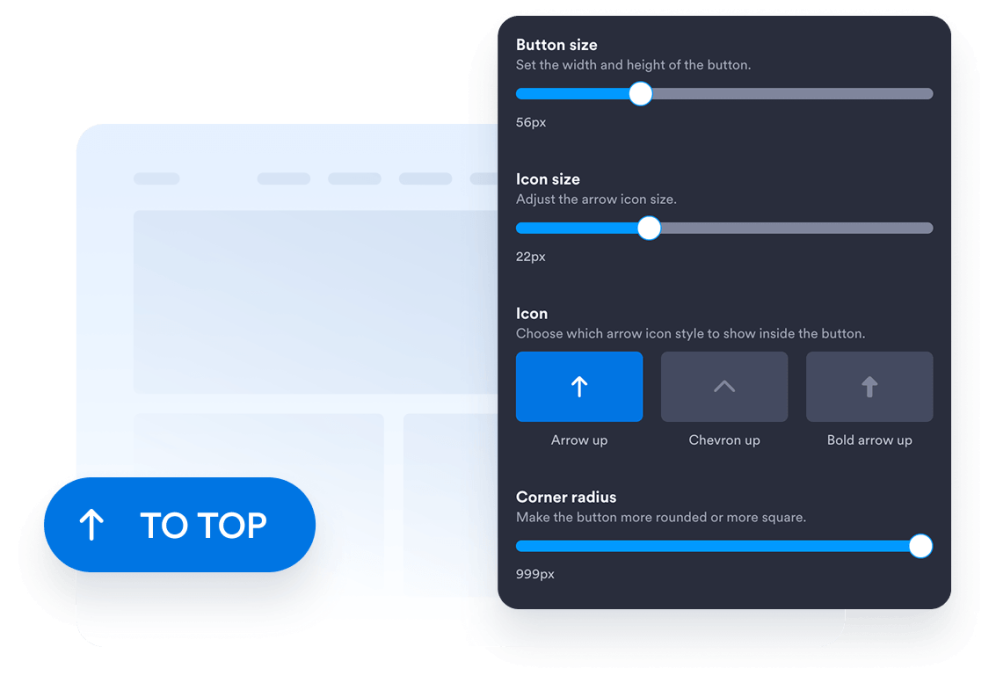
Personalizza il design del tuo pulsante
Scegli lo stile del pulsante, l'icona, la dimensione, i colori, il raggio degli angoli e la posizione sullo schermo. Regola la sua spaziatura e il suo aspetto per completare il design del tuo sito web.
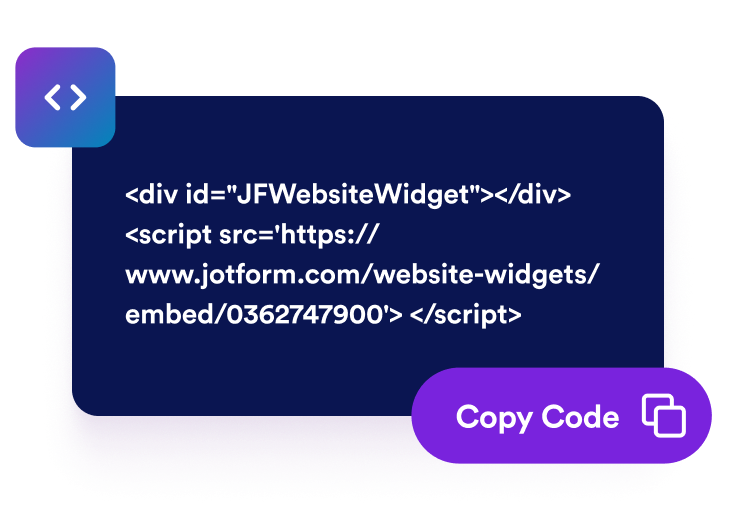
Ottieni il codice embed
Copia il codice embed generato da Jotform. Nessuna configurazione, nessun codice.
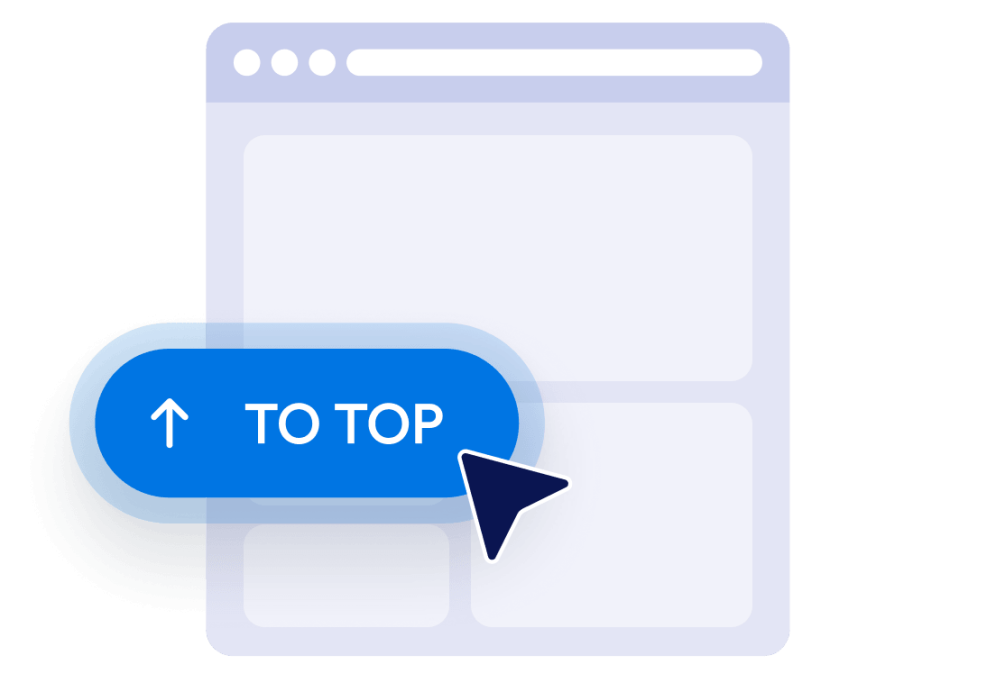
Incorporalo nel tuo sito web
Visualizza l'anteprima del pulsante, copia il codice embed generato e incollalo in un blocco HTML personalizzato o di incorporamento. Pubblica la pagina e testa il pulsante sugli schermi desktop e mobili.
Rendi più facile la navigazione delle pagine lunghe del sito web
Aiuta i visitatori a tornare in cima
Offri ai visitatori un modo rapido per tornare all'inizio delle pagine lunghe senza scorrere manualmente. Il pulsante rimane facilmente a portata di mano e riporta i visitatori dolcemente in cima quando viene selezionato.
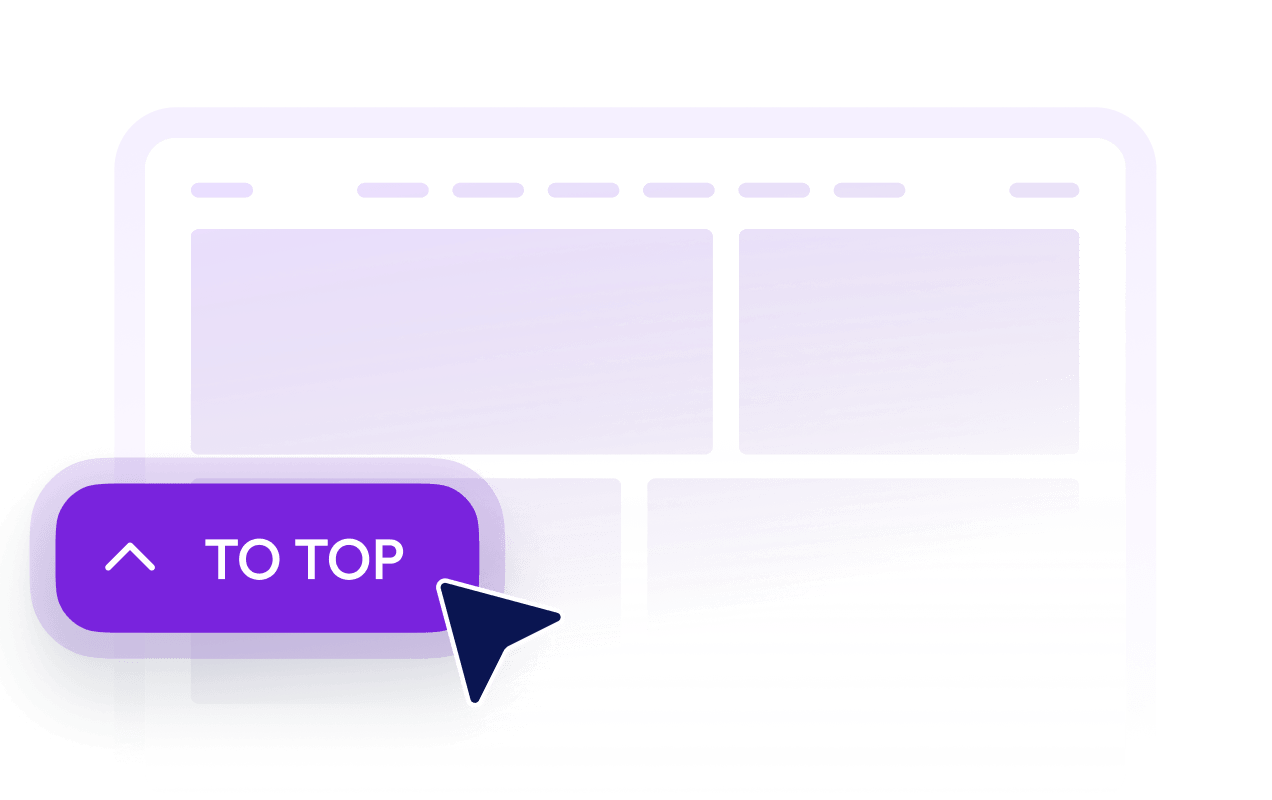
Mostra i pulsanti dopo lo scorrimento dei visitatori
Imposta quanto in basso nella pagina i visitatori devono scorrere prima che il pulsante diventi visibile. Questo mantiene il pulsante fuori dalla vista vicino alla parte superiore, rendendolo disponibile quando tornare indietro diventa utile.

Adatta i pulsanti al tuo design
Personalizza l'icona, la dimensione, i colori, il raggio degli angoli e la spaziatura per creare un pulsante Torna su adatto al tuo sito web. Posizionalo sul lato sinistro o destro in base al layout della tua pagina.

Controlla la visibilità su desktop e dispositivi mobili
Scegli se il pulsante appare sui dispositivi desktop, sui dispositivi mobili o su entrambi. I controlli di visibilità e posizionamento sui dispositivi ti aiutano a evitare di coprire contenuti importanti della pagina, mantenendo al contempo la navigazione accessibile sugli schermi più piccoli.
Perché i Widget del sito web di Jotform si distinguono
I widget di Jotform rendono il tuo sito web più interattivo e aumentano le conversioni. Sono disponibili molti strumenti, dalle valutazioni a stelle e gli slider di testimonianze ai popup di riprova sociale e agli embed di media. Aggiungi widget ai tuoi moduli o alle tue landing page per raccogliere dati, mostrare prove e acquisire lead, senza bisogno di programmazione.
Aggiungi i widget Jotform al tuo sito web con un semplice codice embed. Personalizza il widget, visualizza in anteprima il suo aspetto e incollalo in qualsiasi pagina che supporti HTML personalizzato o blocchi embed, il tutto senza uno sviluppatore.
Usa i Widget del sito web di Jotform per acquisire lead, mostrare feedback dei clienti, visualizzare riprova sociale, incorporare media o aggiungere utili strumenti per le pagine web. Ogni widget aiuta i visitatori a interagire con la tua attività direttamente dal tuo sito web.
Se hai bisogno di aiuto per configurare, personalizzare, incorporare o risolvere problemi con il tuo widget, il team di assistenza clienti di Jotform è disponibile 24 ore su 24, 7 giorni su 7. Puoi andare avanti con fiducia, sapendo che l'aiuto è a disposizione quando ne hai bisogno.
Dove utilizzare il tuo pulsante Torna su
Aggiungi il pulsante alle pagine in cui i visitatori devono scorrere contenuti consistenti, elenchi, immagini o informazioni di supporto.
Post e articoli del blog per aiutare i lettori a tornare al titolo, alla navigazione o all'indice dei contenuti.
Pagine delle categorie di prodotti per consentire agli acquirenti di tornare ai filtri, ai controlli di ordinamento o alla navigazione per categorie.
Landing e pagine di vendita per aiutare i visitatori a rivedere i contenuti introduttivi e le principali call to action.
Pagine di documentazione per semplificare la navigazione attraverso guide, istruzioni e materiali di riferimento lunghi.
Pagine di portfolio e gallerie per aiutare i visitatori a ricominciare la navigazione dopo aver visualizzato numerosi lavori.
Pagine di FAQ e risorse per offrire un comodo percorso di ritorno dopo che i visitatori hanno esplorato più sezioni.
Converti i lead in clienti paganti con il costruttore di Moduli Jotform
Trasforma il coinvolgimento in azione con Jotform. Crea moduli potenti che acquisiscono lead, raccolgono pagamenti e automatizzano le risposte, tutto in un unico posto. Ogni risposta arriva nella tua Posta Jotform, dove puoi dare seguito o collegarti con le tue app preferite.
Inizia Subito — È Gratis!
FAQ
Che cos'è un widget Torna su?
Un widget Torna su aggiunge un pulsante fluttuante che riporta i visitatori all'inizio di una pagina. È particolarmente utile su articoli lunghi, elenchi di prodotti, documentazione, gallerie e altre pagine che richiedono uno scorrimento consistente.
Come aggiungo un pulsante Torna su al mio sito web?
Devo scrivere codice per creare il pulsante?
Posso personalizzare il design del pulsante Torna su?
Quando appare il pulsante Torna su?
Posso cambiare la posizione del pulsante sullo schermo?
Il pulsante funziona sui dispositivi mobili?
Il widget Torna su di Jotform è gratuito?
Posso aggiungere un pulsante Torna su a WordPress o Elementor?
Quali piattaforme di siti web supportano il widget Torna su?