Appointment scheduling software for Microsoft Outlook Calendar
Build a powerful, customized booking experience with Jotform Appointment Scheduling Software. Automatically sync with Microsoft Outlook Calendar, prevent double bookings, automate confirmations, and easily manage multiple services.
Create a Scheduling Form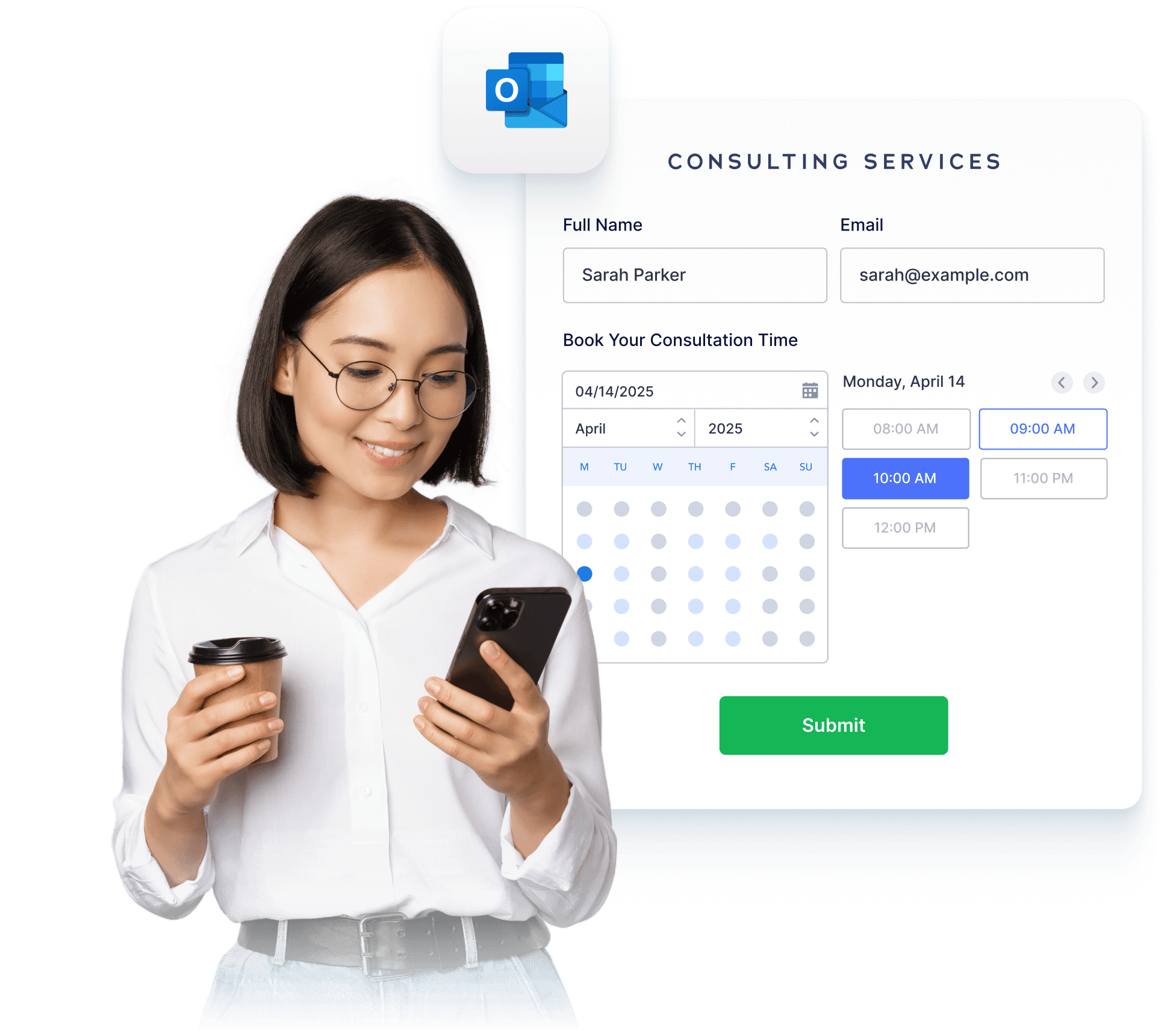
How to connect Microsoft Outlook Calendar with Jotform
Jotformはスケジュールのプロセスをパワーアップするために簡単に統合できます。反復的なタスクを排除し、あなたのビジネスに完璧にフィットするカスタム予約ワークフローを構築しましょう。
予約フォームをカスタマイズする
Add form fields, conditions, disclaimers, or anything else you need for a complete workflow.
Connect Microsoft Outlook Calendar
リアルタイムで予約済みの枠を反映し、重複を自動的にブロックして空き状況を同期します。
フォローアップを自動化する
予約が入り次第、メール、カレンダーの招待状、または統合機能をトリガーします。
Powerful appointment scheduling software features
A smarter way to manage appointments — so you can focus on what matters most. Keep everything running smoothly while delivering exceptional client experiences.
スマートカレンダー同期
Sync appointments in real time with Microsoft Outlook Calendar, ensuring your form always shows accurate availability. Booked time slots and existing calendar events are automatically blocked to prevent overlaps.
Create Free Scheduling Form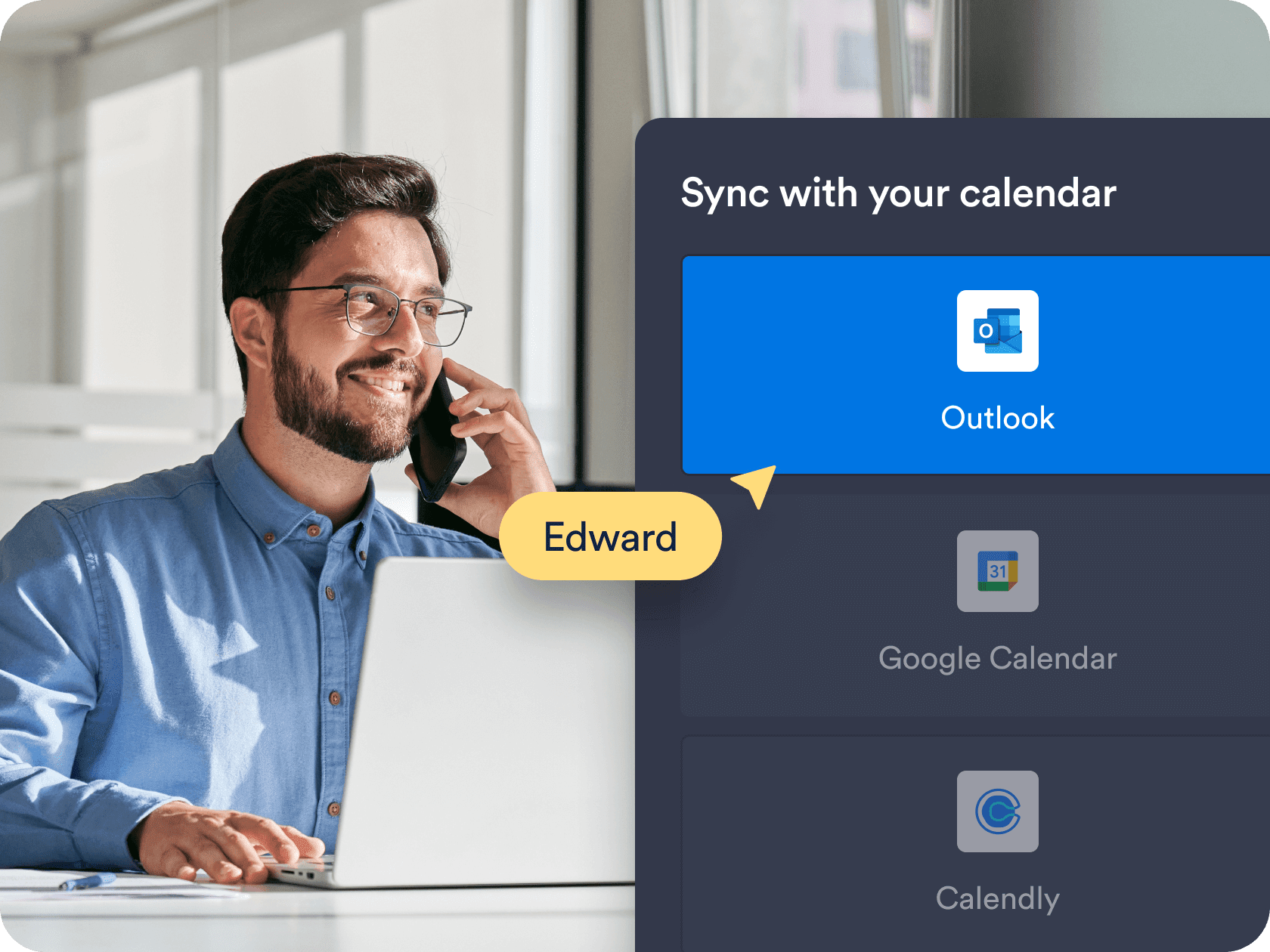
カスタム利用可能時間と時間設定
Choose the exact days, hours, and appointment durations that work for you. Add buffer times, daily limits, and blackout dates to fit your personal or business schedule.
Create Free Scheduling Form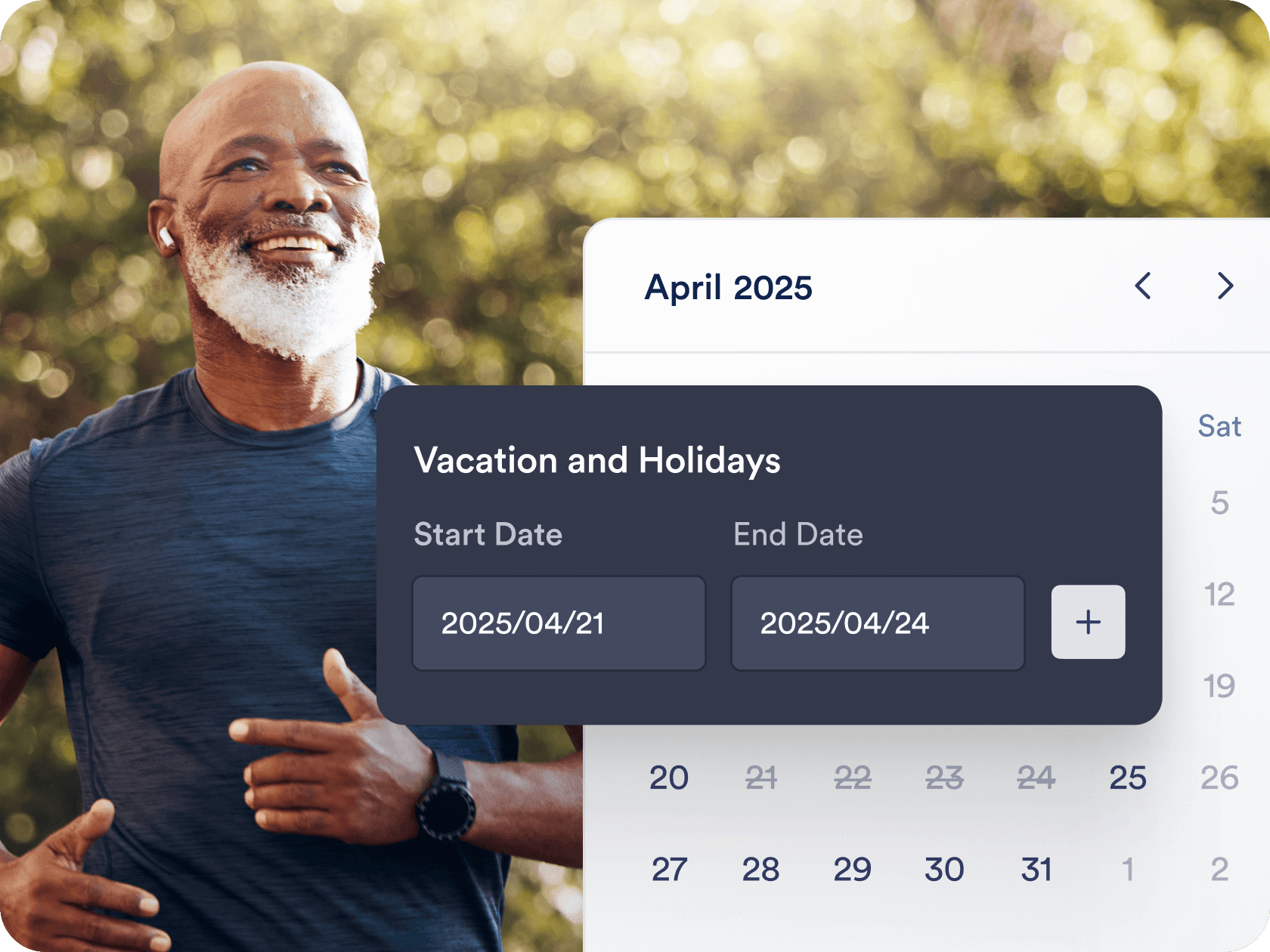
Automated workflows and integrations
Send confirmation emails, automate reminders, and connect with tools like Zoom, Slack, or CRMs. Jotform helps you create a seamless workflow around each booking — without manual follow-up.
Create Free Scheduling Form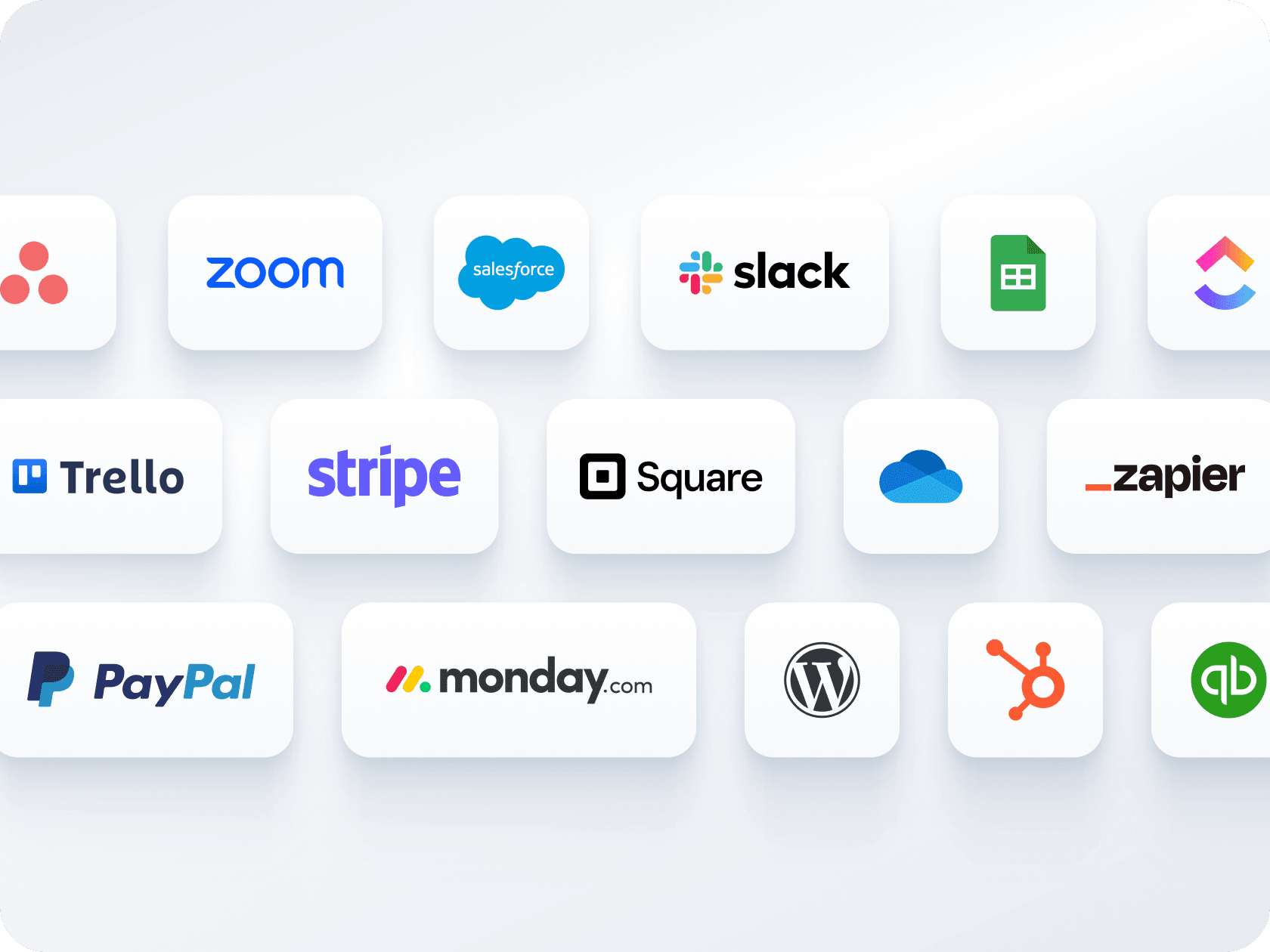
複数のフォーム、1つのカレンダー
1つのフォームで支払いの受け取りと予約のスケジュール管理ができます — 別々のツールは必要ありません。Stripe、PayPal、Squareなどの決済ゲートウェイと連携して、予約時に顧客から料金を受け取ることができます。
Create Free Scheduling Form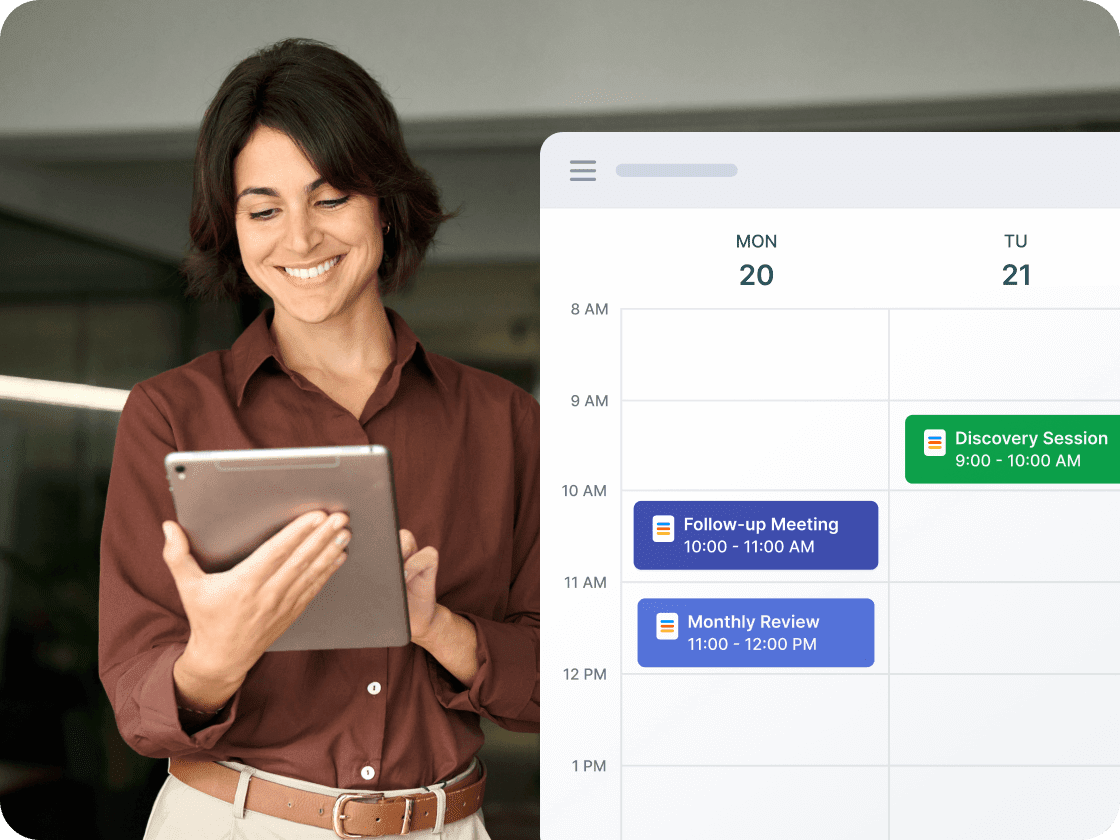
簡単な共有と埋め込みオプション
予約フォームをリンクやQRコードで共有したり、ウェブサイトに直接埋め込んだりすることができます。メール、ソーシャルメディア、ランディングページのいずれで共有する場合でも、わずか数回のクリックで完了します。
Create Free Scheduling Form
Appointment Scheduling Software for Outlook Calendar
Let your AI Agent book appointments anywhere
Turn every conversation into a confirmed booking with Jotform AI Agents. Your agent can schedule appointments in real time from your website, your email, WhatsApp, Messenger, Slack, and more — so you never miss a chance to connect.
詳細はこちら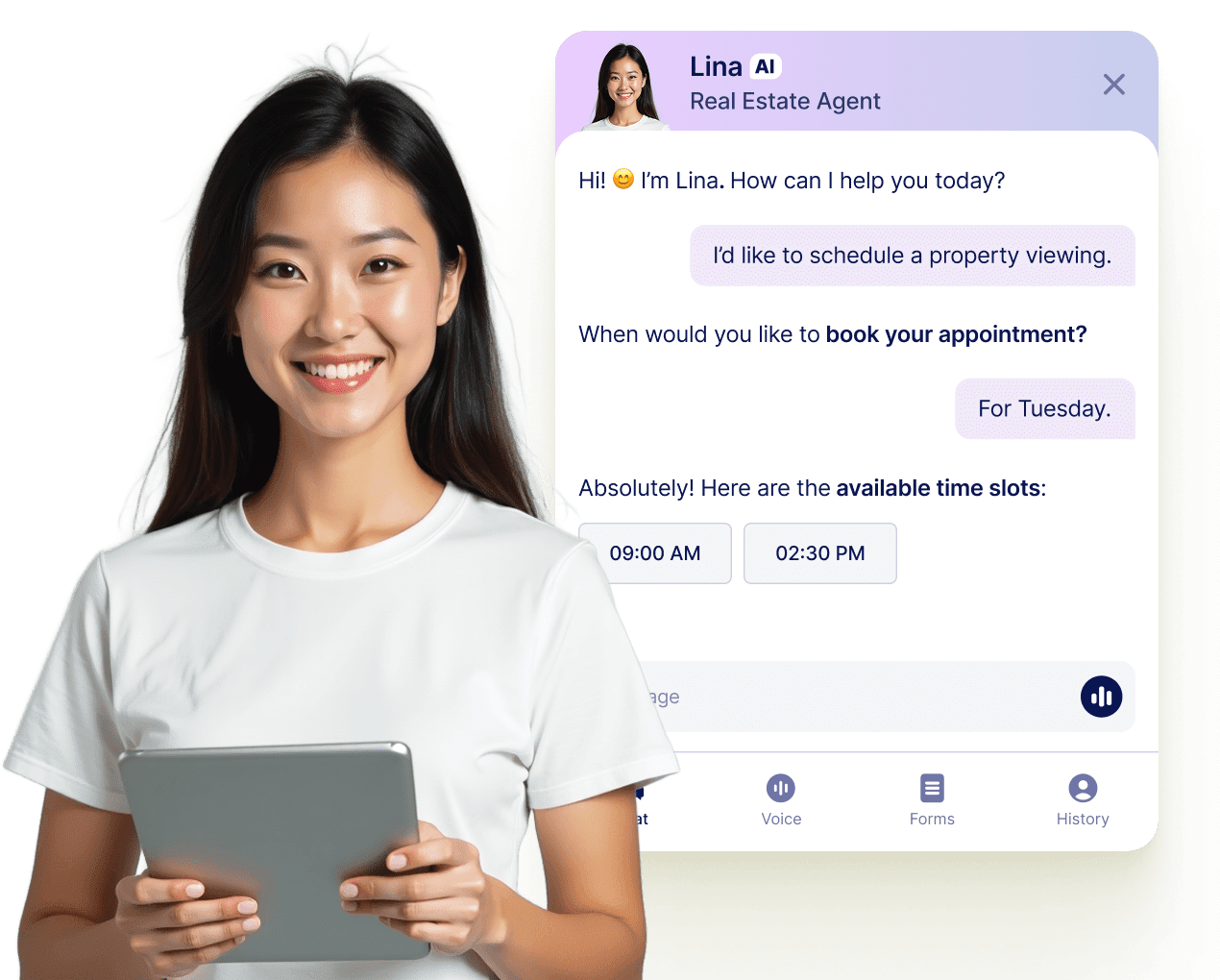
よくあるご質問
-
Can I sync Jotform appointments with Microsoft Outlook Calendar?
Yes, Jotform offers full two-way sync with Outlook Calendar. When someone books through your form, the appointment is automatically added to your calendar, and existing calendar events are used to block off unavailable times.
-
Jotformはダブルブッキングをどのように防止しますか?
-
Can I offer different services or appointment types through a single form?
-
Can I collect payments as part of the booking process?
-
Are confirmation and reminder emails sent automatically?
-
How flexible is the availability setup for appointments?
-
Can I customize the form layout and design?
-
Can I automate tasks after someone books an appointment?
-
Can I connect multiple appointment forms to the same Outlook Calendar?
-
What do I get with Jotform’s free plan?