# Calendly向け予約管理ソフトウェア | Jotform

スマートな予約管理はここから始まる
# Calendlyの予約スケジューリングソフトウェア

Jotformはスケジュールやカレンダーの管理を簡単にします。完全にカスタマイズ可能なフォームを作成し、お気に入りのツールと連携し、空き状況を同期して、支払いから参加者の詳細まで必要なものをすべて収集できます。

[Create a Scheduling Form](https://www.jotform.com/ja/build/?question=appointment)

![Image 1: Appointment scheduling software for Calendly hero](https://cdn.jotfor.ms/image/r/aHR0cHM6Ly9jZG4uam90Zm9yLm1zL3AvYXBwb2ludG1lbnQtc2NoZWR1bGluZy1zb2Z0d2FyZS9hc3NldHMvaW1nLW1pbi9jYWxlbmRseS9oZXJvLnBuZz92PTAuMw==/hero.png?w=2025&t=1)

連携機能
## JotformとCalendlyを連携する方法

Jotformはスケジュールのプロセスをパワーアップするために簡単に統合できます。反復的なタスクを排除し、あなたのビジネスに完璧にフィットするカスタム予約ワークフローを構築しましょう。

### 予約フォームをカスタマイズする

フォームフィールド、条件、免責事項、またはワークフローを完成させるために必要なものを追加

### Calendlyに接続

リアルタイムで予約済みの枠を反映し、重複を自動的にブロックして空き状況を同期します。

### フォローアップを自動化する

予約が入り次第、メール、カレンダーの招待状、または統合機能をトリガーします。

機能
## Powerful appointment scheduling software features

A smarter way to manage appointments — so you can focus on what matters most. Keep everything running smoothly while delivering exceptional client experiences.

## スマートカレンダー同期

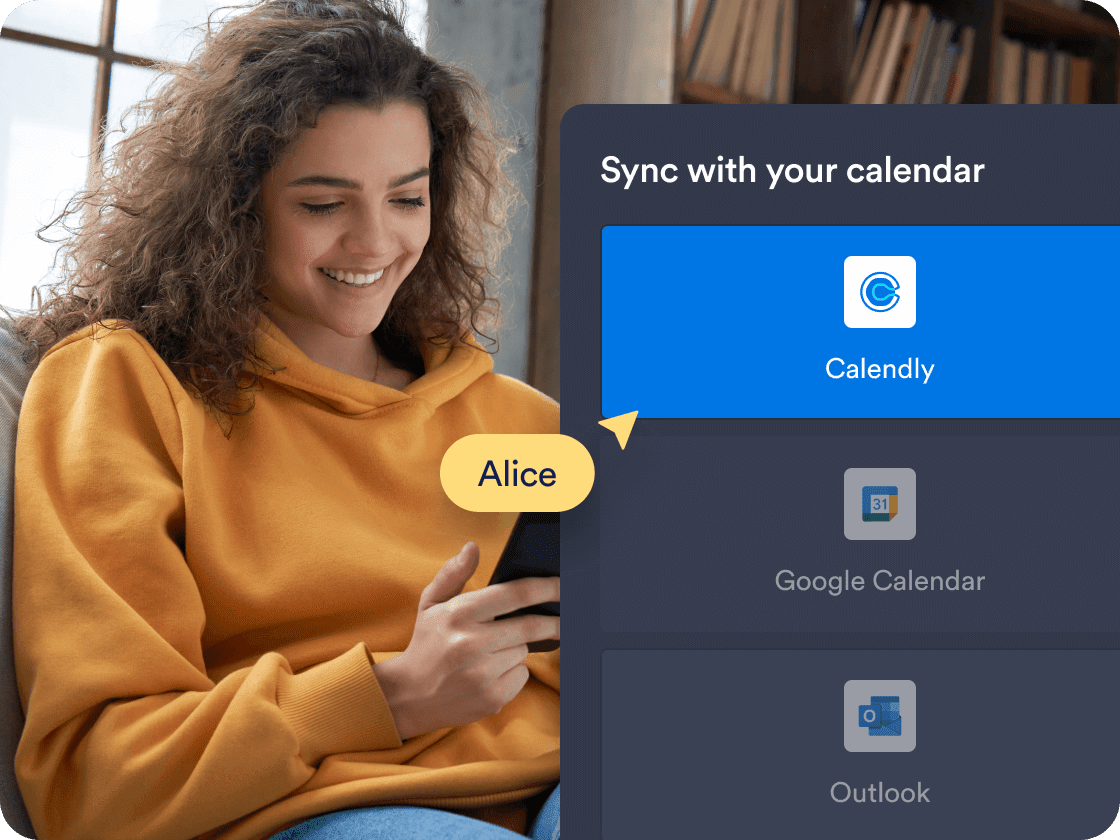
Calendlyとリアルタイムで予約を同期し、フォームに常に正確な空き状況を表示します。予約済みの時間枠と既存のカレンダーイベントは、重複を防ぐために自動的にブロックされます。

[Create Free Scheduling Form](https://www.jotform.com/ja/build/?question=appointment)

![Image 2: Smart calendar sync](https://cdn.jotfor.ms/image/r/aHR0cHM6Ly9jZG4uam90Zm9yLm1zL3AvYXBwb2ludG1lbnQtc2NoZWR1bGluZy1zb2Z0d2FyZS9hc3NldHMvaW1nLW1pbi9jYWxlbmRseS8xLnBuZz92PTAuMg==/1.png?w=40&t=1)

## Prefill Calendly details automatically

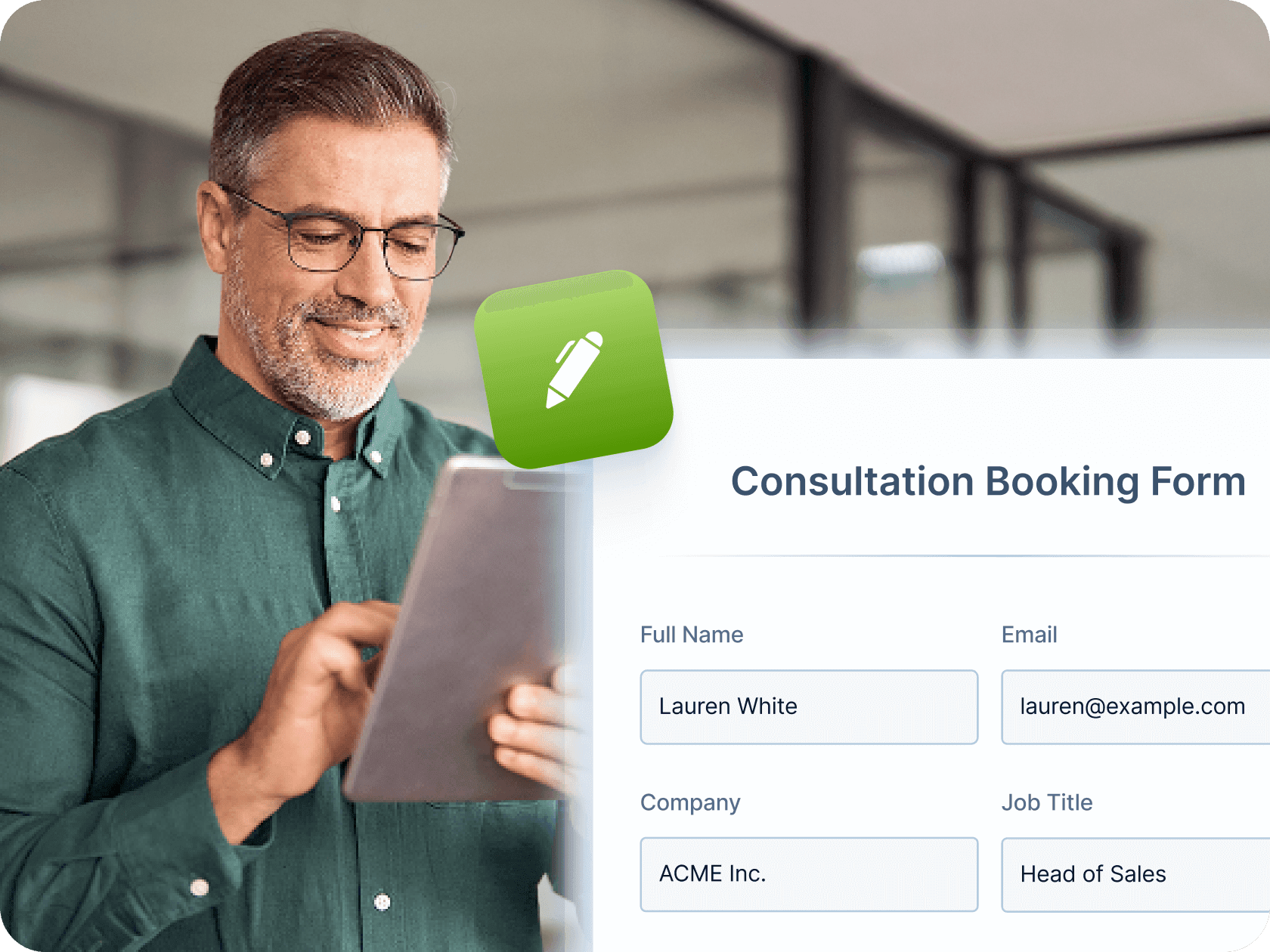
Make booking even faster by mapping Jotform form fields—like name, email, and phone number—directly to your Calendly event fields. Once a user submits the form, their details are automatically passed into Calendly, saving time and reducing manual entry for both you and your clients.

[Create Free Scheduling Form](https://www.jotform.com/ja/build/?question=appointment)

![Image 3: Prefill Calendly Details Automatically](https://cdn.jotfor.ms/image/r/aHR0cHM6Ly9jZG4uam90Zm9yLm1zL3AvYXBwb2ludG1lbnQtc2NoZWR1bGluZy1zb2Z0d2FyZS9hc3NldHMvaW1nLW1pbi9jYWxlbmRseS8yLnBuZz92PTAuMg==/2.png?w=40&t=1)

## Automated workflows and integrations

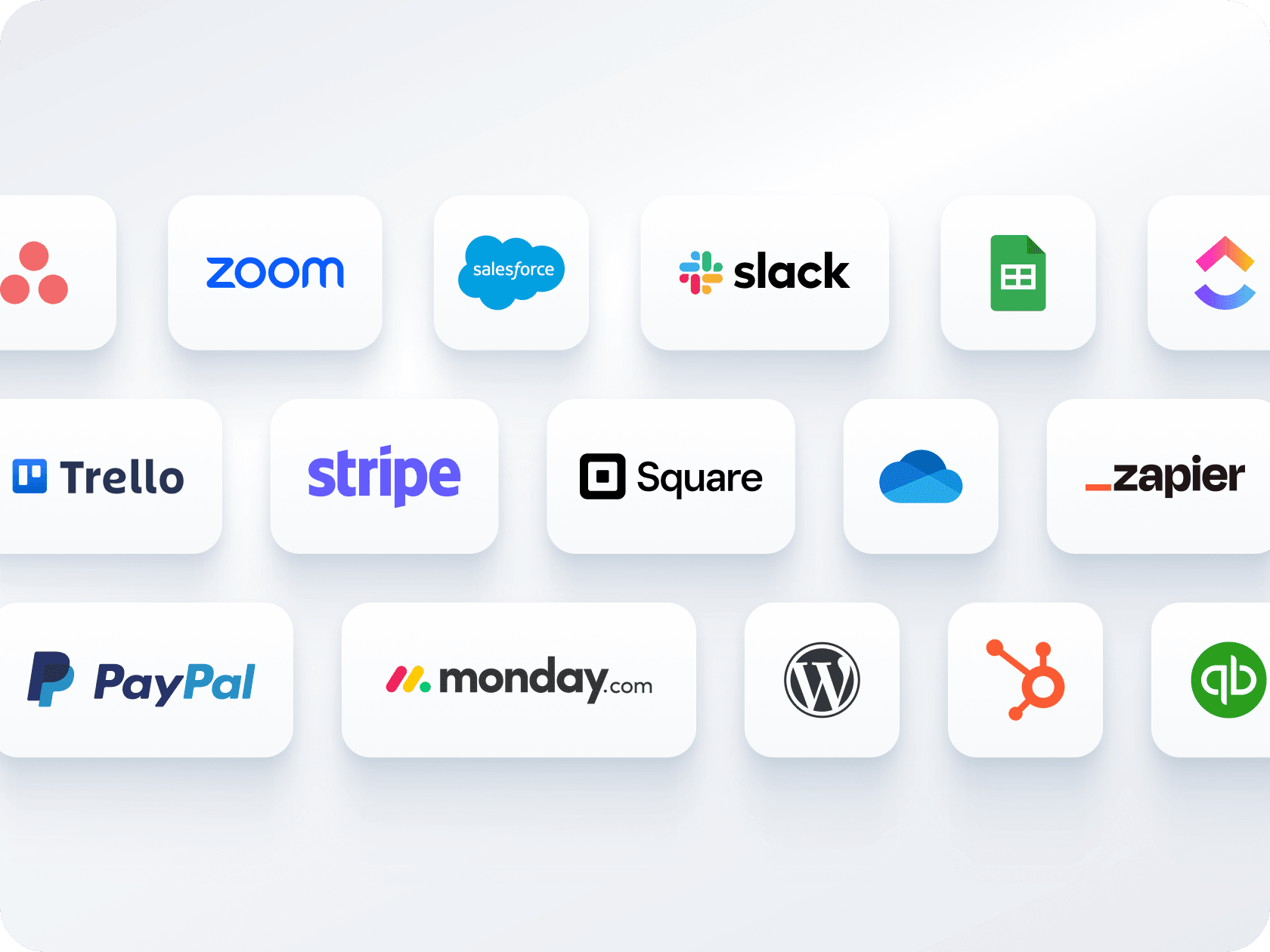
確認メールの送信、リマインダーの自動化、Zoom、Slack、CRMなどのツールとの連携が可能です。Jotformは、手動でのフォローアップなしで、予約ごとにシームレスなワークフローを作成するのに役立ちます。

[Create Free Scheduling Form](https://www.jotform.com/ja/build/?question=appointment)

![Image 4: Automated workflows and integrations](https://cdn.jotfor.ms/image/r/aHR0cHM6Ly9jZG4uam90Zm9yLm1zL3AvYXBwb2ludG1lbnQtc2NoZWR1bGluZy1zb2Z0d2FyZS9hc3NldHMvaW1nLW1pbi9ob21lcGFnZS81LnBuZz92PTAuMg==/5.png?w=40&t=1)

## 複数のフォーム、1つのカレンダー

1つのフォームで支払いの受け取りと予約のスケジュール管理ができます — 別々のツールは必要ありません。Stripe、PayPal、Square、その他の決済ゲートウェイと連携して、予約時にクライアントから料金を受け取ることができます。

[Create Free Scheduling Form](https://www.jotform.com/ja/build/?question=appointment)

![Image 5: Multiple forms, one calendar](https://cdn.jotfor.ms/image/r/aHR0cHM6Ly9jZG4uam90Zm9yLm1zL3AvYXBwb2ludG1lbnQtc2NoZWR1bGluZy1zb2Z0d2FyZS9hc3NldHMvaW1nLW1pbi9jYWxlbmRseS80LnBuZz92PTAuMg==/4.png?w=40&t=1)

## 簡単な共有と埋め込みオプション

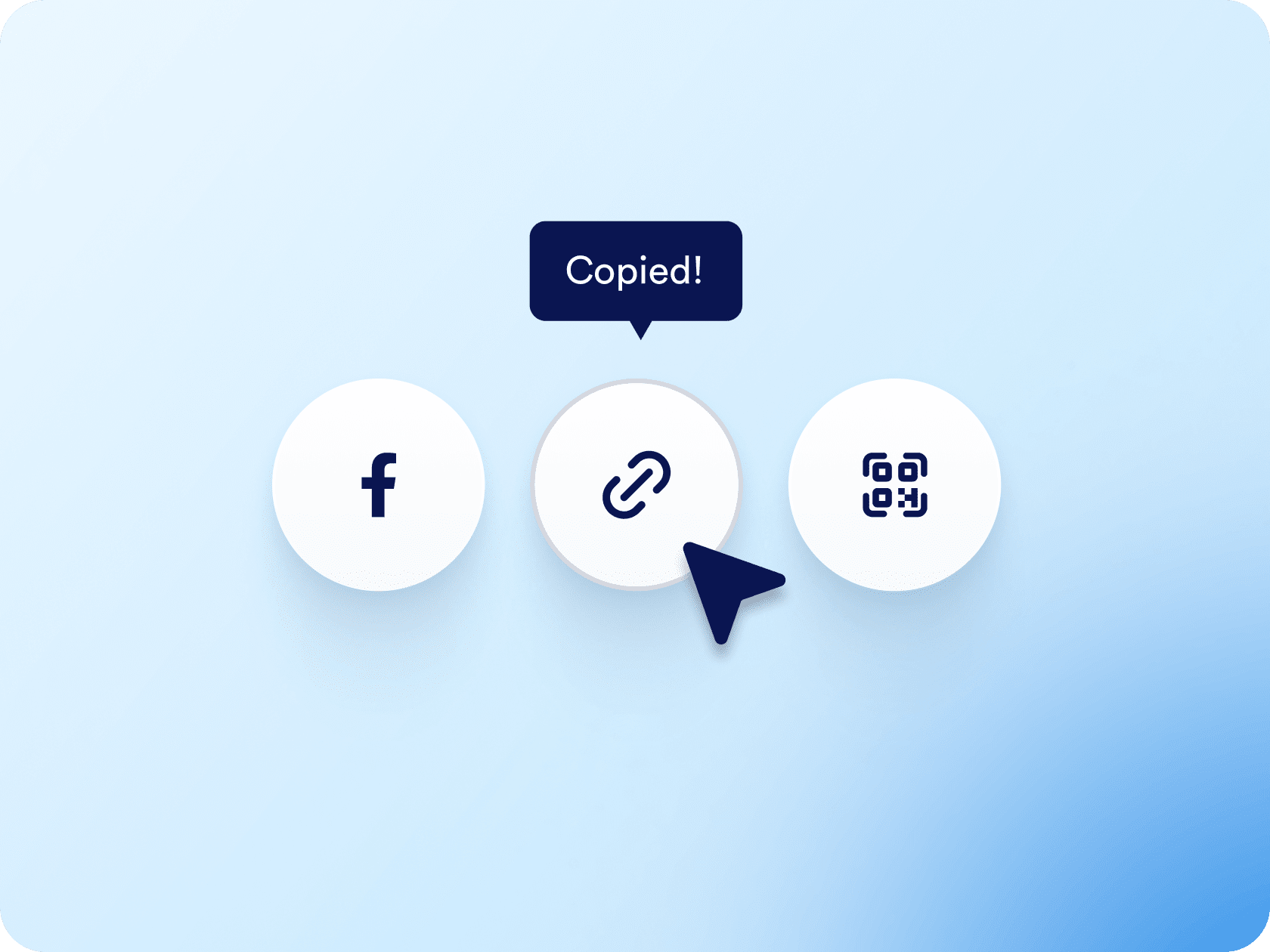
予約フォームをリンクやQRコードで共有したり、ウェブサイトに直接埋め込んだりすることができます。メール、ソーシャルメディア、ランディングページのいずれで共有する場合でも、わずか数回のクリックで完了します。

[Create Free Scheduling Form](https://www.jotform.com/ja/build/?question=appointment)

![Image 6: Easy sharing and embedding options](https://cdn.jotfor.ms/image/r/aHR0cHM6Ly9jZG4uam90Zm9yLm1zL3AvYXBwb2ludG1lbnQtc2NoZWR1bGluZy1zb2Z0d2FyZS9hc3NldHMvaW1nLW1pbi9lbWJlZC5wbmc/dj0wLjI=/embed.png?w=40&t=1)

## Appointment Scheduling Software for Calendly
![Image 7: Appointment Scheduling Software for Calendly](https://cdn.jotfor.ms/image/r/aHR0cHM6Ly9jZG4uam90Zm9yLm1zL3AvYXBwb2ludG1lbnQtc2NoZWR1bGluZy1zb2Z0d2FyZS9hc3NldHMvaW1nLW1pbi9jYWxlbmRseS95dC10aHVtYi5qcGc=/yt-thumb.jpg?w=40&t=1)

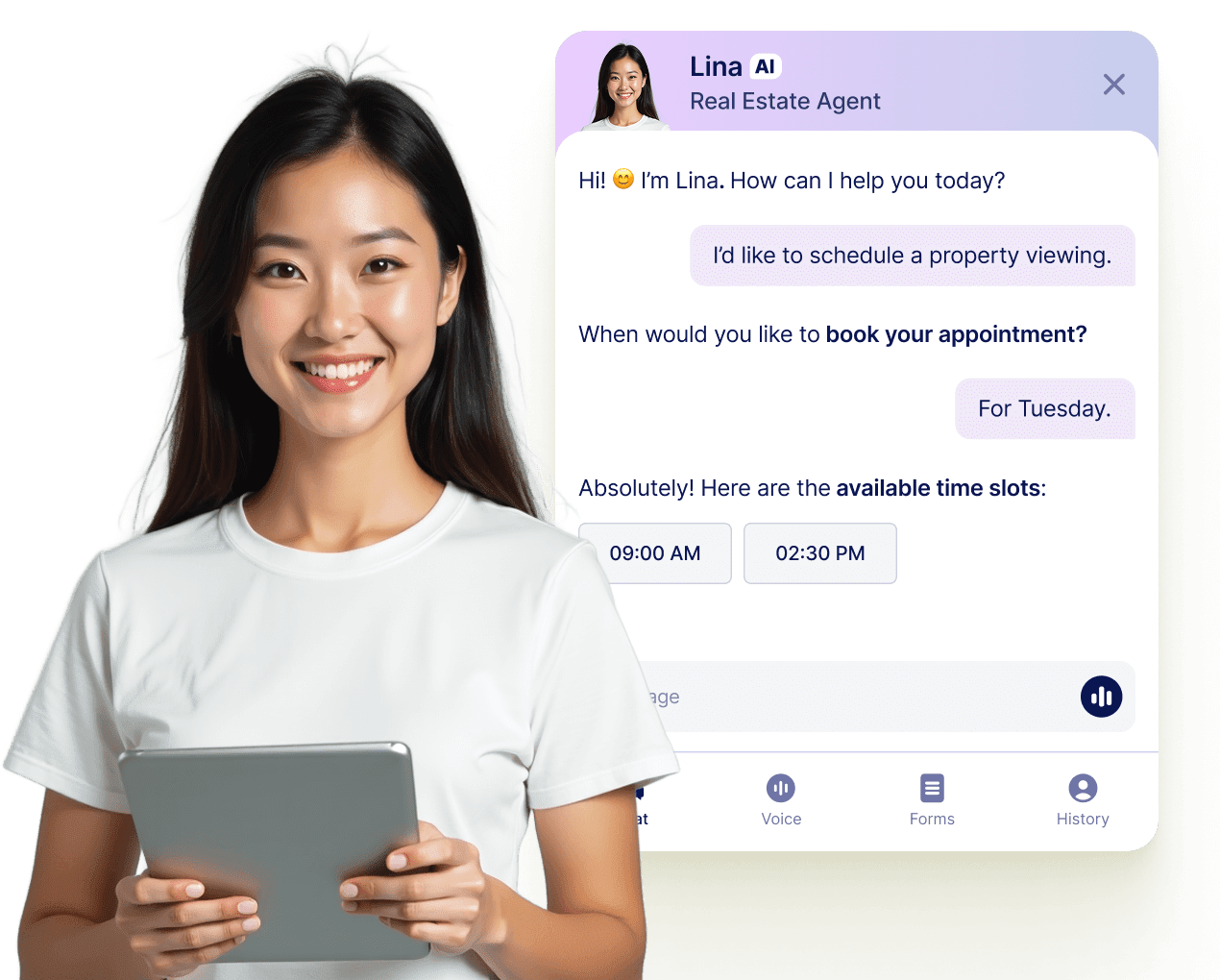
## Let your AI Agent book appointments anywhere

Turn every conversation into a confirmed booking with Jotform AI Agents. Your agent can schedule appointments in real time from your website, your email, WhatsApp, Messenger, Slack, and more — so you never miss a chance to connect.

[詳細はこちら](https://www.jotform.com/ja/ai/agents/features/multi-channel-support/)

![Image 8: Let your AI Agent book appointments anywhere](https://cdn.jotfor.ms/image/r/aHR0cHM6Ly9jZG4uam90Zm9yLm1zL3AvYXBwb2ludG1lbnQtc2NoZWR1bGluZy1zb2Z0d2FyZS9hc3NldHMvaW1nLW1pbi9hZ2VudC1jYXJkLXVzZWNhc2UucG5nP3Y9MC4x/agent-card-usecase.png?w=40&t=1)

## よくあるご質問

*    
### How do I connect Calendly to my Jotform appointment form? To connect Calendly, go to the **Appointment Properties** panel in your form, select **Calendly**, and log in to your Calendly account. Once connected, you can configure event details, set durations, and map your form fields to the appropriate Calendly event fields for prefilled booking info.   
*    
### Can I prefill Calendly event fields using my Jotform form? Yes. After connecting Calendly, go to the **Prefill** section in the Appointment Properties sidebar. From there, you can map form fields like name, email, or phone number to the corresponding Calendly event fields—so the user's information is automatically passed through when they submit the form.   
*    
### Jotformはダブルブッキングをどのように防止しますか？ Jotformはフォームまたはリンクされたカレンダーを通じて既に予約された時間枠を自動的に無効化します。ユーザーが時間を予約すると、その時間枠は即座に利用可能なオプションから削除され、他のユーザーが同じ時間枠を予約することはできません。   
*    
### 予約時に支払いを受け取ることはできますか？ Absolutely. Jotform integrates with major payment processors like **Stripe**, **PayPal**, and **Square** so you can collect payments directly through the appointment form. Whether you’re charging for consultations, classes, or coaching sessions, users can pay as they schedule.   
*    
### 1つのフォームで異なる予約タイプを作成できますか？ はい。ドロップダウンメニューと条件付きロジックを使用して、複数のサービス、予約時間、ミーティング形式（オンラインか対面かなど）を提供できます。ユーザーの選択に基づいて、フォームは異なる質問、価格、または指示を表示することができます。   
*    
### Jotformは自動的に確認メールとリマインダーを送信しますか？ はい。自動確認メール、チームへのカスタム通知メール、ドタキャン防止のためのリマインダーメールを設定できます。これらには、クライアントの名前、予約時間、Zoomリンク（統合している場合）、フォームからの他のカスタム詳細を含めることができます。   
*    
### 予約が完了した後に他のタスクを自動化することはできますか？ はい、Jotformワークフローと数百の統合機能を使用すると、ほぼすべてのフォローアップアクションを自動化できます。カレンダーイベントの作成、社内通知の送信、Zoomミーティングリンクの生成、CRMの更新、Googleスプレッドシートへのデータ移行など、手作業なしで実行できます。   
*    
### How is availability handled when using Calendly with Jotform? Jotform will reflect the availability already set in your **Calendly** account, which syncs with your connected calendars like **Google Calendar** or **Outlook Calendar**. Any time slots marked as unavailable in Calendly or those blocked in your calendar will automatically be hidden from the form.   
*    
### ウェブサイトに予約フォームを埋め込んだり、リンクで共有したりできますか？ Yes. You can **embed your form** on your website or share it via a direct link, an email, social media, or even a QR code.   
*    
### What happens after someone books an appointment through the form? Once a user selects a time slot and submits the form, the appointment is created directly in your Calendly account and also appears in your connected calendar (e.g., Google Calendar). The user's information, including mapped fields, is stored within the Calendly event.   
*    
### Which calendars are supported through Calendly in Jotform? Calendly supports syncing with **Google Calendar**, **Outlook Calendar**, and **iCloud Calendar**. Once Calendly is integrated into your Jotform form, all your connected calendars are used to determine available booking times.   
*    
### Can I use Calendly with Jotform on a HIPAA-enabled account? No. At this time, **Calendly is not compatible with HIPAA-compliant Jotform accounts**. If you're using Jotform for sensitive health data, it's recommended to use the native Appointment field with Google or Outlook Calendar integrations instead.   

さらに表示