Browsernotificatie-widget
Create Your Own Browser Notification Widget in Seconds
Build an animated browser-style notification with full control over content, entrance effects, corner position, optional sound, timing, frequency, targeting, and typography, plus an optional real browser notification.

Craft the Notification Content
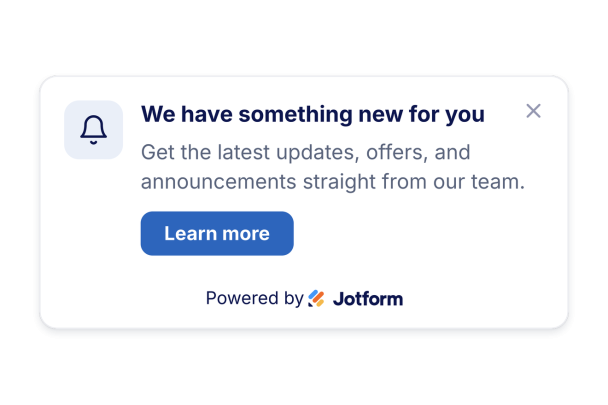
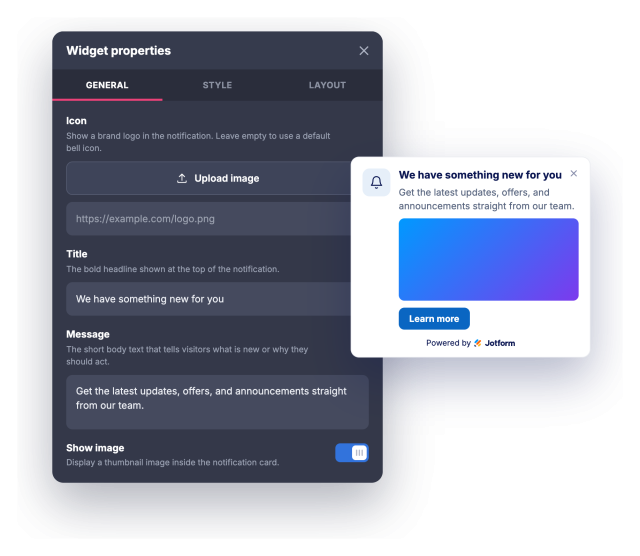
Add a title, message, optional icon or brand logo, an optional image, and a call-to-action button that links anywhere and can open in a new tab.
Content controls include:
Animate the Entrance and Grab Attention
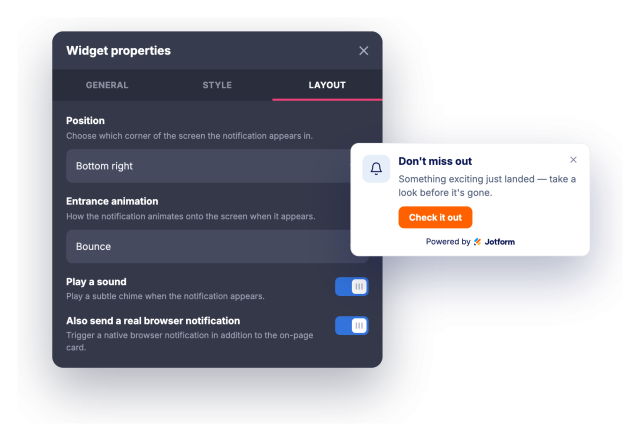
Choose how the notification enters with slide, fade, bounce, or zoom effects, pick which corner it appears in, and pull visitors back with an optional chime or a real browser notification they can allow.
Animation and attention:
Control Timing, Frequency, and Targeting
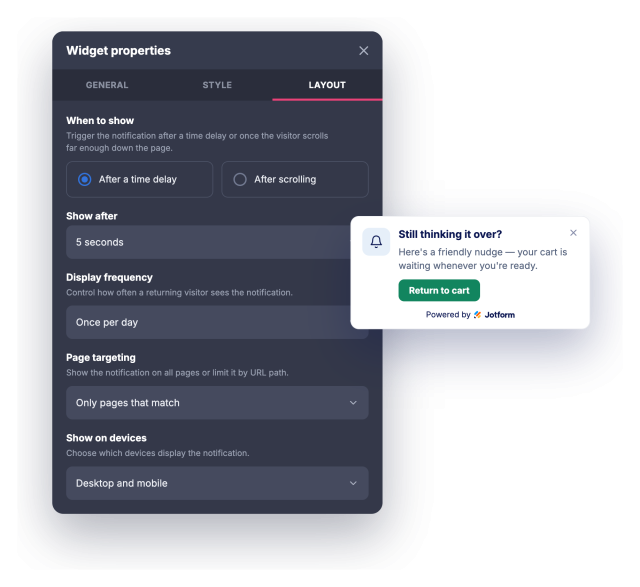
Trigger the notification after a delay or on scroll, set an auto-close timer and how often it returns, and limit it to matching URLs, desktop, or mobile.
Timing and targeting:
Style It to Match Your Brand
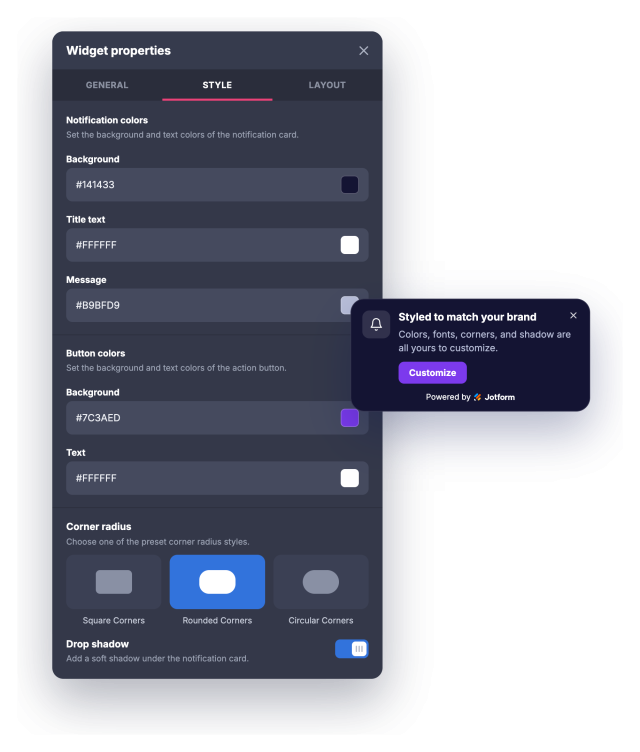
Match your brand with background, title, message, and button colors, title and message sizes, corner radius, and drop shadow, then fine-tune anything else with custom CSS.
Style controls include: