Widget Instagram de feed de redes sociais para seu site
Adicione um feed de redes sociais ao seu site e mantenha os visitantes conectados com suas publicações mais recentes, vídeos, atualizações de blog e conteúdo RSS. Use o Widget de Feed de Redes Sociais para escolher fontes de feed, personalizar layouts, controlar os detalhes das publicações e incorporar tudo no seu site sem escrever código.
Crie já — [1[é grátis!]]

Como criar um widget Feed de Redes Sociais
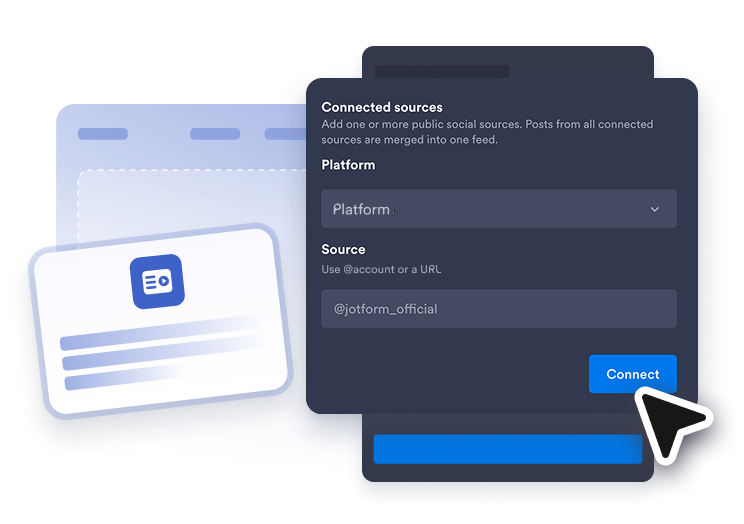
Conectar uma fonte de feed
Escolha o tipo de conteúdo que deseja exibir e, em seguida, adicione uma conta pública, canal, playlist, blog, quadro, vídeo ou URL de feed RSS.
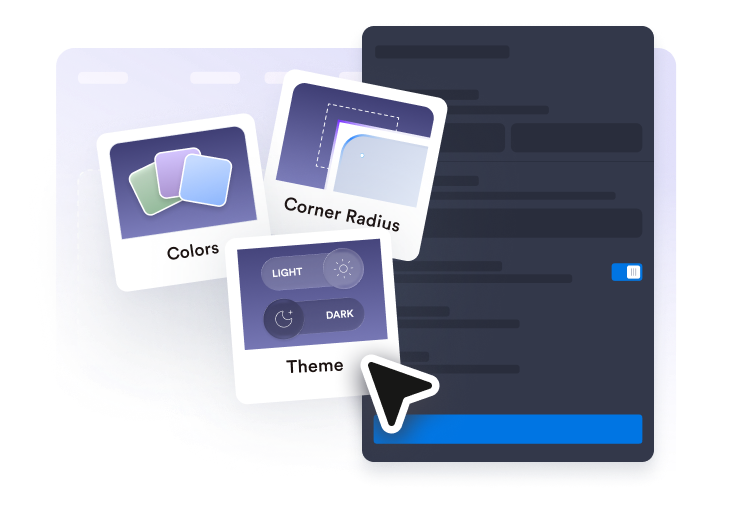
Personalize o feed
Selecione um layout, ajuste os cartões de post, ative ou desative as abas de fonte, defina o comportamento do popup e combine o design com seu site.
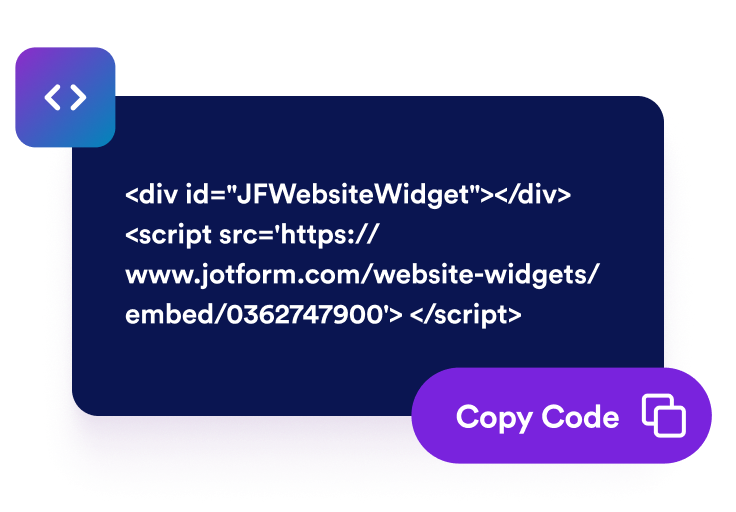
Obtenha o código de incorporação
Copie o código de incorporação gerado e cole-o no HTML ou bloco de incorporação do seu site para publicar seu Widget de Feed de Redes Sociais.
Exiba atualizações sociais em um único feed
Escolha suas fontes de feed
Crie um widget instagram que reúne posts selecionados, vídeos, atualizações de blog e conteúdo RSS em uma única seção. Você pode construir um Widget de Feed de Redes Sociais mais amplo ou criar feeds específicos por fonte com o Widget de Feed do Facebook, Widget de Feed do Instagram, Widget de Feed do Twitter, Widget de Feed do Tumblr ou Widget de Feed RSS.

Encaixe as postagens no seu layout
Exiba seu feed em um formato que funcione para sua página. Escolha layouts em grade, mosaico, lista, carrossel ou deslizador e ajuste o espaçamento, colunas, linhas, abas de fonte, ordenação e limites de itens para uma navegação mais fácil.

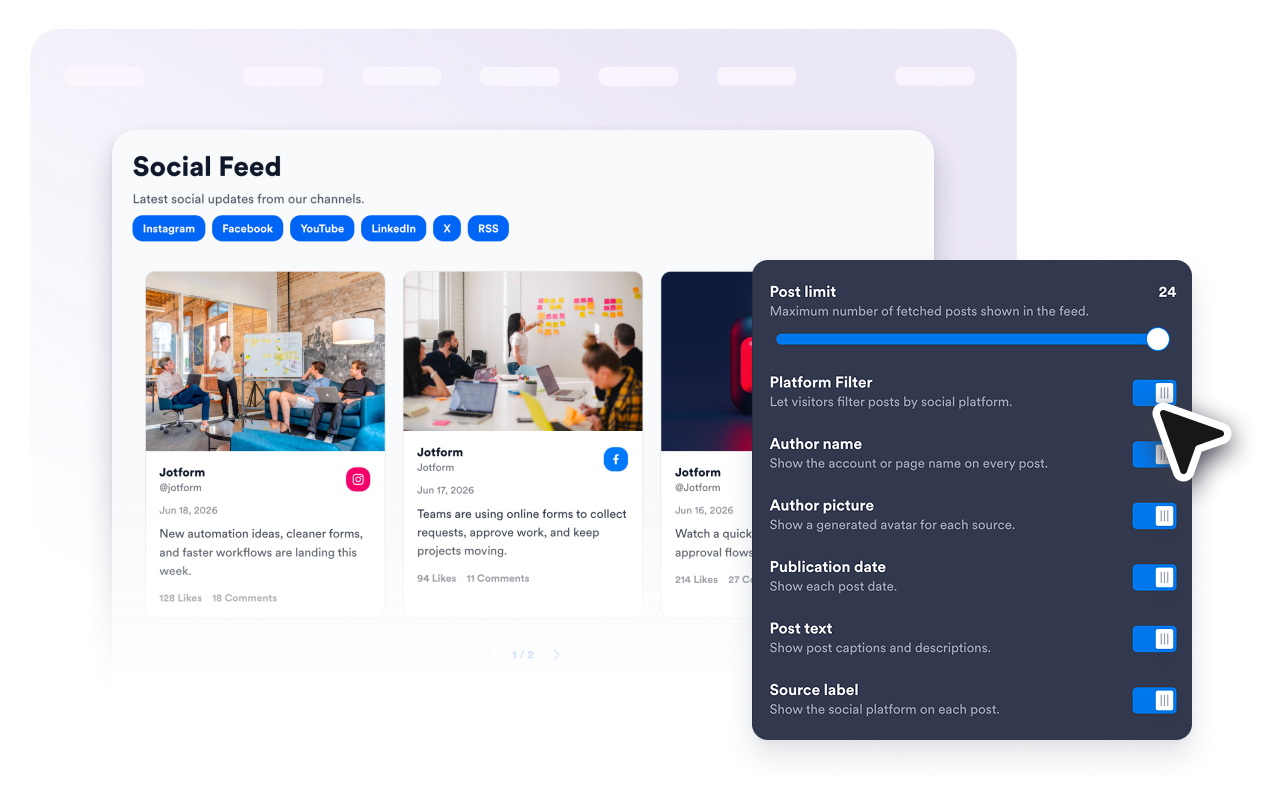
Show the right post details
Controle o que os visitantes veem em cada cartão de feed. Mostre ou oculte nomes de autores, avatares, datas, legendas, selos de plataforma, contagens de ações, links externos e detalhes de popup para que cada prévia de post pareça clara e útil.
Alinhe o widget ao estilo do seu site
Faça com que seu feed social nas páginas do site pareça parte do seu design. Use temas claros ou escuros, personalize as cores dos cartões e popups, ajuste setas e paginação, e adicione CSS personalizado quando precisar de mais controle sobre a estilização.

Por que os Widgets para Sites Jotform se destacam
Os widgets da Jotform tornam seu site mais interativo e aumentam as conversões. Há diversas opções disponíveis, desde avaliações com estrelas e deslizadores de depoimentos até pop-ups de prova social e incorporações de mídia. Adicione widgets aos seus formulários ou landing pages para coletar dados, exibir provas sociais e capturar leads — tudo sem precisar programar.
Adicione widgets da Jotform ao seu site com um simples código de incorporação. Personalize o widget, veja uma prévia de como ele ficará e cole-o em qualquer página que aceite HTML personalizado ou blocos de incorporação, sem precisar de um desenvolvedor.
Use os Widgets para Sites Jotform para coletar leads, exibir avaliações de clientes, expor provas sociais, incorporar mídia ou adicionar ferramentas úteis às suas páginas. Cada widget ajuda os visitantes a interagir com sua empresa diretamente no site.
Se precisar de ajuda para configurar, personalizar, incorporar ou solucionar problemas com o seu widget, a equipe de suporte Jotform está disponível 24h. Assim, você pode seguir em frente com confiança, sabendo que terá ajuda sempre que precisar.
Onde usar seu Widget de Feed de Redes Sociais
Adicione um Widget de Feed de Redes Sociais em qualquer lugar onde atualizações sociais, conteúdo RSS ou posts de campanha possam deixar seu site mais ativo e atualizado.
Páginas iniciais de marcas para destacar posts recentes, anúncios, vídeos e atualizações de campanha.
Páginas de eventos para compartilhar atualizações ao vivo, posts de resumo, vídeos curtos e conteúdo da comunidade.
Páginas de portfólio para mostrar atualizações de criadores, lançamentos de projetos, provas sociais e posts dos bastidores.
Blogs e centrais de recursos para combinar atualizações relacionadas de redes sociais de um Widget de Feed de Redes Sociais ou novas atualizações de artigos de um Widget de Feed RSS.
Páginas de produtos e lançamentos para destacar anúncios, demonstrações, tutoriais e reações perto de CTAs importantes.
Páginas de comunidade para manter os visitantes conectados com atualizações de várias fontes de feed.
Converta leads em clientes pagantes com o Criador de Formulários Jotform
Transforme engajamento em ação usando Jotform. Crie formulários poderosos para captar leads, receber pagamentos e automatizar respostas, tudo em um só lugar. Cada envio chega à sua Caixa de Envios Jotform, onde você pode fazer o acompanhamento ou conectar seus apps favoritos.
Comece já — é grátis!
Perguntas Frequentes
O que é um Widget de Feed de Redes Sociais?
Um Widget de Feed de Redes Sociais é um widget para sites incorporável que exibe posts sociais selecionados, vídeos, atualizações de blog ou conteúdo de feed RSS em um único feed responsivo. Ele ajuda os visitantes a navegar por suas atualizações mais recentes sem sair do seu site imediatamente.
Posso incorporar um feed de redes sociais no meu site?
Posso criar widgets de feed específicos para cada plataforma?
Posso exibir feedback de clientes também?
Quais fontes de feed posso usar?
Posso adicionar um feed RSS?
Posso exibir vários tipos de feed?
Posso personalizar o layout?
Os visitantes podem abrir posts em um popup?
Posso combinar o widget com o design do meu site?
O Widget de Feed de Redes Sociais funciona em dispositivos móveis?
Preciso escrever código?
Quais plataformas de sites suportam o Widget de Feed de Redes Sociais?
Posso obter ajuda para configurar meu Widget de Feed de Redes Sociais?