Booking Bewertungen Widget für Ihre Website
Helfen Sie Reisenden, Ihre Unterkunft anhand von Bewertungen und Feedback von Booking.com einzuschätzen. Mit dem Booking Bewertungen Widget von Jotform können Sie Ihre Unterkunft verknüpfen, ein responsives Bewertungslayout auswählen, das Design anpassen und es ohne Programmierung zu Ihrer Website hinzufügen.
So erstellen Sie das Widget Booking-Bewertungen
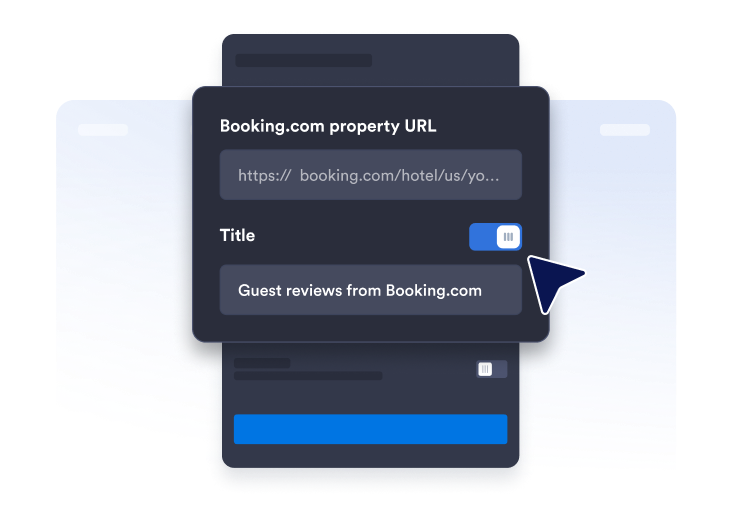
Link zur Bewertungsseite abrufen
Suchen Sie Ihre Booking.com Profilseite und kopieren und fügen Sie die URL Ihrer Einrichtung ein.
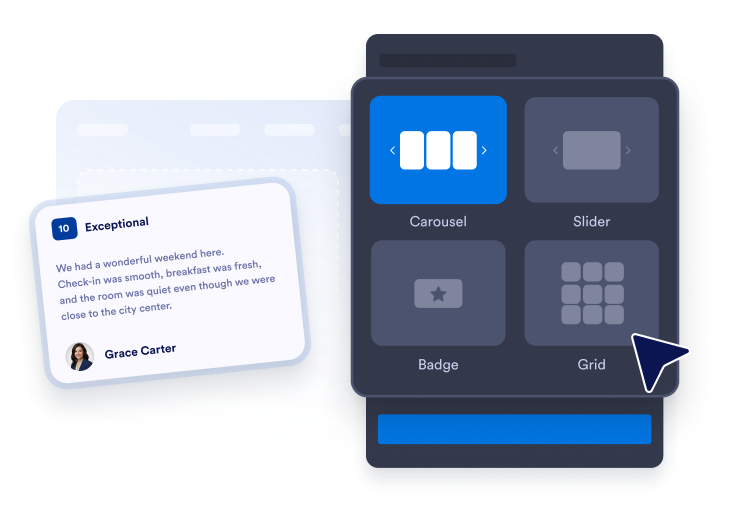
Widget-Layout anpassen
Gestalten Sie das Erscheinungsbild Ihres Widgets, indem Sie Design, Farben und CTA-Button-Text auswählen.

Überall einbetten
Fügen Sie den Code in Ihre Website ein und veröffentlichen Sie ihn. Ihre Booking.com Bewertungen erscheinen sofort.
Booking.com Bewertungen präsentieren, um Vertrauen aufzubauen
Vertrauen mit Gästebewertungen aufbauen
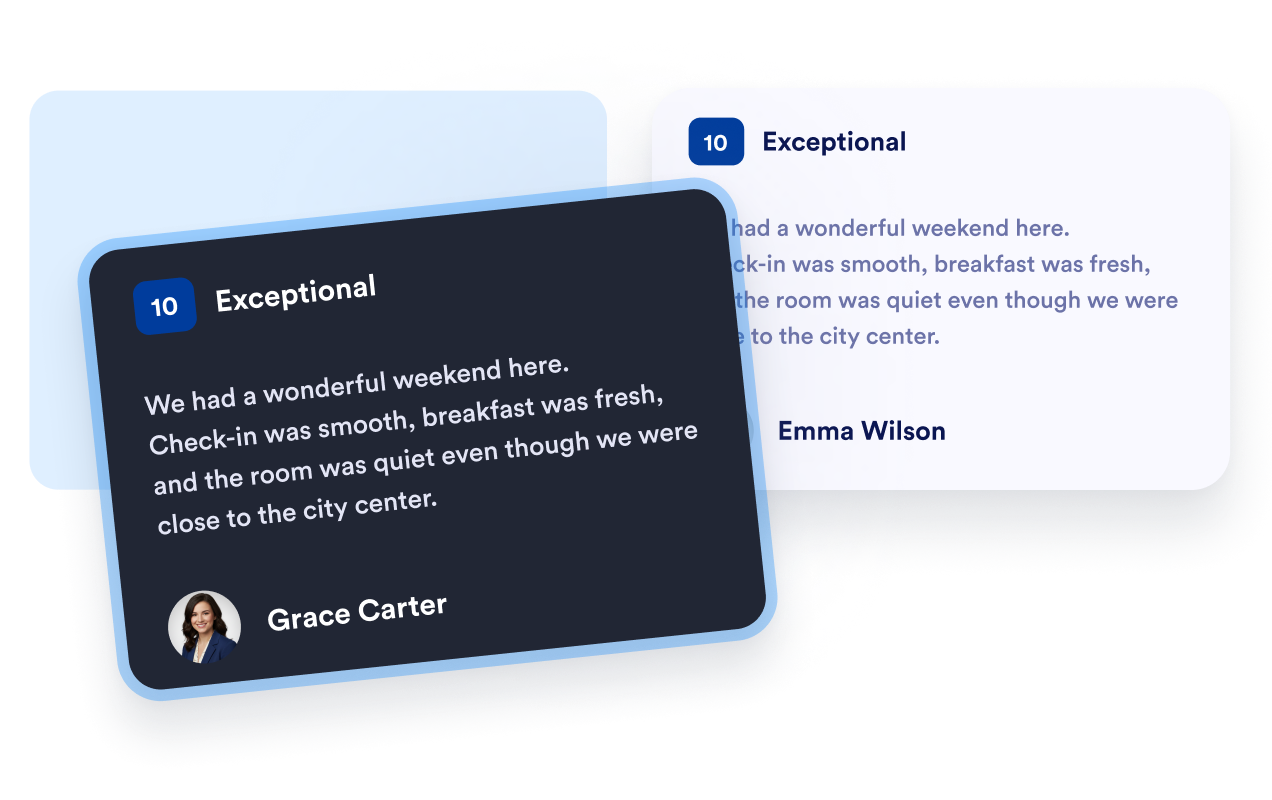
Zeigen Sie Booking.com Gästebewertungen, Namen und Bewertungstexte in einem vertrauten Format an. Feedback aus erster Hand hilft Reisenden, sich über frühere Aufenthalte zu informieren, und bietet ihnen nützlichen Kontext, während sie Ihre Unterkunft mit anderen Unterkunftsoptionen vergleichen.
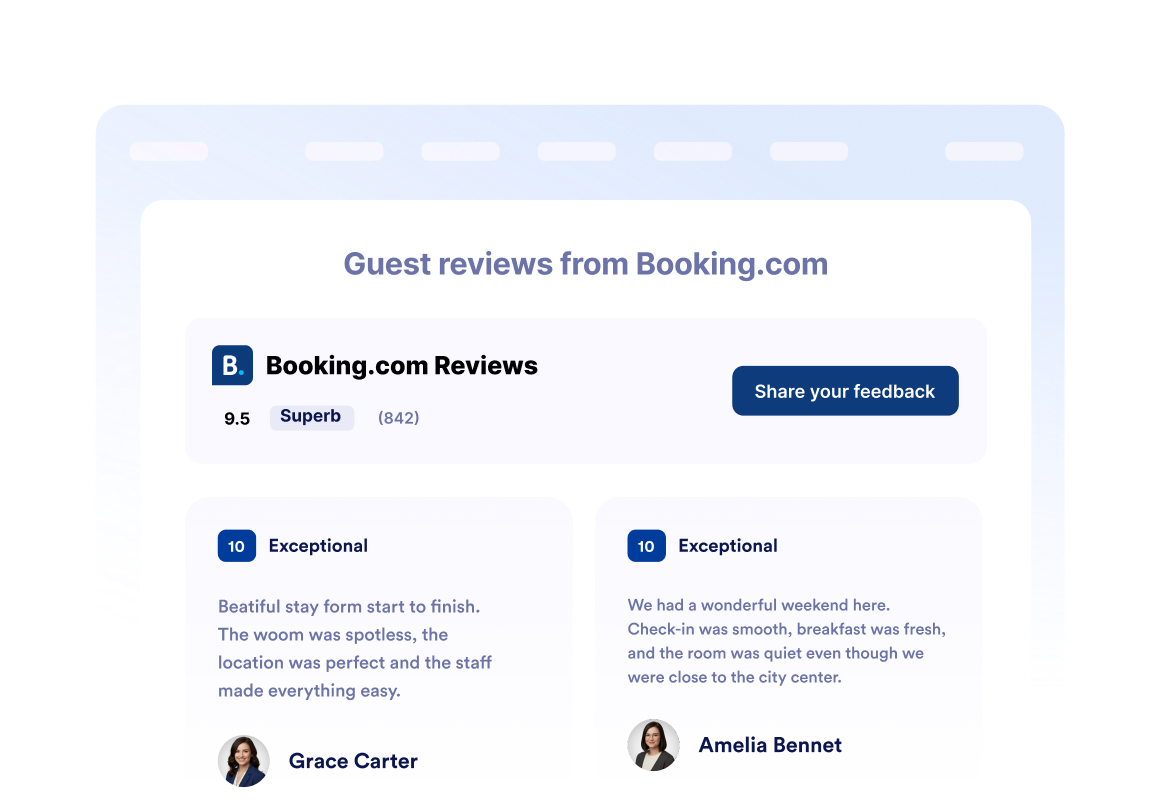
Unterkunftsbewertungen auf einen Blick anzeigen
Platzieren Sie Ihre Booking.com Gesamtbewertung und die Gesamtzahl der Bewertungen in der Widget-Kopfzeile. Besucher können den Ruf Ihrer Unterkunft schnell einschätzen, bevor sie einzelne Gästebewertungen, Zimmerdetails, Ausstattung oder Reservierungsoptionen erkunden.
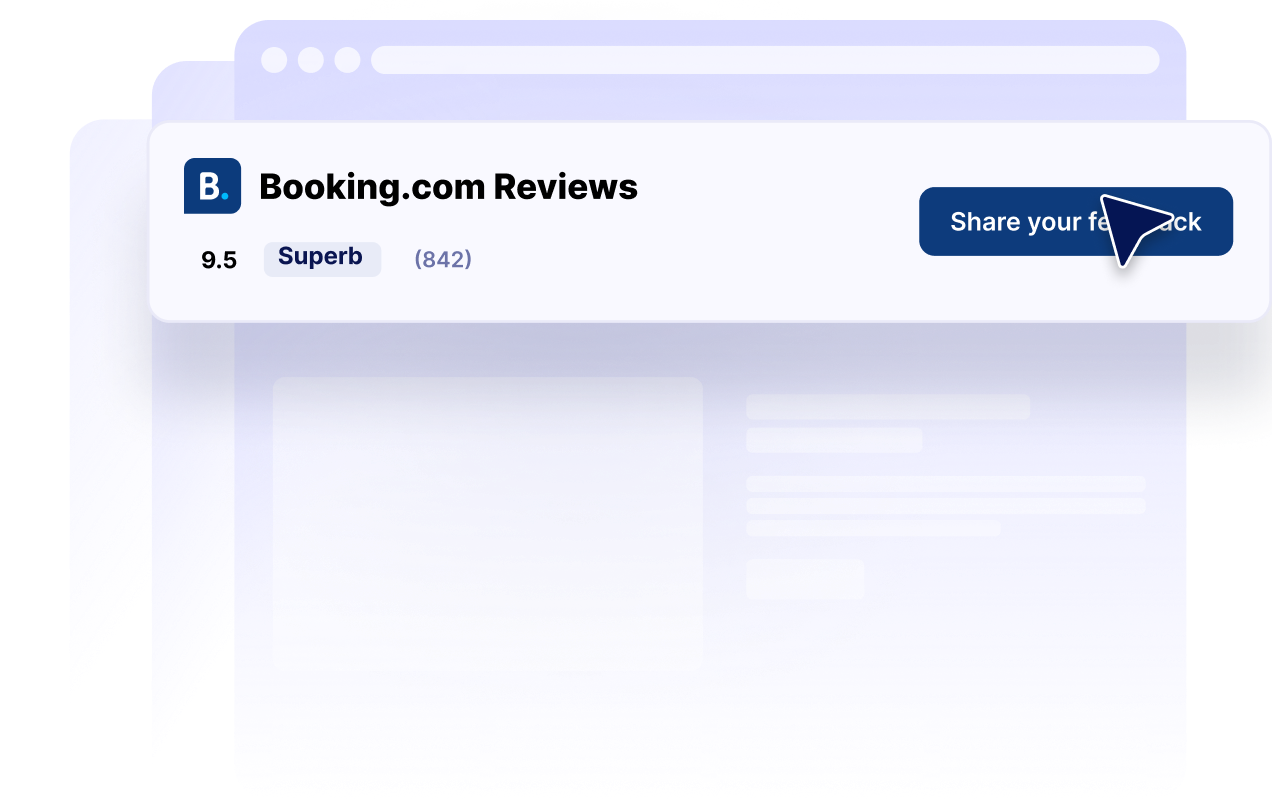
Bewertungslayouts an jede Seite anpassen
Wählen Sie zwischen Karussell-, Slider-, Raster-, Listen-, Masonry- und Badge-Layouts. Zeigen Sie eine detaillierte Bewertungssammlung auf einer Unterkunftsseite an oder verwenden Sie ein kompaktes Bewertungs-Badge in einer Seitenleiste, Fußzeile oder platzbegrenzten Landingpage.

Bewertungen an Ihre Website anpassen
Passen Sie Dunkelmodus, Titel, Buttons, Bewertungsdetails, Bewertungsfelder, Farben und Widget-Breite an. Diese Einstellungen sorgen dafür, dass Ihre Booking.com Bewertungen Ihre Website ergänzen, während wiedererkennbare Bewertungsinformationen leicht auffindbar bleiben.
Warum sich Jotform Website Widgets auszeichnen
Mit den Widgets von Jotform wird Ihre Website interaktiver und Sie steigern Ihre Conversion-Rate. Zur Auswahl stehen zahlreiche Tools wie Sternebewertungen, Slideshows mit Erfahrungsberichten, Pop-ups mit Social Proof und eingebettete Medien. Fügen Sie Widgets zu Ihren Formularen oder Landingpages hinzu, um Daten zu sammeln, Erfahrungsberichte anzuzeigen und Leads zu gewinnen – ganz ohne Programmierkenntnisse.
Fügen Sie Jotform-Widgets mithilfe eines Einbettungscodes in Ihre Website ein. Passen Sie das Widget an, sehen Sie sich die Vorschau an und fügen Sie den Code in jede Seite ein, die benutzerdefiniertes HTML oder Einbettungsblöcke unterstützt – ganz ohne Entwicklerinnen oder Entwickler.
Mit Jotform Website Widgets sammeln Sie Leads, zeigen Kundenfeedback, präsentieren Social Proof, binden Medien ein oder fügen nützliche Webseiten-Tools hinzu. Über jedes Widget können Besucher direkt auf Ihrer Website mit Ihrem Unternehmen interagieren.
Wenn Sie Unterstützung bei der Einrichtung, Anpassung, Einbettung oder Fehlerbehebung Ihres Widgets benötigen, steht Ihnen das Kundensupport-Team von Jotform rund um die Uhr zur Verfügung. So können Sie beruhigt weiterarbeiten, denn Sie wissen: Hilfe ist da, wenn Sie sie brauchen.
Wo Sie Ihr Booking.com Bewertungen Widget einsetzen können
Platzieren Sie Booking.com Bewertungen dort, wo Reisende Unterkünfte vergleichen, Gästeerfahrungen bewerten und entscheiden, ob sie eine Reservierung vornehmen.
Vertrauensbereiche auf der Startseite, um neuen Besuchern Ihre Unterkunftsbewertung vorzustellen.
Zimmer- und Unterkunftsseiten, um neben Ausstattung und Fotos auch Gästekontext zu bieten.
Reservierungsseiten, um das Vertrauen in der Nähe Ihres primären Buchungs-Buttons zu stärken.
Standort-Landingpages, damit Reisende Unterkunftsoptionen vergleichen können.
Werbe-Landingpages, um saisonale Angebote mit Gästefeedback zu unterstützen.
Seitenleisten und Fußzeilen, damit eine kompakte Unterkunftsbewertung auf Ihrer gesamten Website sichtbar bleibt.
Gewinnen Sie Leads als zahlende Kunden mit dem Jotform Formulargenerator
Nutzen Sie Jotform, um aus jedem Kontakt eine konkrete Maßnahme zu machen. Erstellen Sie leistungsstarke Formulare, mit denen Sie Leads erfassen, Zahlungen abwickeln und Antworten automatisieren – und das alles an einem Ort. Jede Antwort landet in Ihrem Jotform Posteingang, von wo aus Sie nachfassen oder Ihre bevorzugten Apps verbinden können.
Jetzt starten – Kostenlos!
FAQ
Was ist ein Booking.com Bewertungen Widget?
Ein Booking.com Bewertungen Widget zeigt Gästebewertungen und Bewertungsinhalte einer Booking.com Unterkunft auf einer anderen Website an. Hotels, Ferienwohnungen und andere Unterkunftsbetriebe können es nutzen, um wiedererkennbares Gästefeedback auf ihren gesamten Websites verfügbar zu machen.
Wie kann ich ein Booking Bewertungen Widget erstellen?
Welche Booking.com Informationen kann das Widget anzeigen?
Welche Booking.com Bewertungslayouts sind verfügbar?
Kann ich das Erscheinungsbild des Widgets anpassen?
Können Besucher eine Booking.com Bewertung über das Widget abgeben?
Kann ich ein kompaktes Booking.com Bewertungs-Badge anzeigen?
Ist das Booking Bewertungen Widget mobilfreundlich?
Muss ich Code schreiben?
Kann ich ein Booking Bewertungen Widget kostenlos erstellen?
Welche Website-Plattformen unterstützen das Booking.com Bewertungen Widget?
Kann ich Hilfe bei der Einrichtung meines Booking.com Bewertungen Widgets erhalten?