
Free Countdown Timer Widget for Your Website
Create urgency for sales, product launches, webinars, events, and seasonal campaigns. Jotform's Countdown Timer widget lets you set a target date, select restart timing, customize layout and colors, add action buttons, and embed the widget on your website — no coding required.
So erstellen Sie ein Countdown Timer-Widget
Create urgency with a countdown timer that fits your page
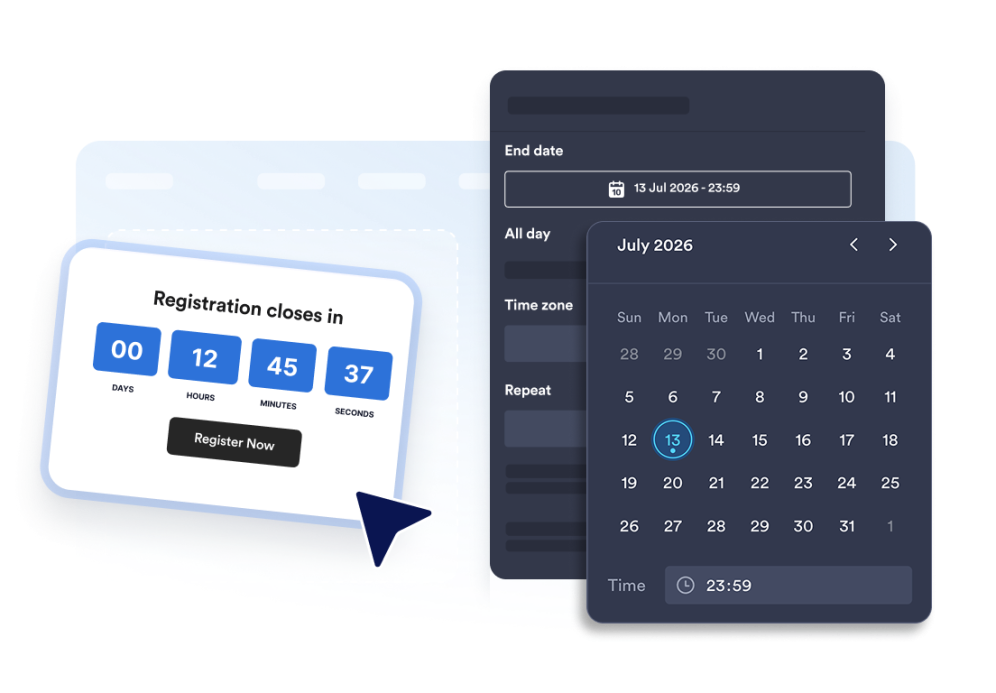
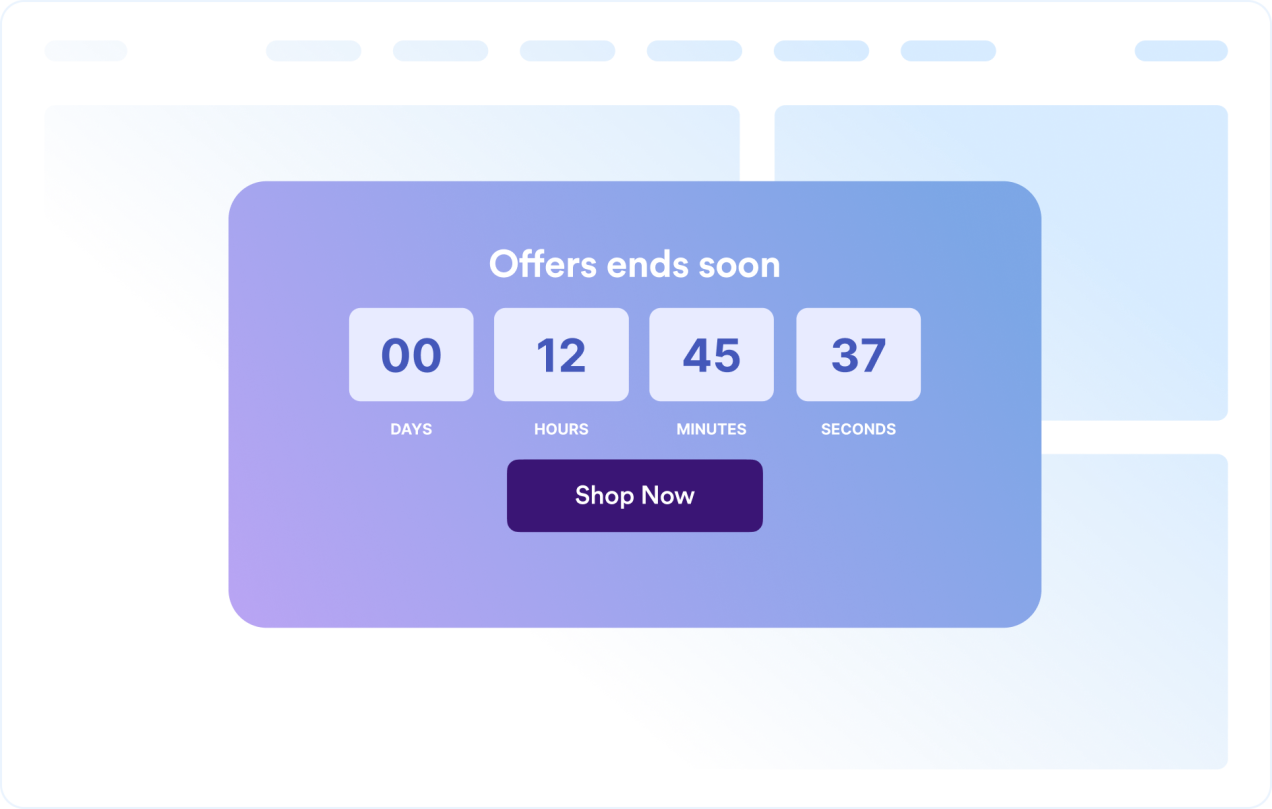
Count down to a specific date and time
Set a precise deadline for launches, promotions, webinars, product drops, or event campaigns. Time zone functionality keeps the countdown consistent for your campaign.

Use layouts for banners and inline sections
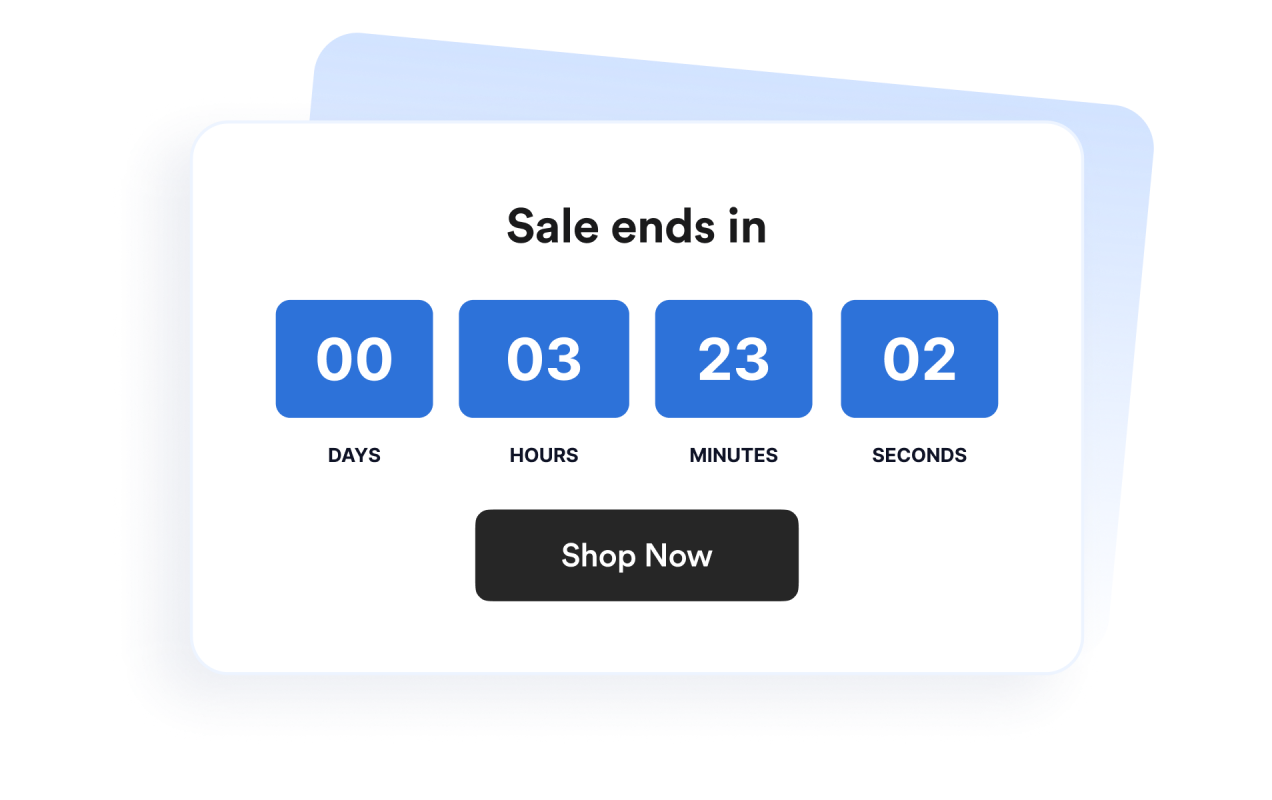
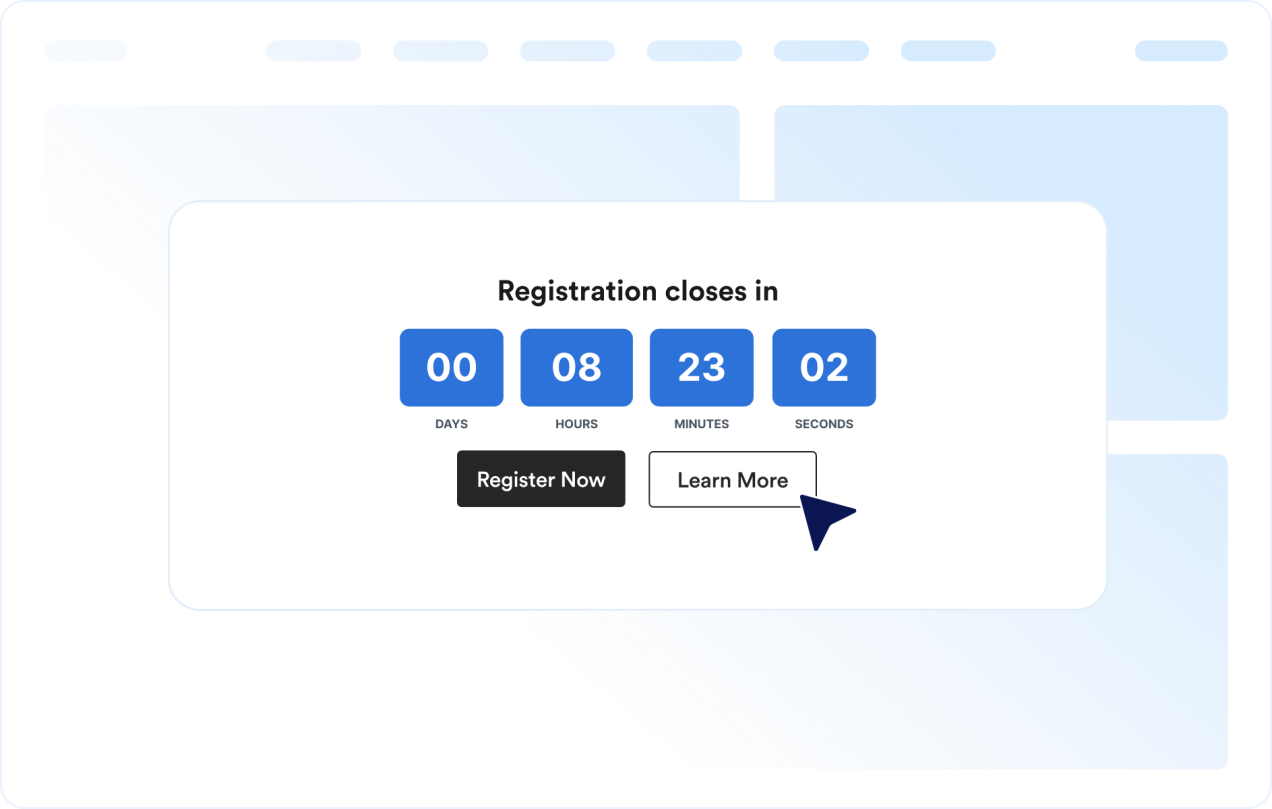
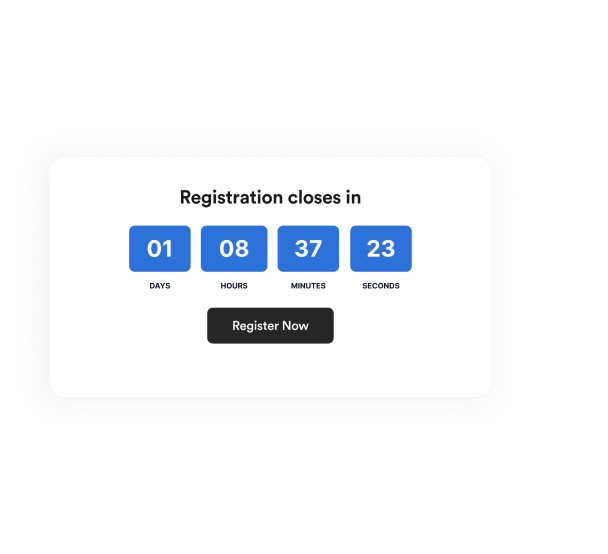
Display the timer inline, as a full-width section, as a fixed top or bottom bar, or as a floating card. This makes it easy to fit the widget into different website designs.

Customize the timer design
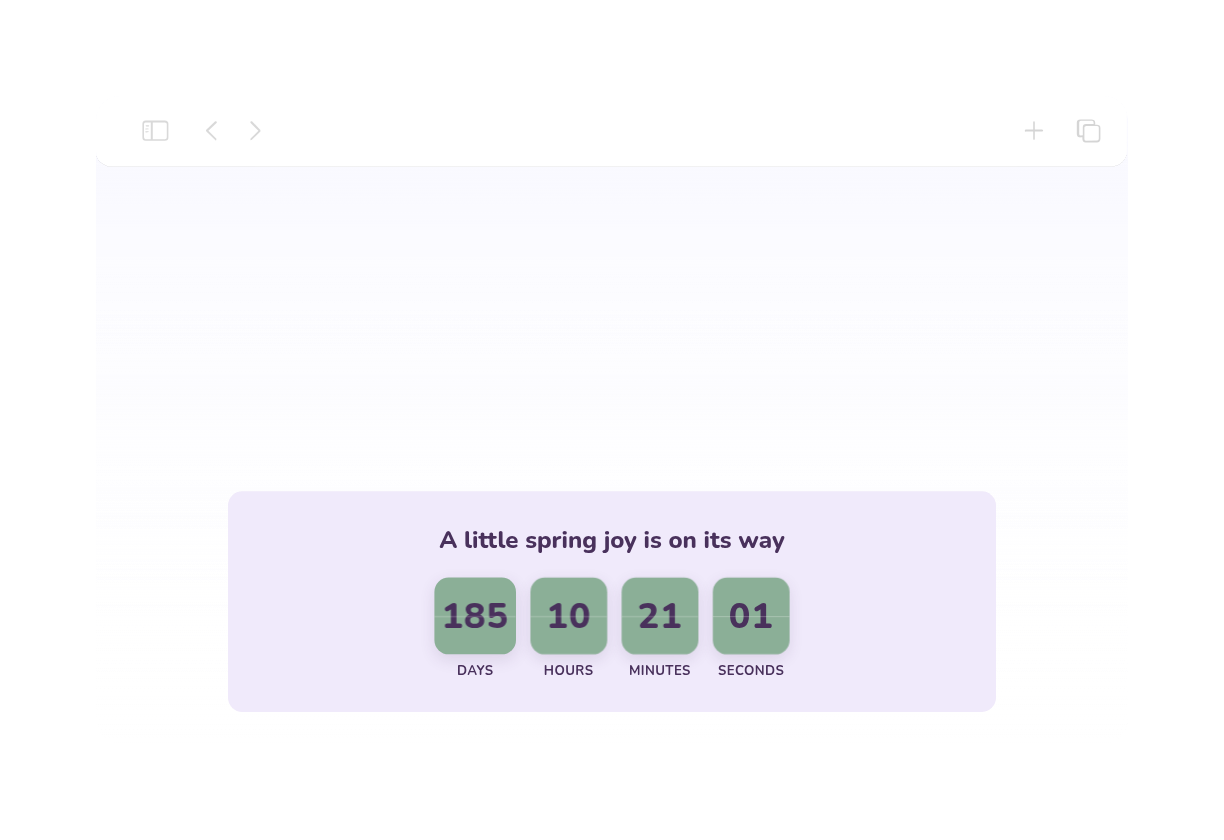
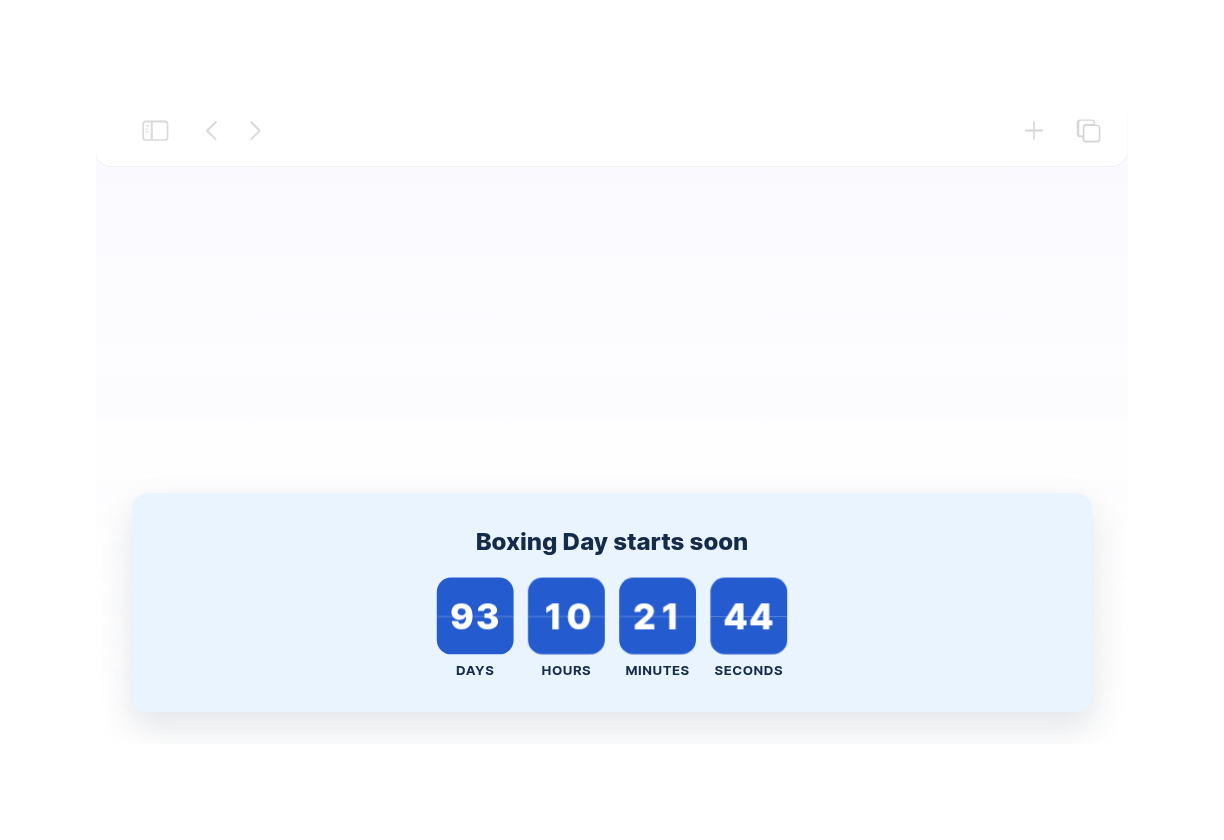
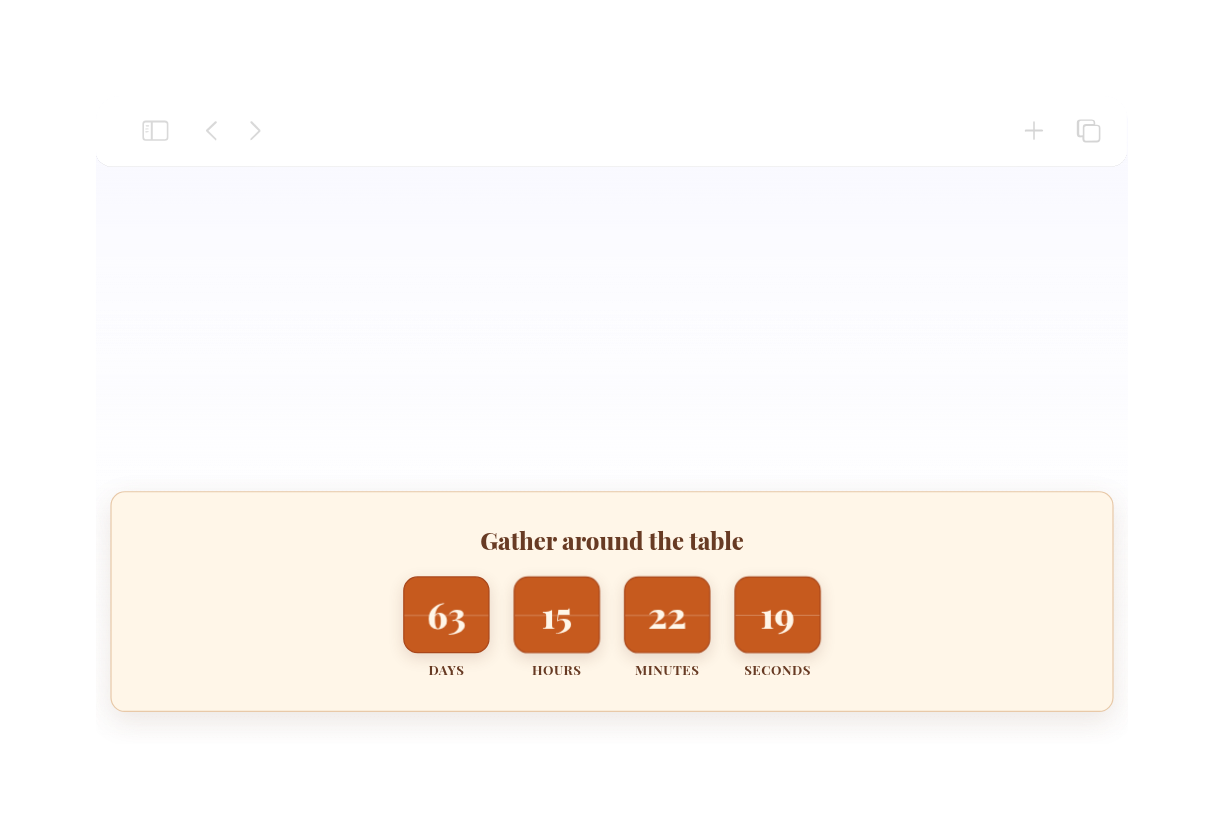
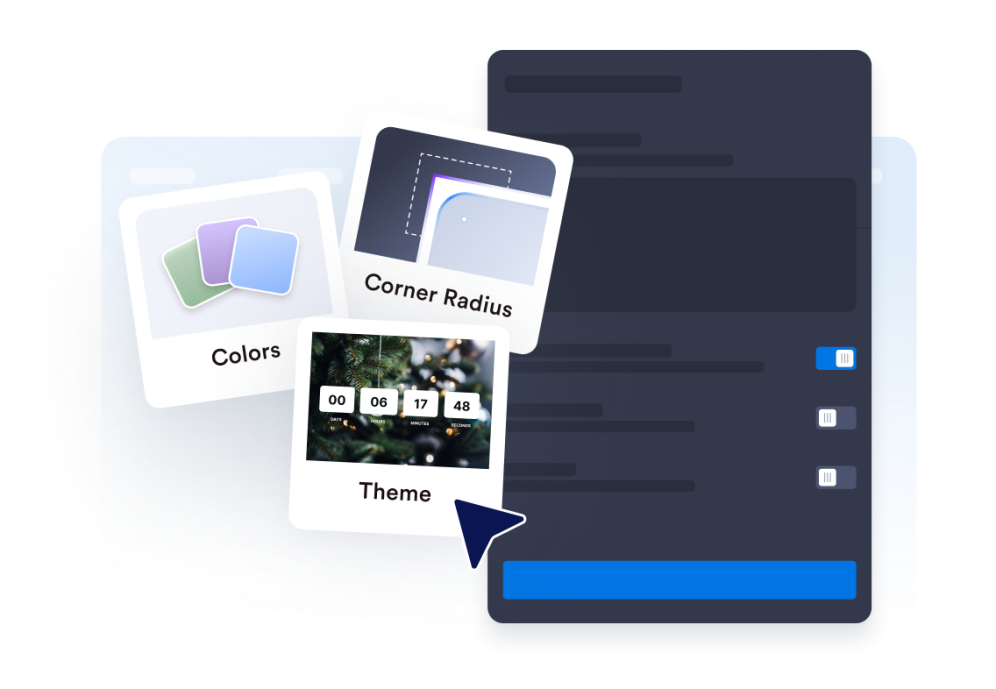
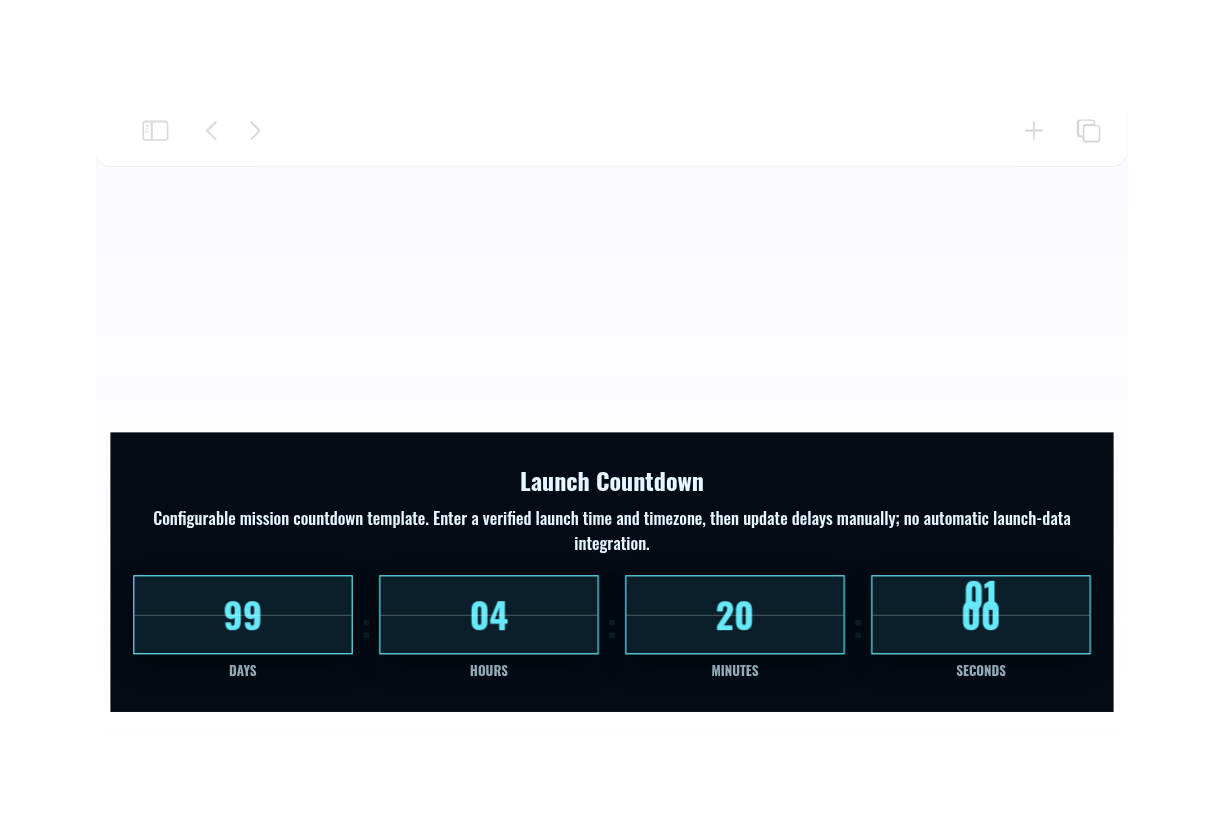
Show or hide time units, adjust labels, set the corner style, and apply campaign-ready theme presets.

Guide visitors to the next action
Add the widget anywhere on your site where a clear deadline might prompt visitors to take action.

Warum sich Jotform Website Widgets auszeichnen
Mit den Widgets von Jotform wird Ihre Website interaktiver und Sie steigern Ihre Conversion-Rate. Zur Auswahl stehen zahlreiche Tools wie Sternebewertungen, Slideshows mit Erfahrungsberichten, Pop-ups mit Social Proof und eingebettete Medien. Fügen Sie Widgets zu Ihren Formularen oder Landingpages hinzu, um Daten zu sammeln, Erfahrungsberichte anzuzeigen und Leads zu gewinnen – ganz ohne Programmierkenntnisse.
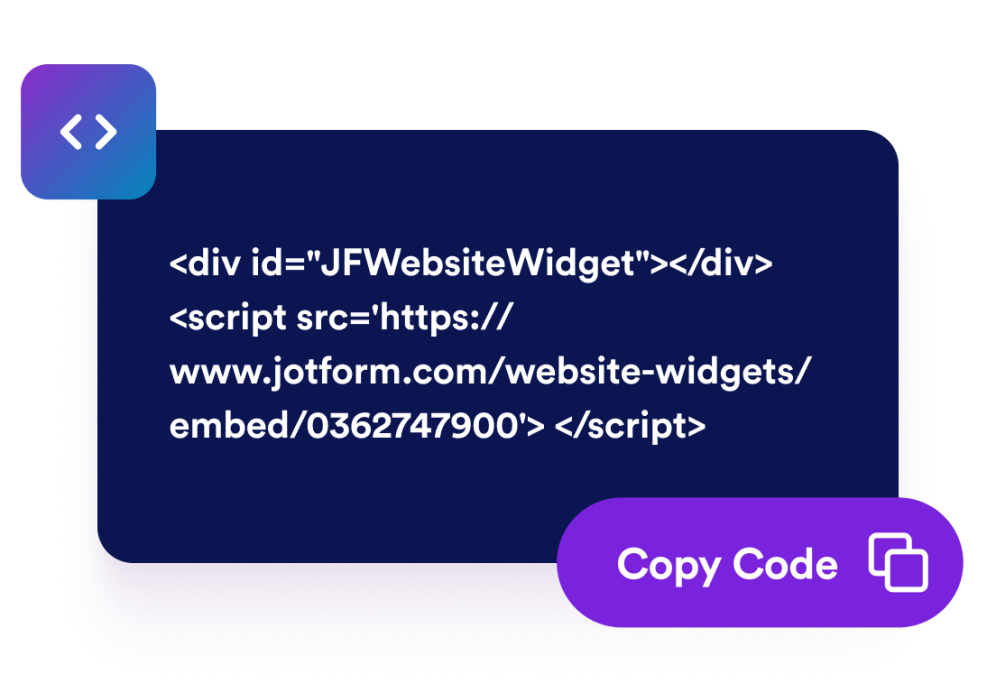
Fügen Sie Jotform-Widgets mithilfe eines Einbettungscodes in Ihre Website ein. Passen Sie das Widget an, sehen Sie sich die Vorschau an und fügen Sie den Code in jede Seite ein, die benutzerdefiniertes HTML oder Einbettungsblöcke unterstützt – ganz ohne Entwicklerinnen oder Entwickler.
Mit Jotform Website Widgets sammeln Sie Leads, zeigen Kundenfeedback, präsentieren Social Proof, binden Medien ein oder fügen nützliche Webseiten-Tools hinzu. Über jedes Widget können Besucher direkt auf Ihrer Website mit Ihrem Unternehmen interagieren.
Wenn Sie Unterstützung bei der Einrichtung, Anpassung, Einbettung oder Fehlerbehebung Ihres Widgets benötigen, steht Ihnen das Kundensupport-Team von Jotform rund um die Uhr zur Verfügung. So können Sie beruhigt weiterarbeiten, denn Sie wissen: Hilfe ist da, wenn Sie sie brauchen.
Where to use your Countdown Timer widget
Add the widget anywhere a clear deadline can help visitors act sooner and understand when an offer, event, or campaign ends.
Sale landing pages to highlight limited-time discounts and flash campaigns
Product launch pages to build anticipation before a release
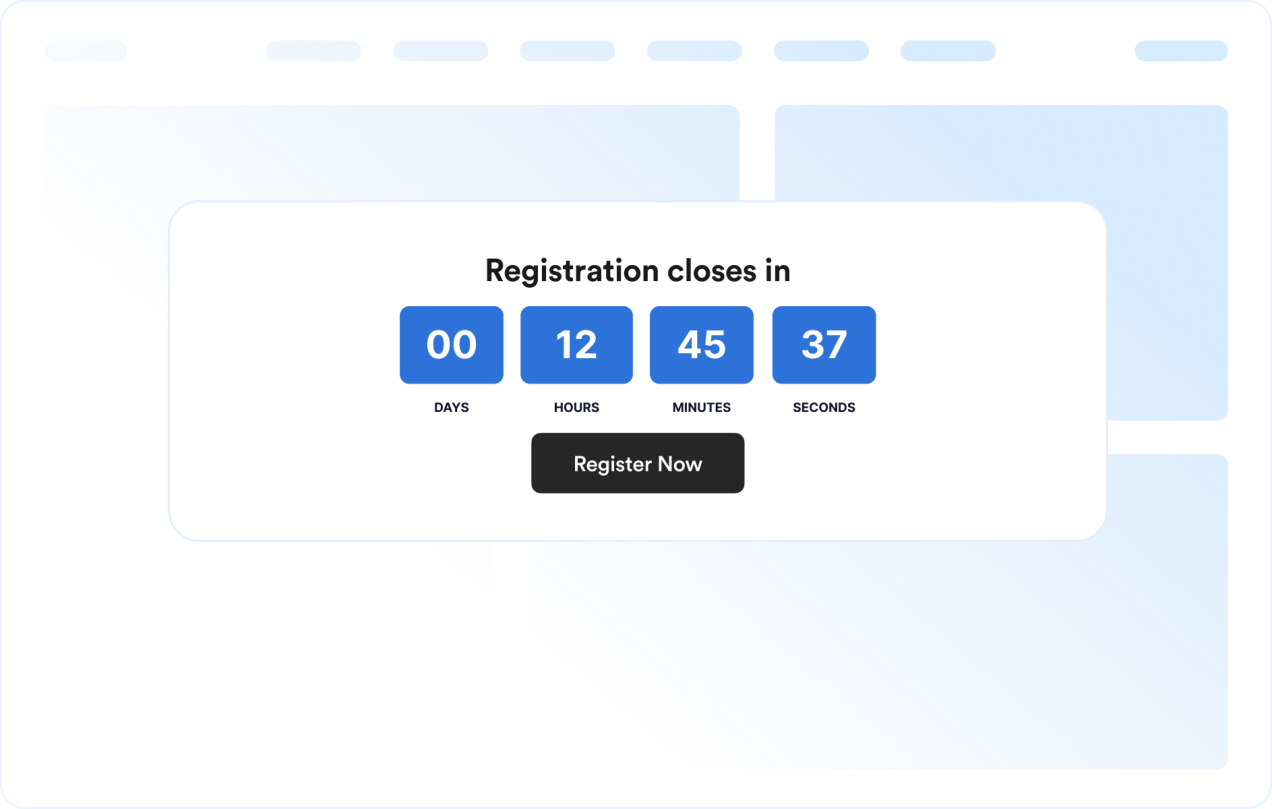
Event and webinar pages to show registration or attendance deadlines
Announcement bars to keep a deadline visible across the top or bottom of a site
Checkout and pricing pages to reinforce promotional deadlines near purchase decisions
Coming soon pages to count down to a launch date with a clear call-to-action
Gewinnen Sie Leads als zahlende Kunden mit dem Jotform Formulargenerator
Nutzen Sie Jotform, um aus jedem Kontakt eine konkrete Maßnahme zu machen. Erstellen Sie leistungsstarke Formulare, mit denen Sie Leads erfassen, Zahlungen abwickeln und Antworten automatisieren – und das alles an einem Ort. Jede Antwort landet in Ihrem Jotform Posteingang, von wo aus Sie nachfassen oder Ihre bevorzugten Apps verbinden können.
Jetzt starten – Kostenlos!
FAQ
What is a Countdown Timer widget?
A Countdown Timer widget displays the time remaining until a chosen date and time. It helps websites promote sales, events, launches, and other time-sensitive campaigns.
Can I customize the layout?
Can I change the colors and layout?
Can the countdown repeat?
Can I add buttons to the countdown?
What happens when the countdown ends?
Does it work on mobile?
Do I need to write code?