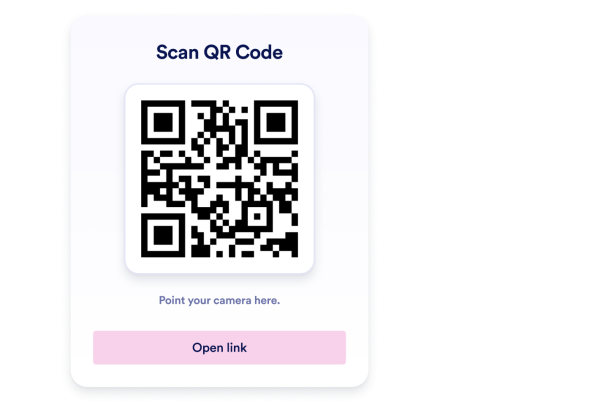

So erstellen Sie das Widget QR-Code
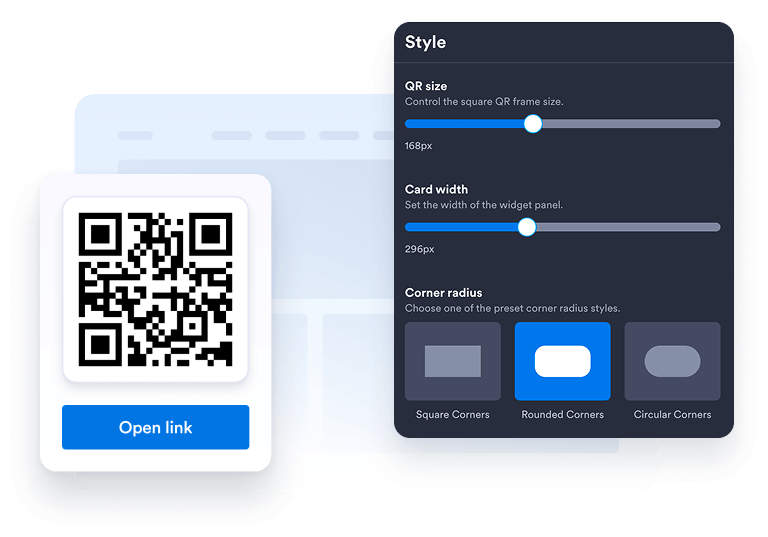
Widget anpassen
Wählen Sie Ihr bevorzugtes Layout, Farben, CTA und das gesamte Erscheinungsbild passend zum Design Ihrer Website.
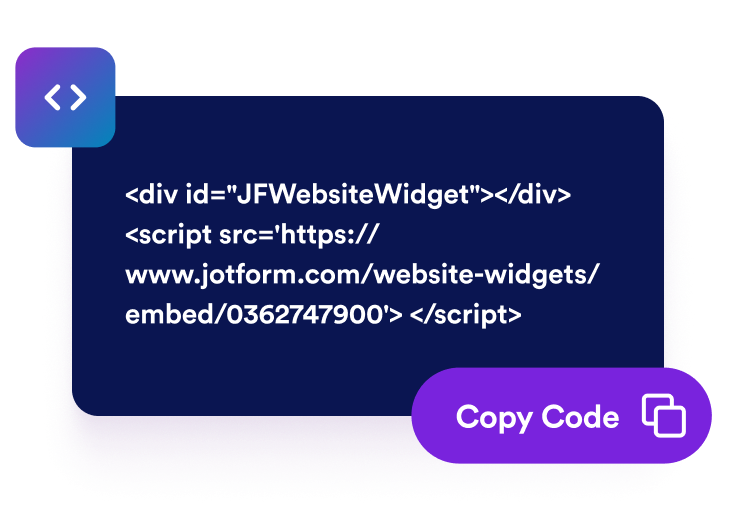
Einbettungscode kopieren
Kopieren Sie den automatisch generierten Einbettungscode und fügen Sie ihn an einer beliebigen Stelle auf Ihrer Website ein.
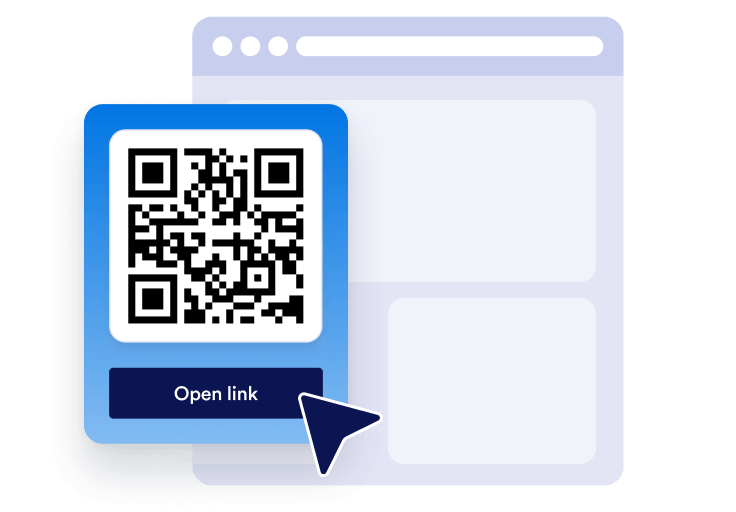
Überall einbetten
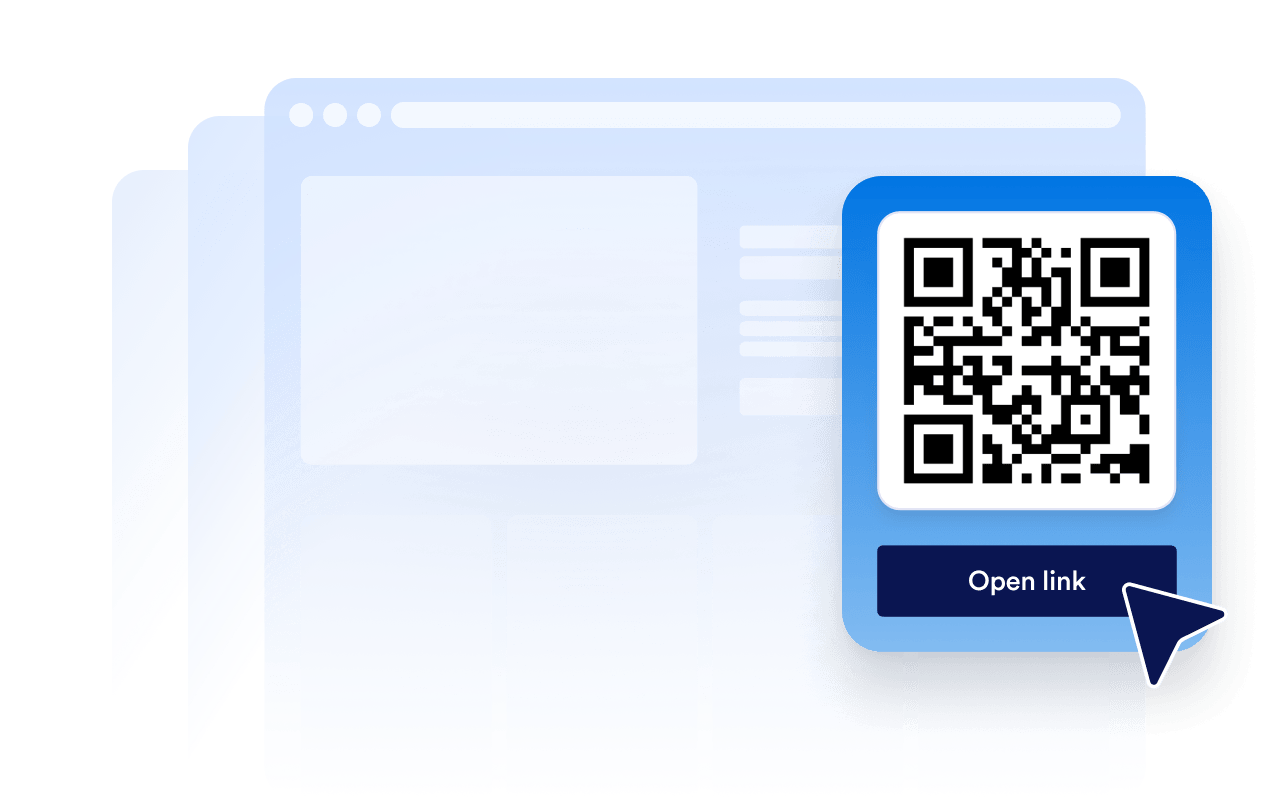
Veröffentlichen Sie Ihren QR-Code in Sekundenschnelle auf Ihrer gesamten Website. Keine technische Einrichtung nötig.
Machen Sie aus schnellem mobilem Zugang echtes Unternehmenswachstum
Mehr Glaubwürdigkeit durch einfachen Zugang
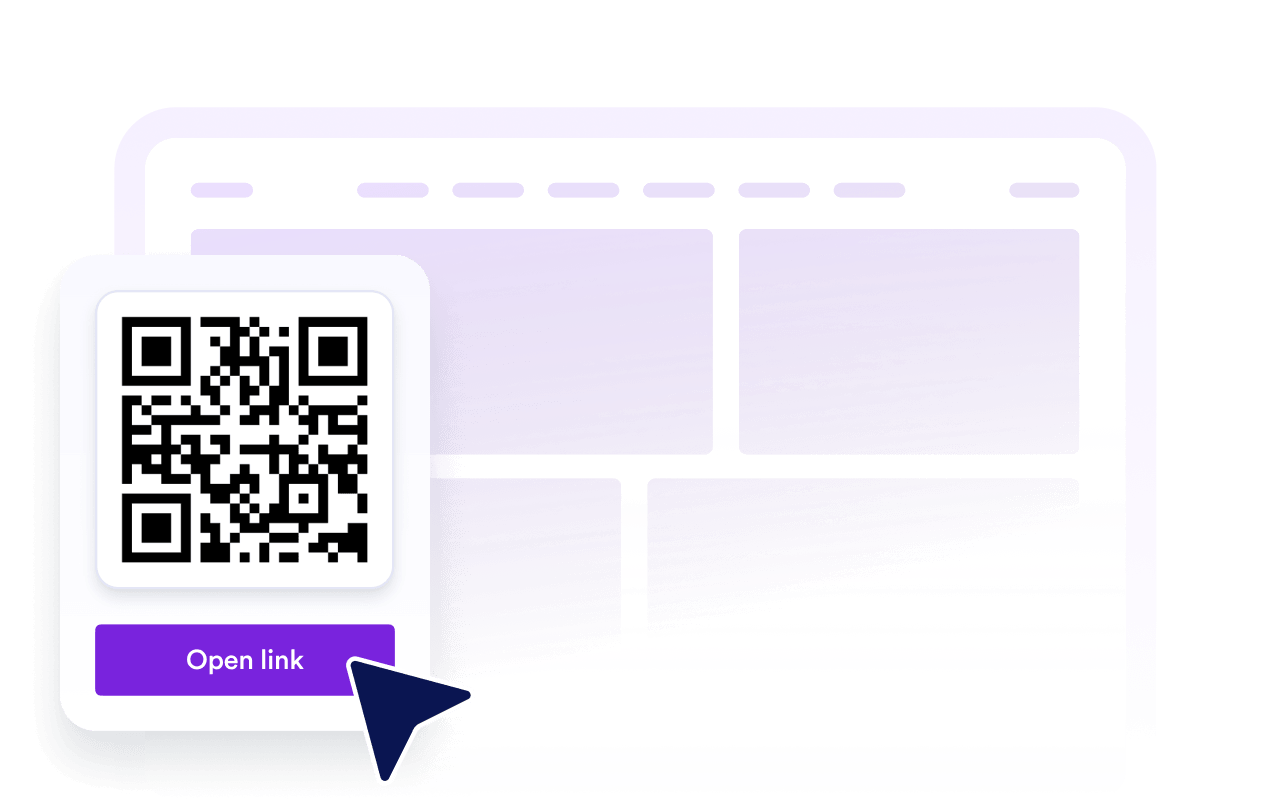
Ein klarer QR-Code hilft Besuchern, mit weniger Aufwand von Ihrer Website zu Formularen, Speisekarten, Dateien oder Angeboten zu gelangen.
Sichtbarkeit und SEO unterstützen
Hilfreiche On-Page-Tools können die Interaktion verbessern, das Vertrauen in Ihre Marke stärken und Ihre Inhalte einfacher nutzbar machen.

Besucherinnen und Besucher überzeugen
Leiten Sie Besucher genau dann zu Anmeldeformularen, Zahlungsseiten, Buchungsformularen, Downloads oder Aktionen, wenn sie interessiert sind.

Halten Sie Inhalte mit einfachen Änderungen aktuell
Ändern Sie das QR-Code-Ziel in Jotform, wenn sich Ihre Kampagne, Ihr Formular oder Angebot ändert – ohne Ihre Seite neu zu erstellen.
Warum sich Jotform Website Widgets auszeichnen
Mit den Widgets von Jotform wird Ihre Website interaktiver und Sie steigern Ihre Conversion-Rate. Zur Auswahl stehen zahlreiche Tools wie Sternebewertungen, Slideshows mit Erfahrungsberichten, Pop-ups mit Social Proof und eingebettete Medien. Fügen Sie Widgets zu Ihren Formularen oder Landingpages hinzu, um Daten zu sammeln, Erfahrungsberichte anzuzeigen und Leads zu gewinnen – ganz ohne Programmierkenntnisse.
Fügen Sie Jotform-Widgets mithilfe eines Einbettungscodes in Ihre Website ein. Passen Sie das Widget an, sehen Sie sich die Vorschau an und fügen Sie den Code in jede Seite ein, die benutzerdefiniertes HTML oder Einbettungsblöcke unterstützt – ganz ohne Entwicklerinnen oder Entwickler.
Mit Jotform Website Widgets sammeln Sie Leads, zeigen Kundenfeedback, präsentieren Social Proof, binden Medien ein oder fügen nützliche Webseiten-Tools hinzu. Über jedes Widget können Besucher direkt auf Ihrer Website mit Ihrem Unternehmen interagieren.
Wenn Sie Unterstützung bei der Einrichtung, Anpassung, Einbettung oder Fehlerbehebung Ihres Widgets benötigen, steht Ihnen das Kundensupport-Team von Jotform rund um die Uhr zur Verfügung. So können Sie beruhigt weiterarbeiten, denn Sie wissen: Hilfe ist da, wenn Sie sie brauchen.
Wo Sie Ihren QR-Code einsetzen können
Ein QR-Code ist überall dort nützlich, wo Besucher von jedem Gerät aus schneller handeln möchten. Fügen Sie ihn auf Seiten mit hoher Kaufabsicht hinzu, damit Nutzer ohne Umwege scannen, speichern, sich anmelden, bezahlen, herunterladen oder Sie kontaktieren können.
Homepage – leiten Sie Besucher zu Ihrem Hauptformular, Angebot, Ihrer App oder Kontaktseite.
Produktseiten verbinden Käufer mit Anleitungen, Demos, Handbüchern oder Zahlungsformularen.
Restaurantseiten lassen Gäste Speisekarten, Bestellformulare oder Reservierungsseiten scannen.
Eventseiten leiten Teilnehmer zu Anmeldung, Tickets, Karten oder Check-in-Formularen.
Landingpages verbinden Kampagnen mit Anmeldungen, Coupons, Downloads oder Lead-Formularen.
Kontaktseiten helfen Besuchern, Details zu speichern, Angebote anzufordern oder Termine zu buchen.
Gewinnen Sie Leads als zahlende Kunden mit dem Jotform Formulargenerator
Machen Sie mit Jotform aus Interesse Taten. Erstellen Sie leistungsstarke Formulare, die Leads gewinnen, Zahlungen entgegennehmen und Antworten automatisieren – alles an einem Ort. Jede Antwort landet in Ihrem Jotform Posteingang, wo Sie nachfassen oder sie mit Ihren Lieblings-Apps verbinden können.
Jetzt starten – Kostenlos!
FAQ
Wie kann ich einen QR-Code für meine Website erstellen?
Erstellen Sie Ihr QR-Code-Widget in Jotform, wählen Sie das Ziel, das Besucher öffnen sollen, und kopieren Sie den Einbettungscode. Fügen Sie ihn in Ihre Website, Landingpage oder Ihren Blogbeitrag ein, um ihn sofort verfügbar zu machen.
Kann ich das Design des QR-Code-Widgets anpassen?
Kann ich den QR-Code ändern, nachdem er eingebettet wurde?
Womit kann ich einen QR-Code verknüpfen?
Warum sollte ich einen QR-Code auf meiner Website verwenden?
Ist das QR-Code-Widget kostenlos?
Funktioniert der QR-Code auf Mobilgeräten?
Kann ich den QR-Code mit Jotform Formularen und Automatisierungen verwenden?