# Create Accessible Forms for Free | Jotform

# Jotformでアクセシブルなフォームを作成

Jotformは、誰でも簡単にオンラインフォームを利用できるべきだと考えています。そのため、障がいのある方を含むすべてのユーザーが使いやすいフォームを、誰でも手軽に作成できるよう継続的に改善を行っています。

Googleで続行 Appleで続行

または

メールアドレスで登録 無料で始められます

## 使いやすいフォームビルダー

ドラッグ&ドロップのフォーム作成ツールはコーディングの知識が不要なので、入力可能なフォームやアンケートを簡単に作成できます。組み込みのアクセシビリティチェッカーを有効にすれば、フォームがSection 508およびWCAG 2.1の基準を満たしていない場合に通知を受け取ることができます。

![Image 1: Robust Accessibility Features](https://cdn.jotfor.ms/p/accessible-forms/assets/img-min/home/robust.svg)

## 堅実なアクセシビリティ機能

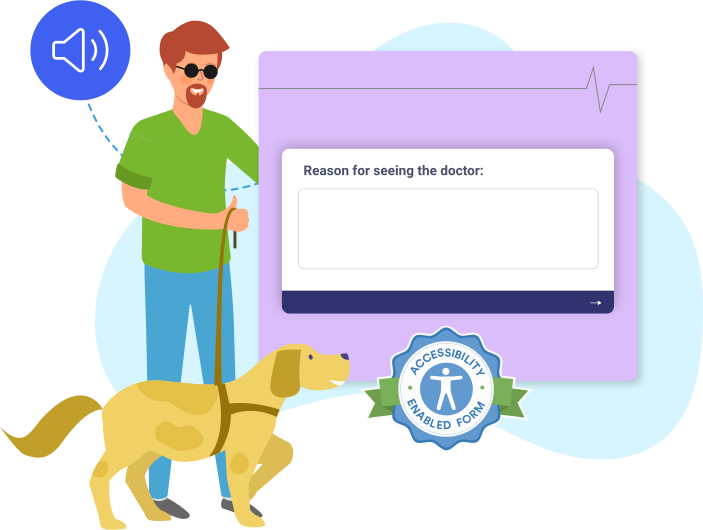
多くのフォーム要素やウィジェットには、視覚障害や認知障害をお持ちのユーザー向けに代替テキストの説明が用意されています。フォームへの入力に細かい運動制御は必要なく、Jotformはユーザー提供のキーボードやポインティングデバイスなどの標準的な入力機構に対応しています。また、読みやすさを向上させるため、フォーム作成ツールでは、クラシックフォームとカードフォームの両方にアクセシブルな配色を提供しています。
**病歴に関するアンケート**次のページ![Image 2: Form Accessibility Badges](https://cdn.jotfor.ms/p/accessible-forms/assets/img-min/home/form-badge.svg)

## フォームアクセシビリティバッジ

フォームのアクセシビリティを有効にすると、アクセシビリティバッジが追加されます。このバッジにより、スクリーンリーダーなどの支援技術を使用してフォームに入力できることをユーザーに知らせることができます。

## WCAGと508条への準拠

Jotformで作成されたフォームは、WCAG 2.1基準のレベルAおよびレベルAAに準拠しています。フォームのアクセシビリティ設定を使用することで、Section 508に準拠したフォームを作成できます。Jotformがアクセシビリティ基準をどのように満たしているかについては、[VPAT](https://www.jotform.com/accessible-forms/vpat.pdf)をご覧ください。

## 既製のフォームテンプレート

プロがデザインしたテンプレートから始めれば、フォーム作成ツールで簡単にカスタマイズでき、すぐにスタートできます。

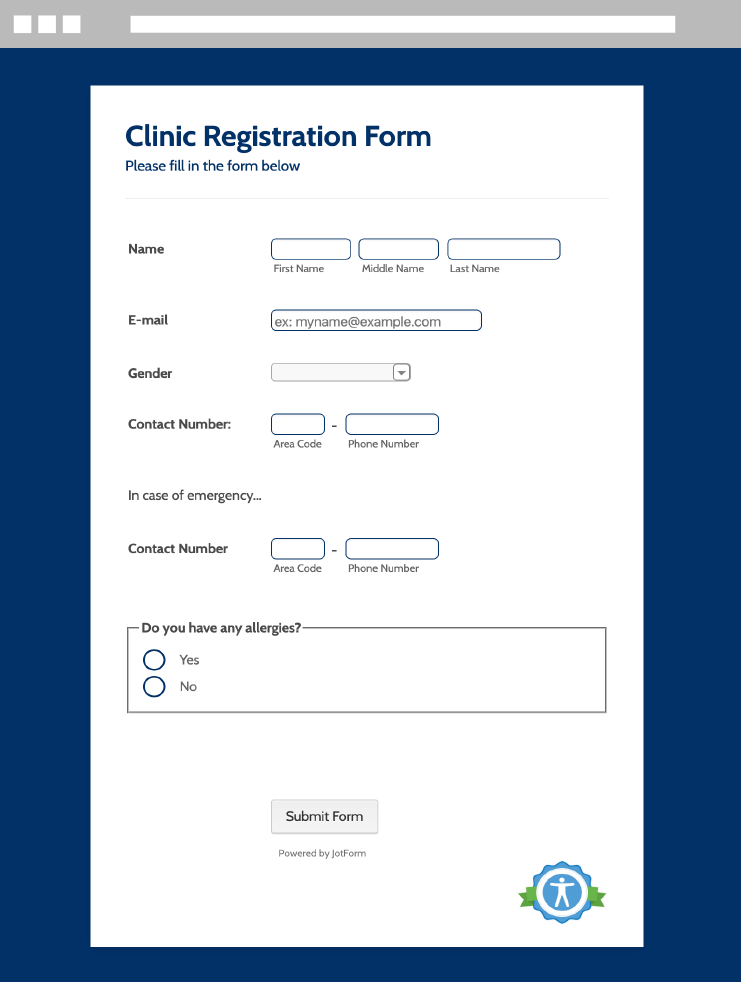
### クリニック登録フォーム

![Image 3: Flower Order Form](https://cdn.jotfor.ms/image/r/aHR0cHM6Ly9jZG4uam90Zm9yLm1zL3AvYWNjZXNzaWJsZS1mb3Jtcy9hc3NldHMvaW1nLW1pbi9ob21lL2Zvcm0tY2xpbmljLXJlZ2lzdHJhdGlvbi5wbmc=/form-clinic-registration.png?w=40&t=1)

テンプレートを使用する

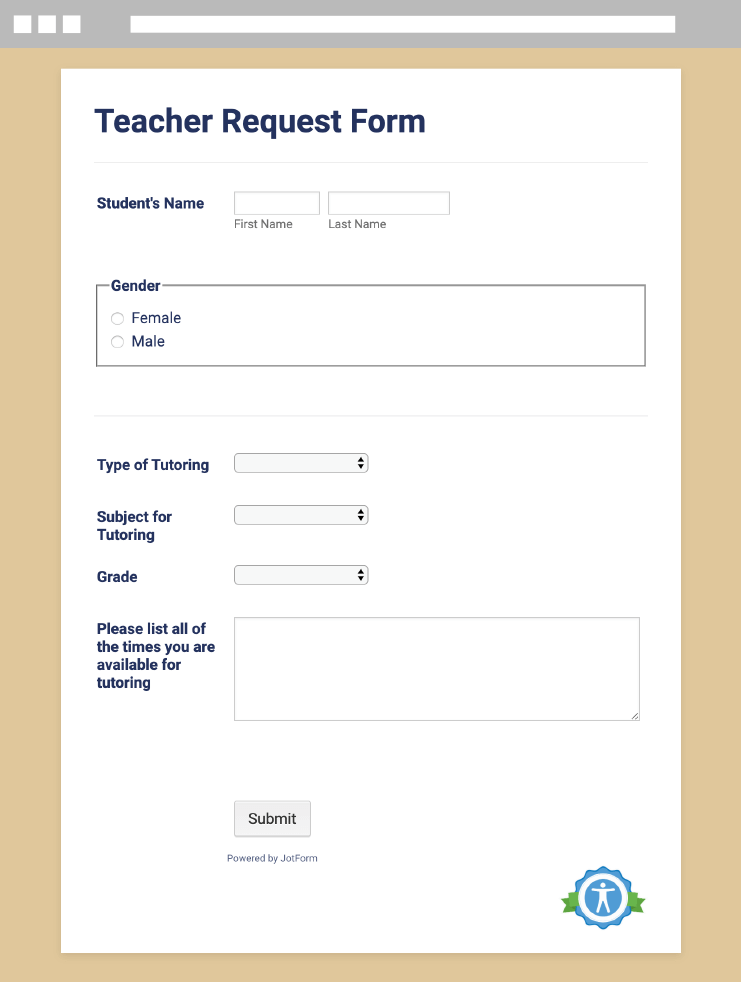
### 教師リクエストフォーム

![Image 4: Teacher Request Form](https://cdn.jotfor.ms/image/r/aHR0cHM6Ly9jZG4uam90Zm9yLm1zL3AvYWNjZXNzaWJsZS1mb3Jtcy9hc3NldHMvaW1nLW1pbi9ob21lL2Zvcm0tdGVhY2hlci1yZXF1ZXN0LnBuZw==/form-teacher-request.png?w=40&t=1)

テンプレートを使用する

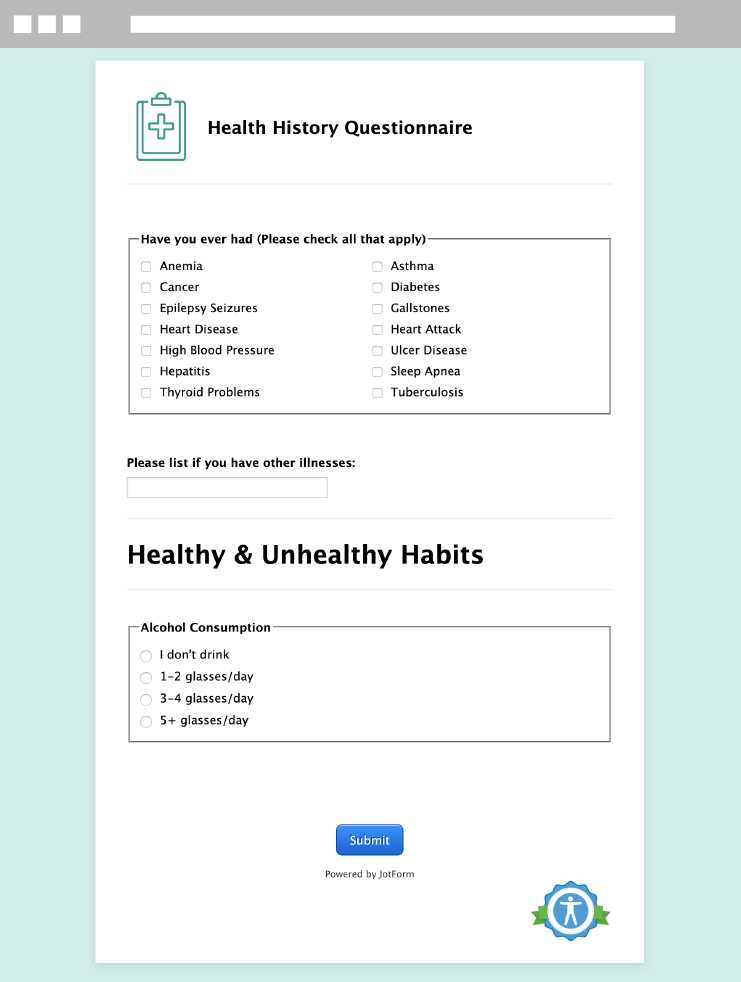
### 病歴に関するアンケート

![Image 5: Health History Questionnaire](https://cdn.jotfor.ms/image/r/aHR0cHM6Ly9jZG4uam90Zm9yLm1zL3AvYWNjZXNzaWJsZS1mb3Jtcy9hc3NldHMvaW1nLW1pbi9ob21lL2Zvcm0taGVhbHRoLWhpc3RvcnkucG5n/form-health-history.png?w=40&t=1)

テンプレートを使用する

## フォームのアクセシビリティを有効にするには？

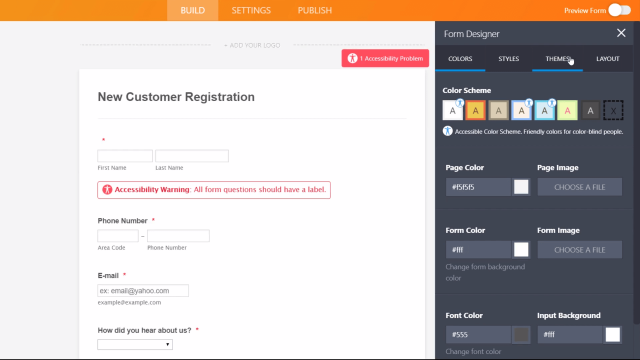
Jotformでは、障害のあるユーザーを含め、全ての人がオンラインフォームに簡単にアクセスできるべきだと考えています。フォームのアクセシビリティを有効にする方法を動画でご覧ください。
![Image 6: How to enable form accessibility?](https://cdn.jotfor.ms/image/r/aHR0cHM6Ly9jZG4uam90Zm9yLm1zL3AvYWNjZXNzaWJsZS1mb3Jtcy9hc3NldHMvaW1nLW1pbi9ob21lL3ZpZGVvLWNvdmVyLWRlc2t0b3AucG5n/video-cover-desktop.png?w=40&t=1)

今すぐ見る

## よくある質問 (FAQ)

*    
### What are accessible forms? Accessible forms are forms designed to be usable by everyone, including people with visual, cognitive, or motor disabilities. With Jotform, you can create accessible forms that support assistive technologies and help you meet accessibility standards like WCAG 2.1 and Section 508.   
*    
### What is Section 508 compliance? Section 508 compliance follows standards set by Section 508, an amendment to the U.S. Rehabilitation Act of 1973, which requires certain organizations to make all technology and internet content accessible for people with disabilities. Even if your organization isn’t required by the government to comply with Section 508, it’s important to make your online forms accessible to everyone for equal access and opportunity.   
*    
### Who needs to be Section 508 compliant? Section 508 requires all agencies that receive federal funding to make their electronic and information technology accessible to people with disabilities. This requirement applies to both the companies’ employees and members of the public. These agencies include government agencies, nonprofits that receive federal funding, public K–12 schools, and public colleges and universities.   
*    
### Is Jotform Section 508 compliant? You can build accessible forms for free on all Jotform plans! Our built-in Section 508 compliance feature automatically warns you if you add a form feature that isn’t Section 508 compliant. Jotform also uses standard HTML and WAI-ARIA attributes to describe user interface elements to assistive technologies, and supports standard browser magnification, contrast adjustments, and standard input mechanisms such as user-provided keyboards and pointing devices.   
*    
### What is WCAG compliance? The Web Content Accessibility Guidelines (WCAG) explain how to make website content more accessible to those with disabilities. WCAG aims to make site information and user interfaces perceivable, operable, understandable, and robust enough to be interpreted by assistive technologies.   
*    
### Who needs to be WCAG compliant? Since WCAG is a set of formal guidelines, it’s not necessarily a legal requirement to be WCAG compliant. However, many organizations have adopted WCAG standards regardless, and some countries (the United Kingdom, Canada, Australia) require WCAG compliance for government agencies. Additionally, many WCAG success criteria are required under Section 508 for federal agencies in the United States.   
*    
### Is Jotform WCAG compliant? According to WCAG 2.1 standards, Jotform is Level A and Level AA compliant by default. All form elements have alt-text functionality for people with visual impairments or cognitive disabilities, allowing you to create an accessible form for your audience. You can learn more about how Jotform meets WCAG criteria by viewing our VPAT.

To learn more about how to make your forms Section 508 compliant, please check out our complete [user guide.](https://www.jotform.com/ja/help/akusesu-shi-yasui-fomu-no-sakusei/)   
*    
### What is a Voluntary Product Accessibility Template (VPAT)? A Voluntary Product Accessibility Template (VPAT) provides a comprehensive breakdown of how a specific product or technology follows Section 508 and WCAG compliance standards. If your company is required by law to follow accessibility guidelines, review our [VPAT here](https://www.jotform.com/accessible-forms/vpat.pdf).   
*    
### How can I make my forms accessible? To make your forms accessible, head to the settings in your form and enable our built-in accessibility checker. Our Form Builder will then analyze your form for accessibility issues and let you know which form fields are not accessible to all users. You can then remove or change the form fields, widgets, or color schemes to make your forms fully accessible! Visit our user guide for more information on [how to make your forms accessible.](https://www.jotform.com/help/592-how-can-i-make-my-forms-accessible/)   
*    
### What should I consider when making accessible forms? The most important thing to remember when building accessible online forms is how your web experience may differ from that of your users. To make your forms more user-friendly for those both with and without disabilities, we recommend avoiding long questions, labeling all form fields, and including alternative text for images. Read our user guide for [tips on making accessible forms](https://www.jotform.com/help/593-best-practices-to-follow-when-making-accessible-forms/).   
*    
### Jotformのアクセシビリティ機能についてもっと知りたいのですが？ For more information about how Jotform enables you to create accessible online forms, please refer to our user guide or contact our [support team](https://www.jotform.com/ja/contact/).   

さらに表示

## ウェビナー

[](https://www.jotform.com/accessible-forms/webinar-accessible-forms/)[ウェビナーを見る](https://www.jotform.com/accessible-forms/webinar-accessible-forms/)

## 料金プラン

[](https://www.jotform.com/accessible-forms/pricing/)[価格を見る](https://www.jotform.com/accessible-forms/pricing/)

## ヘルプガイド

[](https://www.jotform.com/ja/help/akusesu-shi-yasui-fomu-no-sakusei/)[ヘルプガイドを見る](https://www.jotform.com/ja/help/akusesu-shi-yasui-fomu-no-sakusei/)

## ブログ

[](https://www.jotform.com/blog/announcing-accessible-forms/)[ブログ記事を見る](https://www.jotform.com/blog/announcing-accessible-forms/)

**Jotformエンタープライズ**

Jotformエンタープライズで実現するビジネスの最適化

Jotformエンタープライズで組織をもっと強く、もっと速く。簡単に業務を自動化して、チームでスムーズに連携。成長も拡大も思いのままに。

[営業チームにお問合せ](https://www.jotform.com/ja/enterprise/contact-sales/?jtm_medium=referral&jtm_source=accessible_forms&jtm_content=enterprise_contact_section&jtm_campaign=enterprise_cta)[詳細はこちら](https://www.jotform.com/ja/enterprise/?jtm_medium=referral&jtm_source=accessible_forms&jtm_content=enterprise_learn_section&jtm_campaign=enterprise_cta)

[![Image 7: Back To Top](https://cdn.jotfor.ms/p/accessible-forms/assets/img-min/backToTop.svg)](https://www.jotform.com/ja/accessible-forms/?jfNext=1 "Back to top")