Open and Switch Between Jotform Tables
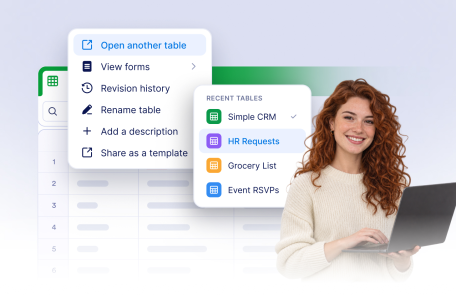
Open another Jotform Table directly from your current workspace.
Table Options
Customize table settings and manage workspace options in Jotform Tables. Adjust preferences, organize your data, and tailor tables to your workflow.
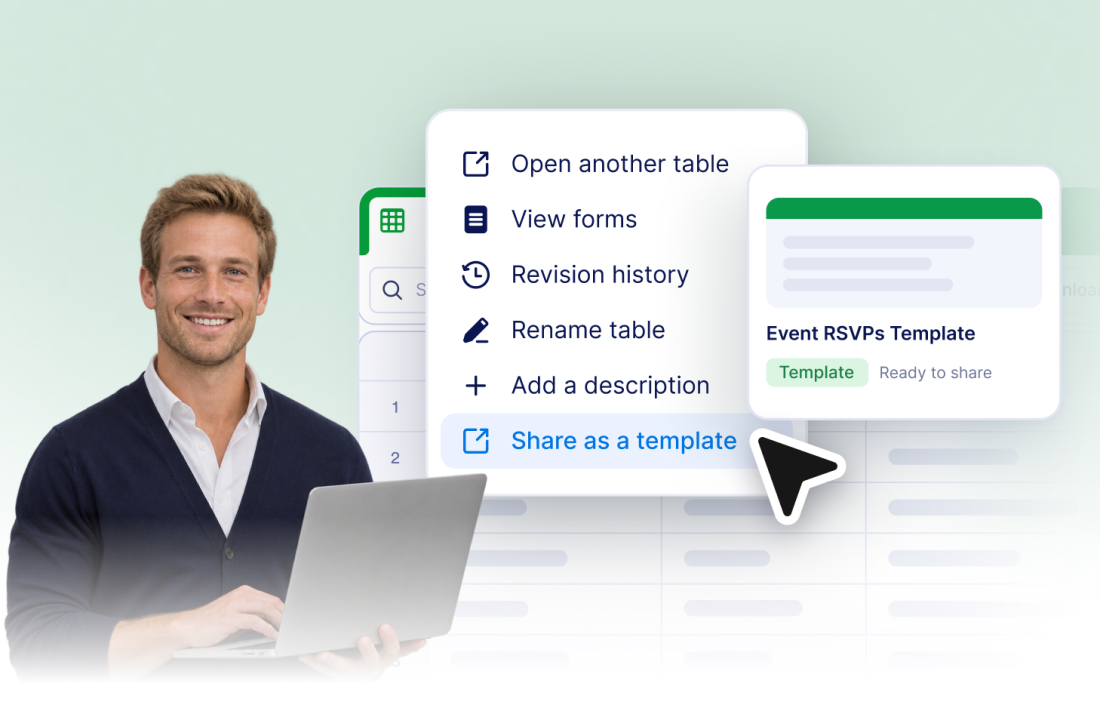
Share your Jotform Tables as reusable templates to help others get started faster. Make your custom table structures available for similar projects and workflows without rebuilding them.
Make the most of your existing table designs by turning them into templates. Share useful layouts with the Jotform community and help others organize their data with less setup.
Transform your existing table setup into a reusable starting point for others. Share your structure, customize template information, and help users build similar workflows more easily.
Turn an existing Jotform Table into a reusable template that others can use as a starting point. Share practical table layouts for project tracking, data management, and other workflows.
Add a descriptive title and summary, choose a category and language, and configure sharing options. Make your template easier to understand, discover, and use for relevant workflows.
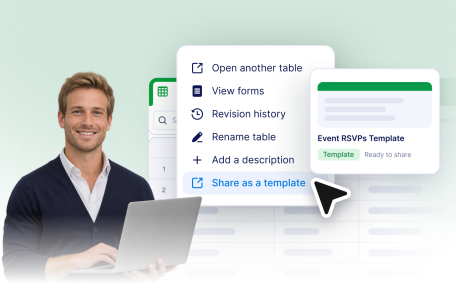
Open the Table Options menu by clicking your table title and select Share as a Template. Enter the required template details, configure your sharing preferences, and submit your template.
Yes. You can provide a template title and description, select its category and language, and configure available visibility options. You can also link your table to an existing template.
Templates submitted for public sharing are subject to Jotform's review process. Once approved, they can become available in the Templates Gallery for others to discover and use.