Kolom toevoegen
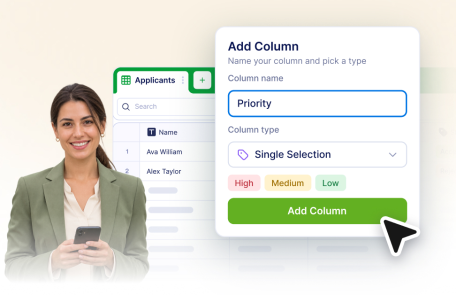
Expand your tables by adding new columns for text, numbers, dates, connections, formulas, and more.
Column Management
Organize, edit, and analyze table data with tools for sorting, grouping, summarizing, and customizing columns and entries.
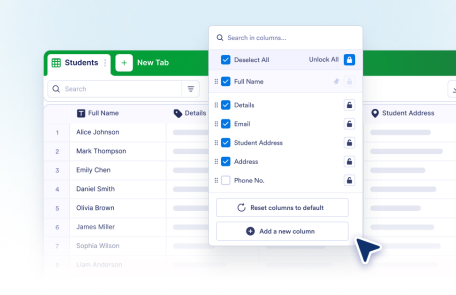
Customize your Jotform Tables layout by choosing which columns to display or hide. Keep your workspace organized, reduce clutter, and focus on the information that matters most.
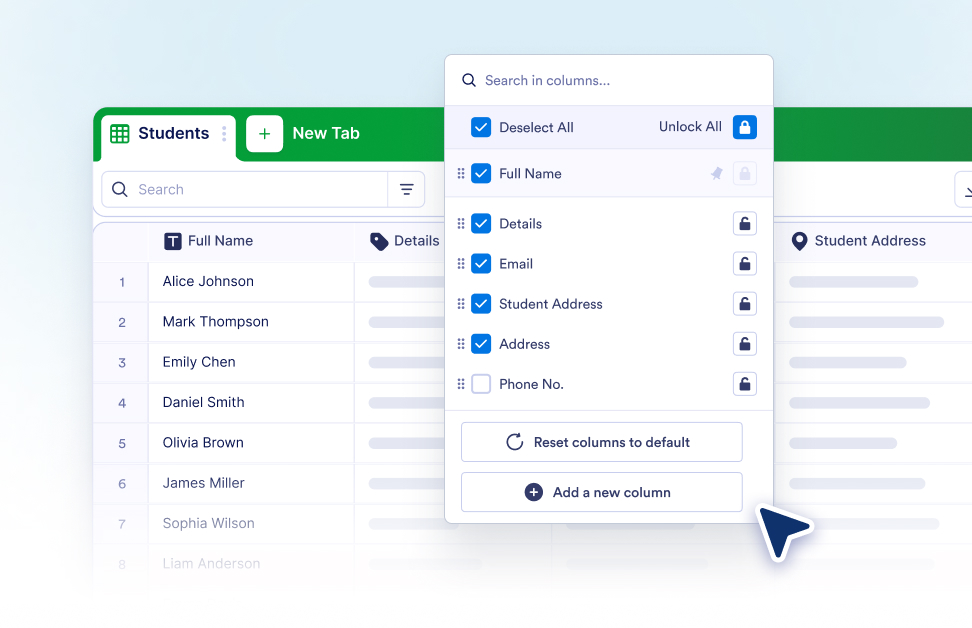
Simplify your table view by managing column visibility. Hide unnecessary fields, bring important columns back into view, and create a cleaner layout that fits your workflow.
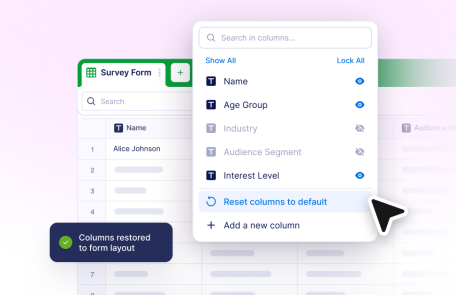
Control which columns appear in your table using the column context menu or centralized Columns menu. Organize your workspace and keep relevant information easy to access.
Use the Columns menu to show, hide, reorder, or freeze columns in one place. Table owners can manage visibility settings to maintain a consistent layout for collaborators.
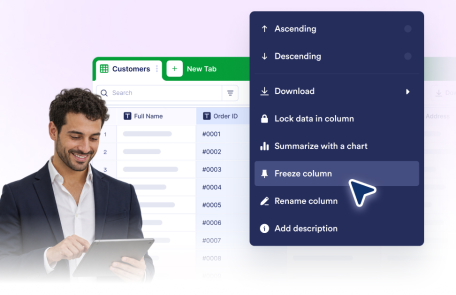
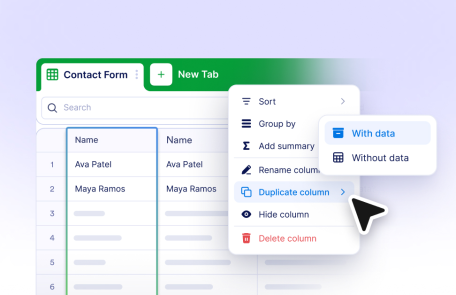
Open a column's context menu and select Hide Column to remove it from view. Easily declutter your table without deleting any data or changing your original table structure.
Open the column's context menu and select Hide Column. You can also use the Columns menu to manage which fields are visible in your table.
No. Hiding a column only removes it from the current table view. The underlying data remains intact, and you can display the column again whenever needed.
No. Only table owners can modify column visibility settings. Collaborators see the layout defined by the owner, helping maintain a consistent table structure.