Begin vanaf het begin
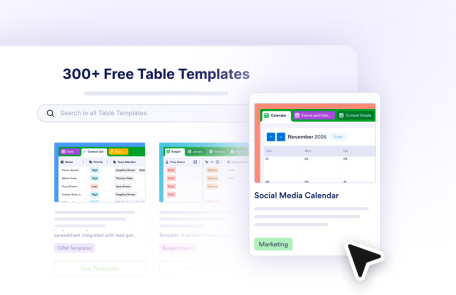
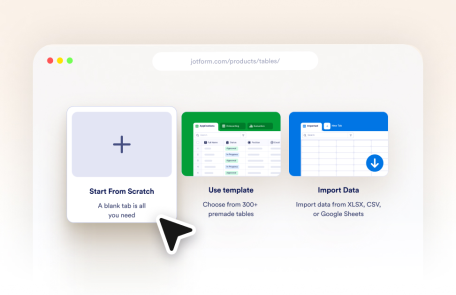
Create a blank table with full control over its structure and fields
Get Started
Explore all the ways to access and start using your first Jotform Table
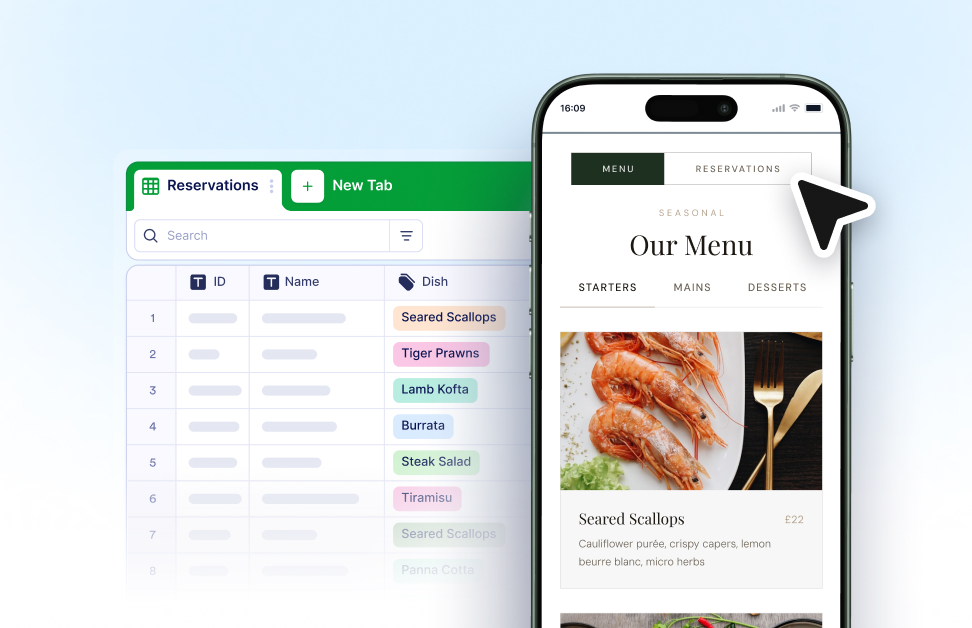
Organize data collected through Jotform Apps in connected tables. Track orders, appointments, donations, and other responses while customizing how you view and manage your information.
Turn app activity into organized, actionable data. Jotform Tables automatically collects incoming responses, making it easy to track interactions, manage records, and monitor activity in real time.
Access tables connected to your Jotform Apps without additional setup. Automatically collect responses, customize your workspace, and keep app data organized as new entries arrive.
Capture incoming app responses in connected tables without manual setup. Keep orders, bookings, donations, and other records organized as users interact with your app.
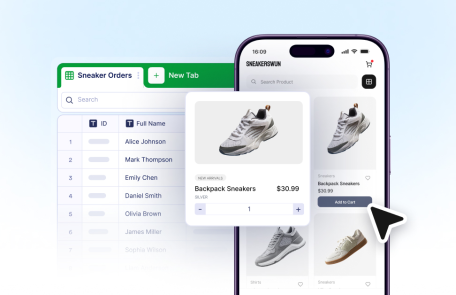
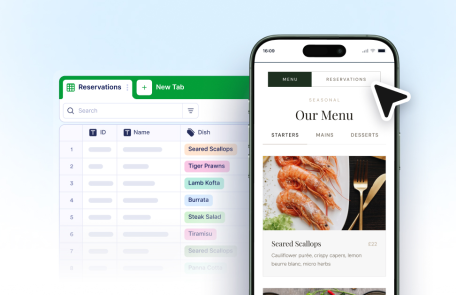
Manage information specific to your app, from purchased products and donation amounts to appointment bookings. Keep relevant details organized and easy to review in one place.
Add, hide, or rearrange columns, apply filters, and customize how your app data appears. Adjust your table layout to match your workflow and focus on the information you need.
Jotform Apps provides connected tables that collect and organize responses from your app. You can access these tables to review submissions, track activity, and manage incoming data.
You can manage different types of data depending on your app, including product orders, donation details, appointment bookings, and other information collected through Jotform Apps.
Yes. You can add, hide, or rearrange columns, apply filters, and customize your table layout to organize app data according to your workflow.