Gratis aftelklok-widget voor je website
Voeg een timer toe voor de verkoop van artikelen, productlanceringen, webinars, evenementen en seizoensgebonden campagnes. Met de aftelklok-widget van Jotform kun je een einddatum instellen, de tijd voor herstarten kiezen, de lay-out en kleuren aanpassen, actieknoppen toevoegen en de widget op je website insluiten zonder te coderen.
Maak nu — Het is gratis!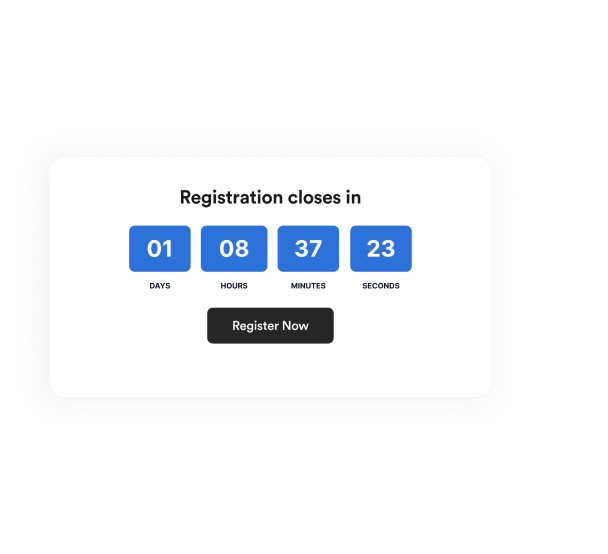

Een Aftelklok-widget maken
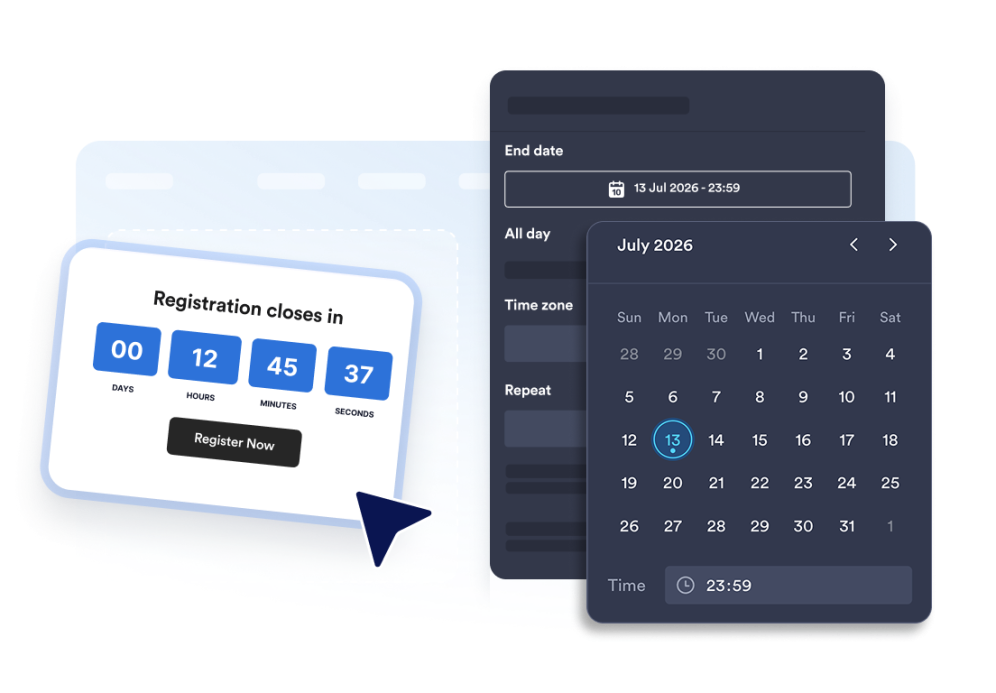
Stel de aftelklok in
Kies de einddatum, tijdzone, het type evenement en eventueel een tijd om te herstarten.
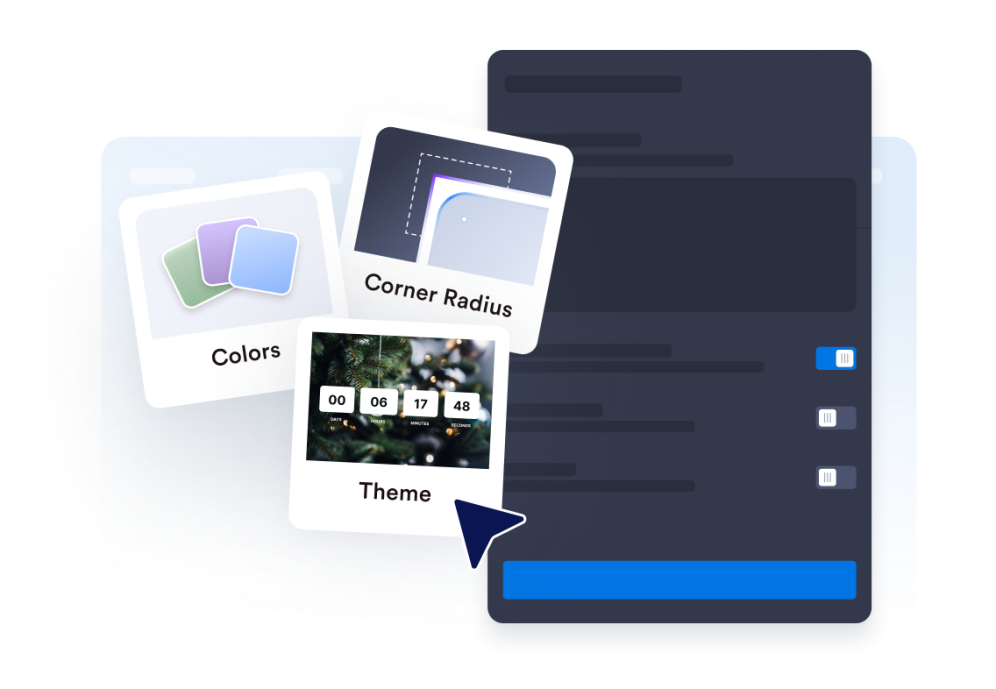
Pas de lay-out en het thema aan
Kies de positie van je timer en pas de kleuren, labels en afronding van de hoeken aan.
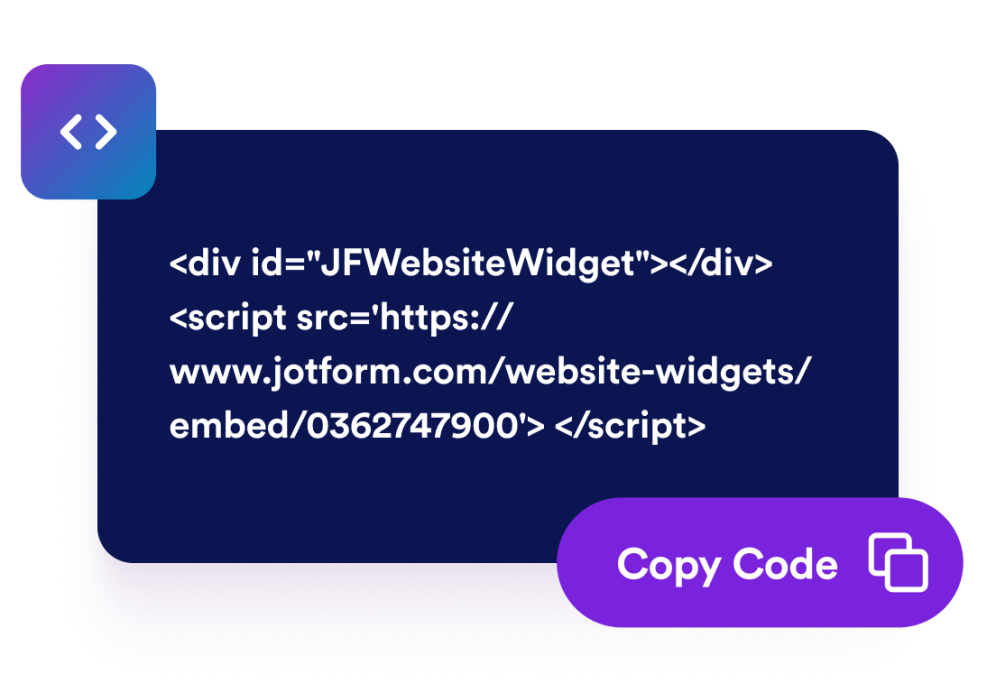
Insluiten op je website
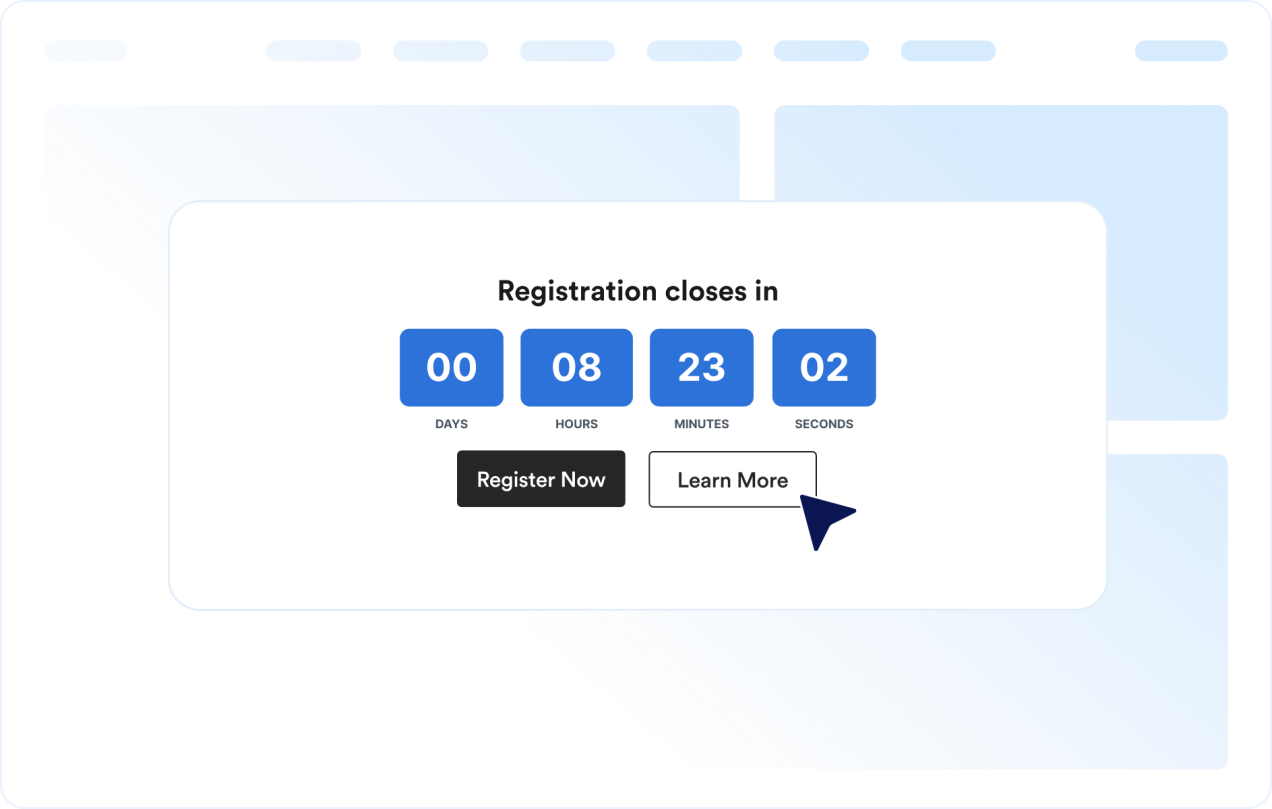
Voeg call-to-action-knoppen toe, bekijk een voorbeeld van de timer en kopieer de insluitcode om de widget op de gewenste plek in te sluiten.
Creëer een gevoel van urgentie met een aftelklok die bij je pagina past
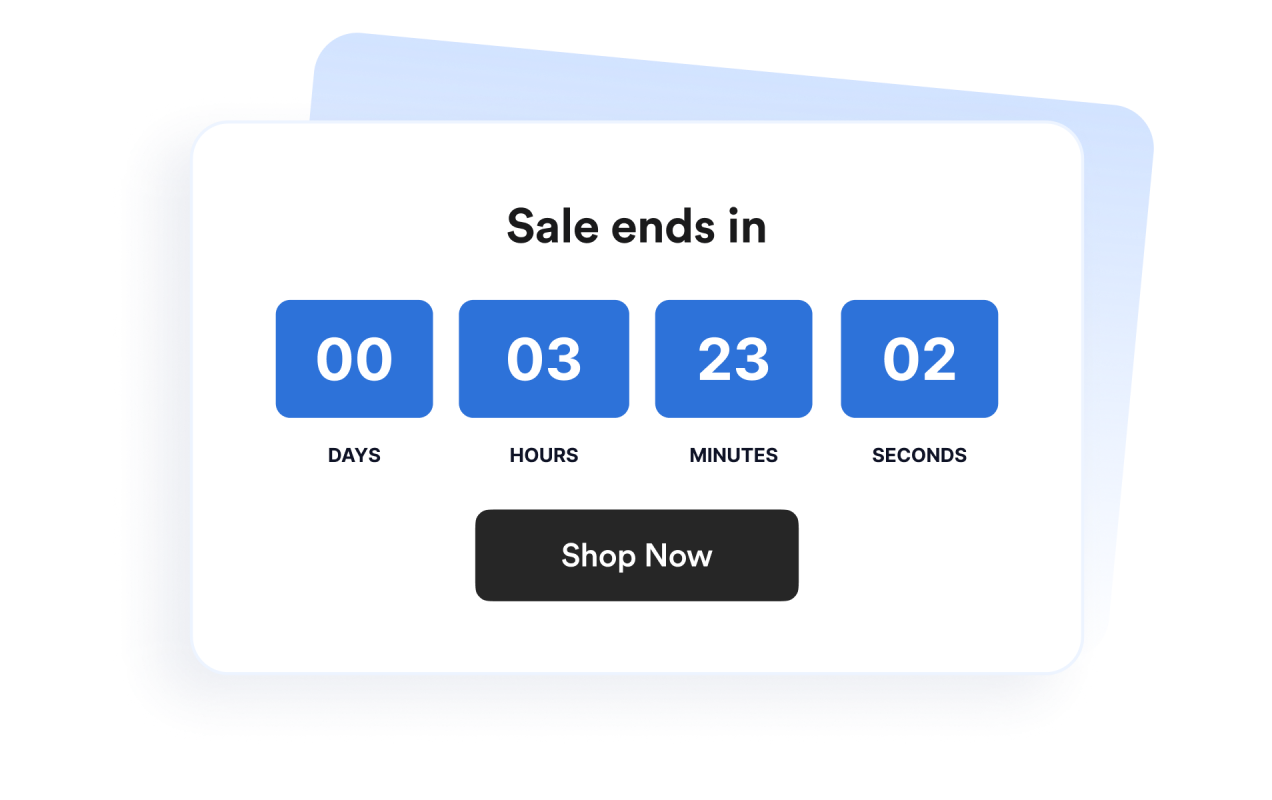
Tel af naar een specifieke datum en tijd
Stel een exacte eindtijd in voor productlanceringen, aanbiedingen, webinars, evenementen of campagnes. Dankzij de tijdzonefunctie wordt de juiste tijd voor wereldwijde bezoekers getoond.
Gebruik lay-outs voor banners en inline secties
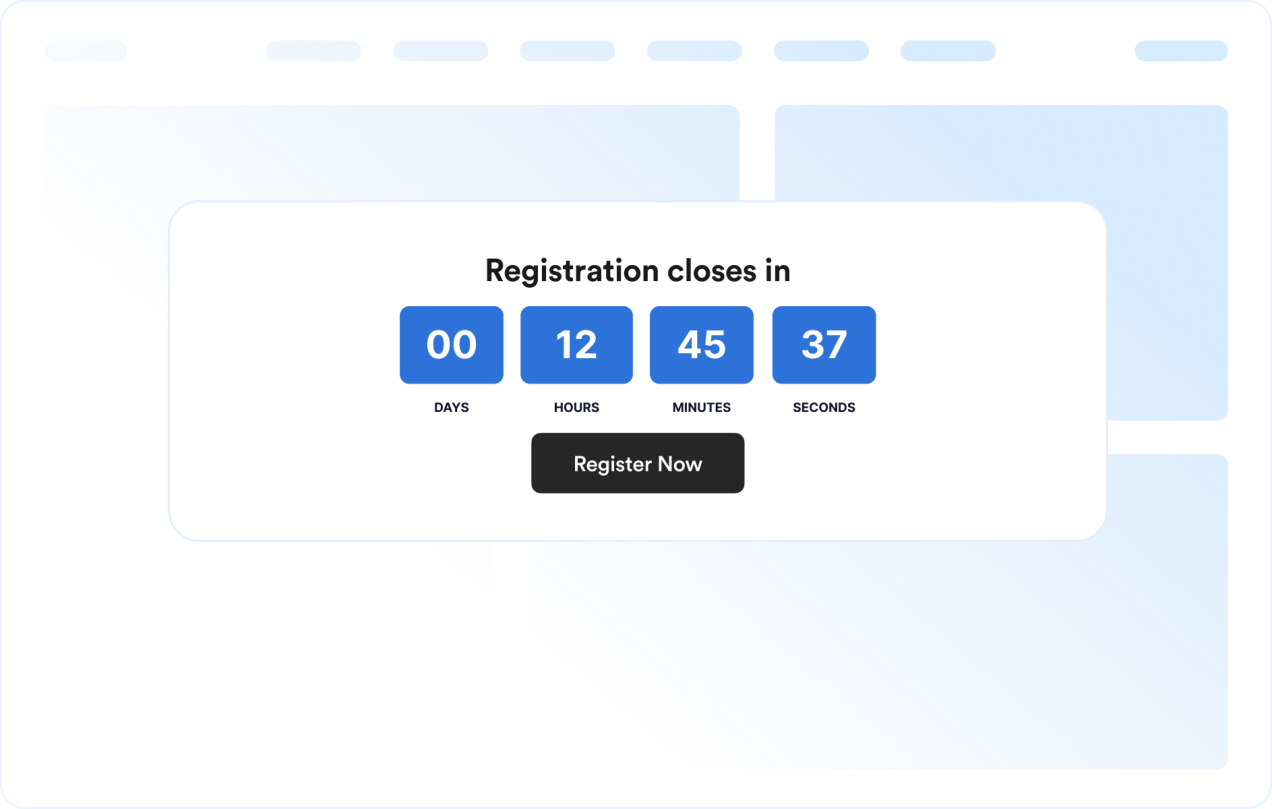
Toon de timer als inline sectie, gedeelte over de volledige breedte, vaste balk bovenaan of onderaan de pagina of een zwevend kader. Zo kun je de widget eenvoudig in websites met verschillende ontwerpen integreren.
Pas het ontwerp van de aftelklok aan
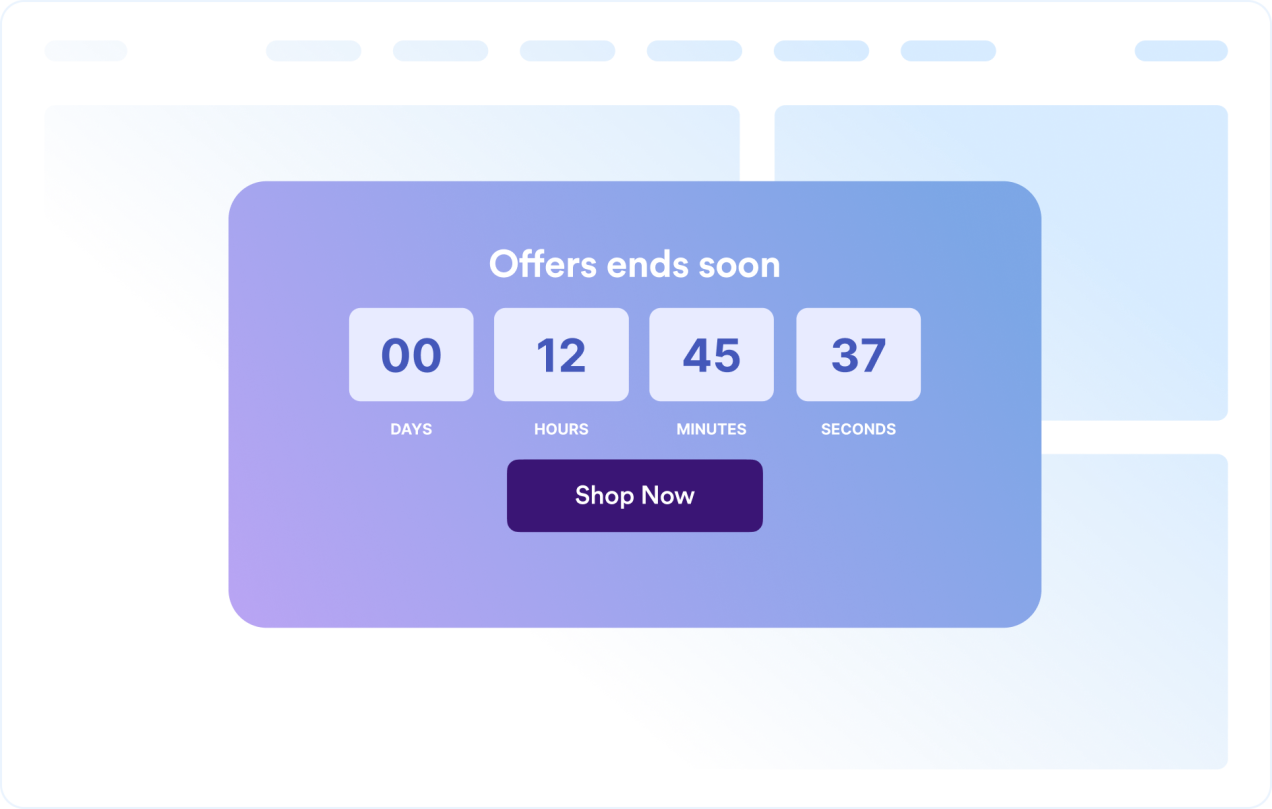
Toon of verberg tijdseenheden, pas labels aan, bepaal de afronding van de hoeken en gebruik kant-en-klare thema's voor campagnes.
Leid bezoekers naar de volgende stap
Plaats de widget op de gewenste plek op je website waar een duidelijke deadline bezoekers stimuleert om actie te ondernemen.
Voordelen van website-widgets van Jotform
De widgets van Jotform maken je website interactiever en verhogen de conversie. Er zijn veel verschillende tools beschikbaar, van sterbeoordelingen en sliders met recensies tot pop-ups met beoordelingen en ingesloten mediabestanden. Je kunt widgets aan je formulieren of landingspagina's toevoegen om gegevens te verzamelen, klantervaringen te tonen en leads te genereren zonder dat je hoeft te coderen.
Voeg Jotform-widgets toe aan je website met een eenvoudige insluitcode. Pas de widget aan, bekijk een voorbeeld en plak deze op elke pagina die aangepaste HTML of insluitblokken ondersteunt, zonder dat je daar een ontwikkelaar voor nodig hebt.
Gebruik website-widgets van Jotform om leads te verzamelen, feedback en ervaringen van klanten te tonen, mediabestanden in te sluiten of handige tools aan je webpagina toe te voegen. Met elke widget kun je de bezoekers van je website een soepelere ervaring bieden.
Het klantenserviceteam van Jotform staat 24/7 voor je klaar als je hulp nodig hebt bij het instellen, aanpassen of insluiten van je widget. We lossen problemen snel voor je op, zodat je meteen weer aan de slag kunt.
Waar je de aftelklok-widget kunt gebruiken
Plaats de widget op plekken waar een duidelijke deadline bezoekers helpt om sneller actie te ondernemen, zodat ze direct zien wanneer een aanbieding, evenement of campagne eindigt.
Landingspagina's voor acties om tijdelijke kortingen en kortlopende campagnes uit te lichten
Pagina's voor productlanceringen om interesse te wekken voordat nieuwe producten worden gepresenteerd
Pagina's voor evenementen en webinars waarop de deadlines voor aanmelding of deelname worden vermeld
Aankondigingsbalken om voortdurend een deadline bovenaan of onderaan een website te tonen
Pagina's voor afrekenen en prijzen om de deadlines van acties te benadrukken vlak voordat bezoekers een aankoop doen
'Binnenkort beschikbaar'-pagina's om af te tellen naar een lanceringsdatum met een duidelijke call-to-action
Transformeer leads in betalende klanten met de Jotform Formulierbouwer
Zet online betrokkenheid om in resultaten met Jotform. Maak krachtige formulieren waarmee je op één plek leads kunt verzamelen, betalingen kunt ontvangen en reacties kunt automatiseren. Je ontvangt elke inzending rechtstreeks in Jotform Inbox, zodat je deze meteen kunt opvolgen of aan je favoriete apps kunt koppelen.
Ga aan de slag — Het is gratis!
Veelgestelde vragen
Wat is een aftelklok-widget?
Een aftelklok-widget toont de resterende tijd tot een bepaalde datum en tijd. Je kunt een timer aan je website toevoegen om acties, evenementen, productlanceringen en andere tijdelijke campagnes te promoten.
Kan ik de lay-out aanpassen?
Kan ik de kleuren en lay-out wijzigen?
Kan het aftellen worden herhaald?
Kan ik knoppen aan de aftelling toevoegen?
Wat gebeurt er als het aftellen is afgelopen?
Werkt de aftelklok op mobiele apparaten?
Moet ik code schrijven?