Adblock-Checker: Adblocker auf Ihrer Website erkennen
Erkennen Sie gängige Adblocker und zeigen Sie Besucherinnen und Besuchern einen klaren, anpassbaren Hinweis. Bitten Sie darum, den Adblocker zu deaktivieren und die Seite neu zu laden, oder lassen Sie sie fortfahren, wenn das Schließen erlaubt ist.
Jetzt erstellen – kostenlos!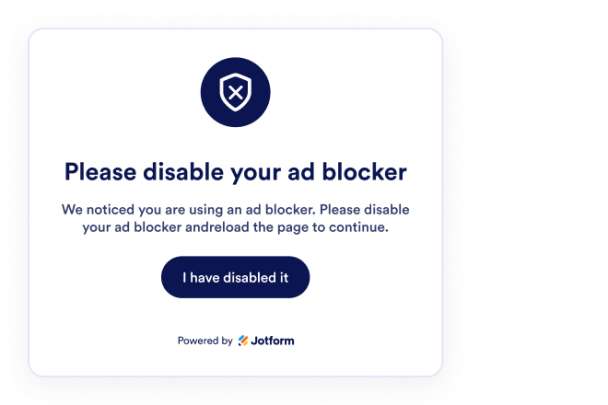

So erstellen Sie das Widget Adblock-Checker
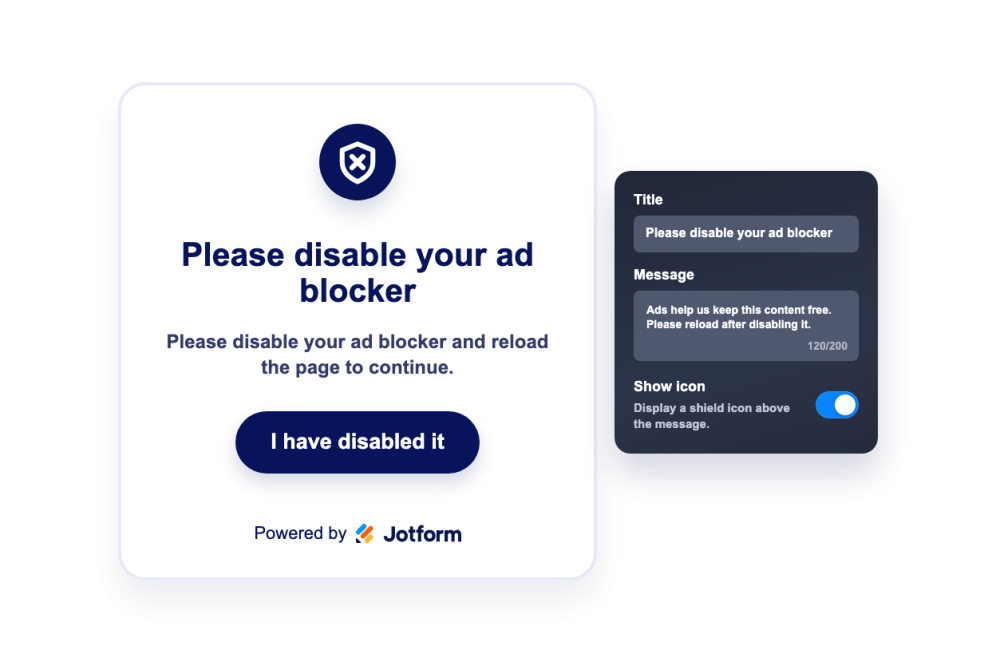
Adblocker-Hinweis formulieren
Fügen Sie Titel, Meldung, Symbol, Neuladen-Button und optional einen Text zum Schließen hinzu, der erklärt, warum Besucherinnen und Besucher Ihre Website unterstützen sollten.
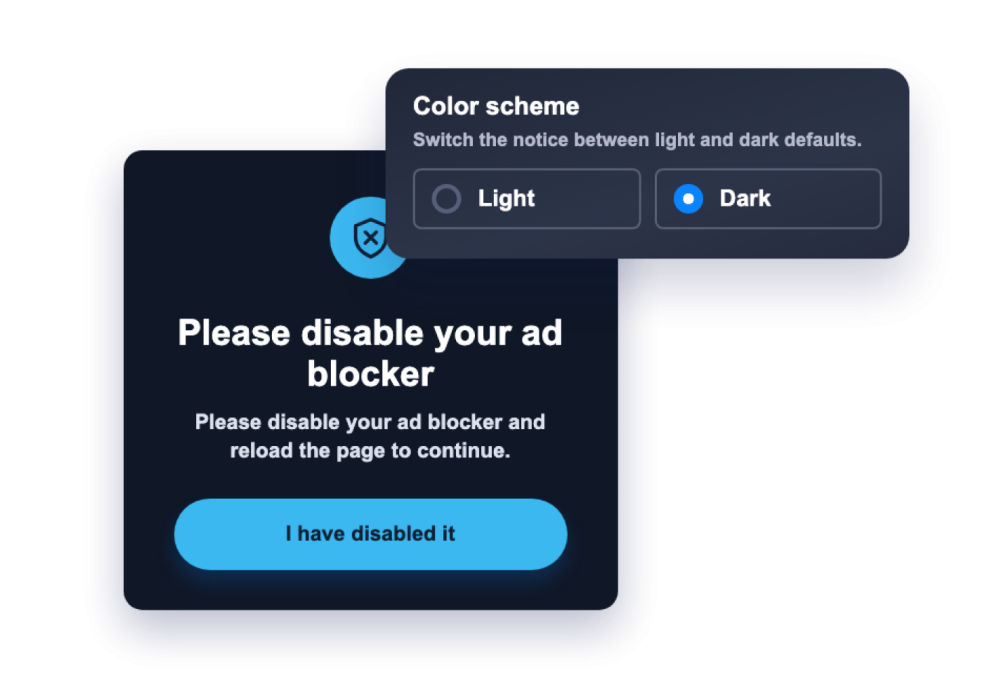
Design und Regeln festlegen
Passen Sie Farben der Meldung, Overlay, Buttonfarben und Eckenradius an und legen Sie fest, ob der Hinweis geschlossen werden kann und auf welchen Geräten er erscheint.
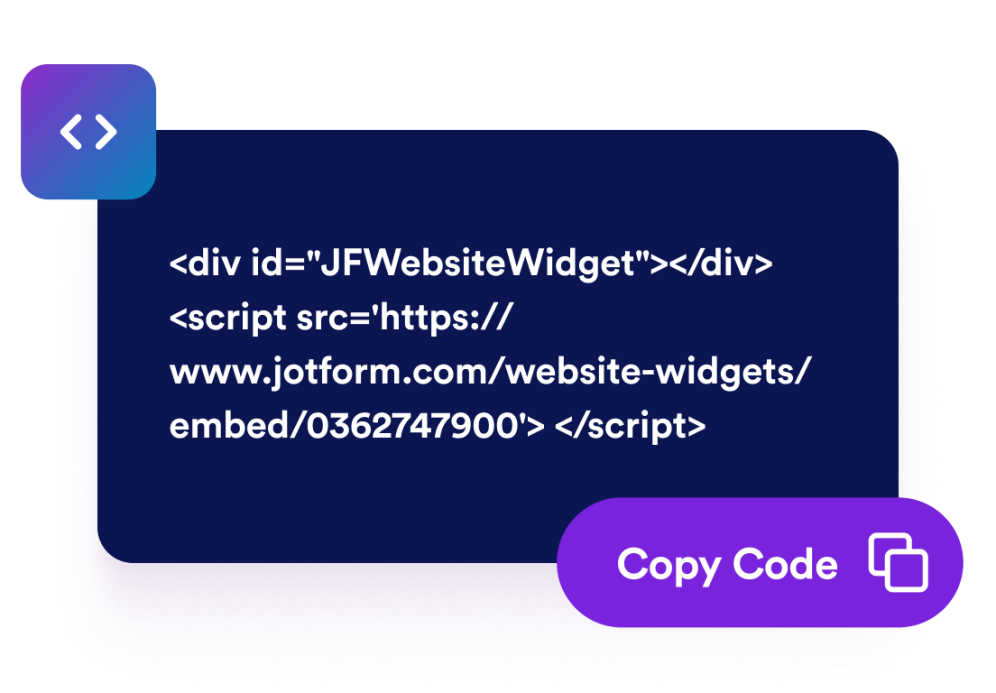
Betten Sie es auf Ihrer Website ein
Prüfen Sie den Hinweis in der Vorschau, kopieren Sie den erzeugten Einbettungscode und veröffentlichen Sie das Widget, ohne eigenen Erkennungscode schreiben zu müssen.
Bitten Sie Besucherinnen und Besucher mit einem klaren Hinweis um Unterstützung für Ihre Website
Gängige Adblocker automatisch erkennen
Das Widget prüft den Browser auf gängige Adblocker und kann Ihren Hinweis nur dann anzeigen, wenn die Erkennung darauf hindeutet, dass Werbung blockiert wird.

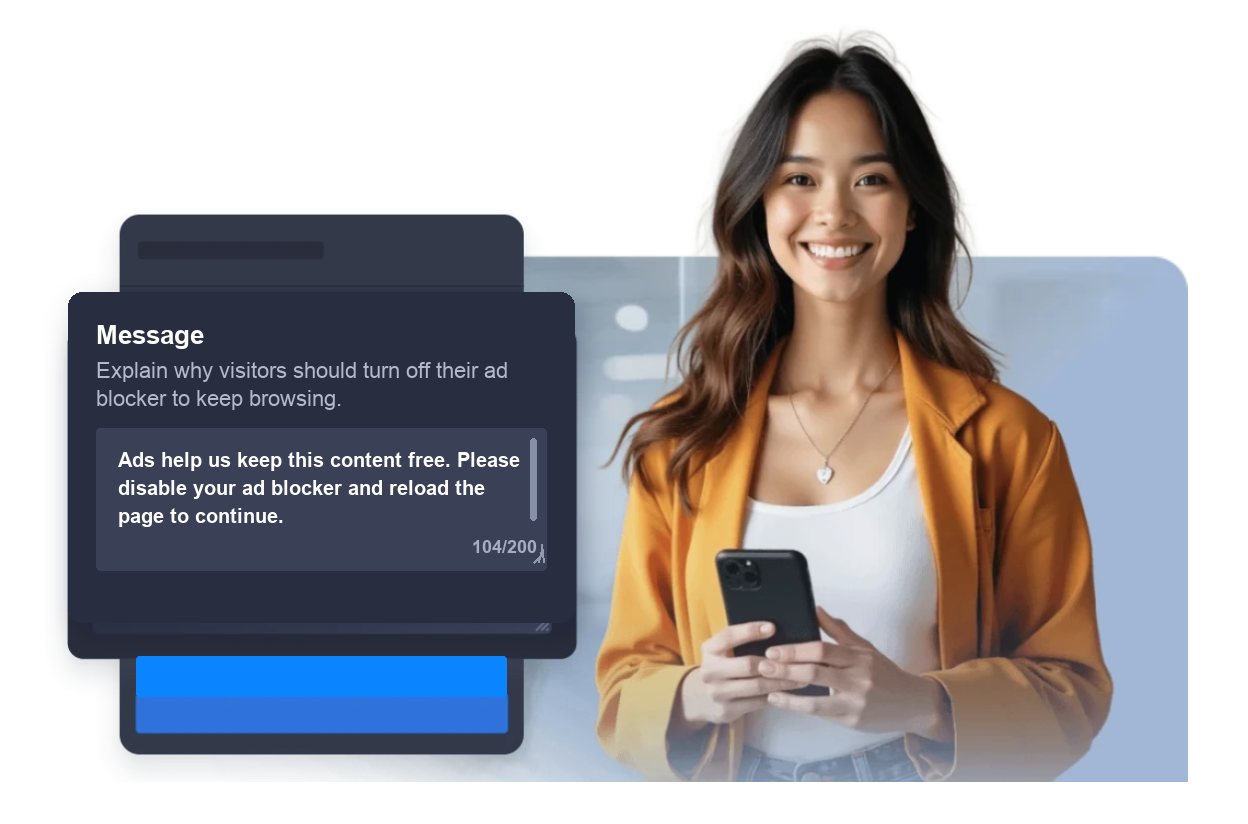
Die Meldung für Besucher anpassen
Formulieren Sie einen klaren Titel, eine Erklärung, den Neuladen-Button und optional eine Beschriftung zum Schließen, damit Besucherinnen und Besucher verstehen, was passiert ist und was sie als Nächstes tun können.
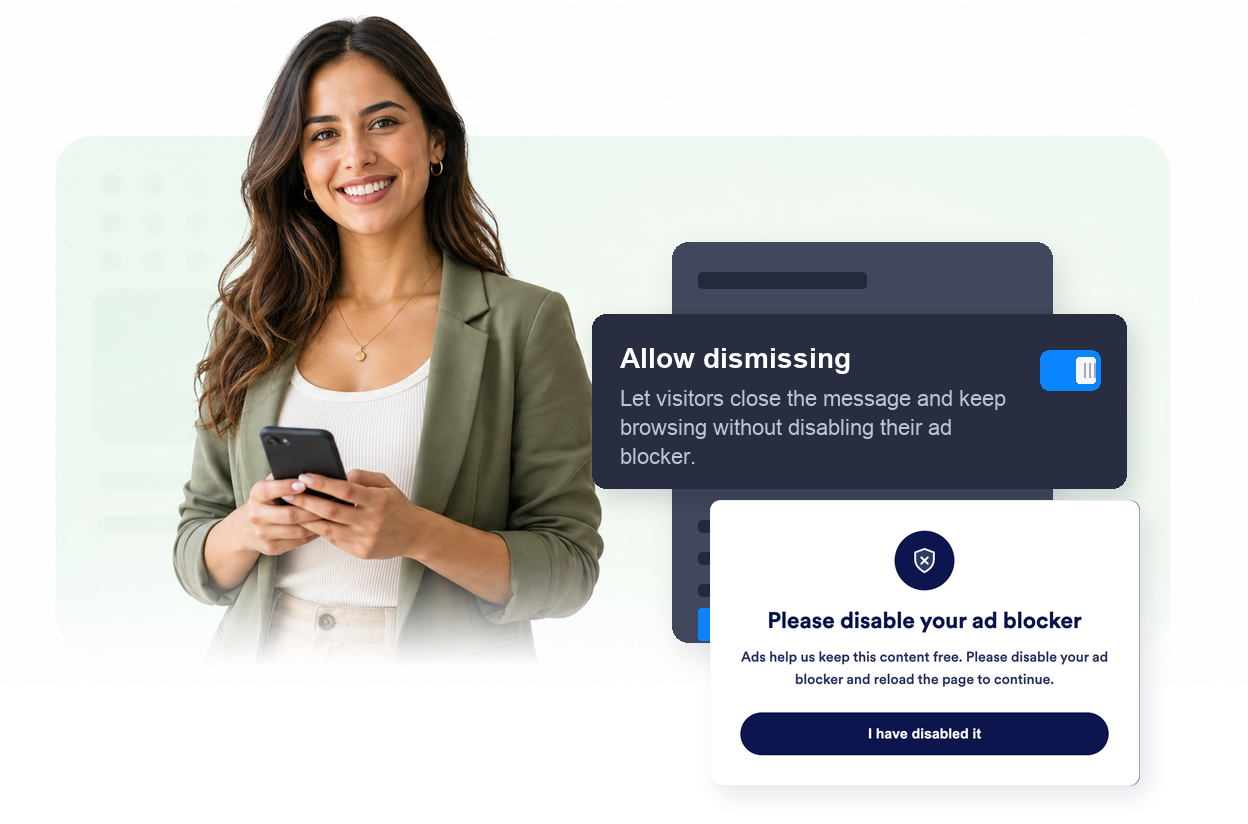
Festlegen, wann Besucherinnen und Besucher fortfahren können
Legen Sie fest, ob Besucherinnen und Besucher den Hinweis schließen können und ob das Widget auf Desktop, Mobilgeräten oder beiden erscheint.
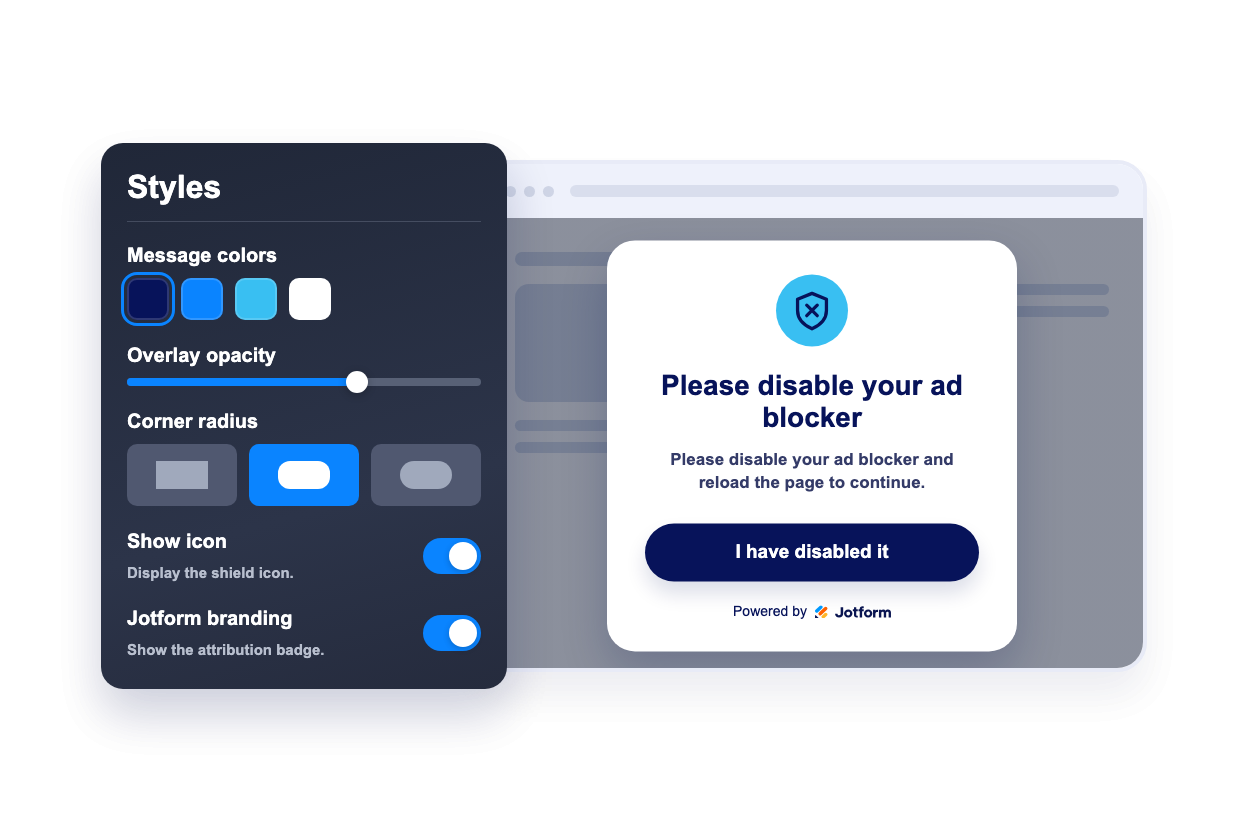
Den Hinweis an Ihr Design anpassen
Passen Sie Farben der Meldung, Overlay, Buttonfarben, Eckenradius, die Anzeige des Symbols und das Jotform-Branding an.
Warum sich Jotform Website Widgets auszeichnen
Mit den Widgets von Jotform wird Ihre Website interaktiver und Sie steigern Ihre Conversion-Rate. Zur Auswahl stehen zahlreiche Tools wie Sternebewertungen, Slideshows mit Erfahrungsberichten, Pop-ups mit Social Proof und eingebettete Medien. Fügen Sie Widgets zu Ihren Formularen oder Landingpages hinzu, um Daten zu sammeln, Erfahrungsberichte anzuzeigen und Leads zu gewinnen – ganz ohne Programmierkenntnisse.
Fügen Sie Jotform-Widgets mithilfe eines Einbettungscodes in Ihre Website ein. Passen Sie das Widget an, sehen Sie sich die Vorschau an und fügen Sie den Code in jede Seite ein, die benutzerdefiniertes HTML oder Einbettungsblöcke unterstützt – ganz ohne Entwicklerinnen oder Entwickler.
Mit Jotform Website Widgets sammeln Sie Leads, zeigen Kundenfeedback, präsentieren Social Proof, binden Medien ein oder fügen nützliche Webseiten-Tools hinzu. Über jedes Widget können Besucher direkt auf Ihrer Website mit Ihrem Unternehmen interagieren.
Wenn Sie Unterstützung bei der Einrichtung, Anpassung, Einbettung oder Fehlerbehebung Ihres Widgets benötigen, steht Ihnen das Kundensupport-Team von Jotform rund um die Uhr zur Verfügung. So können Sie beruhigt weiterarbeiten, denn Sie wissen: Hilfe ist da, wenn Sie sie brauchen.
Wo Sie Ihr Adblock-Checker-Widget einsetzen
Setzen Sie das Widget auf Seiten ein, deren Inhalte durch Werbung, Sponsoring oder Unterstützerzugänge finanziert werden und auf denen Besucherinnen und Besucher von einer klaren Erklärung profitieren.
Nachrichten- und Verlagsseiten, um Leserinnen und Leser um Unterstützung für werbefinanzierte Artikel zu bitten und zu erklären, wie Werbung Journalismus finanziert.
Blogs und Tutorials, um Besucherinnen und Besucher daran zu erinnern, dass Werbeeinnahmen kostenlose Anleitungen, Vorlagen und Ressourcen ermöglichen.
Medien- und Unterhaltungsseiten, um vor werbefinanzierten Videos, Galerien oder Premium-Inhalten einen freundlichen Hinweis anzuzeigen.
Community-Websites, um zu erklären, wie Sponsoring, Werbung oder Unterstützungslinks die Plattform finanzieren.
Mitgliedschaftsstrecken, um Unterstützung, ein Abonnement oder eine Spende anzubieten, wenn Besucherinnen und Besucher keine Werbung sehen möchten.
Landingpages für Kampagnen, um einen kurzen Adblocker-Hinweis anzuzeigen, ohne die ganze Seite umzubauen.
Gewinnen Sie Leads als zahlende Kunden mit dem Jotform Formulargenerator
Nutzen Sie Jotform, um aus jedem Kontakt eine konkrete Maßnahme zu machen. Erstellen Sie leistungsstarke Formulare, mit denen Sie Leads erfassen, Zahlungen abwickeln und Antworten automatisieren – und das alles an einem Ort. Jede Antwort landet in Ihrem Jotform Posteingang, von wo aus Sie nachfassen oder Ihre bevorzugten Apps verbinden können.
Jetzt starten – Kostenlos!
FAQ
Was ist ein Adblock-Checker-Widget?
Ein Adblock-Checker-Widget erkennt gängige Adblocker im Browser der Besucherinnen und Besucher und zeigt eine anpassbare Meldung an, wenn Werbung offenbar blockiert wird.
Kann das Widget Besucherinnen und Besucher zwingen, ihren Adblocker zu deaktivieren?
Kann ich die Meldung anpassen?
Kann ich die Farben anpassen?
Können Besucherinnen und Besucher den Hinweis schließen?
Können Besucherinnen und Besucher die Seite neu laden, nachdem sie den Adblocker deaktiviert haben?
Funktioniert das Widget auf Mobilgeräten?
Muss ich Code schreiben?