Kostenloses Widget zur Altersprüfung für Ihre Website
Blenden Sie vor altersbeschränkten Inhalten Ihrer Website ein anpassbares Pop-up zur Altersprüfung ein. Mit dem Widget zur Altersprüfung von Jotform legen Sie das Mindestalter fest, wählen eine Abfragemethode, passen die Meldungen an, speichern bestätigte Besuche und betten die Altersabfrage ohne Programmierung ein.
Jetzt erstellen – kostenlos!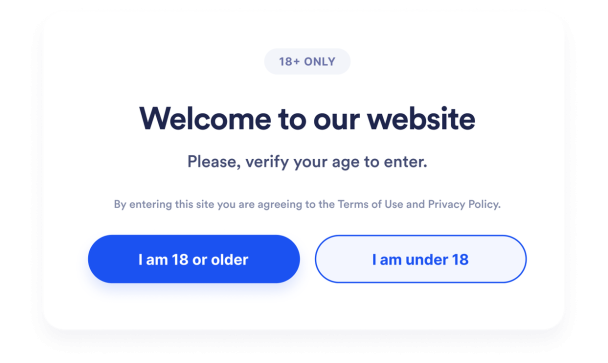

So erstellen Sie das Widget Altersprüfung
Die Altersabfrage anpassen
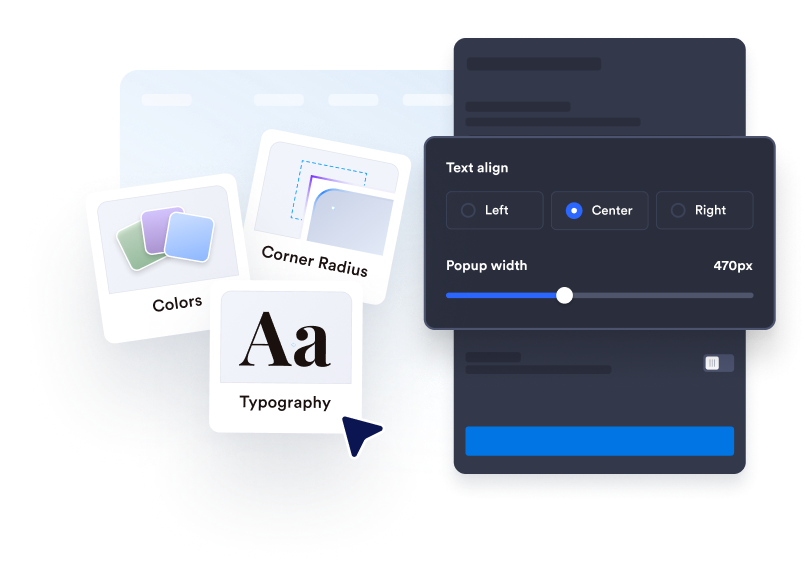
Formulieren Sie Ihre Meldung zur Altersprüfung, bearbeiten Sie die Beschriftung der Buttons und ergänzen Sie rechtliche Hinweise. Passen Sie Farben, Breite, Ecken und optionale Medien an Ihre Website an.
Verhalten bei Besuchen festlegen
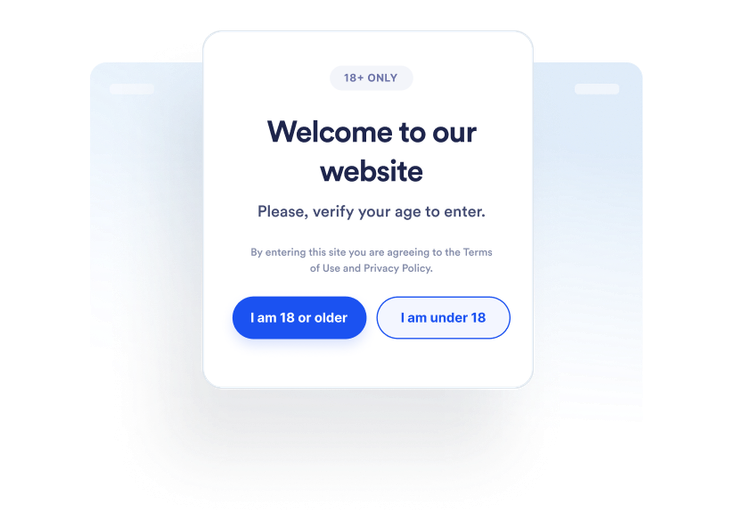
Legen Sie fest, wie Besucherinnen und Besucher ihr Alter bestätigen und was passiert, wenn sie das Mindestalter nicht erreichen. Außerdem bestimmen Sie, ob bestätigte Besuche gespeichert werden und wie lange.
Überall einbetten
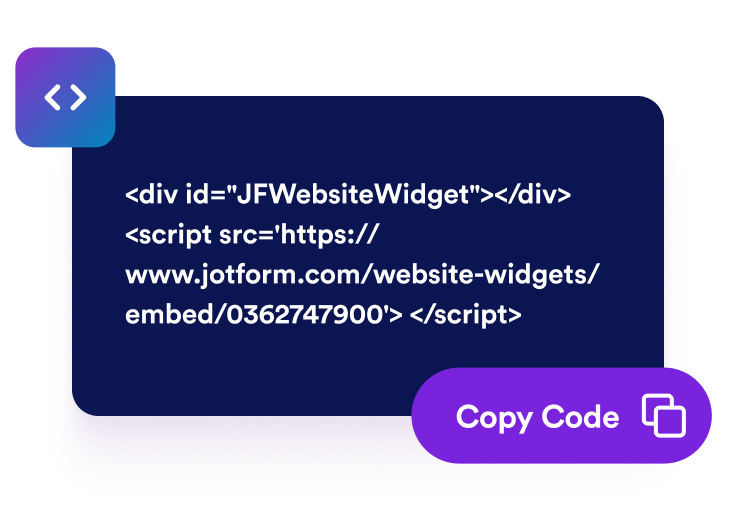
Prüfen Sie das Widget in der Vorschau und veröffentlichen Sie es. Kopieren Sie den erzeugten Einbettungscode und fügen Sie ihn in einen HTML- oder Einbettungsblock auf den Seiten ein, die eine Altersabfrage brauchen.
Altersabfragen vor altersbeschränkten Inhalten einblenden
Besucherinnen und Besucher ihr Alter bestätigen lassen
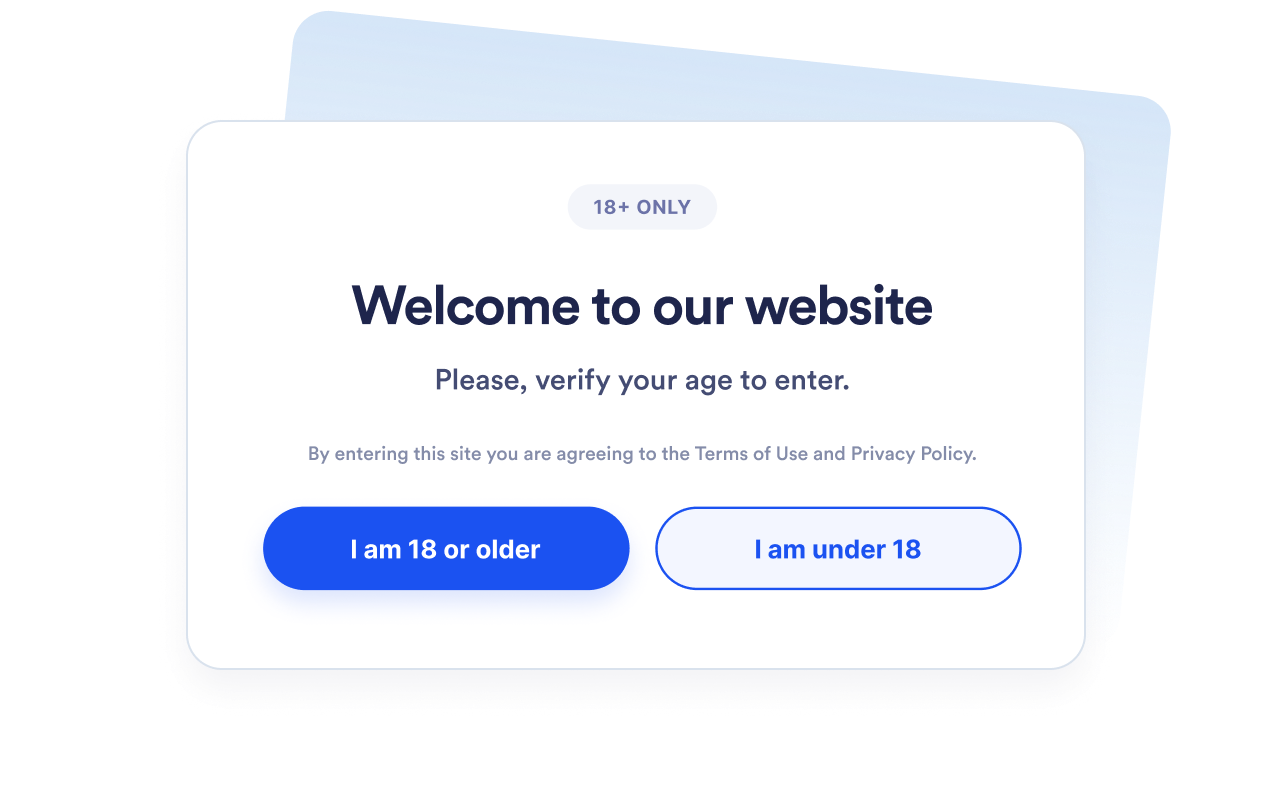
Zeigen Sie ein Pop-up zur Altersprüfung, bevor Besucherinnen und Besucher zu altersbeschränkten Produkten, Veranstaltungen, Communitys oder Medien gelangen. Legen Sie ein Mindestalter zwischen 5 und 100 Jahren fest, je nach der Vorgabe, die Sie vermitteln möchten.
Die passende Abfragemethode wählen
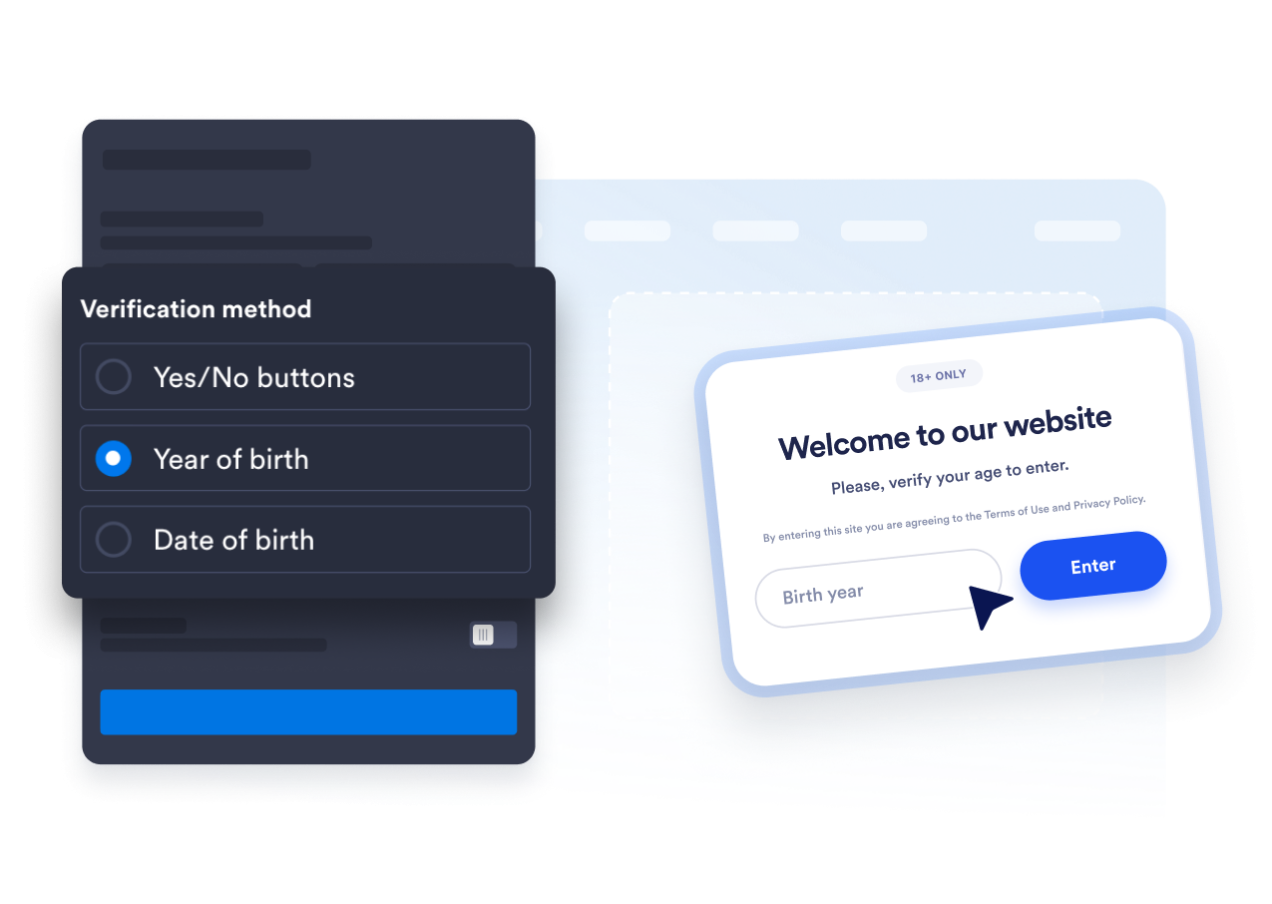
Nutzen Sie Ja/Nein-Buttons, fragen Sie das Geburtsjahr ab oder bitten Sie um das vollständige Geburtsdatum. So wählen Sie zwischen einer schnellen Bestätigung und einer genaueren Altersberechnung.
Das Pop-up an Ihre Website anpassen
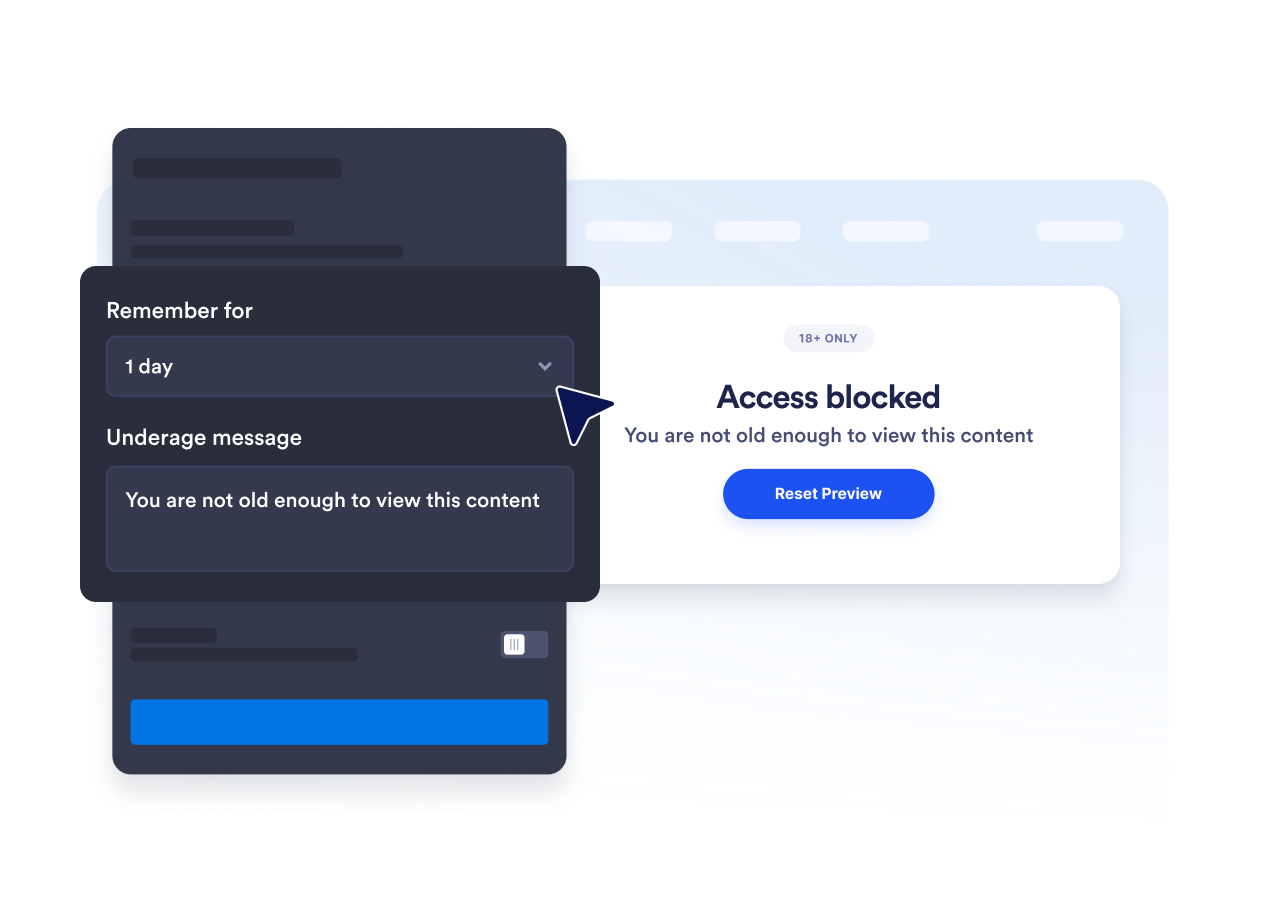
Bearbeiten Sie Überschrift, Untertitel, Buttons, die Meldung bei zu geringem Alter und den rechtlichen Hinweis. Außerdem passen Sie Farben, Breite des Pop-ups, Eckenradius und optionale Medien an, damit die Altersabfrage zu Ihrer Marke passt.

Wiederholte Altersabfragen vermeiden
Speichern Sie bestätigte Besuche für die aktuelle Sitzung, einen Tag, sieben Tage, einen Monat, sechs Monate oder ein Jahr. So werden Besucherinnen und Besucher, die das Mindestalter erreichen, bei einem erneuten Besuch im gewählten Zeitraum seltener unterbrochen.
Warum sich Jotform Website Widgets auszeichnen
Mit den Widgets von Jotform wird Ihre Website interaktiver und Sie steigern Ihre Conversion-Rate. Zur Auswahl stehen zahlreiche Tools wie Sternebewertungen, Slideshows mit Erfahrungsberichten, Pop-ups mit Social Proof und eingebettete Medien. Fügen Sie Widgets zu Ihren Formularen oder Landingpages hinzu, um Daten zu sammeln, Erfahrungsberichte anzuzeigen und Leads zu gewinnen – ganz ohne Programmierkenntnisse.
Fügen Sie Jotform-Widgets mithilfe eines Einbettungscodes in Ihre Website ein. Passen Sie das Widget an, sehen Sie sich die Vorschau an und fügen Sie den Code in jede Seite ein, die benutzerdefiniertes HTML oder Einbettungsblöcke unterstützt – ganz ohne Entwicklerinnen oder Entwickler.
Mit Jotform Website Widgets sammeln Sie Leads, zeigen Kundenfeedback, präsentieren Social Proof, binden Medien ein oder fügen nützliche Webseiten-Tools hinzu. Über jedes Widget können Besucher direkt auf Ihrer Website mit Ihrem Unternehmen interagieren.
Wenn Sie Unterstützung bei der Einrichtung, Anpassung, Einbettung oder Fehlerbehebung Ihres Widgets benötigen, steht Ihnen das Kundensupport-Team von Jotform rund um die Uhr zur Verfügung. So können Sie beruhigt weiterarbeiten, denn Sie wissen: Hilfe ist da, wenn Sie sie brauchen.
Wo Sie Ihr Widget zur Altersprüfung einsetzen
Platzieren Sie das Widget vor Seiten, auf denen Besucherinnen und Besucher bestätigen sollen, dass sie eine Altersvorgabe erfüllen, bevor sie Inhalte sehen oder fortfahren.
Shops für Alkohol und Getränke, um eine Altersbestätigung einzuholen, bevor Besucherinnen und Besucher altersbeschränkte Produkte ansehen.
Websites für Tabak und E-Zigaretten, um vor altersbeschränkten Produktinhalten eine Altersabfrage einzublenden.
Seiten für Veranstaltungen und Nachtleben, um Altersvorgaben vor dem Ticketkauf oder der Anmeldung abzufragen.
Mitglieder-Communitys, um Bereiche für Erwachsene oder mit Altersbeschränkung erst nach einer Altersabfrage zugänglich zu machen.
Medien- und Unterhaltungsseiten, um vor der Anzeige von Inhalten für Erwachsene eine Bestätigung einzuholen.
Landingpages für Aktionen, um Altersvorgaben zu nennen, bevor Besucherinnen und Besucher ein Angebot aufrufen.
Gewinnen Sie Leads als zahlende Kunden mit dem Jotform Formulargenerator
Nutzen Sie Jotform, um aus jedem Kontakt eine konkrete Maßnahme zu machen. Erstellen Sie leistungsstarke Formulare, mit denen Sie Leads erfassen, Zahlungen abwickeln und Antworten automatisieren – und das alles an einem Ort. Jede Antwort landet in Ihrem Jotform Posteingang, von wo aus Sie nachfassen oder Ihre bevorzugten Apps verbinden können.
Jetzt starten – Kostenlos!
FAQ
Was ist ein Widget zur Altersprüfung?
Ein Widget zur Altersprüfung zeigt ein Pop-up, in dem Besucherinnen und Besucher vor dem Fortfahren bestätigen, dass sie ein Mindestalter erreichen. Dafür lassen sich Bestätigungsbuttons, das Geburtsjahr oder das vollständige Geburtsdatum verwenden.
Ist das Widget zur Altersprüfung von Jotform kostenlos?
Wie füge ich meiner Website eine Altersprüfung hinzu?
Muss ich Code schreiben?
Welche Methoden zur Altersprüfung gibt es?
Kann ich das Mindestalter ändern?
Was passiert, wenn jemand das Mindestalter nicht erreicht?
Können bestätigte Besucherinnen und Besucher gespeichert werden?
Kann ich festlegen, auf welchen Seiten das Pop-up erscheint?
Prüft das Widget die Identität der Besucherinnen und Besucher?
Auf welchen Website-Plattformen funktioniert das Widget zur Altersprüfung?
Bekomme ich Hilfe beim Einrichten meines Widgets zur Altersprüfung?