Before After Slider Widget für Ihre Website
Zeigen Sie visuelle Transformationen mit einem interaktiven Vergleichs-Slider. Mit dem Before and After Slider Widget von Jotform können Sie Bildpaare hinzufügen, die horizontale oder vertikale Einblendungsrichtung wählen, Zieh- oder Hover-Interaktion festlegen, Labels und Bildunterschriften hinzufügen, die Vollbildansicht aktivieren und das Ergebnis ohne Code in Ihre Website einbetten.
Jetzt erstellen – kostenlos!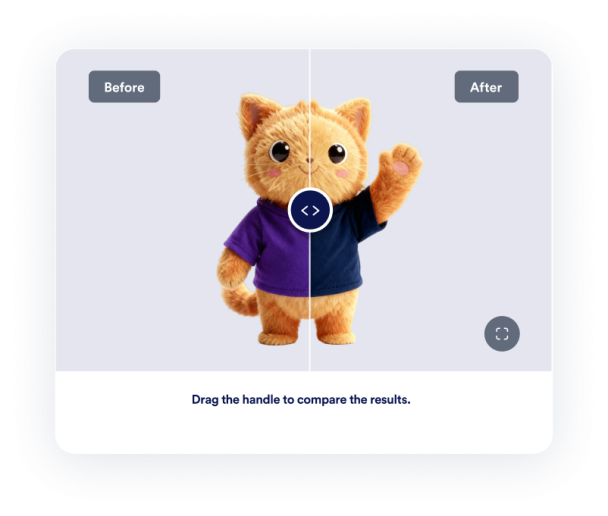

So erstellen Sie das Widget Vorher-Nachher-Slider
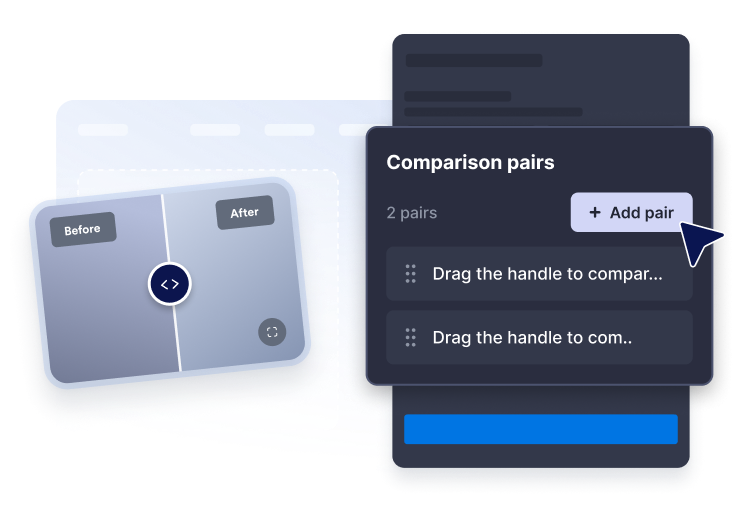
Bildpaare hinzufügen
Fügen Sie die URLs der Vorher- und Nachher-Bilder ein und schreiben Sie dann klare Labels und Bildunterschriften für jeden Vergleich.
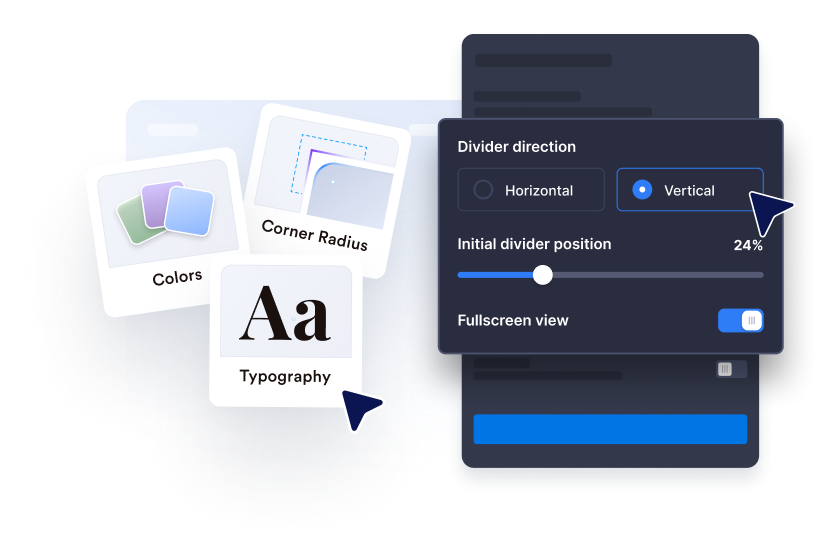
Passen Sie die Einblendung an
Wählen Sie die horizontale oder vertikale Richtung, legen Sie die anfängliche Trennlinienposition fest und verwenden Sie die Zieh-, Klick- oder Hover-Interaktion.
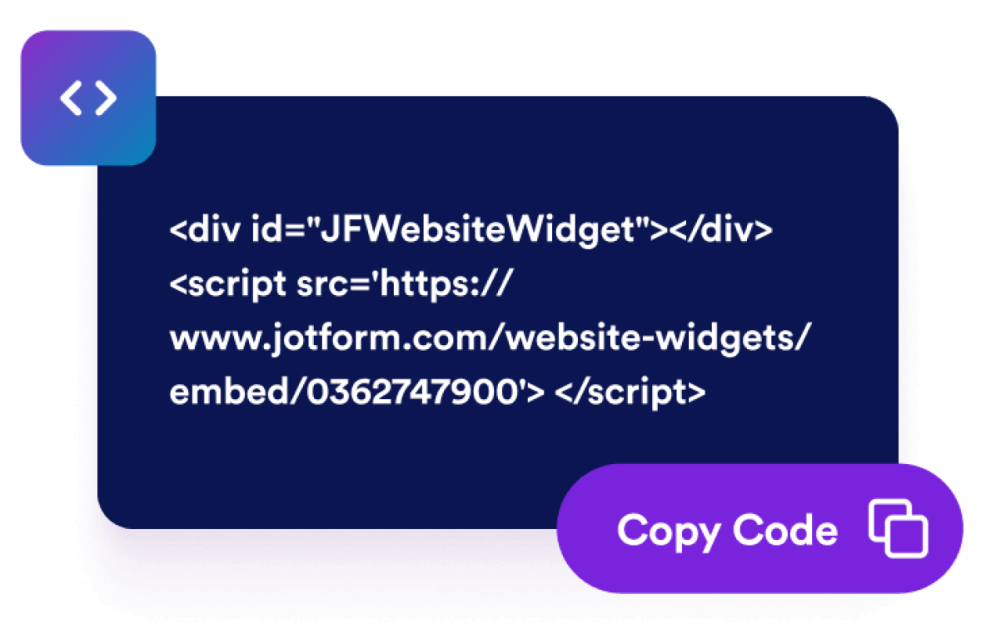
Betten Sie es auf Ihrer Website ein
Passen Sie Größe, Verhältnis, Farben, Vollbildverhalten und Anzeigeregeln an, bevor Sie das Widget veröffentlichen.
Zeigen Sie Transformationen mit einem Vergleichs-Widget, das zu Ihrer Seite passt
Vergleichen Sie Vorher- und Nachher-Bilder
Platzieren Sie zwei Bilder in einem Rahmen, damit Besucher Renovierungs-, Design-, Beauty-, Reparatur- oder Produktänderungen sofort verstehen.
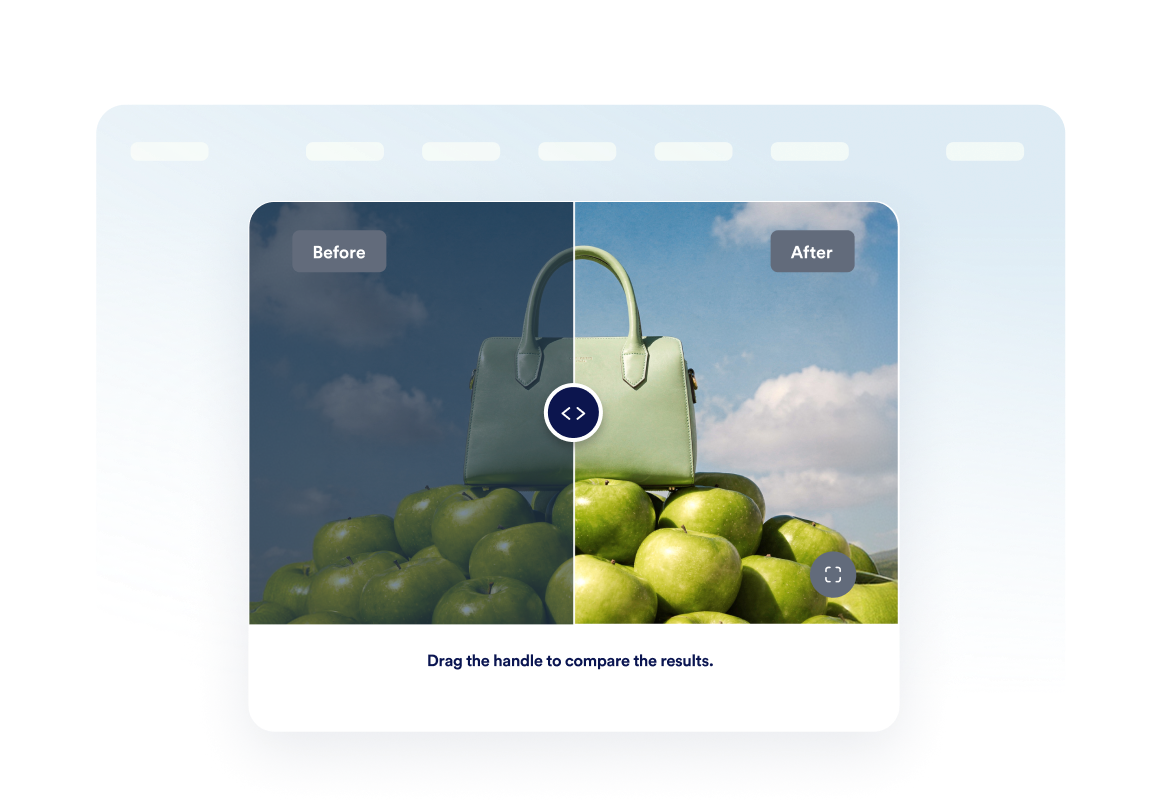
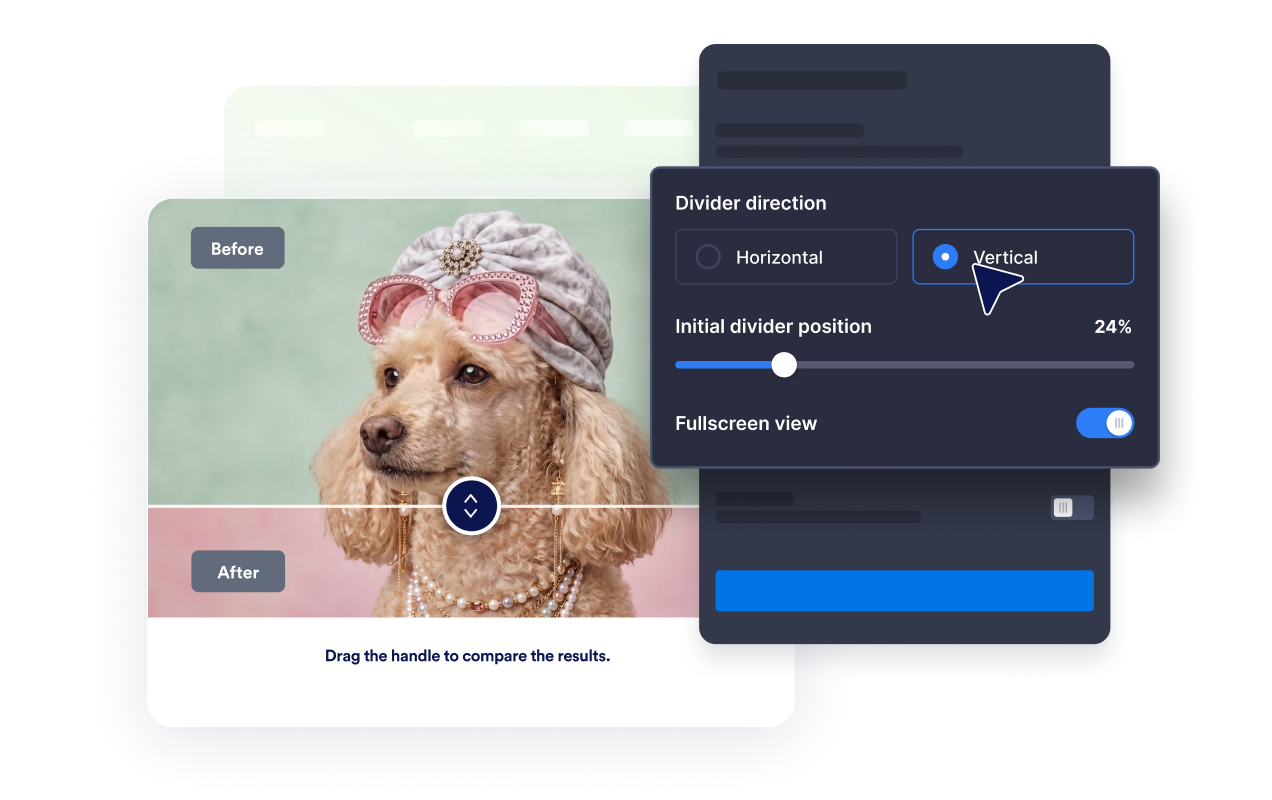
Nutzen Sie horizontale oder vertikale Einblendung
Wechseln Sie die Trennlinienrichtung passend zum Motiv und lassen Sie Besucher Änderungen per Ziehen, Klicken oder Hover-Bewegung betrachten.
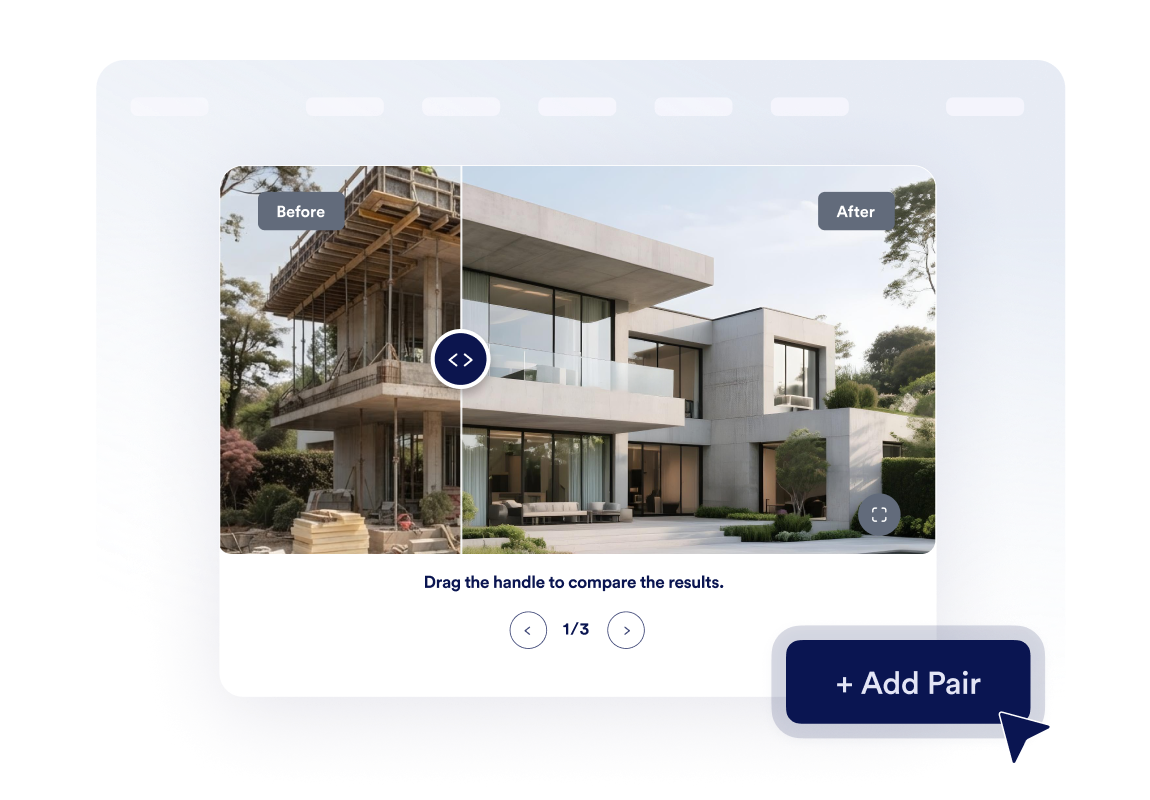
Erstellen Sie eine kleine Transformationsgalerie
Fügen Sie bis zu drei Bildpaare hinzu und aktivieren Sie die Karussell-Navigation, damit Besucher mehrere Projektphasen oder Fallstudien durchblättern können.
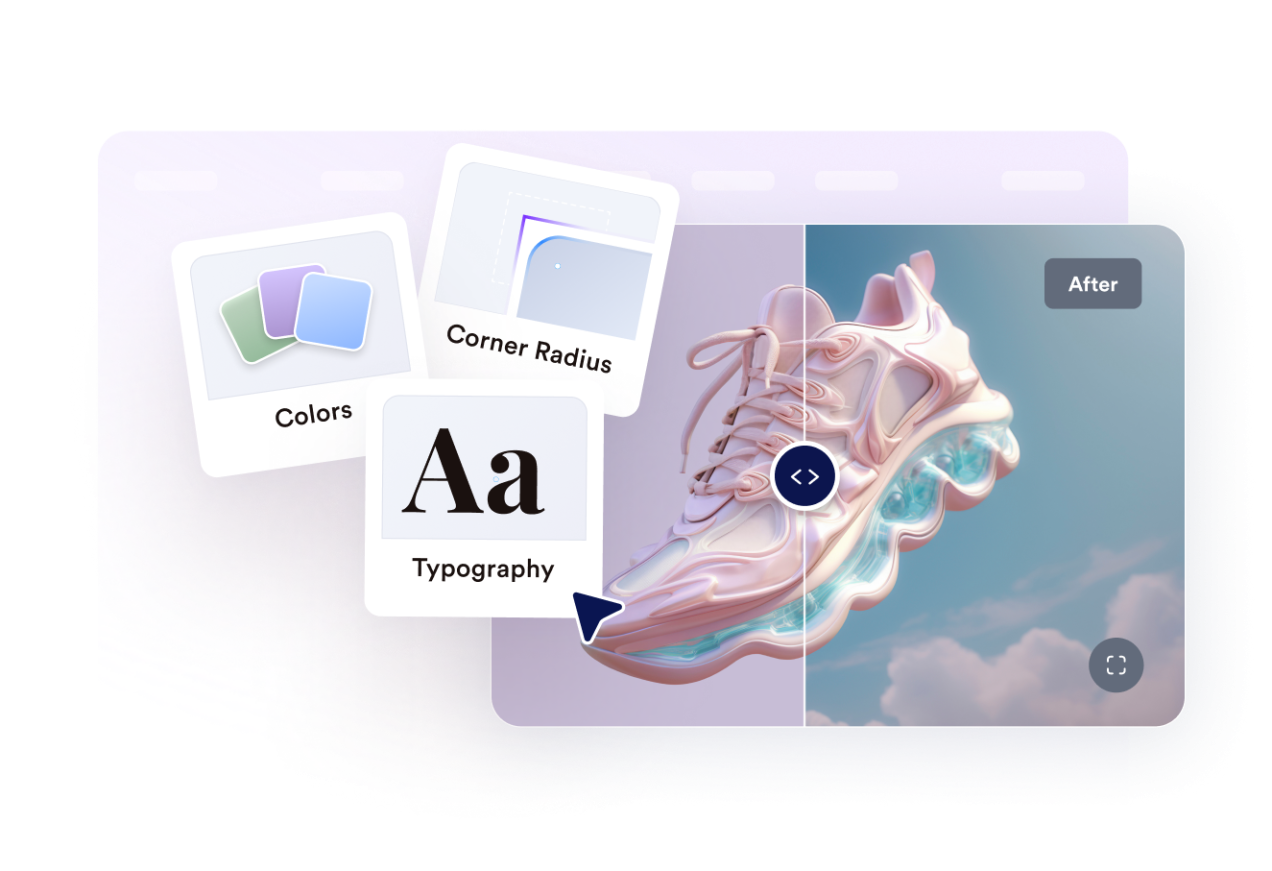
Passen Sie den Stil an Ihre Website an
Steuern Sie Breite, Bildverhältnis, Eckenradius, Trennliniengröße, Farben, Labels, Bildunterschriften, benutzerdefiniertes CSS, Vollbildmodus und die mobile Sichtbarkeit.
Warum sich Jotform Website Widgets auszeichnen
Mit den Widgets von Jotform wird Ihre Website interaktiver und Sie steigern Ihre Conversion-Rate. Zur Auswahl stehen zahlreiche Tools wie Sternebewertungen, Slideshows mit Erfahrungsberichten, Pop-ups mit Social Proof und eingebettete Medien. Fügen Sie Widgets zu Ihren Formularen oder Landingpages hinzu, um Daten zu sammeln, Erfahrungsberichte anzuzeigen und Leads zu gewinnen – ganz ohne Programmierkenntnisse.
Fügen Sie Jotform-Widgets mithilfe eines Einbettungscodes in Ihre Website ein. Passen Sie das Widget an, sehen Sie sich die Vorschau an und fügen Sie den Code in jede Seite ein, die benutzerdefiniertes HTML oder Einbettungsblöcke unterstützt – ganz ohne Entwicklerinnen oder Entwickler.
Mit Jotform Website Widgets sammeln Sie Leads, zeigen Kundenfeedback, präsentieren Social Proof, binden Medien ein oder fügen nützliche Webseiten-Tools hinzu. Über jedes Widget können Besucher direkt auf Ihrer Website mit Ihrem Unternehmen interagieren.
Wenn Sie Unterstützung bei der Einrichtung, Anpassung, Einbettung oder Fehlerbehebung Ihres Widgets benötigen, steht Ihnen das Kundensupport-Team von Jotform rund um die Uhr zur Verfügung. So können Sie beruhigt weiterarbeiten, denn Sie wissen: Hilfe ist da, wenn Sie sie brauchen.
Wo Sie Ihr Before and After Slider Widget einsetzen können
Fügen Sie das Widget überall dort ein, wo ein visueller Vergleich Besuchern hilft, dem Ergebnis zu vertrauen, die Qualität zu verstehen oder schneller eine Entscheidung zu treffen.
Renovierungs- und Innenarchitekturseiten, um abgeschlossene Projekttransformationen zu zeigen.
Beauty-, Wellness- und Fitness-Websites, um sichtbare Fortschritte von Kunden oder Behandlungen zu vergleichen.
Produktseiten, um Upgrades, Restaurierungen, Bearbeitungen oder Feature-Verbesserungen hervorzuheben.
Portfolio- und Fallstudienseiten, um Ergebnisse greifbarer zu machen als Text allein.
Immobilienanzeigen, um Home Staging, Reparaturen, Gartengestaltung oder Umbauarbeiten zu vergleichen.
Kreativ-Dienstleistungsseiten, um Retuschen, Mockups, Designüberarbeitungen oder Brand-Refreshes zu zeigen.
Gewinnen Sie Leads als zahlende Kunden mit dem Jotform Formulargenerator
Nutzen Sie Jotform, um aus jedem Kontakt eine konkrete Maßnahme zu machen. Erstellen Sie leistungsstarke Formulare, mit denen Sie Leads erfassen, Zahlungen abwickeln und Antworten automatisieren – und das alles an einem Ort. Jede Antwort landet in Ihrem Jotform Posteingang, von wo aus Sie nachfassen oder Ihre bevorzugten Apps verbinden können.
Jetzt starten – Kostenlos!
FAQ
Was ist ein Before and After Slider Widget?
Ein Before and After Slider Widget zeigt zwei zusammengehörige Bilder in einem interaktiven Rahmen an. Besucher bewegen eine Trennlinie, um mehr vom Vorher- oder Nachher-Bild anzuzeigen und die Transformation zu vergleichen.
Kann ich die Slider-Richtung wählen?
Wie können Besucher die Trennlinie bewegen?
Kann ich die anfängliche Trennlinienposition festlegen?
Kann ich mehr als einen Vergleich anzeigen?
Kann ich Labels und Bildunterschriften hinzufügen?
Unterstützt das Widget die Vollbildansicht?
Funktioniert das Widget auf Mobilgeräten?
Muss ich Code schreiben?