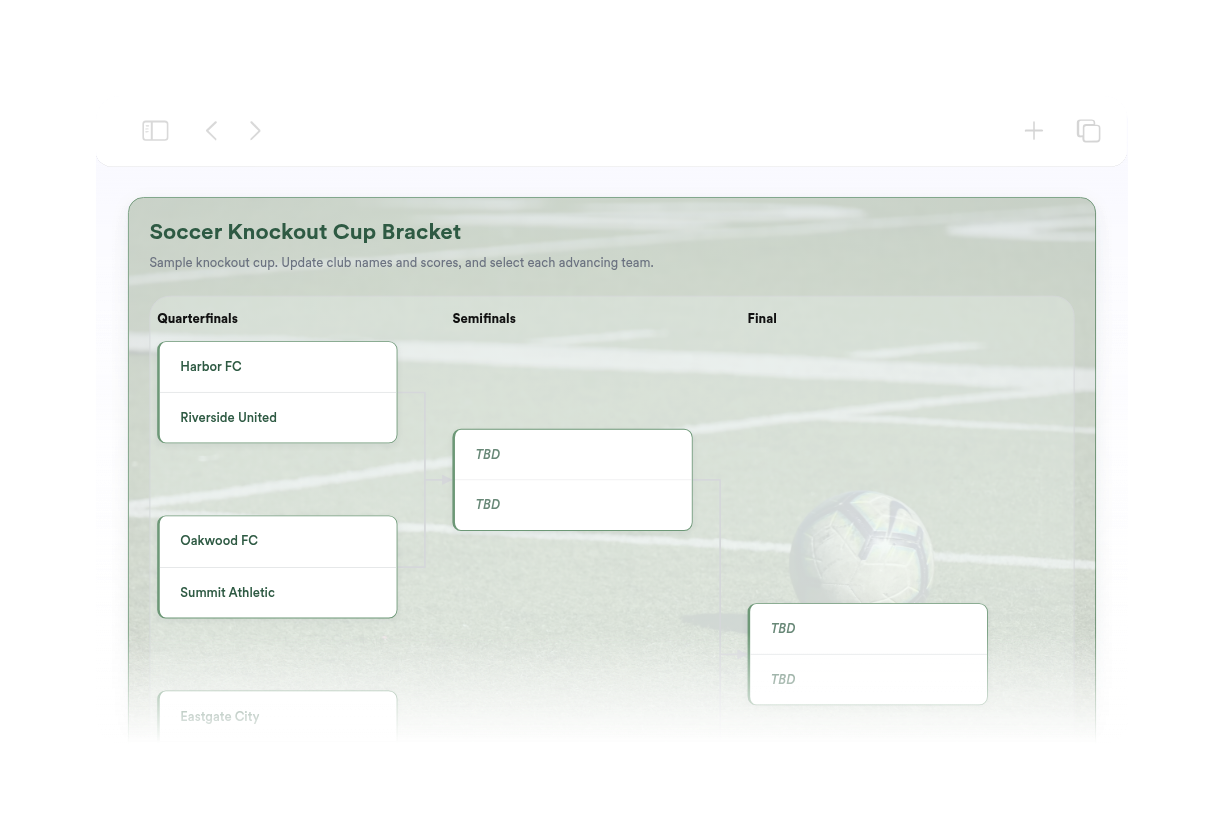
Soccer Bracket Maker
We couldn't create your widget. Please try again.
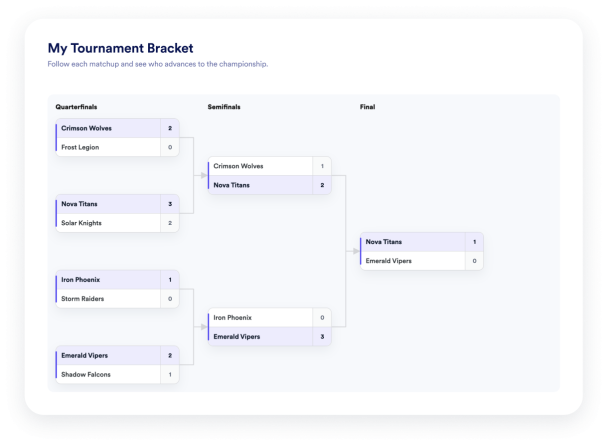

We couldn't create your widget. Please try again.
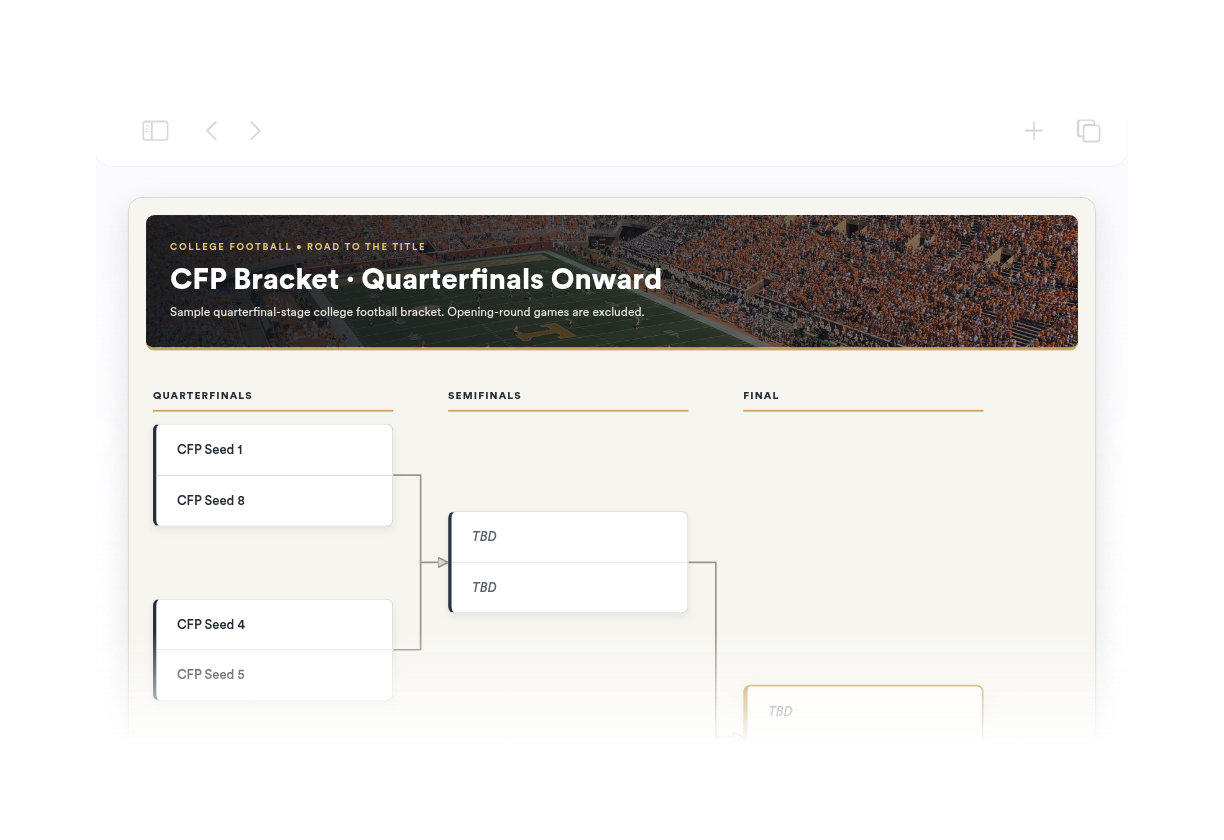
We couldn't create your widget. Please try again.
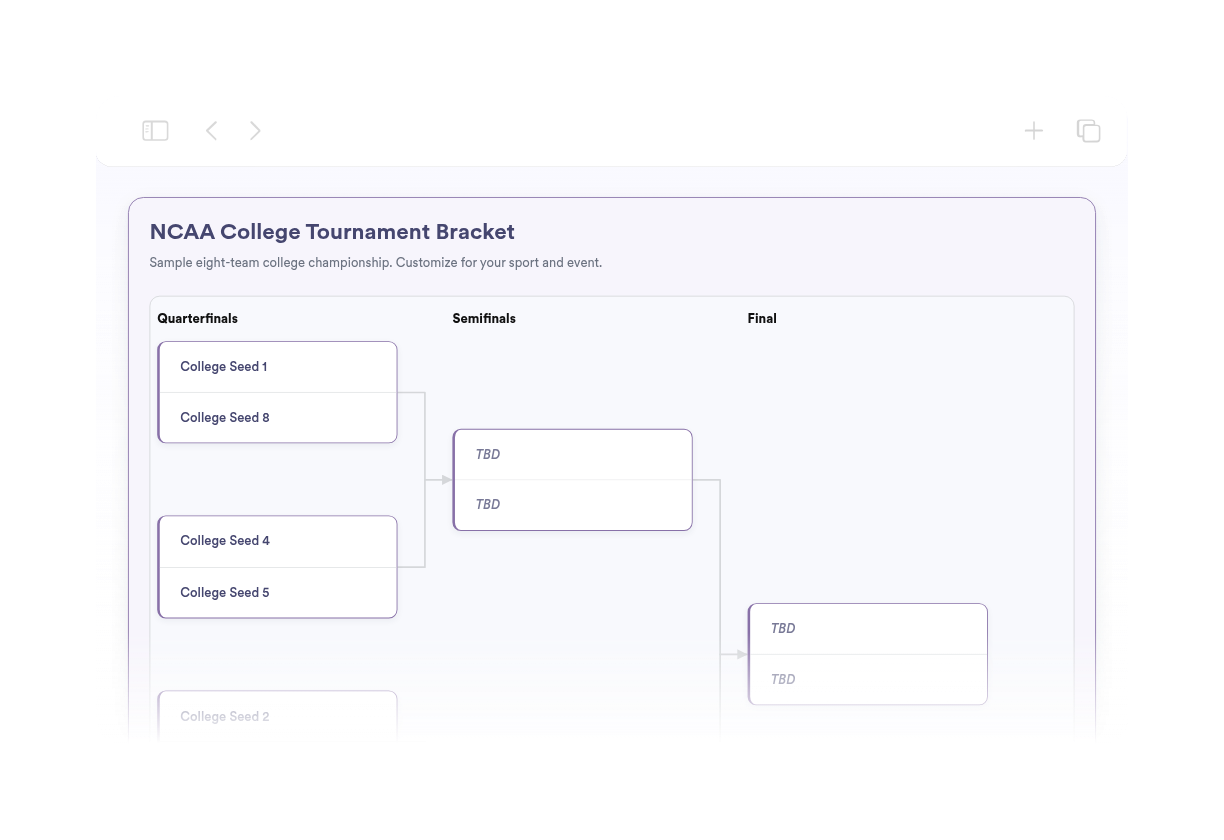
We couldn't create your widget. Please try again.
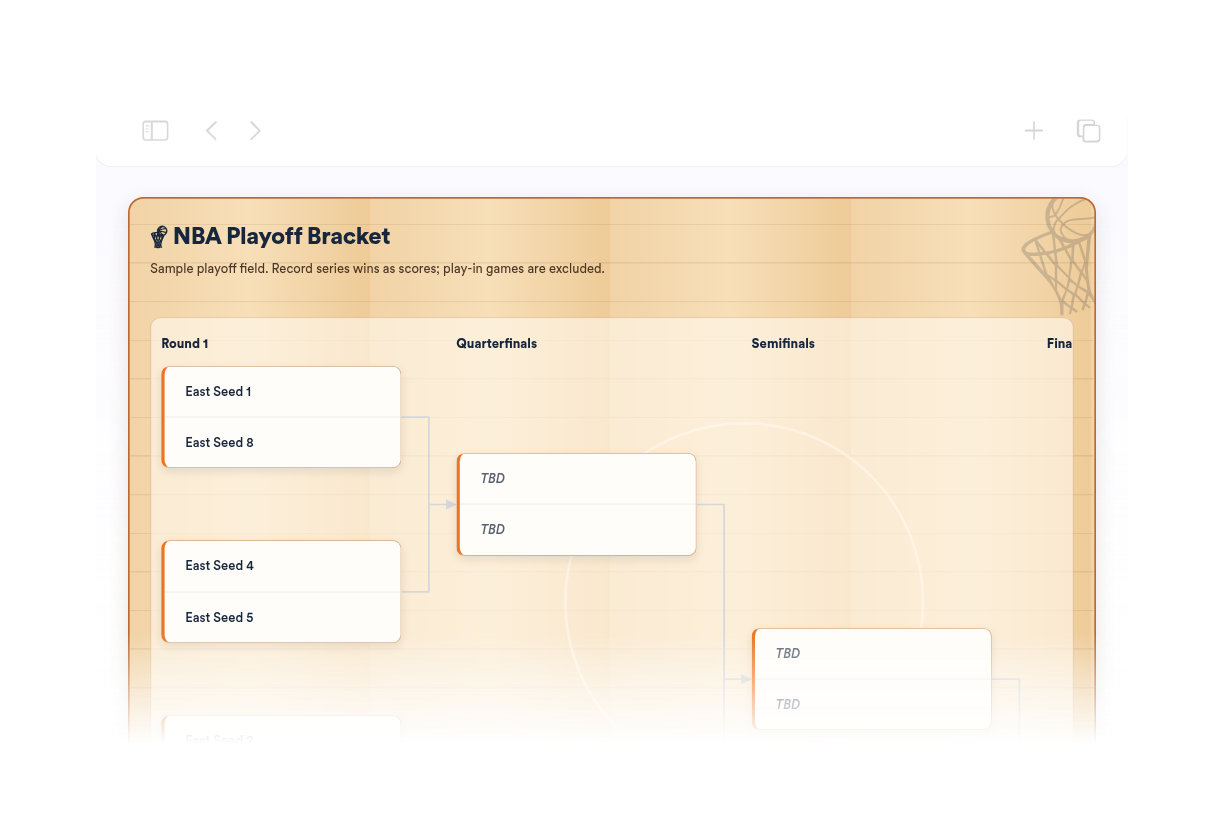
We couldn't create your widget. Please try again.
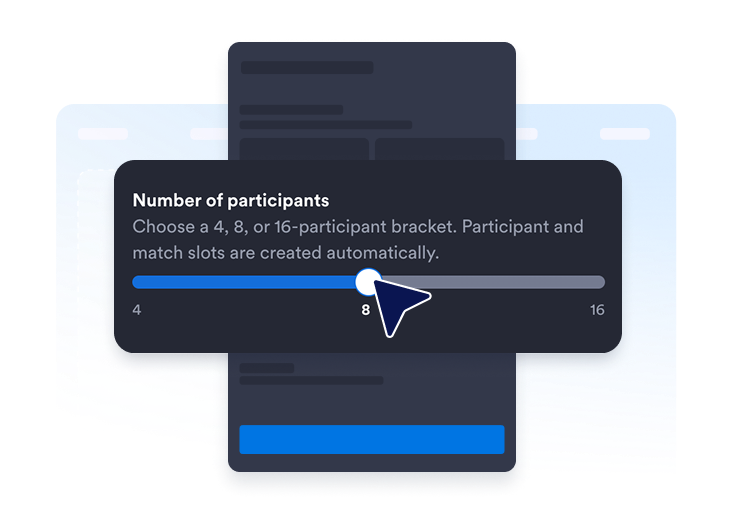
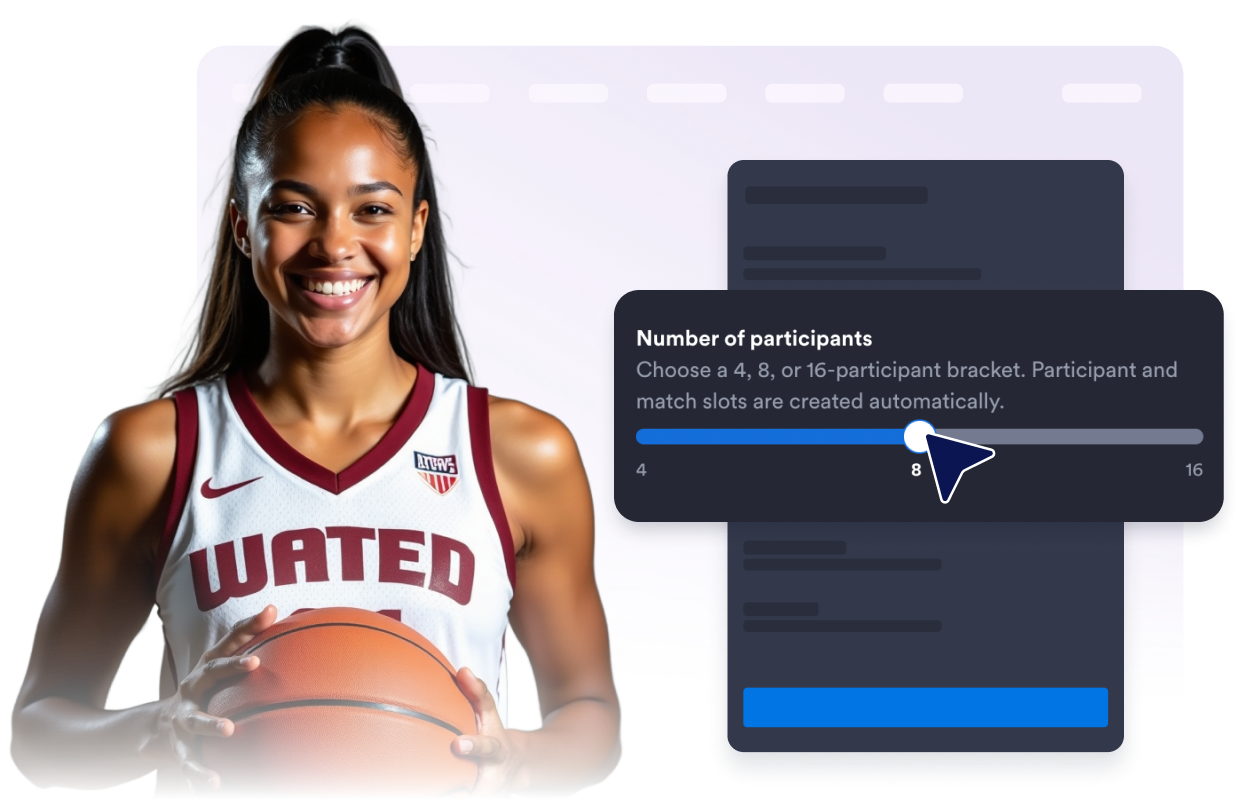
Wählen Sie einen Turnierbaum für 4, 8 oder 16 Teilnehmende. Die nötigen Plätze für Teilnehmende und Begegnungen werden automatisch angelegt.
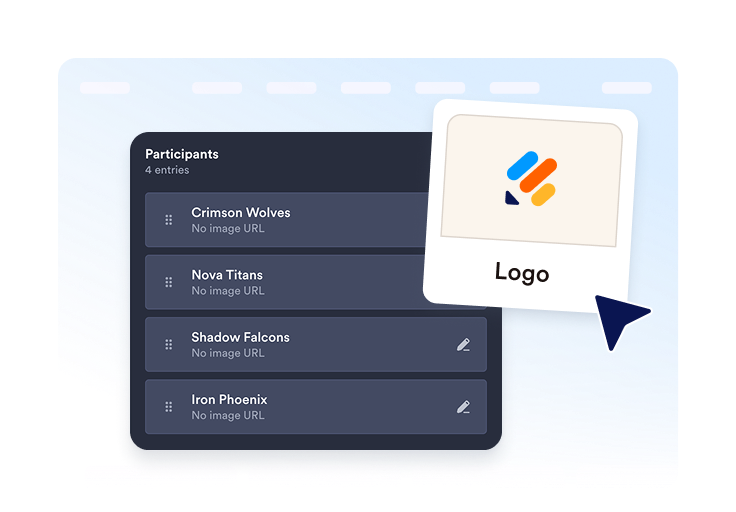
Fügen Sie Teams oder Spielerinnen und Spieler hinzu, ergänzen Sie optional Logos oder Avatare und ordnen Sie alle Einträge vor der Veröffentlichung.
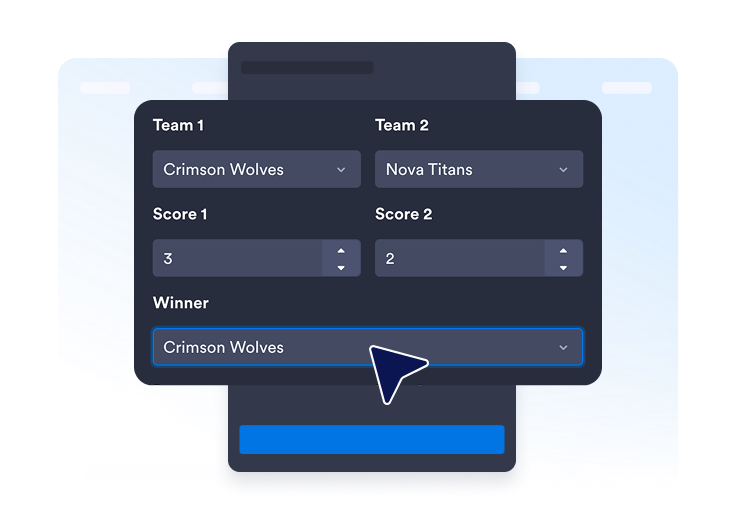
Tragen Sie bei Bedarf Spielstände, Sieger, Termine oder Orte ein. Veröffentlichen Sie das Widget, kopieren Sie den Einbettungscode und fügen Sie ihn in Ihre Website ein.
Wählen Sie die Größe des Turnierbaums passend zu Ihrem Turnier. Die Plätze für Teilnehmende und Begegnungen werden automatisch angelegt; Sie müssen den Turnierbaum nicht selbst zeichnen.
Bearbeiten Sie Namen, vergeben Sie Setzplätze, fügen Sie optional Logos oder Avatare hinzu, duplizieren Sie Einträge und behalten Sie alle Teilnehmenden im Blick.
Tragen Sie Spielstände und Sieger für abgeschlossene Begegnungen ein. Ergänzen Sie bei Bedarf Termine oder Orte, wenn Besucherinnen und Besucher mehr Kontext brauchen.

Blenden Sie Titel, Beschreibung, Rundenbezeichnungen, Spielstände, Termine und Orte des Turnierbaums ein oder aus, damit die Anzeige übersichtlich bleibt.
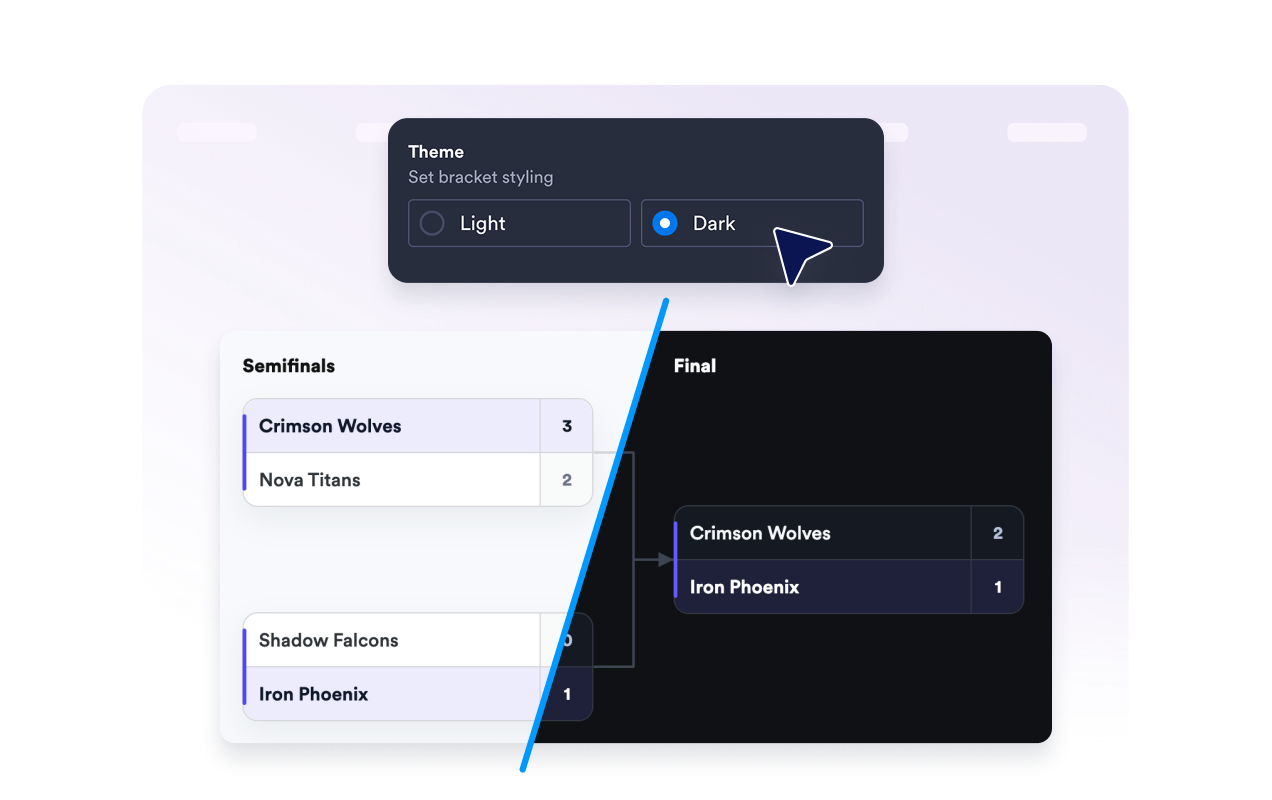
Wählen Sie ein helles oder dunkles Design, legen Sie die Ecken der Kärtchen für die Begegnungen fest und entscheiden Sie, ob unter dem Widget ein Hinweis auf Jotform erscheint.
Mit den Widgets von Jotform wird Ihre Website interaktiver und Sie steigern Ihre Conversion-Rate. Zur Auswahl stehen zahlreiche Tools wie Sternebewertungen, Slideshows mit Erfahrungsberichten, Pop-ups mit Social Proof und eingebettete Medien. Fügen Sie Widgets zu Ihren Formularen oder Landingpages hinzu, um Daten zu sammeln, Erfahrungsberichte anzuzeigen und Leads zu gewinnen – ganz ohne Programmierkenntnisse.
Fügen Sie Jotform-Widgets mithilfe eines Einbettungscodes in Ihre Website ein. Passen Sie das Widget an, sehen Sie sich die Vorschau an und fügen Sie den Code in jede Seite ein, die benutzerdefiniertes HTML oder Einbettungsblöcke unterstützt – ganz ohne Entwicklerinnen oder Entwickler.
Mit Jotform Website Widgets sammeln Sie Leads, zeigen Kundenfeedback, präsentieren Social Proof, binden Medien ein oder fügen nützliche Webseiten-Tools hinzu. Über jedes Widget können Besucher direkt auf Ihrer Website mit Ihrem Unternehmen interagieren.
Wenn Sie Unterstützung bei der Einrichtung, Anpassung, Einbettung oder Fehlerbehebung Ihres Widgets benötigen, steht Ihnen das Kundensupport-Team von Jotform rund um die Uhr zur Verfügung. So können Sie beruhigt weiterarbeiten, denn Sie wissen: Hilfe ist da, wenn Sie sie brauchen.
Binden Sie einen Turnierbaum überall dort ein, wo Besucherinnen und Besucher Teilnehmende, Begegnungen, Ergebnisse und Turnierverlauf auf einen Blick sehen sollen.
Vereins- und Liga-Websites für Schulsportwettbewerbe, lokale Turniere, Playoffs und Meisterschaften
Gaming- und E-Sport-Seiten für Online-Wettbewerbe, E-Sport-Vereine und Livestream-Events
Schul- und Klassenseiten für Debattierwettbewerbe, Quizturniere, Lesewettbewerbe und AGs
Seiten für Firmenveranstaltungen mit Wettbewerben im Büro, Teambuilding-Aktionen und internen Turnieren
Vereins- und Community-Websites für Benefizturniere, Freizeitwettbewerbe und Hobbyligen
Wettbewerbs- und Unterhaltungsseiten für direkte Duelle und Ergebnisse im Turnierformat
Machen Sie mit Jotform aus Interesse Taten. Erstellen Sie leistungsstarke Formulare, die Leads gewinnen, Zahlungen entgegennehmen und Antworten automatisieren – alles an einem Ort. Jede Antwort landet in Ihrem Jotform Posteingang, wo Sie nachfassen oder sie mit Ihren Lieblings-Apps verbinden können.
Jetzt starten – Kostenlos!
Ein Turnierbaum-Widget ist eine einbettbare Turnierübersicht, die Teilnehmende, Begegnungen, Runden, Spielstände, Sieger und den Weg bis zum Turniersieg auf Ihrer Website zeigt.

