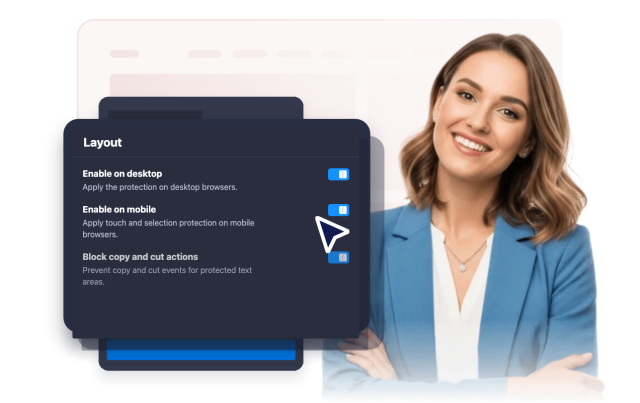
Disable Right Click Widget
Create Your Own Disable Right Click Widget in Seconds for Your Website
Choose what content to protect, block right-click actions, prevent image dragging, disable text selection, show optional alert messages, and control desktop or mobile behavior.
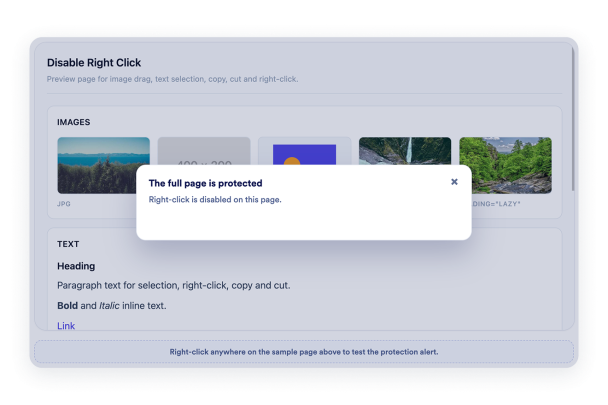

Protect Images, Text, or Everything
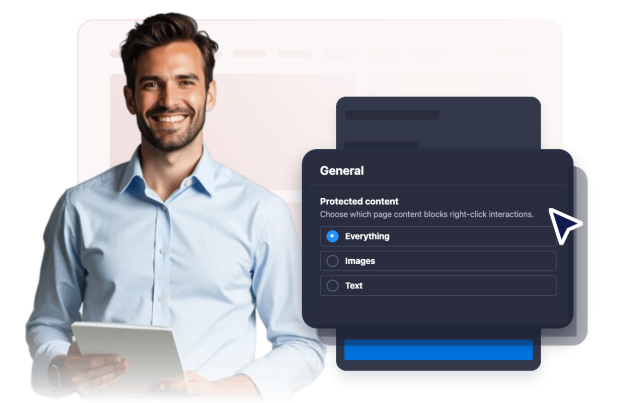
Set the protection scope based on the page content. Keep the whole page covered, focus only on images, or limit text interactions.
Scope options include:
Prevent Image Dragging
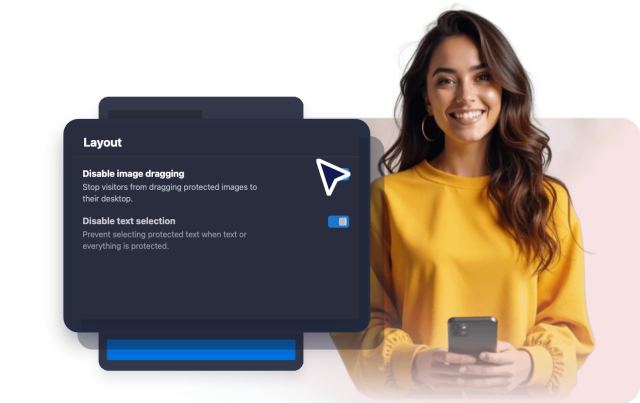
Discourage quick image saving by blocking drag actions on protected images when image or full-page protection is active.
Image controls include:
Add a Clear Alert Message
Use a browser alert to explain that right-click is disabled, or leave the interaction silent for a less interruptive page experience.
Message options include:

Tune Desktop and Mobile Coverage
Enable protection for desktop visitors, mobile visitors, or both so the widget works where your content needs it most.
Device options include: