Facebook Reviews Widget für Ihre Website
Das Facebook-Bewertungs-Widget zeigt die Bewertungen Ihrer Facebook-Seite in einem übersichtlichen Layout an. Mit dem Jotform-Tool synchronisieren Sie die Bewertungen automatisch, passen das Design an und betten das Widget überall ein – ganz ohne Programmierkenntnisse.
Jetzt erstellen – kostenlos!

So erstellen Sie das Widget Facebook-Bewertungen
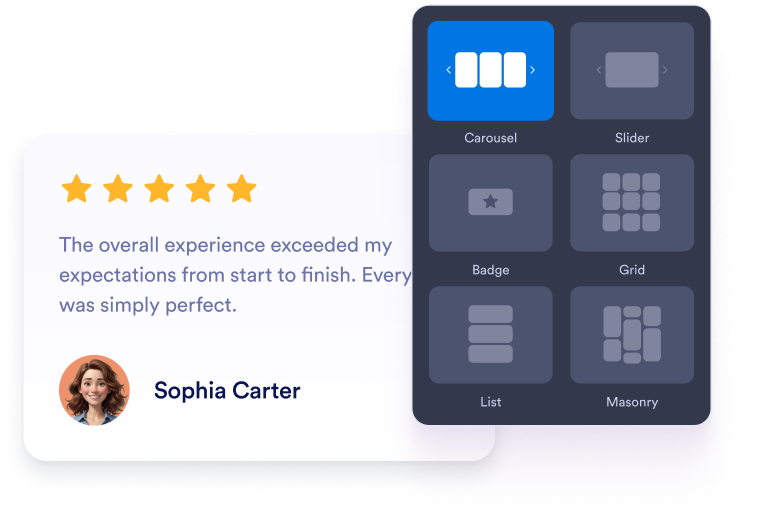
Widget anpassen
Wählen Sie Inhalt, Layout, Farben und Verhalten so, dass das Widget zum Design Ihrer Website passt.
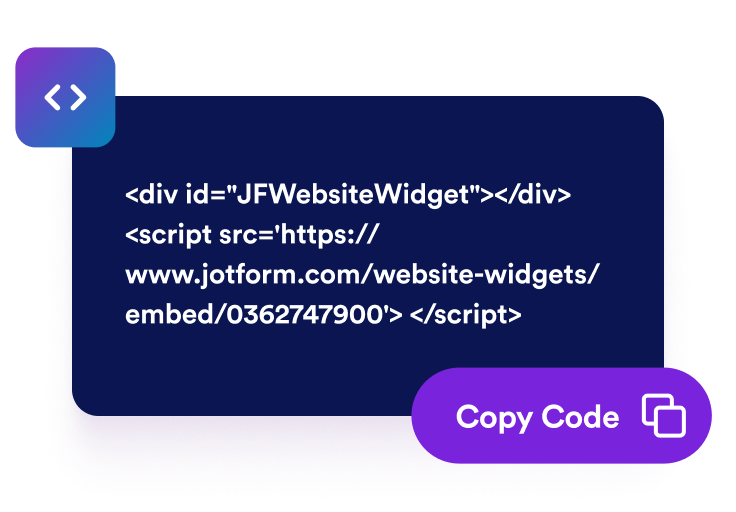
Einbettungscode kopieren
Kopieren Sie den fertigen Einbettungscode, den Jotform für Sie erstellt. Keine Einrichtung und keine Programmierkenntnisse nötig.

Überall einbetten
Fügen Sie den Code in Ihre Website ein und veröffentlichen Sie sie. Ihre Facebook-Bewertungen erscheinen sofort.
Aus einem besseren Website-Erlebnis echtes Geschäftswachstum machen
Mit einem professionellen Auftritt Glaubwürdigkeit aufbauen
Eine übersichtliche, interaktive Seite wirkt professioneller und hilft Besuchenden, Ihrer Website schneller zu vertrauen.

Sichtbarkeit und SEO unterstützen
Mehr Interaktion kann die Verweildauer erhöhen und Suchmaschinen helfen, den Wert Ihrer Inhalte zu erkennen.

Besucherinnen und Besucher überzeugen
Hilfreiche Interaktionen auf der Seite führen Besuchende zum nächsten Schritt und erleichtern Entscheidungen.

Ein einheitliches Erlebnis auf allen Seiten
Nutzen Sie auf Ihrer gesamten Website denselben Widget-Stil, damit jede Seite einheitlich wirkt und einfach zu bedienen ist.
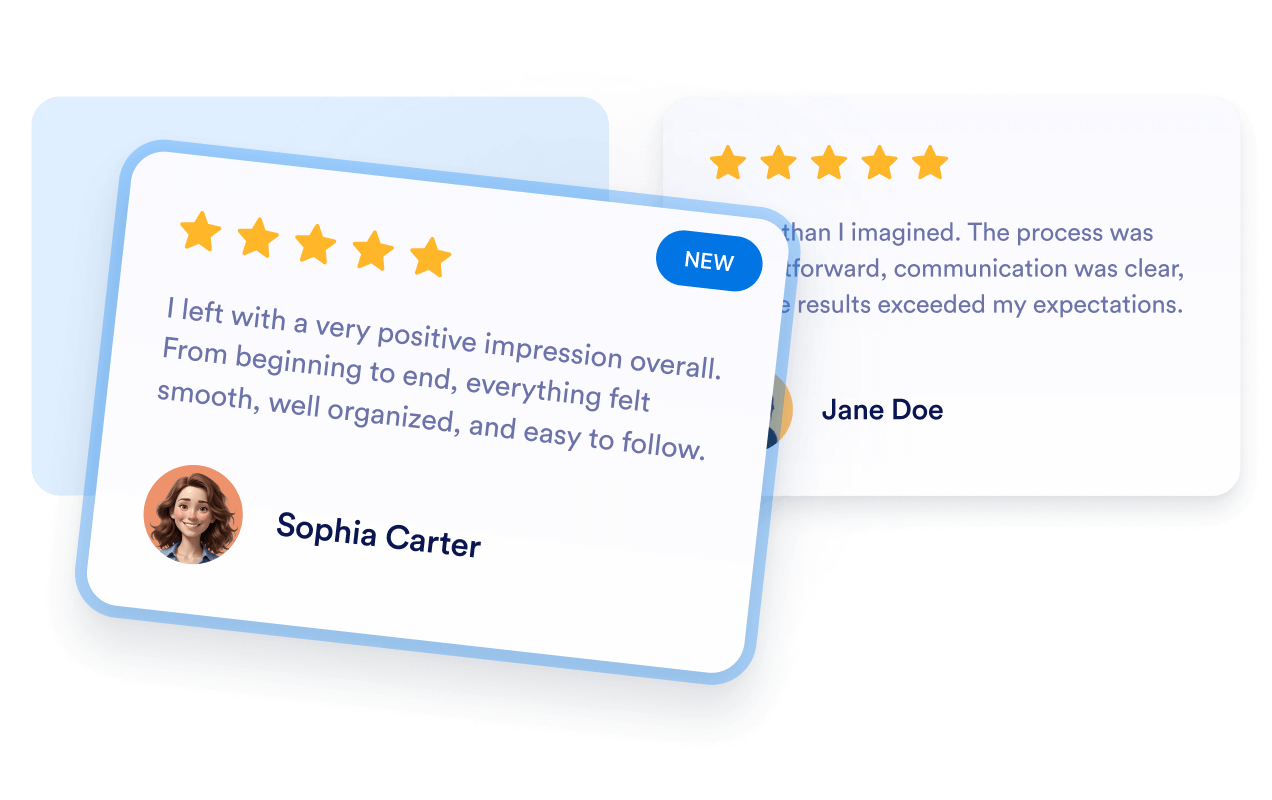
Warum sich Jotform Website Widgets auszeichnen
Mit den Widgets von Jotform wird Ihre Website interaktiver und Sie steigern Ihre Conversion-Rate. Zur Auswahl stehen zahlreiche Tools wie Sternebewertungen, Slideshows mit Erfahrungsberichten, Pop-ups mit Social Proof und eingebettete Medien. Fügen Sie Widgets zu Ihren Formularen oder Landingpages hinzu, um Daten zu sammeln, Erfahrungsberichte anzuzeigen und Leads zu gewinnen – ganz ohne Programmierkenntnisse.
Fügen Sie Jotform-Widgets mithilfe eines Einbettungscodes in Ihre Website ein. Passen Sie das Widget an, sehen Sie sich die Vorschau an und fügen Sie den Code in jede Seite ein, die benutzerdefiniertes HTML oder Einbettungsblöcke unterstützt – ganz ohne Entwicklerinnen oder Entwickler.
Mit Jotform Website Widgets sammeln Sie Leads, zeigen Kundenfeedback, präsentieren Social Proof, binden Medien ein oder fügen nützliche Webseiten-Tools hinzu. Über jedes Widget können Besucher direkt auf Ihrer Website mit Ihrem Unternehmen interagieren.
Wenn Sie Unterstützung bei der Einrichtung, Anpassung, Einbettung oder Fehlerbehebung Ihres Widgets benötigen, steht Ihnen das Kundensupport-Team von Jotform rund um die Uhr zur Verfügung. So können Sie beruhigt weiterarbeiten, denn Sie wissen: Hilfe ist da, wenn Sie sie brauchen.
Wo Sie Ihr Facebook-Bewertungs-Widget einsetzen können
Zeigen Sie Facebook-Bewertungen auf Seiten an, auf denen Besuchende schnell Kontext, Orientierung, Vertrauen oder Interaktion brauchen. Das verbessert die Nutzerfreundlichkeit und hält Besuchende vom ersten Abschnitt bis zur letzten Handlungsaufforderung bei der Sache.
Bereiche der Startseite: Vermitteln Sie wichtige Informationen auf einen Blick und führen Sie Besuchende zu den entscheidenden Aktionen.
Produkt- und Leistungsseiten: Machen Sie Details leichter erfassbar und helfen Sie Kundschaft beim Vergleichen.
Landingpages: Unterstützen Sie Kampagnen mit fokussierten Inhalten, Vertrauenssignalen und klaren Handlungsaufforderungen.
Blog- und Artikelseiten: Liefern Sie hilfreichen Kontext und halten Sie Lesende auf der Seite.
Ressourcen- und Dokumentationsseiten: Machen Sie lange Informationstexte leichter verständlich und nutzbar.
Seiten mit vielen mobilen Zugriffen: Sorgen Sie für ein angenehmeres Surferlebnis auf kleinen Bildschirmen.
Gewinnen Sie Leads als zahlende Kunden mit dem Jotform Formulargenerator
Machen Sie mit Jotform aus Interesse Taten. Erstellen Sie leistungsstarke Formulare, die Leads gewinnen, Zahlungen entgegennehmen und Antworten automatisieren – alles an einem Ort. Jede Antwort landet in Ihrem Jotform Posteingang, wo Sie nachfassen oder sie mit Ihren Lieblings-Apps verbinden können.
Jetzt starten – Kostenlos!
FAQ
Wie richte ich das Facebook-Bewertungs-Widget ein?
Erstellen und passen Sie Ihr Widget in Jotform an und kopieren Sie dann den Einbettungscode. Fügen Sie ihn in Ihre Website ein und veröffentlichen Sie sie.
Kann ich das Design anpassen?
Brauche ich Programmierkenntnisse?
Funktioniert das Widget auf Mobilgeräten?
Kann ich das Widget nach dem Einbetten ändern?
Warum sollte ich Facebook-Bewertungen auf meiner Website anzeigen?
Ist das Widget kostenlos?
Kann ich es mit Jotform-Formularen und -Workflows verwenden?