
Facebook may not be the shiny new thing anymore, but according to Statista, it still “sits at the top of the global social media order.” The platform has 3.07 billion monthly active users, and in a 2026 survey, 36 percent of marketers worldwide named it their most important social platform.
Shopify connects with Meta for commerce and advertising, but it doesn’t natively import Facebook Page Recommendations (referred to as “Facebook reviews” by many) for display on your Shopify store. If you want to embed Facebook reviews on Shopify, you have three options: pay a monthly fee for an app from the Shopify App Store, embed a serverless widget, or build the connection yourself inside Meta’s developer tools.


I’ll walk you through all three routes.
Option 1: Install a review aggregator from the Shopify App Store
If you go to the Shopify App Store, search “Facebook reviews,” and apply the Built for Shopify filter, you’ll get 95 results.
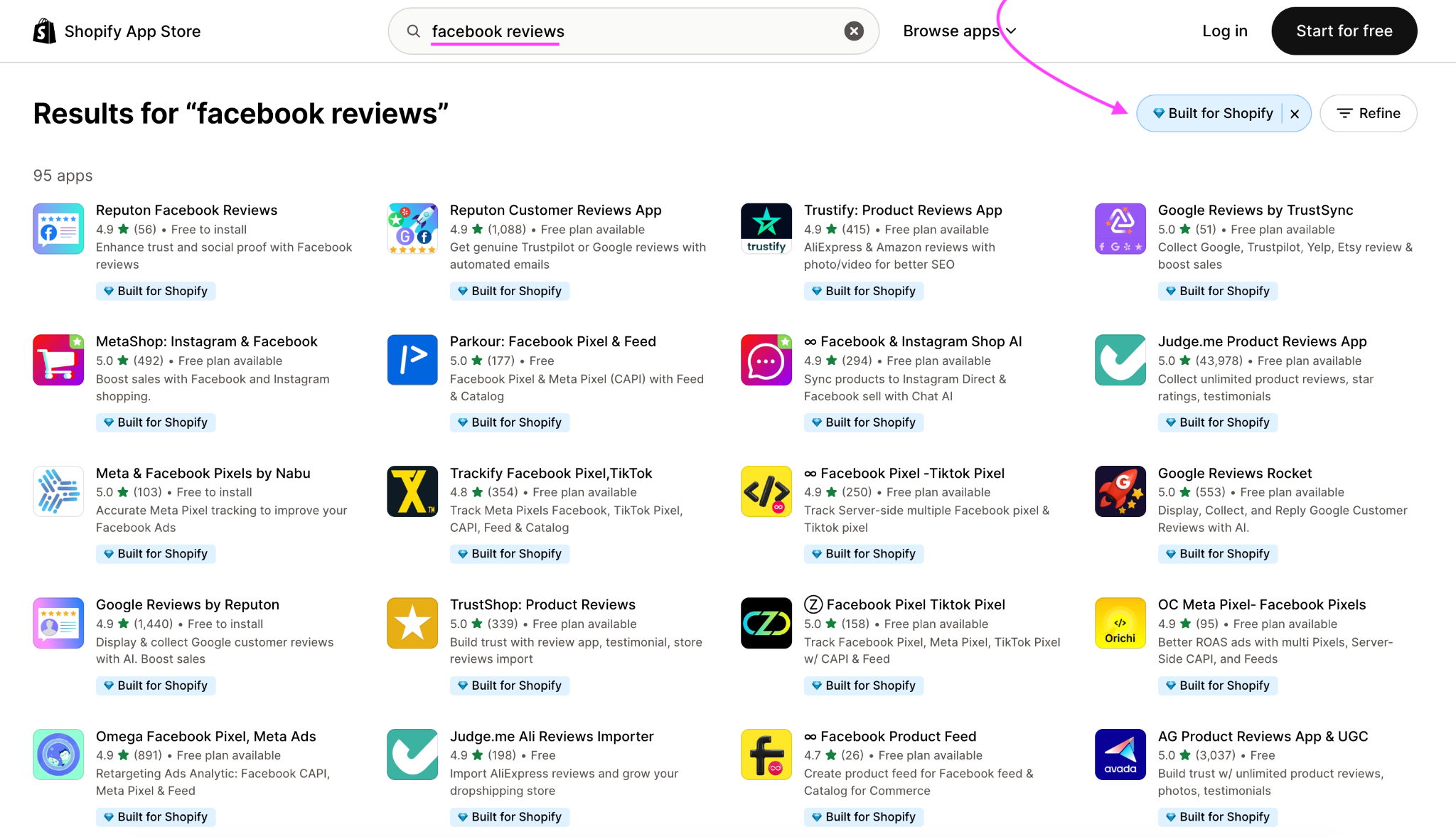
For this walkthrough, I’m using Reputon Facebook Reviews as an example of how these apps work.
- Install the app and connect your Facebook Page: From the Reputon Facebook Reviews listing, click Install, approve the requested permissions, then connect the Facebook Business Page you want to pull reviews from.
- Choose a widget layout: Reputon supports formats including carousels, rating lists, compact sliders, badges, and grids. Pick the one that fits your page, then adjust the styling and review display settings.
- Add it to your Shopify theme: In your Shopify admin, go to Online Store > Themes > Customize, open the page or template where you want the reviews to appear, and add the Reputon app block. Position it, check the mobile preview, and save.
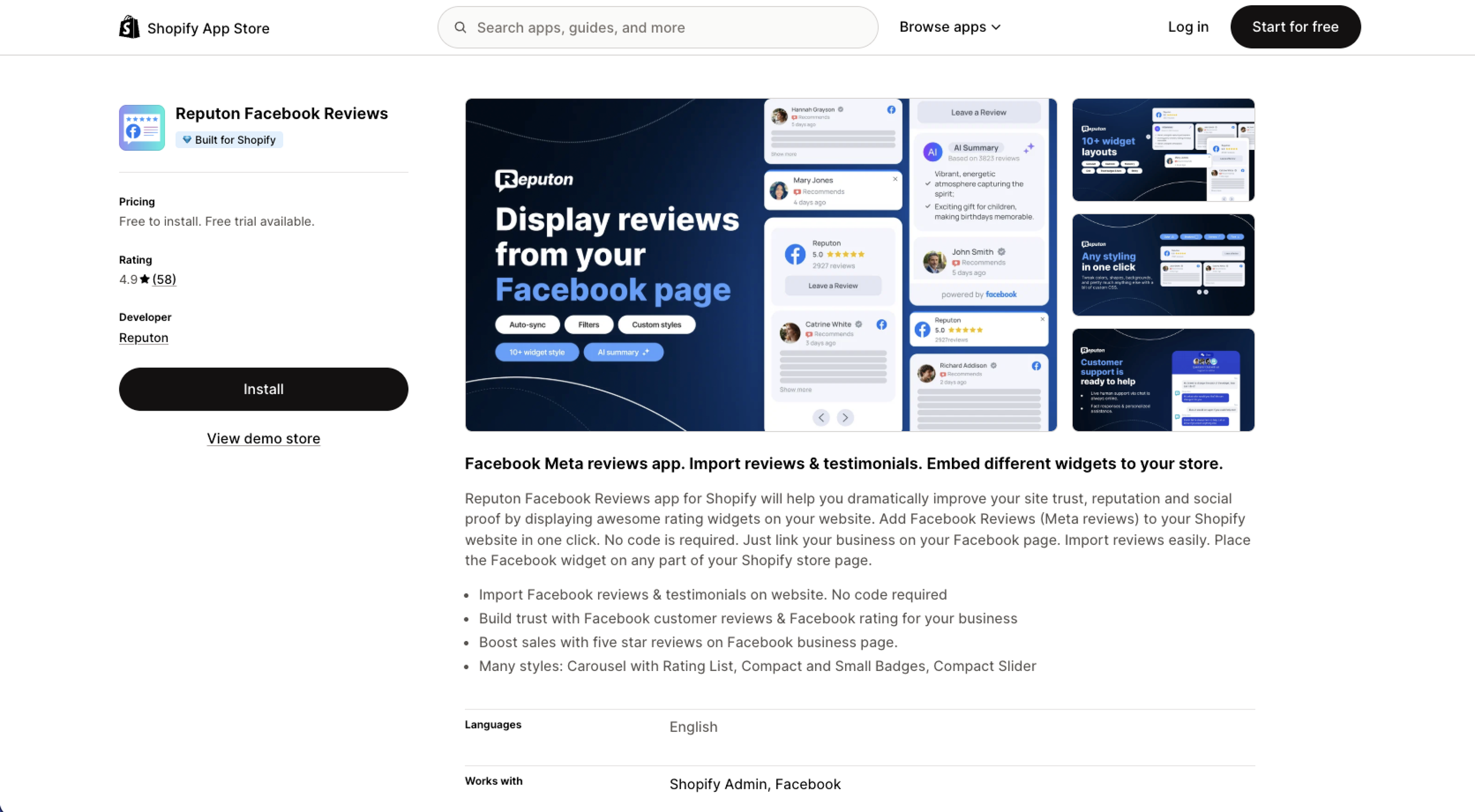
If you go this route, the first trade-off is cost. Reputon currently charges $5.99 per month. Elfsight, another app, also costs $5.99 per month after its trial. That’s not exactly budget-breaking, but if you’re selling on Shopify, this likely isn’t the only add-on for your store.
The second trade-off is performance. I wouldn’t panic about one review widget, but apps can still add JavaScript, CSS, and other storefront resources. Shopify’s own performance guidance says that, as apps accumulate, each new app can introduce third-party JavaScript that competes for the browser’s main thread.
That’s critical to watch because speed and sales move together. In Shopify’s 2026 analysis of actively selling stores, every additional 100 milliseconds of load time was associated with roughly 3.5 percent lower conversion.
The app route is easy and perfectly sensible if you’re happy with the fee. If you’d rather add Facebook reviews without installing another Shopify app, there’s another route.
Option 2: Embed a free, customizable widget
If six dollars here and six dollars there is starting to turn into a crowded subscription bill, skip the Shopify app altogether.
Jotform’s Facebook Reviews Widget is free, codeless to build, and lives entirely outside your Shopify store. You give it your Facebook Reviews URL, customize what shoppers see, then paste the finished embed into Shopify.

Here’s how it works.
- Add your Facebook Reviews URL: Open the Facebook Reviews Widget and paste the URL for your Facebook Page’s reviews into the Facebook Reviews URL field. Your Facebook Page needs a custom username, or vanity URL, for Jotform to fetch the reviews.
- Make the widget look like your brand: Choose your layout and decide what to show, from the overall rating and review count to reviewer names and photos. You can also edit the title, text, and button colors; call to action; and navigation.
- Copy the embed into Shopify: Click Try it on your Website for Free, then Copy Code. For a product page on a modern Shopify theme, go to Online Store > Themes > Customize, open the relevant product template, add a Custom Liquid section, and paste in the embed code.

That’s the whole setup. Jotform hosts the widget, and you can edit the widget from your workspace after it’s live without replacing the embed code every time.
You still might want to check the speed of the finished page, because every third-party embed is capable of slowing things down.
Pro Tip
For a more detailed walkthrough, check out Jotform’s guide on how to add Facebook reviews to your website.
Jotform Website Widgets come with unlimited access to all features until January 2027, including the Facebook Reviews Widget’s customization options.
Option 3: Code a custom Meta Graph API integration
This used to be a viable do-it-yourself option. In 2026, I wouldn’t do it. You’ll see why in a minute.
Facebook Page reviews were historically available through Meta’s Graph API at the Page Ratings endpoint. A developer could create a Meta app, get access to the merchant’s Facebook Page, retrieve the review data, and write the JavaScript needed to turn the response into something presentable on Shopify.
That was already cumbersome. Then Meta deprecated Page Recommendations in Graph API v22.0. That leaves you with a temporary workaround:
- Create a Meta developer app and obtain Page access: You’ll need a Meta Developer account, an app connected to the Facebook Page, the appropriate Page permissions, and a Page Access Token. Keep that token on the server side; Shopify warns against putting secrets into Liquid templates, theme assets, or public JavaScript.
- Request the reviews through the legacy Graph API: The old flow calls the Page’s /ratings endpoint and returns review data as JSON. The operative word here is old: Meta says Page Recommendations are deprecated in v22.0 and later, so a new integration would currently have to remain on Graph API v21 or earlier.
- Build and maintain the storefront output: You still need somewhere secure to make the API request, code to process the response, and HTML/CSS to display it in Shopify. And because Graph API v21 is scheduled to retire on January 21, 2027, this solution is short lived.
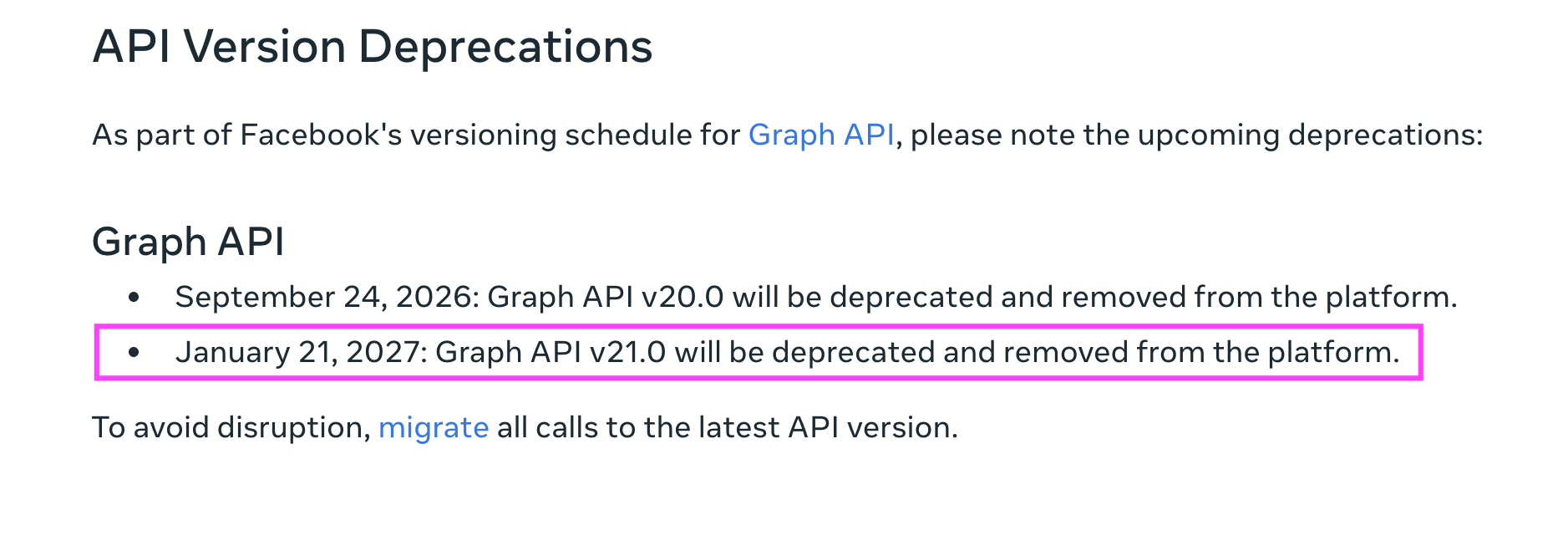
The deal-breaker for me is that Meta hasn’t provided a replacement for the deprecated Page Recommendations API. You’ll also want a server-side layer between Meta and the storefront. A Page Access Token is a credential, and putting it directly into a Liquid file or browser-side JavaScript would expose it to anyone inspecting the page.
So, could you code this yourself today? Yes, at least for the moment. But would I recommend spending developer hours on an integration Meta has already set an end date for? No.
Don’t let your Facebook reviews slow down your Shopify store
You’ve got a few rules for your Facebook social proof, no matter which route you choose:
- Display what Facebook collects: Facebook Pages now center Recommendations while still showing an overall Page rating.
- Skip the screenshot hack: The W3C recommends using real text instead of images of text where possible, particularly for accessibility.
- Keep the proof traceable: Preserve reviewer details and a route back to the source where your display method allows it.
The Jotform Website Widgets library is home to over 150 widgets, but Jotform also has a Shopify integration for the heavier lifting. You can embed order forms, customer surveys, and payment forms directly into your store.
Remember, Jotform Website Widgets are currently free with unlimited access to all features until January 2027. So you can try out the same embed-first option for other small storefront jobs, including a Popup Widget for offers, a Countdown Timer for sales and launches, and a WhatsApp Chat Widget for customer questions.
How to add Facebook reviews to Shopify FAQs
Shopify’s Shop app already collects product reviews from verified purchasers. You can sync eligible reviews from Judge.me, Loox, Okendo, Stamped.io, or Yotpo.
However, reviews uploaded or migrated by CSV aren’t eligible to appear in Shop, so Facebook Recommendations can’t simply be imported there through a spreadsheet.
Very much so, although Meta now calls them Recommendations. BrightLocal’s 2026 Local Consumer Review Survey found that 34 percent of U.S. consumers had written a Facebook review in the previous year, second only to Google at 45 percent.
If you’re looking for a free Shopify Facebook reviews app, check whether it pulls current Recommendations. Or use Jotform’s embeddable widget, which handles the connection for you.
This article is for Direct-to-consumer (DTC) brands, dropshippers, and independent e-commerce merchants running Meta Ads who want to leverage their Facebook Page social proof to increase store conversions without slowing down their Shopify theme.

















































Send Comment: