
Google Play Reviews Grid Widget With Vertical Lightbox
We couldn't create your widget. Please try again.
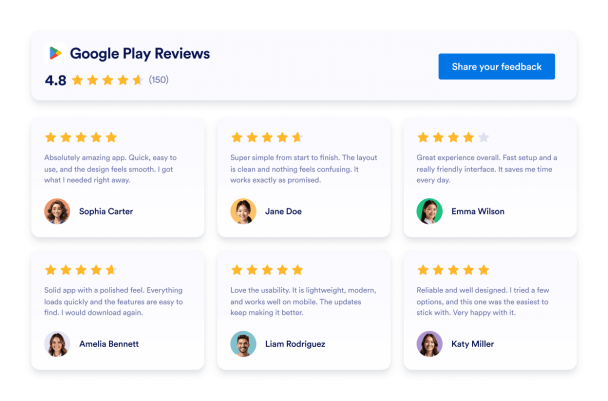

We couldn't create your widget. Please try again.

We couldn't create your widget. Please try again.

We couldn't create your widget. Please try again.

We couldn't create your widget. Please try again.
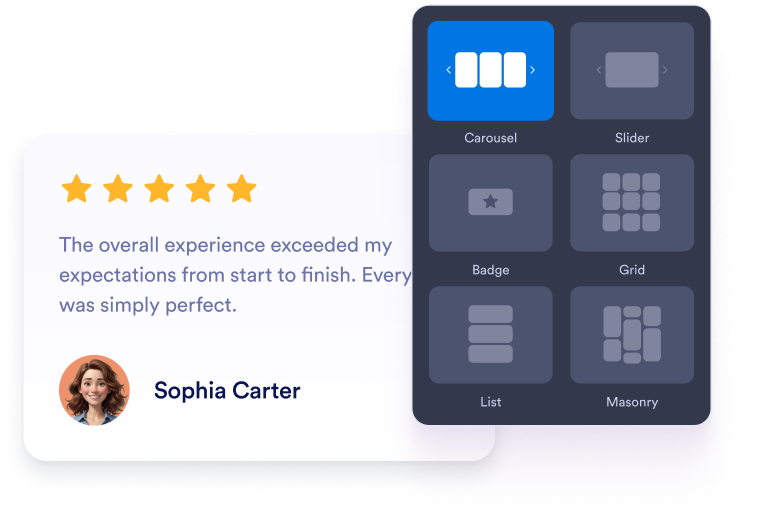
Wählen Sie ein Layout als Karussell, Slider, Badge, Raster oder Liste. Passen Sie Farben, Schrift, Abstände und Breite an die Website Ihrer App an.
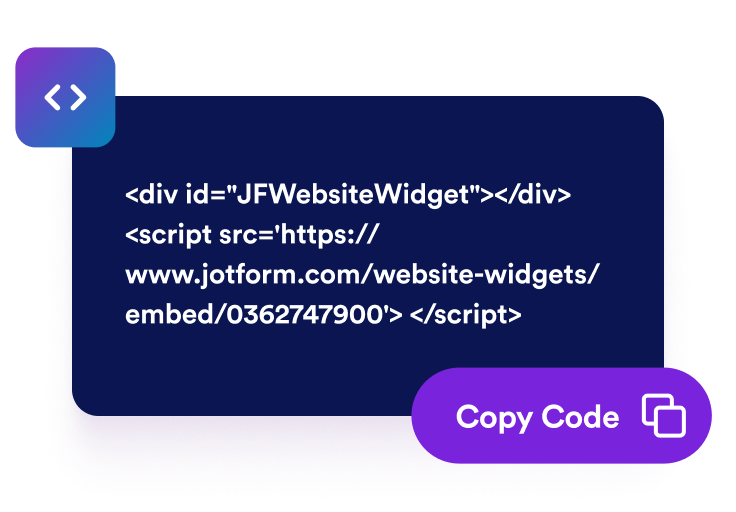
Sehen Sie sich Ihre Google-Play-Bewertungen in der Vorschau an und gehen Sie weiter zum Veröffentlichen. Jotform erstellt den Einbettungscode automatisch, sodass Sie ihn nicht selbst erstellen oder bearbeiten müssen.

Fügen Sie den generierten Code in einen HTML- oder Einbettungsblock ein. Veröffentlichen Sie die Seite und prüfen Sie, wie die Bewertungen auf Desktop und Mobilgeräten erscheinen.
Zeigen Sie Bewertungen und Kommentare von Google-Play-Nutzern neben Ihrer App-Beschreibung. Feedback aus erster Hand gibt Interessenten wertvollen Kontext zu Funktionen, Bedienbarkeit, Zuverlässigkeit und Gesamterlebnis der App, bevor sie eine Installation in Betracht ziehen.
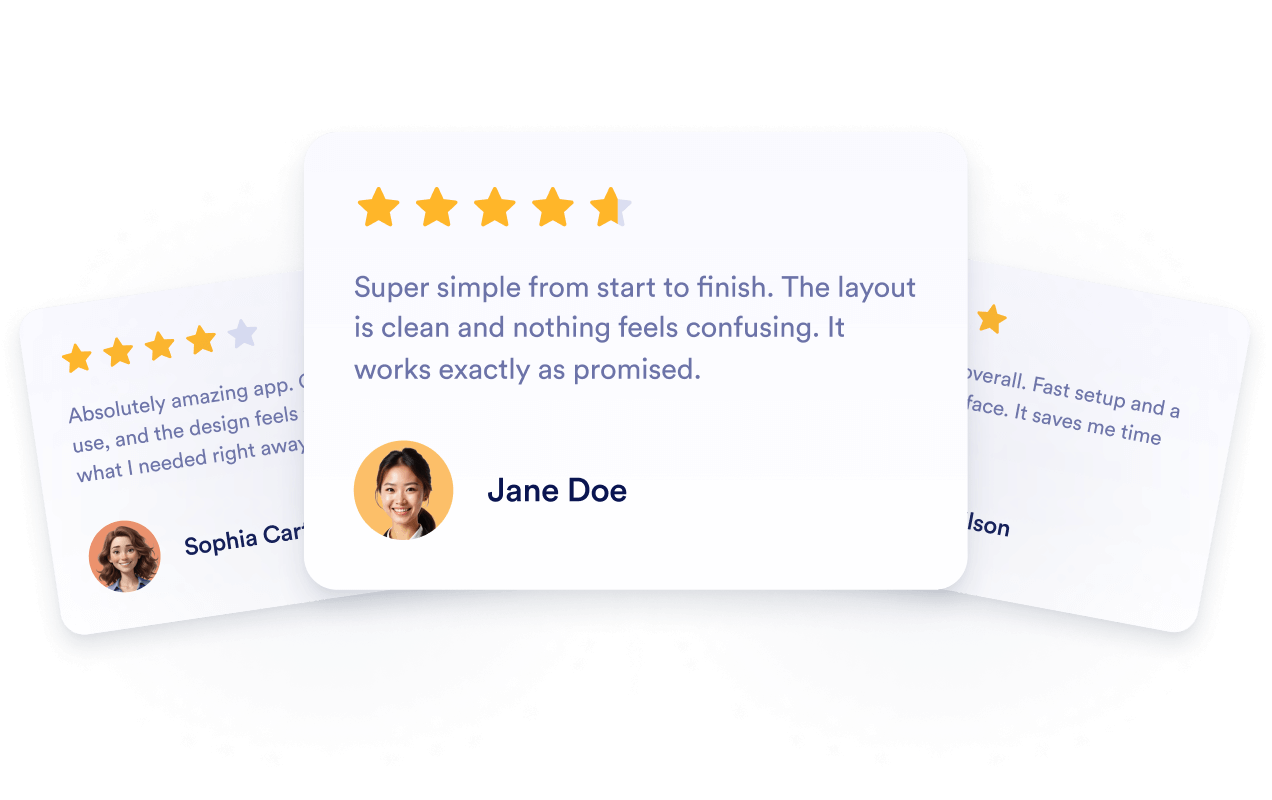
Verbinden Sie das Widget mit Ihrem öffentlichen Google-Play-Eintrag, damit neue Bewertungen und Rezensionen automatisch erscheinen können. So zeigen Sie stets aktuelles Nutzerfeedback, ohne den Bereich neu aufzubauen oder den Einbettungscode zu ersetzen.
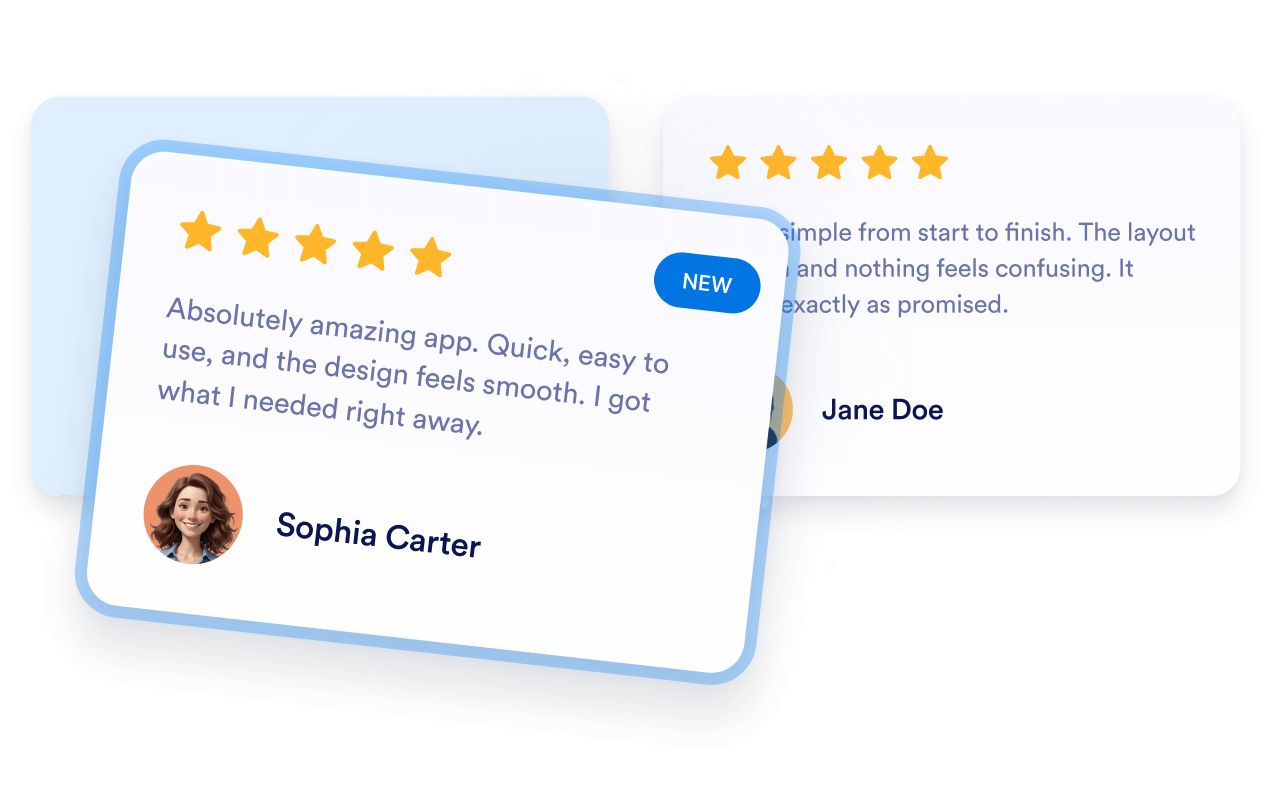
Fügen Sie passendes Google-Play-Feedback auf App-Landingpages ein, auf denen sich Besucher über Ihr Produkt informieren. Bewertungen bieten Interessenten nützlichen Kontext. Das Einbetten garantiert aber weder eine Indexierung noch ein besseres Ranking.

Platzieren Sie Nutzerfeedback neben Download-Buttons, Funktionsbeschreibungen, Demos oder Anmeldeoptionen. Passende Bewertungen können häufige Bedenken ausräumen und Besuchern bei der Entscheidung helfen, ob sie die App installieren oder näher kennenlernen möchten.

Mit den Widgets von Jotform wird Ihre Website interaktiver und Sie steigern Ihre Conversion-Rate. Zur Auswahl stehen zahlreiche Tools wie Sternebewertungen, Slideshows mit Erfahrungsberichten, Pop-ups mit Social Proof und eingebettete Medien. Fügen Sie Widgets zu Ihren Formularen oder Landingpages hinzu, um Daten zu sammeln, Erfahrungsberichte anzuzeigen und Leads zu gewinnen – ganz ohne Programmierkenntnisse.
Fügen Sie Jotform-Widgets mithilfe eines Einbettungscodes in Ihre Website ein. Passen Sie das Widget an, sehen Sie sich die Vorschau an und fügen Sie den Code in jede Seite ein, die benutzerdefiniertes HTML oder Einbettungsblöcke unterstützt – ganz ohne Entwicklerinnen oder Entwickler.
Mit Jotform Website Widgets sammeln Sie Leads, zeigen Kundenfeedback, präsentieren Social Proof, binden Medien ein oder fügen nützliche Webseiten-Tools hinzu. Über jedes Widget können Besucher direkt auf Ihrer Website mit Ihrem Unternehmen interagieren.
Wenn Sie Unterstützung bei der Einrichtung, Anpassung, Einbettung oder Fehlerbehebung Ihres Widgets benötigen, steht Ihnen das Kundensupport-Team von Jotform rund um die Uhr zur Verfügung. So können Sie beruhigt weiterarbeiten, denn Sie wissen: Hilfe ist da, wenn Sie sie brauchen.
Fügen Sie Bewertungen auf Seiten ein, auf denen Besucher Funktionen vergleichen, Nutzererfahrungen einschätzen oder entscheiden, ob sie Ihre App installieren.
App-Download-Seiten, um Nutzerfeedback neben Screenshots und Installations-Buttons zu zeigen.
Bereiche auf der Startseite, um Bewertungen und Rezensionen neben der zentralen Botschaft Ihrer App vorzustellen.
Funktionsseiten, um Produktinformationen mit Erfahrungen aktueller Nutzer zu ergänzen.
Preisseiten, um zusätzlichen Kontext zu bieten, bevor Besucher einen Tarif wählen.
Release-Seiten, um aktuelles Feedback neben Versions- und Update-Informationen zu zeigen.
Supportseiten, um Interessenten zu überzeugen, die sich über Einrichtung, Bedienbarkeit oder Zuverlässigkeit informieren.
Machen Sie mit Jotform aus Interesse Taten. Erstellen Sie leistungsstarke Formulare, die Leads gewinnen, Zahlungen entgegennehmen und Antworten automatisieren – alles an einem Ort. Jede Antwort landet in Ihrem Jotform Posteingang, wo Sie nachfassen oder sie mit Ihren Lieblings-Apps verbinden können.
Jetzt starten – Kostenlos!
Ein Widget für Google-Play-Bewertungen zeigt auf Ihrer Website Bewertungen und öffentliches Nutzerfeedback aus dem Google-Play-Eintrag einer App. So können Besucher Erfahrungen mit der App einschätzen, ohne Ihre Produkt- oder Download-Seite zu verlassen.