Image-Slider-Widget für Ihre Website
Erstellen Sie einen Image-Slider für Banner, Produkt-Highlights, Bildergalerien, Ankündigungen und Werbekarussells. Mit dem Image-Slider-Widget von Jotform fügen Sie Bilder oder Videos, Überschriften, Badges, CTA-Buttons, Links, Overlays, automatische Wiedergabe, Endlosschleife, Überblend- oder Schiebeeffekte und responsive Navigation hinzu – ganz ohne eigenen HTML-Code. So wird aus Ihren Bildern ein Bildkarussell, das zu Ihrer Seite passt.
Jetzt erstellen – kostenlos!

So erstellen Sie das Widget Slideshow
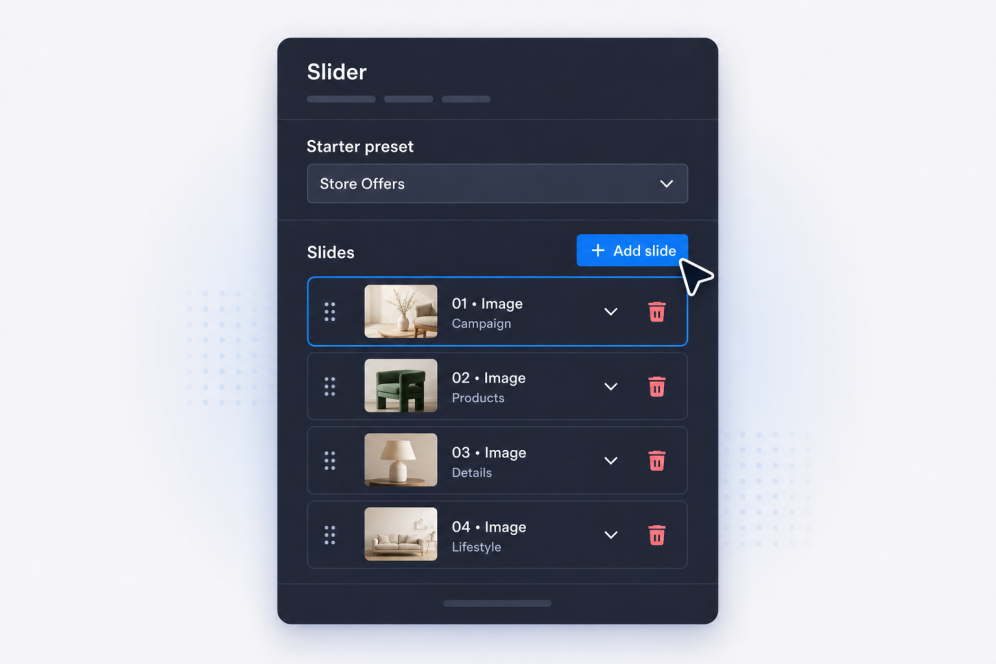
Slides hinzufügen
Erstellen Sie Slides mit Titel, Text, Badges, Buttons, Bildern, Videos und Ziel-Links für jedes Banner, jede Aktion, jedes Galeriebild oder jede Ankündigung.
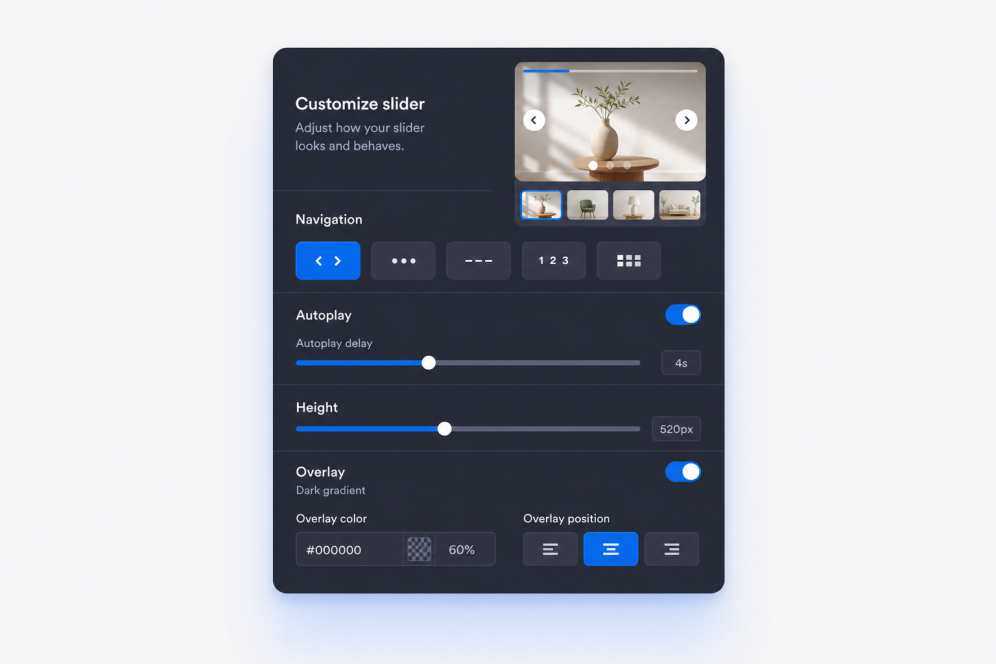
Layout und Animation festlegen
Legen Sie fest, wo der Inhalt der Slides erscheint, und wählen Sie Überblend- oder Schiebeeffekt, Tempo der automatischen Wiedergabe, Endlosschleife und Navigation.

Formatieren und einbetten
Passen Sie Breite, Höhe, Overlays, Medienausrichtung, Pfeile, Seitennavigation, Farben und Branding an und kopieren Sie anschließend den Einbettungscode, um das Image-Slider-Widget in Ihre Website einzufügen.
Slider, die zu Ihrer Seite passen
Bildstarke Slide-Bereiche erstellen
Machen Sie aus einem einfachen Image-Slider einen ansprechenden Bereich Ihrer Website. Jede Slide kann Badge, Überschrift, Beschreibung, CTA-Button, Link, Bild und optional ein Video enthalten – für Kampagnen, Galerien oder Produkt-Highlights.
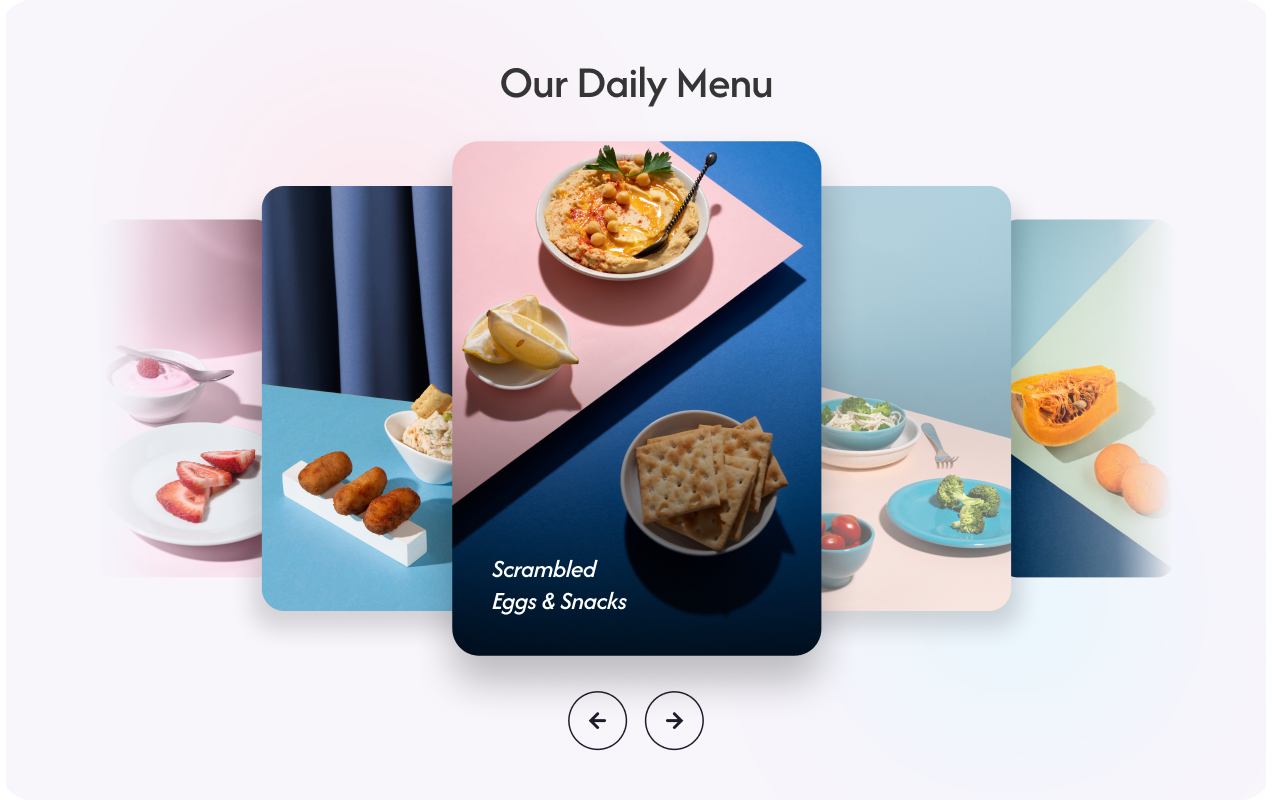
Banner-Inhalte gut lesbar halten
Platzieren Sie Text und Buttons dort, wo sie auf dem jeweiligen Bild oder Video am besten wirken. Dank flexibler Positionierung bleibt jeder Image-Slider übersichtlich – ob als Hero-Banner, Werbeblock oder visuelle Geschichte.
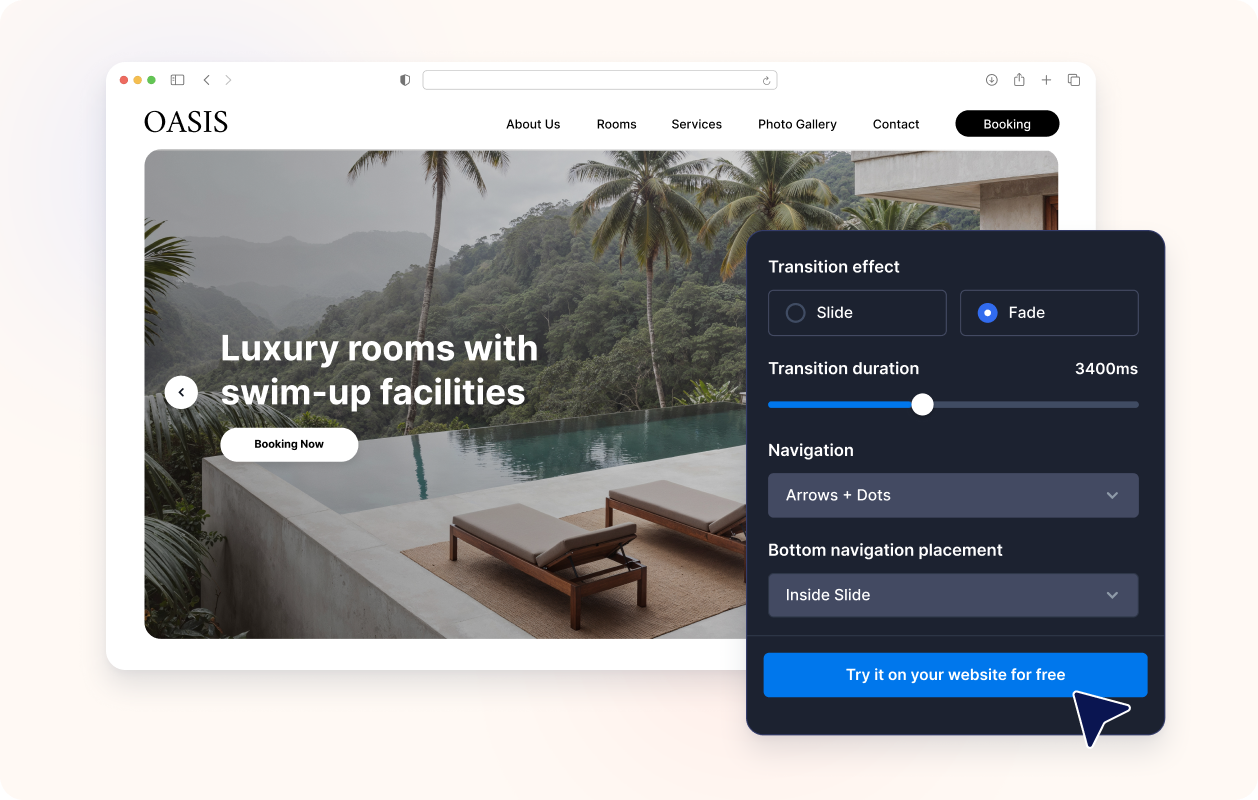
Animation und Navigation steuern
Nutzen Sie Schiebe- oder Überblendeffekte, automatische Wiedergabe, Endlosschleife, Pfeile sowie Punkte, Zahlen, Striche oder Miniaturansichten zur Navigation. So entsteht ein Bildkarussell, das Besuchende selbst durchblättern oder automatisch ansehen können, ohne die Kernbotschaft aus den Augen zu verlieren.

Passend zum Design Ihrer Website
Passen Sie Breite, Höhe, Kartenstil, Innenabstände, Overlay-Stärke, Design-Vorlagen, Button-Stile, Farben und eigenes CSS an, damit sich das Image-Slider-Widget natürlich in Ihre Seite einfügt.

Warum sich Jotform Website Widgets auszeichnen
Mit den Widgets von Jotform wird Ihre Website interaktiver und Sie steigern Ihre Conversion-Rate. Zur Auswahl stehen zahlreiche Tools wie Sternebewertungen, Slideshows mit Erfahrungsberichten, Pop-ups mit Social Proof und eingebettete Medien. Fügen Sie Widgets zu Ihren Formularen oder Landingpages hinzu, um Daten zu sammeln, Erfahrungsberichte anzuzeigen und Leads zu gewinnen – ganz ohne Programmierkenntnisse.
Fügen Sie Jotform-Widgets mithilfe eines Einbettungscodes in Ihre Website ein. Passen Sie das Widget an, sehen Sie sich die Vorschau an und fügen Sie den Code in jede Seite ein, die benutzerdefiniertes HTML oder Einbettungsblöcke unterstützt – ganz ohne Entwicklerinnen oder Entwickler.
Mit Jotform Website Widgets sammeln Sie Leads, zeigen Kundenfeedback, präsentieren Social Proof, binden Medien ein oder fügen nützliche Webseiten-Tools hinzu. Über jedes Widget können Besucher direkt auf Ihrer Website mit Ihrem Unternehmen interagieren.
Wenn Sie Unterstützung bei der Einrichtung, Anpassung, Einbettung oder Fehlerbehebung Ihres Widgets benötigen, steht Ihnen das Kundensupport-Team von Jotform rund um die Uhr zur Verfügung. So können Sie beruhigt weiterarbeiten, denn Sie wissen: Hilfe ist da, wenn Sie sie brauchen.
Wo Sie Ihr Image-Slider-Widget einsetzen können
Fügen Sie einen Slider überall dort ein, wo Ihre Seite wechselnde Bilder, Werbebotschaften oder eine kompakte Möglichkeit braucht, mehrere Inhalte in einem Bereich zu zeigen.
Hero-Bereiche der Startseite: Lassen Sie Kampagnen, Produktneuheiten, saisonale Angebote und wichtige Ankündigungen rotieren.
Werbe-Slider: Heben Sie Sales, befristete Angebote, Gutscheinaktionen oder ausgewählte CTAs hervor.
Produkt- und Kollektionsseiten: Kombinieren Sie Produktfotos, Vorteile und Kauflinks in einem Bildkarussell.
Portfolio- und Fallstudienseiten: Führen Sie Besuchende durch Projektbilder, Ergebnisse, Kundenstimmen und Belege.
Event- und Webinarseiten: Stellen Sie Speaker, Programm, Sponsoren und Anmeldeaufforderungen in einem einzigen Slider vor.
Landingpages: Erzählen Sie mit einem Slider eine Geschichte, die Besuchende durch Bilder, Botschaften und Handlungsaufforderungen führt.
Gewinnen Sie Leads als zahlende Kunden mit dem Jotform Formulargenerator
Nutzen Sie Jotform, um aus jedem Kontakt eine konkrete Maßnahme zu machen. Erstellen Sie leistungsstarke Formulare, mit denen Sie Leads erfassen, Zahlungen abwickeln und Antworten automatisieren – und das alles an einem Ort. Jede Antwort landet in Ihrem Jotform Posteingang, von wo aus Sie nachfassen oder Ihre bevorzugten Apps verbinden können.
Jetzt starten – Kostenlos!
FAQ
Was ist ein Image-Slider-Widget?
Ein Image-Slider-Widget zeigt mehrere Slides in einem einzigen eingebetteten Element auf Ihrer Website. Jede Slide kann Bilder oder Videos mit Text, Badges, Links und CTA-Buttons kombinieren.
Kann ich das Widget als Banner-Slider für meine Website nutzen?
Kann ich einen Image-Slider für meine Website erstellen?
Kann ich Bilder und Videos im selben Slider verwenden?
Kann jede Slide eigene Texte und Links haben?
Kann ich festlegen, wo der Text erscheint?
Unterstützt der Slider Überblend- und Schiebeeffekte?
Kann der Slider automatisch und in Endlosschleife laufen?
Welche Navigationsarten gibt es?
Kann ich die Größe des Image-Sliders ändern?
Muss ich für die Einbettung eigenen HTML-Code schreiben?
Auf welchen Website-Plattformen funktioniert das Image-Slider-Widget?
Kann ich Hilfe bei der Einrichtung meines Image-Slider-Widgets bekommen?
Ist das Image-Slider-Widget kostenlos?