Kostenloses Besucherzähler-Widget für Ihre Website
Zeigen Sie die Seitenaufrufe Ihrer Website und eindeutige Besucher auf Basis der IP-Adresse mit einem kostenlosen, anpassbaren Besucherzähler-Widget an. Wählen Sie Kennzahlen und Zeiträume, fügen Sie optional ein Aktivitätsdiagramm hinzu und passen Sie den Zähler ohne Programmierung an den Stil Ihrer Website an.
Jetzt erstellen – kostenlos!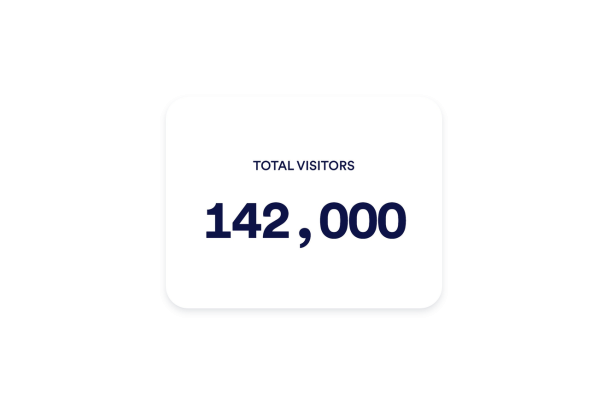

So erstellen Sie das Widget Besucherzähler
Kennzahlen wählen
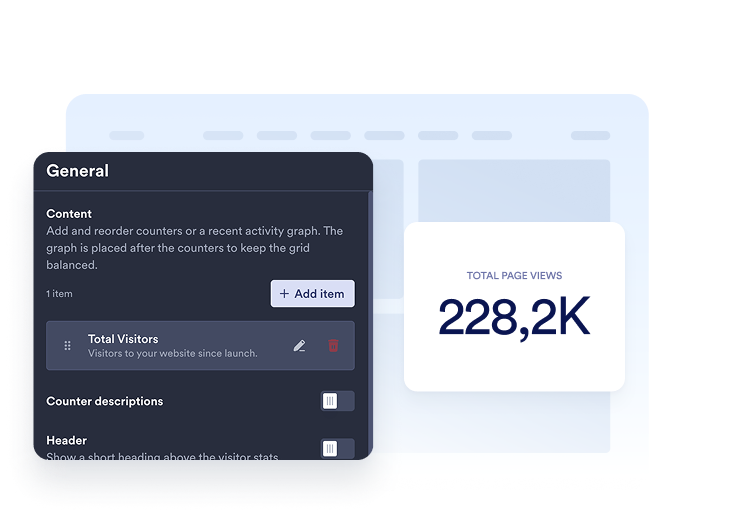
Fügen Sie die Zähler hinzu, die Sie anzeigen möchten. Wählen Sie für jeden Eintrag einen Zeitraum sowie Seitenaufrufe oder eindeutige Besucher aus und passen Sie dann Titel und Beschreibung an.
Zähler anpassen
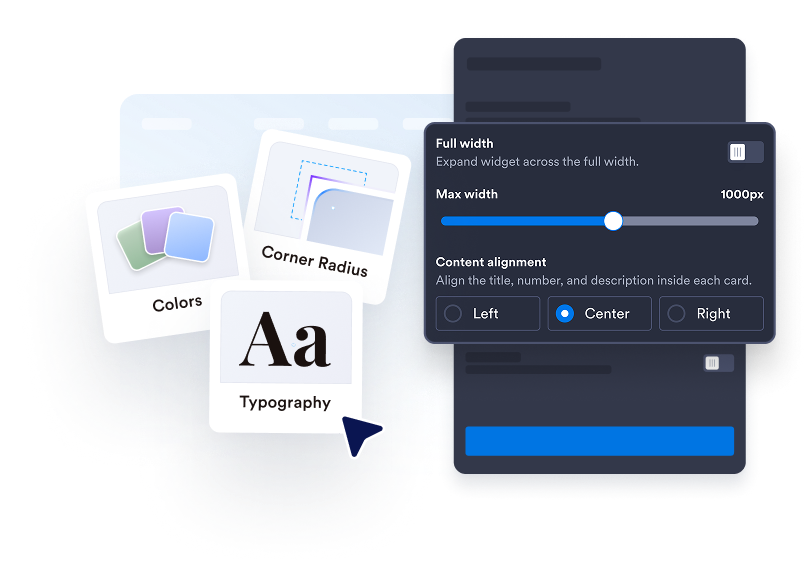
Wählen Sie zwischen Karten, Inline, Mini oder Vertikal. Passen Sie Farben, Abstände, Zahlenformat und Breite an. In unterstützten Layouts können Sie ein Linien-, Flächen-, Balken- oder Kreisdiagramm hinzufügen.

Betten Sie es auf Ihrer Website ein
Fügen Sie den Einbettungscode in einen HTML- oder Einbettungsblock ein und veröffentlichen Sie Ihre Seite, um das Website-Widget anzuzeigen.
Machen Sie Ihre Website-Aktivität sichtbar
Wählen Sie die Zahlen, die zählen
Zeigen Sie Seitenaufrufe oder eindeutige Besucher auf Basis der IP-Adresse für heute, gestern, diese Woche, diesen Monat, dieses Jahr oder den gesamten Zeitraum an. Fügen Sie mehrere Zähler hinzu, ändern Sie ihre Reihenfolge und geben Sie jedem einen klaren Titel und eine Beschreibung.
Das passende Layout für Ihre Seite
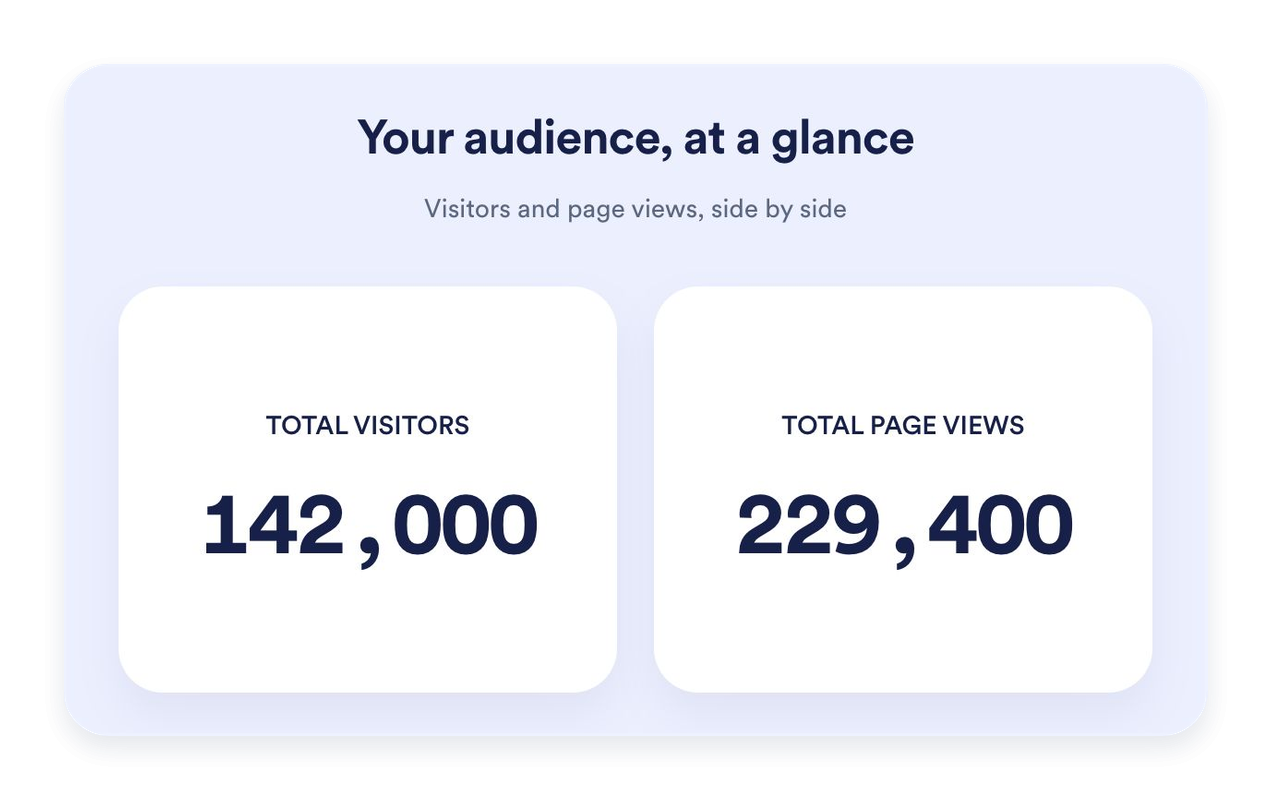
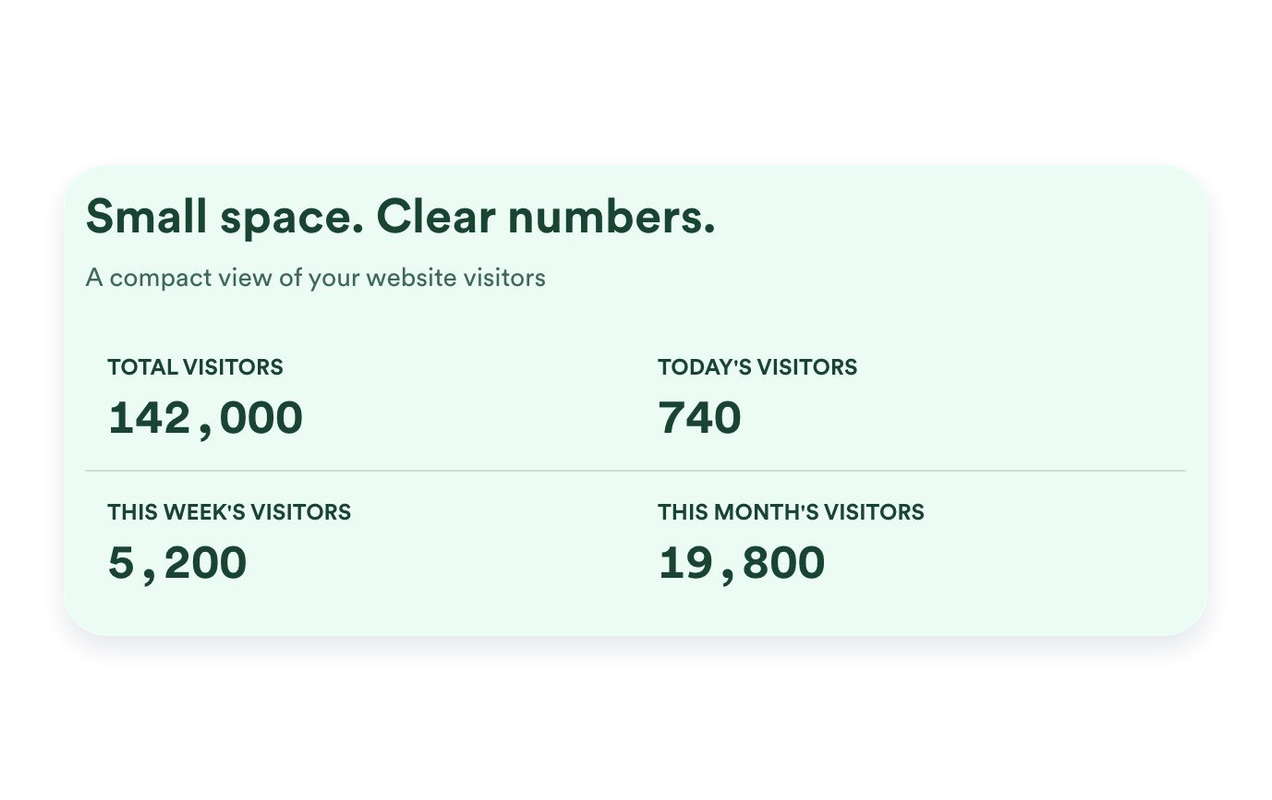
Nutzen Sie Karten, um einzelne Kennzahlen hervorzuheben, Inline für einen kompakten Bereich, Mini für eine reine Zahlenanzeige oder Vertikal für ein gestapeltes Layout. Legen Sie eine maximale Breite fest und passen Sie die Abstände an Ihre Website an.
Zeigen Sie aktuelle Aktivität im Verlauf
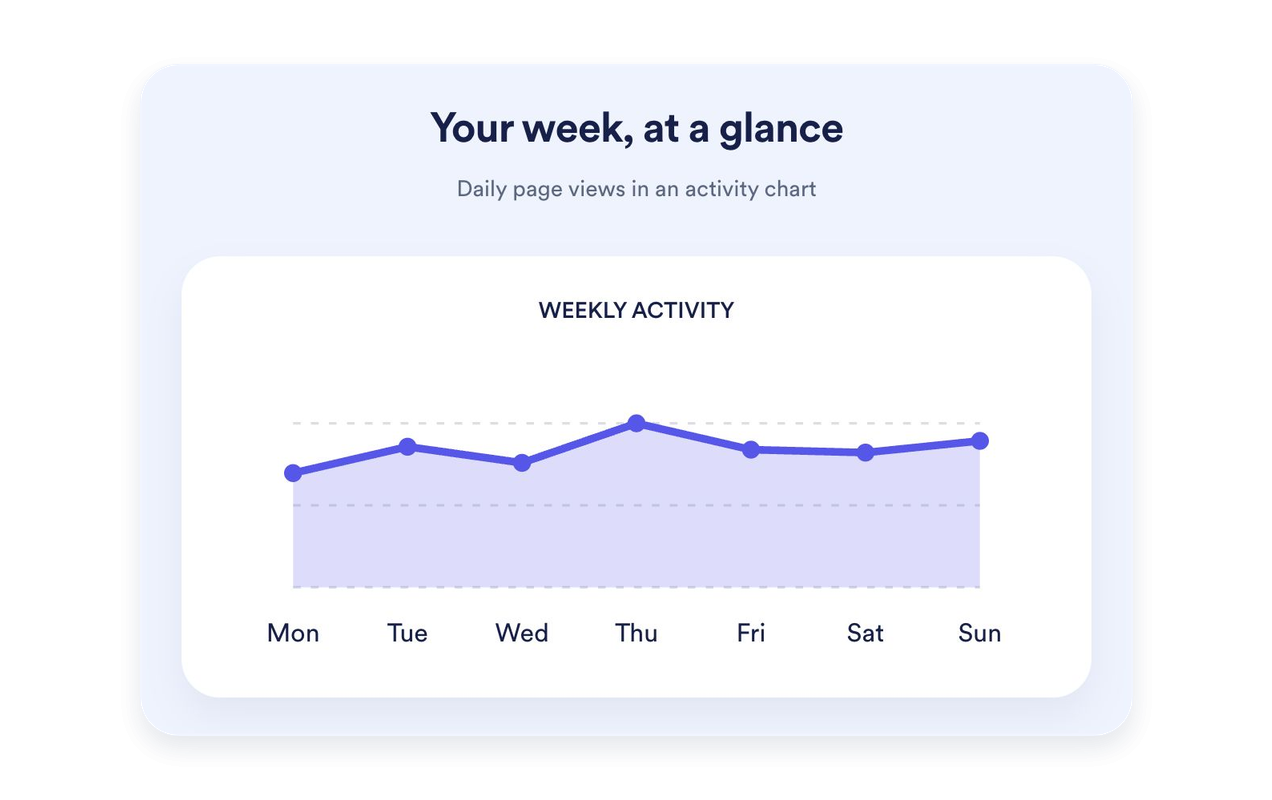
Zeigen Sie die Seitenaufrufe der letzten sieben Tage als Linien-, Flächen-, Balken- oder Kreisdiagramm. Geben Sie dem Diagramm einen eigenen Titel und eine Beschreibung. Diagramme gibt es in den Layouts Karten, Inline und Vertikal; Mini konzentriert sich auf die Zahlen.
Gestalten Sie Ihren Zähler passend zu Ihrer Website
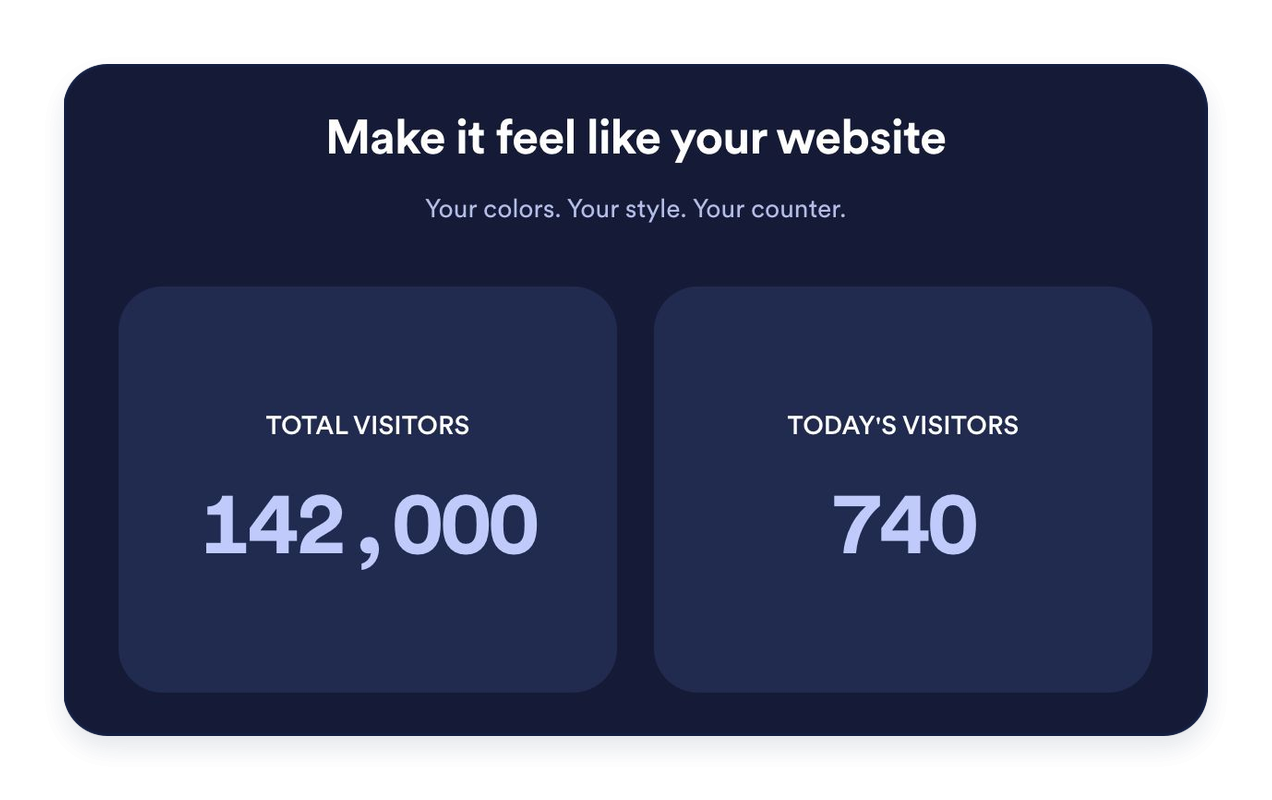
Wählen Sie helle, dunkle oder eigene Farben. Passen Sie Hintergründe, Schrift, Zahlenformat, Kartenecken und Ausrichtung an. Fügen Sie optional eine Überschrift und einen Text hinzu, um Ihre Statistiken einzuleiten.
Warum sich Jotform Website Widgets auszeichnen
Mit den Widgets von Jotform wird Ihre Website interaktiver und Sie steigern Ihre Conversion-Rate. Zur Auswahl stehen zahlreiche Tools wie Sternebewertungen, Slideshows mit Erfahrungsberichten, Pop-ups mit Social Proof und eingebettete Medien. Fügen Sie Widgets zu Ihren Formularen oder Landingpages hinzu, um Daten zu sammeln, Erfahrungsberichte anzuzeigen und Leads zu gewinnen – ganz ohne Programmierkenntnisse.
Fügen Sie Jotform-Widgets mithilfe eines Einbettungscodes in Ihre Website ein. Passen Sie das Widget an, sehen Sie sich die Vorschau an und fügen Sie den Code in jede Seite ein, die benutzerdefiniertes HTML oder Einbettungsblöcke unterstützt – ganz ohne Entwicklerinnen oder Entwickler.
Mit Jotform Website Widgets sammeln Sie Leads, zeigen Kundenfeedback, präsentieren Social Proof, binden Medien ein oder fügen nützliche Webseiten-Tools hinzu. Über jedes Widget können Besucher direkt auf Ihrer Website mit Ihrem Unternehmen interagieren.
Wenn Sie Unterstützung bei der Einrichtung, Anpassung, Einbettung oder Fehlerbehebung Ihres Widgets benötigen, steht Ihnen das Kundensupport-Team von Jotform rund um die Uhr zur Verfügung. So können Sie beruhigt weiterarbeiten, denn Sie wissen: Hilfe ist da, wenn Sie sie brauchen.
Wo Sie Ihr Besucherzähler-Widget einsetzen können
Platzieren Sie einen Besucherzähler dort, wo eine kurze Übersicht über die Aktivität auf Ihrer Website hilfreich ist. Wählen Sie die Kennzahlen und das Layout, die zur Seite passen.
Startseiten: Heben Sie die Gesamtzahl der Seitenaufrufe oder die aktuelle Aktivität neben Ihren Hauptinhalten hervor.
Blog-Footer: Fügen Sie einen Inline- oder Mini-Zähler hinzu, ohne von Ihren Artikeln abzulenken.
Landingpages: Stellen Sie ausgewählte Kennzahlen im Layout Karten klar und gut lesbar dar.
Seitenleisten: Ordnen Sie Zähler im Layout Vertikal untereinander an – passend für schmale Seitenbereiche.
Community-Websites: Zeigen Sie Seitenaufrufe und die Zahl eindeutiger Besucher auf Basis der IP-Adresse klar beschriftet an.
Event- und Launch-Seiten: Heben Sie die erfasste Aktivität von heute oder dieser Woche hervor.
Gewinnen Sie Leads als zahlende Kunden mit dem Jotform Formulargenerator
Nutzen Sie Jotform, um aus jedem Kontakt eine konkrete Maßnahme zu machen. Erstellen Sie leistungsstarke Formulare, mit denen Sie Leads erfassen, Zahlungen abwickeln und Antworten automatisieren – und das alles an einem Ort. Jede Antwort landet in Ihrem Jotform Posteingang, von wo aus Sie nachfassen oder Ihre bevorzugten Apps verbinden können.
Jetzt starten – Kostenlos!
FAQ
Was ist ein Besucherzähler-Widget?
Ein Besucherzähler-Widget zeigt auf Ihrer Website erfasste Seitenaufrufe und die Zahl eindeutiger Besucher auf Basis der IP-Adresse an. Wählen Sie aus, welche Zähler und Zeiträume angezeigt werden, passen Sie ihr Aussehen an und betten Sie das Widget ohne Programmierung ein.
Wie werden Seitenaufrufe und eindeutige Besucher gezählt?
Kann ich auswählen, welche Zähler angezeigt werden?
Kann ich einen Startwert festlegen?
Welche Layouts gibt es?
Kann ich ein Diagramm hinzufügen?
Kann ich das Design anpassen?
Muss ich programmieren, um den Zähler hinzuzufügen?
Funktioniert der Zähler auf Mobilgeräten?
Ist das Besucherzähler-Widget kostenlos?
Welche Website-Plattformen werden unterstützt?