Yelp-Bewertungen für Ihre Website
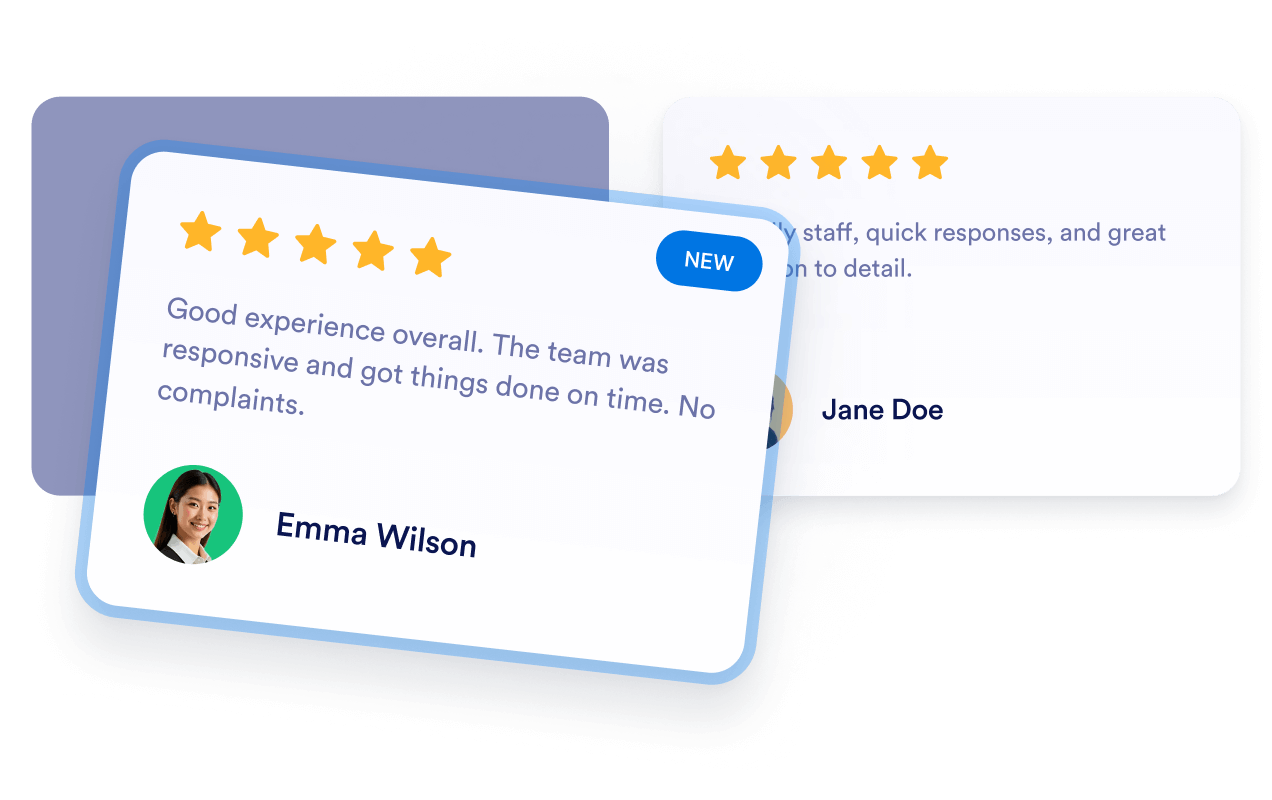
Schaffen Sie Vertrauen mit Kundenfeedback von einer bekannten Plattform direkt auf Ihrer Unternehmenswebsite. Das Widget „Yelp-Bewertungen” von Jotform zeigt Sternebewertungen und öffentliche Bewertungen von Ihrer Yelp-Unternehmensseite in einem anpassbaren, responsiven Layout an – ohne Programmierung.
Jetzt erstellen – kostenlos!

So erstellen Sie das Widget Yelp-Bewertungen
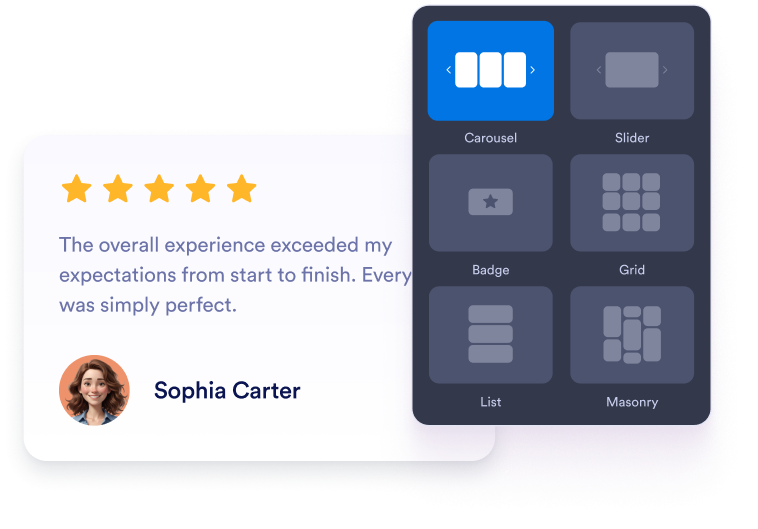
Widget anpassen
Wählen Sie ein Layout als Karussell, Slider, Badge, Raster oder Liste. Passen Sie Farben, Schrift, Abstände und Breite an die Website Ihrer App an.
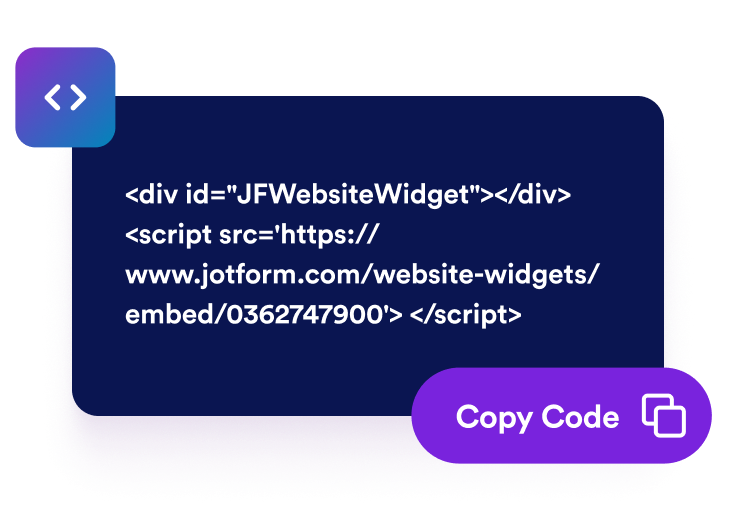
Einbettungscode kopieren
Sehen Sie sich Ihre Yelp-Bewertungen in der Vorschau an und fahren Sie mit dem Schritt zum Veröffentlichen fort. Jotform erstellt den Einbettungscode automatisch, sodass Sie ihn nicht manuell erstellen oder bearbeiten müssen.
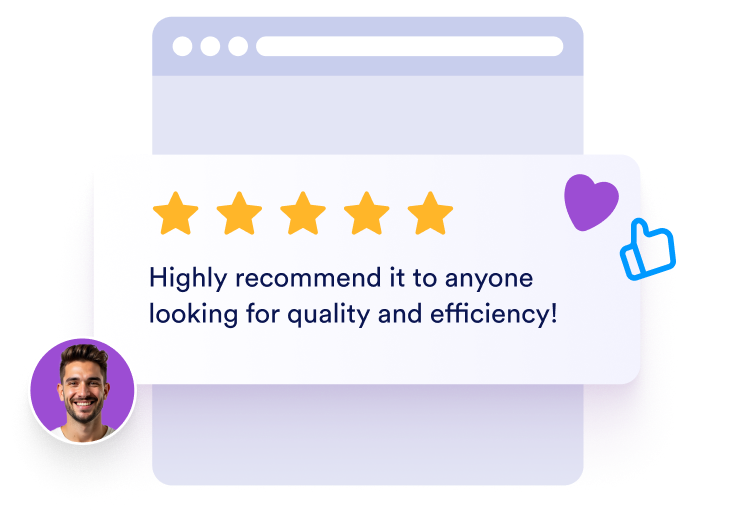
Überall einbetten
Fügen Sie den generierten Code in einen HTML- oder Einbettungsblock ein. Veröffentlichen Sie die Seite und prüfen Sie, wie die Bewertungen auf Desktop und Mobilgeräten erscheinen.
Präsentieren Sie Yelp-Bewertungen auf Ihrer gesamten Unternehmenswebsite
Bauen Sie Vertrauen mit Yelp-Bewertungen auf
Zeigen Sie Bewertungen und Feedback von einer bekannten Plattform, verfasst von Kunden, die Ihr Unternehmen besucht haben. Yelp-Bewertungen geben potenziellen Kunden zusätzliche Einblicke in Ihre Produkte, Dienstleistungen und Ihren Kundenservice, bevor sie anrufen, vorbeikommen, bestellen oder reservieren.
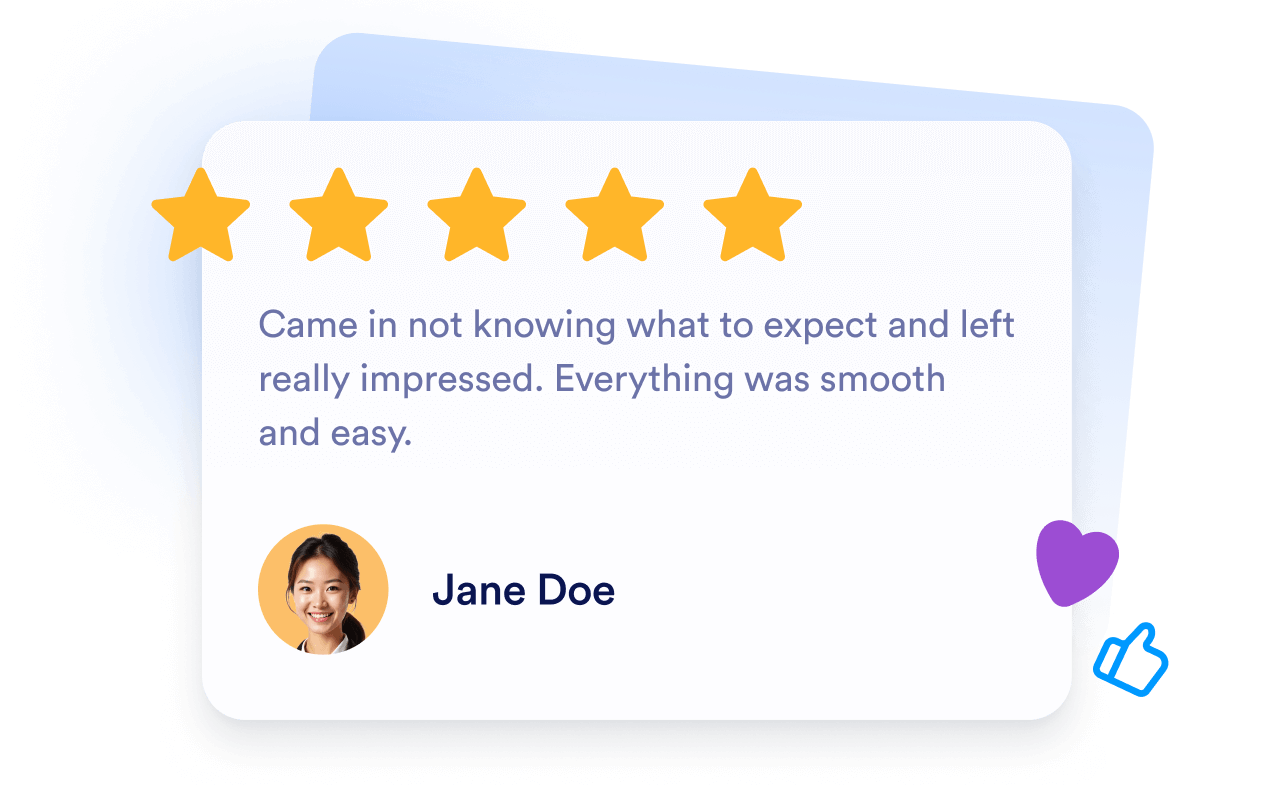
Kunden bei ihrer Entscheidung unterstützen
Platzieren Sie positive Kundenerfahrungen in der Nähe von Angaben zu Ihren Leistungen, Buchungs-Buttons, Speisekarten oder Kontaktinformationen. Passendes Yelp-Feedback kann häufige Bedenken ausräumen und Besuchern helfen, sich bei der Wahl eines lokalen Unternehmens besser informiert zu fühlen.

Hilfreiche Kundenbewertungen einbinden
Machen Sie wichtige Seiten mit erfahrungsbasiertem Kundenfeedback informativer. Eingebettete Yelp-Bewertungen garantieren keine besseren Platzierungen in Suchmaschinen, können aber aktuelle, unternehmensbezogene Einblicke für alle bieten, die sich über Ihre Produkte oder Dienstleistungen informieren.

Halten Sie Yelp-Bewertungen automatisch aktuell
Verbinden Sie Ihre Yelp-Unternehmensseite, und das Widget bleibt mit den infrage kommenden Bewertungen und geänderten Sternebewertungen synchronisiert. Neues Feedback kann automatisch erscheinen, sodass Sie Bewertungen seltener kopieren oder Ihre Website manuell aktualisieren müssen.
Warum sich Jotform Website Widgets auszeichnen
Mit den Widgets von Jotform wird Ihre Website interaktiver und Sie steigern Ihre Conversion-Rate. Zur Auswahl stehen zahlreiche Tools wie Sternebewertungen, Slideshows mit Erfahrungsberichten, Pop-ups mit Social Proof und eingebettete Medien. Fügen Sie Widgets zu Ihren Formularen oder Landingpages hinzu, um Daten zu sammeln, Erfahrungsberichte anzuzeigen und Leads zu gewinnen – ganz ohne Programmierkenntnisse.
Fügen Sie Jotform-Widgets mithilfe eines Einbettungscodes in Ihre Website ein. Passen Sie das Widget an, sehen Sie sich die Vorschau an und fügen Sie den Code in jede Seite ein, die benutzerdefiniertes HTML oder Einbettungsblöcke unterstützt – ganz ohne Entwicklerinnen oder Entwickler.
Mit Jotform Website Widgets sammeln Sie Leads, zeigen Kundenfeedback, präsentieren Social Proof, binden Medien ein oder fügen nützliche Webseiten-Tools hinzu. Über jedes Widget können Besucher direkt auf Ihrer Website mit Ihrem Unternehmen interagieren.
Wenn Sie Unterstützung bei der Einrichtung, Anpassung, Einbettung oder Fehlerbehebung Ihres Widgets benötigen, steht Ihnen das Kundensupport-Team von Jotform rund um die Uhr zur Verfügung. So können Sie beruhigt weiterarbeiten, denn Sie wissen: Hilfe ist da, wenn Sie sie brauchen.
Wo Sie Ihr Widget für Yelp-Bewertungen einsetzen
Fügen Sie Yelp-Bewertungen auf Seiten ein, auf denen potenzielle Kunden Ihre Reputation einschätzen und entscheiden, ob sie Kontakt aufnehmen, vorbeikommen, bestellen oder buchen.
Bereiche für Kundenstimmen auf der Startseite, um neuen Besuchern Bewertungen von Kunden vorzustellen.
Seiten zu Ihren Leistungen, um Ihre Aussagen mit passenden Kundenerfahrungen zu untermauern.
Speisekarten- oder Produktseiten, um direkt bei den Bestellinformationen zusätzliche Orientierung zu geben.
Buchungs- und Reservierungsseiten, um in der Nähe der Hauptaktion Vertrauen zu stärken.
Standortseiten, um Bewertungen zu einem lokalen Unternehmen anzuzeigen.
Kontaktseiten, um Besuchern Sicherheit zu geben, bevor sie anrufen oder eine Anfrage senden.
Gewinnen Sie Leads als zahlende Kunden mit dem Jotform Formulargenerator
Machen Sie mit Jotform aus Interesse Taten. Erstellen Sie leistungsstarke Formulare, die Leads gewinnen, Zahlungen entgegennehmen und Antworten automatisieren – alles an einem Ort. Jede Antwort landet in Ihrem Jotform Posteingang, wo Sie nachfassen oder sie mit Ihren Lieblings-Apps verbinden können.
Jetzt starten – Kostenlos!
FAQ
Was ist das Widget „Yelp-Bewertungen”?
Das Widget „Yelp-Bewertungen” zeigt öffentliche Bewertungen und Kundenfeedback von Ihrer Yelp-Unternehmensseite auf Ihrer Website an. So können Besucher Ihre Reputation einschätzen, ohne Ihre Website für die Suche nach Bewertungen zu verlassen.
Wie füge ich Yelp-Bewertungen zu meiner Website hinzu?
Welche Informationen zeigt das Widget an?
Welche Layouts kann ich für Yelp-Bewertungen verwenden?
Kann ich das Design des Widgets anpassen?
Werden neue Yelp-Bewertungen automatisch angezeigt?
Kann ich einzelne Yelp-Bewertungen auswählen?
Welche Daten nutzt das Widget von meiner Yelp-Seite?
Muss ich Code schreiben?
Ist das Widget für Yelp-Bewertungen kostenlos?
Welche Website-Plattformen unterstützen das Widget „Yelp-Bewertungen”?
Kann ich Hilfe bei der Einrichtung meines Widgets „Yelp-Bewertungen” erhalten?