-
Je suis en train d'utiliser un formulaire auquel j'ai ajouté un enregistrement vocal. Lorsque j'appuie sur le bouton d'enregistrement, celui-ci disparaît et aucun autre bouton n'apparaît dans ce champ, ce qui m'oblige à soumettre directement le formulaire. Le problème est que le widget ne me demande même pas l'autorisation d'utiliser le microphone, comme s'il ne fonctionnait pas du tout. Je suis connecté et j'utilise Chrome dernière version sur un PC de bureau Lenovo avec Windows 11 dernière version. J'ai également essayé avec Microsoft Edge et le problème est le même. J'ai confirmé que cela ne marche pas. Mon adresse email est gladiatorservicefr@gmail.com et mon nom est Gladiator. J'ai besoin d'aide pour résoudre ce problème.
-
 Furkan
Hello Gladiator,
Thanks for reaching out to Jotform Support. Our French Support agents are busy helping other Jotform users right now, so I'll try to help you in English using Google Translate, but you can reply in whichever language you feel comfortable using. Or, if you'd rather have support in French, let us know and we can have them do that. But, it might take a while until they're available again
It sounds like the Voice Recorder widget in your form is not functioning properly, especially since it doesn't prompt for microphone permission and the record button disappears. This issue can sometimes be related to browser permissions or widget settings. Here are a few things to check and try:
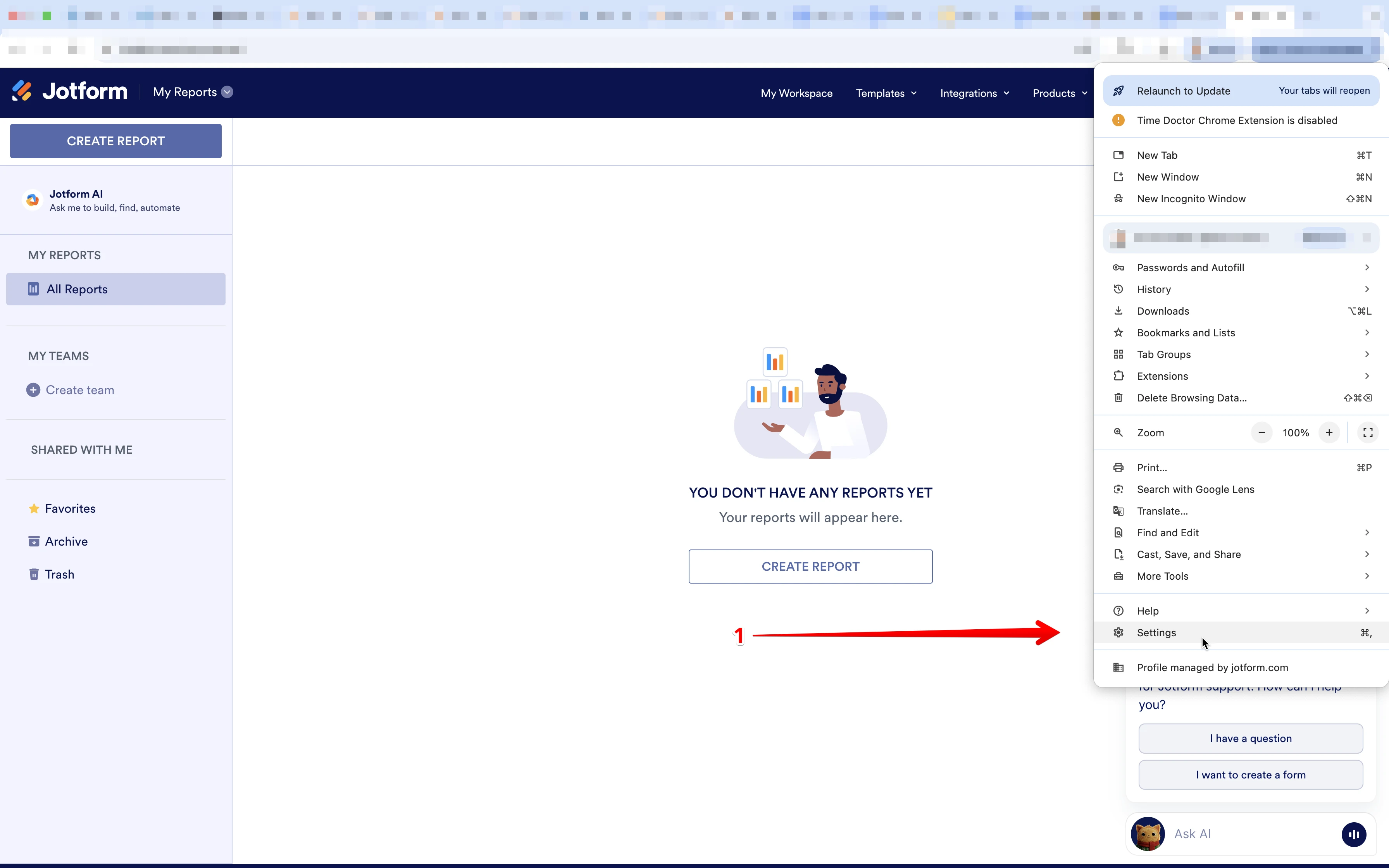
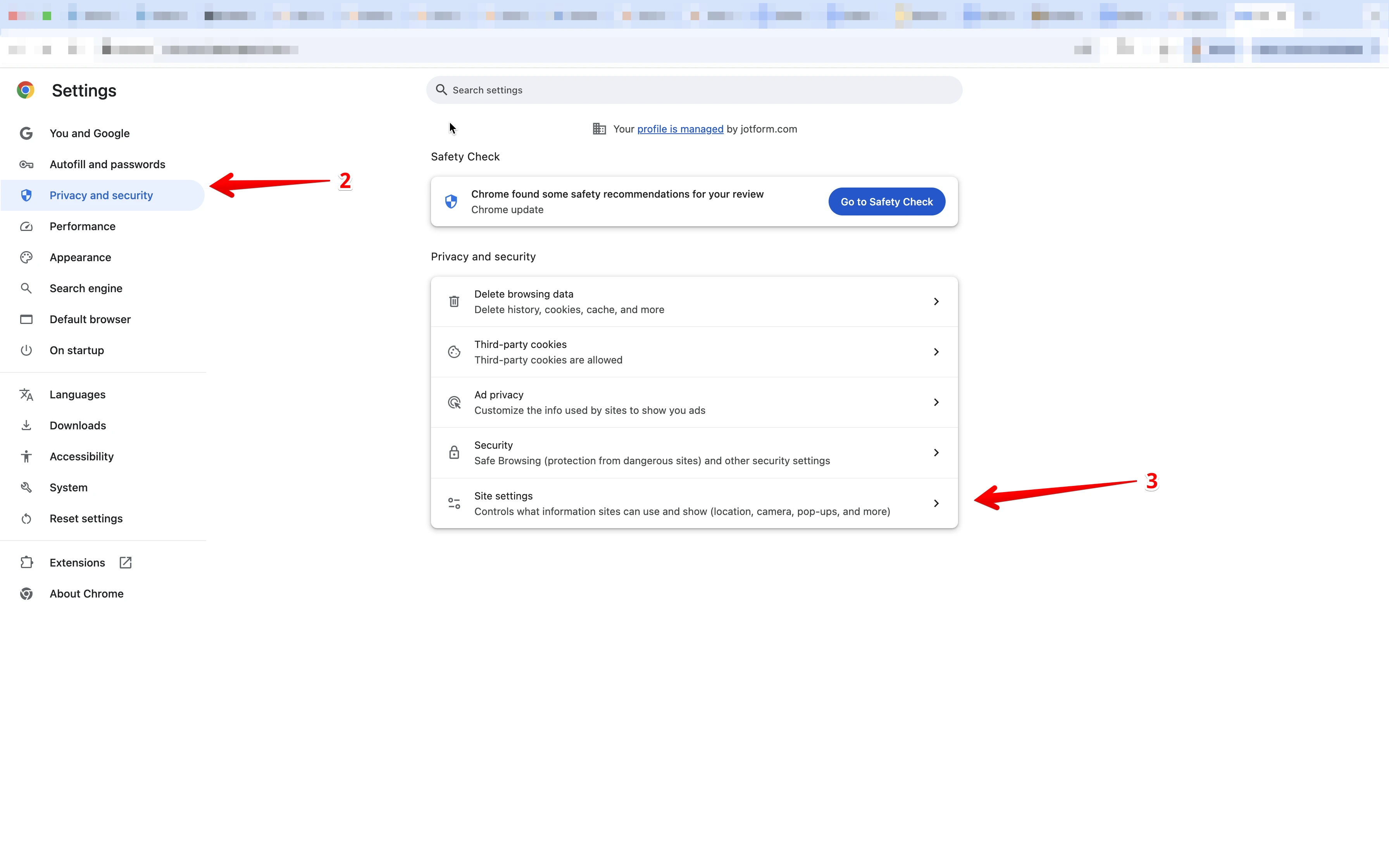
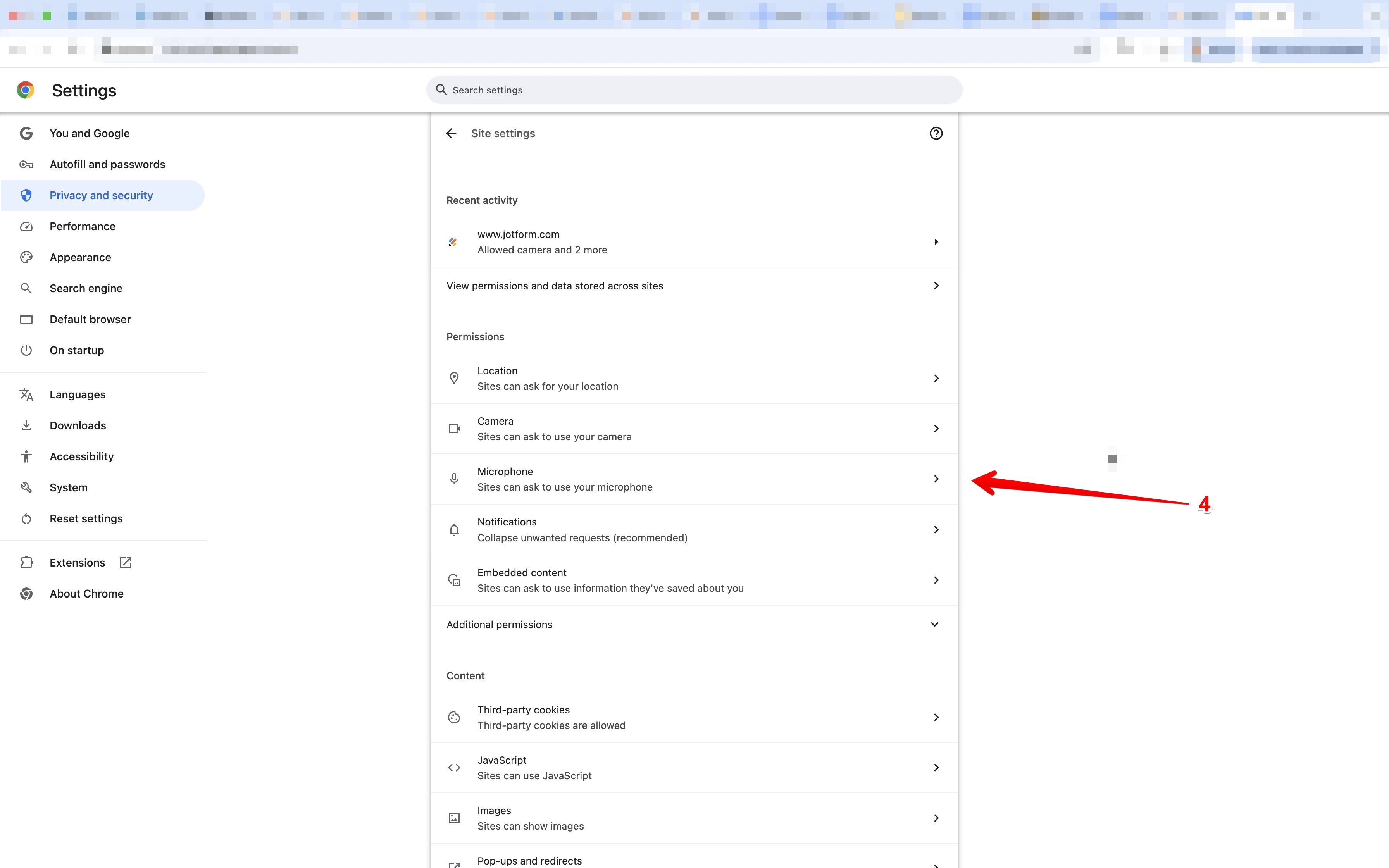
- Ensure your browser has permission to access the microphone. You can check this in your browser's site settings.

2. Try clearing your browser cache or testing the form in an incognito/private window.
3. Make sure the Voice Recorder widget is properly added and configured in your form.
Give it a try and let us know how it goes.
-
 gladiatorservicefr
J'ai tout essayé mais ça ne marche toujours pas. Lorsque j'appuie sur le bouton il disparaît puis n'enregistre pas.
-
 Aries Jotform Support
Hello Gladiator,
I tested your form to replicate the issue, and it works correctly. Check out the screencast below:
1. On the Help Center page, scroll down to the Your Answer section and click on the Image icon.
2. Drag and drop your image into the Upload box, or click on it and select your file.
3. Then, click on the Add button in the bottom-right corner of the window.
4. To resize it, click on your screenshot and then click on one of the boxes in the corners, and drag it inward.
5. Once you're finished, click on the Post Answer button at the bottom right of the Your Answer section.