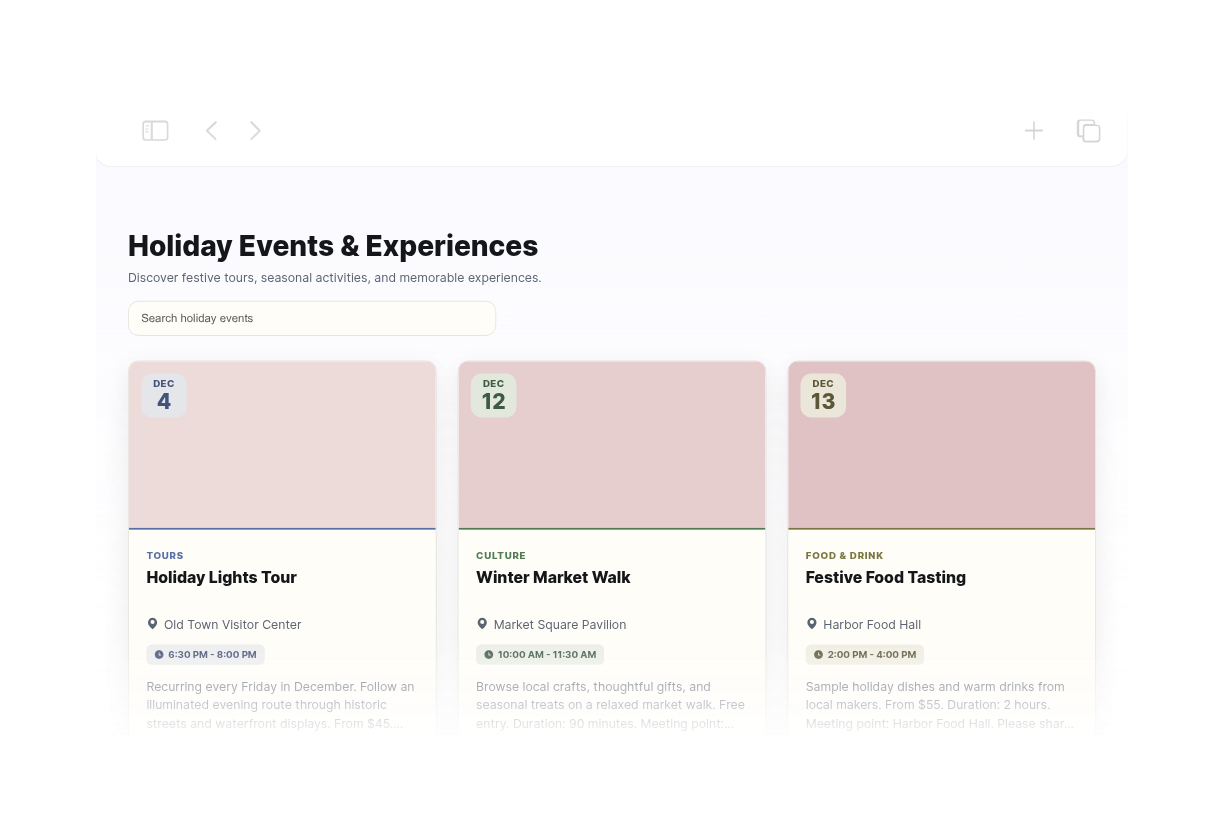
Holiday Event Calendar
We couldn't create your widget. Please try again.
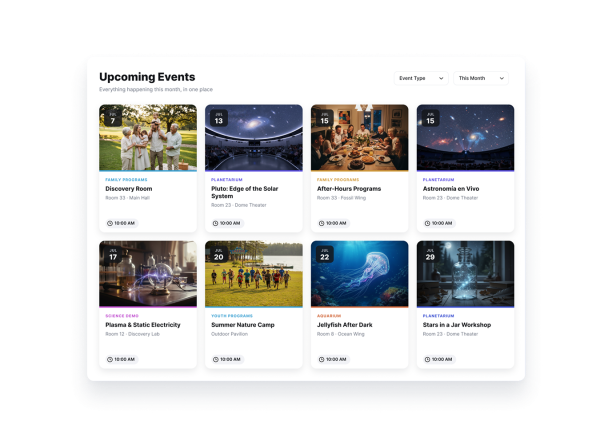

We couldn't create your widget. Please try again.
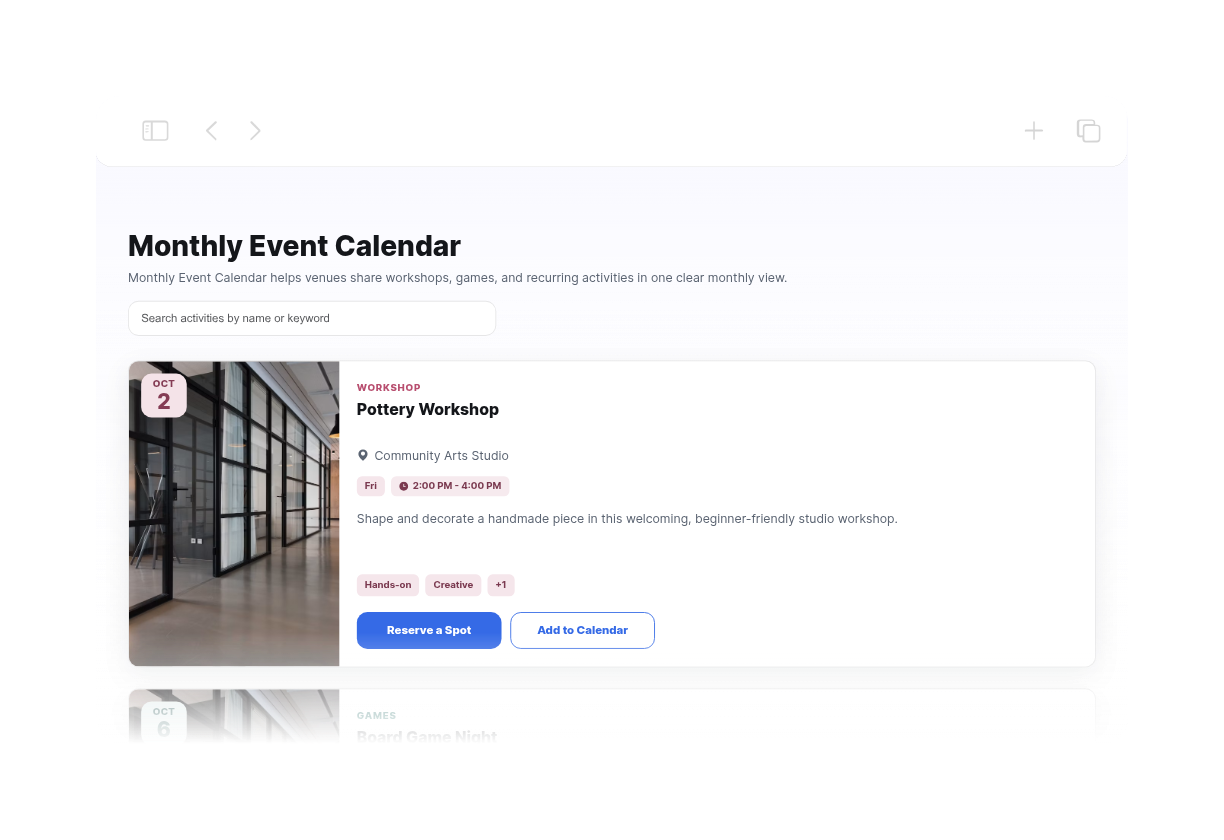
We couldn't create your widget. Please try again.
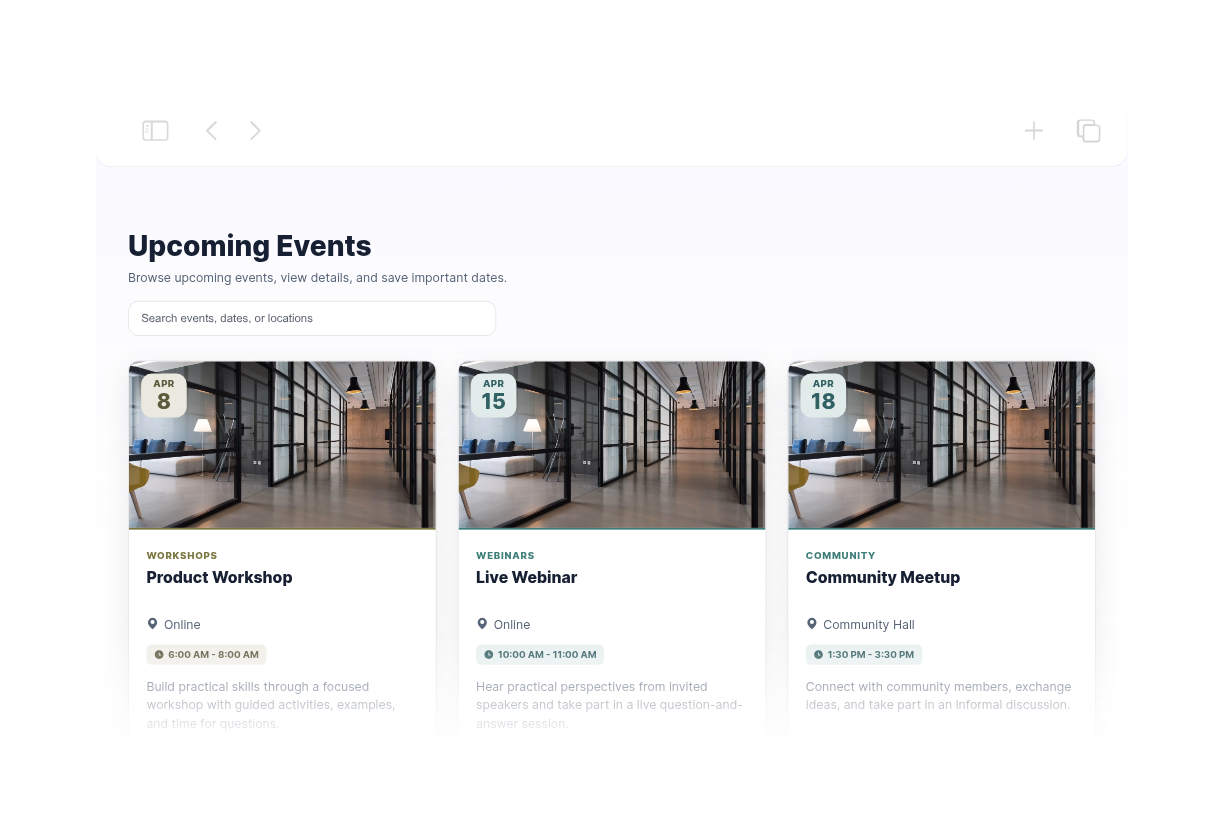
We couldn't create your widget. Please try again.
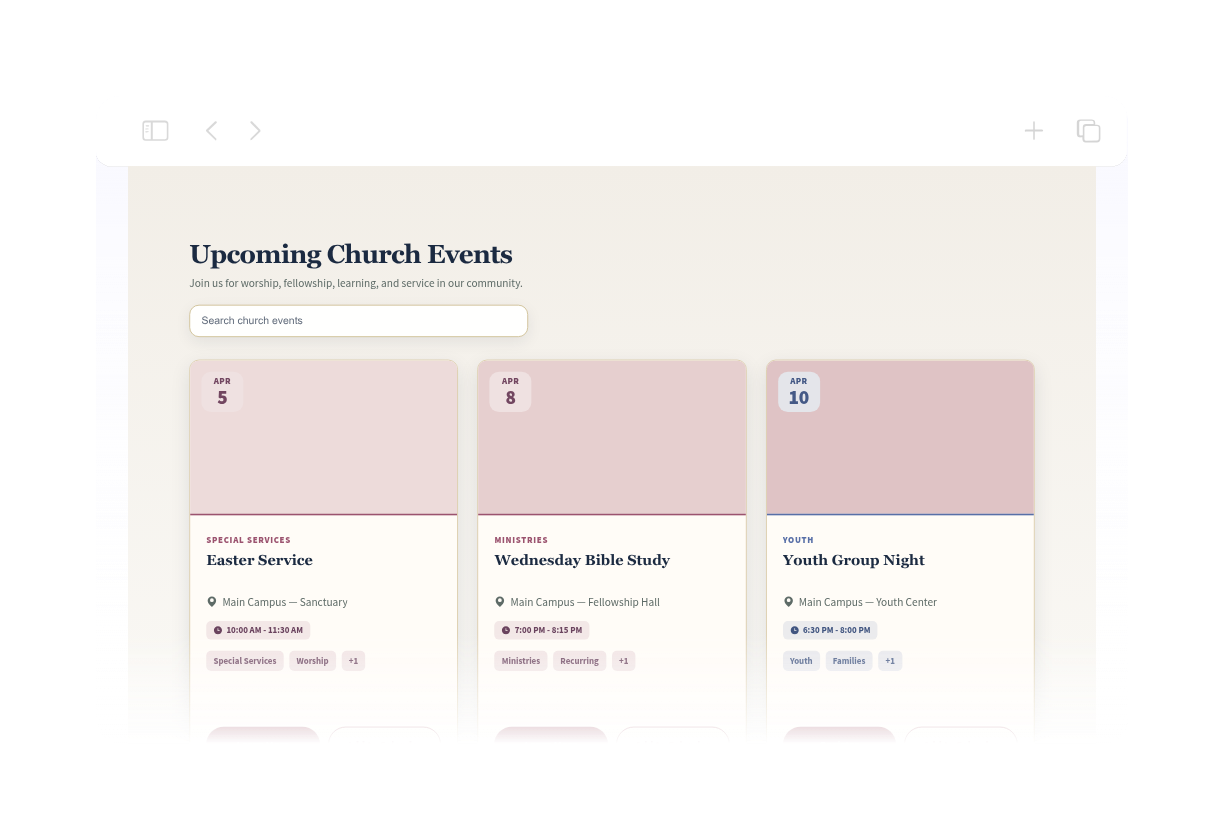
We couldn't create your widget. Please try again.
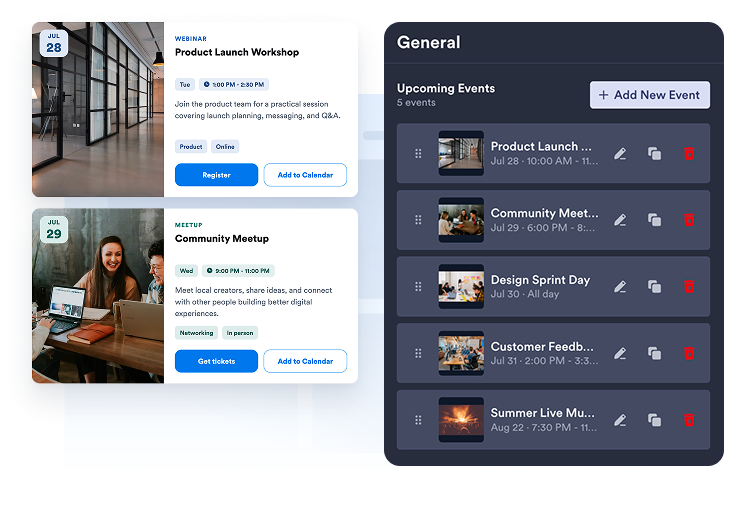
単日または複数日のイベントを手動で作成したり、Google Calendarを接続してスケジュールを双方向に同期したりできます。
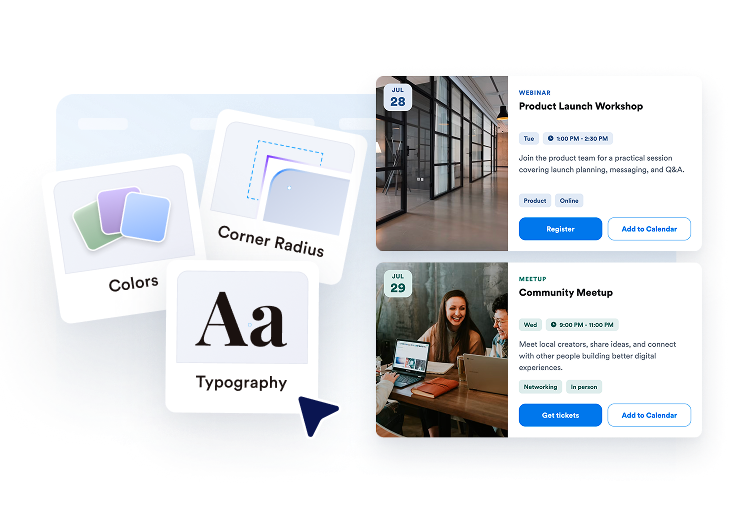
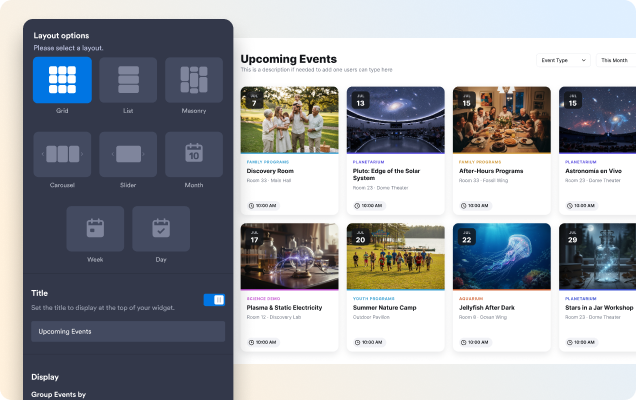
グリッド、リスト、カルーセル、スライダー、月、または週のレイアウトを選択し、テーマ、ボタン、カード要素、ポップアップの詳細を調整できます。

ウィジェットをプレビューし、埋め込みコードをコピーして、イベントカレンダーを任意のウェブサイトページに追加できます。
閲覧にはリストやグリッド、注目イベントにはカルーセルやスライダー、日付ベースのスケジュールには月表示や週表示を活用できます。
検索を有効にすると、訪問者は入力しながらタイトル、説明、開催場所、タグでイベントを見つけられます。
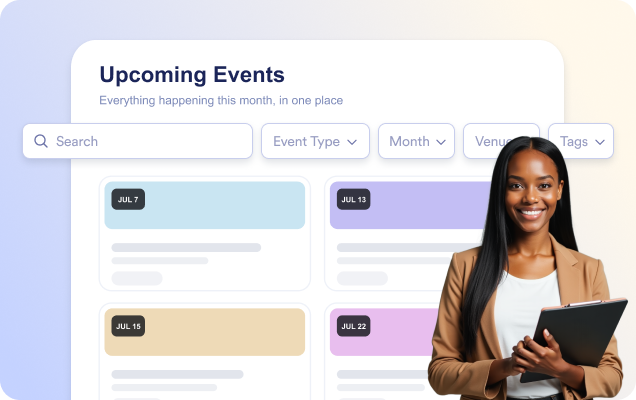
日付と時間、開催場所、説明、メディア、タグ、CTAボタン、カレンダーに追加などを備えた、見やすいイベントポップアップを開きます。

ライト、ダーク、またはカスタムのテーマを選択し、カード、テキスト、ボタンの色に加えて角の丸みをカスタマイズできます。

Jotformのウィジェットは、ウェブサイトをよりインタラクティブにし、コンバージョンを高めます。星評価やお客様の声を表示するスライダー、ソーシャルプルーフのポップアップ、メディア埋め込みまで、多彩なツールが利用可能です。フォームやランディングページにウィジェットを追加して、データ収集、実績や信頼性のアピール、見込み顧客の獲得を実現できます。コーディングは不要です。
シンプルな埋め込みコードで、Jotformウィジェットをウェブサイトに追加できます。ウィジェットをカスタマイズし、見た目をプレビューして、カスタムHTMLや埋め込みブロックに対応したあらゆるページに貼り付けるだけ。開発者は一切不要です。
Jotform ホームページウィジェットを使って、見込み顧客の獲得、お客様のフィードバックの表示、ソーシャルプルーフの活用、メディアの埋め込み、便利なウェブページツールの追加ができます。各ウィジェットは、訪問者がウェブサイトから直接あなたのビジネスとやり取りできるようサポートします。
ウィジェットの設定、カスタマイズ、埋め込み、トラブルシューティングでサポートが必要な場合、Jotformのカスタマーサポートチームが24時間年中無休で対応します。必要なときにいつでもサポートを受けられるので、安心してご利用いただけます。
Jotformで訪問者の関心を具体的なアクションにつなげましょう。見込み顧客の獲得、決済の受付、返信の自動化ができる高機能なフォームを、すべて一か所で作成できます。送信された回答はすべてJotformインボックスに届くため、フォローアップやお気に入りのアプリとの連携も簡単です。
無料で今すぐ始める
Jotformのイベントカレンダーウィジェットを使うと、今後のイベントを見やすく整理されたカレンダーやリスト形式で表示できます。イベントの日付、時間、開催場所、説明、画像、登録リンクを掲載でき、訪問者がイベントを見つけて参加しやすくなります。