# Afsprakenprogramma voor Calendly | Jotform

Slimmer plannen begint hier
# Software voor het plannen van afspraken voor Calendly

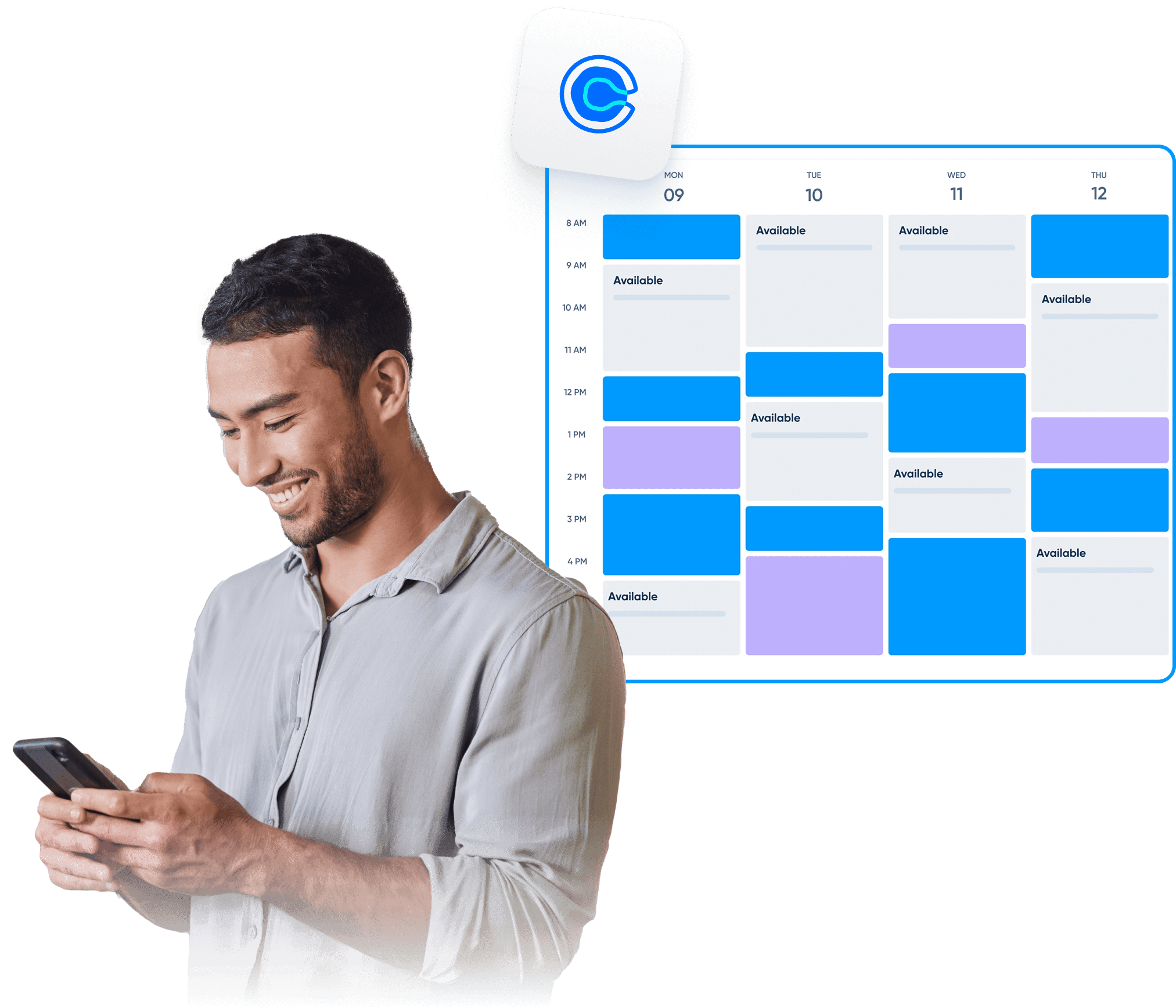
Jotform maakt het gemakkelijk om afspraken te plannen en je agenda te beheren. Maak volledig aanpasbare formulieren, verbind met je favoriete tools, synchroniseer beschikbaarheid en verzamel alles wat je nodig hebt - van betalingen tot deelnemersgegevens.

[Create a Scheduling Form](https://www.jotform.com/nl/build/?question=appointment)

![Image 1: Appointment scheduling software for Calendly hero](https://cdn.jotfor.ms/image/r/aHR0cHM6Ly9jZG4uam90Zm9yLm1zL3AvYXBwb2ludG1lbnQtc2NoZWR1bGluZy1zb2Z0d2FyZS9hc3NldHMvaW1nLW1pbi9jYWxlbmRseS9oZXJvLnBuZz92PTAuMw==/hero.png?w=2025&t=1)

Integraties
## Hoe Calendly verbinden met Jotform

Jotform integreert eenvoudig om uw planningsproces te versnellen. Elimineer repetitieve taken en bouw aangepaste afspraakworkflows die perfect bij uw bedrijf passen.

### Afspraakenformulieren aanpassen

Voeg formuliervelden, voorwaarden, disclaimers of andere benodigdheden toe voor een complete workflow

### Verbind Calendly

Synchroniseer beschikbaarheid in realtime om geboekte tijdvakken weer te geven en conflicten automatisch te blokkeren.

### Automatiseer de follow-up

Stuur e-mails, agenda-uitnodigingen of integraties zodra iemand een boeking maakt.

Functies
## Powerful appointment scheduling software features

A smarter way to manage appointments — so you can focus on what matters most. Keep everything running smoothly while delivering exceptional client experiences.

## Slimme agendasychronisatie

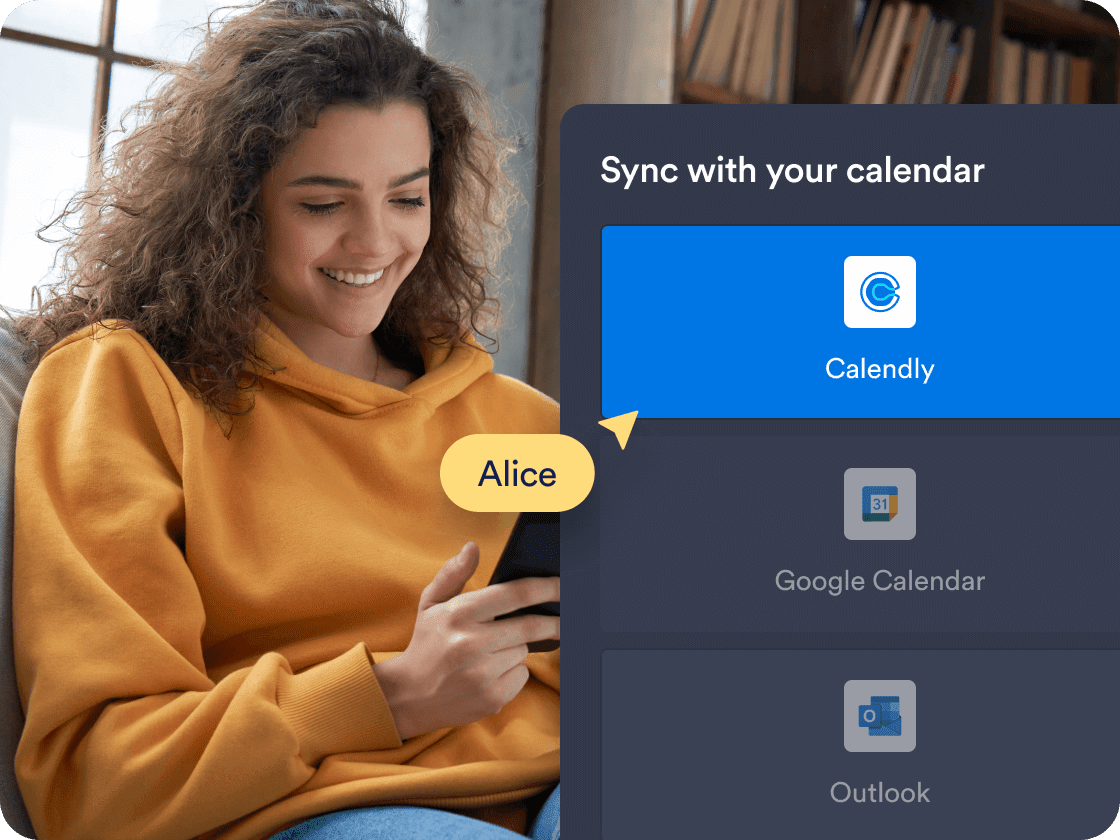
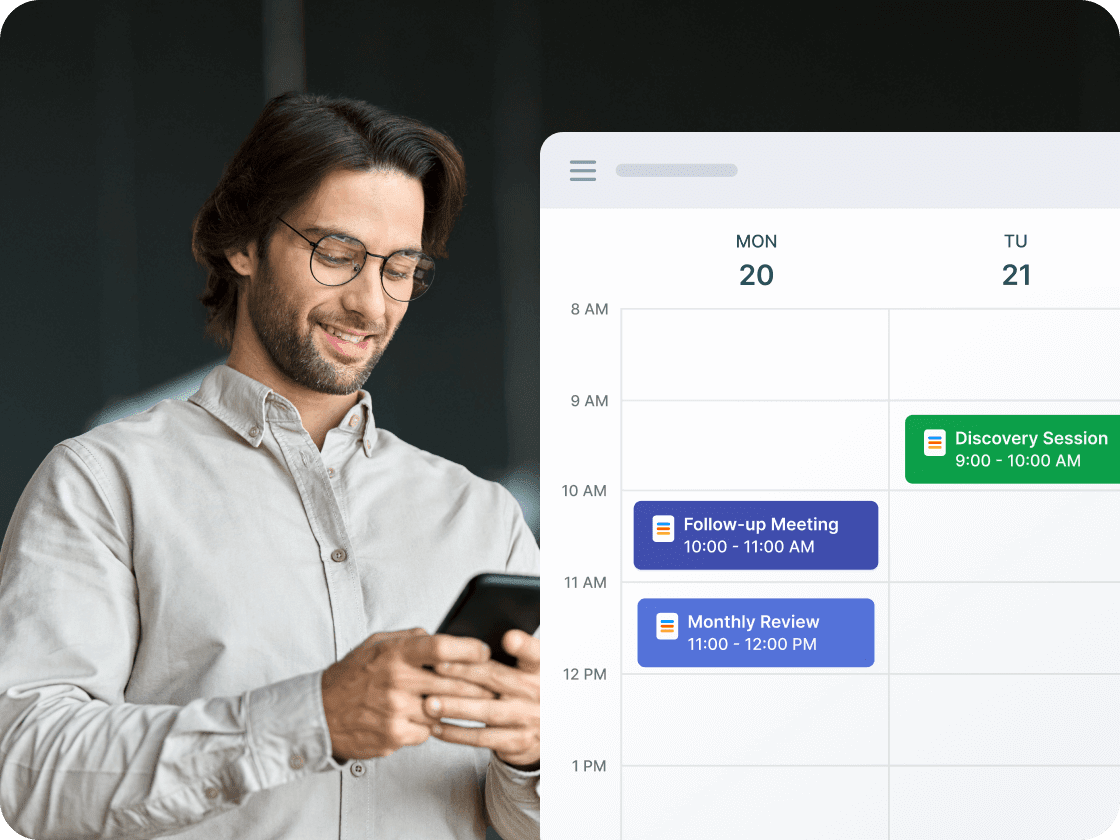
Synchroniseer afspraken in realtime met **Calendly**, zodat je formulier altijd de juiste beschikbaarheid weergeeft. Geboekte tijdsloten en bestaande agenda-afspraken worden automatisch geblokkeerd om overlappingen te voorkomen.

[Create Free Scheduling Form](https://www.jotform.com/nl/build/?question=appointment)

![Image 2: Smart calendar sync](https://cdn.jotfor.ms/image/r/aHR0cHM6Ly9jZG4uam90Zm9yLm1zL3AvYXBwb2ludG1lbnQtc2NoZWR1bGluZy1zb2Z0d2FyZS9hc3NldHMvaW1nLW1pbi9jYWxlbmRseS8xLnBuZz92PTAuMg==/1.png?w=40&t=1)

## Prefill Calendly details automatically

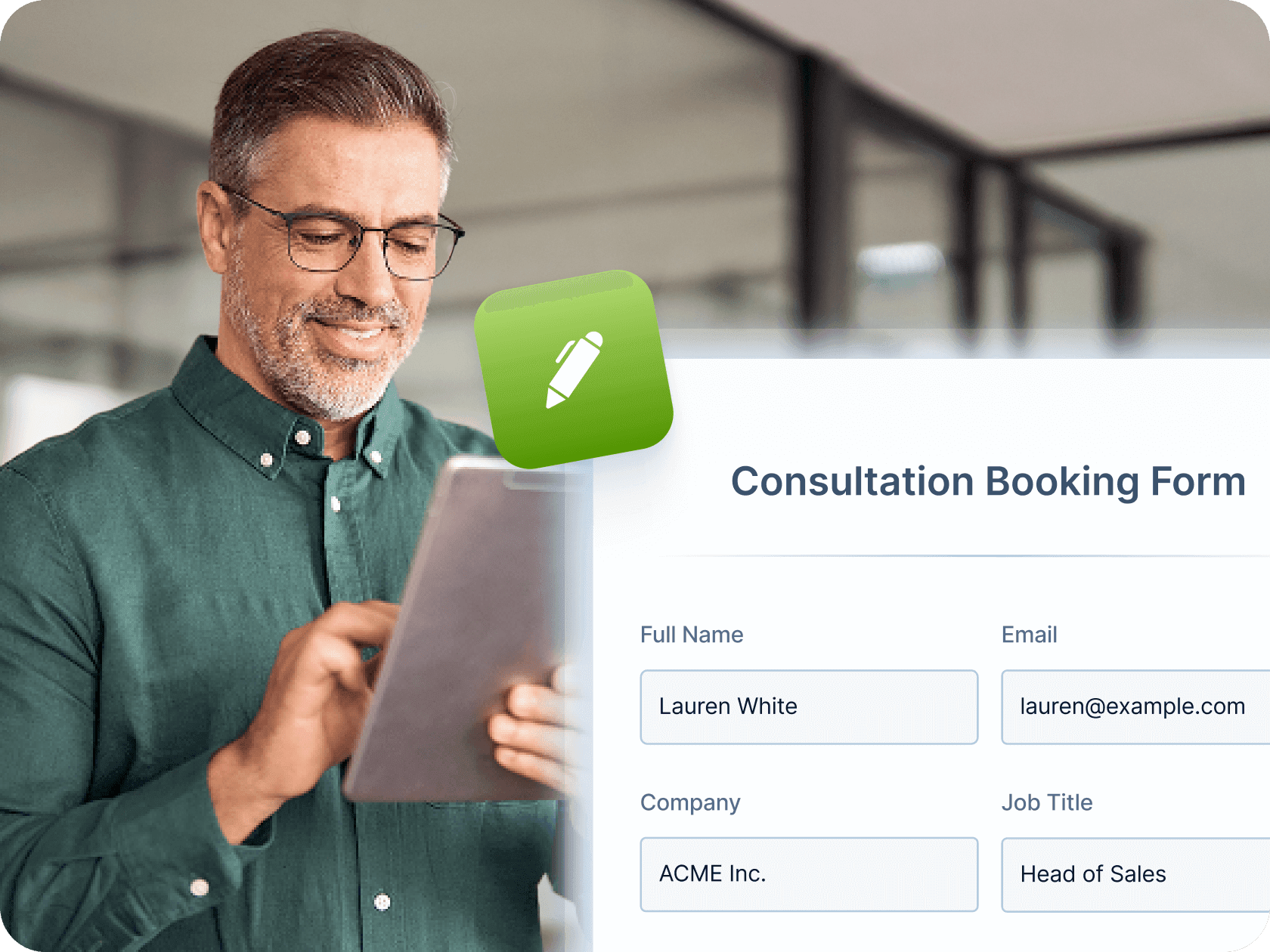
Make booking even faster by mapping Jotform form fields—like name, email, and phone number—directly to your Calendly event fields. Once a user submits the form, their details are automatically passed into Calendly, saving time and reducing manual entry for both you and your clients.

[Create Free Scheduling Form](https://www.jotform.com/nl/build/?question=appointment)

![Image 3: Prefill Calendly Details Automatically](https://cdn.jotfor.ms/image/r/aHR0cHM6Ly9jZG4uam90Zm9yLm1zL3AvYXBwb2ludG1lbnQtc2NoZWR1bGluZy1zb2Z0d2FyZS9hc3NldHMvaW1nLW1pbi9jYWxlbmRseS8yLnBuZz92PTAuMg==/2.png?w=40&t=1)

## Automated workflows and integrations

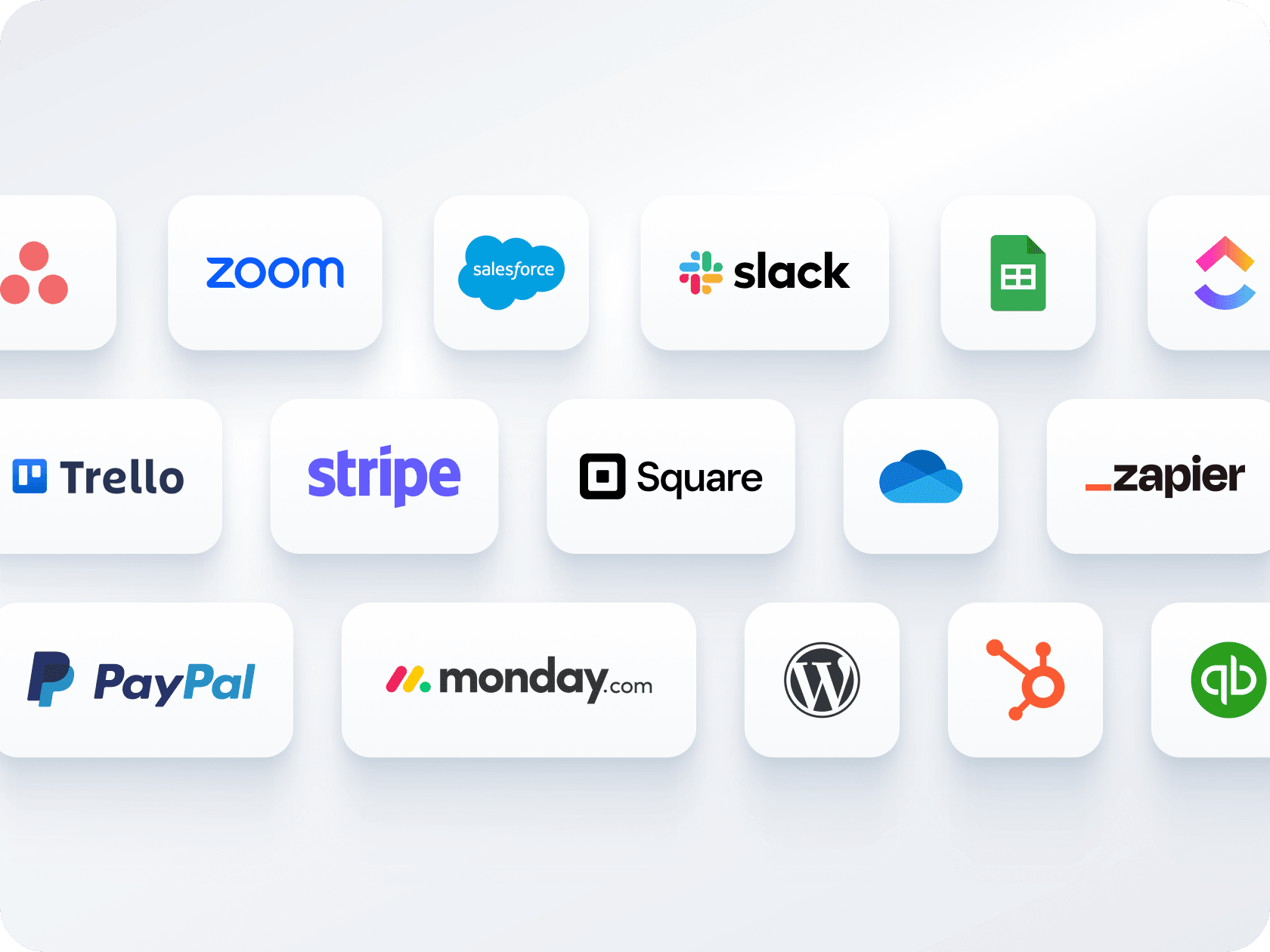
Verstuur bevestigingsmails, automatiseer herinneringen en maak verbinding met tools zoals Zoom, Slack of CRM's. Jotform helpt je een naadloze workflow te creëren rond elke boeking — zonder handmatige opvolging.

[Create Free Scheduling Form](https://www.jotform.com/nl/build/?question=appointment)

![Image 4: Automated workflows and integrations](https://cdn.jotfor.ms/image/r/aHR0cHM6Ly9jZG4uam90Zm9yLm1zL3AvYXBwb2ludG1lbnQtc2NoZWR1bGluZy1zb2Z0d2FyZS9hc3NldHMvaW1nLW1pbi9ob21lcGFnZS81LnBuZz92PTAuMg==/5.png?w=40&t=1)

## Meerdere formulieren, één kalender

Verzamel betalingen en plan afspraken via één formulier - geen aparte tools nodig. Maak verbinding met Stripe, PayPal, Square of andere gateways om klanten tijdens het boeken in rekening te brengen.

[Create Free Scheduling Form](https://www.jotform.com/nl/build/?question=appointment)

![Image 5: Multiple forms, one calendar](https://cdn.jotfor.ms/image/r/aHR0cHM6Ly9jZG4uam90Zm9yLm1zL3AvYXBwb2ludG1lbnQtc2NoZWR1bGluZy1zb2Z0d2FyZS9hc3NldHMvaW1nLW1pbi9jYWxlbmRseS80LnBuZz92PTAuMg==/4.png?w=40&t=1)

## Eenvoudige opties voor delen en insluiten

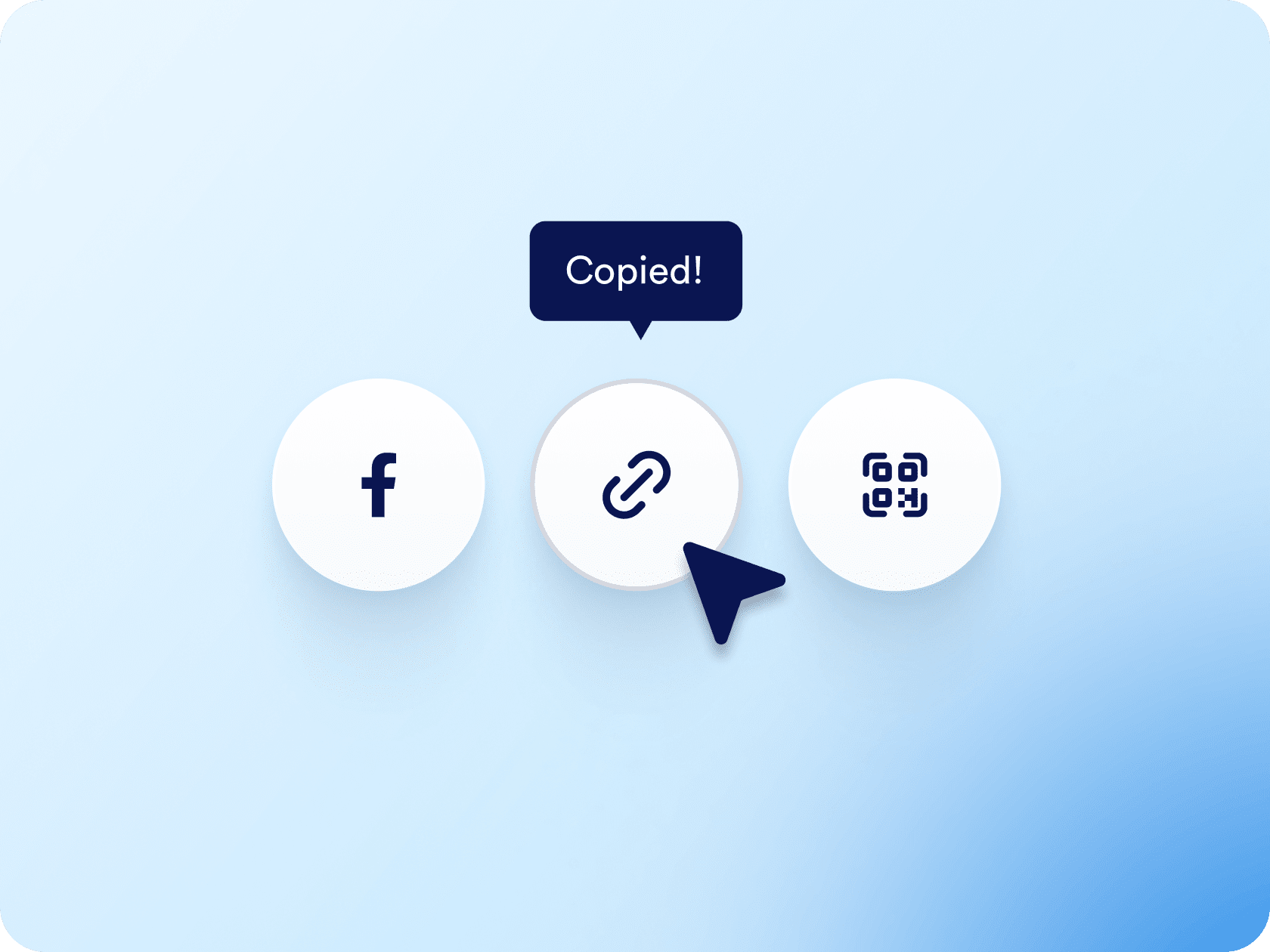
Deel uw afspraakformulier via een link of QR-code, of sluit het rechtstreeks in op uw website. Of u nu deelt via e-mail, sociale media of landingspagina's, het kost slechts een paar klikken.

[Create Free Scheduling Form](https://www.jotform.com/nl/build/?question=appointment)

![Image 6: Easy sharing and embedding options](https://cdn.jotfor.ms/image/r/aHR0cHM6Ly9jZG4uam90Zm9yLm1zL3AvYXBwb2ludG1lbnQtc2NoZWR1bGluZy1zb2Z0d2FyZS9hc3NldHMvaW1nLW1pbi9lbWJlZC5wbmc/dj0wLjI=/embed.png?w=40&t=1)

## Appointment Scheduling Software for Calendly
![Image 7: Appointment Scheduling Software for Calendly](https://cdn.jotfor.ms/image/r/aHR0cHM6Ly9jZG4uam90Zm9yLm1zL3AvYXBwb2ludG1lbnQtc2NoZWR1bGluZy1zb2Z0d2FyZS9hc3NldHMvaW1nLW1pbi9jYWxlbmRseS95dC10aHVtYi5qcGc=/yt-thumb.jpg?w=40&t=1)

## Let your AI Agent book appointments anywhere

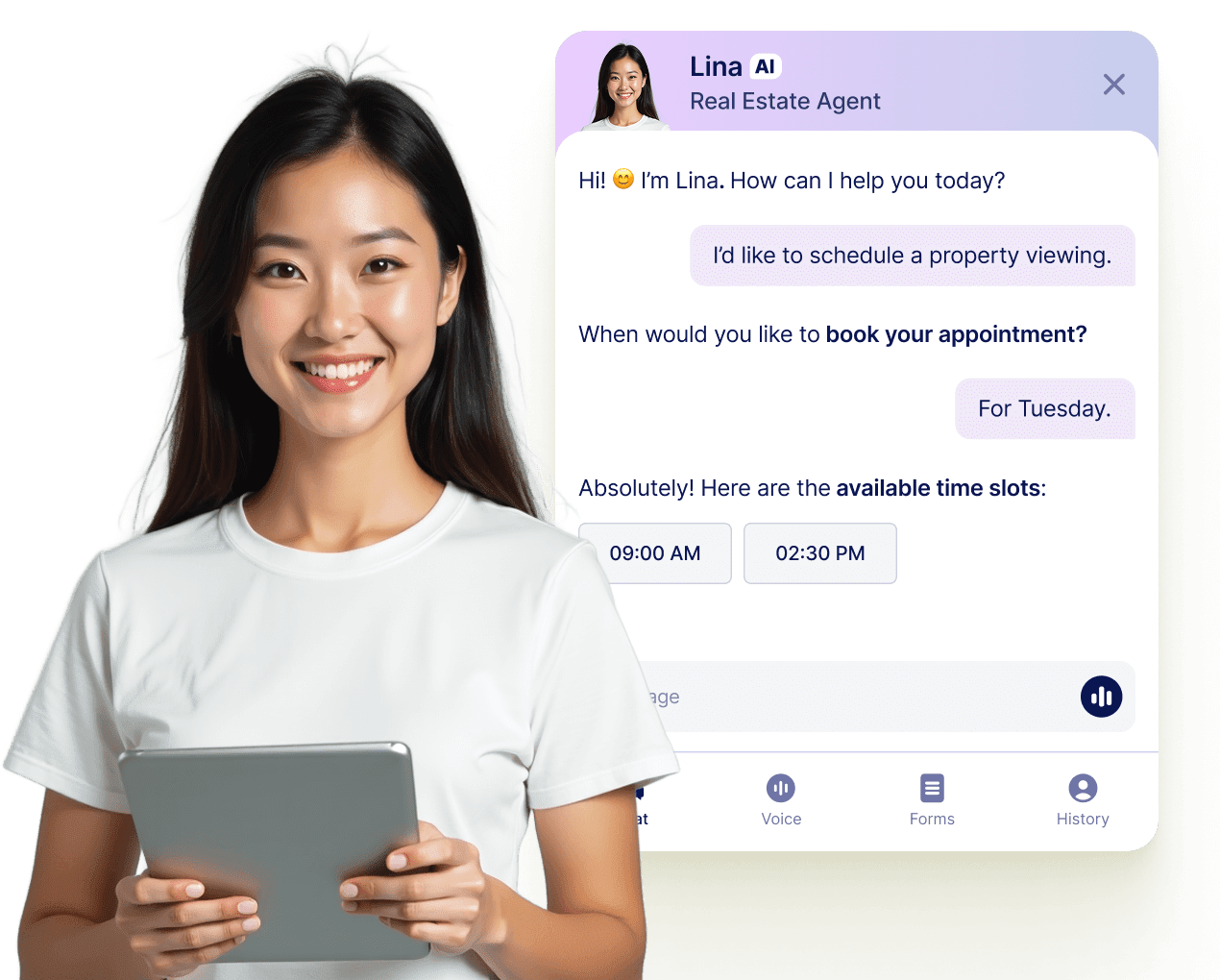
Turn every conversation into a confirmed booking with Jotform AI Agents. Your agent can schedule appointments in real time from your website, your email, WhatsApp, Messenger, Slack, and more — so you never miss a chance to connect.

[Meer informatie](https://www.jotform.com/nl/ai/agents/features/multi-channel-support/)

![Image 8: Let your AI Agent book appointments anywhere](https://cdn.jotfor.ms/image/r/aHR0cHM6Ly9jZG4uam90Zm9yLm1zL3AvYXBwb2ludG1lbnQtc2NoZWR1bGluZy1zb2Z0d2FyZS9hc3NldHMvaW1nLW1pbi9hZ2VudC1jYXJkLXVzZWNhc2UucG5nP3Y9MC4x/agent-card-usecase.png?w=40&t=1)

## Veelgestelde vragen

*    
### How do I connect Calendly to my Jotform appointment form? To connect Calendly, go to the **Appointment Properties** panel in your form, select **Calendly**, and log in to your Calendly account. Once connected, you can configure event details, set durations, and map your form fields to the appropriate Calendly event fields for prefilled booking info.   
*    
### Can I prefill Calendly event fields using my Jotform form? Yes. After connecting Calendly, go to the **Prefill** section in the Appointment Properties sidebar. From there, you can map form fields like name, email, or phone number to the corresponding Calendly event fields—so the user's information is automatically passed through when they submit the form.   
*    
### Hoe voorkomt Jotform dubbele boekingen? Jotform schakelt automatisch tijdslots uit die al zijn geboekt via uw formulier of uw gekoppelde agenda. Zodra een gebruiker een tijdslot boekt, wordt deze direct verwijderd uit uw beschikbare opties, zodat niemand anders hetzelfde slot kan reserveren.   
*    
### Kan ik betalingen innen op het moment van boeken? Absolutely. Jotform integrates with major payment processors like **Stripe**, **PayPal**, and **Square** so you can collect payments directly through the appointment form. Whether you’re charging for consultations, classes, or coaching sessions, users can pay as they schedule.   
*    
### Kan ik verschillende soorten afspraken maken in één formulier? Ja. U kunt vervolgkeuzemenu's en voorwaardelijke logica gebruiken om meerdere diensten, afspraakduur en vergadervormen aan te bieden (bijv. virtueel vs. persoonlijk). Op basis van wat de gebruiker selecteert, kan het formulier verschillende vragen, prijzen of instructies weergeven.   
*    
### Zal Jotform automatisch bevestigingsmails en herinneringen versturen? Ja. U kunt automatische bevestigings-e-mails, aangepaste meldingen voor uw team en herinnerings-e-mails instellen om no-shows te verminderen. Deze kunnen de naam van de klant, de afspraaktijd, Zoom-link (indien geïntegreerd) en andere aangepaste details uit uw formulier bevatten.   
*    
### Kan ik andere taken automatiseren nadat iemand een afspraak heeft gemaakt? Ja, met Jotform Workflows en honderden integraties kun je vrijwel elke vervolgactie automatiseren. Dit omvat het maken van agenda-afspraken, het versturen van interne meldingen, het genereren van Zoom-vergaderlinks, het bijwerken van een CRM of het verplaatsen van gegevens naar Google Sheets - zonder handmatig werk.   
*    
### How is availability handled when using Calendly with Jotform? Jotform will reflect the availability already set in your **Calendly** account, which syncs with your connected calendars like **Google Calendar** or **Outlook Calendar**. Any time slots marked as unavailable in Calendly or those blocked in your calendar will automatically be hidden from the form.   
*    
### Kan ik het afspraakformulier insluiten op mijn website of delen via een link? Yes. You can **embed your form** on your website or share it via a direct link, an email, social media, or even a QR code.   
*    
### What happens after someone books an appointment through the form? Once a user selects a time slot and submits the form, the appointment is created directly in your Calendly account and also appears in your connected calendar (e.g., Google Calendar). The user's information, including mapped fields, is stored within the Calendly event.   
*    
### Which calendars are supported through Calendly in Jotform? Calendly supports syncing with **Google Calendar**, **Outlook Calendar**, and **iCloud Calendar**. Once Calendly is integrated into your Jotform form, all your connected calendars are used to determine available booking times.   
*    
### Can I use Calendly with Jotform on a HIPAA-enabled account? No. At this time, **Calendly is not compatible with HIPAA-compliant Jotform accounts**. If you're using Jotform for sensitive health data, it's recommended to use the native Appointment field with Google or Outlook Calendar integrations instead.   

Bekijk meer