Korte tekst
Store quick responses, manage labels, and track essential details in a format that's easy to read, filter, and sort.
Basic Columns
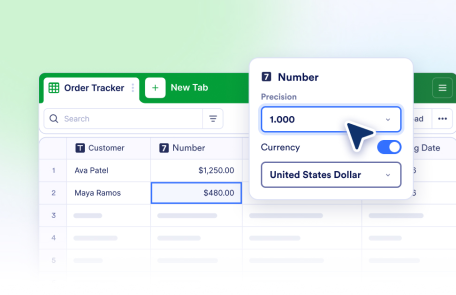
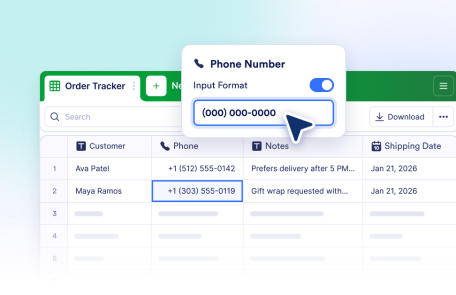
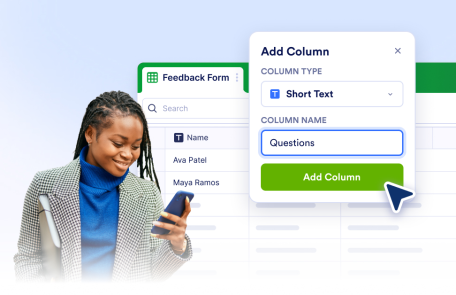
Explore basic column types in Jotform Tables, including text, numbers, dates, selections, and more. Customize fields to organize and manage your data with ease.
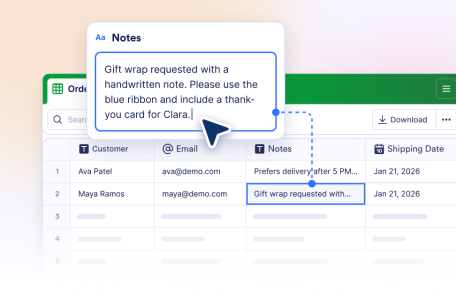
Capture detailed information with Long Text columns in Jotform Tables. Store notes, descriptions, feedback, and longer responses with support for multiple lines and paragraphs.
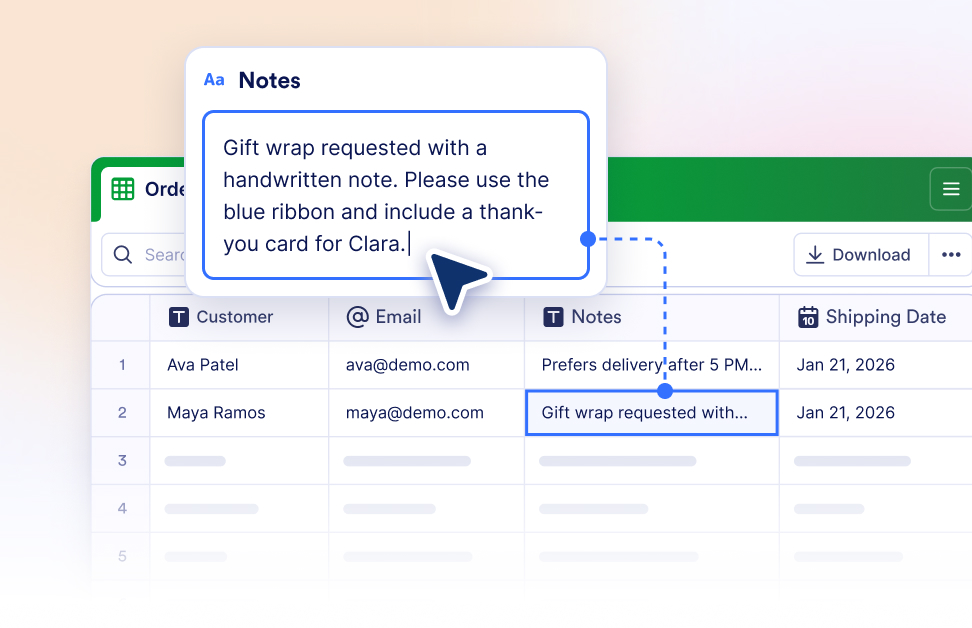
Make room for more detailed information with Long Text columns. Add extended notes, descriptions, or feedback while keeping your table organized and easy to navigate.
Add Long Text columns to store longer responses, detailed notes, and descriptions. Keep information accessible in an expandable format without cluttering your table layout.
Use Long Text columns to enter full sentences, paragraphs, and multi-line content. Easily store detailed feedback, project descriptions, or notes that need more space.
Keep your table compact by displaying a preview of longer responses. Expand individual fields to read or edit the full text without losing your organized table layout.
A Long Text column allows you to enter extended text, including multiple lines and paragraphs. It's ideal for detailed notes, descriptions, feedback, and other lengthy responses.
Yes. Long Text columns display a shortened preview in Table View. You can expand an individual field to read or edit the complete response while keeping your table organized.
Use Long Text for detailed descriptions, feedback, or notes that require multiple sentences or paragraphs. Short Text is better for brief information such as names, titles, or labels.