Gratis leeftijdsverificatie-widget voor je website
Plaats een aanpasbare pop-up voor leeftijdsverificatie vóór beperkte websitecontent. Met de widget voor leeftijdscheck van Jotform kun je de minimumleeftijd instellen, een bevestigingsmethode kiezen, de berichten aanpassen, goedgekeurde bezoekers onthouden en de leeftijdscheck insluiten zonder te programmeren.
Maak nu — Het is gratis!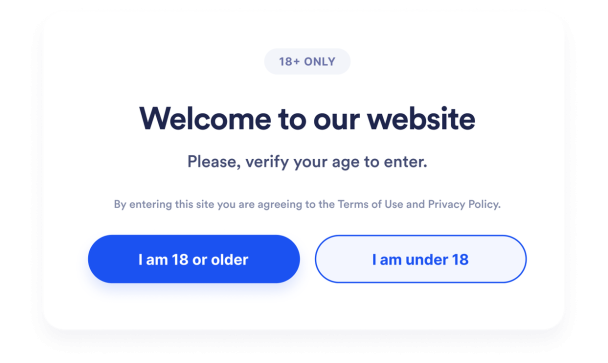

Een Leeftijdsverificatie-widget maken
Pas de leeftijdscheck aan
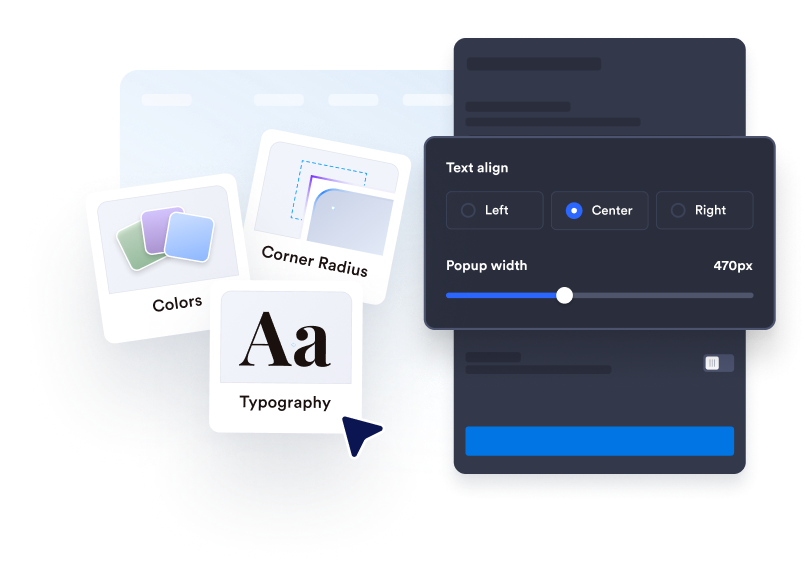
Schrijf je verificatiebericht, bewerk de tekst van de knop en voeg eventuele ondersteunende juridische informatie toe. Pas de kleuren, breedte, hoeken en optionele media aan zodat ze bij je website passen.
Bezoekersgedrag instellen
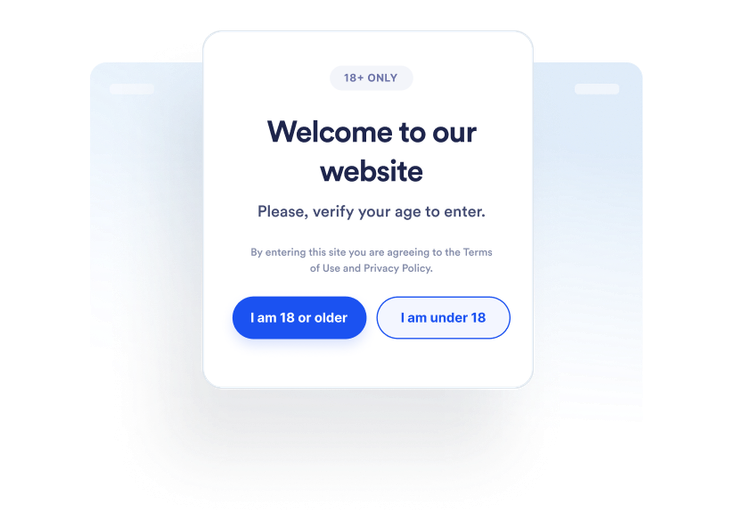
Kies hoe bezoekers hun leeftijd bevestigen en wat er gebeurt als ze niet aan de eis voldoen. Je kunt ook bepalen of goedgekeurde bezoekers worden onthouden en voor hoe lang.
Overal insluiten
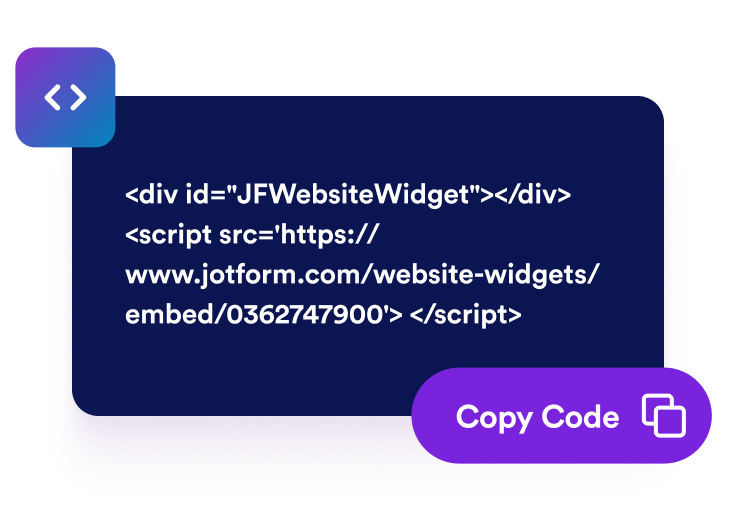
Bekijk een voorbeeld en publiceer de widget. Kopieer de gegenereerde insluitcode en plak deze in een aangepast HTML- of codeblok op pagina's waar je een leeftijdscontrole nodig hebt.
Plaats leeftijdschecks vóór beperkte websitecontent
Vraag bezoekers om hun geschiktheid te bevestigen
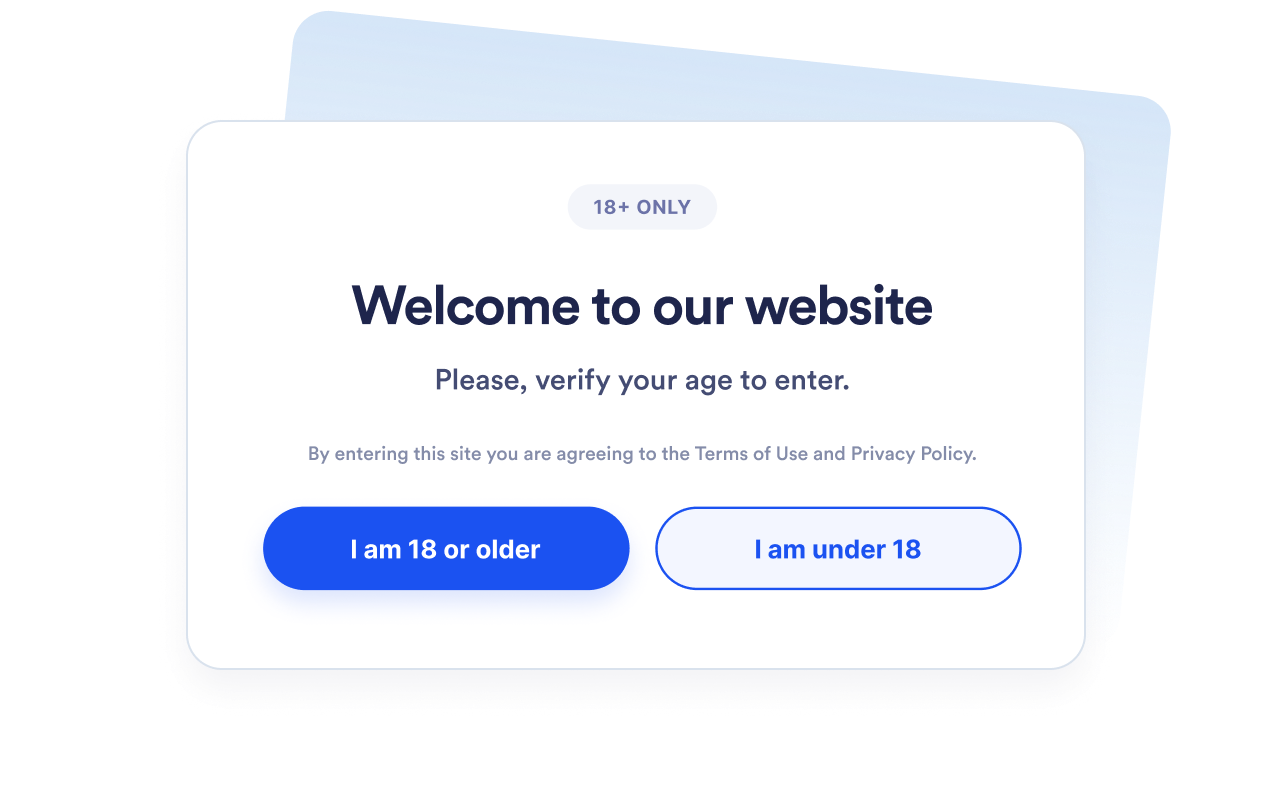
Toon een pop-up voor leeftijdsverificatie voordat bezoekers verdergaan naar beperkte producten, evenementen, communities of media. Stel een minimumleeftijd in tussen 5 en 100 op basis van de eis die je moet communiceren.
Kies de juiste verificatiemethode
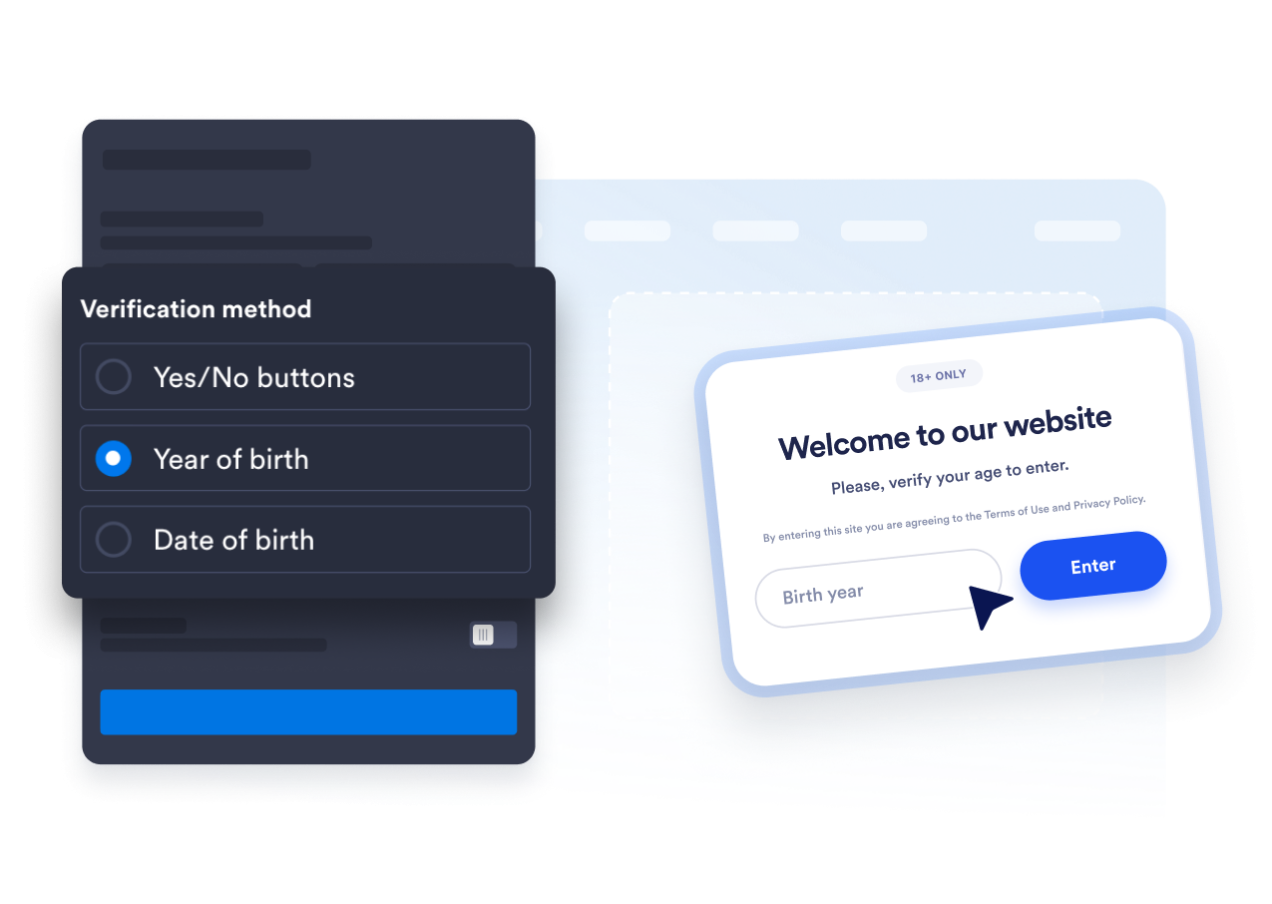
Gebruik ja-of-nee-bevestigingsknoppen, vraag om een geboortejaar of vraag bezoekers naar hun volledige geboortedatum. Zo kun je kiezen tussen een snelle bevestiging en een gedetailleerdere flow voor leeftijdsberekening.
Stem de pop-up af op je website
Bewerk de kop, het bijschrift, de knoppen, het bericht voor minderjarigen en de ondersteunende juridische opmerking. Je kunt ook kleuren, breedte van de pop-up, hoekafronding en optionele media aanpassen zodat de leeftijdscheck bij je merk past.

Voorkom herhaalde verzoeken om leeftijdsbevestiging
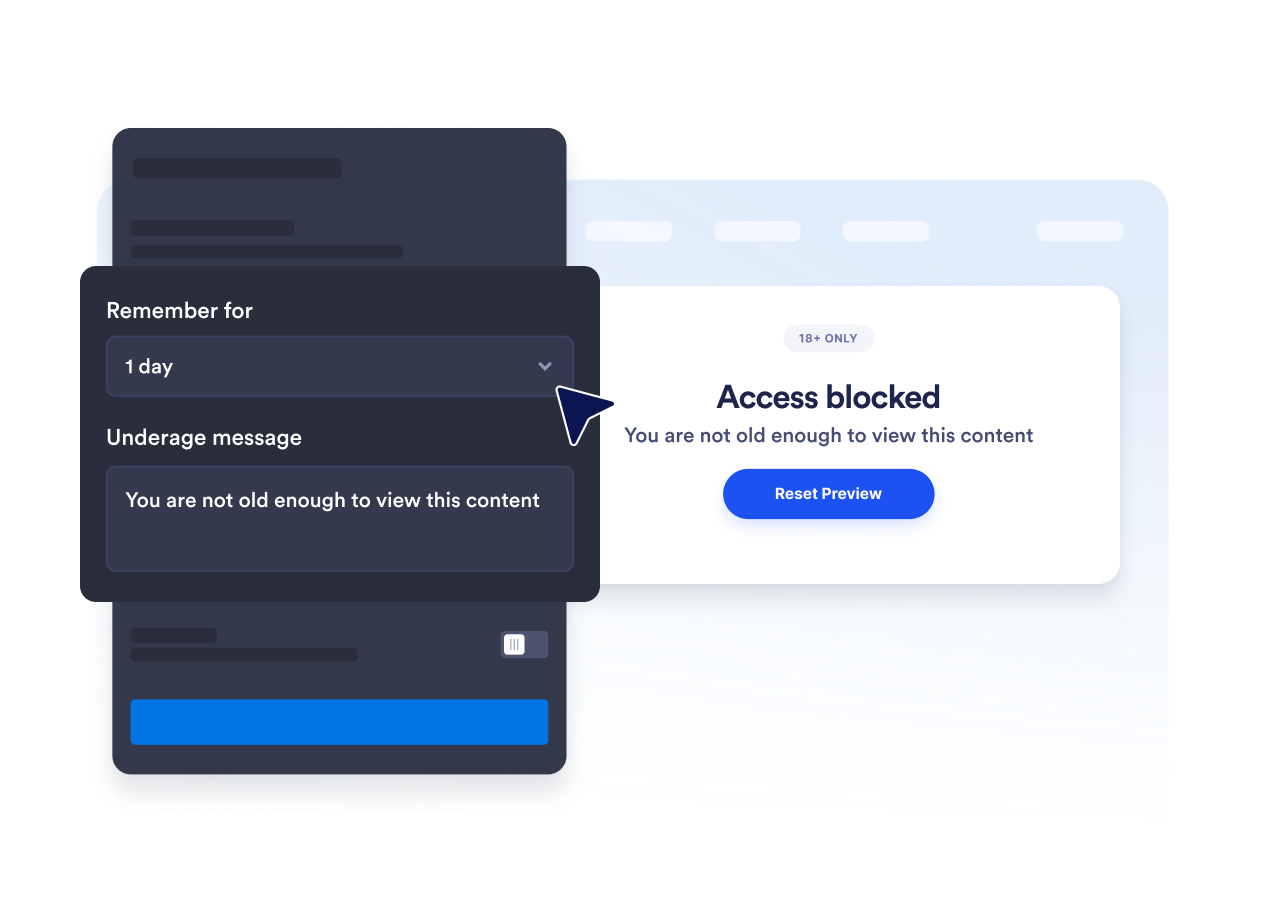
Onthoud goedgekeurde bezoekers voor de huidige sessie, één dag, zeven dagen, één maand, zes maanden of één jaar. Dit vermindert herhaalde onderbrekingen wanneer geschikte bezoekers terugkeren gedurende de geselecteerde periode.
Voordelen van website-widgets van Jotform
De widgets van Jotform maken je website interactiever en verhogen de conversie. Er zijn veel verschillende tools beschikbaar, van sterbeoordelingen en sliders met recensies tot pop-ups met beoordelingen en ingesloten mediabestanden. Je kunt widgets aan je formulieren of landingspagina's toevoegen om gegevens te verzamelen, klantervaringen te tonen en leads te genereren zonder dat je hoeft te coderen.
Voeg Jotform-widgets toe aan je website met een eenvoudige insluitcode. Pas de widget aan, bekijk een voorbeeld en plak deze op elke pagina die aangepaste HTML of insluitblokken ondersteunt, zonder dat je daar een ontwikkelaar voor nodig hebt.
Gebruik website-widgets van Jotform om leads te verzamelen, feedback en ervaringen van klanten te tonen, mediabestanden in te sluiten of handige tools aan je webpagina toe te voegen. Met elke widget kun je de bezoekers van je website een soepelere ervaring bieden.
Het klantenserviceteam van Jotform staat 24/7 voor je klaar als je hulp nodig hebt bij het instellen, aanpassen of insluiten van je widget. We lossen problemen snel voor je op, zodat je meteen weer aan de slag kunt.
Waar je de leeftijdsverificatie-widget kunt gebruiken
Plaats de widget vóór pagina's waar bezoekers moeten bevestigen dat ze aan een leeftijdseis voldoen voordat ze content bekijken of verdergaan.
Winkels in alcohol en dranken om leeftijdsbevestiging te vragen voordat bezoekers gereguleerde producten bekijken.
Websites voor tabak en vapes om een geschiktheidscheck te plaatsen vóór content met beperkte producten.
Pagina's voor evenementen en nachtleven om leeftijdseisen te bevestigen vóór het kopen van tickets of registratie.
Lidmaatschapscommunities om gebieden voor volwassenen of met leeftijdsbeperking af te schermen vóór toegang.
Pagina's voor media en entertainment om bevestiging te vragen voordat er content voor volwassenen wordt getoond.
Promotionele landingspagina's om leeftijdseisen te communiceren voordat bezoekers toegang tot een aanbieding krijgen.
Transformeer leads in betalende klanten met de Jotform Formulierbouwer
Zet online betrokkenheid om in resultaten met Jotform. Maak krachtige formulieren waarmee je op één plek leads kunt verzamelen, betalingen kunt ontvangen en reacties kunt automatiseren. Je ontvangt elke inzending rechtstreeks in Jotform Inbox, zodat je deze meteen kunt opvolgen of aan je favoriete apps kunt koppelen.
Ga aan de slag — Het is gratis!
Veelgestelde vragen
Wat is een widget voor leeftijdscheck?
Een widget voor leeftijdscheck toont een pop-up waarin bezoekers wordt gevraagd te bevestigen dat ze aan een minimumleeftijd voldoen voordat ze verdergaan. Deze kan bevestigingsknoppen, een geboortejaar of een volledige geboortedatum gebruiken.
Kan ik de leeftijdsverificatie-widget van Jotform gratis gebruiken?
Hoe kan ik leeftijdsverificatie toevoegen aan mijn website?
Moet ik code schrijven?
Welke methoden voor leeftijdsverificatie zijn beschikbaar?
Kan ik de minimumleeftijd wijzigen?
Wat gebeurt er als een bezoeker minderjarig is?
Kunnen goedgekeurde bezoekers worden onthouden?
Kan ik bepalen op welke pagina's de pop-up wordt getoond?
Verifieert de widget de identiteit van een bezoeker?
Welke websitebouwers ondersteunen de leeftijdsverificatie-widget?
Kan ik hulp krijgen bij het instellen van de leeftijdsverificatie-widget?