Gratis bezoekersteller-widget voor je website
Toon het aantal paginaweergaven en unieke bezoekers (op basis van IP) van je website met een gratis, aanpasbare bezoekersteller-widget. Kies welke statistieken en periodes je wilt tonen, voeg optioneel een activiteitsgrafiek toe en stem alles af op de stijl van je website, zonder te coderen.
Maak nu — Het is gratis!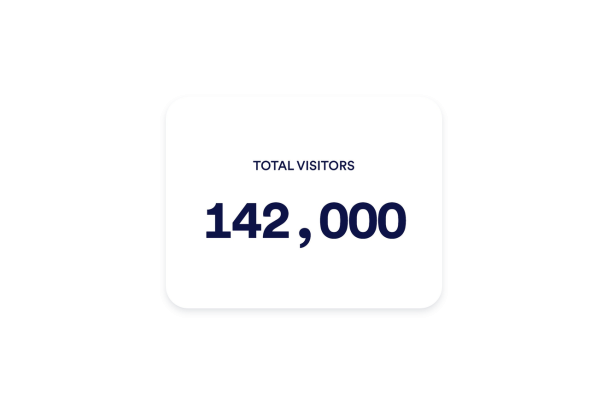

Een Bezoekersteller-widget maken
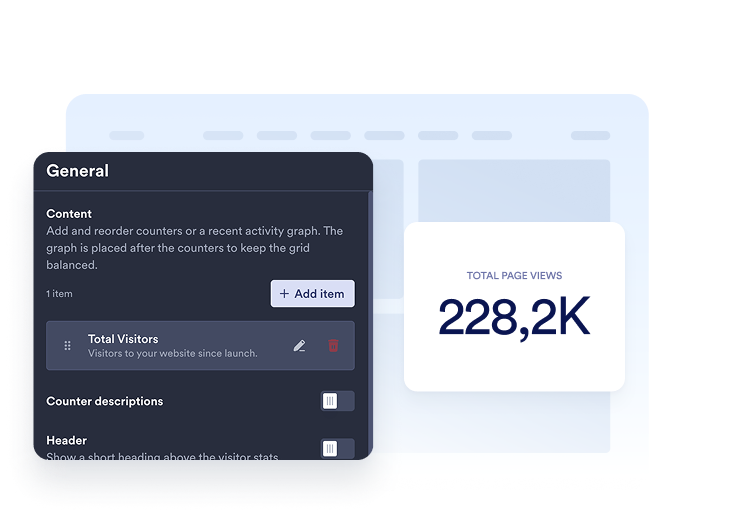
Kies je statistieken
Voeg de tellers toe die je wilt tonen. Kies een periode en selecteer voor elk item paginaweergaven of unieke bezoekers, en pas vervolgens de titel en beschrijving aan.
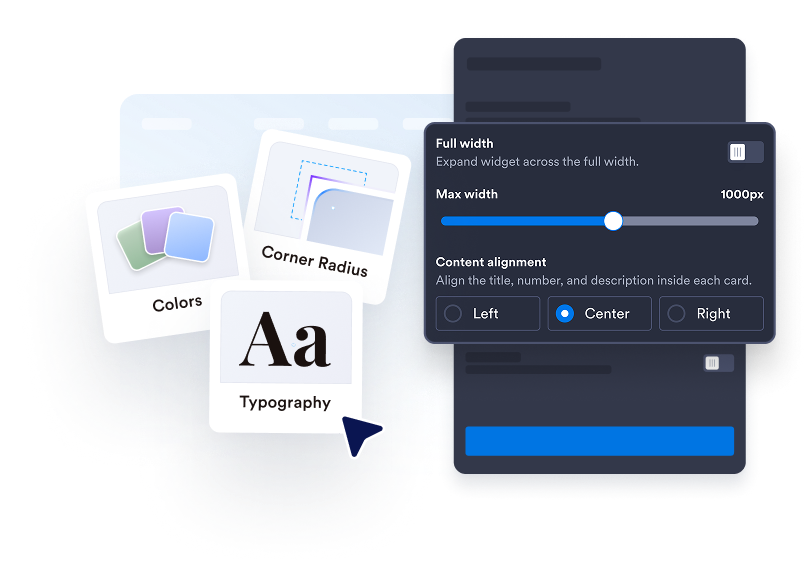
Pas je teller aan
Kies Kaarten, Inline, Mini of Verticaal. Pas kleuren, afstand, getalnotatie en breedte aan. Voeg in ondersteunde lay-outs een lijn-, vlak-, staaf- of cirkeldiagram toe.

Insluiten op je website
Plak de insluitcode in een aangepast HTML- of insluitblok en publiceer vervolgens je pagina om de website-widget te tonen.
Maak de activiteit op je website eenvoudig zichtbaar
Kies de cijfers die ertoe doen
Toon paginaweergaven of unieke bezoekers op basis van IP voor vandaag, gisteren, deze week, deze maand, dit jaar of altijd. Voeg meerdere tellers toe, wijzig de volgorde en schrijf voor elke teller een duidelijke titel en beschrijving.
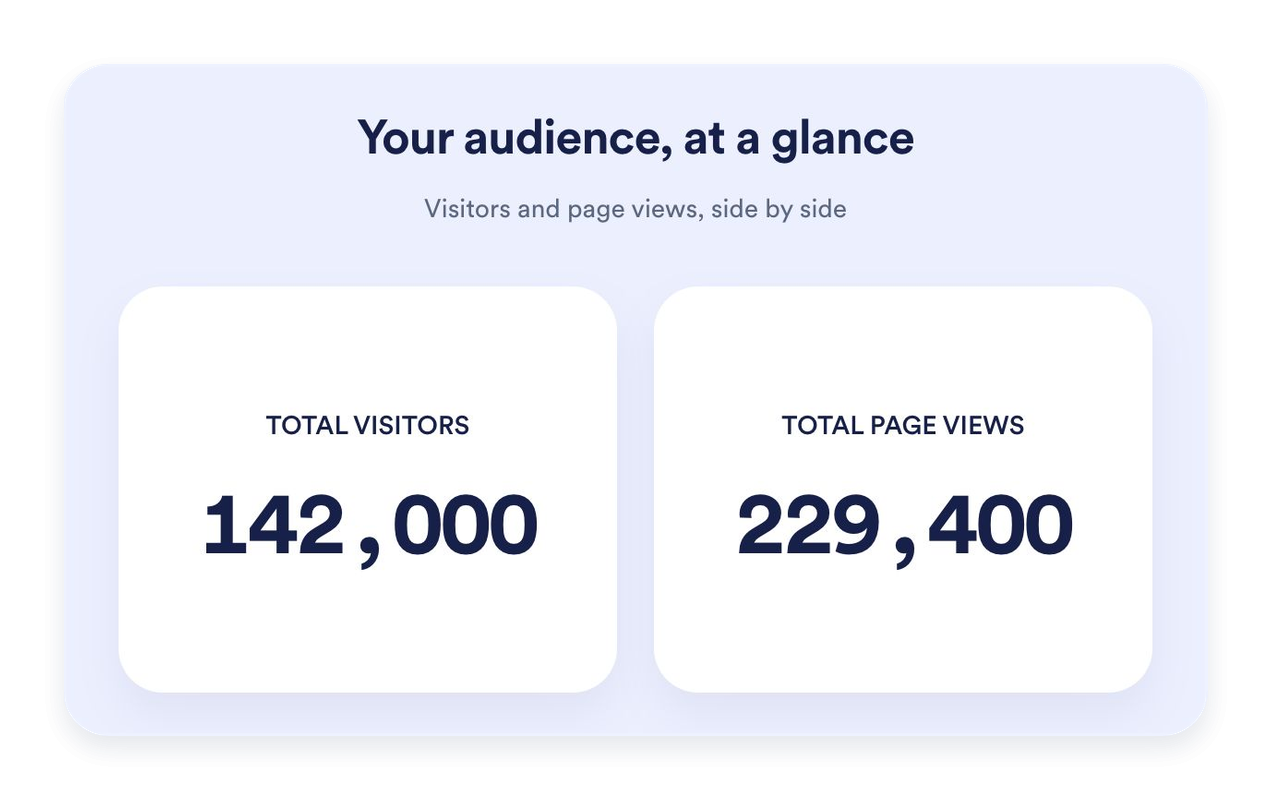
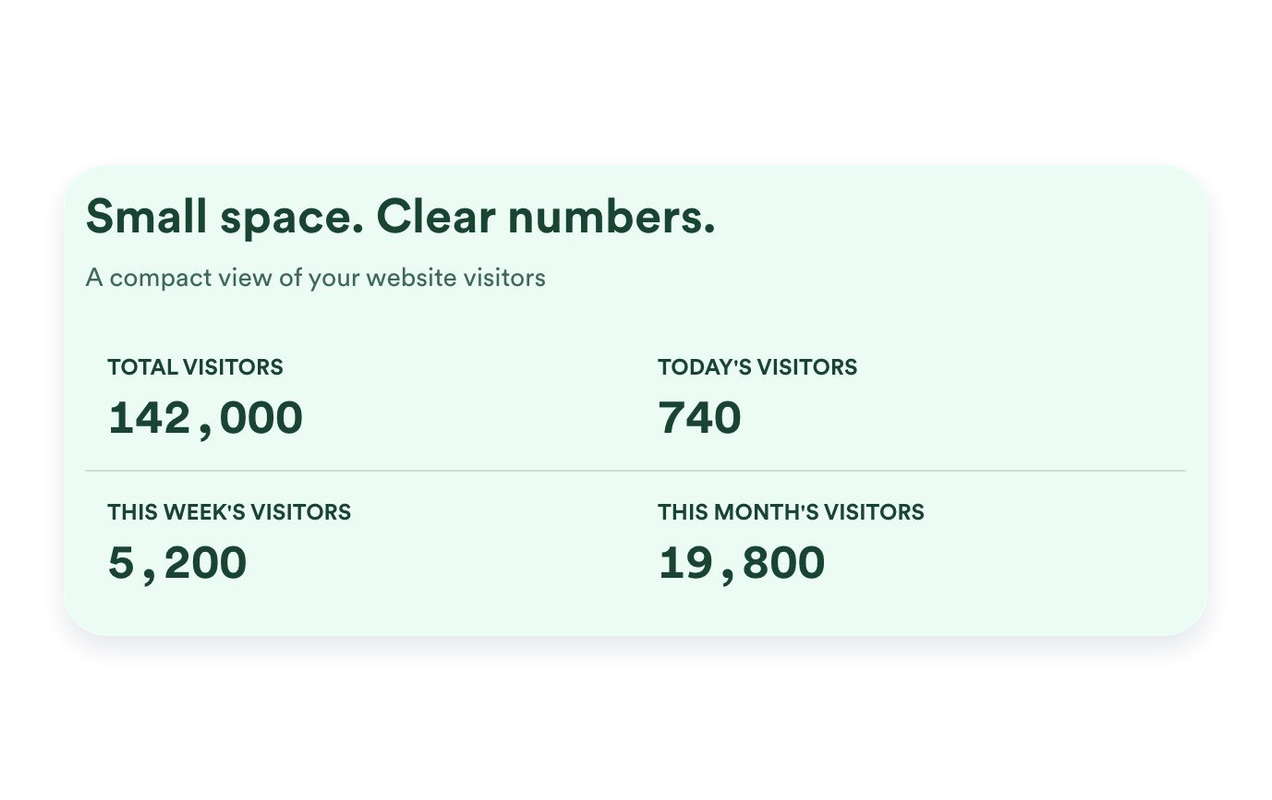
Vind de juiste pasvorm voor je pagina
Gebruik Kaarten om afzonderlijke statistieken te belichten, Inline voor een compacte sectie, Mini voor een eenvoudige weergave met alleen aantallen, of Verticaal voor een gestapelde lay-out. Stel een maximale breedte in en pas de afstand aan om bij je website te passen.
Plaats recente activiteit in context
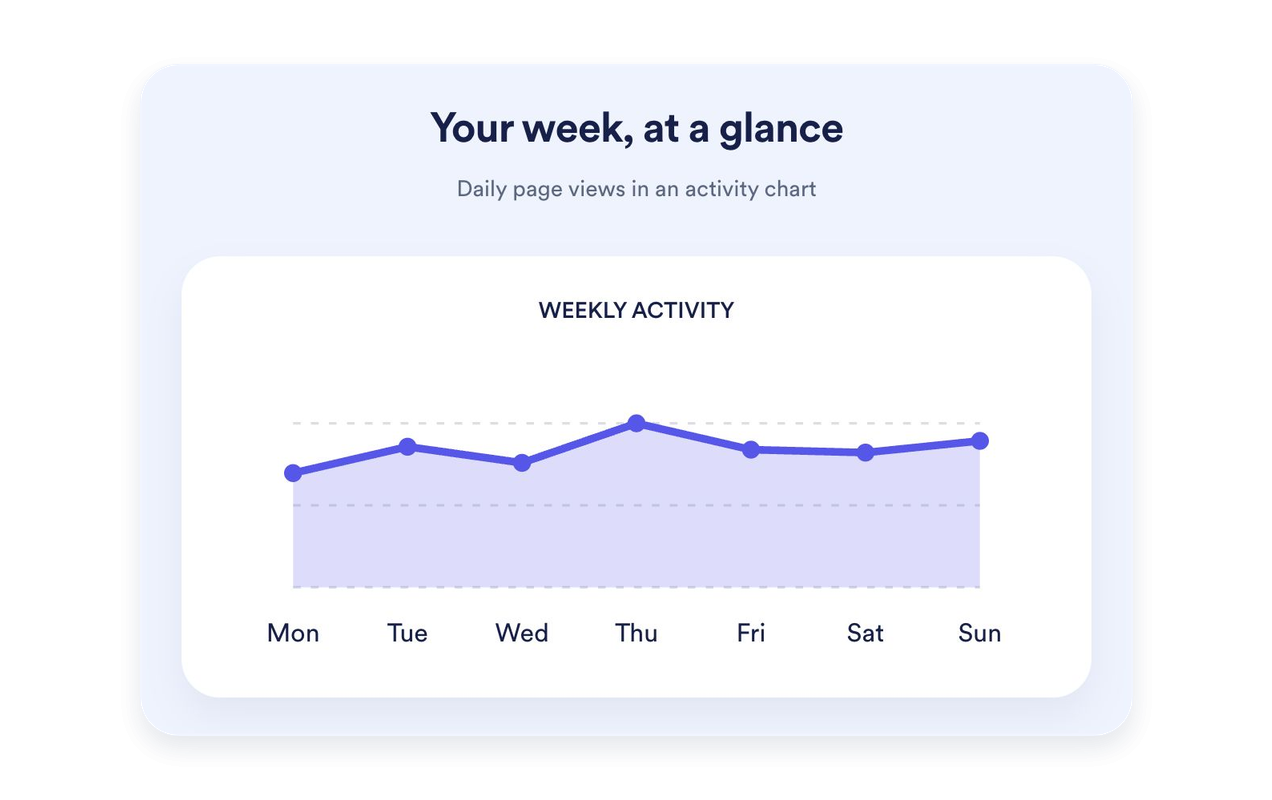
Toon de paginaweergaven van de afgelopen zeven dagen als een lijn-, vlak-, staaf- of cirkeldiagram. Geef het diagram een eigen titel en beschrijving. Diagrammen zijn beschikbaar in Kaarten, Inline en Verticaal; Mini houdt de focus op aantallen.
Stem het ontwerp van je teller af op je website
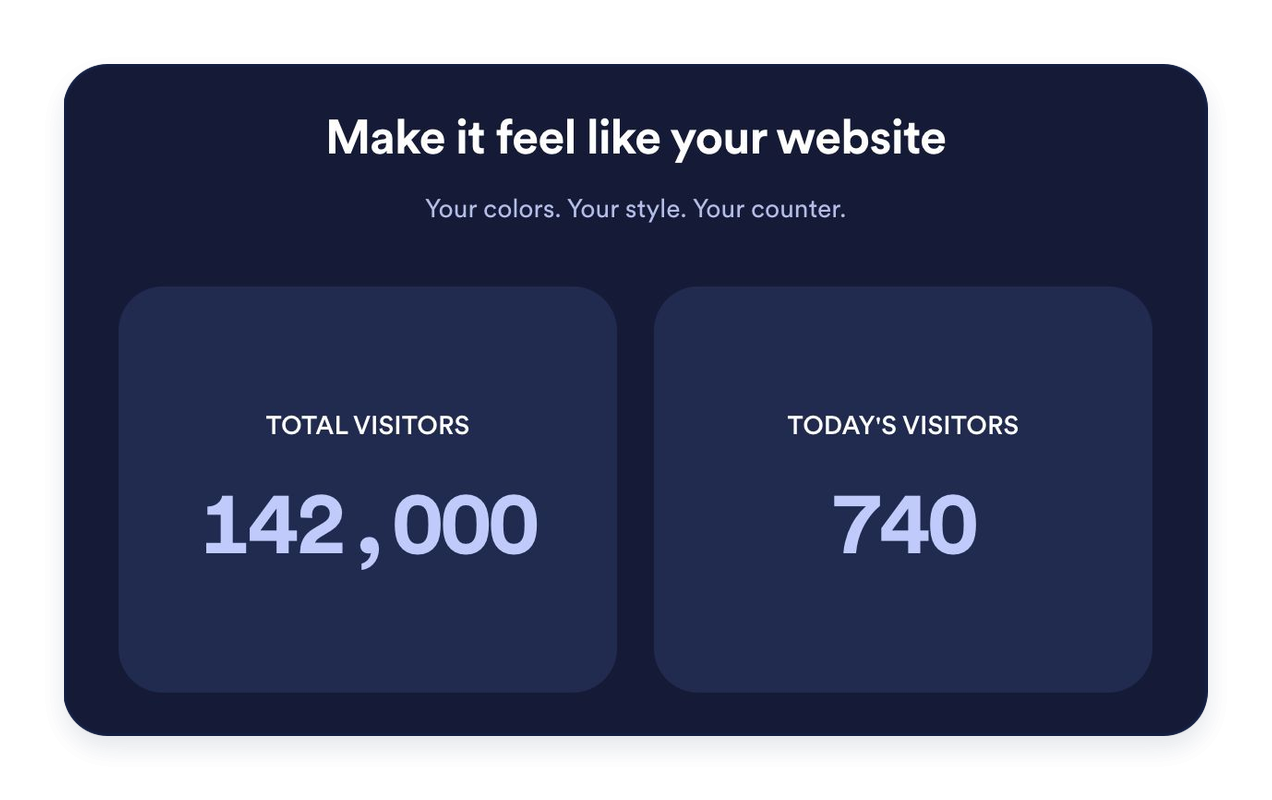
Kies lichte, donkere of aangepaste kleuren. Pas achtergronden, typografie, getalnotatie, kaarthoeken en uitlijning aan. Voeg optioneel een kop en bericht toe om je statistieken te introduceren.
Voordelen van website-widgets van Jotform
De widgets van Jotform maken je website interactiever en verhogen de conversie. Er zijn veel verschillende tools beschikbaar, van sterbeoordelingen en sliders met recensies tot pop-ups met beoordelingen en ingesloten mediabestanden. Je kunt widgets aan je formulieren of landingspagina's toevoegen om gegevens te verzamelen, klantervaringen te tonen en leads te genereren zonder dat je hoeft te coderen.
Voeg Jotform-widgets toe aan je website met een eenvoudige insluitcode. Pas de widget aan, bekijk een voorbeeld en plak deze op elke pagina die aangepaste HTML of insluitblokken ondersteunt, zonder dat je daar een ontwikkelaar voor nodig hebt.
Gebruik website-widgets van Jotform om leads te verzamelen, feedback en ervaringen van klanten te tonen, mediabestanden in te sluiten of handige tools aan je webpagina toe te voegen. Met elke widget kun je de bezoekers van je website een soepelere ervaring bieden.
Het klantenserviceteam van Jotform staat 24/7 voor je klaar als je hulp nodig hebt bij het instellen, aanpassen of insluiten van je widget. We lossen problemen snel voor je op, zodat je meteen weer aan de slag kunt.
Waar je de bezoekersteller-widget kunt gebruiken
Plaats een bezoekersteller daar waar een korte samenvatting van de website-activiteit nuttig is. Kies de statistieken en lay-out die bij de pagina passen.
Homepagina's van websites: Belicht paginaweergaven van altijd of recente activiteit vlak bij je hoofdcontent.
Footers van blogs: Voeg een Inline- of Mini-teller toe zonder de aandacht van je artikelen af te leiden.
Landingspagina's: Gebruik Kaarten om geselecteerde statistieken duidelijk en leesbaar te presenteren.
Zijbalken: Stapel tellers in een Verticale lay-out voor smallere paginagedeeltes.
Communitywebsites: Toon paginaweergaven en unieke bezoekers op basis van IP met duidelijke labels.
Pagina's voor evenementen en lanceringen: Belicht de geregistreerde activiteit van vandaag of deze week.
Transformeer leads in betalende klanten met de Jotform Formulierbouwer
Zet online betrokkenheid om in resultaten met Jotform. Maak krachtige formulieren waarmee je op één plek leads kunt verzamelen, betalingen kunt ontvangen en reacties kunt automatiseren. Je ontvangt elke inzending rechtstreeks in Jotform Inbox, zodat je deze meteen kunt opvolgen of aan je favoriete apps kunt koppelen.
Ga aan de slag — Het is gratis!
Veelgestelde vragen
Wat is een bezoekersteller-widget?
Een bezoekersteller-widget toont geregistreerde paginaweergaven en unieke bezoekers op basis van IP op je website. Kies welke tellers en periodes je wilt tonen, pas het uiterlijk aan en sluit de widget in zonder te coderen.
Hoe worden paginaweergaven en unieke bezoekers geteld?
Kan ik kiezen welke tellers verschijnen?
Kan ik een beginwaarde instellen?
Welke lay-outs zijn beschikbaar?
Kan ik een grafiek toevoegen?
Kan ik het ontwerp aanpassen?
Moet ik coderen om de teller toe te voegen?
Werkt de teller op mobiel?
Is de bezoekersteller-widget gratis?
Welke websiteplatforms worden ondersteund?