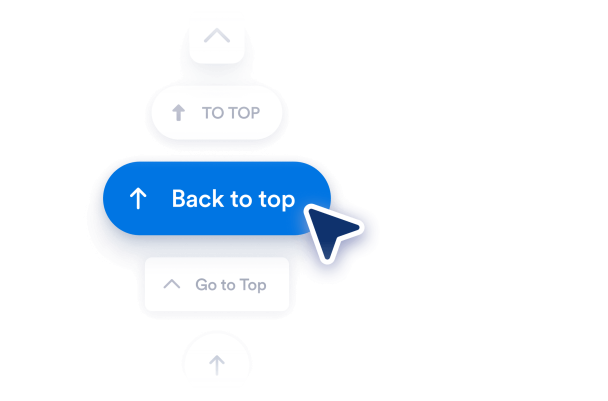

So erstellen Sie das Widget Nach oben
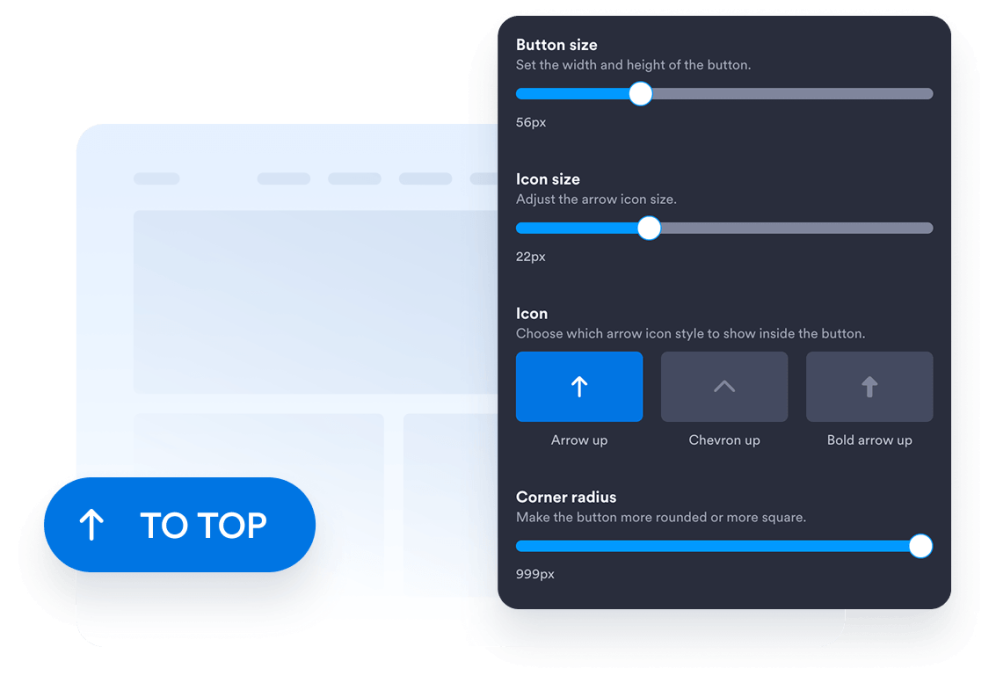
Button gestalten
Wählen Sie Stil, Symbol, Größe, Farben, Eckenradius und Position des Buttons. Passen Sie Abstände und Aussehen an das Design Ihrer Website an.
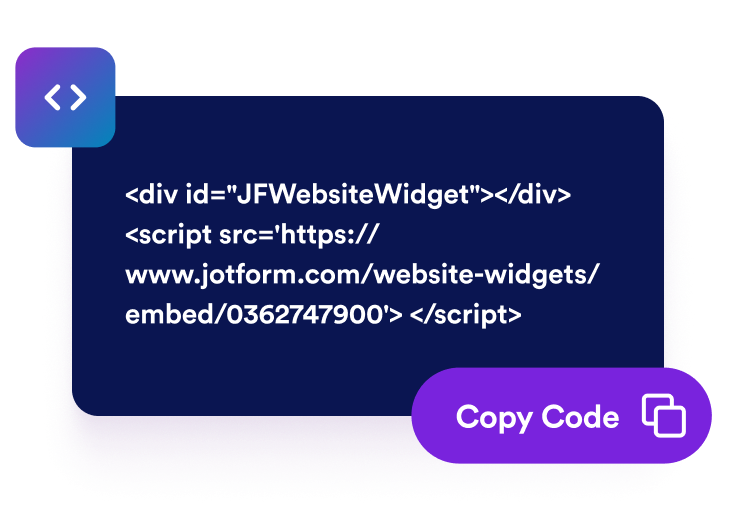
Einbettungscode kopieren
Kopieren Sie den fertigen Einbettungscode, den Jotform für Sie erstellt. Keine Einrichtung und keine Programmierkenntnisse nötig.
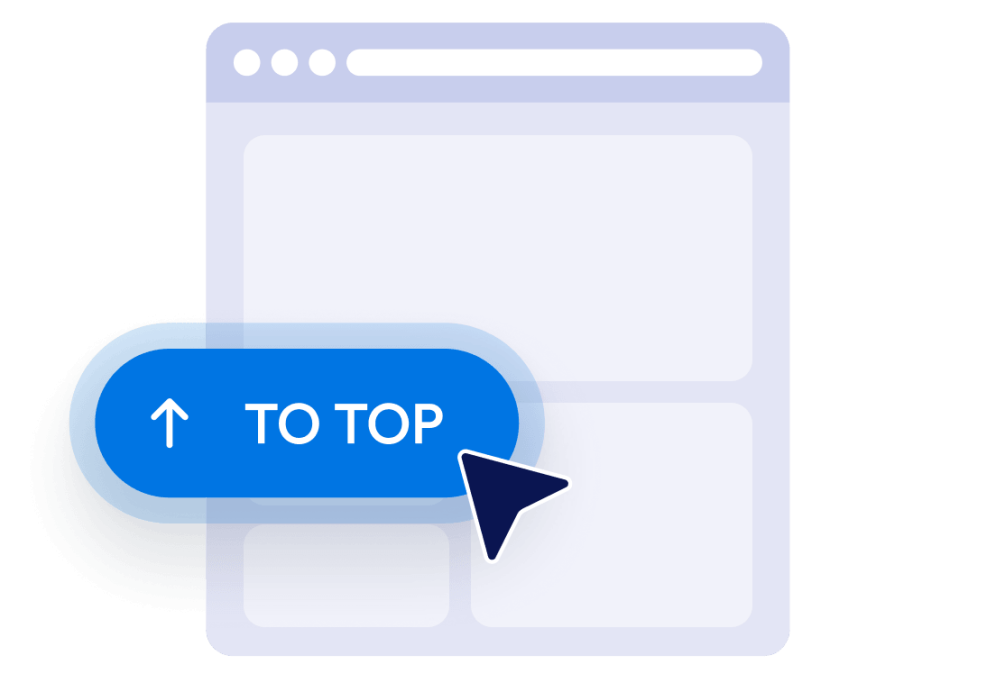
Betten Sie es auf Ihrer Website ein
Prüfen Sie den Button in der Vorschau, kopieren Sie den generierten Einbettungscode und fügen Sie ihn in einen HTML- oder Einbettungsblock ein. Veröffentlichen Sie die Seite und testen Sie den Button auf Desktop und Mobilgeräten.
Lange Webseiten übersichtlicher navigieren
Schnell zurück nach oben
Bieten Sie Besucherinnen und Besuchern einen schnellen Weg zurück zum Anfang langer Seiten, ohne selbst scrollen zu müssen. Der Button ist immer gut erreichbar und bringt sie per Klick sanft nach oben.
Buttons erst nach dem Scrollen anzeigen
Legen Sie fest, wie weit Besucherinnen und Besucher nach unten scrollen müssen, bevor der Button erscheint. So stört er am Seitenanfang nicht und ist da, sobald der Weg zurück nach oben nützlich wird.

Buttons passend zu Ihrem Design
Passen Sie Symbol, Größe, Farben, Eckenradius und Abstände an, damit der Nach-oben-Button zu Ihrer Website passt. Platzieren Sie ihn je nach Seitenlayout links oder rechts.

Sichtbarkeit auf Desktop und Mobilgeräten steuern
Legen Sie fest, ob der Button auf Desktop-Geräten, Mobilgeräten oder beiden erscheint. Mit den Einstellungen für Sichtbarkeit und Position verdecken Sie keine wichtigen Inhalte, und die Navigation bleibt auch auf kleinen Bildschirmen erreichbar.
Warum sich Jotform Website Widgets auszeichnen
Mit den Widgets von Jotform wird Ihre Website interaktiver und Sie steigern Ihre Conversion-Rate. Zur Auswahl stehen zahlreiche Tools wie Sternebewertungen, Slideshows mit Erfahrungsberichten, Pop-ups mit Social Proof und eingebettete Medien. Fügen Sie Widgets zu Ihren Formularen oder Landingpages hinzu, um Daten zu sammeln, Erfahrungsberichte anzuzeigen und Leads zu gewinnen – ganz ohne Programmierkenntnisse.
Fügen Sie Jotform-Widgets mithilfe eines Einbettungscodes in Ihre Website ein. Passen Sie das Widget an, sehen Sie sich die Vorschau an und fügen Sie den Code in jede Seite ein, die benutzerdefiniertes HTML oder Einbettungsblöcke unterstützt – ganz ohne Entwicklerinnen oder Entwickler.
Mit Jotform Website Widgets sammeln Sie Leads, zeigen Kundenfeedback, präsentieren Social Proof, binden Medien ein oder fügen nützliche Webseiten-Tools hinzu. Über jedes Widget können Besucher direkt auf Ihrer Website mit Ihrem Unternehmen interagieren.
Wenn Sie Unterstützung bei der Einrichtung, Anpassung, Einbettung oder Fehlerbehebung Ihres Widgets benötigen, steht Ihnen das Kundensupport-Team von Jotform rund um die Uhr zur Verfügung. So können Sie beruhigt weiterarbeiten, denn Sie wissen: Hilfe ist da, wenn Sie sie brauchen.
Wo Sie den Nach-oben-Button einsetzen können
Fügen Sie den Button auf Seiten ein, auf denen Besucherinnen und Besucher durch umfangreiche Inhalte, Listen, Bilder oder ergänzende Informationen scrollen müssen.
Blogbeiträge und Artikel, damit Leserinnen und Leser schnell zur Überschrift, zur Navigation oder zum Inhaltsverzeichnis zurückkehren.
Produktkategorieseiten, damit Kundinnen und Kunden schnell zu Filtern, Sortierung oder Kategorienavigation zurückkehren.
Landing- und Verkaufsseiten, damit Besucherinnen und Besucher den Einstieg und die wichtigsten Handlungsaufforderungen erneut aufrufen können.
Dokumentationsseiten, um die Navigation durch lange Anleitungen, Hilfetexte und Nachschlagewerke zu erleichtern.
Portfolio- und Galerieseiten, damit Besucherinnen und Besucher nach dem Ansehen umfangreicher Arbeiten wieder von vorn beginnen können.
FAQ- und Ressourcenseiten, um Besucherinnen und Besuchern nach dem Lesen mehrerer Abschnitte einen bequemen Weg zurück zu bieten.
Gewinnen Sie Leads als zahlende Kunden mit dem Jotform Formulargenerator
Machen Sie mit Jotform aus Interesse Taten. Erstellen Sie leistungsstarke Formulare, die Leads gewinnen, Zahlungen entgegennehmen und Antworten automatisieren – alles an einem Ort. Jede Antwort landet in Ihrem Jotform Posteingang, wo Sie nachfassen oder sie mit Ihren Lieblings-Apps verbinden können.
Jetzt starten – Kostenlos!
FAQ
Was ist ein Widget für Nach-oben-Buttons?
Ein Widget für Nach-oben-Buttons fügt einen schwebenden Button ein, der Besucherinnen und Besucher zum Anfang der Seite zurückbringt. Besonders nützlich ist das bei langen Artikeln, Produktlisten, Dokumentationen, Galerien und anderen Seiten, auf denen viel gescrollt wird.
Wie füge ich einen Nach-oben-Button zu meiner Website hinzu?
Muss ich Code schreiben, um den Button zu erstellen?
Kann ich das Design des Nach-oben-Buttons anpassen?
Wann erscheint der Nach-oben-Button?
Kann ich die Position des Buttons ändern?
Funktioniert der Button auf Mobilgeräten?
Ist das Widget für Nach-oben-Buttons von Jotform kostenlos?
Kann ich einen Nach-oben-Button in WordPress oder Elementor einfügen?
Auf welchen Website-Plattformen funktioniert das Widget für Nach-oben-Buttons?