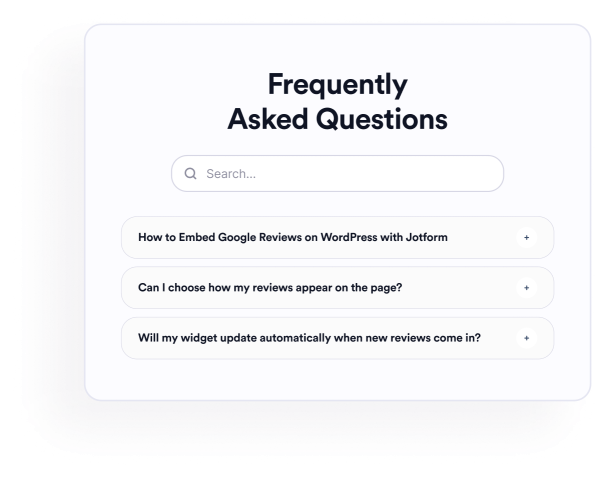

So erstellen Sie das Widget FAQ
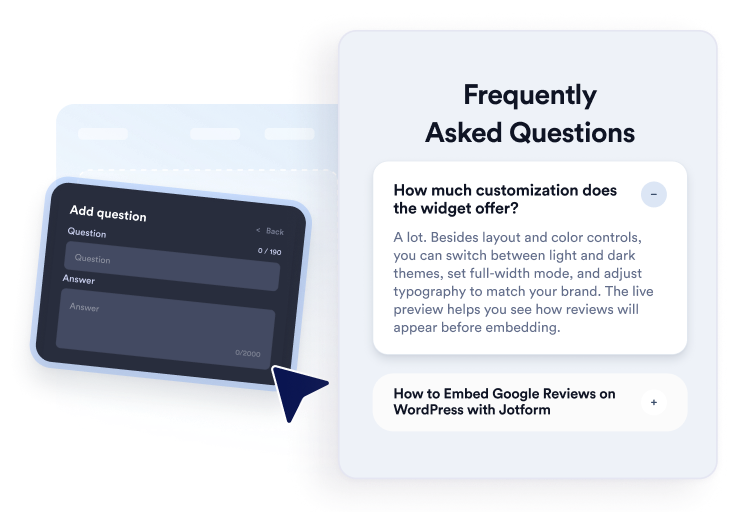
Fragen eingeben
Verfassen und organisieren Sie Antworten zu Themen wie Produkt, Preise, Support, Richtlinien oder Onboarding. Fügen Sie bei Bedarf Links oder Bilder hinzu und duplizieren, ordnen oder entfernen Sie Fragen anschließend im visuellen Editor.
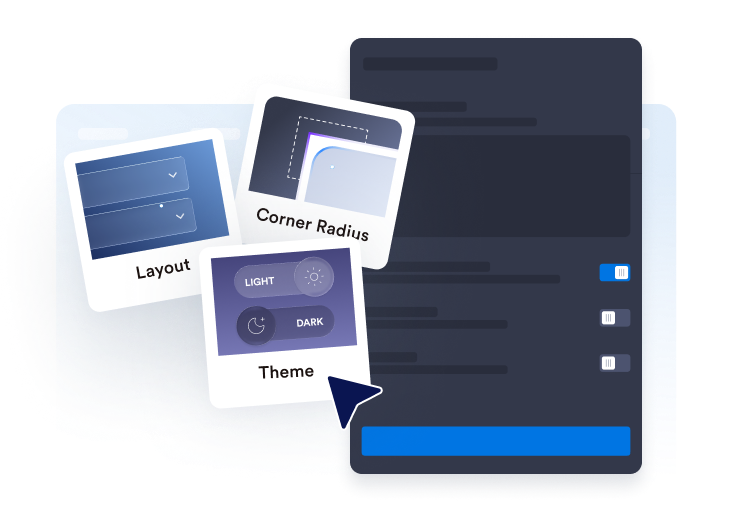
Layout und Stil anpassen
Wählen Sie ein Akkordeon-, Listen- oder mehrspaltiges Layout. Konfigurieren Sie die Suchleiste, Icons, das Frageverhalten, Farben, Abstände und andere Design-Einstellungen passend zu Ihrem FAQ Bereich.

Betten Sie es auf Ihrer Website ein
Sehen Sie sich die fertige FAQ in der Vorschau an, kopieren Sie den generierten Einbettungscode und fügen Sie ihn in einen benutzerdefinierten HTML- oder Einbettungsblock ein. Veröffentlichen Sie die Seite und testen Sie deren Fragen, Suche, Links und Medien.
Erstellen Sie ganz einfach hilfreiche, durchsuchbare FAQs
Organisieren Sie Fragen in einem Editor
Fügen Sie Fragen hinzu, duplizieren Sie sie, ordnen Sie sie neu an und entfernen Sie sie, ohne den Abschnitt manuell neu erstellen zu müssen. Nutzen Sie Rich-Text-Antworten, um Produktdetails, Rechnungsbedingungen, Einrichtungsanleitungen, Versandinformationen oder andere Themen zu organisieren, zu denen Besucher häufig Fragen stellen.

FAQs in verschiedene Layouts einfügen
Wählen Sie ein Akkordeon für kompakte Fragengruppen, eine Liste für Antworten, die sichtbar bleiben sollen, oder ein mehrspaltiges Layout für umfangreichere FAQ Bereiche. Das richtige Layout kann große Sammlungen leichter überschaubar machen.
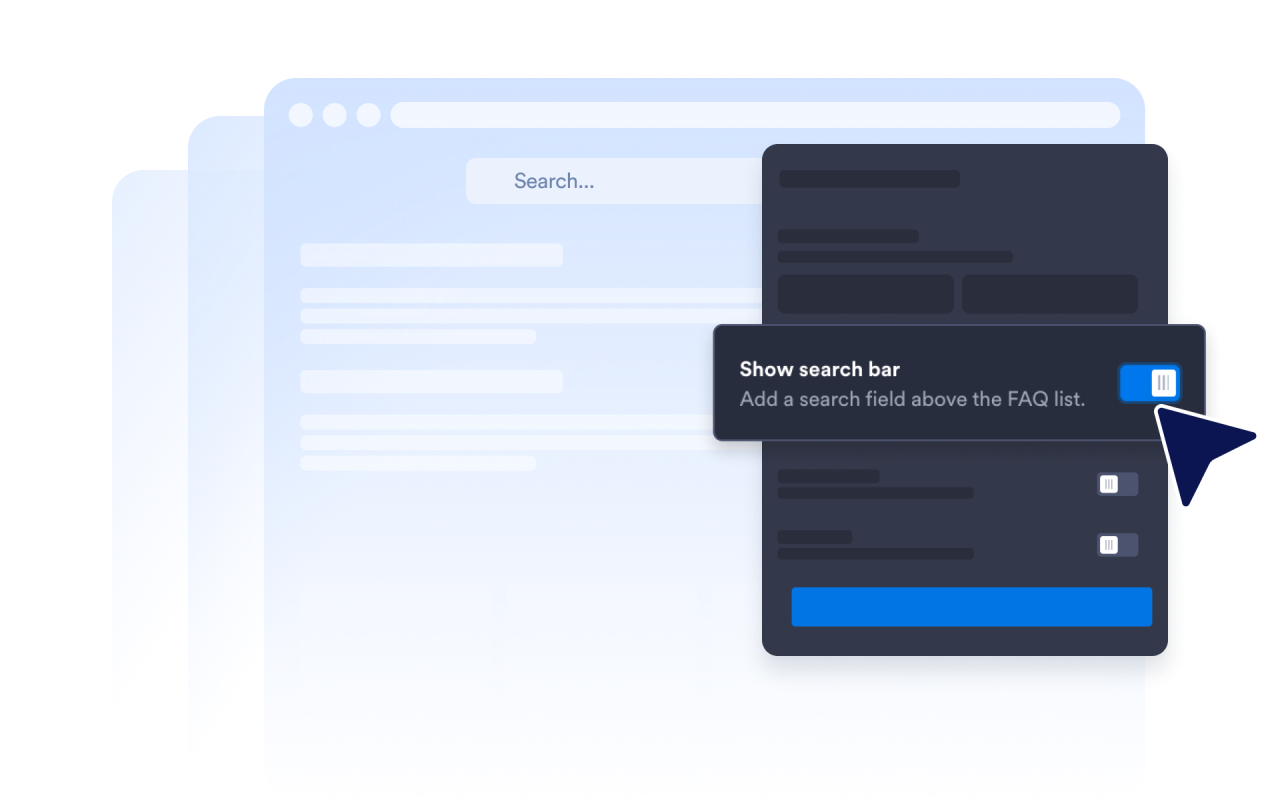
Helfen Sie Besuchern, FAQ Inhalte zu durchsuchen
Aktivieren Sie die Suchleiste, damit Besucher Fragen und Antworten mithilfe von Stichwörtern filtern können. Die Suche ist besonders nützlich auf Hilfeseiten und in detaillierten FAQ Bereichen, in denen das manuelle Durchsehen jeder Frage länger dauern würde.
Steuern Sie, wie Antworten aufklappen
Wählen Sie das Akkordeon-Icon und seine Position, legen Sie fest, wie viele Fragen zunächst angezeigt werden, und entscheiden Sie, ob eine oder mehrere Antworten geöffnet bleiben können. Mit diesen Steuerelementen bestimmen Sie, wie Besucher längere FAQ Bereiche erkunden.

Warum sich Jotform Website Widgets auszeichnen
Mit den Widgets von Jotform wird Ihre Website interaktiver und Sie steigern Ihre Conversion-Rate. Zur Auswahl stehen zahlreiche Tools wie Sternebewertungen, Slideshows mit Erfahrungsberichten, Pop-ups mit Social Proof und eingebettete Medien. Fügen Sie Widgets zu Ihren Formularen oder Landingpages hinzu, um Daten zu sammeln, Erfahrungsberichte anzuzeigen und Leads zu gewinnen – ganz ohne Programmierkenntnisse.
Fügen Sie Jotform-Widgets mithilfe eines Einbettungscodes in Ihre Website ein. Passen Sie das Widget an, sehen Sie sich die Vorschau an und fügen Sie den Code in jede Seite ein, die benutzerdefiniertes HTML oder Einbettungsblöcke unterstützt – ganz ohne Entwicklerinnen oder Entwickler.
Mit Jotform Website Widgets sammeln Sie Leads, zeigen Kundenfeedback, präsentieren Social Proof, binden Medien ein oder fügen nützliche Webseiten-Tools hinzu. Über jedes Widget können Besucher direkt auf Ihrer Website mit Ihrem Unternehmen interagieren.
Wenn Sie Unterstützung bei der Einrichtung, Anpassung, Einbettung oder Fehlerbehebung Ihres Widgets benötigen, steht Ihnen das Kundensupport-Team von Jotform rund um die Uhr zur Verfügung. So können Sie beruhigt weiterarbeiten, denn Sie wissen: Hilfe ist da, wenn Sie sie brauchen.
Wo Sie Ihr FAQ Widget einsetzen können
Beantworten Sie die Fragen Ihrer Kunden mit einem FAQ-Tool. Binden Sie ein Widget für einen FAQ-Bereich in Ihre Website ein.
Produktseiten, um Fragen zu Funktionen, Größen, Einrichtung, Kompatibilität und Lieferung zu beantworten.
Preisseiten, um Tarife, Testversionen, Abrechnungszyklen, Kündigungen und Upgrades zu erklären.
Hilfe-Center, um häufige Support-Fragen in einem durchsuchbaren Bereich zu organisieren.
Buchungs- und Veranstaltungsseiten zur Erläuterung von Terminen, Veranstaltungsorten, Rückerstattungen und Teilnahmebedingungen.
Kurs- und Mitgliedschaftsseiten, um Fragen zu Zugang, Lehrplan, Zahlungen und Support zu beantworten.
Landingpages, um häufige Bedenken zu klären, bevor Besucher sich registrieren, buchen oder ein Formular absenden.
Gewinnen Sie Leads als zahlende Kunden mit dem Jotform Formulargenerator
Machen Sie mit Jotform aus Interesse Taten. Erstellen Sie leistungsstarke Formulare, die Leads gewinnen, Zahlungen entgegennehmen und Antworten automatisieren – alles an einem Ort. Jede Antwort landet in Ihrem Jotform Posteingang, wo Sie nachfassen oder sie mit Ihren Lieblings-Apps verbinden können.
Jetzt starten – Kostenlos!
FAQ
Was ist ein FAQ Widget?
Ein FAQ Widget ist ein einbettbarer Frage-und-Antwort-Bereich für eine Website. Es hilft Besuchern, häufige Fragen über durchsuchbare Akkordeon-, Listen- oder mehrspaltige Layouts zu erkunden, ohne zu einer anderen Seite navigieren zu müssen.
Ist das FAQ Widget von Jotform kostenlos?
Wie füge ich eine FAQ zu meiner Website hinzu?
Muss ich Code schreiben?
Wie viele Fragen kann ich hinzufügen?
Enthält das FAQ Widget eine Suchfunktion?
Welche FAQ Layouts kann ich verwenden?
Können mehrere FAQ Antworten geöffnet bleiben?
Können FAQ Antworten Links, Bilder oder Videos enthalten?
Kann ich das FAQ Design anpassen?
Funktioniert das FAQ Widget auf Mobilgeräten?
Welche Website-Plattformen unterstützen das FAQ Widget?
Kann ich Hilfe beim Einrichten meines FAQ Widgets erhalten?